How to Automate Client Session Reminders to End No-Shows

Nour
Founder, Coachful
Mastering how to systematically automate client session reminders is an indispensable operational safeguard for any professional coach seeking to eliminate the frustration, wasted time, and lost revenue caused by missed appointments. In high-demand executive and life coaching practices, calendar friction is a silent profit killer: when a client forgets a scheduled consultation or cancels five minutes before kickoff, the coach is left staring at an empty video screen with an unfillable calendar block.
Manual reminder systems are fundamentally broken. Writing individualized reminder emails twenty-four hours before every appointment is an exhausting administrative chore that pulls your focus away from strategic client delivery. Furthermore, when coaches forget to send manual reminders during busy travel weeks, client attendance rates plummet, leading to awkward conversations regarding cancellation fees and rescheduled session allocations.
By setting up modern practice management workflows that automate client session reminders across both email and SMS channels, you ensure flawless attendance without lifting a finger. Automated sequences deliver calendar invites, pre-call focus agendas, and multi-channel notifications at precise intervals. This comprehensive guide outlines the timing architectures, message copy templates, and software configurations required to eliminate no-shows permanently.
Manual Appointment Confirmation vs Automated Client Session Reminders
| Notification Attribute | Manual Email Drafting | Single Calendar Invite Only | Multi-Channel Automated Client Session Reminders |
|---|---|---|---|
| Staff / Coach Labor | 20 to 30 minutes daily writing manual emails | Zero setup labor, but zero follow-up reminder sent | Zero labor; rules run automatically in background 24/7 |
| No-Show / Late Cancellation Rate | 12% to 18% due to inconsistent reminder timing | 15% to 25% as calendar alerts get muted or lost | Less than 2% due to timely 24-hr email and 1-hr SMS ping |
| Pre-Call Agenda Collection | Scattered responses buried across email threads | None; client arrives unprepared without an agenda | Integrated intake link prompts client to set focus topic |
| Rescheduling Enforcement | Awkward manual negotiations over 24-hour policies | Client cancels last-minute without formal barrier | System strictly enforces 24-hour rescheduling lockouts |
The True Economic Cost of Coaching No-Shows and Late Cancellations
When an executive or business client misses a scheduled sixty-minute session, the loss is not merely an inconvenience; it represents an irreversible destruction of practice inventory. Time cannot be recovered, stored, or resold once the calendar hour has passed.
For a coach billing $300 to $750 per session, experiencing just two no-shows or late cancellations per month drains $7,200 to $18,000 in annual revenue. Worse, erratic attendance halts developmental momentum, making it impossible for clients to achieve the measurable milestones required for contract renewal.
Marcus Vance (Master Certified Executive Coach and Practice Operations Consultant): "A client who shows up consistently transforms consistently. Automated reminders are not about babysitting adults; they are about establishing a disciplined structural container that respects both parties' sacred time."
Advisors frequently reference our foundational analysis on best coaching crm software for client management to establish comprehensive operational baselines before scaling client engagements.
The Optimal Multi-Touch Reminder Sequence Cadence
Sending a single reminder email twenty-four hours before a call is no longer sufficient in an era of flooded executive inboxes and high calendar churn. To achieve near-zero no-show rates, implement a strategic, multi-channel reminder cadence:
Configure your scheduling engine to execute this proven four-touch automated notification protocol:
- Instant Booking Confirmation with ICS Calendar Sync:: Immediately upon booking, send an email confirmation featuring 1-click calendar sync buttons for Google Calendar, Outlook, and Apple Mail, plus the permanent video room link.
- 48-Hour Pre-Call Email with Agenda Prompt:: Deliver an email highlighting the upcoming session and prompting the client to submit their pre-call focus topic and accountability update directly into their portal.
- 24-Hour Final Rescheduling Window Notice:: Send a clear notification reminding the client of the upcoming appointment and reinforcing that cancellations within twenty-four hours forfeit the session credit.
- 1-Hour Pre-Call SMS Notification:: Dispatch a short, friendly text message directly to the client's mobile phone containing the direct 1-click video link for frictionless call entry.
Software Setup: Integrating Reminders with Your Client Portal
While standalone booking widgets can dispatch basic email confirmations, they operate in an isolated silo disconnected from your client's developmental records, habit logs, and billing status. This fragmentation forces you to reconcile calendar entries against spreadsheets manually.
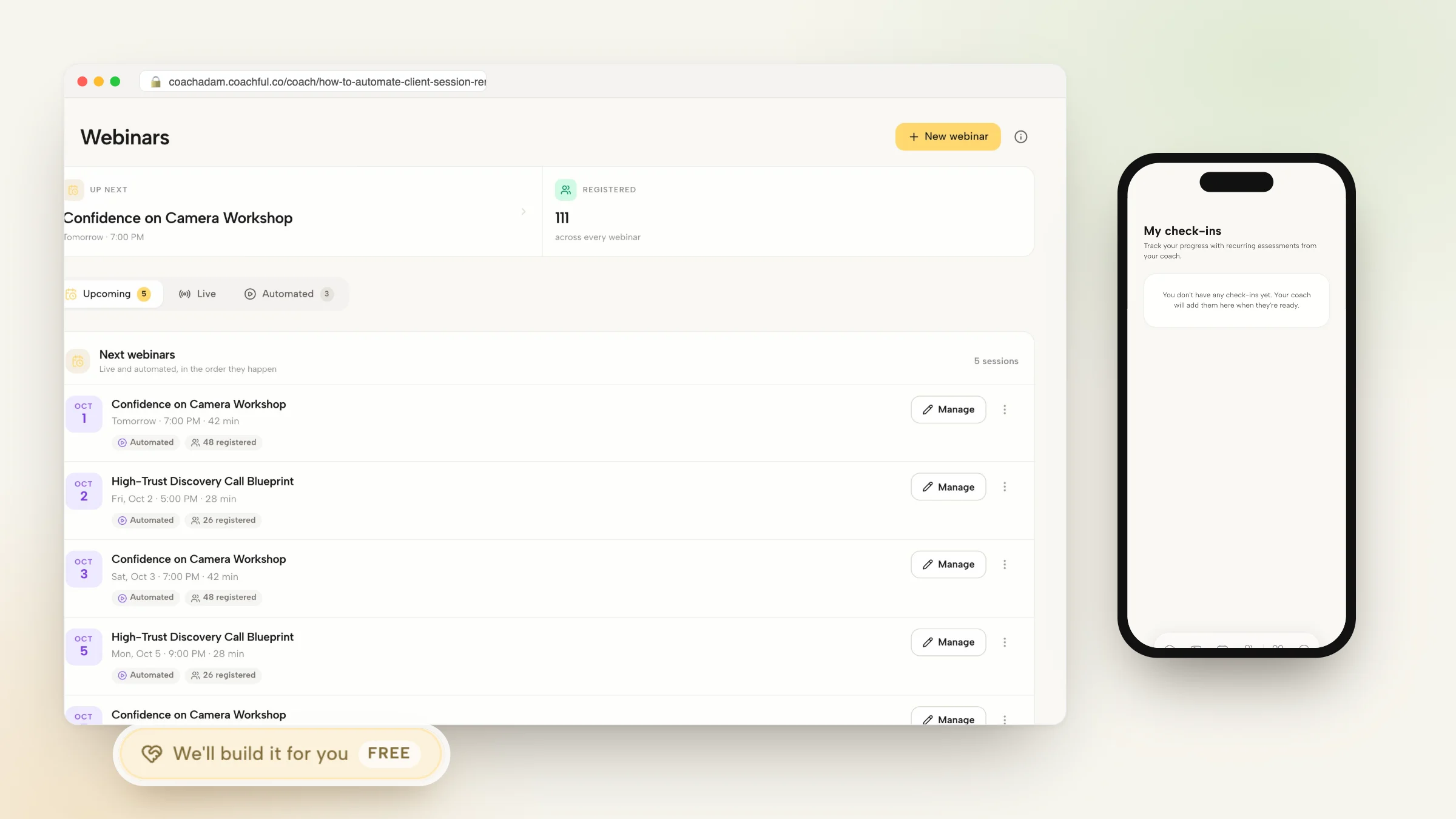
Operating within an all-in-one platform like Coachful ensures that booking reminders, session notes, and client profiles are natively connected. When a client books via your portal, their session count updates automatically on their dashboard. Check out our guide on the best coaching scheduling and booking software to optimize your calendar.
Enforcing Cancellation Policies Automatically Without Friction
One of the greatest benefits of automating session reminders is removing emotional discomfort from policy enforcement. When a client attempts to cancel four hours prior to a call, an automated scheduling engine gently enforces your policy without putting you in the awkward position of being the 'enforcer.'
The system displays a polite modal explaining that late cancellations forfeit the session allocation, protecting your boundaries while preserving personal warmth in the relationship. To align your agreements with these automation workflows, read our breakdown of coaching agreement payment terms and refund clauses.
Frequently asked questions about automate client session reminders
How do I automate client session reminders for my coaching practice?
You can automate client session reminders by using an integrated coaching platform like Coachful, which automatically sends multi-touch email confirmations, 48-hour agenda prompts, and 1-hour SMS alerts containing direct video links.
Are SMS reminders more effective than email reminders for clients?
Yes, SMS reminders achieve an open rate exceeding 95% within three minutes, virtually eliminating no-shows compared to email-only notifications that can easily get lost in crowded inboxes.
Can automated reminders collect pre-call focus agendas from clients?
Yes, advanced reminder sequences include a dynamic link prompting clients to submit their primary discussion topic and habit updates before the session begins.
How does the system prevent last-minute cancellations?
The booking software enforces a strict 24-hour or 48-hour rescheduling lock. Clients trying to cancel past the cutoff are informed that the session credit has been used.
Will automated reminders sync with my clients' personal calendars?
Yes, automated confirmation emails include native calendar sync links for Google Calendar, Outlook, and Apple Calendar with dynamic time zone conversion.
Automating your client session reminders is one of the highest-ROI operational improvements you can make in your coaching practice. By replacing ad-hoc manual emails with an automated, multi-channel notification engine, you eliminate the stress of no-shows, reclaim hours of weekly admin, and establish pristine professional standards.
When clients experience a frictionless, reliable scheduling cadence, their commitment to the coaching process intensifies. Implement an automated reminder workflow today to protect your billable hours, safeguard your practice boundaries, and deliver an elevated client experience.