
Coaching Client Onboarding Checklist and Software Guide

Nour
Founder, Coachful
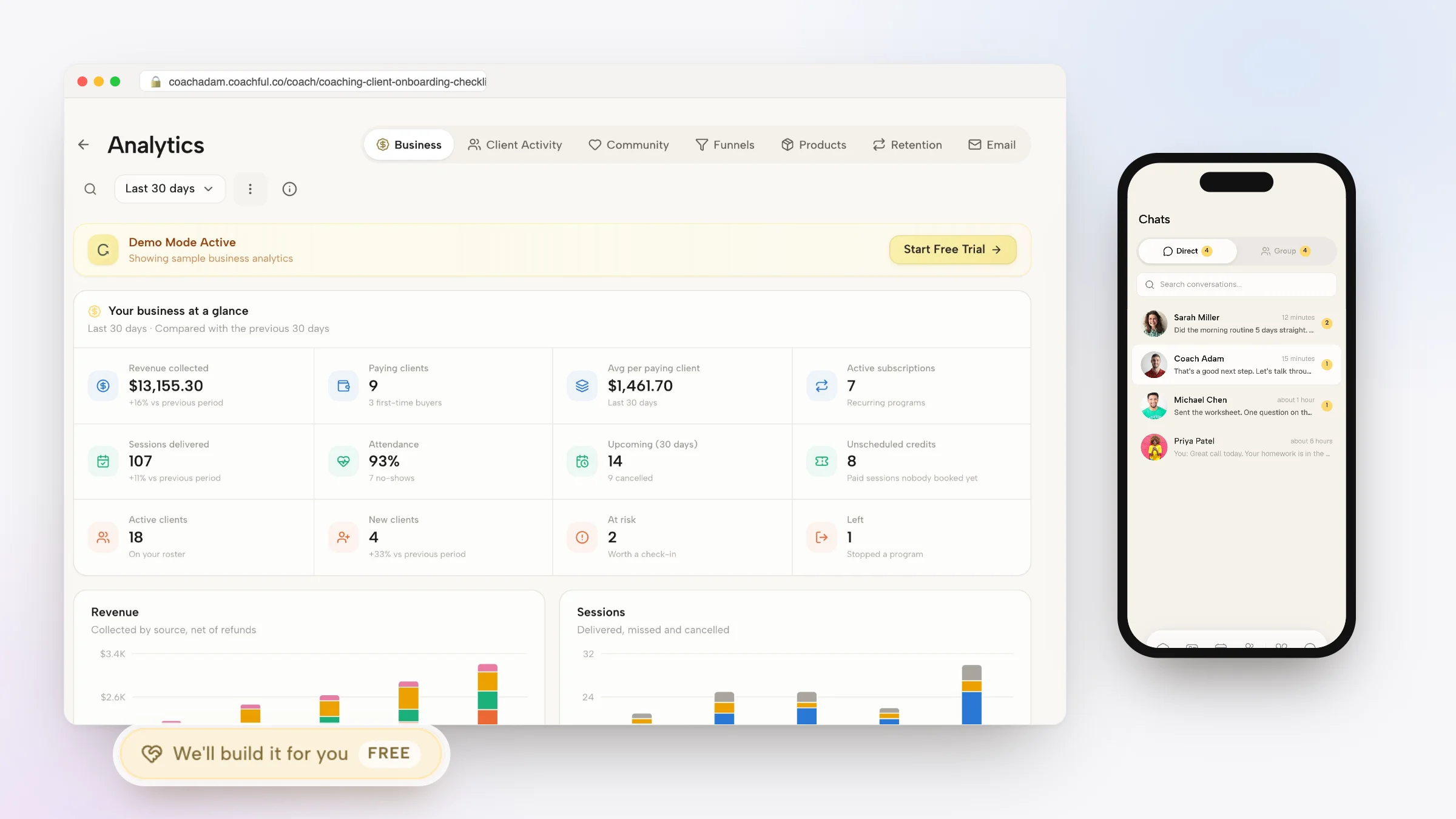
Implementing an airtight, automated coaching client onboarding checklist is the single most powerful strategy for turning the post-sale window into an unforgettable, high-trust client experience. The moments immediately following a client's commitment to invest thousands of dollars into a coaching program are fraught with psychological vulnerability: without immediate, reassuring onboarding structure, buyer's remorse and cognitive anxiety quickly set in.
Traditional manual onboarding is disorganized and slow. Coaches take forty-eight hours to send an informal welcome email, attach generic PDF contracts that require third-party printing or complex signing apps, and send fragmented links to disparate intake questionnaires and calendar booking pages. This chaotic first impression diminishes the perceived value of your advisory services before the first session even takes place.
By deploying modern practice software powered by an automated coaching client onboarding checklist, you replace administrative delays with an instantaneous, five-star welcome experience. Within seconds of checkout, your new client signs their digital agreement, completes their diagnostic intake, downloads their custom-branded mobile app, and books their kickoff consultation. In this guide, we provide the complete checklist and technical blueprint for onboarding excellence.
Manual Ad-Hoc Onboarding vs Automated Coaching Client Onboarding Checklist
| Onboarding Phase | Manual Ad-Hoc Process (Email/PDFs) | Basic Form Builders (Typeform/Google Docs) | Automated Onboarding Engine (Coachful) |
|---|---|---|---|
| Time to Welcome Delivery | 24 to 48 hours after payment manually | Instant form link, but disconnected from app and contract | Instantaneous automated welcome sequence triggered on checkout |
| Agreement & Legal Execution | Client must print, sign, scan, or use separate DocuSign | No legal agreement embedded; handled in separate email | Embedded e-signature completed directly in checkout flow |
| Client Diagnostic Intake | Long Word doc emailed back and forth; answers get lost | Stand-alone form; data does not sync to client profile | Interactive intake questions sync directly to client CRM profile |
| Portal & Mobile App Access | No portal; everything lives in scattered email threads | Desktop portal only; requires separate client login | Instant automated SMS invite to download branded mobile app |
The Psychology of Client Momentum in the First Forty-Eight Hours
The period between payment confirmation and the initial coaching kickoff session is the honeymoon phase of the client relationship. The client has made an emotional and financial declaration that they are ready to change their life or business.
If you leave them in silence for two days, their enthusiasm wanes and self-doubt creeps in. Conversely, when you guide them through a structured onboarding checklist that immediately prompts reflection, goal-setting, and portal exploration, you harness their peak motivation to accelerate developmental breakthroughs.
Rachel Thorne (Executive Onboarding Specialist and Coach Educator): "Onboarding is your first opportunity to demonstrate the transformational rigor of your practice. A polished onboarding journey reassures high-paying clients that they made the best investment of their career."
Advisors frequently reference our foundational analysis on coaching client onboarding automation to establish comprehensive operational baselines before scaling client engagements.
The 6-Step Coaching Client Onboarding Checklist
To guarantee a flawless intake experience for every new client regardless of roster size, your onboarding workflow should execute these six foundational milestones automatically:
Ensure your digital intake system completes every item on this master operational checklist:
- Step 1: Automated Payment & Digital Agreement Execution:: Collect initial payment and cryptographically verified digital signature on your coaching agreement in a single, frictionless checkout flow.
- Step 2: Instant Welcome Video & Identity Grounding:: Present an immediate 2-minute personal welcome video explaining the roadmap ahead and congratulating the client on prioritizing their growth.
- Step 3: Comprehensive Diagnostic Intake Assessment:: Prompt the client to submit their baseline challenges, developmental OKRs, and primary goals directly through an interactive portal form.
- Step 4: Branded Mobile App Provisioning:: Send an automated SMS invitation prompting the client to download your custom-branded mobile app and enable daily habit notifications.
- Step 5: Kickoff Session Calendar Scheduling:: Direct the client to your integrated booking calendar to secure their 90-minute deep-dive onboarding consultation.
- Step 6: Pre-Session Reflection & Resource Access:: activate foundational reading, assessments, and habit streaks inside their portal so they arrive prepared for their first session.
Automating Intake Without Losing the Personal Touch
A frequent concern among boutique coaches is that software automation will make their high-ticket service feel cold or robotic. In reality, the opposite is true: by automating repetitive administrative mechanics like billing and contract signing, you free up emotional bandwidth to send a personalized voice message welcoming the client.
Modern platforms allow you to inject personalized video greetings and custom welcome notes directly into the automated flow. Learn more about crafting premium intake experiences in our guide on branded client onboarding experience for coaches.
Integrating Your Onboarding Workflow with Coachful
Attempting to manually connect separate apps for payment, contracts, forms, and video hosting requires complex Zapier configurations that frequently break. When an integration fails, a client is left stranded without access to their materials.
An all-in-one practice platform like Coachful unifies the entire onboarding checklist into a single turnkey pipeline that runs flawlessly for every client. For a comprehensive look at automating your back office, explore our review of coaching practice automation tools and workflows.
Frequently asked questions about coaching client onboarding checklist
What should be included in a coaching client onboarding checklist?
A complete checklist includes automated agreement signing, payment processing, a personal welcome video, a diagnostic intake questionnaire, mobile app provisioning, and kickoff session booking.
How quickly should onboarding happen after a client pays?
Onboarding should be instantaneous. Modern platforms trigger the welcome sequence, intake forms, and portal provisioning within seconds of completed checkout.
Can I customize the diagnostic intake questions for different packages?
Yes, professional coaching software allows you to build custom intake forms with conditional logic tailored specifically to executive, group, or personal coaching tiers.
How does automated onboarding prevent client buyer's remorse?
By providing immediate confirmation, structured next steps, and instant access to resources, the client stays in an active state of excitement and validation rather than anxious waiting.
Do clients need to create a username and password before onboarding?
Leading platforms utilize passwordless magic links and SMS authentication, allowing clients to enter their private portal and complete onboarding with a single click.
A structured coaching client onboarding checklist is not merely an administrative procedure; it is a foundational coaching intervention that sets the tone for the entire advisory engagement. By providing new clients with immediate clarity, professional containment, and engaging momentum, you validate their purchasing decision from day one.
Take the time to replace messy email threads with a sleek, automated intake workflow. Your clients will feel deeply supported, your administrative burden will vanish, and your coaching practice will stand out as an elite market leader.











