Coaching Welcome Packet: 7 Sections and a Copyable Template

Coachful
Editorial Team
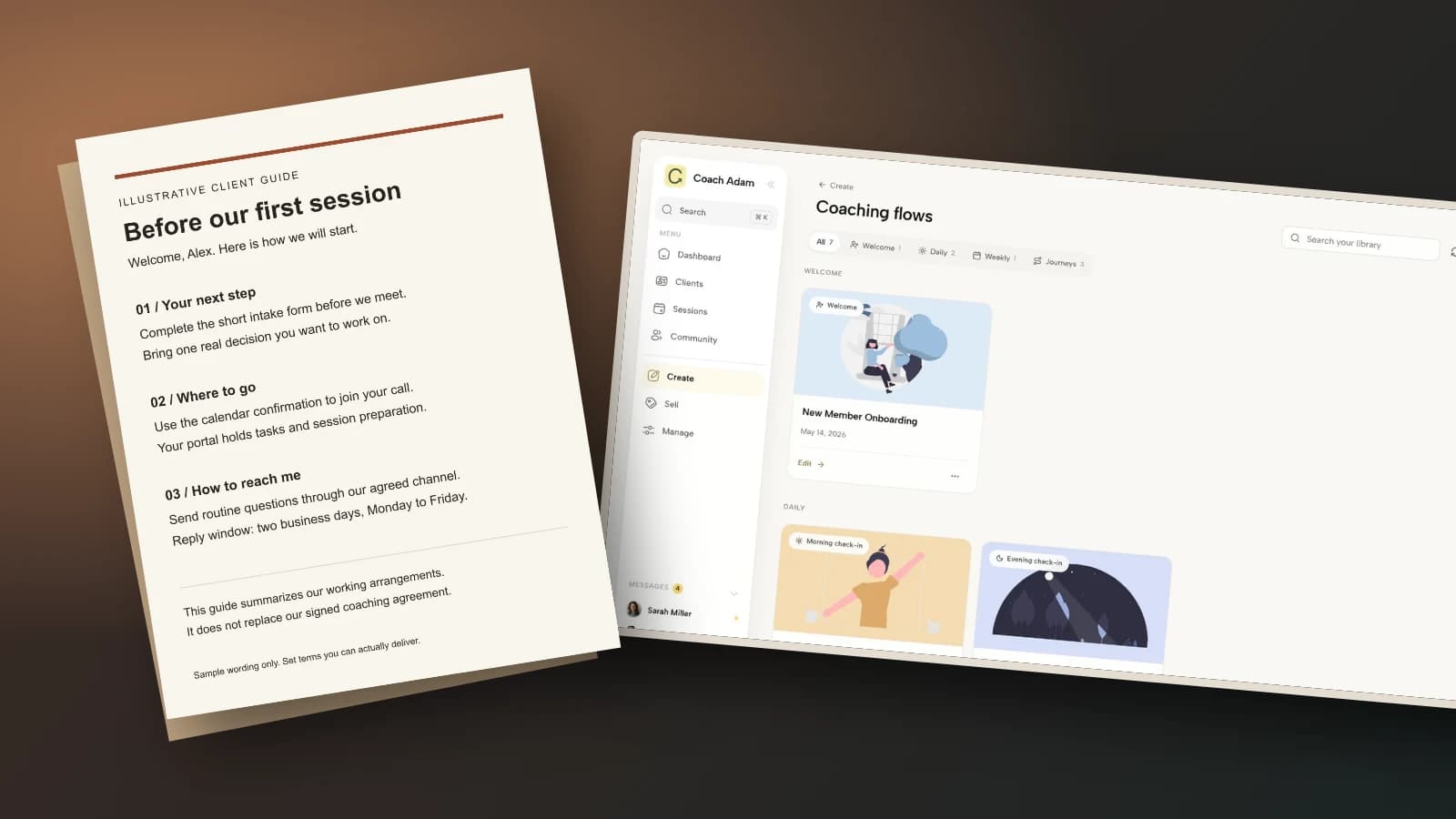
What should you put in a coaching welcome packet so a new client knows what to do, without sending them a small novel? Give them seven short sections: a personal welcome, the next action, session logistics, communication boundaries, a plain-language agreement summary, preparation instructions, and a help route. Put the first action above everything else. Keep the contract and the intake form separate.
A useful packet is a reference, not a sales brochure and not a second agreement. Your client should be able to open it on a phone, find the meeting instructions, and work out how to ask a question. The test is not whether it looks expensive. It is whether the client can use it without another explanatory email.
This guide helps you write the packet itself. If you need the wider sequence of payments, access, forms and follow-up, use the separate client onboarding journey guide. Here, the deliverable is the document clients return to after that first welcome message disappears down their inbox.
What is a coaching welcome packet?
A coaching welcome packet is a short client-facing guide to working with you. It explains the practical arrangements and points to the right places for sessions, communication, preparation and support. It can be a simple accessible document or a private web page. It does not need to be a branded gift box.
Keep four jobs distinct:
- The agreement records the terms you and the client have agreed.
- The intake form gathers information you need to begin coaching.
- The welcome email confirms the start and directs the client to the next action.
- The welcome packet explains how the arrangement works and where to find things later.
That distinction prevents a common mistake: collecting personal disclosures in a document you intend to reuse. Make the packet reusable. Keep each client's answers in the appropriate private record.

The seven sections to include in your coaching welcome packet
1. A personal welcome that confirms the purpose
Start with a few lines that show you know who is joining and why. Refer to the goal the client has actually chosen, not a transformation you assume they want. A client seeking support with a difficult promotion does not need to be told they are beginning a journey to their highest self.
For example: “Welcome, Alex. You said you want to approach your new management role with a more deliberate delegation practice. We will use our sessions to explore the decisions, conversations and experiments that matter to you.” This is illustrative wording, not a real client story.
Do not paste sensitive discovery-call details into an email attachment that might be forwarded. A broad purpose is enough. If the client has not settled on a goal, say that clarifying it will be part of your first conversation.
2. One next action, with an actual deadline
Tell the client what to do first, where to do it and when you need it. “Please complete the short intake form using your private link by the afternoon before our session” is actionable. “Explore your resources and get ready for an exciting start” is not.
If you need several actions, order them. Distinguish something essential, such as confirming access, from something optional, such as reading a suggested article. Do not make a new client choose between eight equally urgent buttons.
Before writing this section, check what your onboarding process really does. If access is sent manually, do not promise an instant invitation. If you review an intake only on working days, do not promise a weekend turnaround. Write the service you can consistently deliver.

3. Session logistics and the fallback plan
State the session length, usual rhythm, format and time zone. Point to the booking confirmation for the exact appointment rather than copying a meeting link into several documents. Duplicated logistics become contradictory logistics when a client reschedules.
Explain how to move a session and point to the agreed cancellation terms. Specify what happens if the link fails: which contact route to use, whether you will attempt to reconnect and which fallback method you have agreed. Do not make a phone number the emergency plan unless you actually monitor it.
For in-person coaching, replace video instructions with the address, arrival details and any access information the client needs. Ask about accessibility requirements privately rather than assuming stairs, quiet rooms or video calls work for everyone.

4. Communication channels and response times
“Contact me anytime” sounds friendly until someone expects a reply on Sunday evening. Name the channel, the purpose of between-session contact and a response window you can meet. Say whether substantive coaching happens in sessions, through messages, or through a separately agreed combination.
A workable example is: “Use our agreed messaging channel for routine questions. I reply within two business days, Monday to Friday, excluding my published time off. Messages are not monitored continuously.” Your actual terms may differ. Do not adopt this window simply because a template supplied it.
Explain that coaching messages are not an emergency service. Give an appropriate instruction to contact local emergency services or relevant urgent professional support when needed. Do not promise crisis assessment, clinical advice or an urgent response outside your competence and service.

5. A readable summary of the agreement, not new terms
Summarize the arrangements clients most often need to look up: cancellation, payment queries, confidentiality, scope and how to end the engagement. Link to the full agreement. Check the summary against it line by line before sending.
Do not insert a new forfeiture rule or refund restriction into the packet and treat delivery as acceptance. If a substantive term needs to change, discuss it and use an appropriate agreement process. A guide should make an agreement easier to understand, not quietly rewrite it.
Be careful with “everything is completely confidential.” Confidentiality has the limits in your agreement and applicable law. Employer-sponsored work also needs clarity about what, if anything, is shared with the sponsor. The packet should point to that arrangement rather than invent a separate reporting promise.
This is operational guidance, not legal advice. Obtain jurisdiction-appropriate advice for your contract, privacy notices, cancellation rights and regulated activities. A general template cannot determine your legal obligations.
6. Light preparation and a realistic progress rhythm
Ask for enough preparation to make the first conversation useful, not enough to prove the client deserves to attend. A short intake and one topic to bring may be sufficient. If an assessment or lengthy exercise is essential, explain its purpose and the actual time required.
Useful opening prompts include: “What would make our first session useful?” and “What is one situation you want to handle differently?” Avoid requiring clients to disclose trauma, medical details or other sensitive information simply because a downloaded questionnaire included those fields.

Then explain how progress will be reviewed. You might discuss an agreed experiment at the next session, revisit a client-defined goal, or use a brief check-in. Describe the practice without implying that completing a form guarantees an outcome.
Also explain what to do when preparation is incomplete. “Tell me what got in the way and we will decide how to use the session” is more useful than leaving the client to assume they must cancel. Keep any attendance policy aligned with the agreement.

7. A simple orientation and a help route
Show where the client begins, where their preparation lives and how to get help if access fails. A screenshot of the exact client starting point can be more useful than a tour of every feature. Do not send the coach dashboard and expect the client to translate it.
Never put passwords in the packet or share an account to make onboarding easier. Use the platform's proper invitation or access process. Test instructions with an appropriate demo or test view, not by asking a client for their password.
Finally, add a short “if something is wrong” instruction. Examples include a broken link, an inaccessible document, an incorrect appointment or a billing question. Give a contact route that works even when the client cannot log in.

A complete coaching welcome packet example
The following is a hypothetical example for an individual career-coaching engagement. The session rhythm, response window and preparation deadline are illustrative choices, not recommended universal terms. Replace them with your actual arrangements and insert tested private links before sending.
Welcome to our coaching work, Alex
I am glad we are working together. You want to become more deliberate about delegation in your new management role. We will use our conversations to explore your choices and agree practical experiments that fit your situation.
Start here
Please complete the short intake form through the private link in your welcome email by the afternoon before our first session. Bring one real delegation decision you would like to work on. If the form is difficult to use, email me and we will agree another way to prepare.
Our sessions
We have agreed six 50-minute video sessions, normally every two weeks. The calendar confirmation contains your appointment time, time zone and joining link. Check that the appointment displays correctly in your calendar.
Use the rescheduling route in the confirmation if your availability changes, following the notice period in our signed agreement. If the video link fails, email me at the address in your welcome email. We will use the fallback method we agreed, or arrange another time if we cannot reconnect.
Between-session contact
Use our agreed client messaging channel for routine questions. I reply within two business days, Monday to Friday, excluding published time off. Substantive coaching conversations take place in sessions unless we separately agree otherwise.
Messages are not monitored continuously and are not an emergency service. For an emergency, contact local emergency services or the appropriate urgent professional support in your location.
Our agreement
Your signed agreement sets out fees, cancellation arrangements, confidentiality and its limits, scope, and how either of us can end the engagement. Keep your copy accessible. This guide summarizes how we work and does not add or change terms. If anything appears inconsistent, contact me so we can clarify it before proceeding.
Preparation and progress
Before each session, note one situation you want to explore and anything you learned from the experiment you chose previously. We will review what is useful to you and adapt the work together. There is no requirement to present a perfect week.
Finding your materials
Use the private client access link in your invitation. Your starting screen shows your next session and preparation tasks. Follow the orientation instructions in that email to find the agreed messaging route. Please do not send passwords by email.
When something does not work
For login problems, inaccessible materials, incorrect appointment details or a question about this guide, use the email address in your welcome email. You do not need portal access to contact me. Tell me what happened, but do not email sensitive documents unless we have agreed an appropriate method.
Notice what the example does not contain: a promise of promotion, a long coach biography, ten worksheets, or a new cancellation policy. It gives a person who has already chosen coaching enough information to begin.
PDF, document or portal page: which format should you use?
Choose a simple document when speed and portability matter. Use proper headings, selectable text, descriptive links and a readable font. Check the exported version on a phone. A beautiful PDF that requires constant pinching is a worse welcome than a plain document someone can read.
Choose a private page when instructions change regularly. A maintained page can prevent stale attachments, provided the client can access it easily. Keep dated terms and signed agreements separate; editing a page must not silently alter the agreed service.
Use a portal when the instructions belong beside real coaching activity. Keep the initial access and fallback contact details available outside it. Otherwise the person who cannot log in also cannot read your login help.
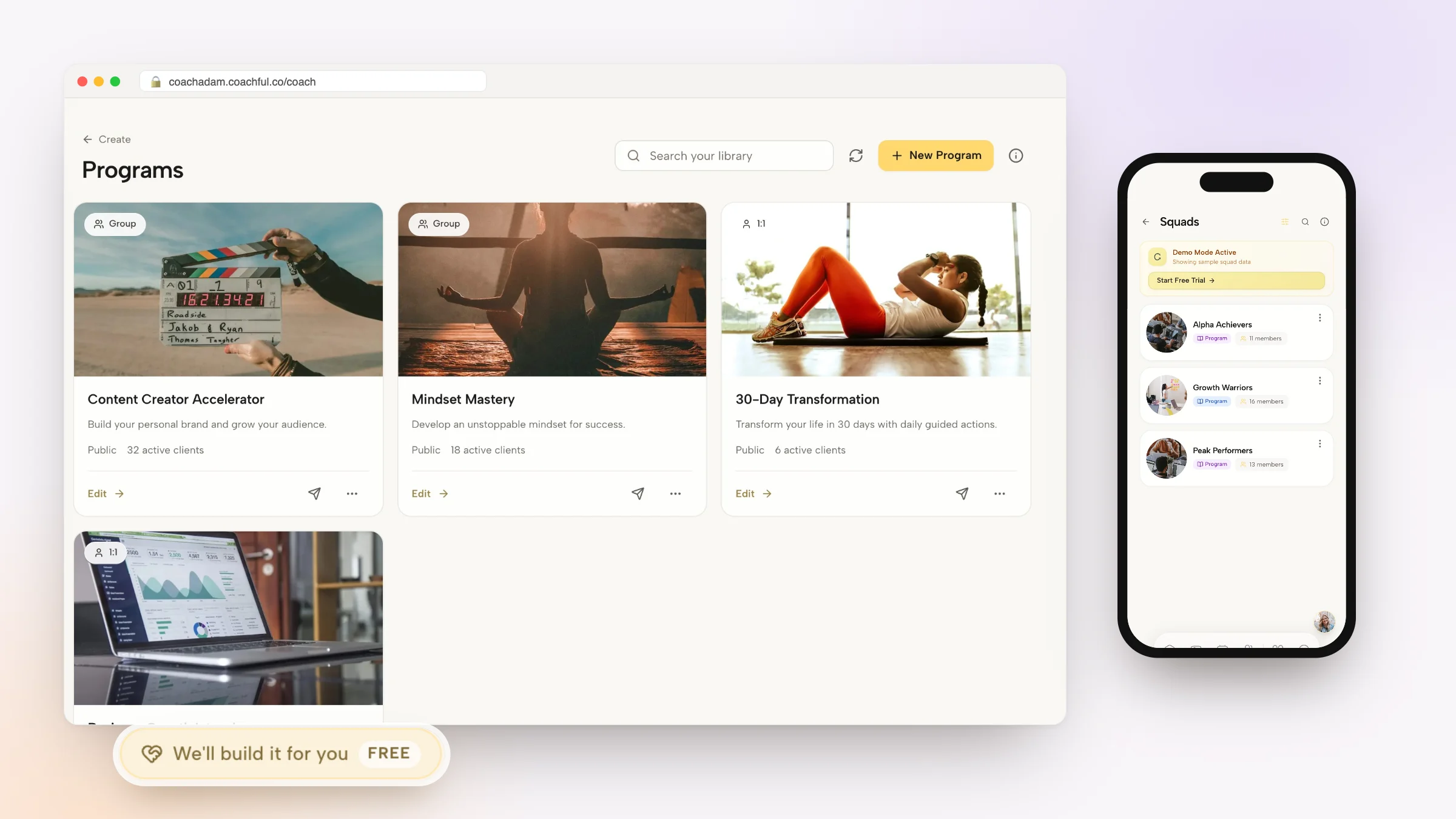
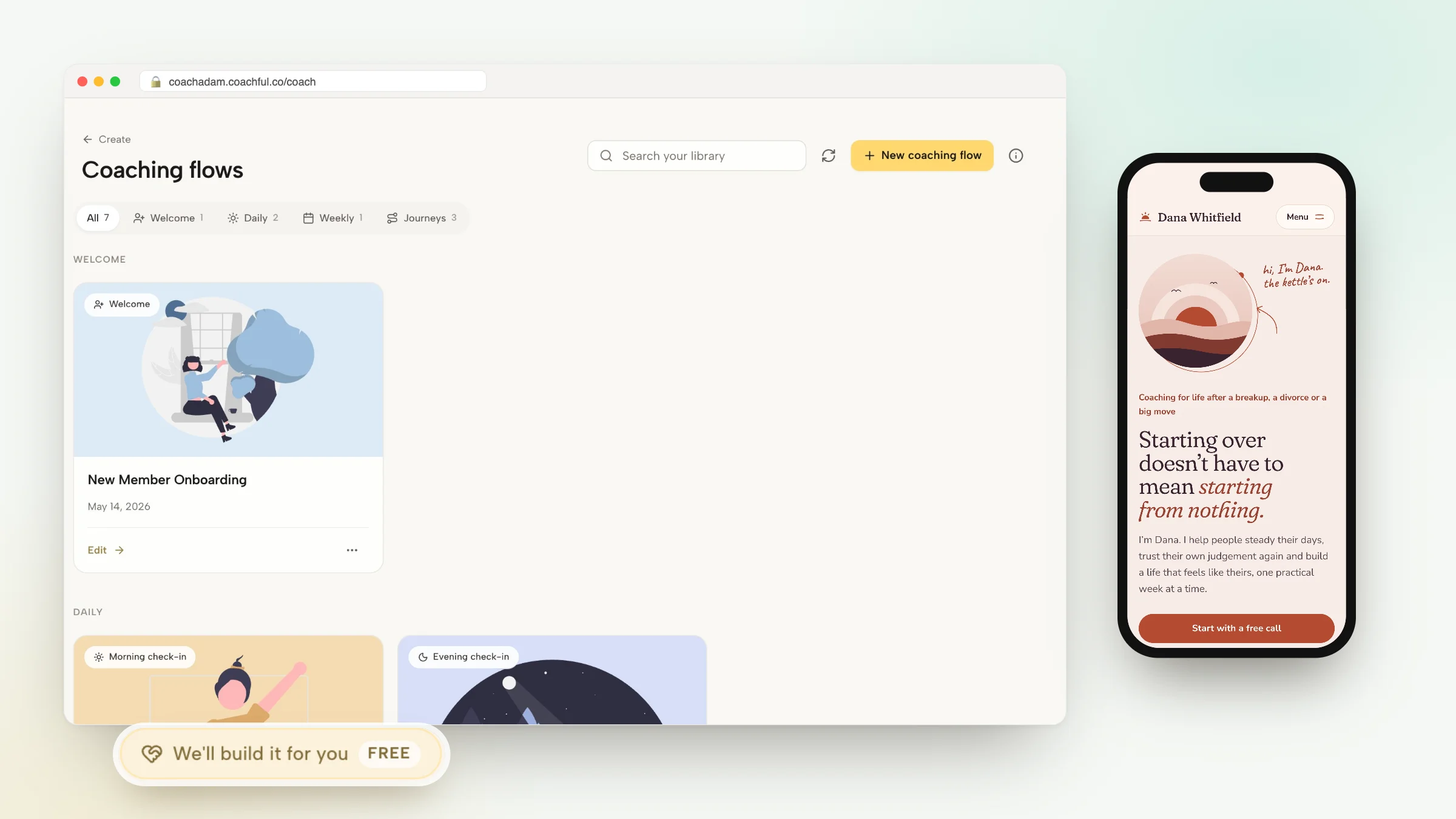
The Coachful demo shows client-facing preparation, session information and progress views, alongside coach-side forms, scheduling and communication screens. These are useful surfaces to inspect when writing orientation instructions. This article does not imply that Coachful automatically creates the sample packet or replaces a reviewed coaching agreement.

What to leave out of your welcome packet
- The entire sales pitch. The client has already bought. Replace persuasion with usable instructions.
- A wall of homework. Distinguish essential preparation from optional resources.
- Unnecessary personal data. Do not put intake answers, health information or payment details into a reusable guide.
- Unsupported promises. Do not guarantee income, promotion, recovery or a specific personal change.
- Another version of every policy. Summarize and link; review consistency instead of multiplying documents.
- A compulsory referral request. Let the client experience the work before asking them to promote it.
A useful editing question is: “Will the client need this to start, participate or solve a predictable problem?” If the answer is no, put it elsewhere or remove it. Brevity is a service decision, not a lack of effort.
Check the packet before you send it
- Open it as a client. Test the actual access path in an appropriate separate view, including the route for someone who has not logged in.
- Follow every link. Check destinations, permissions, appointment details and whether any document is available to the wrong audience.
- Compare it with the agreement. Check the response window, cancellation summary, fees and scope for contradictions.
- Read it on a phone. The first action and help route should be easy to find without reading tiny screenshot text.
- Hide the images. Essential instructions must remain in live text, not only inside a graphic or screenshot.
- Check the fallback. A client locked out of the portal must still know how to contact you.
Do not assume that an opened email proves understanding. At the beginning of your first session, ask whether anything about access, communication or the practical arrangements is unclear. Resolve ambiguity without turning the conversation into a compliance quiz.
Frequently asked questions
How long should a coaching welcome packet be?
Long enough to answer the seven practical questions, and no longer. Start with a short guide and add only what your service requires. There is no professionally mandated page count. A complex sponsored engagement may need additional documents, not a longer introductory wall of text.
When should a coach send the welcome packet?
Send it when the client has confirmed the engagement and before they need to complete preparation or attend. If a step is still pending, say which step and what happens next. Do not give active-client instructions to a prospect as though enrollment has already occurred.
Should the coaching contract be included?
Provide access to the appropriate agreement, but do not rely on a welcome packet to secure informed agreement or replace a suitable signing process. Summaries should match the terms. Obtain appropriate professional advice about the process and documents your practice needs.
Can I use the same packet for every client?
Reuse the structure and stable instructions. Personalize the purpose, starting action and relevant logistics. Use a different version when the service genuinely changes, such as individual versus group coaching or employer-sponsored work. Avoid a giant packet that makes everyone search past irrelevant instructions.
Make the packet easy to correct
The first version does not need a design project. Write the seven sections, test the links and ask a new client which instruction was difficult to find. Correct that instruction in the master version. Review again when your availability, service or platform navigation changes.
If you are deciding how a client should move between preparation, sessions and messages, inspect that path before describing it. Try the interactive demo to see the relevant Coachful screens and identify the few directions your own clients would actually need. Then write those directions in your own voice.
Sources and scope
The Coaching Tools Company welcome-packet guide provides a useful practitioner reference for typical inclusions. The seven-section structure, sample wording and delivery checks here are editorial recommendations, not a universal professional requirement. Product images are labeled real demo examples; the sample welcome document is an original illustration. Adapt all policies to your actual agreement, competence and jurisdiction.