The 12 Best Content Creation Sites for Coaches in 2026

Coachful

“How do I create a professional-looking client workbook without hiring a designer?” “What’s the fastest way to turn a webinar recording into a short video for social media?” “Which platform is best for my blog and my newsletter so I’m not paying for two different services?” If these questions sound familiar, you’ve landed in the right place.
As a coach, your primary job is coaching, not spending endless hours wrestling with complicated software. The constant pressure to produce high-quality content for marketing, client resources, and course materials can quickly lead to burnout. You need a toolkit of reliable, efficient, and user-friendly content creation sites that just work, allowing you to focus on what you do best.
This is not another generic list. We’ve done the heavy lifting for you, curating the best platforms specifically for a coach’s workflow. For each tool, you'll find a clear breakdown of who it's best for, its core strengths, and its limitations. We’ll show you exactly how to use these sites to build everything from blog posts and social media graphics to newsletters and complete online courses. Each review includes direct links and practical insights to help you choose the right tools and get back to coaching.
1. Canva
For coaches who think, "I'm not a designer, but I need professional-looking materials now," Canva is the answer. It has become one of the most essential content creation sites because it removes the technical barrier to graphic design. You can quickly produce everything from social media posts and webinar slide decks to client workbooks and lead-magnet PDFs without ever touching complex software.
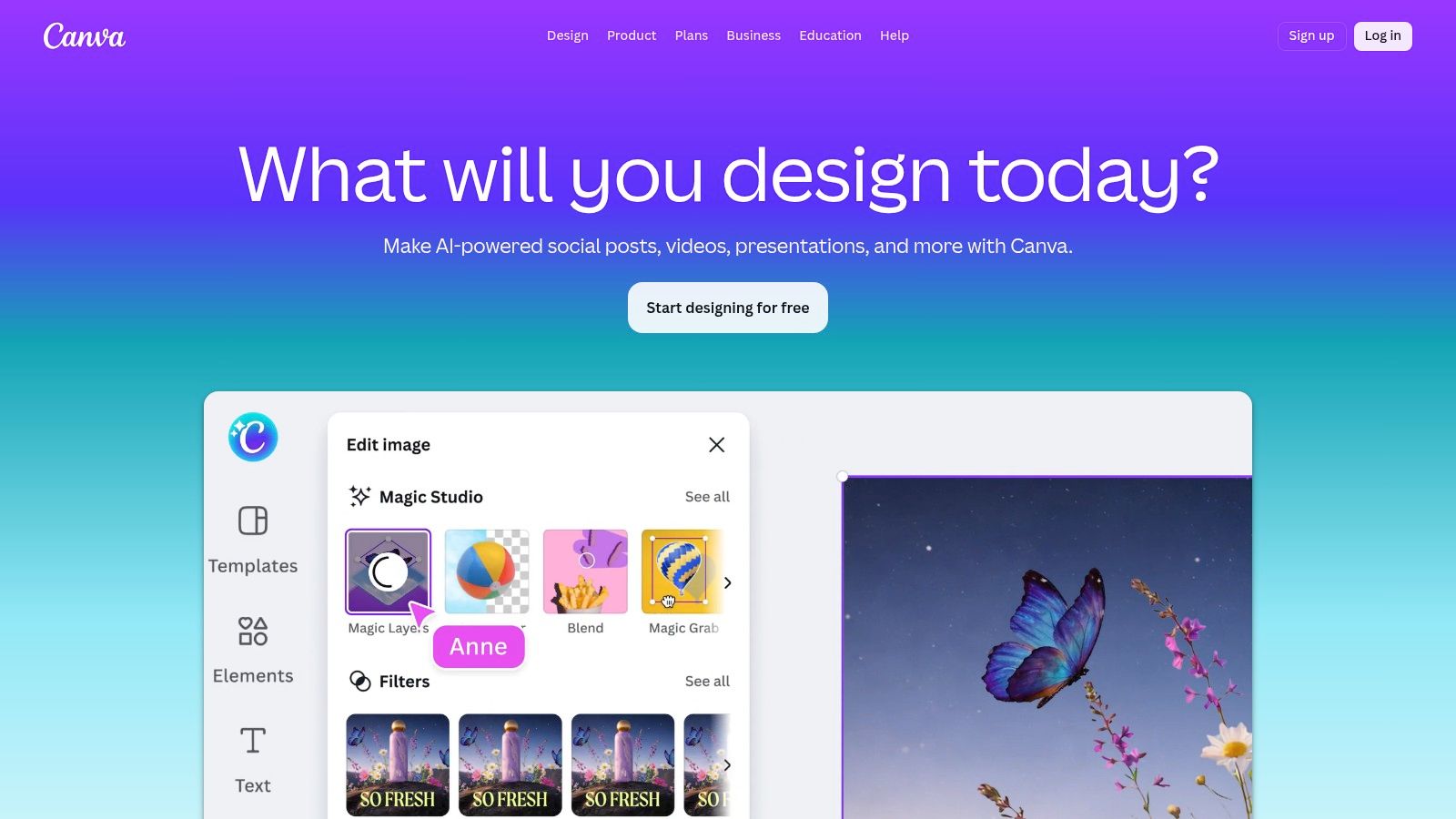
Its strength lies in its massive template library and intuitive drag-and-drop interface. The Brand Kit feature (available on paid plans) is a game-changer for maintaining consistency; you can store your brand’s colors, fonts, and logos to apply them to any design with a single click. This ensures your free discovery call workbook has the same professional branding as your high-ticket program materials. While its templates can feel generic if overused, a few simple tweaks-like changing photos, fonts, and colors-can create a unique look.
Key Details & Use Cases
- Best For: Coaches needing to quickly create a high volume of branded marketing assets, program materials, and client-facing resources without a design background.
- Pricing: Offers a robust Free plan. Canva Pro ($119.99/year for one person) adds the Brand Kit, Magic Resize, background remover, and a larger asset library.
- Coach's Use Case: Use the "Magic Resize" tool to turn a single Instagram post design into a Facebook banner, a blog graphic, and a presentation slide in under a minute, saving hours on content repurposing.
- Limitation: For highly detailed print work (like a book cover for offset printing) or custom vector logo creation, professional tools like Adobe Illustrator are still superior.
Website: https://www.canva.com
2. Adobe Express
For the coach who appreciates the power of Adobe but thinks, "I don't have time to learn Photoshop," Adobe Express is the perfect middle ground. It's one of the most capable content creation sites for those who want high-quality results and professional-grade tools without the steep learning curve. It delivers polished social graphics, short videos, and even basic web pages, all from a user-friendly browser interface.
Its biggest advantage is its direct integration with the Adobe ecosystem, including Adobe Stock and the Firefly generative AI. You can generate unique images with AI or access a premium library of photos and design assets that feel less generic than free alternatives. The "Quick Actions" for video, PDF, and images are also a huge time-saver for small but crucial tasks like converting a file format or removing a video background. It gives you a clear upgrade path-if you outgrow it, your skills and brand assets can move with you to Adobe's more advanced tools.
Key Details & Use Cases
- Best For: Coaches who want professional-quality creative output and value access to Adobe’s premium asset library and AI tools without mastering complex software.
- Pricing: A generous Free plan is available. Premium ($9.99/month) unlocks all premium templates, the full Adobe Stock photo collection, and more generative AI credits.
- Coach's Use Case: Use the "Text to Template" AI feature to describe a webinar you're hosting. Adobe Express will generate a complete, editable promotional kit with matching Instagram stories, email headers, and Facebook posts.
- Limitation: While video editing is decent for short social clips, complex multi-track audio mixing or detailed color grading for a full course module still requires a dedicated tool like Adobe Premiere Pro.
Website: https://www.adobe.com/express
3. Descript
For coaches who dread the tedious process of editing video or audio, Descript is a revelation. It transforms media editing into a process as simple as editing a text document. This makes it one of the most powerful content creation sites for producing podcasts, video lessons, and client session recaps. You record or upload your media, and Descript provides a word-for-word transcript that you edit directly; deleting text removes the corresponding video and audio.
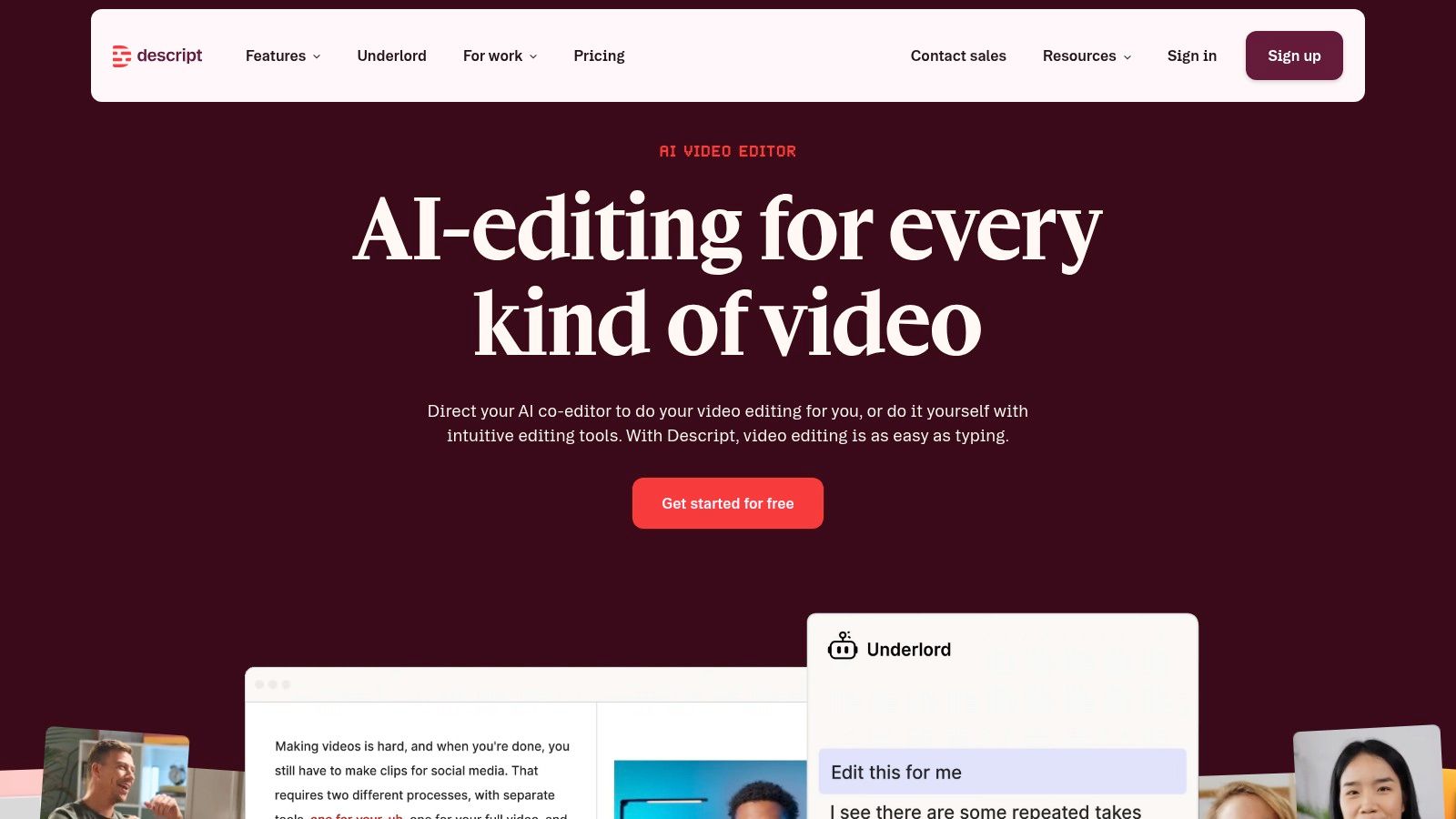
Its standout feature is the AI-powered “Studio Sound” and filler word removal, which can clean up "ums," "ahs," and background noise with a single click, saving hours of manual work. You can also create an AI clone of your voice to fix misspoken words by simply typing the correction. For those interested in exploring its full potential against alternatives, several detailed Descript comparisons can help clarify its unique position in the market. While the AI features are powerful, they are metered by plan, which can be a consideration for heavy users.
Key Details & Use Cases
- Best For: Coaches who create talking-head videos, podcasts, or webinars and want a fast, intuitive way to edit without learning complex video software.
- Pricing: A Free plan is available with limited features. Paid plans like Creator ($12/month billed annually) and Pro ($24/month billed annually) unlock more transcription hours, 4K export, and advanced AI features.
- Coach's Use Case: Record a 60-minute coaching webinar, use Descript to instantly remove all filler words, then highlight key sentences to export as short, shareable video clips for social media promotion.
- Limitation: It's not built for cinematic, multi-camera editing or complex visual effects. For highly stylized productions, traditional editors like Adobe Premiere Pro offer more granular control.
Website: https://www.descript.com
4. CapCut
For coaches thinking, "I need to make engaging short videos for social media, but video editing feels too complicated," CapCut is the solution. As one of the most accessible video-focused content creation sites, it’s built to produce polished social media content like Reels and Shorts quickly. It simplifies tasks that once required expert skills, like adding accurate captions or removing a messy background.
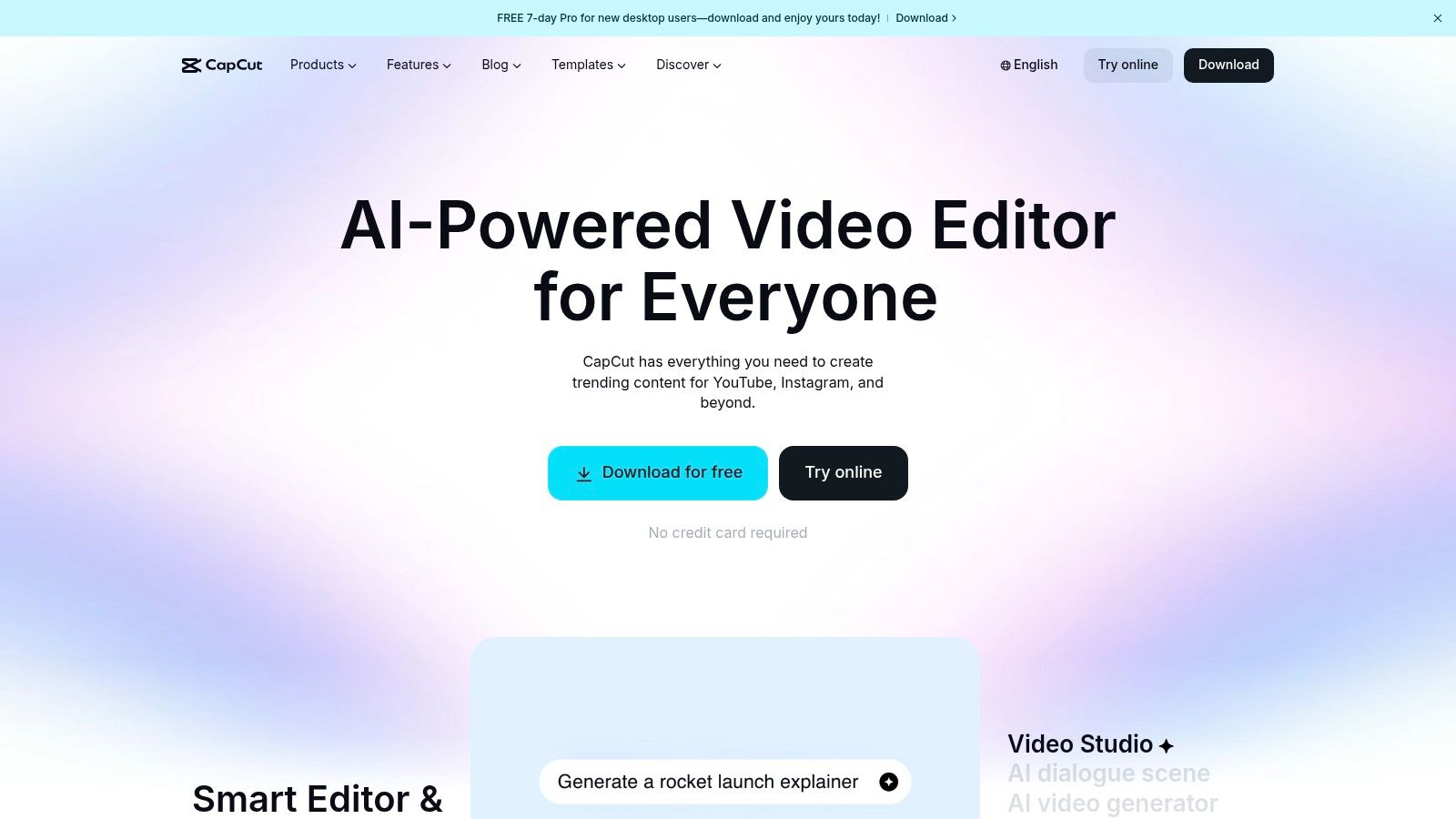
Its main advantage is the seamless workflow between mobile, desktop, and web apps, allowing you to start an edit on your phone and finish it on your computer. The auto-captioning feature is remarkably accurate and a massive time-saver for making videos accessible. With a library of trending templates and AI effects, you can create a dynamic, attention-grabbing video in minutes, not hours. It’s the fastest path from a simple phone recording to a professional-looking promotional snippet.
Key Details & Use Cases
- Best For: Coaches focused on building their audience through short-form video (Reels, TikToks, Shorts) who need a fast, template-driven workflow.
- Pricing: A generous Free version is available. CapCut Pro (check the site for current rates, recently cited around $179.99/year) unlocks more cloud storage, AI effects, and premium assets.
- Coach's Use Case: Film a 60-second client testimonial on your phone, upload it to CapCut, and use the "Auto Captions" feature to generate subtitles instantly. Add your logo and some background music before exporting directly to Instagram Reels.
- Limitation: It is not designed for long-form content like full-length webinar recordings or detailed course modules. Its strength is in short, punchy videos under a few minutes.
Website: https://www.capcut.com
5. WordPress.com (hosted)
For coaches who need a central hub for their thought leadership, a place that's more permanent than a social media profile, WordPress.com offers a powerful solution. It's one of the most foundational content creation sites because it gives you a scalable home for your blog, client resource library, and even full courses, all optimized for search engines. This is where you build your long-term digital asset, turning fleeting ideas into an evergreen content machine.
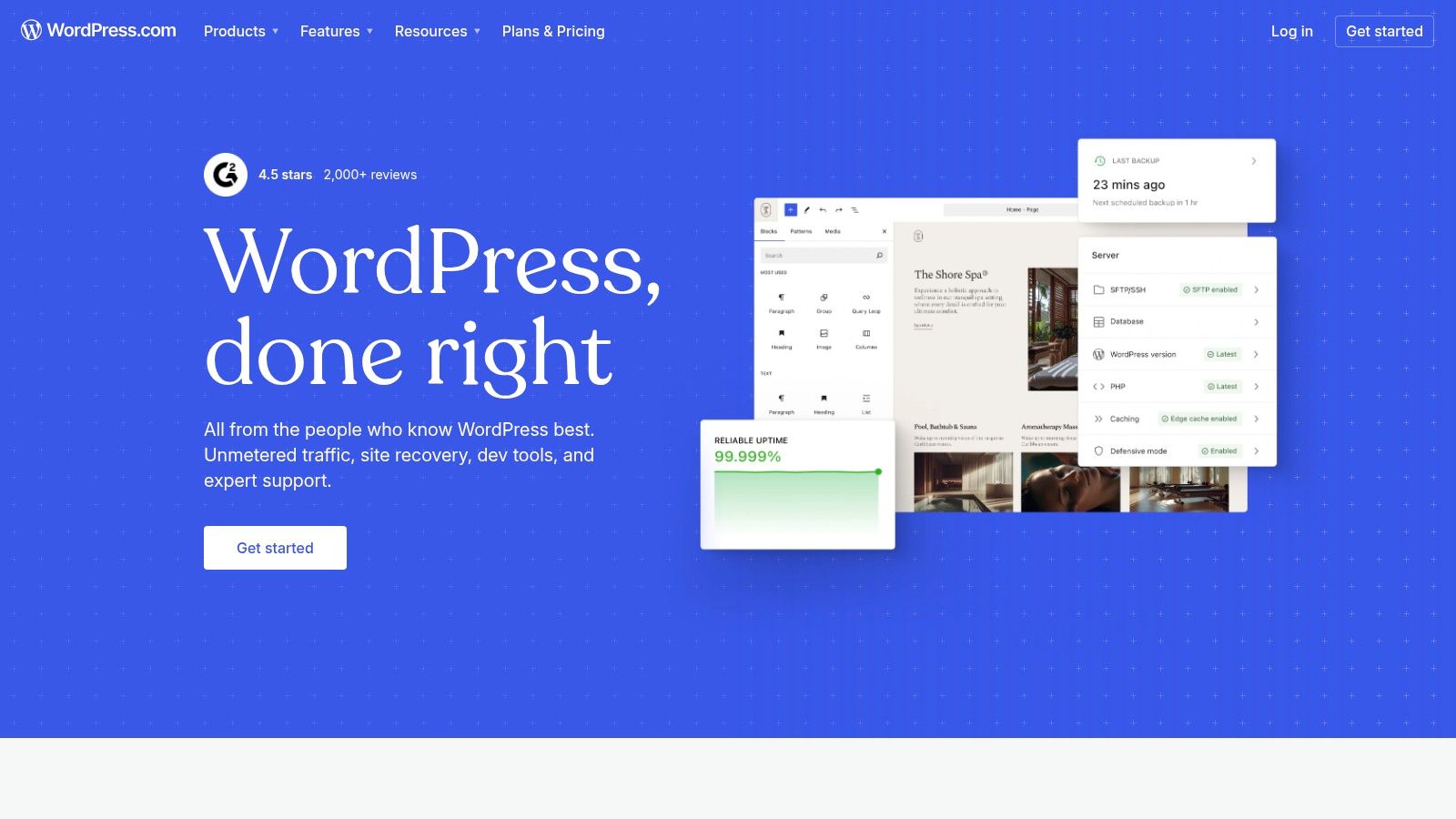
Its core strength is the balance between simplicity and potential. Unlike pure drag-and-drop builders, it’s built for content first, making it ideal for SEO-focused articles and structured curriculum pages. The managed hosting means you don't worry about servers or security updates, yet on higher-tier plans, you gain access to a world of plugins to add almost any functionality imaginable, from membership paywalls to appointment booking. It’s the platform you grow into, not out of.
Key Details & Use Cases
- Best For: Coaches building a content-rich brand and wanting a flexible platform for blogging, evergreen resources, and eventually, membership content or courses.
- Pricing: Starts with a Free plan with ads and a WordPress subdomain. Paid plans start at $4/month (billed annually) for a custom domain and go up to $45/month for full plugin/theme access and e-commerce tools.
- Coach's Use Case: Create a private, password-protected "Client Portal" page with embedded videos, downloadable worksheets, and session notes. Once your site is set up, you can learn more about crafting an effective welcome message for a website to greet new visitors and clients.
- Limitation: The learning curve is steeper than simpler site builders, and unlocking its full potential (plugins, advanced themes) requires a Business plan or higher.
Website: https://wordpress.com
6. Squarespace
For the coach thinking, "I need a beautiful, all-in-one home for my brand without piecing together a dozen tools," Squarespace is the answer. It’s a design-forward website builder that also functions as one of the most cohesive content creation sites. You can build your core marketing website, publish blog posts, schedule client sessions, and even host a private resource hub for your clients, all under one roof.
Its biggest advantage is its curated, professional aesthetic. Unlike other platforms where you need a designer’s eye, Squarespace’s award-winning templates provide a strong foundation that makes it difficult to create a bad-looking site. The built-in features for blogging, scheduling, and member areas mean you spend less time worrying about plugins and integrations and more time creating valuable content for your audience and clients. It provides a polished and unified brand experience from the very first click.
Key Details & Use Cases
- Best For: Coaches who want a professional, design-focused website with integrated tools for blogging, client scheduling, and hosting gated content, without needing technical skills.
- Pricing: Starts with the Personal plan at $23/month. The Business plan ($33/month) adds commerce and scheduling. Member Areas is an add-on to most plans.
- Coach's Use Case: Use the Member Areas feature to create a private, password-protected resource library for your coaching program participants, housing video lessons, worksheets, and call replays directly on your website.
- Limitation: While powerful, it offers less granular design control than WordPress or Webflow. If you need highly specific custom functionality, you might find its closed ecosystem restrictive.
Website: https://www.squarespace.com
7. Webflow
For the coach who says, "I need my website to be a unique experience, not just another template," Webflow offers unparalleled creative freedom. It's one of the few content creation sites that bridges the gap between easy-to-use site builders and complex custom-coded websites. This platform allows you to build a truly bespoke content hub, resource library, or program portal with pixel-perfect control, all without writing a line of code.
Its core strength is the powerful CMS (Content Management System). You can structure "Collections" for different content types-like blog posts, client case studies, or video tutorials-and then design how that content is displayed across your site. This is ideal for creating a scalable, filterable library of resources for your clients. While the learning curve is steeper than simpler builders, the payoff is a professional-grade site that can grow with your coaching business and stands out visually.
Key Details & Use Cases
- Best For: Tech-savvy coaches who want total design control over their website and need to manage complex, structured content like resource libraries or course directories.
- Pricing: Offers a Free plan to build and learn. Basic Site Plan ($14/month billed annually) is for simple sites. CMS Plan ($23/month billed annually) is necessary for blog and content-heavy sites.
- Coach's Use Case: Build a private, members-only resource hub where you can host video lessons, downloadable worksheets, and articles. Use the CMS to tag content by topic or program level, allowing clients to easily filter and find what they need.
- Limitation: It’s more complex than necessary for coaches who just need a simple "brochure" website. The plan structure, which separates Site and Workspace plans, can also be confusing for new users.
Website: https://webflow.com
8. Ghost(Pro)
For the coach who thinks, "I want a home for my thought leadership that I completely own, without wrestling with plugins or marketplace rules," Ghost is the ideal platform. It's one of the top-tier content creation sites for serious writers who want to build a direct relationship with their audience through a blog and newsletter. It combines a beautifully clean writing experience with powerful, native membership and subscription features.
Ghost’s primary strength is its focus. Unlike all-in-one platforms, it does one thing exceptionally well: professional publishing. You can run a public blog, a private newsletter for paying clients, or a mix of both. This allows you to offer free value to attract leads while housing premium, exclusive content (like in-depth guides or a weekly mindset dispatch) for your high-ticket coaching clients, all in one place. You own your content, your email list, and your brand, free from the whims of social media algorithms.
Key Details & Use Cases
- Best For: Coaches focused on building a powerful personal brand through long-form writing, thought leadership, and creating a premium, paid newsletter community.
- Pricing: Starter ($9/month, paid annually) for up to 500 members. Creator ($25/month, paid annually) adds custom themes and more integrations for up to 1,000 members.
- Coach's Use Case: Create a tiered membership. Offer a free public blog post weekly. Then, create a "VIP Members" tier for $15/month that gives paying subscribers an extra, exclusive article, access to a monthly Q&A post, and a private RSS feed for their podcast player.
- Limitation: While it integrates with other tools, it's not a full-blown course platform or e-commerce store. You'll need other software for video hosting, course logic, and digital product sales.
Website: https://ghost.org
9. Substack
For coaches who think, "I want to build a paid community around my writing, but managing a website, payment processor, and email list sounds like a nightmare," Substack is the solution. This platform is one of the premier content creation sites for coaches focused on building a deep, direct relationship with their audience through newsletters. It elegantly combines a simple blog, a powerful email service, and a complete subscription payment system into one package.
Its core appeal is the near-zero technical setup. You can go from an idea to a published post with a "subscribe" button in minutes, bypassing the complexities of WordPress plugins and email marketing integrations. Substack makes it easy to offer a mix of free and paid content, allowing you to nurture a free audience while providing exclusive, high-value insights for paying members. This is perfect for sharing weekly reflections, client case studies, or even audio-based coaching lessons.
Key Details & Use Cases
- Best For: Coaches wanting to launch a paid newsletter or a simple membership community with minimal technical fuss and a focus on writing.
- Pricing: Free to publish. For paid subscriptions, Substack takes a 10% cut of revenue. Payment processor fees also apply (Stripe: 2.9% + $0.30, plus recurring billing fees).
- Coach's Use Case: Create a tiered offering. Publish a free weekly mindset tip for all subscribers. Then, offer a paid tier with exclusive content like a monthly deep-dive essay, an "ask me anything" thread, or a private podcast feed with guided meditations. For an in-depth look, see our guide on the subscription-based website model.
- Limitation: Customization is very limited. You can’t change the layout, add custom branding elements, or integrate it with other marketing tools, which you could do with a self-hosted website.
Website: https://substack.com
10. beehiiv
For coaches ready to move beyond a simple newsletter and build a true audience-driven business, beehiiv is the growth-focused engine you need. While other platforms work for basic updates, beehiiv is one of the few content creation sites designed from the ground up to help you acquire, engage, and monetize subscribers. It answers the question, "How do I turn my weekly email into a predictable source of clients and revenue?"
Its power comes from built-in growth tools like a referral program and a recommendation network, which are often expensive add-ons elsewhere. You can create different newsletters under one account-perhaps a free weekly tip sheet and a paid deep-dive for group coaching members. While other platforms like Substack are simpler, beehiiv offers more control for the serious creator. When you choose Substack for newsletters, you're often picking simplicity over growth features, a trade-off beehiiv aims to solve.
Key Details & Use Cases
- Best For: Coaches focused on audience growth who want built-in monetization tools like paid tiers, referral programs, and access to an ad network.
- Pricing: Launch (Free) for up to 2,500 subscribers. Grow ($42/month) adds custom domains and premium subscriptions. Scale ($84/month) adds the referral program and advanced segmentation.
- Coach's Use Case: Set up a free weekly newsletter to attract leads. Use the referral program to reward subscribers who share your content, and then create a "paid tier" offering exclusive monthly Q&A recordings or a private community link for your most engaged followers.
- Limitation: It has fewer direct third-party integrations than more established email service providers like ConvertKit or Mailchimp, which may require using Zapier for some workflows.
Website: https://www.beehiiv.com
11. Kajabi
For the coach thinking, "I need to sell my course, run my email list, and build my sales pages without duct-taping ten different tools together," Kajabi is the powerhouse solution. While many tools are just content creation sites, Kajabi is a complete content delivery and business system. It allows you to house your entire digital product suite-courses, coaching programs, and membership communities-under one roof.
Its core strength is consolidating the tech stack. You can build course curriculum, create landing pages, manage email marketing campaigns, and process payments all within a single, integrated platform. The "Pipelines" feature provides pre-built funnels to guide customers from a lead magnet to a checkout page, which is a massive time-saver for coaches who aren't marketing experts. While it comes at a higher price point than individual tools, it solves the headache of managing multiple subscriptions and complex integrations.
Key Details & Use Cases
- Best For: Coaches ready to scale with premium courses, memberships, or high-ticket coaching programs who value an all-in-one system over piecing together separate tools.
- Pricing: Starts with the Basic plan ($149/month) for 3 products and 3 funnels. The Growth plan ($199/month) is the most popular, offering more products and affiliate marketing features.
- Coach's Use Case: Create a "free mini-course" as a lead magnet. Use a Kajabi Pipeline to automatically deliver the course, send a follow-up email sequence, and present an offer for your paid signature program, all automated.
- Limitation: The website and page builder is less flexible than dedicated builders like Webflow or WordPress; complex designs may be challenging. For a deeper dive, explore other best online coaching platforms to see how it compares.
Website: https://kajabi.com
12. Teachable
For the coach who thinks, "My program is ready, but how do I deliver it professionally without getting lost in tech?" Teachable provides a clear pathway. It stands out among content creation sites by focusing squarely on building and selling structured online courses. This platform is perfect for creating standalone training programs or supplemental learning modules that complement your one-on-one or group coaching.
Its strength is simplicity and a distraction-free student experience. The course builder lets you upload videos, PDFs, and text, then structure them into a curriculum with quizzes and completion certificates. You can enforce lesson compliance, ensuring clients complete Module 1 before unlocking Module 2. While its marketing tools like landing pages are more basic than all-in-one solutions, its focused approach means you can get a polished, professional course live very quickly, without the overwhelm.
Key Details & Use Cases
- Best For: Coaches wanting to package their knowledge into a structured online course, offer certifications, or create a self-paced learning library for clients.
- Pricing: Has a Free plan with transaction fees. The Basic plan ($59/month) lowers fees and adds features. The Pro plan ($159/month) removes transaction fees and adds affiliates and advanced reporting.
- Coach's Use Case: Create a "foundations" course that all new 1:1 clients must complete. This standardizes their baseline knowledge, so your valuable session time can be spent on high-level strategy instead of repeating core concepts.
- Limitation: If you want to build a complex sales funnel with advanced email marketing automation directly within your course platform, you'll find Teachable's native tools limited compared to competitors like Kajabi.
Website: https://www.teachable.com
12 Content Creation Platforms: Feature Comparison
| Product | Core use / Key features | UX / Quality | Value / Pricing | Best for / Audience | Unique strength |
|---|---|---|---|---|---|
| Canva | Template-driven design, brand kits, team folders | 4.5★ — very intuitive 🏆 | 💰 Freemium; Pro ~$12–14/mo | 👥 Coaches needing fast collateral & branding | ✨ Huge template + stock library |
| Adobe Express | Quick social graphics, short videos, Firefly AI | 4★ — Adobe-quality output | 💰 Free + Premium (Adobe subs) | 👥 Teams wanting Adobe-grade assets sans complexity | ✨ Firefly AI + Photoshop handoff |
| Descript | Text-based audio/video editing, transcription, TTS | 4.5★ — speeds spoken-content edits 🏆 | 💰 Freemium; paid tiers & metered credits | 👥 Podcasters & coaches creating lesson videos | ✨ Doc-style editing & voice cloning |
| CapCut | Short-form social video editor, auto-captions, templates | 4★ — fast mobile/desktop flow | 💰 Free + Pro (~$20/mo or annual) | 👥 Coaches producing reels/shorts at scale | ✨ Social-first templates & AI effects |
| WordPress.com | Managed CMS, SEO, memberships, plugins | 4★ — highly flexible; more setup | 💰 Freemium; paid plans for plugins/commerce | 👥 Coaches needing SEO-rich content hubs | ✨ Extensible ecosystem & plugins |
| Squarespace | Design-forward sites, blogging, members, scheduling | 4★ — polished, easy launch | 💰 Paid all-in-one plans | 👥 Coaches wanting quick branded sites | ✨ Best-in-class templates; minimal upkeep |
| Webflow | Visual CMS, responsive designer control, staging | 4★ — pixel control; steeper learning 🏆 | 💰 Paid site/workspace tiers | 👥 Teams needing custom, scalable sites | ✨ Designer-level HTML/CSS control |
| Ghost(Pro) | Publishing + native memberships, newsletters | 4★ — clean, fast writing UX | 💰 Paid managed hosting (own data) | 👥 Thought-leaders & paid membership creators | ✨ Native memberships & performance |
| Substack | Newsletter-first publishing with subscriptions | 4★ — ultra-simple, built-in discovery | 💰 Free start; platform fees on revenue (10% + Stripe) | 👥 Coaches launching paid newsletters quickly | ✨ Fast monetization + network discovery 🏆 |
| beehiiv | Growth-focused newsletters, referrals, ads | 4★ — growth tooling built-in | 💰 Freemium; paid tiers for advanced features | 👥 Coaches focused on audience growth & ads | ✨ Referral network + ad monetization |
| Kajabi | Courses, coaching, funnels, email, payments | 4★ — integrated all-in-one workflows | 💰 Paid (higher-cost all-in-one) | 👥 Solo coaches selling bundled programs & funnels | ✨ Unified checkout, funnels & mobile app 🏆 |
| Teachable | Course builder, quizzes, certificates, reporting | 4★ — focused learner experience | 💰 Paid tiers; possible transaction fees | 👥 Instructors delivering structured courses | ✨ Simple course setup & student reporting |
From Content Creator to Confident Coach: Tying It All Together
Navigating the world of content creation sites can feel overwhelming. You've just explored a dozen powerful platforms, from visual design powerhouses like Canva and Adobe Express to sophisticated website builders like Webflow and specialized newsletter tools such as beehiiv. It's easy to look at this list and think, "Do I really need all of these? Where do I even begin?" The answer isn't about adopting every tool; it's about making deliberate choices that build a sustainable and effective content system for your coaching business.
The core takeaway is this: your content's purpose dictates your tool choice. A beautiful, high-ticket coaching program requires a different set of tools than a simple, lead-generating weekly newsletter. Resist the urge to chase the newest or most feature-rich platform. Instead, start with your foundational goals. Are you trying to establish authority with in-depth blog posts? A platform like Ghost or WordPress is your starting point. Is your focus on building a personal connection through short-form video? Then a tool like CapCut or Descript should be your priority.
Building Your Personal Content Stack
Think of these tools not as individual purchases but as components of your unique "content stack." Your goal is to build a workflow where creation in one tool easily feeds into another, saving you precious time.
For example, a practical workflow could look like this:
- Ideation & Core Content: Write a long-form article on your WordPress blog about overcoming imposter syndrome.
- Repurposing (Video): Pull key quotes and concepts from the article and record a 5-minute video. Use Descript to edit the video by simply editing the text transcript, saving hours of tedious work.
- Repurposing (Social): Use Canva to create quote cards, an infographic summarizing the main points, and a branded video frame for your Descript export.
- Distribution: Share the native video on LinkedIn, the quote cards on Instagram, and send the full blog article to your email list using your Substack or beehiiv newsletter.
This strategic repurposing transforms one core piece of content into a week's worth of marketing assets, all powered by a few well-chosen content creation sites.
Making the Right Choice for Your Coaching Practice
Before you commit to a subscription, ask yourself these critical questions:
- What is my primary content format? If you're a writer, prioritize blogging and newsletter platforms. If you're a speaker, video and audio editors are essential.
- What is my technical comfort level? Be honest. If a tool like Webflow feels intimidating, a more user-friendly option like Squarespace will get you to your goal faster, even if it has fewer features.
- How will this integrate with my existing systems? Consider how a new tool will connect to your email service, calendar scheduler, or client management software. Poor integration creates friction and wastes time.
Ultimately, the best content creation sites are the ones you will actually use consistently. Start small. Master one or two platforms that align directly with your immediate marketing goals. Once you've built a solid routine, you can then thoughtfully expand your toolkit. The objective isn't to become a master of every app, but to become a master of your message, using these tools to amplify your voice and impact.
Managing clients, scheduling, and billing while also creating content can be a major challenge. If you're looking for a single platform to run your entire coaching business, Coachful centralizes your operations so you can focus more on coaching and creating. Explore how you can simplify your workflow at Coachful.