How to Automate Coaching Session Notes Delivery

Nour
Founder, Coachful
Mastering how to systematically structure and automate coaching session notes delivery is one of the most liberating operational improvements an executive, business, or life coach can deploy to eliminate post-session administrative exhaustion and guarantee client execution. In traditional coaching practices, documentation is a massive administrative bottleneck: after sixty intense minutes of deep strategic listening, the coach must spend twenty to thirty minutes manually typing up notes, formatting action items, and emailing summaries to the client.
Across fifteen to twenty weekly client sessions, manual note typing consumes six to ten hours of cognitive energy every week. Worse, when coaches are exhausted or rushing between back-to-back calls, note delivery collapses: takeaways are jotted on messy paper sticky notes, action items get forgotten, and clients receive delayed or superficial follow-up emails. When clients fail to receive structured documentation of their breakthroughs, developmental momentum stalls.
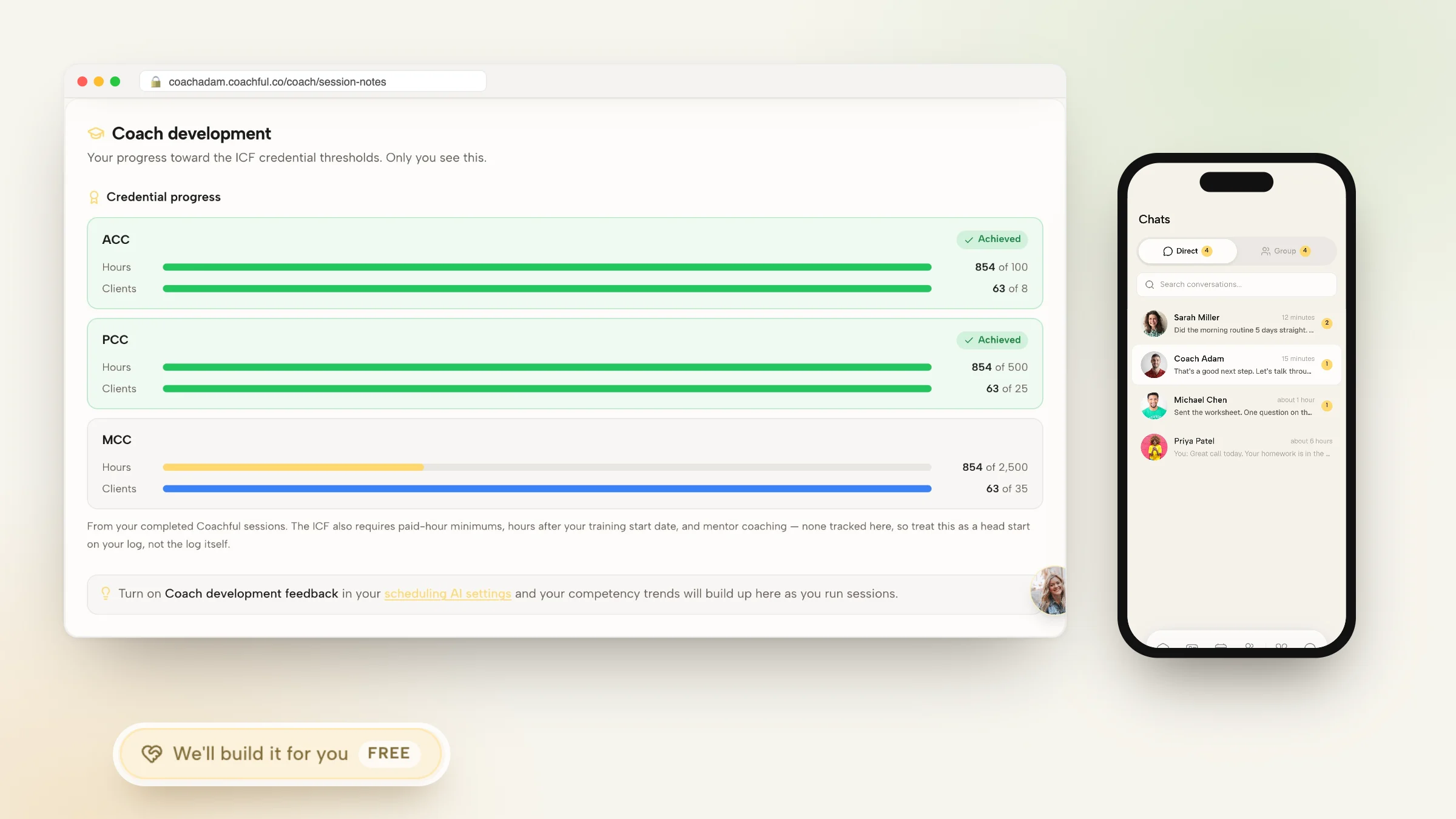
Dedicated coaching platforms eliminate this friction by enabling advisors to automate coaching session notes delivery directly within an integrated client portal. Bilateral session documentation separates private clinical coach observations from shared client commitments, while action items agreed upon in session convert instantly into daily mobile habit streaks with push notifications. In this comprehensive guide, we unpack the note architectures, automated delivery workflows, and software tools needed to automate session documentation.
Manual Post-Call Emailing vs Disorganized Paper Notes vs Automated Portal Note Delivery
| Documentation Parameter | Manual Email Typing (Word/Docs) | Messy Paper Sticky Notes | Automated Session Note Delivery (Coachful) |
|---|---|---|---|
| Weekly Coach Labor | 6 to 10 hours manually typing and sending recap emails | Zero typing, but notes are lost and never shared with client | Under 1 hour; notes publish to client mobile app in 1 click |
| Client Action Item Conversion | Client must manually copy tasks into their personal apps | Zero client visibility; client must take own notes | 1-click sync: session commitments convert to daily mobile habit streaks |
| Confidentiality & Storage | Sent over unencrypted consumer email risking data leaks | Physical notebooks vulnerable to loss or prying eyes | Bank-grade AES-256 encryption, GDPR compliant, searchable database |
| Historical Searchability | Buried in endless sent-mail folders and search queries | Impossible to search across historical paper pages | Instantly searchable by client OKR, topic tag, and session date |
The Bilateral Note Architecture: Private vs Shared Documentation
The most common documentation flaw in professional coaching is mixing private clinical observations with shared client action items. A coach needs a private space to record intuitive hunches, behavioral resistance patterns, and potential developmental blind spots that are not yet appropriate to share directly with the client.
An elite bilateral note architecture bifurcates session documentation into two synchronized layers: a private confidential vault accessible only by the coach, and an interactive shared workspace published directly to the client's mobile app. This structure protects the coach's clinical thinking while providing the client with actionable clarity.
Advisors frequently reference our foundational analysis on best coaching crm software for client management to establish comprehensive operational baselines before scaling client engagements.
- Private Clinical Observations:: Documenting subtle body language shifts, emotional transference, and strategic hypotheses strictly for coach review.
- Shared Actionable Commitments:: Publishing concrete strategic decisions, mindset reframings, and homework tasks directly to the client dashboard.
The 4-Step Automated Session Note Delivery Pipeline
To deliver polished, high-impact session summaries without spending hours typing, your software must support structured, real-time documentation capture:
Implement this proven four-step note automation sequence in your practice:
- Step 1: Real-Time Framework Tagging:: During the call, capture key insights using structured headers: Primary Breakthrough, Strategic Decision, Action Commitments.
- Step 2: One-Click Action Item Extraction:: Tag agreed commitments in your digital editor, instantly converting them into assigned mobile tasks with due dates.
- Step 3: Instant Mobile Portal Publishing:: Hit 'Publish' at call completion; notes instantly appear in the client's mobile portal app with a push notification.
- Step 4: Daily Habit Streak Integration:: Action items automatically feed into the client's daily habit tracking widget, ensuring daily between-session execution.
Connecting Session Takeaways to Quarterly OKRs
Session notes should never exist as isolated historical artifacts. When call action items are directly tagged to overarching developmental OKRs, clients see how every single conversation advances their major strategic objectives.
Explore our guide on coaching session notes software guide to master structured documentation.
Automating Note Delivery with Coachful
Coachful provides the ultimate bilateral note editor, combining real-time call documentation with instant mobile portal publishing and automated habit sync.
Advisors frequently reference our foundational analysis on how to automate coaching call summaries and notes to establish comprehensive operational baselines before scaling client engagements.
Frequently asked questions about automate coaching session notes delivery
How do you automate coaching session notes delivery?
By using coaching software like Coachful, which lets you tag action items during sessions and publish them instantly to the client's mobile app with a single click.
What is bilateral session note documentation?
It is a note-taking architecture that separates private clinical observations for the coach from shared action items published to the client portal.
Can clients see session notes on their smartphones?
Yes, clients access a custom-branded mobile app where session notes, replay recordings, and assigned habit streaks are archived chronologically.
How do automated session notes improve client accountability?
Agreed commitments convert automatically into interactive mobile checklist items with push reminders, ensuring clients execute between calls.
How much time does automated note delivery save a coach?
Coaches save 5 to 10 hours every week by eliminating manual email typing and administrative follow-ups across a full client roster.
Learning how to automate coaching session notes delivery is the fastest path to reclaiming ten hours of weekly administrative freedom while elevating client execution and retention. By turning verbal breakthroughs into structured mobile habit streaks with a single click, you deliver an unforgettable client experience.
Eliminate post-session typing fatigue and messy paper notes. Automate your session documentation workflows today and watch your client breakthroughs and practice productivity soar.