How to Host Community Channels Without Discord: Guide

Nour
Founder, Coachful
Building an engaged community around your coaching cohorts, group programs, or alumni networks multiplies client retention, facilitates peer learning, and drives organic referrals. Many facilitators default to consumer gaming chat platforms like Discord or complex enterprise messaging tools like Slack, only to watch participation collapse. High-performing executives, founders, and corporate leaders find Discord's gamer aesthetics, cartoonish bots, and notification overload overwhelming and unprofessional. Learning how to host community channels without discord allows you to provide a clean, focused, executive-level workspace.
By embedding topic-based discussion channels directly inside your native coaching portal, community conversations stay organized alongside client curriculum, habits, and live calls. Explore how to host coaching communities without Circle, discover 10 coaching community engagement ideas without social media, and review our plans.
Gamer Chat Platforms (Discord) vs Dedicated Coaching Community Spaces
| Community Workspace Dimension | Discord Community Server | Native Coaching Community Hub | Executive Client Experience |
|---|---|---|---|
| Visual Aesthetic & Tone | Gamer-centric dark mode, cartoon bot icons | Clean, minimalist, executive design | Feels like an exclusive professional leadership salon |
| Client App Onboarding | Requires creating Discord account & installing app | Single login to your branded coaching portal | Zero friction; clients access community where they learn |
| Notification Overload & Noise | Endless pings, server hopping, notification fatigue | Focused, topic-specific notification settings | Preserves executive cognitive bandwidth and focus |
| Curriculum & Course Integration | Completely disconnected from course modules | Channels embedded alongside curriculum lessons | Discussion happens in direct context of learning materials |
| Data Privacy & Brand Control | Discord controls user data and platform policies | Private, encrypted client environment | Maintains strict corporate confidentiality and brand trust |
Why Discord Alienates Corporate and Executive Clients
Discord was originally developed as a voice-and-text chat platform for video gamers coordinating multiplayer tournaments. While it has expanded into Web3 and crypto communities, its fundamental user interface remains steeped in gaming culture: animated GIF reactions, custom server roles, and bot commands like '/roll'.
When a corporate Vice President, physician leader, or startup founder is invited to a Discord server for a $5,000 coaching cohort, the visual disconnect is jarring. Furthermore, corporate IT firewalls frequently block Discord on enterprise laptops due to security policies.
- Corporate firewall blocks: Enterprise clients cannot access Discord on company-issued laptops or networks.
- Gamer cultural baggage: Aesthetic design elements diminish the gravitas of professional leadership development.
- Notification chaos: Aggressive server pings and mentions create cognitive fatigue for busy executives.
The 3 Channel Categories That Drive Meaningful Engagement
A frequent mistake in community facilitation is creating too many channels. When a new cohort launches with fifteen different chat rooms, members feel paralyzed, conversations fragment, and channels become ghost towns.
An elite coaching community relies on three core channel categories: The Main Cohort Room (for major announcements and facilitated prompts), Topic-Specific Problem Hubs (such as 'Hiring & Delegation' or 'Fundraising'), and The Resource Vault (for sharing templates and vendor recommendations).
- Category 1: The Main Cohort Lounge: A single centralized space where weekly discussion prompts and celebrations happen.
- Category 2: Tactical Problem Hubs: Focused channels where members ask for specific advice on live business dilemmas.
- Category 3: The Resource Archive: A clean repository for sharing contracts, reading lists, and proven templates.
Facilitating High-Signal Peer Problem Solving
Community engagement does not happen spontaneously; it is cultivated through intentional facilitation. Top facilitators deploy structured weekly prompt rituals that invite vulnerable, high-signal peer exchanges.
For example, 'Hot Seat Tuesday' invites one member to share a complex strategic dilemma, while peers share relevant lessons learned. This turns the community into an indispensable advisory network.
- Structured facilitation rituals: Post predictable weekly prompts that encourage thoughtful peer reflection.
- Vulnerable case discussions: Encourage members to share real-world business challenges without posturing.
- Facilitator synthesis: Summarize peer advice into clear takeaways to reinforce collective learning.
Connecting Community Channels Directly to Curriculum
In external tools like Discord, discussions exist in isolation from your course materials. When a member has a question about a specific video lesson or worksheet, they must take screenshots and explain context in an external chat room.
In an integrated coaching portal, discussion channels live alongside course lessons. When a member finishes a module on executive delegation, they immediately share their delegation plan in the connected cohort channel.
- Contextual discussion threads: Discuss course modules directly beside the learning materials.
- Immediate implementation feedback: Enable cohort peers to review homework worksheets collaboratively.
- Consolidated student experience: Eliminate the friction of switching between separate learning and chat apps.
Hosting Community Channels Inside Coachful
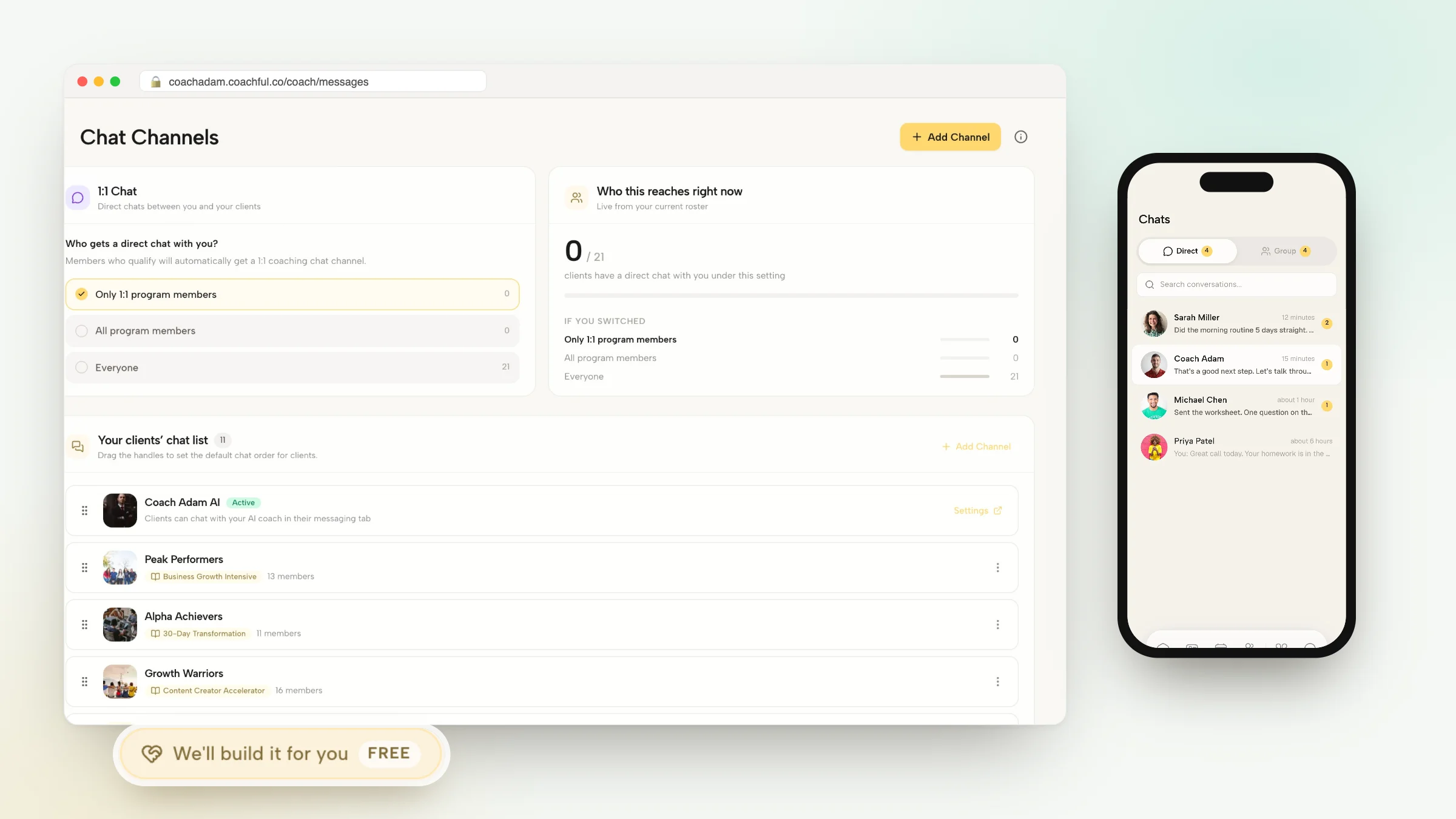
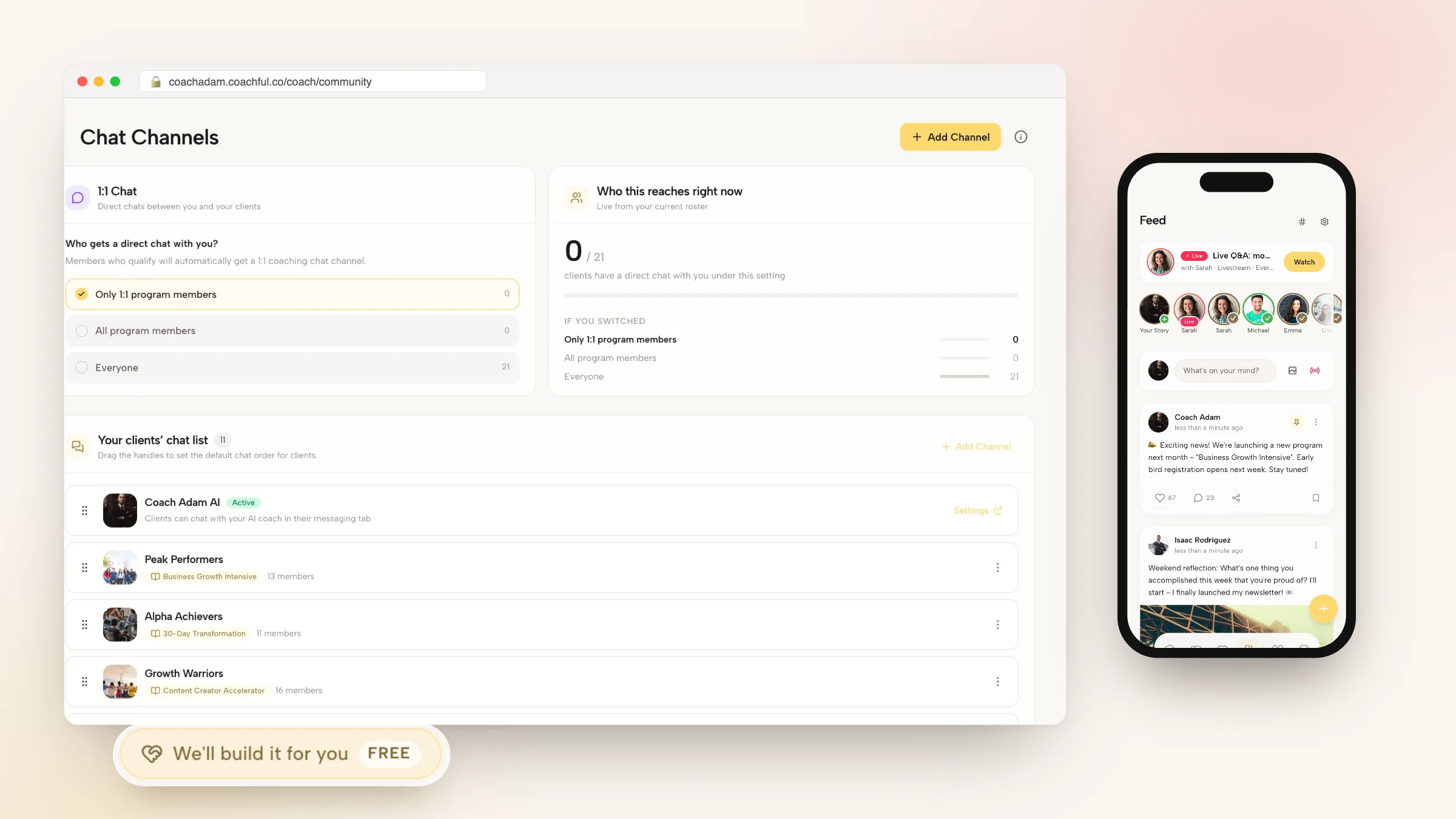
Coachful provides coaches with native community discussion channels designed specifically for professional transformation. Coaches create clean channels, manage member permissions, and moderate conversations with ease.
Members participate in rich discussions, share documents, and engage with peers directly inside their branded coaching portal across web and mobile, providing a high-status community experience without Discord's chaos.
- Clean executive aesthetics: Deliver a distraction-free, professional environment suited for corporate leaders.
- Unified client workspace: Keep community channels, course modules, habits, and appointments in one platform.
- Zero third-party tool fees: Manage unlimited community members without paying subscriptions to external chat tools.
Frequently asked questions about host community channels without discord
Can I host community channels for coaching cohorts without Discord?
Yes. Platforms like Coachful provide native, clean discussion channels and topic spaces built directly into your coaching portal, eliminating the need for Discord or Slack.
How many channels should a coaching community have?
Start with 3 to 5 channels to keep conversations concentrated. Expanding to too many channels too early fragments engagement and creates dead rooms.
Can corporate clients access Coachful community channels behind firewalls?
Yes. Unlike Discord which is often blocked by corporate IT policies, Coachful runs as a standard secure web and mobile application accessible anywhere.
Can I create private channels for specific coaching tiers?
Yes. You can restrict channel access to specific cohort groups, mastermind members, or VIP coaching clients.
Hosting community channels without Discord removes gamer distractions, protects corporate client privacy, and anchors peer discussions within your professional coaching portal. By providing an elegant, focused digital workspace, you foster authentic peer collaboration that elevates program value.
Use Coachful's native community channels, course integrations, and branded mobile apps to build an engaged, high-status coaching community.