QR Codes for Coaches: 5 Useful Ways to Connect Offline Interest to Your Website

Coachful
Editorial Team
Where should a coaching QR code send someone so a good conversation does not end with a forgotten business card? Send them to the next thing you actually promised: the workshop resource, current event details, a service explanation or an introductory-call page. Choose that destination before generating the code.
A QR code removes typing. It does not create demand, establish trust or give you permission to email someone. For coaches, its useful job is connecting an offline moment to a relevant online action without making the person search for you again.
Use one code for one clear invitation, with a readable web address beside it. The five uses below are selected for situations where a coach has a genuine reason to continue the interaction. None depends on putting a mysterious square on every available surface.
First, decide whether a QR code is the right handoff
Use a code when the recipient is looking at something physical or at a presentation on another screen. A workshop handout, event sign or final slide can make scanning easier than copying an address.
In an email, direct message or ordinary web page, a clickable link is usually the simpler choice. Asking someone to scan a code displayed on the same phone adds a problem you did not need to create. Include an ordinary link in the digital version of any material.
Write this sentence before designing anything: “After this conversation, the person needs to ___.” If the answer is “see everything I do,” narrow it. A coach who has just taught a feedback-preparation workshop has a more relevant invitation than a homepage containing unrelated programs.

1. A workshop slide that delivers the promised resource
Best for: a talk or workshop where attendees have just learned something practical and want the supporting material. Put the code beside a specific invitation such as “Get the feedback-preparation worksheet from this session.”
The destination should make that worksheet immediately findable. Explain whether it is a direct download or whether an email address is required. Do not advertise a resource and then replace it with a discovery-call application.
A hypothetical leadership coach might offer a one-page preparation sheet with three prompts: the observation to discuss, the question to ask and the next step to agree. The resource continues the session; an optional explanation of coaching can follow below it.
Check the host’s policy before showing promotional material. In an employer-sponsored workshop, agree whether the resource is shared through the employer, publicly available or offered through a coach-owned page. Attendance is not automatic permission to add employees to a marketing list.
Trade-off: this is a strong context match, but projection can make scanning difficult. Keep the invitation visible long enough to use, test from the back of the actual room and read out a short fallback address.

2. A printed worksheet that offers a relevant next step
Best for: a handout people may use after leaving the room. Unlike a final slide, it can travel home and remain beside the exercise. Place the code near the instruction it supports, rather than burying it among logos and social handles.
For example, a career coach’s decision worksheet could say, “Read how a coaching conversation can help you explore these options.” The destination would explain the service, scope and inquiry process. It should not imply that the worksheet diagnoses someone or proves they need coaching.
Keep the worksheet useful without scanning. A QR code should extend the exercise, not hold the essential instructions hostage. For people who cannot access the page, provide a readable address and a reasonable alternative way to obtain the information.
Public material should never encode personal answers, client identifiers or private portal credentials. If a worksheet belongs to a paid coaching engagement, use the agreed private delivery route for confidential material instead of turning its access link into public marketing.
Trade-off: the person may return weeks later. Use a destination you can maintain, and avoid printing availability claims or prices that may change unless you have a plan to keep the promise accurate.

3. A referral partner’s information stand
Best for: a professional or organisation that has agreed to display information about your coaching. Ask permission for the placement and agree what the partner may say. A display is not an endorsement unless the partner has actually authorised that description.
A useful invitation is “Read who this coaching is for and how to enquire.” The destination should state your scope, who you work with, the delivery format and the contact route. Someone should be able to assess relevance without disclosing sensitive circumstances at the partner’s desk.
For a relationship or health-related practice, be particularly careful about the public wording. Do not create a sign that labels the person scanning it as having a particular condition or personal difficulty. Make the information available without asking the partner to identify, diagnose or qualify people for you.
Give each agreed location a general campaign label if you need to distinguish sources. Do not put a patient’s, employee’s or client’s name into the URL. A campaign can identify a placement without identifying the person using it.
Trade-off: a stand can reach suitable people, but you do not control the whole environment. Review it with the partner, check that the destination remains appropriate and remove outdated material promptly.
4. A networking card after a relevant conversation
Best for: someone who has already expressed interest in your work and wants an easy way to find it again. The card is a reminder of the conversation, not a substitute for having one.
Match the invitation to what was discussed. “Read about one-to-one career coaching” belongs on a service page. “See the next workshop” belongs on current workshop information. A direct booking page is more appropriate after someone has asked about a call and understands its purpose.
Put your name and a readable contact route alongside the code. People should not have to scan an unidentified square to discover who gave them the card. Our guide to life coach business cards covers the copy and print-layout decisions in more depth.
Do not interpret accepting a card, scanning it or exchanging contact details as agreement to receive a newsletter. Ask separately when you want ongoing marketing permission and follow the rules that apply to your practice.
Trade-off: cards are easy to keep and easy to forget. A clear recognition cue matters more than adding multiple codes for every account you own.

5. An event booth with one current offer
Best for: a conference, community event or professional gathering where visitors need to understand one offer quickly. Choose the action based on the conversation you can realistically support: event information, a short inquiry or a specific introductory conversation.
A hypothetical business coach exhibiting at an independent-consultant event could link to a workshop about preparing for a first hire. The page should show the actual topic, audience, format, dates and terms. A vague “transform your business” page gives the visitor less useful information than the stand did.
If the offer is not open, say so. Offer an optional interest form rather than keeping an expired booking button live. If you collect inquiries, ask only what you need to respond appropriately. A busy public venue is not a sensible place to request a detailed personal history.
Have a non-scanning option at the stand. A visitor may have limited mobile data, a flat battery, accessibility needs or simply no wish to use a camera. Your spoken explanation and readable address should still make sense.
Trade-off: event traffic can look impressive without producing suitable inquiries. Evaluate audience fit and follow-up quality, not the number of people willing to point a phone at the sign.

Static code or editable destination: which should you choose?
A static URL code contains the address you encode. Once printed, that encoded address does not change. You can still update the page at that address if you control it, or maintain a redirect from an address you own.
A service sold as a dynamic QR code commonly sends visitors through a provider-controlled redirect. That can let you change the destination and may provide reporting. It also creates another dependency: the provider’s account, terms, availability and any continuing charges.
- For a stable page you control: a static code can be a straightforward starting point. Keep the address active.
- For a destination likely to change: consider an address or redirect you control before relying on someone else’s service.
- For provider-managed redirects: check what happens after a trial, cancellation, plan change or account closure. Do not assume the printed code will keep working.
A code is not inherently temporary just because someone calls it static. Nor is an editable code automatically the better business decision. Choose based on the useful life of the printed material and who will maintain the destination.
Build the destination around the printed promise
The first heading should confirm why the person arrived. “Workshop reflection sheet” is a better match for a resource invitation than an unexpected page asking them to buy a package.
Then make the requested action obvious. A service page needs enough information to judge fit. An event page needs current details and terms. An inquiry form needs a clear explanation of what happens after submission and how the information will be used.
For an initial coaching inquiry, name, contact details and a short description of the question may be sufficient. Ask for more only when it is necessary and appropriate. Avoid collecting medical histories or confidential employer information through a general public form.

Keep resource delivery and optional marketing distinct where required. Someone asking for a worksheet should understand whether they will also receive a newsletter. Provide a privacy notice and an appropriate way to withdraw from ongoing communications. This is practical editorial guidance, not jurisdiction-specific legal advice.
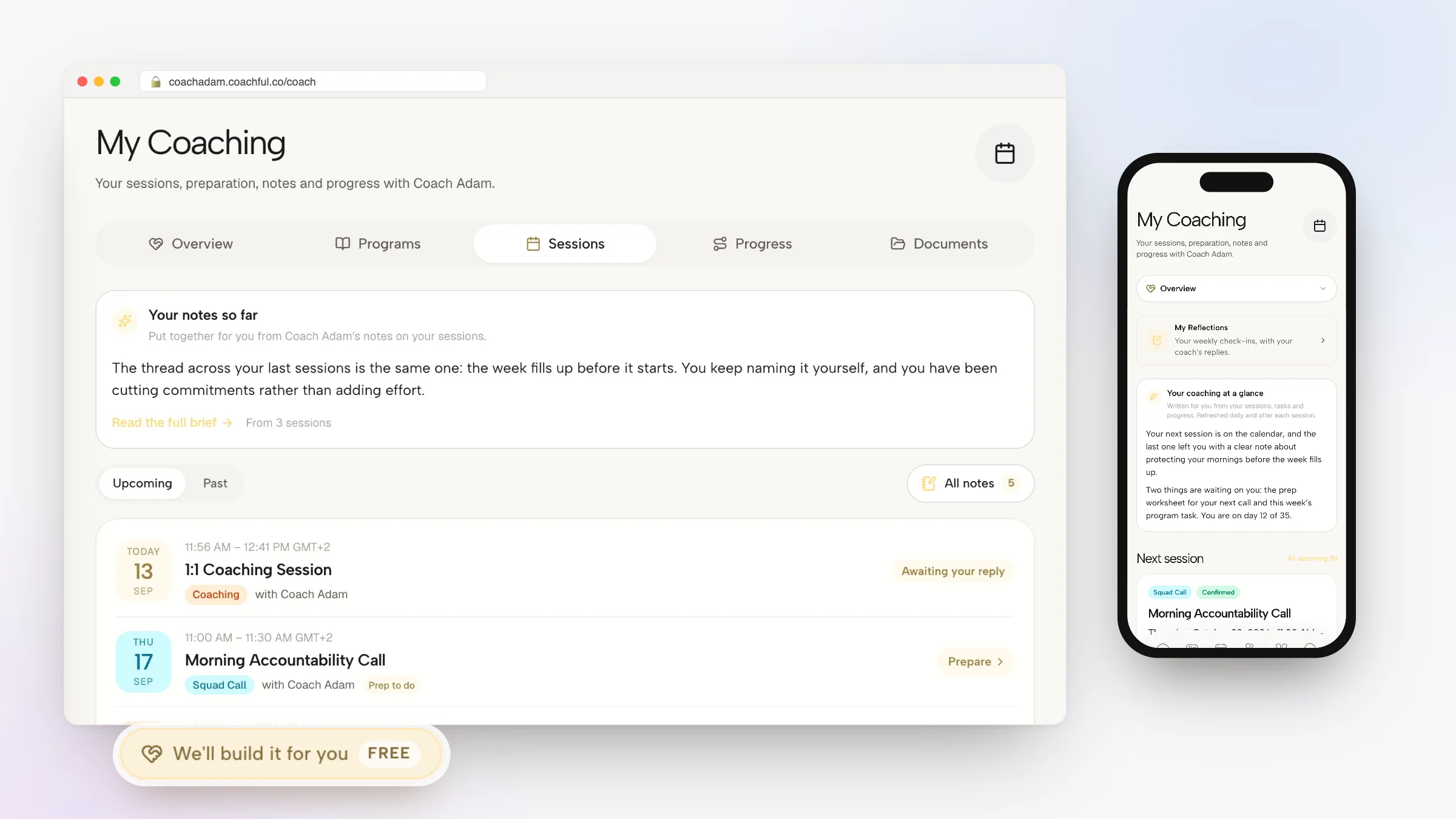
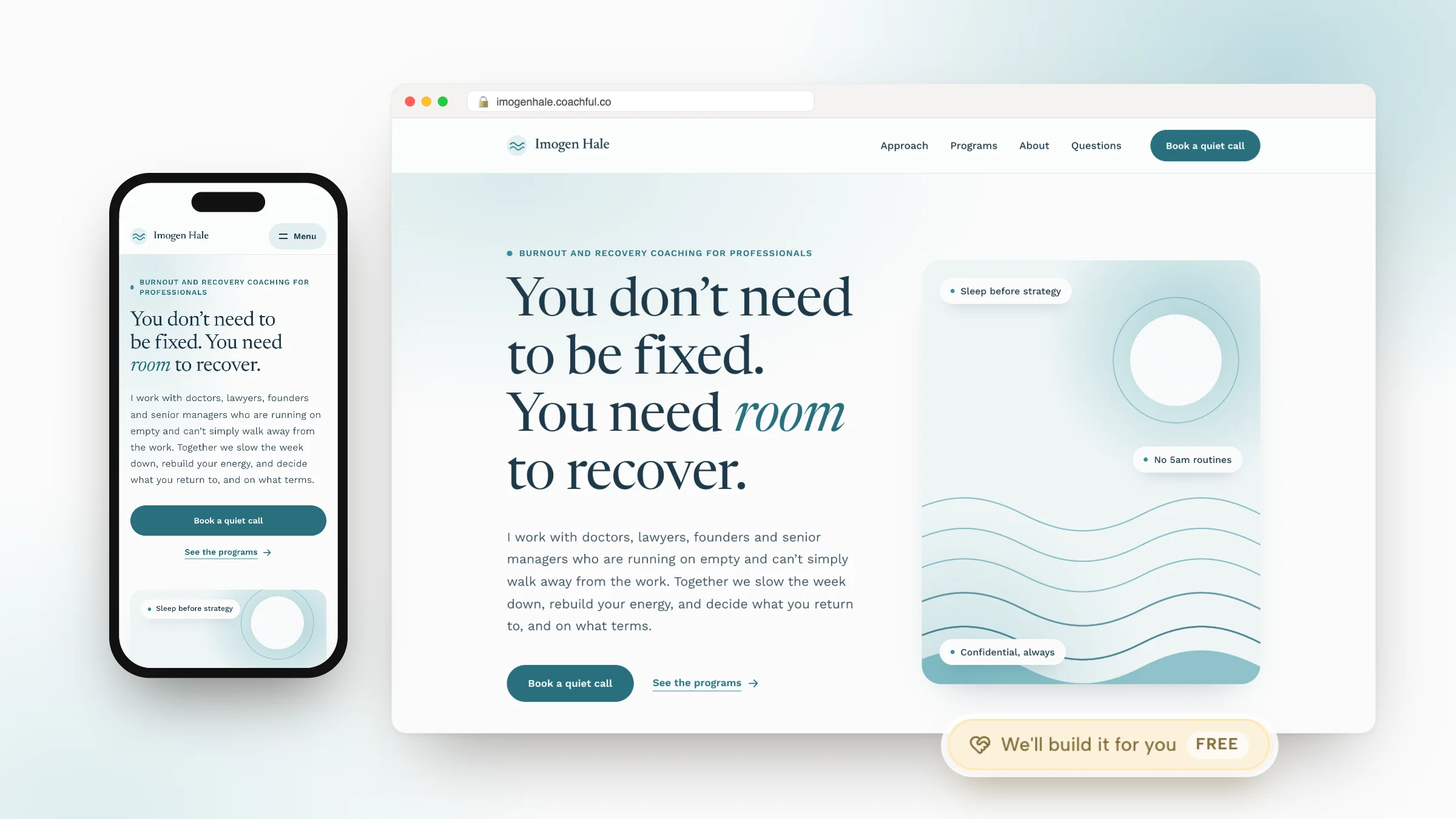
Coachful’s real website, Links, intake and leads screens illustrate parts of this destination-and-follow-up process. They do not establish a native QR generator, automatic attribution or a guaranteed connection between every form and campaign. Check your actual account setup rather than inferring automation from a screenshot.

Test the physical proof, not just the image file
Do not order a large print run because the code works when enlarged on your laptop. Print a physical proof at the intended size and test the complete journey in conditions resembling its real use.
- Confirm the encoded address. Use the intended public HTTPS destination, not an editor preview or a page that requires your login.
- Keep clear space around the symbol. DENSO WAVE specifies a four-module quiet zone on each side. Do not squeeze text or artwork into it.
- Use readable contrast and suitable size. Keep the code square and avoid decorative distortion. Size depends on the code, print quality, distance and scanning conditions, not one universal minimum.
- Scan from the expected position. Try more than one phone, ordinary lighting and the actual paper or display surface. Reflections and distance can change the result.
- Open as a new visitor. Check mobile loading, the first heading, readable text and whether the promised resource or information is available without your account.
- Exercise the next step. Test a form or booking journey with clearly identified test information, following your own system’s test procedures. Loading a page is not proof its action works.
- Check the fallback. Type the printed address manually. Make sure the invitation remains usable without scanning.
For a sign displayed publicly, inspect it periodically for unauthorised stickers or replacement codes. A familiar-looking square can point somewhere unexpected. The printed domain helps people recognise the intended destination, but it does not replace checking the actual link.
Measure inquiries, not just scans
Decide what would make the placement worth repeating before distributing it. For a resource handout, useful engagement may be the first question. For a service-page invitation, the more important question is whether suitable people inquire.
If your tools support it and your privacy arrangements permit it, use general source labels such as workshop, partner stand or conference. Preserve those labels through your own review where practical. Do not place names, email addresses or sensitive answers inside tracking parameters.
Review three different stages: visits to the destination, completed relevant actions and suitable coaching inquiries. Repeated scans, your own testing and automated traffic can affect counts. A visit is not necessarily a person, and a person is not necessarily a prospective client.

Ask new inquirers how they found you, while allowing that they may have encountered you several times. If visits arrive but inquiries do not, inspect the promise, destination and audience fit. If nothing arrives, investigate placement and scan usability before rewriting your whole offer.
Frequently asked questions
Can a coach use a free QR-code generator?
Yes, provided its output, licensing and ongoing terms fit the use. Check whether it encodes your own address directly or routes through the provider. Download a suitable file, preserve your source information and test the printed result before distributing it.
Should the code lead straight to a discovery-call calendar?
Only when that is the next step you promised and the person has enough context to judge it. A workshop resource invitation should deliver the resource first. A call page should explain the purpose, duration, cost or free status, and what happens next under your actual terms.
Do I need a different code for every placement?
Not necessarily. Separate destinations or source labels can help compare placements, but they also need maintenance. Start with the distinction you genuinely need. Do not create a complicated campaign system for one small workshop.
Does Coachful generate or track these QR codes?
This article does not claim that capability. The verified screenshots show coaching website editing, Links, intake, webinars and lead management. Generate the code with a suitable separate tool, then use an appropriate public destination. Confirm any account-specific integrations independently.
Start with one placement, not a print run
Choose an upcoming real interaction, write one accurate invitation and build the destination that fulfils it. Test a small proof, watch what people actually do and improve the handoff before ordering more material.
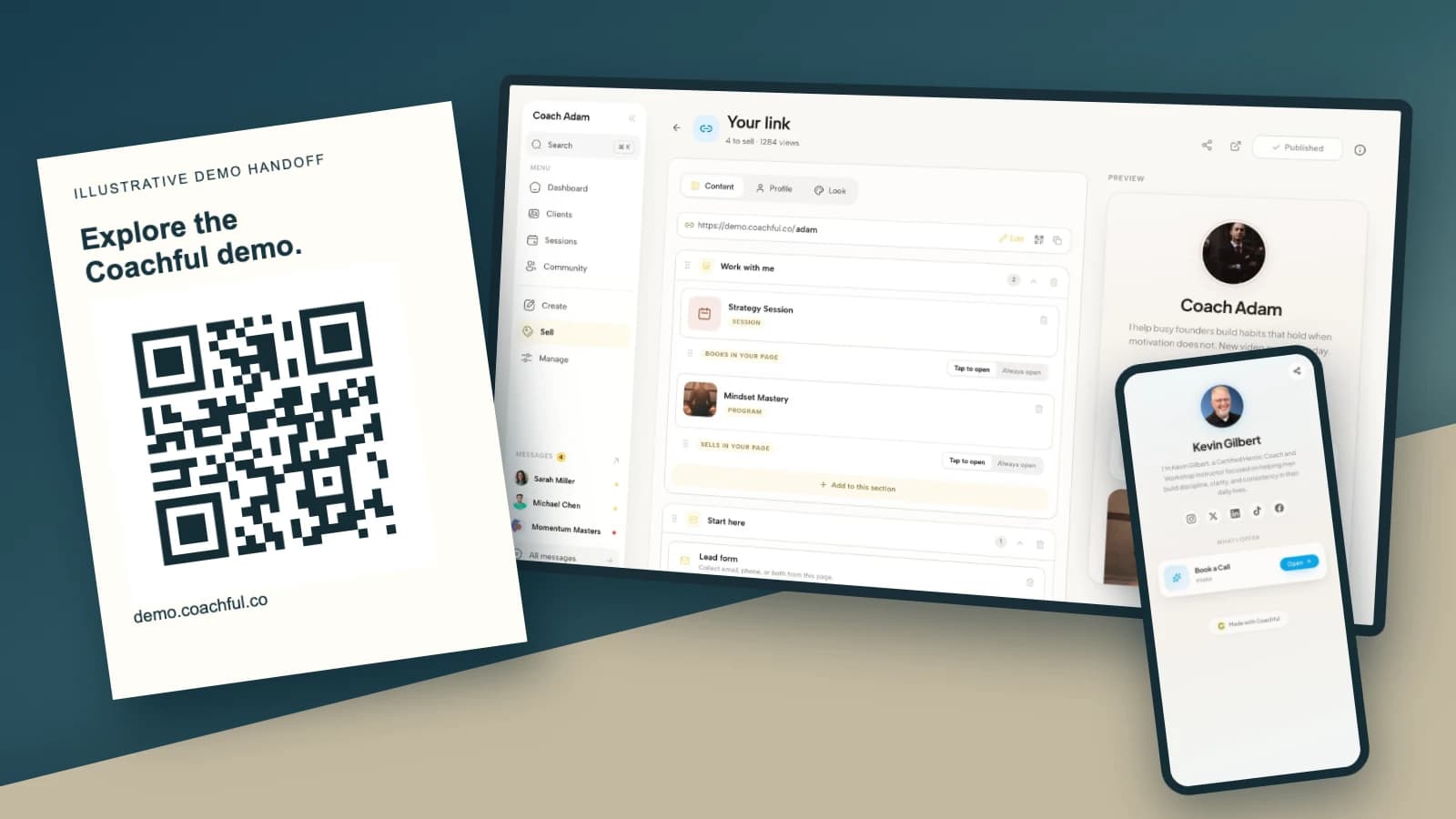
If you are choosing where that code should lead, try the interactive Coachful demo. Inspect the website, Links and inquiry-management surfaces with one question in mind: can a new visitor find the thing you just promised? Settle that before printing an address you intend to hand out for months.
Technical sources: DENSO WAVE’s guidance on QR-code quiet zones and module size and scanning conditions. The five placements and hypothetical coaching examples are original editorial guidance, not measured claims about lead-generation performance. The real product screens show separate demo states, not one live campaign.