Voicemail Greetings for Coaches: 5 Scripts to Record

Coachful
Editorial Team
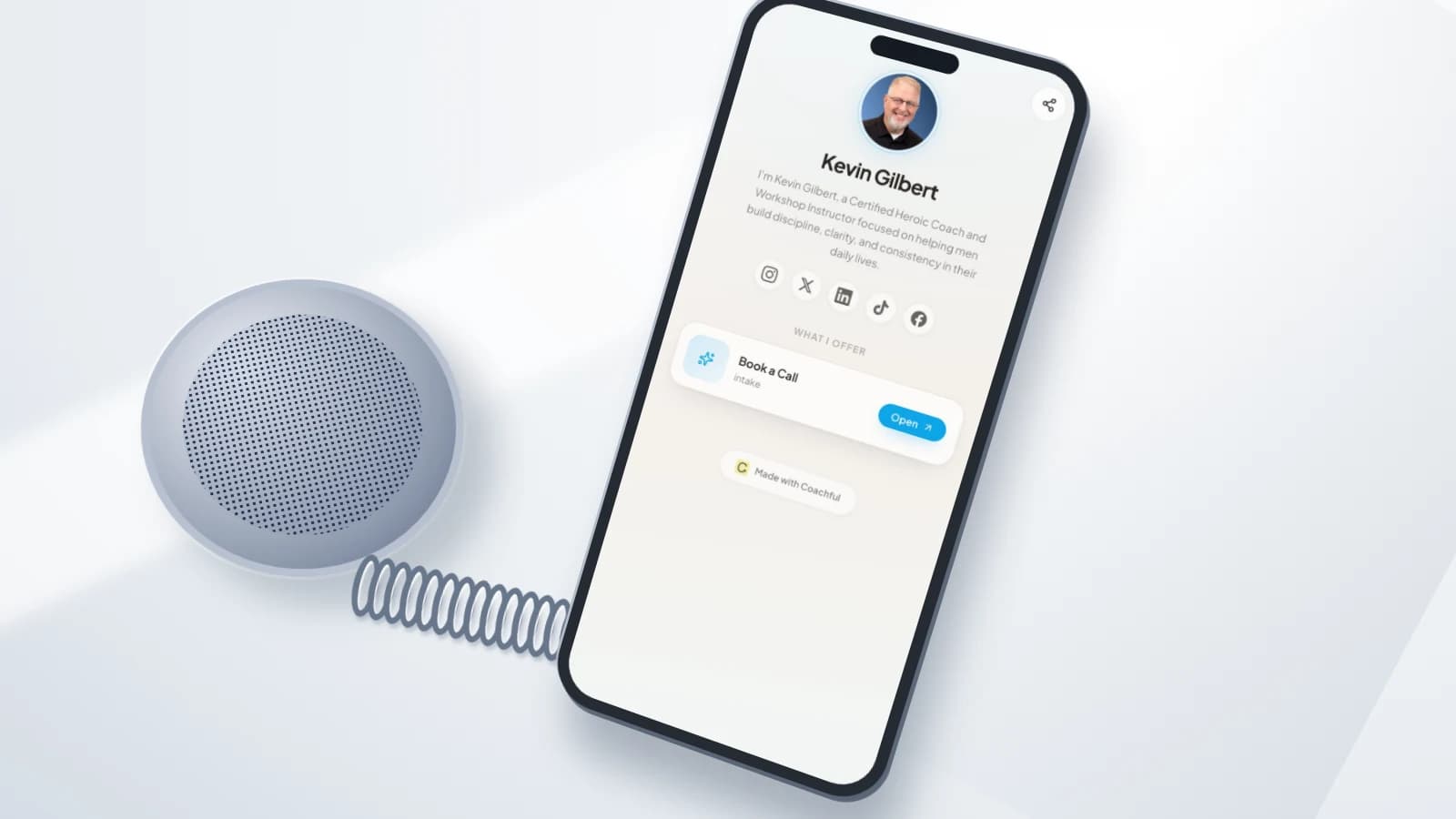
Cover: a real Coachful mobile link page with original editorial speaker and cable props. The image shows a possible next destination, not a Coachful telephone feature.
What should your coaching voicemail say so a missed call does not become a lost enquiry or a promise you cannot keep? Say who the caller reached, ask for a name and callback number, give an honest response window, and offer one useful alternative. Do not invite somebody to tell their personal story to an unattended mailbox.
A good coaching voicemail greeting is a small service agreement, not a miniature sales pitch. The caller needs to know whether to leave a message, use your website or wait until you reopen. You need enough information to respond without making the telephone an unofficial between-session support channel.
Below are five original scripts for different operating situations, followed by a recording test and a callback process. Replace every bracketed field before recording. The examples are editorial templates, not legal advice, crisis-service wording or claims that Coachful provides telephone answering or voicemail hosting.
What belongs in a professional coaching voicemail greeting?
Use four elements: identity, a minimal message request, a response expectation and an optional alternative route. Start with your own name and practice name if you work alone. Use the practice name and “we” only when a real team handles the line.
- Identity: “You have reached [name] at [practice].” Match the name on your website so a referred caller recognises it.
- Message request: ask for a name, callback number and a brief administrative reason. You do not need a detailed account of their circumstances.
- Response window: use a working-day commitment you can meet. Explain relevant working days or the time zone when callers would otherwise be uncertain.
- Alternative: give a short, speakable website address or the existing client contact route. Do not recite a long booking URL.
Choose the script by how your practice actually works, not by which one sounds most impressive. A solo coach does not need a pretend reception team. A practice without out-of-hours cover should not offer an “urgent” option nobody monitors.

1. Everyday voicemail for a solo coaching practice
Best when: one person handles enquiries and callbacks. This is the default when a new caller may know very little about your practice.
Hi, you have reached [name] at [practice]. I cannot take your call right now. Please leave your name, callback number and a brief reason for calling. I return calls within [your actual working-day window]. Please save personal details for our conversation. Thank you.
This version does not explain whether you are coaching, travelling or making lunch. The caller does not need a running commentary. It also avoids “I will call you straight back,” which becomes inaccurate the moment you have another appointment.
Make the response promise concrete enough to be useful. If you only work Tuesday through Thursday, “within one business day” can mislead someone who assumes a Monday-to-Friday week. State your actual callback days on the website, and include them in the recording when necessary.
Trade-off: this script is simple, but everyone waits for a callback. If many callers only want an introductory appointment, the next version can give them an alternative without making phone contact disappear.

2. New-enquiry voicemail with an optional booking route
Best when: callers commonly want to explore coaching and your public introductory-call page explains the purpose, duration and terms.
Hi, you have reached [name] at [practice]. To explore coaching, visit [short website address] and choose [the exact visible button label]. Or leave your name and number, and I will call within [actual response window]. Please keep your message brief and leave personal details for our conversation.
Read the website address aloud before committing to it. A string of hyphens, an unfamiliar spelling and a long path can turn a useful invitation into a memory test. A short address you control can point to the right page, but test that redirect rather than assuming it works.
The page must deliver the invitation the caller heard. “Choose Book an introduction” is not helpful if the page only offers a paid package checkout. If your process starts with an enquiry form rather than self-booking, say that instead.

Keep a telephone alternative for people who cannot or do not want to use the page. The website is an option, not a condition of being allowed to contact you. Avoid implying that booking guarantees acceptance into a coaching engagement.
Trade-off: a booking route can reduce unnecessary back-and-forth, but only if availability is accurate and the page is understandable on a phone. Your greeting cannot compensate for a confusing destination.

3. Existing-client voicemail with a clear support boundary
Best when: clients have an agreed contact method and response window between sessions. Use this on a client-specific line, or adapt it carefully if the same number also receives new enquiries.
You have reached [name] at [practice]. For a session change or an agreed between-session update, please use [the contact route in your agreement]. This voicemail is checked [actual schedule] and is not an emergency service. For a callback, leave your name and number without personal details.
The important phrase is “in your agreement.” Do not announce a new restriction through voicemail if clients bought a different support arrangement. Discuss changes, confirm the appropriate terms and update every relevant channel consistently.
If the agreed route is a private client portal, do not speak a private access link into a public recording. Tell clients to use their existing access. New callers need a separate public contact option rather than an instruction to sign into an account they do not have.
Coaching is not a substitute for emergency or clinical care. Where your practice needs an emergency statement, develop appropriate wording for the locations and people you serve. Do not casually borrow another country's telephone number or promise clinical triage you are not qualified or staffed to provide.
Trade-off: this greeting helps keep administration and support in their agreed places. It will frustrate people if the named route is broken, rarely checked or inconsistent with what you promised at onboarding.

4. Planned-absence voicemail with a real return plan
Best when: you are away for longer than your normal callback window. Replace the everyday recording before leaving and put restoration of the normal greeting on your return checklist.
You have reached [name] at [practice]. I am away until [full return date] and will begin returning messages on [response-start date]. This mailbox is not monitored while I am away. Please leave your name and number for a later callback. For [specific covered task], contact [approved public contact].
Remove the final sentence if nobody provides cover. A named contact is not a decorative reassurance: that person must agree to the role, understand its limits and have an appropriate way to handle the information they receive.
Your first day back and your first realistic response date may differ. Leave room for existing sessions, travel disruption and the messages already waiting. Do not promise to clear an unknown backlog by lunchtime.

Check booking availability separately. An absence recording does not stop someone using a public calendar. Review published slots, existing appointments, reminders and any support commitment that continues during the break. Resolve paid-delivery changes with affected clients, not just with whoever happens to telephone.
Trade-off: dates remove uncertainty but become wrong when you forget to change them. Use a full date, avoid ambiguous number-only formats, and assign a real reminder to replace the message.
5. Shared-practice voicemail with limited administrative cover
Best when: more than one person has a genuine role in handling calls. It is useful for a small multi-coach practice where administration and coaching conversations belong with different people.
Thank you for calling [practice]. Please leave your name, callback number and whether your message concerns a new enquiry or an appointment. [Role or team] returns administrative calls within [actual window]. For a private coaching matter, please use the contact method agreed with your coach rather than leaving details here.
Two routing categories are enough for this example. Do not read a sprawling menu into an ordinary mailbox, and never say “press one” unless your telephone system actually supports and tests that route.
Give administrative cover the minimum access needed. Someone arranging an appointment does not automatically need session notes, personal goals or a transcript of a sensitive message. Set permissions and handling rules before sharing a mailbox.
Trade-off: a shared line can improve continuity, but it can also make ownership vague. Every message needs one responsible person and an agreed next action. “The team has it” is not a callback process.
What to cut before you record
Read the greeting as a caller who is walking outside, has imperfect reception and does not have a pen. Cut long apologies, motivational slogans, your qualifications list and explanations of why you are busy. Keep warmth in the delivery rather than in another paragraph.

Replace “as soon as possible” with a realistic window. Replace “tell me everything you need help with” with a minimal request. Replace “for urgent help, leave a message” with wording that accurately reflects your service and any appropriate separate emergency route.
Do not claim the mailbox is confidential merely because it belongs to your practice. Consider who has access to the device, cloud account, forwarded recordings and transcripts. Telephone-provider transcription or recording settings deserve their own review; this article does not establish that any provider meets your obligations.
Be equally careful when calling back. Ask whether it is a suitable time to speak before discussing coaching. If you reach somebody else's voicemail, a neutral callback request can avoid revealing a coaching relationship. Agree safe contact preferences where appropriate rather than relying only on a number left in a message.
Record and test the complete caller experience
Aim for a concise greeting that is easy to follow, not a fixed industry-standard duration. Read at a natural pace and time the actual recording. If the message feels rushed, remove words instead of speeding up.
- Replace the placeholders: name, practice, working days, response window, website and return dates must all be real.
- Record in a quiet space: use your normal voice and leave a brief pause after the website address or callback instruction.
- Call from another telephone: test the number a real person will dial, not only the recording preview inside your account.
- Leave a sample message: check that it arrives, that notifications work and that authorised staff can hear it.
- Test the alternative route: type the spoken address into a phone, find the named button and check the next step.
- Test the exceptions: a full mailbox, an absence greeting, a missed notification and an incorrect callback number.
- Restore normal operation: document who updates temporary greetings and when the next review happens.
Your telephone provider determines how greetings, forwarding, storage and notifications work. Use its current instructions for your account. Nothing in a coaching platform screenshot proves that your separate telephone setup receives calls or routes messages correctly.
Turn a voicemail into one owned next action
Once messages arrive, track the administrative action without creating a second file of private coaching information. A small log can record receipt time, a restricted contact reference, the message category, owner, due date and completion status. Keep the recording and personal contact details in an appropriately controlled source system.

Use this copyable header for an administrative log: Received | Contact reference | Category | Owner | Callback due | Action | Status. Suitable categories might be New enquiry, Appointment administration and Other. Do not put diagnoses, relationship details or session content into the category field.
For example, a fictional entry could read: “Received [date/time]; enquiry Q014; new enquiry; owner [name]; callback due [agreed deadline]; confirm safe callback time; open.” That is an example of ownership, not a recommendation to keep identifiable records indefinitely.
A callback is not the same as a booked consultation. Record what actually happened: attempted contact, conversation held, information requested or an appointment confirmed. Follow your appropriate retention and deletion policy for recordings, transcripts and logs, and keep access limited to the relevant task.
If someone follows the website route instead, make sure you do not chase them twice through disconnected processes. Check whether the enquiry or appointment already exists before creating another task. A voicemail greeting should make contact easier, not produce two competing conversations.
Frequently asked questions
Should a life coach use “I” or “we” in a voicemail?
Use “I” when you are the person handling the line. Use “we” when a real practice team handles the work. Neither is inherently more professional; the important point is that callers understand who will respond.
Should I give my personal mobile number in the greeting?
Only if it is genuinely an appropriate contact route you intend to monitor under the stated terms. Do not turn your personal number into an implied urgent-support service. You can provide a reasonable callback window without offering continuous availability.
Can I send callers straight to an online booking page?
You can offer it when the page matches the invitation and has been tested. Keep an alternative contact route, explain the purpose of the appointment and avoid implying that booking creates an accepted coaching engagement before your actual process does.
Does Coachful record or manage these voicemail greetings?
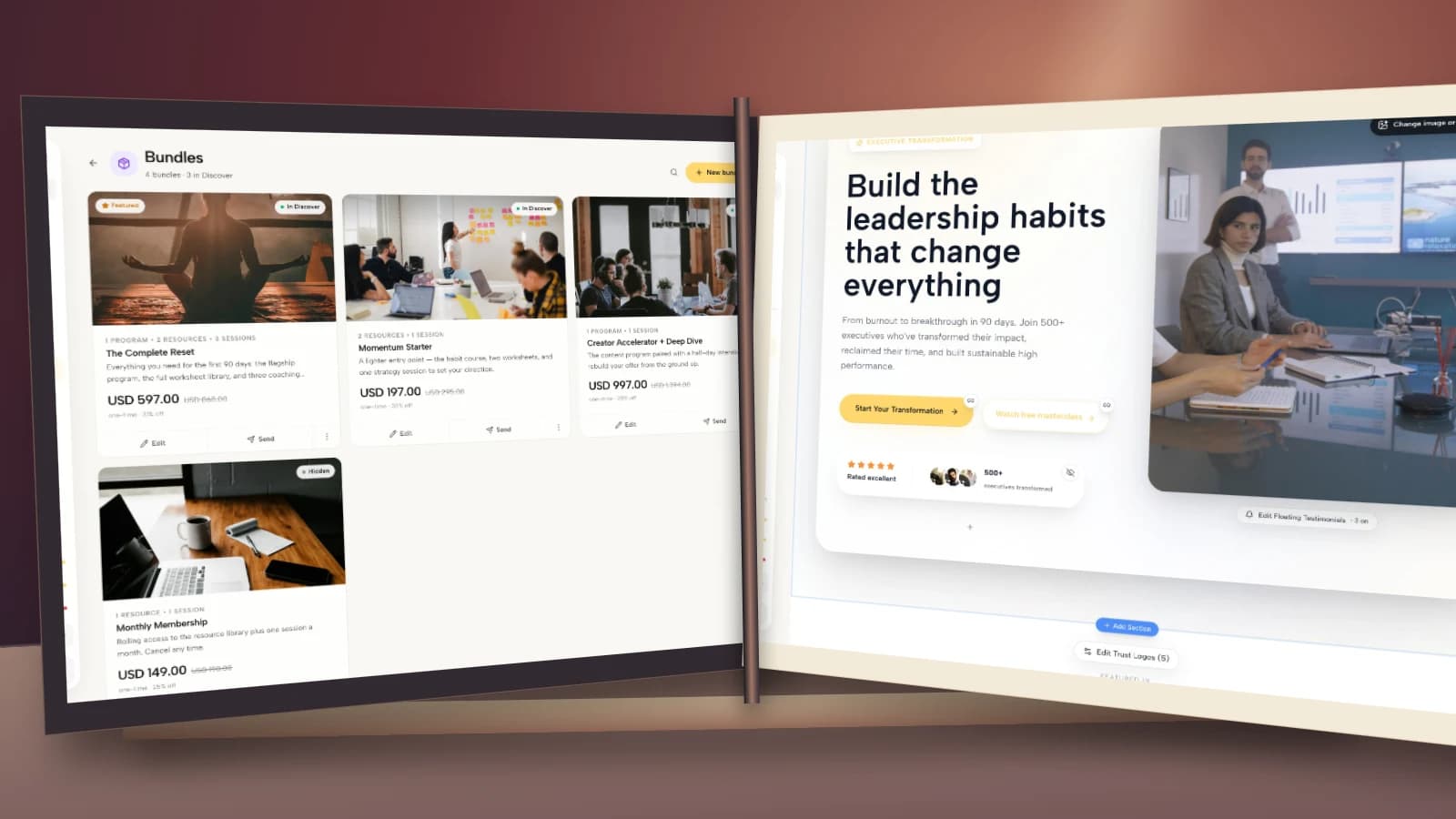
No telephone or voicemail capability is claimed here. The real demo screens illustrate the separate next steps: a public link page, scheduling, enquiry management and email. Record and manage the greeting with your telephone provider.
Choose one greeting and verify the next step
Start with the situation that matches your practice today. Record the shortest accurate script, call your own number and complete the route you offered. If the promise fails anywhere, fix the route before polishing the wording.
If your greeting will offer a website or introductory-call route, try the interactive Coachful demo to inspect those destinations before choosing your setup. Look at the mobile link page, appointment view and enquiry workspace. The useful question is whether a caller can take the promised next step without guessing.
Source boundary: public professional voicemail examples from iPlum establish the familiar identity, message-request and callback-window format. The five coaching scripts, privacy cautions and administrative process above are original guidance. No response-rate benchmark, provider endorsement or guaranteed client-conversion result is claimed.