Best Cloud Storage for Video: 10 Picks for Coaches

Coachful

Your video library starts small. A few recorded coaching sessions sit in a folder, homework clips arrive by email, and course lessons live wherever you first uploaded them. Then a client asks for last month's replay, a cohort needs access to the same lesson library, and you realize raw recordings, polished videos, testimonials, and private feedback are all competing for the same storage space.
The best cloud storage for video depends on what you need that storage to do. You might want simple sharing, smooth playback, private client access, polished course delivery, timestamped review, marketing analytics, team governance, or developer-controlled streaming. Those are different jobs, and one provider rarely handles all of them equally well.
This comparison looks at playback and transcoding, upload and viewing costs, security, permissions, plan structure, integrations, and implementation effort. It also considers practical coaching workflows, from storing session recordings and sending private homework to reviewing client uploads, running cohorts, publishing marketing videos, and controlling access as your practice grows. If transcription is part of your workflow, you can also use this video transcription step-by-step guide to turn recordings into searchable notes or follow-up material.
1. Google Drive via Google Workspace or Google One
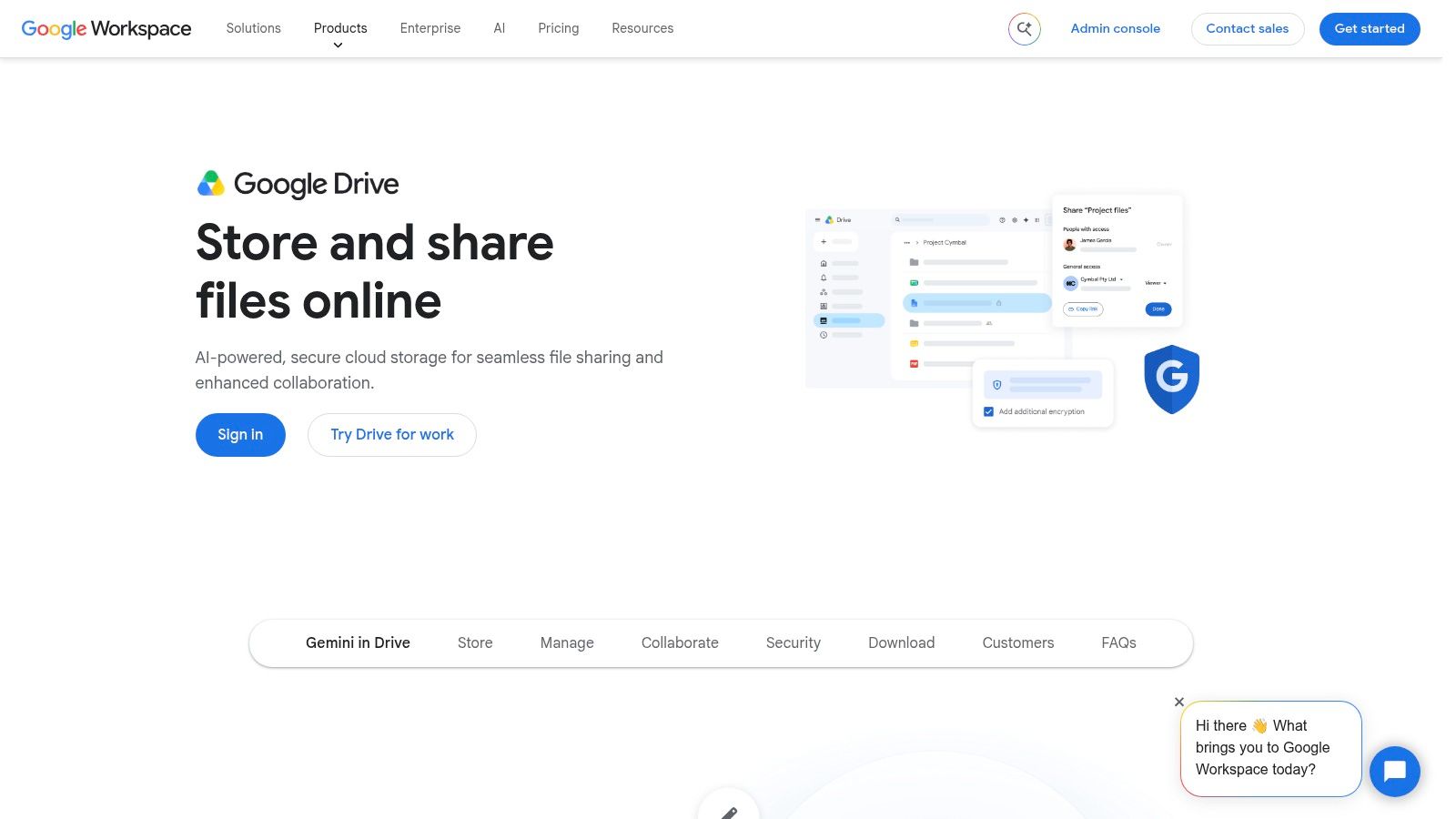
Google Drive is the sensible starting point for many solo coaches because clients already know how to open a Drive link. It fits naturally beside Gmail, Google Meet, Docs, Photos, Android devices, and YouTube, so you won't spend much time teaching clients where to click.
A coach can create a folder for each client, restrict access to specific email addresses, and share a private homework video without introducing another account. Google Workspace adds pooled storage and stronger administration for teams, while Google One suits personal accounts. Drive also offers native preview and playback for common video formats, which is enough for many recorded sessions and short assignments.
Practical rule: Use Drive as a collaboration hub when the client relationship already runs through Google. Don't mistake familiar sharing for a complete video-delivery system.
The main limitation is that storage is shared across Drive, Gmail, and Photos. A growing library can therefore consume space faster than expected. Google's web interface allows uploads up to 5 TB, but another source identifies a 5 GB web-upload limit for some workflows, meaning larger files may require the desktop app rather than browser-only transfer. See Google's video file-size workflow guidance before building a process around browser uploads.
For long recordings, export smaller files before uploading with this guide on making videos a smaller file size. Drive works well for a one-to-one coaching practice, but it offers limited video analytics, no dedicated course player, and no frame-accurate review.
2. Dropbox
Dropbox remains a strong choice when the work involves moving large folders between a coach, client, editor, or assistant. Its desktop applications make syncing feel familiar, and Smart Sync helps keep files visible without storing every local copy on the computer.
That matters when a coach runs a group program with several versions of lesson videos, worksheets, and client-uploaded practice clips. Dropbox file requests give clients a clear way to submit recordings without seeing the rest of the folder. Team folders and the business admin console also help separate a coach's personal files from shared program assets.
Dropbox supports uploads up to 2 TB and recommends the desktop app for especially large files to reduce timeout or interruption risk, according to its video cloud storage guidance. A coach sending a high-resolution session export should therefore avoid relying on a browser tab that might close halfway through.
Where Dropbox starts to cost more
Dropbox's weakness is less about usability and more about team economics. Business plans use per-seat pricing, and minimum-seat requirements can make the platform expensive for a very small practice with one coach, one assistant, and occasional contractors. You may also need another tool for polished playback, marketing analytics, or structured video review.
For example, Dropbox is excellent when a client needs to upload a rough presentation for feedback. It's less suitable when you want a branded lesson portal that shows whether members watched a particular module. Coaches who need timestamped review may consider a dedicated review add-on, but that adds another layer to manage.
Dropbox is a dependable file workflow, not automatically a complete coaching video experience.
3. Microsoft OneDrive with Microsoft 365
Microsoft OneDrive is the natural fit for coaches and organizations already using Outlook, Teams, Word, Excel, and SharePoint. If your practice uses Microsoft 365 for scheduling, documents, internal communication, or corporate clients, OneDrive keeps video storage inside the same account ecosystem.
Many Microsoft 365 plans typically include 1 TB per user, while consumer plans can include family sharing. Business tiers add security and governance capabilities, and OneDrive supports link permissions that let you decide who can view, edit, or download a file.
A business coach working with an executive team might store session recordings in a restricted client folder, use Teams for meetings, and share a follow-up recording through OneDrive without asking the client to learn a new platform. A coaching school can also keep facilitator recordings, curriculum videos, and administrative documents under Microsoft-controlled permissions.
The trade-off appears when the practice outgrows basic file sharing. Video analytics and marketing features are minimal compared with dedicated hosts. You can share a lesson, but you won't get the same audience insight or presentation controls as Vimeo or Wistia.
Watch the subscription dependency
If you cancel Microsoft 365 or move to a lower tier, storage can revert to lower limits. That makes account continuity important when a contractor or coach leaves the practice. Before changing plans, export critical recordings and document who owns the account, folders, and recovery methods.
OneDrive is strongest when video is one part of a broader Microsoft workflow. It isn't the best choice if your primary goal is a polished, branded course library or detailed viewer engagement data.
4. Box
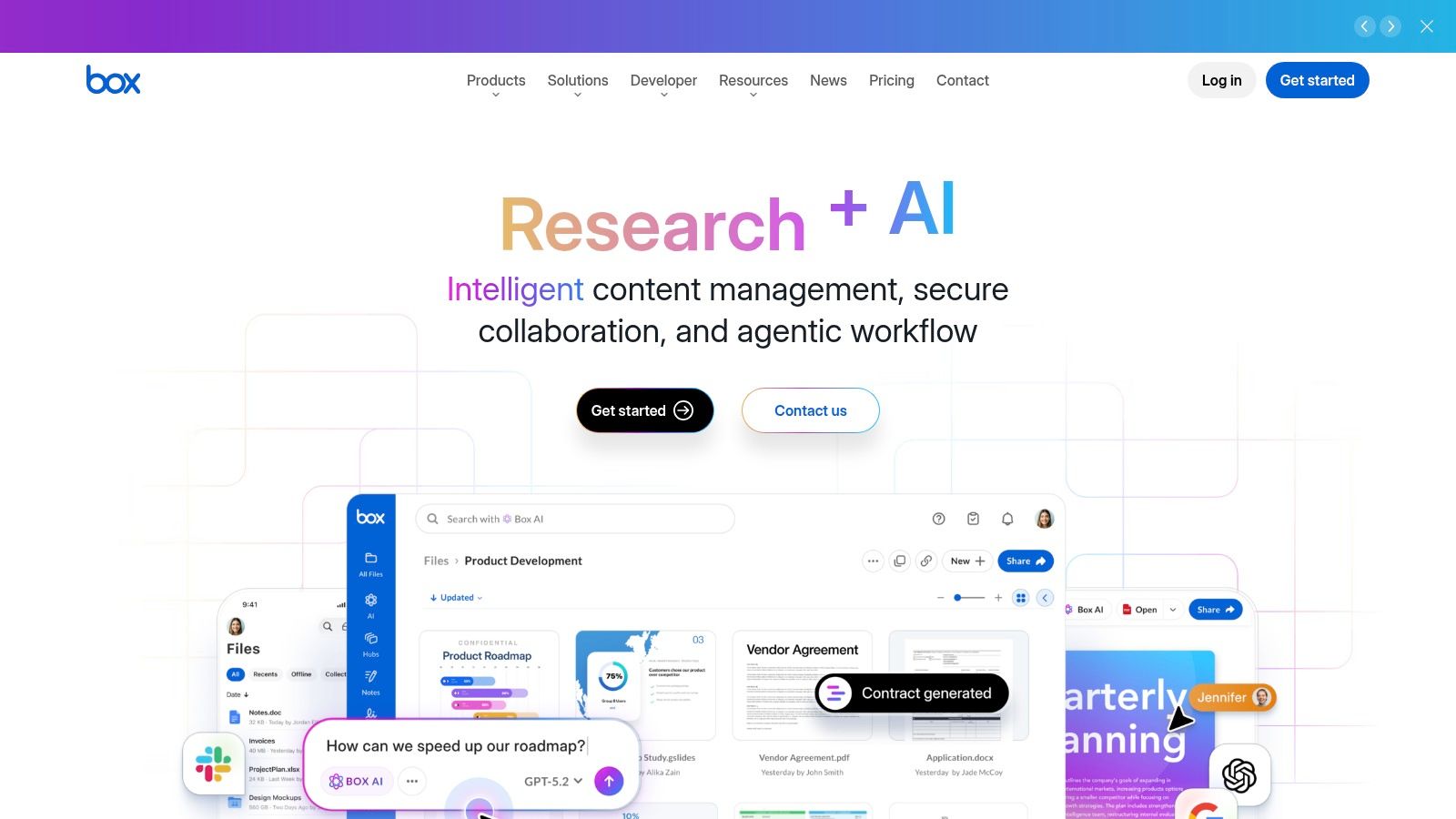
Box is built for organizations that need to control content across departments, partners, and regulated client relationships. It brings granular permissions, retention controls, legal holds, and compliance tooling to a file environment that can include sensitive coaching recordings.
That makes Box more relevant to coaching schools, mentoring organizations, health-focused practices, and enterprise consultants than to a solo coach sharing occasional homework. An organization can define who may access recordings, preserve material under a legal hold, and manage content policies across teams rather than relying on individual folder owners.
Many business tiers offer unlimited storage, but upload caps can vary by tier, and some plans use per-seat minimums or quote-based pricing. Coaches should therefore evaluate the whole account structure, not just the headline storage capacity.
When governance matters more than convenience
Suppose a coaching organization has several facilitators, a central operations team, and external partners delivering parts of a leadership program. Box can provide a controlled location for session recordings, contracts, course assets, and client documents. Box Sign and its app marketplace can also connect content management with signatures and other business processes.
The same controls can feel excessive for a solo life coach. Clients may find a basic shared folder less immediate than a Google Drive link, and administrators need time to establish permission groups, retention rules, and ownership policies.
For regulated practices: Choose Box because you need governance, not because unlimited storage sounds impressive.
Box is a strong enterprise content cloud. It isn't a dedicated video host, so expect to pair it with another service when you need branded playback, embeds, chapters, viewer analytics, or course-specific presentation.
5. pCloud
pCloud suits coaches who want uncomplicated storage, direct playback, and straightforward links without building a complex business system. Its built-in media player supports common video formats, and sources describe it as suitable for streaming 4K and even RAW footage. It also offers a choice of US or EU data region.
A coach might use pCloud for a library of recorded workshops, testimonials, demonstration videos, and downloadable client resources. The native player means clients can often watch without downloading the original file, which keeps the experience simpler than sending a large attachment.
pCloud is also described as having no file-size limits for uploads, a useful distinction when a long workshop or high-resolution recording arrives as one file. That doesn't eliminate the need for a reliable upload connection, but it removes the need to split a recording into multiple parts.
The privacy add-on needs attention
pCloud Crypto provides client-side, zero-knowledge encryption, but it's an optional paid add-on. Coaches storing sensitive session recordings should decide whether standard account security is sufficient or whether they need the additional encryption layer.
Collaboration isn't as deep as Google or Microsoft, and lifetime promotions vary in availability. A lifetime plan may look attractive for a stable archive, but it shouldn't replace a documented backup and retention strategy.
pCloud is a good match when your priority is simple streaming and folder sharing. It won't give you detailed viewer analytics, structured assignment workflows, or the governance controls an expanding coaching organization may need.
6. Sync.com
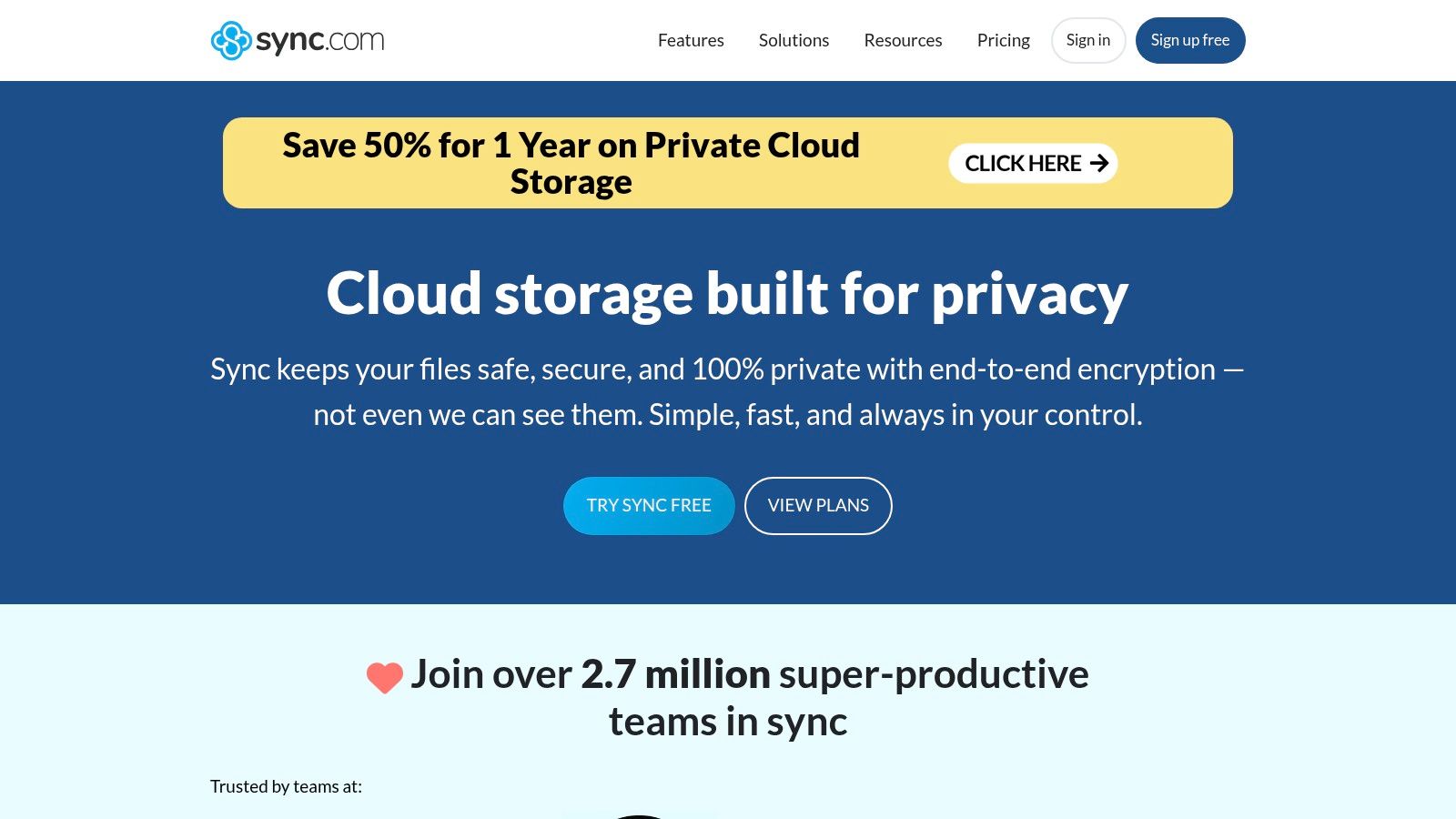
Sync.com takes a privacy-first approach that fits coaches who don't want sensitive client recordings sitting in a loosely controlled shared folder. Its zero-knowledge and end-to-end encryption features are designed to keep the provider from reading protected content, while shared links can use passwords and expiry dates.
That works well for a therapist-adjacent coaching practice, an executive coach handling confidential leadership conversations, or a consultant sending private feedback videos to a client. File requests also give clients a controlled way to upload homework or reflection recordings without receiving access to the entire workspace.
Sharing without sacrificing control
A client doesn't necessarily need a Sync.com account to open a shared link, which reduces friction. The coach can create separate links for a session recording, a homework assignment, and a final resource pack, then set different access rules for each.
The compromise is playback speed and collaboration depth. Web previews for very large videos can be slower than those of major consumer clouds, and some advanced collaboration features require higher-tier plans. A coach who needs instant review of long recordings should test representative files with a client account before committing.
Privacy is part of the service promise. Tell clients how recordings are stored, who can access them, and when links expire.
Sync.com is better for private file exchange and controlled storage than for polished course delivery. It doesn't replace a video host when you need chapters, embedded players, audience analytics, or a branded learning experience.
7. Vimeo
Vimeo is a video host first, which changes the client experience. Instead of handing someone a folder containing an MP4, you can present a clean player with privacy settings, embeds, chapters, and a more professional viewing environment.
That makes Vimeo especially useful for course modules, evergreen lessons, premium coaching libraries, and group-program replays. Domain-level restrictions and passwords can help limit where a video appears, while webinars and live streaming support cohort events and workshops.
A coach building a leadership course might embed lessons inside a member portal, keep public marketing clips separate from private curriculum, and use analytics on higher tiers to understand how people engage. The platform also works well when the video itself is the product rather than a file attached to a coaching conversation.
Storage caps change the planning equation
Vimeo applies total storage caps that vary by plan, and some legacy or entry plans have tight upload and storage limits. That means a growing library can force a plan review sooner than a generic object-storage system would.
Vimeo is also not the ideal place for every raw recording. Keep original files and long-term archives in a separate storage layer if you need durable backup, while Vimeo holds the versions clients watch.
For coaches using Coachful, private Vimeo video embeds for premium coaching content can support a more controlled lesson experience. Vimeo is a strong delivery layer, but it still needs a clear access and retention policy.
8. Wistia
Wistia is the most marketing-oriented option in this comparison. It treats video as a measurable part of the customer journey, with customizable embeds, calls to action, lead capture, email capture, viewer-level analytics, and integrations with marketing platforms and webinar tools.
That matters when a coach uses video to generate consultations, promote a cohort, or nurture prospects through an email sequence. You can publish a short teaching video on a sales page, capture an interested viewer's details, and study engagement without stitching together a general storage service and separate marketing tools.
Wistia also works for client engagement. A coach can create a video welcome message, embed a lesson preview on a program page, or use calls to action to guide viewers toward an application or booking step. Its documentation helps clarify storage and plan limits, which is useful because the cost isn't just about how many files you upload.
Don't compare Wistia with Drive on storage alone
Wistia is generally more expensive than generic cloud storage because you're paying for presentation, analytics, and marketing functions. Its storage and seat structure has changed, so you should use the current plan calculator rather than rely on an old comparison.
A coach who only needs to send a private session replay will probably find Wistia excessive. A coach who publishes videos as part of a growth system may find the extra control worthwhile.
Use videos in blogs when planning how educational content can support organic discovery and conversion. Wistia makes the most sense when you want to know not only whether someone received a video, but how that video contributed to the next business action.
9. Frame.io from Adobe
Frame.io is built around review and approval rather than general-purpose archiving. Its time-coded comments let a client say exactly where a coaching lesson needs a correction, where a caption is wrong, or where a demonstration should be shortened.
That is valuable for coaches working with editors, course producers, or a marketing team. Instead of collecting vague messages such as “the middle section feels long,” you can ask reviewers to comment against a specific point in the video and keep feedback attached to the relevant version.
Frame.io's Adobe Premiere Pro and After Effects integration is a major advantage for teams already working in Creative Cloud. Camera to Cloud also supports direct ingest for production workflows, although a solo coach recording sessions on a laptop may never need that capability.
Review is not the same as archive
Frame.io includes starter storage with many Creative Cloud subscriptions, but additional storage and seats affect the plan. It isn't intended as a general archive for massive raw footage unless you purchase enough additional capacity.
Consider a coach commissioning a polished course. The editor uploads a draft lesson, the coach adds timestamped feedback, and the editor returns a revised version for approval. Frame.io handles that loop exceptionally well. It is less suitable for keeping every raw session recording, client upload, and old workshop forever.
Choose Frame.io when feedback is slowing delivery. Choose another storage layer when retention is the bigger problem.
10. Cloudflare Stream storage and video delivery
Cloudflare Stream combines video storage, encoding, and delivery for teams that want an API-driven system. It uses usage-based pricing tied to minutes stored and minutes delivered, and it doesn't charge separate egress fees, according to the product description.
This model fits a coaching platform, academy, or custom client portal where videos need to play reliably through a controlled interface. You can use the built-in player or create a custom player, support live streaming and video on demand, and manage delivery through APIs and security controls.
A developer could connect Stream to a membership system so that a client sees only the lessons assigned to their program. A larger coaching business could use the same infrastructure for a resource library, live cohort sessions, and replay access without asking clients to work through a file-sync interface.
Plan for viewing, not only storage
Cloudflare Stream's main trade-off is technical complexity. A solo coach who wants to upload a recording and send a link may prefer Google Drive, pCloud, or Vimeo. A team with engineering support can gain much more control over branding, access, and delivery.
The usage model also means heavy viewing needs forecasting. If a cohort watches the same lesson repeatedly, delivery minutes increase even though the stored file hasn't changed. Separate active delivery from archive retention, and don't use Stream as the only copy of irreplaceable recordings.
Top 10 Cloud Video Storage Comparison
| Platform | Core features | Target audience | Unique selling points | Price & quality |
|---|---|---|---|---|
| Google Drive (Workspace/One) | Pooled cloud storage, Drive/Docs sharing, native preview, Gmail/Meet integration ✨ | 👥 Solo coaches & small teams already in Google ecosystem | 🏆 Ubiquity + seamless collaboration across Google apps ✨ | 💰 Low→moderate (upgrade for more storage), ★★★★ |
| Dropbox | Smart Sync, streaming files, file requests, team folders | 👥 Creatives & teams exchanging large assets | 🏆 Reliable desktop sync and large-file workflows ✨ | 💰 Moderate (per-seat), ★★★★ |
| Microsoft OneDrive (365) | 1 TB/user typical, Teams/Office integration, business governance | 👥 Office/Microsoft-centric practices | 🏆 Bundled with Microsoft 365; strong enterprise controls ✨ | 💰 Moderate (value if on 365), ★★★★ |
| Box | Granular permissions, compliance tooling (HIPAA/FINRA), Box Sign, unlimited options | 👥 Regulated orgs & large teams | 🏆 Enterprise-grade security & compliance ✨ | 💰 High (enterprise pricing/minimums), ★★★★ |
| pCloud | Native media player, streaming/transcode, EU/US regions, lifetime plans, optional Crypto | 👥 Cost-conscious coaches wanting simple streaming | 🏆 Lifetime plans & client-side encryption option ✨ | 💰 Low→moderate (lifetime possible), ★★★ |
| Sync.com | Zero-knowledge E2E encryption, link passwords/expiry, file requests | 👥 Privacy-first solo coaches & small teams | 🏆 Strong default privacy / zero-knowledge ✨ | 💰 Low→moderate, ★★★★ |
| Vimeo | Customizable player, embeds, privacy/domains, webinars, analytics | 👥 Course creators & coaches with gated libraries | 🏆 Professional viewer experience + privacy controls ✨ | 💰 Moderate (storage caps by plan), ★★★★ |
| Wistia | Custom player, CTAs, email capture, viewer-level analytics, marketing integrations | 👥 Coaches focused on marketing & lead gen | 🏆 Built-in lead capture and deep analytics ✨ | 💰 High (marketing-focused), ★★★★ |
| Frame.io (Adobe) | Time-coded comments, approval workflows, Camera-to-Cloud, Adobe CC integration | 👥 Video production teams & editors | 🏆 Best-in-class review & approval UX for video ✨ | 💰 Moderate→high (seat/storage), ★★★★ |
| Cloudflare Stream | Storage + encoding + global delivery, usage-based (minutes), APIs, live & VOD | 👥 Dev teams & scalable streaming use cases | 🏆 Transparent usage pricing + fast global delivery ✨ | 💰 Usage-based (forecast required), ★★★★★ |
Choose the Workflow, Then Build the System
The best cloud storage for video is not the provider with the longest feature list. It is the one that removes the bottleneck your coaching practice really feels.
Choose Google Drive, Dropbox, or OneDrive when clients need familiar file collaboration and your practice already lives in Google Workspace, Microsoft 365, or a standard sync-and-share environment. Google Drive is the easiest baseline for solo coaches using Gmail and Meet. Dropbox is stronger for large folders, file requests, and cross-platform syncing. OneDrive fits practices that run operations through Teams, Outlook, and Office.
Choose pCloud or Sync.com when straightforward sharing and privacy lead the decision. pCloud is convenient for direct playback and large uploads, while Sync.com is better suited to sensitive recordings, password-protected links, expiry controls, and zero-knowledge security. Neither should be treated as a complete course-hosting or marketing-analytics system.
Choose Vimeo or Wistia for polished delivery. Vimeo fits private lessons, embeds, webinars, and premium libraries. Wistia fits coaches who use video for lead generation, calls to action, email capture, and viewer insight. Choose Frame.io when timestamped review and approval are the central issue, particularly if your editor works in Adobe Creative Cloud.
Choose Box when governance, retention, legal holds, and regulated client information matter more than consumer simplicity. Choose Cloudflare Stream when you need API-driven delivery, custom interfaces, live video, and a usage-based infrastructure layer.
Before you migrate a library, separate raw recordings from client-ready videos. Raw files need protection and backup. Client-ready files need reliable playback, controlled sharing, and a clear removal process. Don't force one folder or one provider to serve both jobs.
Then standardize naming and folder permissions. Test playback with a client account, define link expiry and retention rules, document who can access sensitive recordings, and connect the selected provider to the workflow your team already uses. If your practice produces short social content from longer lessons, plan those handoffs alongside your workflows for viral short clips.
Long-term storage should also reflect access frequency. One security-vendor model treats retention storage as material kept for 180 days or longer, with requested files typically available within 15 hours and then retained in a performance tier for seven days. Another model keeps critical video active for 30 days, then automatically moves it to deep storage for one to two years. Those examples show why active session review and archival retention deserve different rules.
Coachful can remain the operational home for onboarding, scheduling, messaging, progress tracking, programs, assignments, and resource sharing, while the selected provider handles video storage or delivery. Coachful can also keep coaching session recordings in the client portal and bookings or recordings areas, where clients can stream or download MP4 files. Coaches can upload videos into program tasks, including local MP4 files and direct MP4 video URLs, and download recordings for backup to services such as Google Drive or Dropbox.
Start with one workflow, not the entire archive. Move a small set of session recordings, one homework process, and one course module. Ask a real client to complete the experience from upload to playback, then adjust permissions, naming, and retention before you scale.
Coachful brings onboarding, scheduling, messaging, payments, progress tracking, programs, assignments, resource sharing, and session recordings into one coaching workspace, while your chosen video provider handles storage or delivery. Visit Coachful to organize the client experience around the video workflows your practice already needs.