Coachful MCP: Put Claude and Codex to Work in Your Coaching Business
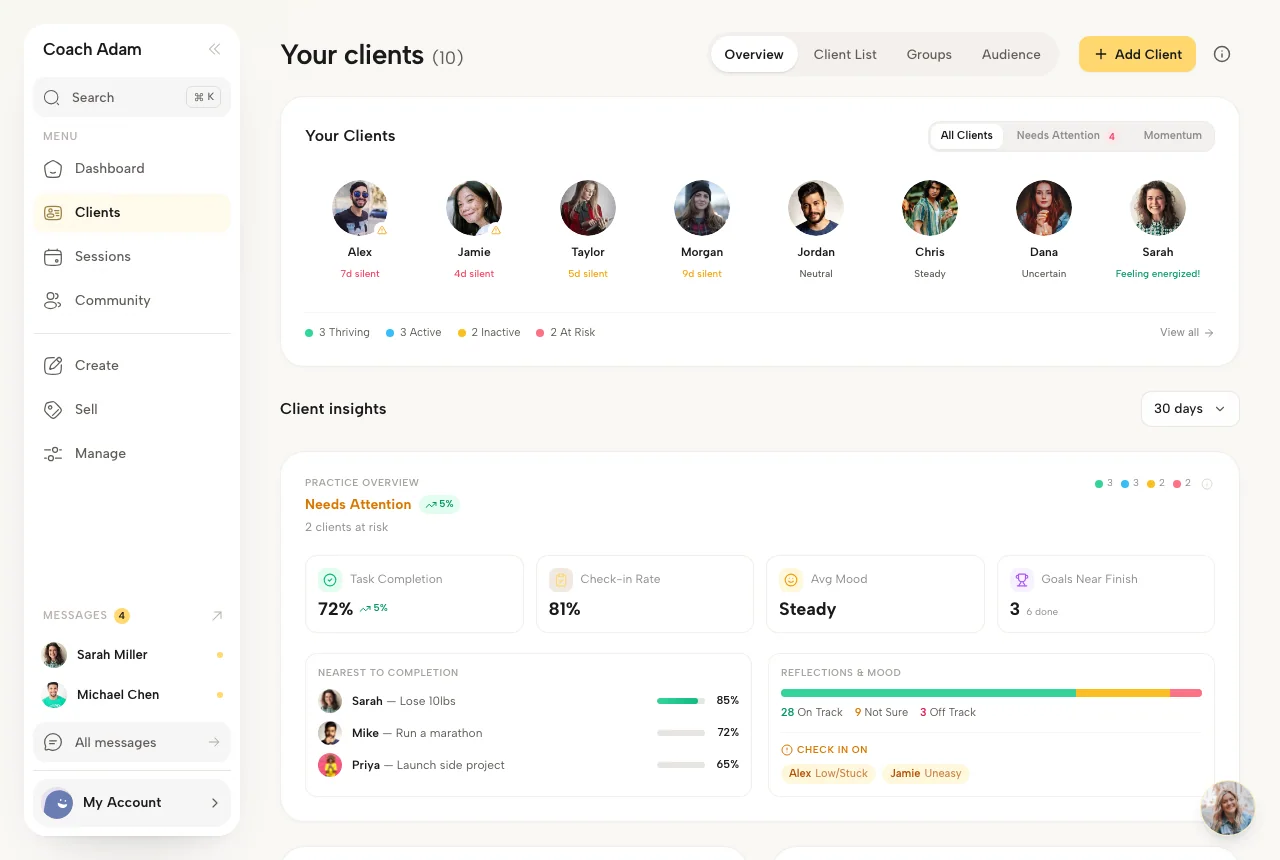
Imagine asking an AI assistant, “Which clients have gone quiet, what did we agree to work on, and what should I prepare for next week?” A generic chatbot can offer a checklist. It cannot see your actual coaching practice unless you spend the next half hour copying notes, opening tabs, and explaining where everything lives.
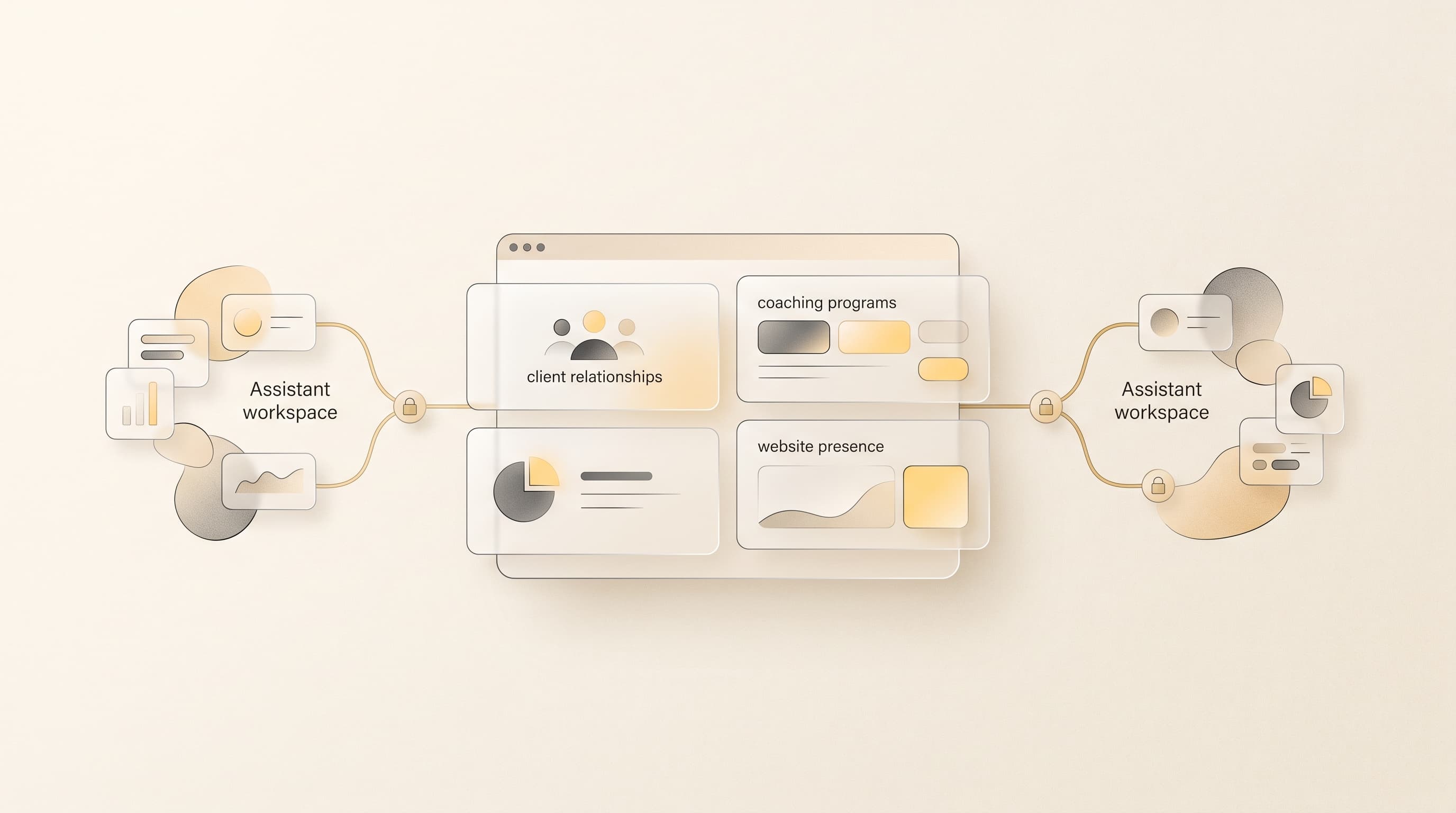
That is the gap Coachful MCP closes. It gives Claude and Codex a controlled way to work with the Coachful workspace you already use for clients, programs, content, your website, funnels, and more. You choose what each connection can access. The assistant can then use Coachful tools to answer a specific question or help complete a specific task.
The shift: from asking AI to imagine your business to letting it work with the real business, inside boundaries you set.
What is MCP, in plain English?
MCP stands for Model Context Protocol. It is an open way for an AI assistant to discover and use tools provided by another application. Coachful runs an MCP server that describes the actions it makes available. Claude or Codex can connect to that server, request the tools your credential permits, and use their results in your conversation.

Think of the difference between sending an assistant a screenshot of a client profile and letting it ask Coachful for the current profile. The screenshot can already be out of date. The connected assistant can retrieve the relevant information when you ask, then move on to the next permitted step. It still has to operate through Coachful's access checks. A prompt does not grant a new permission.
MCP is also different from a fixed automation. An automation is useful when the rule is known in advance: when someone books, send a reminder. An MCP connection supports an open-ended request: review the current client picture, explain what changed, and help me decide which follow-up deserves attention. The coach remains the decision-maker.
Why this matters for a coaching business
Coaching work is unusually context-heavy. A client is not just an email address. Their goals, tasks, check-ins, sessions, program progress, notes, and conversations tell a story. A great assistant needs enough of that story to be useful, and it needs a safe way to act on the small administrative tasks that follow.
Coachful already connects many of those parts of the practice. Its MCP connection brings that connected context into the AI tool you prefer. The result is less time rebuilding the situation in a prompt and more time asking a better question.
| Without a connection | With the right Coachful permission |
|---|---|
| Copy client notes and tasks into a chat window. | Ask the assistant to inspect the relevant Coachful client records. |
| Describe a program from memory. | Have it review the current weeks and modules before proposing an edit. |
| Explain your website layout in words. | Let it inspect the existing page and design context first. |
| Repeat your preferences in every new conversation. | Grant separate access to your private Brain when you want it to use saved context. |
The words “with the right permission” matter. Coachful does not treat a connected assistant as an all-access administrator. The tools available depend on the Coachful workspace, the coach's membership, and the scopes granted to that particular connection.
Claude MCP: a thinking partner with the right context
Claude is useful when you want to reason through a messy coaching or business question. Instead of pasting disconnected exports, you can grant its Coachful connection access to the relevant area and ask it to work from what is current.
For example, you might ask: “Review the goals and open tasks for clients in my leadership program. Show me who may need my attention this week, and explain why. Do not change anything.” That request asks for a review, not a blind intervention. You can decide what a change in activity actually means before reaching out to anyone.
With program access, you could ask Claude to compare the structure of a six-week program with the outcome you want clients to reach, then propose a tighter week-by-week progression. With content access, you can move from an approved outline to resources or a draft article. With a separate Brain permission, Claude can use or organize the private notes and decisions you have chosen to keep there.
The point is not that Claude becomes the coach. It is that your thinking partner can stop guessing what your practice contains.
Codex MCP: from a clear instruction to work you can inspect
Codex has its own Coachful MCP connection and its own credential. That separation is deliberate. You can give Codex access to website and funnel work without handing it the same permissions you use with Claude. Rotating or revoking one connection does not interrupt the other.
Say you have a new group offer. You could ask Codex: “Read my current website design and the pages for my leadership program. Propose a landing page that fits the existing brand. Show me the structure before creating it.” Once you approve the direction and grant the relevant permission, Codex can use Coachful's page tools to create or edit the page itself. You do not need to give it access to Coachful's source code.
Another task might be: “Inspect my lead-capture funnel and explain where the handoff to the program feels confusing. Draft the revised copy for the first step, but wait for my approval before changing the live experience.” The useful behavior here is not the model's name. It is the combination of live context, a clear requested action, and a reviewable result.
One MCP engine, separate doors for Claude and Codex
Coachful's private Claude and Codex connections use the same underlying MCP engine, but each gets a separate credential and permission set. In Coachful, the controls live under Automations → Connections → AI MCPs. You generate a private connection URL for each assistant, choose the Coachful areas it may use, and add that URL in Claude or in Codex's MCP server settings.

A Coachful domain permission can include the read tools needed to understand an area and the write tools needed to change it. Private Brain access is more granular: reading, capturing notes, recording learning, and organizing pages are separate choices. Connected third-party apps, when enabled for a private credential, are exposed as read-only tools through this connection. They do not become an unrestricted action surface for Claude or Codex.
Keep each private connection URL private, as you would an access token. You can change scopes, rotate a credential, or revoke it in Coachful. Tool calls still go through workspace access checks, input validation, and rate limits; writes are audited. When an assistant uses a tool, the inputs and results are returned to the AI provider so it can complete your request. Grant access with that data flow in mind, especially if your client notes contain sensitive information.
What makes this a Coachful story
MCP is an open standard, not a badge any platform can own. Other coaching products are beginning to use it too. What matters to a coach is whether the connection reaches the real work of running a practice, and whether you can control that reach.
Compare the public integration materials for Paperbell, Delenta, and CoachAccountable as of September 2026. They describe useful Zapier connections, and CoachAccountable also documents an API. We could not find a first-party Claude or Codex MCP connection documented for those three. That is a comparison of what they publicly describe today, not a claim about private integrations or what they may release next.
| Platform | Publicly documented connection path |
|---|---|
| Coachful | Separate native MCP connections for Claude and Codex with Coachful permission scopes; REST API; Zapier; OttoKit |
| Paperbell | Zapier and named app integrations |
| Delenta | Zapier and named app integrations |
| CoachAccountable | API and Zapier |
Coachful also supports a REST API and integrations with Zapier and OttoKit. Those routes help connect Coachful to other apps and custom workflows; Claude and Codex MCP add a separate, permission-controlled way for an AI assistant to work with the coaching workspace.
Coachful's value is the breadth of the connected workspace behind the door. The same platform holds the public website, the offers that bring people in, the programs and resources that deliver your method, the client work between sessions, and the business tools around them. Its private MCP permissions cover those areas separately. Claude and Codex can meet you where the work already happens instead of receiving a pile of copied text from separate apps.
That does not make every task suitable for AI. A coach should still review client-facing recommendations, sensitive notes, and changes that may become visible on a live website or funnel. The advantage is that review starts with the actual state of your business.
How to get started today
- Open Coachful's Connections. In your coach workspace, go to Automations → Connections → AI MCPs.
- Create the assistant's connection. Generate a Claude MCP or Codex MCP URL. Use a separate credential for each.
- Choose a small permission set. Start with the area behind one useful task. Add Brain access only if you want that private context included.
- Connect the URL in the assistant. Paste the complete private Coachful URL into Claude's MCP connection setup or add it as a Streamable HTTP MCP server in Codex settings.
- Begin with a read request. Ask the assistant to summarize what it sees and propose the next step. Review the result before asking it to change anything.

As of September 2026, the private Claude and Codex MCP connections are available in Coachful. A separate one-click directory connection is still in private platform review; the setup above uses the private URLs available today.
Questions coaches ask before connecting an assistant
Do I need to know how to code?
No. You set up the connection in Coachful and the assistant's MCP settings, then describe the work in ordinary language. A clear request and a careful review matter more than a technical prompt.
Will Claude and Codex have the same access?
Only if you choose to give it to them. Each has its own credential and scopes, so you can use Claude for one part of the practice and Codex for another.
Does MCP replace Michelle, Coachful's built-in assistant?
No. Michelle works inside Coachful. The MCP connections let you bring an outside assistant into selected Coachful workflows. Use the interface that fits the work and the permissions you are comfortable granting.
Can I disconnect an assistant later?
Yes. Revoke or rotate its credential in Coachful. The other assistant's separate connection can stay active.
Is Coachful the only coaching platform with MCP?
No. MCP is an open protocol and other coaching companies have begun adopting it. Coachful's case is the range of coaching operations behind its connection and the separate controls it gives each assistant.
Give your AI a place to do useful work
A coach does not need another chatbot that sounds informed after a long briefing. The better opportunity is an assistant that can ask the right tools for the right context, help with the work you actually run, and stay inside the permissions you set.
That is what Coachful MCP makes possible. Bring Claude for thoughtful analysis. Bring Codex for structured execution. Keep your clients, programs, pages, and plans in one connected practice, and decide exactly how much of it each assistant may use.
Build your practice on Coachful
Already a Coachful coach? Open Automations → Connections → AI MCPs in your workspace. For an overview of Coachful's AI connections and current directory status, see Coachful's AI assistant integration page.