Coaching Session Cancellation Email: 5 Templates for Coaches

Nour
Founder, Coachful
Need to cancel a coaching session without making your client feel unimportant? Tell them as soon as you know, name the appointment precisely, take responsibility, and explain what happens to their paid session. Offer a manageable next step, not an open-ended request to reorganize your diary.
A useful coaching session cancellation email answers four questions: Is our appointment still happening? Why is it changing? Have I lost money or a session? What do I need to do now?
Below are five original templates for coach-initiated changes, plus a short handoff process. They are not messages for enforcing a client's late-cancellation policy. When you are the person cancelling, the repair is your responsibility.
Before you write: settle the appointment and the remedy
Check the booking date, time zone, duration and payment arrangement. Decide whether you can offer replacement times now or need to promise an update. Do not offer tomorrow morning if you genuinely cannot tell whether you will be available.
Read your agreement's coach-cancellation clause. As a practical fairness principle, a client should not lose a prepaid session because you could not deliver it. Any extra remedy, refund entitlement or deadline extension depends on your agreement and applicable law. This is operational guidance, not legal advice.

Write the original appointment as [date], [time], [time zone]. Add the year when there is any ambiguity. Use the client's local zone when you know it, and check daylight-saving differences before suggesting alternatives.
One apology is enough. “I'm sorry for the disruption” acknowledges the inconvenience. A detailed account of your illness or family circumstances asks the client to look after you instead.
1. Illness: offer replacement times without oversharing
Use this when you are unwell and have reasonable confidence about your next availability. If recovery is uncertain, use the emergency template instead of making a promise you may need to break.
Subject: Rescheduling our coaching session on [date]
Hi [Name],
I'm unwell and need to cancel our session on [date] at [time and time zone]. I'm sorry for the disruption.
Your paid session will remain available. Could either [option one] or [option two] work instead? Both are [duration] sessions in [time zone].
If neither works, reply with a suitable window and I'll arrange another option. I'll confirm the replacement before changing your booking.
[Coach name]
Replace the session-value sentence with the remedy you can actually provide. For a discovery call, say “There is no charge for this change.” For a prepaid package, verify that your records preserve the session rather than merely promising it in an email.

2. An emergency: cancel clearly and give an update deadline
Sometimes you cannot propose a reliable new date. The client still needs to know that today's call is off. Separate the cancellation notice from the later scheduling conversation.
Subject: Today's coaching session is cancelled
Hi [Name],
A personal emergency means I cannot attend our session today, [date], at [time and time zone]. I'm sorry for the short notice. Please do not join the original call.
You will not lose your paid session. I cannot confirm a replacement time yet, but I will update you by [specific date and time].
If that delay creates a problem, reply here so we can discuss the available options.
[Coach name]
Choose a deadline you can meet, even if the update will only confirm that you need more time. If you cannot personally communicate, a previously authorized administrator can send a minimal scheduling notice without accessing or disclosing session notes.
For an imminent session, use the client's previously agreed urgent-contact channel as well as email. Do not assume an inbox message will reach someone who has already started travelling.

3. Your calendar mistake: own the error directly
A double booking needs a different tone from an emergency. “An unavoidable scheduling conflict” can sound evasive when the real issue was your diary. Name the mistake without naming the other client.
Subject: My scheduling error: our session on [date]
Hi [Name],
I made a calendar error and cannot keep our session on [date] at [time and time zone]. I'm sorry. This is my mistake, not a change you requested.
Your session remains available, and no client late-cancellation penalty will apply. I can offer [option one] or [option two]. Would either suit you?
If not, tell me which windows work and I'll find another arrangement. I'll send the corrected confirmation once we agree.
[Coach name]
Do not say a more important client needs the slot. Do not quietly mark this as the client's cancellation. Record the cause accurately and review the booking failure separately.

A connected calendar is not proof that every change has propagated. Check the actual booking, the external calendar and the notification received. The goal is one agreed appointment, not several tools displaying different versions.
4. A recurring slot no longer works: request a change, not permission after the fact
Use this for an ongoing availability change. Give notice where possible, identify the first affected session and separate future appointments from the next booking that still stands.
Subject: Request to change our recurring coaching time from [date]
Hi [Name],
My availability is changing from [date], so I need to discuss a replacement for our regular [day, time and time zone] session.
Our appointment on [unaffected date] is still confirmed. For sessions from [first affected date], could [recurring option one] or [recurring option two] work?
If neither fits, please tell me before I change anything. We can review another schedule or the options in our agreement if I cannot provide a workable time.
I'm sorry for the inconvenience.
[Coach name]
Do not move an entire series and let automated invitations announce your decision. A client may have protected that slot around childcare or work. Confirm the new rhythm, then inspect the affected dates individually.

5. A group session must move: protect privacy and access
For a cohort, one replacement date may exclude people who could attend the original. State what is decided, what remains open, and how anyone affected can contact you privately.
Subject: [Program name]: change to our session on [date]
Hi everyone,
I need to postpone our group session on [date] at [time and time zone] because [brief appropriate reason]. I'm sorry for the disruption.
The original call will not take place. I will confirm the replacement plan by [date and time]. If a proposed new time prevents you attending, please contact me privately so we can discuss an appropriate option.
[State whether other program dates, tasks and access remain unchanged, after checking.]
I'll keep the confirmed session details updated in [agreed program location].
[Coach name]
Use your normal privacy-preserving group channel or an appropriate mailing setup. Do not expose client email addresses in a public recipient list. A recording is not automatically an equivalent replacement for live coaching, and recording also requires the relevant agreement and consent.

After sending: close the loop in both communication and records
A cancellation email is not a completed reschedule. The task ends when the old appointment, replacement, paid-session record and client-facing confirmation agree.
- Remove the obsolete appointment correctly. Use your booking system's actual cancellation or reschedule workflow. Do not assume deleting a calendar event resolves the booking.
- Check the client received the notice. For a same-day change, use the agreed backup channel if needed. Keep sensitive reasons out of notification previews.
- Agree the replacement. Offer two real options or an appropriate booking route. Confirm duration and time zone. Do not present unreserved slots as guaranteed holds.
- Reconcile session value. Check that no client penalty, duplicate charge or incorrect session deduction remains. Record any agreed extension or other remedy.
- Send the final confirmation. Include the new date, time, time zone and joining details. Make clear that this replaces the original appointment.

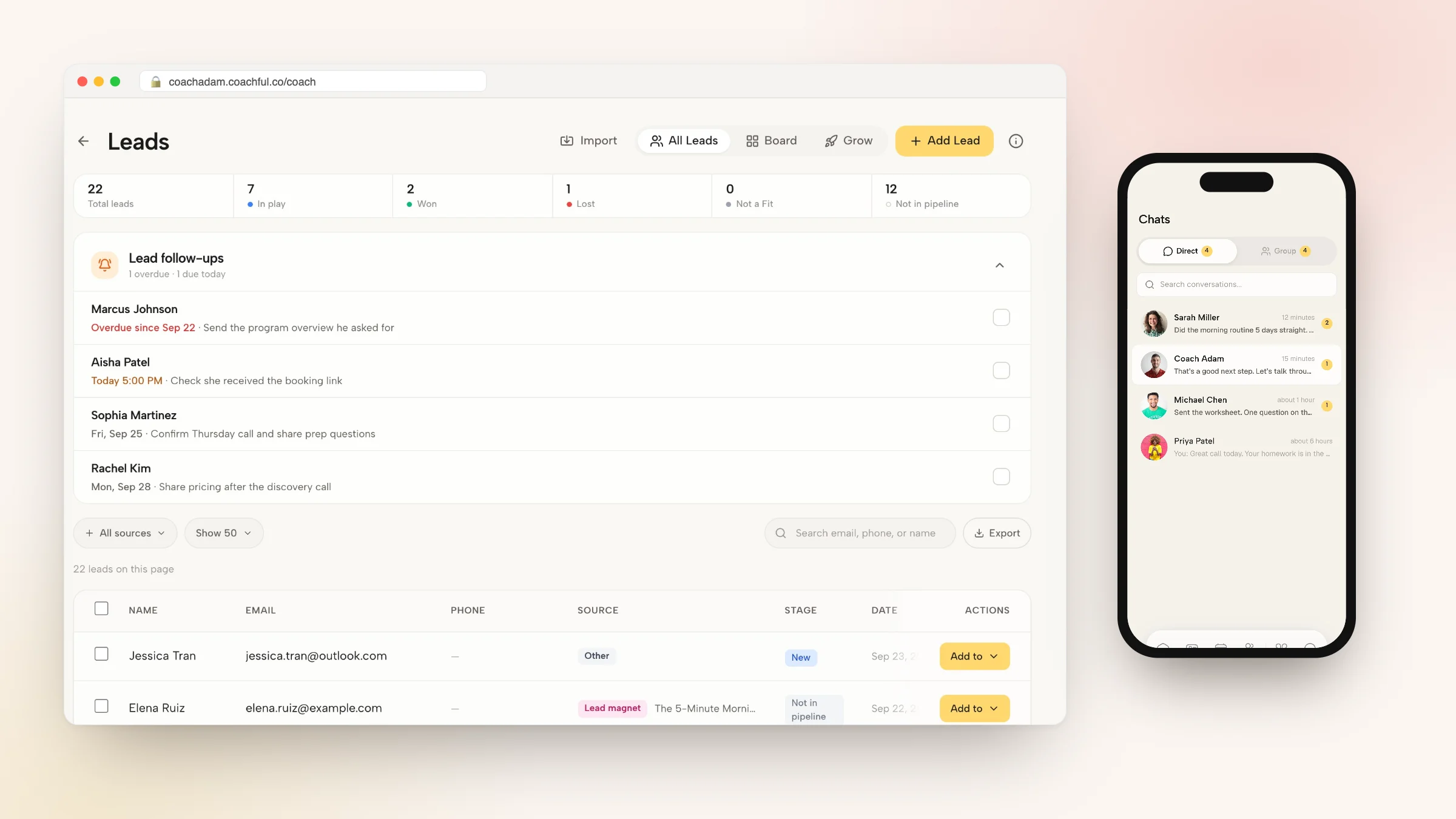
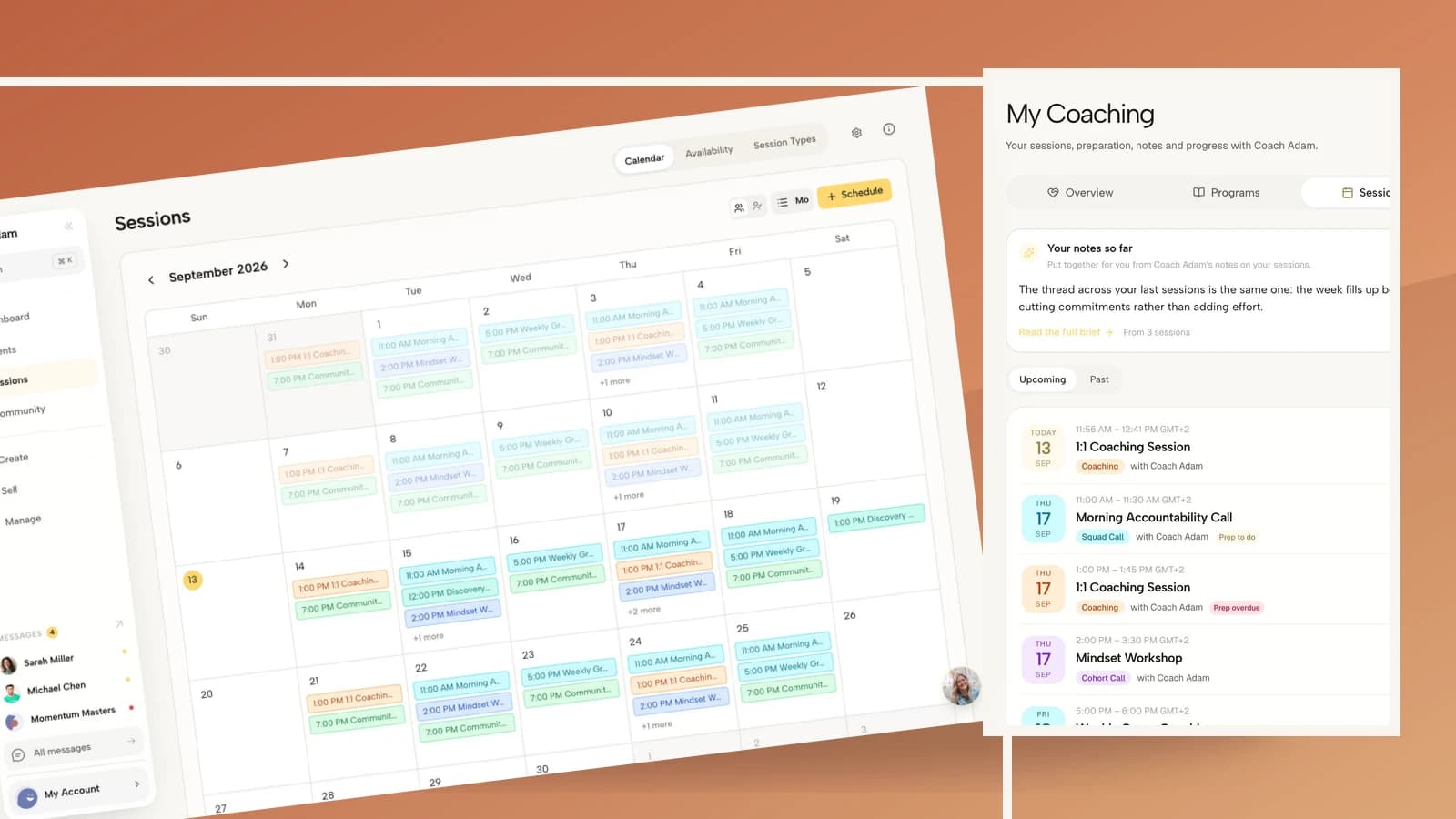
Coachful's scheduling, client session view and email workspace illustrate these separate checks. The demo images show existing product surfaces, not a cancellation that was performed for this article. A screenshot of an integration connection also does not demonstrate that a particular reschedule has synced successfully.
The Coachful cancellation and rescheduling guide explains booking-policy mechanics. For the opposite situation, where the client misses the appointment, use the separate guide to preventing coaching no-shows. Do not apply client-forfeiture language to your own absence.

What to do when the client is understandably annoyed
Acknowledge the specific impact before repeating your options: “You arranged time away from work for this, and my change has disrupted that. I'm sorry. Let's look at an arrangement that does not leave you losing the session.”
You do not need to promise unlimited availability or complimentary coaching you cannot sustain. You do need to honour your agreement and address any applicable consumer rights. If you cannot deliver a workable replacement, discuss the appropriate financial resolution rather than repeatedly sending a booking link.
If cancellations become a pattern, better wording is not the fix. Review your available hours, health, workload and contingency plan. Repeated disruption may require an honest conversation about whether you can continue the engagement reliably.
Frequently asked questions
How much notice should a coach give when cancelling?
As much as possible, beginning when you know you cannot attend. Your agreement may set specific obligations. A client-facing notice window is not permission for you to wait until that deadline.
Should I explain why I am cancelling?
Give a brief, truthful explanation where appropriate: illness, a personal emergency or your scheduling mistake. You do not need to disclose medical details, another client's identity or private family information.
Should I automatically give an extra free session?
Follow what you have agreed and what applicable law requires. Preserving the undelivered paid session is different from adding compensation. Do not invent an extra-session promise in a template unless you can and intend to honour it.
What if the client does not reply?
For an imminent appointment, use the agreed backup contact method. For a replacement proposal, follow up once with the exact options and a reasonable response date. Silence is not consent to a new time.
Make your next cancellation easier to handle
Save the relevant template, add a coach-cancellation clause to your next agreement review, and test the handoff from your calendar to the client's session view. Check an actual confirmation rather than assuming the change worked.
If you want to inspect those coaching surfaces before changing systems, try the interactive Coachful demo. Look at scheduling and the client experience together. That is the practical next step: understanding what your client sees when an appointment changes.