Coaching Session Reminder Email: 5 Templates to Adapt

Coachful
Editorial Team
What should a coaching session reminder email say so the client can actually find the appointment and join it? Include the full date, start time and time zone, session length, a working join link or exact location, and the agreed route for changes. Add one preparation prompt only if it helps. The client should not have to search three older emails to attend a session they have already booked.
A reminder is an access message, not another sales email or a test of commitment. Someone can care about coaching and still open your email between two meetings with a phone in one hand. Make the next action obvious before adding warmth, homework or policy language.
Below are five templates for first, recurring, same-day, in-person and rescheduled individual coaching sessions. They are adaptable examples, not messages Coachful has sent or claims about configurable automation. Replace every bracketed field, use your existing agreement, and test the actual booking journey before enabling anything.
What every coaching appointment reminder needs
Start with the appointment record, not the last email you sent. A copied message can look beautifully personal while carrying yesterday's meeting link or the time before a reschedule.
- Identity: The correct client and coach, using the client's agreed contact address.
- Date and time: A written-out date, the start time and an unambiguous named time zone. Include the session duration.
- Access: The working HTTPS meeting link, client-session page or precise physical address.
- Preparation: At most one small request that was agreed or is genuinely optional.
- Changes: A working rescheduling route, or instructions to contact you, consistent with the agreement.
- Support: A monitored contact method for access problems.
“Tomorrow at three” is not enough for someone who reads late, travels, or lives in another time zone. Prefer “Tuesday [full date], [time] [named time zone]”. If your system converts times automatically, verify what the recipient sees rather than adding a second, conflicting conversion by hand.

When should a coach send session reminders?
A practical starting point is one useful email the day before, with an optional brief access reminder nearer the start. A booking confirmation is a separate message: it confirms that the appointment exists. This is an editorial starting point, not a universal best-performing schedule.
The right timing depends on the actual task. If the client needs to review a document, send that request while there is time to do it. If the only job is joining a call, the short reminder should lead with access. Do not introduce a long worksheet an hour before the session and make attendance feel conditional on completing it.
Check your cancellation window too. A reminder arriving after the deadline should not imply that free rescheduling remains available. If you want a prompt that gives clients time to change plans within the agreed window, place it before that window closes.

Before adding any message, list what already goes out from your booking tool, calendar provider and email system. Pick one owner for each reminder. Three systems independently saying “see you tomorrow” do not create three times the clarity.
1. First coaching session reminder email
Use this when: A new client has a confirmed first appointment and may not know how joining works. Keep onboarding instructions limited to what they need for this session.
Subject: Your first coaching session: [day, full date] at [time, time zone]
Hi [first name],
Our first coaching session is on [day, full date] at [time, time zone]. We have [duration] together.
Join here: [working HTTPS session link]. [If relevant: Sign in with the email address you used to book.]
If it is useful, bring one situation you would like us to explore. You do not need a polished goal or completed answers to get started.
If you need to change the appointment, [agreed change instructions and link]. For trouble accessing the session, contact me at [monitored contact].
Looking forward to meeting you,
[coach name]
Adapt before sending: Explain sign-in only if sign-in is actually required. If an intake or agreement is a genuine prerequisite, communicate that requirement early and describe the unresolved step separately. Do not surprise the client with an undisclosed condition in the reminder.
A useful test is to read the email as someone who has never used your platform. “See you in the portal” may mean nothing to them. Name the page, include its working link, and say whether they need their existing account. Never put a password in the reminder.

2. Recurring coaching session reminder email
Use this when: An established client has a booked session and already understands your normal process. Remove the first-session explanation rather than repeating the welcome packet every week.
Subject: Our next coaching session: [day, full date]
Hi [first name],
We're meeting on [day, full date] at [time, time zone] for [duration].
Join your session: [working HTTPS session link].
If you have a moment, think about what would make our time useful this week. You can bring whatever is most relevant on the day.
For appointment changes, [agreed change instructions and link]. If you have an access problem, contact [monitored contact].
See you then,
[coach name]
Adapt before sending: Replace the reflection prompt with a specific agreed preparation task only when appropriate. Avoid naming sensitive coaching topics in the subject line or preview text. A recurring client does not need their private goals advertised on a lock screen to recognize the appointment.
Do not turn this email into a renewal pitch, testimonial request or announcement about a new programme. Those are separate decisions. The client should be able to trust that an appointment reminder contains appointment information.

3. Same-day coaching session reminder email
Use this when: A short additional reminder is useful and expected, or the appointment was booked too late for a day-before message. This is the access nudge, not a second preparation assignment.
Subject: Today at [time, time zone]: your coaching session
Hi [first name],
Our [duration] coaching session starts today, [full date], at [time, time zone].
Join here: [working HTTPS session link].
No new preparation needed. If you cannot access the session, contact [monitored contact].
See you shortly,
[coach name]
Adapt before sending: Remove “No new preparation needed” if it contradicts something previously agreed. You can instead say, “The preparation details are in your earlier confirmation,” provided that message is easy to find and the wording does not obscure the join link.
A same-day message can be particularly unhelpful if a late booking immediately triggers both a day-before and a near-start reminder. Test appointments booked inside each reminder window. Decide whether an obsolete reminder should be skipped rather than sent late.

4. In-person coaching session reminder email
Use this when: The client needs to find a room, building or reception desk. Replace the video link with precise arrival instructions, not a vague venue name.
Subject: Your coaching session at [venue]: [day, full date]
Hi [first name],
We're meeting on [day, full date] at [time, local time zone] for [duration].
The address is [full address, building and room]. Directions: [working HTTPS map or venue link].
On arrival, [verified entrance or reception instruction]. [Include relevant accessibility information you have confirmed, plus a contact route for questions.]
If you need to change the appointment, [agreed change instructions]. For difficulty finding the venue, contact [monitored contact].
See you there,
[coach name]
Adapt before sending: Check the entrance, room and access information yourself. A venue's postal address may lead to a locked side door. Do not promise step-free access, parking or a private waiting area because the venue looks suitable in a photograph.
Ask what the client needs without requiring them to disclose a diagnosis. If an access requirement cannot be met, discuss an appropriate alternative in advance. A reassuring reminder cannot repair a venue you already know will be inaccessible.
5. Rescheduled coaching session reminder email
Use this when: The appointment has changed and the recipient needs the replacement details. This message must reflect the updated booking, not create a second active appointment.
Subject: Updated coaching appointment: [new day, full date]
Hi [first name],
Our coaching session is now booked for [new day, full date] at [new time, time zone], for [duration].
These details replace the appointment on [previous day, full date and time].
Join the updated session here: [working HTTPS session link]. Please check that your calendar shows the new appointment details.
If your calendar still shows the old time, or you have trouble accessing the session, contact [monitored contact].
See you at the new time,
[coach name]
Adapt before sending: Only say the booking has changed after checking that it actually has. A client asking to move an appointment is not the same as both parties confirming a new slot. Do not use this message to imply acceptance of a proposed time.
Check what happened to the previous calendar event, meeting link and pending reminders. Some systems update an existing invitation; others cancel one event and create another. Test your actual behaviour. Telling the client to delete something manually can be wrong if the existing invitation is about to update.

Keep preparation optional unless you agreed otherwise
A client who has not finished their worksheet may already be hesitating to attend. “Please complete all outstanding tasks before joining” can accidentally make unfinished work sound like a reason to disappear.
Where appropriate, use: “If the preparation is unfinished, bring what you have. We can decide together how to use the session.” This is not permission to ignore contractual prerequisites or professional safeguards. It is a way to avoid inventing a new barrier in an administrative message.
If you track preparation, check its actual status before sending a chase. Asking someone to complete an intake they submitted yesterday signals that your reminder is detached from their experience. Keep detailed answers inside the agreed private workspace rather than copying them into ordinary appointment email.

Protect privacy and avoid accidental group reminders
Use a neutral subject line and only the information needed for attendance. Avoid diagnoses, relationship difficulties, workplace disputes, employer names or a recap of the last session in email previews. Even a correct email address can belong to an inbox other people can access.
Confirm the client's preferred contact address and whether the appointment is private. A sponsor who pays for coaching is not automatically entitled to the reminder, join link or session content. Follow the reporting and communication boundaries agreed with the relevant parties.
For individual appointments, check recipient resolution carefully. A newsletter audience or group mailing list is not an appropriate substitute for selecting the person attached to a booking. Do not expose client addresses through visible group recipients, and do not treat a booking as permission to add someone to promotional campaigns.

Test the reminder before you trust the workflow
Use a test booking and an inbox you control, with fictional client information. Walk through the experience as the recipient, including on a phone. A successful configuration save is not proof that the right person received the right appointment details.
- Book: Confirm that the message uses the intended date, time zone, duration and recipient.
- Open: Read the subject and preview. Check that sensitive details are absent and placeholders are resolved.
- Join: Follow the link from the recipient's access state, not an already-authenticated coach account.
- Move: Reschedule the booking and verify that old-time messages will not continue.
- Cancel: Confirm that reminders for the cancelled session are suppressed.
- Book late: Try a booking inside the usual reminder window and inspect duplicate or late sends.
- Remove images: Verify that the date, access instructions and support contact remain readable.
Include a time-zone change or daylight-saving boundary if those occur in your practice. Never assume two locations change their clocks on the same date. For Google Calendar users, Google's time-zone guidance explains how event and display time zones work. Check the equivalent behaviour in whichever calendar you actually use.
Review practical problems after your first small rollout: wrong-time questions, missing links, access failures and duplicate messages. Do not judge a reminder only by opens, and do not promise that a better subject line will eliminate no-shows. Attendance can be affected by many things besides email.
Frequently asked questions
Should I ask the client to confirm attendance?
Only if confirmation has a real purpose and someone monitors the replies. Otherwise it creates a task without changing the appointment. If a response is required, explain what happens when no reply arrives; do not silently cancel a valid booking because the client missed an extra email.
Can I put the cancellation policy in the reminder?
Yes, as a brief accurate reference to terms already agreed, with a working link where useful. Do not introduce a new fee, deadline or forfeiture rule in the reminder. For a cancellation or a client who has already missed the session, use a separate message suited to that situation.
Should every client receive the same reminder?
The essential booking facts should be consistent. The access instructions may differ for online versus in-person sessions, first-time versus returning clients, and agreed communication needs. Personalize what changes the client's ability to attend, not private details added merely to make automation seem personal.
Do these templates require special email software?
No. You can adapt them for a careful manual process or a booking system that supports the required fields and conditions. Check the actual controls available to you. These examples do not establish that any particular platform lets you edit every notification, timing or suppression rule.
Make the appointment easy to attend
The best reminder does not persuade someone to value coaching all over again. It gives a willing client the correct appointment, a usable access route and a straightforward way to handle a change.
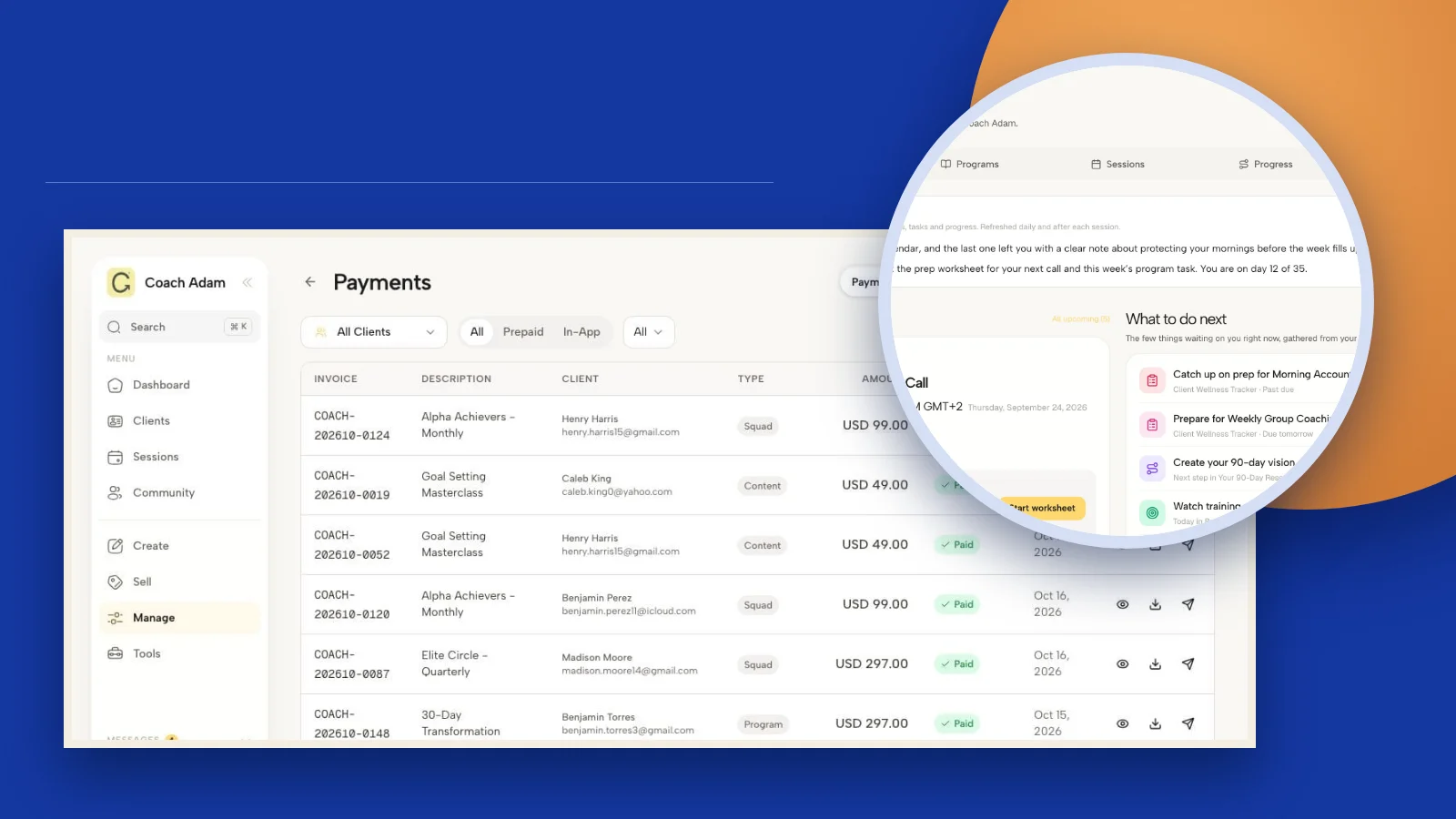
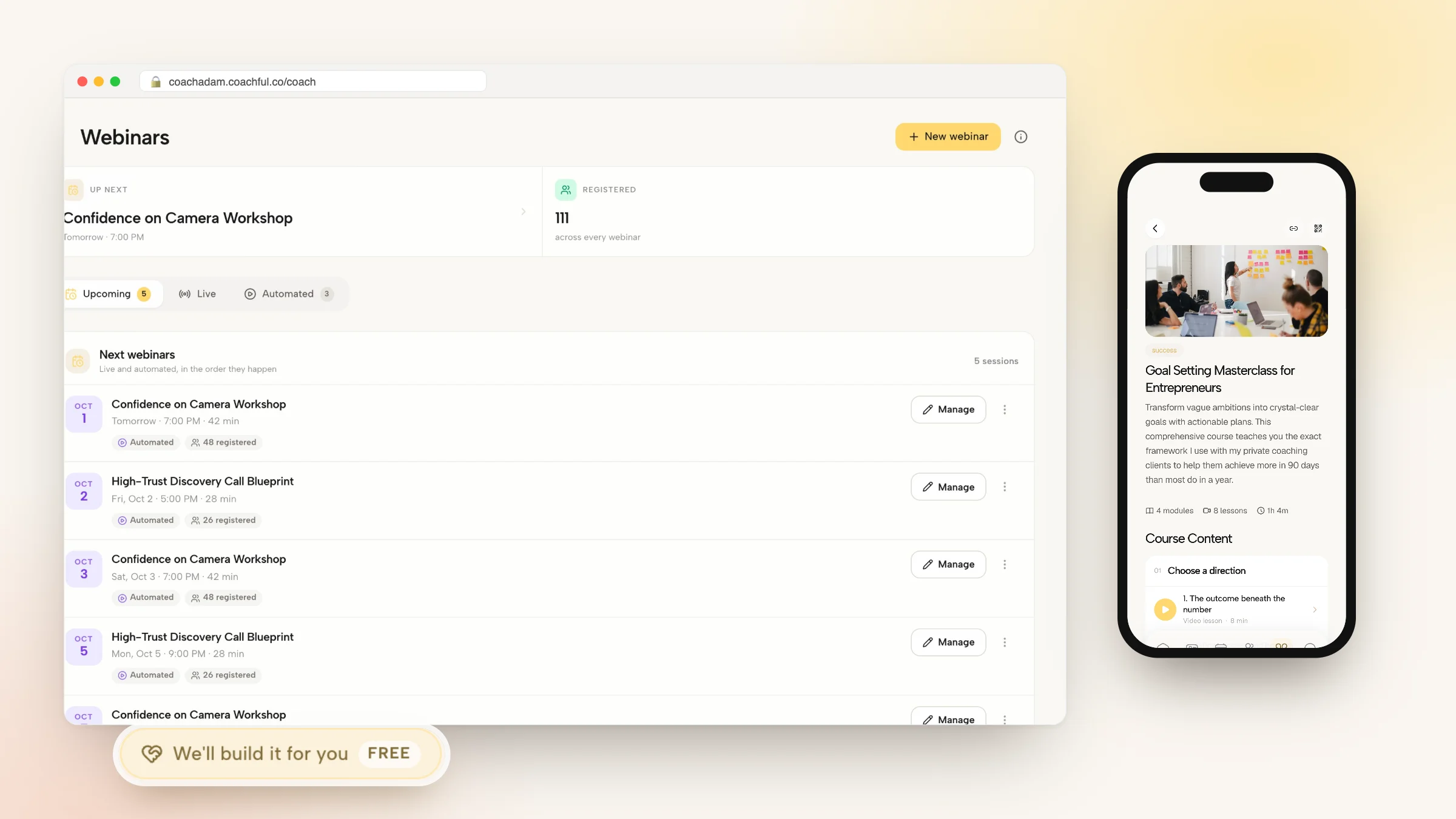
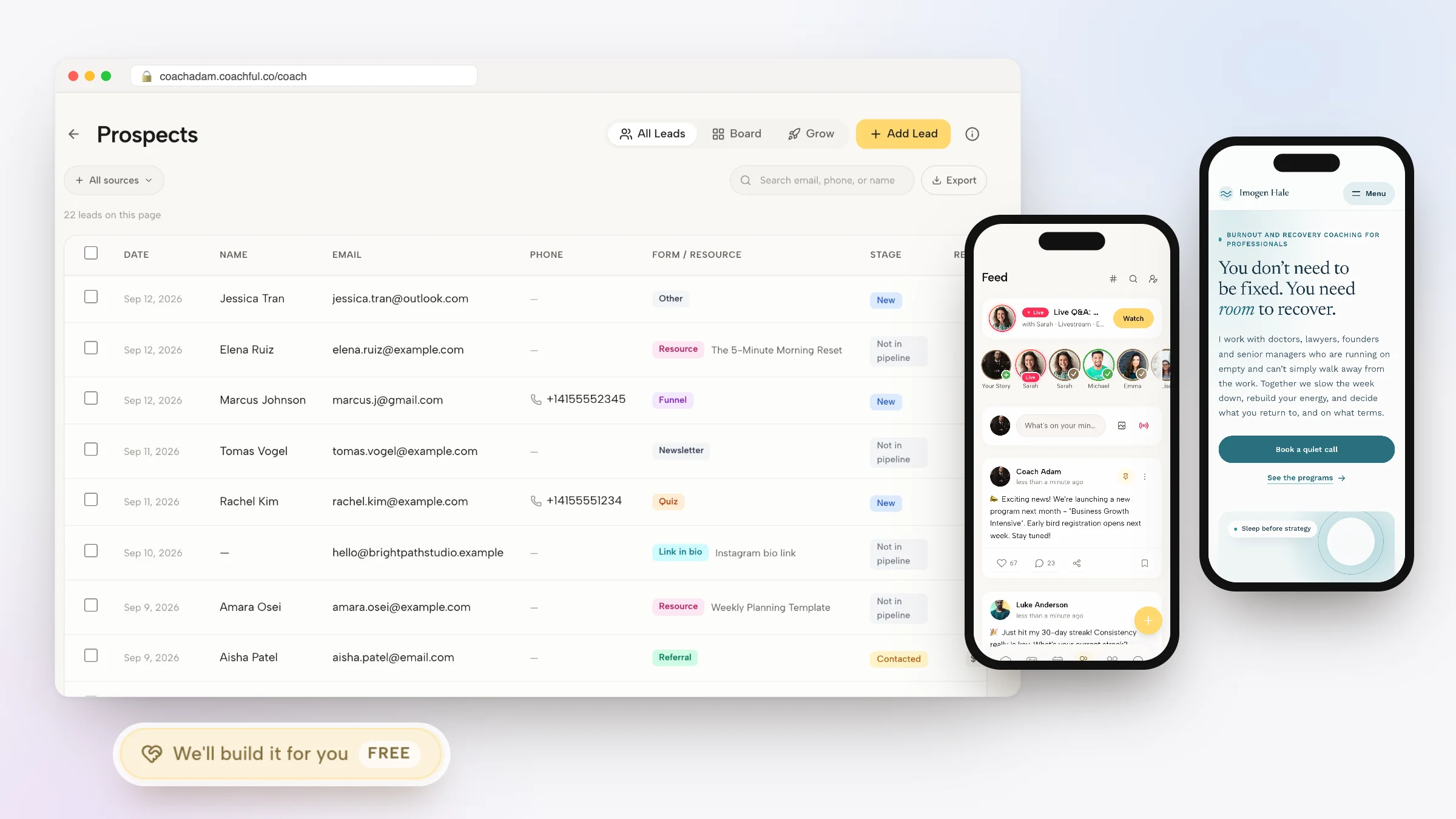
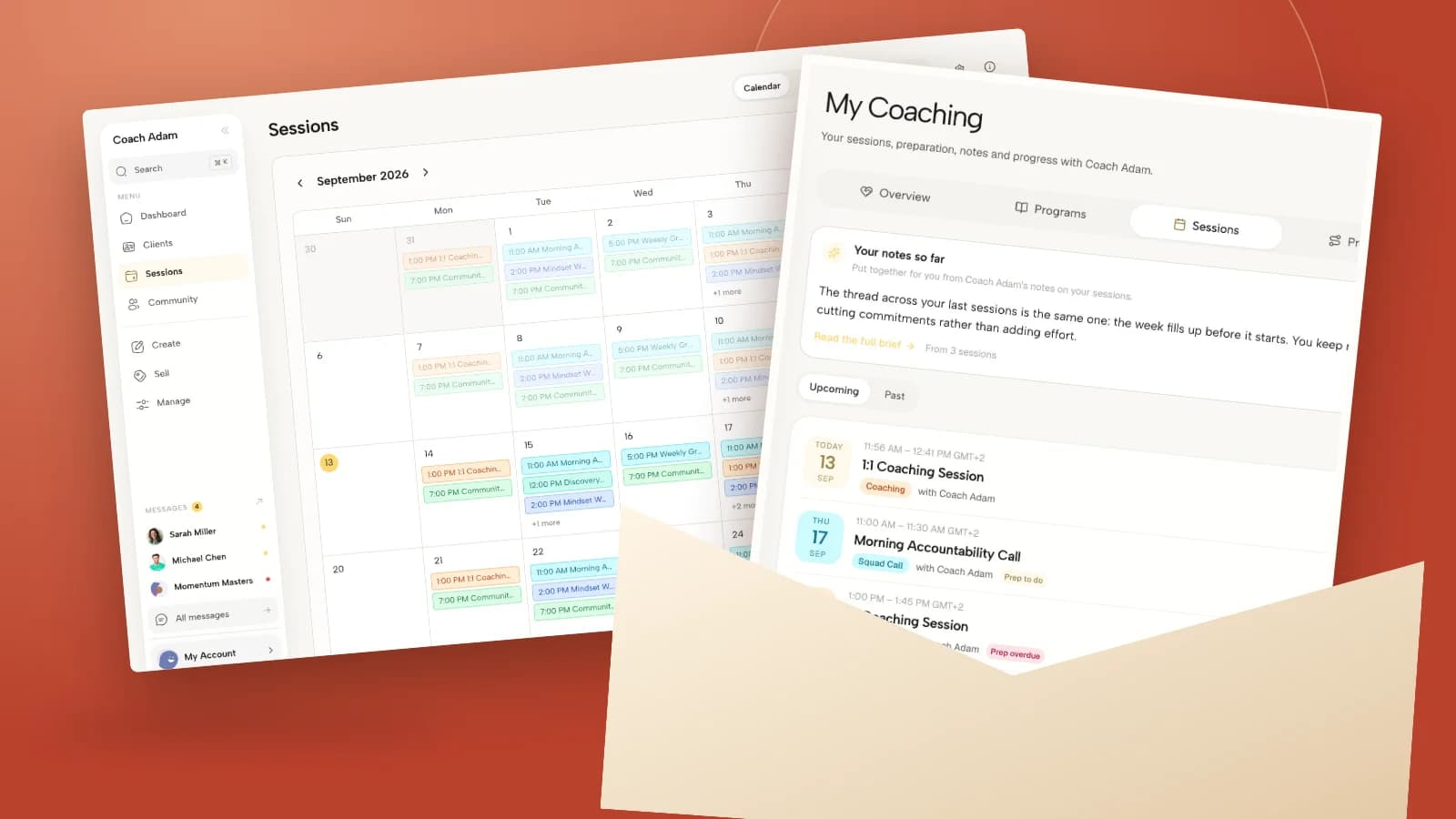
Before rewriting another subject line, compare your coach-side booking with the client-side session experience. The Coachful demo screens above illustrate scheduling, client sessions, email, intake, integrations and client records, not proof of a customized reminder automation. To explore those surfaces and identify what your own reminder needs to point to, Try the interactive demo.