Course Completion Email Templates for Coaches: 5 Examples

Nour
Founder, Coachful
A course completion email should confirm what the learner actually finished, explain what happens to access, and give one practical next step. For a coach, it should not quietly turn a completed video library into proof of competence, a professional credential, or a completed coaching engagement.
The awkward moment is familiar: the course dashboard says someone has finished, but their last worksheet is unfinished and your support agreement continues for another month. Sending “Congratulations, you’ve graduated!” would create more questions than it answers.
Use the five templates below for different completion situations. They are fictional examples to adapt, not messages sent to real clients. Replace every bracketed field, verify the learner’s record, and use links that work from the learner’s account before sending anything.
What should a course completion email include?
Write the email around six facts. You can usually cover them in a few short paragraphs without attaching a miniature operations manual.
- The achievement: name the course and the completion requirement met.
- The limit: distinguish course completion from assessment, certification, or the end of coaching when necessary.
- Access: state the verified resource access period, including a date and time zone if access expires.
- Application: suggest one relevant action the learner can take with the material.
- The next step: provide one clearly labeled link or task.
- Help: explain how to report an incorrect record or broken link.
Do not add a completion date just because today is the day you are writing. Use the date established by your completion rule. If a required assessment is still awaiting review, choose a message that confirms submission or course-content completion instead.

Choose the message by the actual completion event
Before choosing a subject line, decide what happened. A learner reaching the final lesson, a cohort reaching its last live meeting, and a coach signing off an assessed assignment are different events.
Content completed: the learner has met your stated lesson requirements. Send a completion confirmation with a useful application step. Do not imply that watching a lesson proves the skill can be performed.
Content complete, assessment pending: acknowledge that the teaching material is finished and identify the remaining requirement. Do not announce an award or issue an unearned completion statement.
Cohort ended: confirm that the scheduled group has closed. Each participant may have a different completion status, so do not send identical graduation claims to the entire group.
Assessment approved: describe precisely what was approved. If you issue your own completion document, explain its meaning without suggesting third-party accreditation you do not have.
Application follow-up: help the learner use the material after completion. This is a separate message, not a reason to repeat the entire congratulations email.

The distinction is operational, not fussy wording. Your completion email becomes part of the learner’s record. If a sponsor later asks what someone achieved, “completed the course materials” is more defensible than “qualified leadership professional” when no professional qualification was assessed.
1. A straightforward course completion confirmation
Use this when: the learner has met every requirement needed for your ordinary course-completion status. This is the default for a self-paced resource course with no separate assessed qualification.
Subject: You’ve completed [course name]
Hi [first name],
You’ve completed [course name] under the course requirements: [brief, accurate description of those requirements]. Thank you for the work you put into it.
Your next step is to choose one tool from the course and use it in [a relevant real situation]. The [resource name] is a useful place to begin.
You can access the course materials until [verified date, time and time zone / accurate access arrangement]. Your separate [coaching or support arrangement], if applicable, continues under its existing terms.
[Open your course resources: insert verified learner URL]
If your completion record looks incorrect or you cannot open the materials, contact [support route].
[Coach name]
The useful detail is the next application, not an extravagant compliment. For a first-time manager course, that might be preparing the agenda for one upcoming one-to-one meeting. For a career-planning course, it might be using one decision worksheet before researching another training program.
Keep the action within the scope of what you taught. Avoid telling a learner to deliver paid professional services simply because they completed an introductory course.

2. Course materials finished, with an assessment still pending
Use this when: the teaching material is complete but a required assignment, skills demonstration, or review has not been approved. It is an acknowledgement, not a graduation email.
Subject: [Course name]: one requirement remains
Hi [first name],
You’ve finished the course materials for [course name]. Your [specific assessment or assignment] is still [not submitted / awaiting review], so the assessed completion requirement has not yet been met.
The next step is [one precise action]. You can find the instructions and submission requirements here:
[Open the assessment instructions: insert verified learner URL]
[If applicable: Your submission deadline is date, time and time zone.] [If awaiting review: We expect to provide an update by the date you can genuinely commit to.]
Your access to [materials] remains [accurate arrangement]. Please contact [support route] if the record does not match what you submitted.
[Coach name]
Delete the sentence that does not apply. A learner who has already submitted should not receive instructions implying they have failed to do so. If you have not established a review deadline, do not invent one to make the email sound reassuring.
Where the assessment is optional, call it optional. Do not retroactively introduce a required task after selling the course as complete without it. Resolve the mismatch in your course terms rather than using an email to rewrite the purchase.

3. A cohort closing email with individual completion status
Use this when: the scheduled course or group has reached its final meeting. Write the group-wide logistics once, then check individual claims before sending. Ending the timetable does not mean every participant met every requirement.
Subject: [Cohort name] has closed: your resources and next step
Hi [first name],
Our scheduled [cohort name] sessions have now ended. Thank you for contributing to the group.
Your individual course status is [verified status]. [If something remains: The outstanding requirement is task, with the previously agreed deadline or arrangement.]
The [recordings / worksheets / resource library] remain available until [verified date, time and time zone]. Access to [group space or support] follows [the actual arrangement].
Your next step is to save the resources you are permitted to keep and choose the practice you will continue independently.
[Open your course closing resources: insert verified learner URL]
Please do not download or redistribute other participants’ contributions unless you have the necessary permission. Contact [support route] with access or record questions.
[Coach name]
This version deliberately separates the course status from the group closing date. It also makes resource access explicit before someone discovers that a recording they intended to revisit has disappeared.
For cohort courses, check that a closing email does not expose participant addresses or individual progress to the group. A sponsor’s interest in attendance does not automatically authorize sharing a learner’s private coaching reflections. Follow the reporting agreement and applicable privacy obligations.

4. An assessed completion email without inflated credential claims
Use this when: an assessment has genuinely been approved and you can accurately describe what that decision means. If you do not issue a completion document, remove the document sentence and link to the verified assessment outcome instead.
Subject: Your [course name] assessment is complete
Hi [first name],
Your [assessment name] has been reviewed and approved against [the course’s published assessment criteria]. You have now met the completion requirements for [course name].
[If applicable: Your course completion document is available at the link below. It confirms completion of this course and is not a professional license or an independently accredited coaching credential.]
[View your assessment outcome or completion document: insert the appropriate verified URL]
For your next application, revisit [one specific tool] when you [relevant situation]. The course materials remain available under [accurate access arrangement].
If your name, course details, or assessment record needs correcting, contact [support route].
[Coach name]
“Certified” is not a decorative synonym for “finished.” Use the exact name and scope of any credential you are authorized to award. If external recognition exists, verify the provider, course, and current recognition rather than relying on an old logo in a slide deck.
For a coach using Coachful, keep an important limitation in view: its public course-platform page states that it tracks course, module, and lesson progress but does not issue certificates of completion. Do not promise a native certificate or automatic certificate email on the strength of a progress screenshot.

5. A practical follow-up after completion
Use this when: you want to support application after a learner has finished. Choose timing that fits the exercise and the support promised. There is no universal number of days that makes this message effective.
Subject: How is [specific course practice] working for you?
Hi [first name],
When you completed [course name], the next practice was [specific action]. If you have had a chance to try it, this is a useful point to notice what happened.
Use the [resource name] to record what you tried, what you observed, and what you would change next time.
[Open the application worksheet: insert verified learner URL]
If you have not used it yet, choose a smaller version that fits your next realistic opportunity. You do not need to repeat the entire course before trying one tool.
[If included in the agreement: You can ask a question through support route until the verified support end date.]
[Coach name]
This is not a disguised renewal pitch. If you want to offer another paid service, make that commercial purpose clear, use the appropriate permission and unsubscribe handling, and do not make access to already-promised resources conditional on buying again.
Similarly, keep a testimonial request separate from a required completion step. Learners should not have to provide praise or a public review to receive a document they earned. Private course feedback and permission to publish a quotation are different requests.

How to set up the workflow without false completion messages
Start with the rule, not the automation. Write a sentence such as: “Completion means all required lessons and the final worksheet have been reviewed.” Then identify where each part can actually be checked. If your course has no reviewed worksheet, do not pretend the platform has assessed one.
- Name the event. Choose content completion, assessed completion, or cohort closure. Store those as different operational facts in your working process.
- Check the recipient and course. Confirm the learner, enrollment, course version, and any program context. An identical course title does not prove the person finished the current version.
- Verify access and support. Check the terms the learner accepted. Course access, group membership, and coaching support may end on different dates.
- Choose the correct template. Remove irrelevant alternatives and replace every placeholder. Never send the slash-separated options unchanged.
- Test the learner destination. Open each link with the intended account permissions. An administrator’s successful click is not a learner access test.
- Prevent duplicates. Record the event and whether its message was sent. Test what happens when a lesson is reopened, content changes, or someone joins a second cohort.
- Keep a correction route. Make it easy for a learner to say the record is wrong. Correct the underlying record before sending another congratulations message.

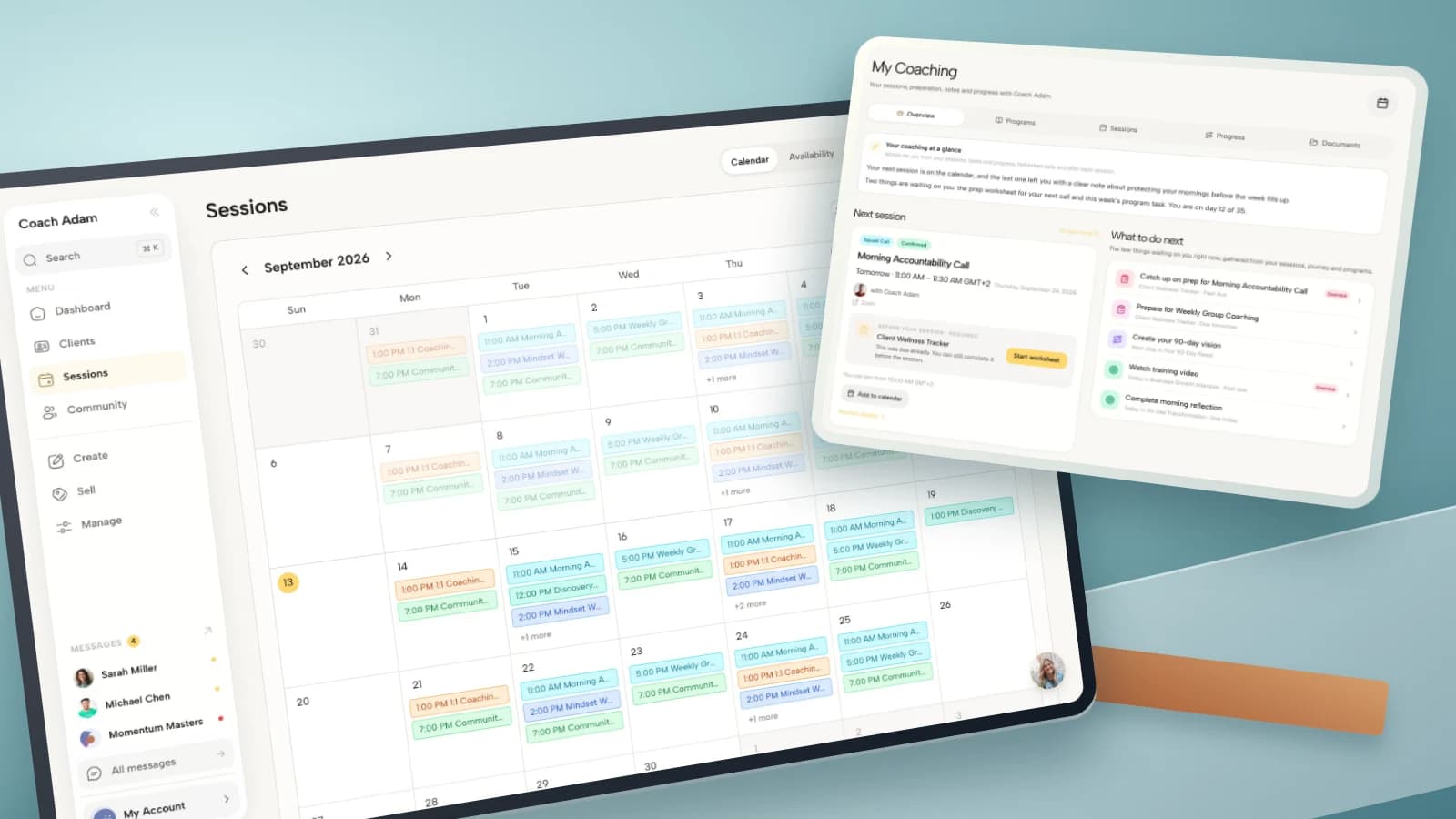
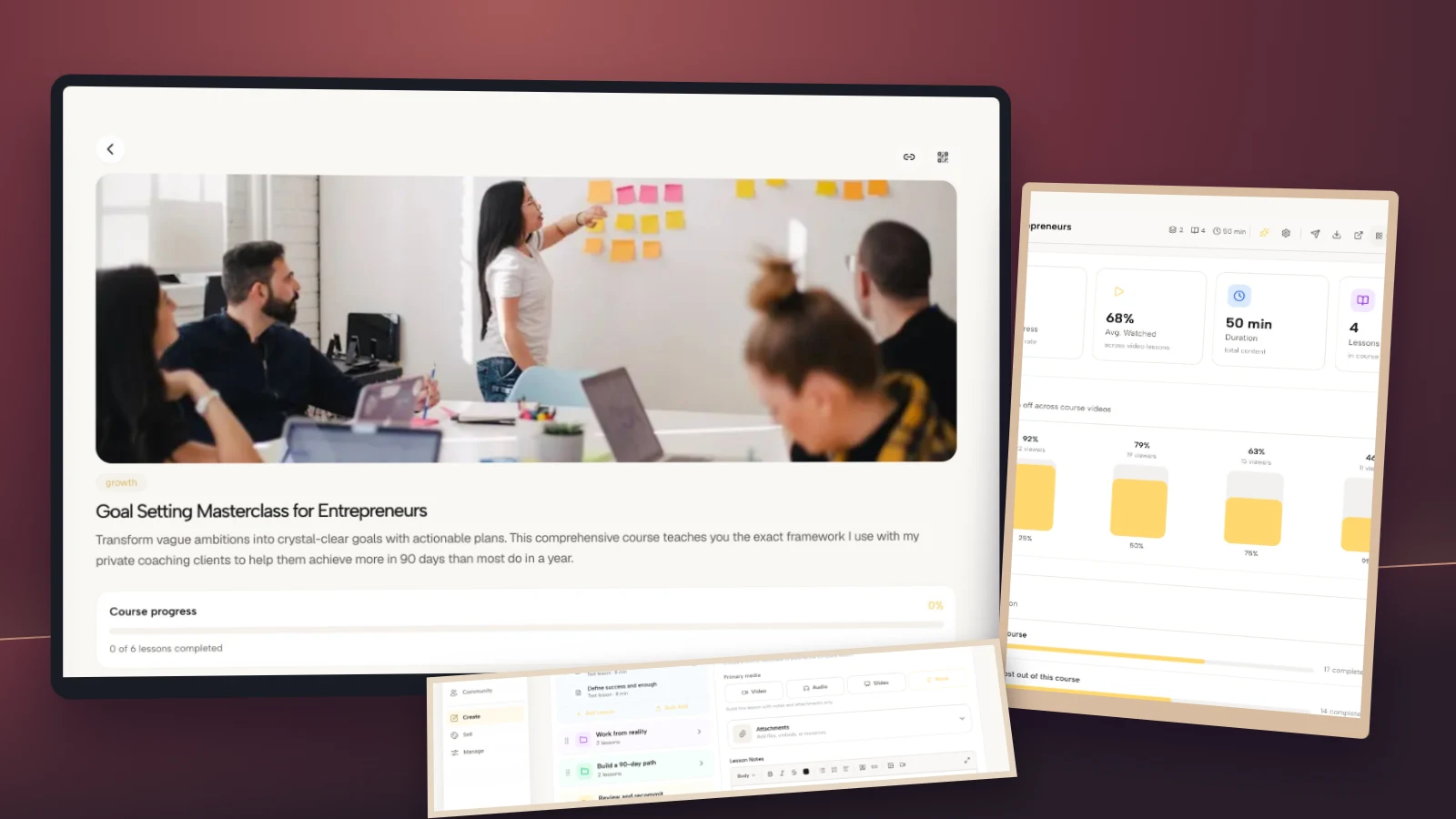
In Coachful, the verified course surfaces shown here include a course library, lesson builder, learner course view, and course analytics. They are useful for understanding the content and progress involved. They do not establish that a particular completion-triggered email exists or that a screenshot’s sample learner has finished.
Before automating any of these messages, confirm which events your current system exposes and what its completion calculation means. A carefully checked manual email is better than a beautifully automated false statement. Test with a sample enrollment rather than a real client’s record.
If your course and coaching currently blur together at the finish line, first inspect the learner’s resources and the coach’s progress view side by side. Try the interactive demo to explore that distinction before choosing what your own completion email should promise.
Frequently asked questions
Should a course completion email include a certificate?
Only if you issue one, the learner has earned it under the published rules, and you can deliver it through a working route. Explain whether it is your own course-completion record or a recognized qualification. Do not assume your course software generates certificates.
Can I say the learner has achieved their coaching goal?
Not merely because they completed a course. Course completion is a learning-activity record. Goal achievement requires the evidence and definition agreed with the client. You can acknowledge a finished course without claiming a promotion, health improvement, or business result.
Should I send the same email to everyone in a cohort?
You can reuse shared logistics, but individual completion claims need individual verification. Someone who missed a required assignment may still deserve a courteous closing email. Use accurate status wording instead of either falsely congratulating them or excluding them from essential access information.
Can I add an offer for my next program?
You can plan a transparent commercial follow-up where permitted. Do not assume that a service-confirmation email is exempt from marketing rules after adding an upsell. Requirements vary by location and recipient. Keep the essential completion and access information easy to find regardless of whether someone buys again.
Sources and product boundaries
The template choices above are editorial recommendations for coaches, not claims of measured conversion improvements. Completion rules and email triggers differ by platform; verify them in your own system rather than borrowing another provider’s behavior. Coachful’s course-platform page describes progress tracking and explicitly states its certificate limitation. For the separate task of returning data when coaching ends, see what to give a coaching client who leaves.