How to Host Client Webinars Without GoToWebinar

Nour
Founder, Coachful
Learning how to host client webinars without GoToWebinar allows executive coaches, consultants, and corporate educators to deliver interactive group training without enduring clunky legacy desktop downloads, confusing dial-in telephone numbers, and exorbitant monthly software fees. While GoToWebinar was a pioneer in early corporate broadcasting, modern executive workshops require a lightweight, browser-based environment where high-definition video, interactive reflection worksheets, private chat, and video replay libraries live inside a single client hub.
Using legacy webinar software like GoToWebinar alienates enterprise attendees: participants are prompted to download outdated desktop software, corporate firewalls block connections, and facilitators must manually download and re-upload large video recordings across multiple external tools. Below: an architectural analysis comparing legacy broadcast software with unified coaching webinar hubs. To connect webinar training with ongoing community mastermind channels, explore our guide on hosting client masterminds without Circle, review our plans, and explore our coaching features.
GoToWebinar Legacy Broadcast vs Coachful Native Coaching Webinar Hub
| Webinar Capability & Experience | GoToWebinar Legacy Software | Coachful Native Webinar Hub | Coaching Practice Impact |
|---|---|---|---|
| Participant Access Method | Requires heavy desktop client download and complex audio phone codes. | Single-click access directly through modern web browsers and mobile app. | Eliminates technical drop-offs and guarantees uninterrupted enterprise access. |
| Worksheet and Material Sharing | Static PDF downloads attached to clunky chat windows during the call. | Interactive digital worksheets open directly beside the live video stream. | Allows participants to complete reflective exercises without switching tabs. |
| Replay Publishing Workflow | Manual cloud download, video editing, and re-uploading to Vimeo or Wistia. | Automated session recording and instant archiving into program library. | Saves hours of video processing and makes replays available instantly. |
| Software Subscription Costs | Expensive monthly pricing ($89 to $399/mo) with strict attendee caps. | Included natively within your comprehensive coaching workspace. | Saves thousands of dollars annually while consolidating workflows. |
The Technological Obsolescence of Legacy Webinar Software
Platforms such as GoToWebinar were architected in the mid-2000s for static corporate broadcasts: one-way lectures where an executive speaks at an audience while attendees passively listen on muted phone lines. However, transformative executive coaching and leadership workshops require active participation, psychological safety, and interactive engagement.
Forcing modern corporate clients to download legacy desktop clients frequently triggers security warnings on corporate laptops. Furthermore, the user interface feels outdated and sterile, clashing with the modern, high-value brand image of a premier coaching practice.
- Corporate IT Installation Blocks: Enterprise security policies routinely prevent employees from downloading unapproved third-party desktop software.
- Passive Broadcast Architecture: Legacy webinar tools treat participants as passive viewers rather than active collaborative partners in developmental learning.
- Fragmented Learning Artifacts: Questions, peer observations, and shared insights typed into webinar chat windows are lost permanently once the broadcast ends.
Architecture of an Integrated Coaching Workshop Environment
An integrated coaching workshop environment blends high-definition video broadcasting with pedagogical interactivity. Participants join the session directly from their client portal, where their personal notebooks and program worksheets are already pre-loaded.
As the coach delivers key concepts, attendees can complete diagnostic reflection exercises in a split-screen view without toggling windows or printing physical sheets. Once the session ends, the recording automatically archives into the program curriculum alongside participant reflection notes.
- Split-Screen Interactive Worksheets: Deliver reflective exercises that participants fill out during the live workshop, saving answers automatically to their private portal.
- Persistent Cohort Discussion: Bridge in-session webinar chat into persistent community discussion feeds to sustain dialogue after the call concludes.
- Automated High-Definition Archives: Recordings are automatically processed and embedded into the client program library, eliminating video hosting fees.
Facilitation Guide: Structuring a High-Conversion Client Webinar
Delivering an engaging workshop that educates corporate clients and converts attendees into high-ticket coaching programs requires deliberate pedagogical design:
By interweaving high-level frameworks with live interactive worksheet reflection, participants experience immediate developmental value.
- 00-10 Minutes: Frame the Strategic Paradox: Establish the core organizational dilemma and poll attendees on immediate workplace friction points.
- 10-35 Minutes: Present the Core Framework: Deliver the foundational leadership methodology supported by real-world executive case studies.
- 35-50 Minutes: Guided Interactive Reflection: Have participants complete their self-assessment worksheet in their portal and debrief insights in chat.
- 50-60 Minutes: Synthesis and Next Steps: Outline the roadmap for deep 1-on-1 coaching partnerships and provide direct booking links for discovery consultations.
Step-by-Step Blueprint: Hosting Webinars Inside Coachful
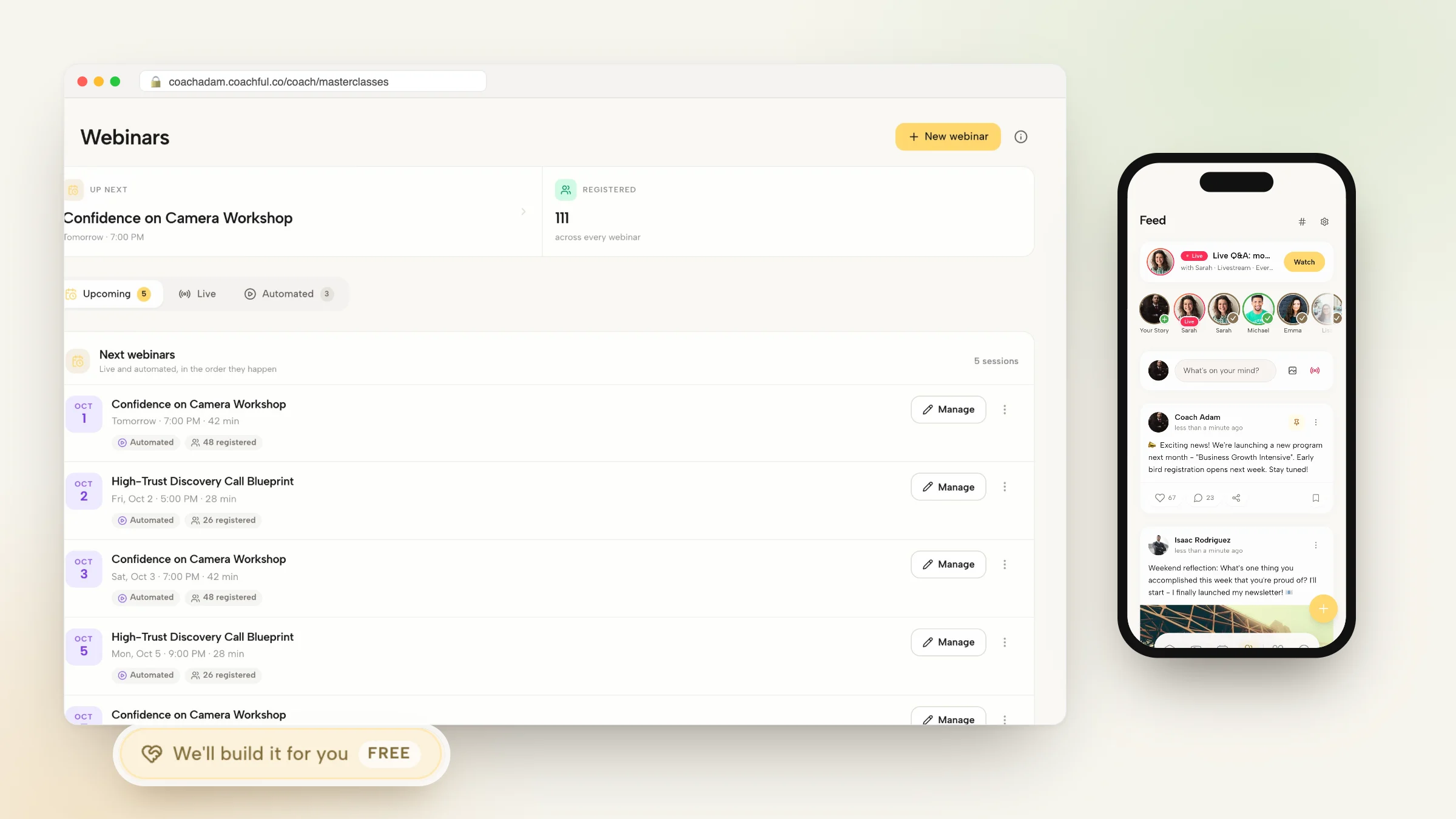
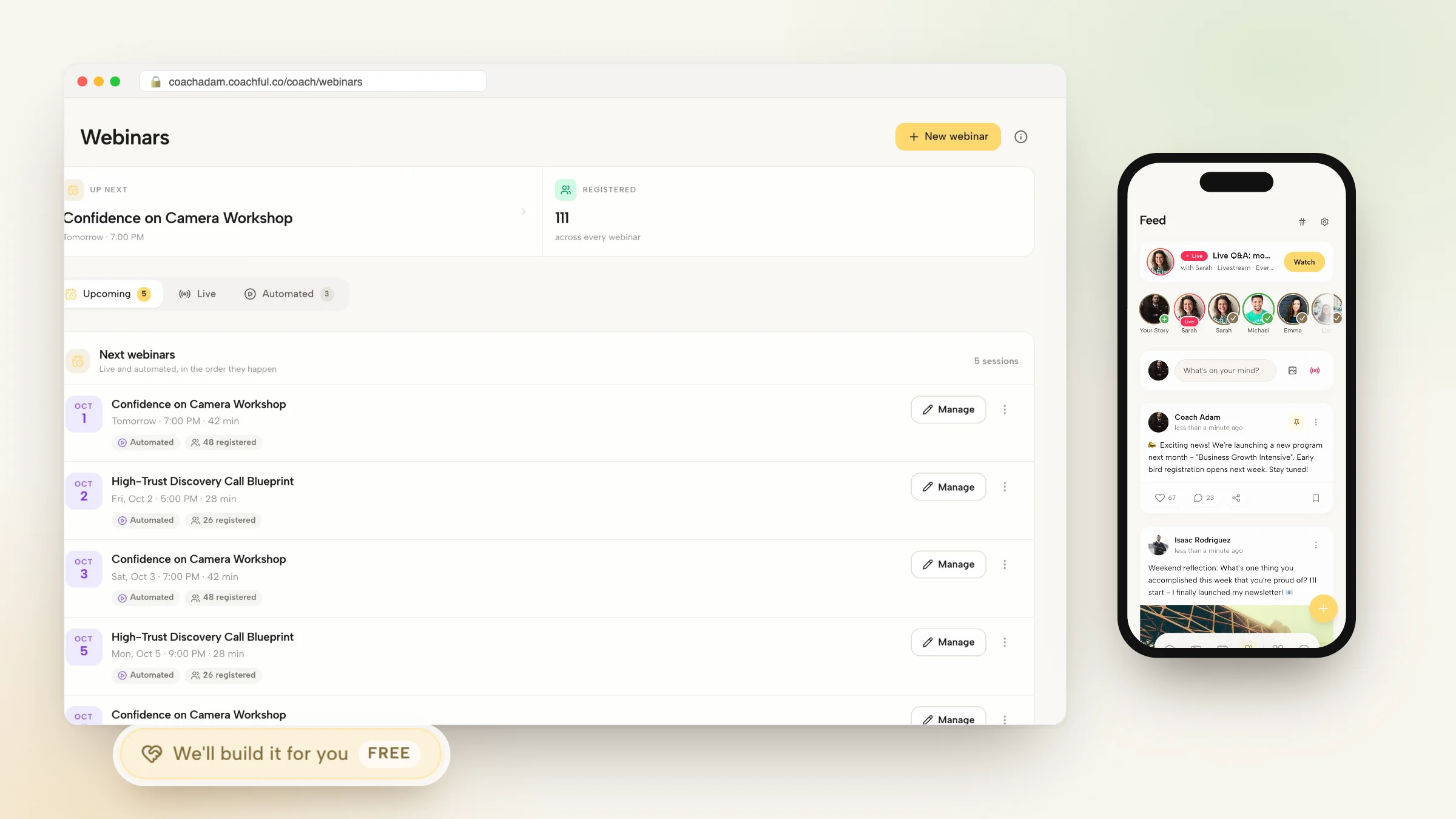
Running your coaching webinars inside Coachful simplifies production and keeps your clients within your branded environment. Follow these four steps to deliver your next workshop.
Your clients enjoy a unified, high-definition broadcast that positions your practice at the forefront of modern executive education.
- Step 1: Create the Webinar Event: Define your workshop title, session objectives, date, and attendee capacity inside the Coachful events dashboard.
- Step 2: Attach Digital Materials and Worksheets: Link relevant interactive worksheets and diagnostic exercises that will display alongside the live video broadcast.
- Step 3: Dispatch Automated Calendar Reminders: The platform automatically sends calendar holds with one-click access links to all registered attendees.
- Step 4: Broadcast Live and Archive Automatically: Deliver your presentation in high definition, interact via live chat, and let the system archive the replay into your resource library.
Frequently asked questions about how to host client webinars without GoToWebinar
Do webinar attendees need to download any desktop apps or plugins?
No. Participants join directly through any modern web browser or mobile app with zero downloads, browser extensions, or plugins required.
Can I restrict webinar access to paying program members or sell tickets?
Yes. You can offer free public webinars to generate leads, restrict sessions to active coaching cohorts, or sell ticketed access via integrated Stripe checkout.
Can I share slides, videos, and application windows during the webinar?
Yes. Facilitators can share full desktop screens, application windows, or browser tabs with high-definition video and audio streaming.
Where do participants find webinar recordings after the live session ends?
Session replays automatically populate the program library in the client portal, allowing members to review video recordings on demand.
Webinars should be immersive developmental experiences, not an exercise in troubleshooting legacy software downloads. By moving your live workshops away from tools like GoToWebinar into an integrated coaching platform, you provide participants with an uninterrupted learning journey that blends video, active reflection, and community dialogue.
Deliver interactive, high-impact webinars that differentiate your coaching brand with Coachful today.