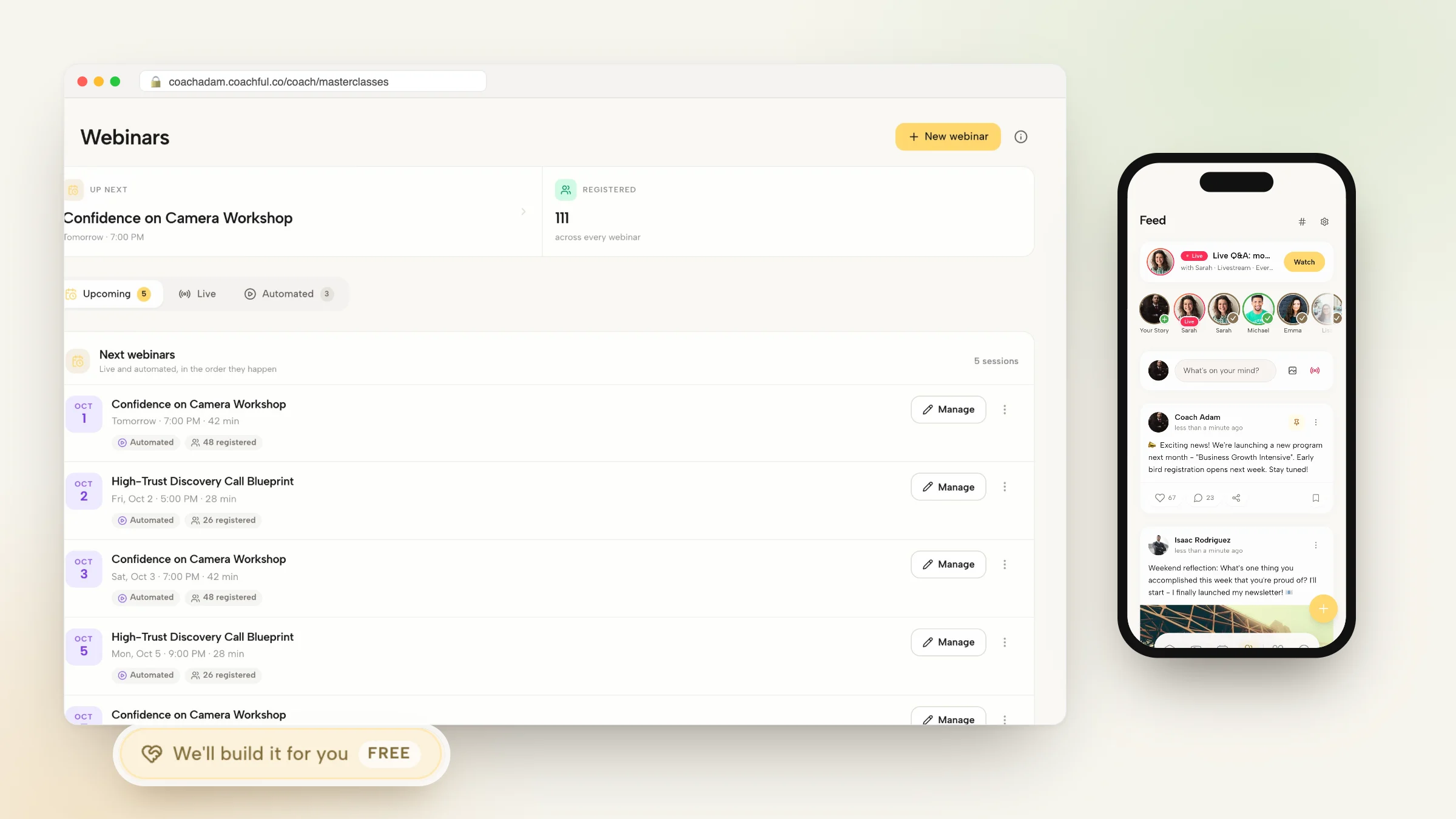
How to Manage Client Scheduling Without YouCanBookMe

Nour
Founder, Coachful
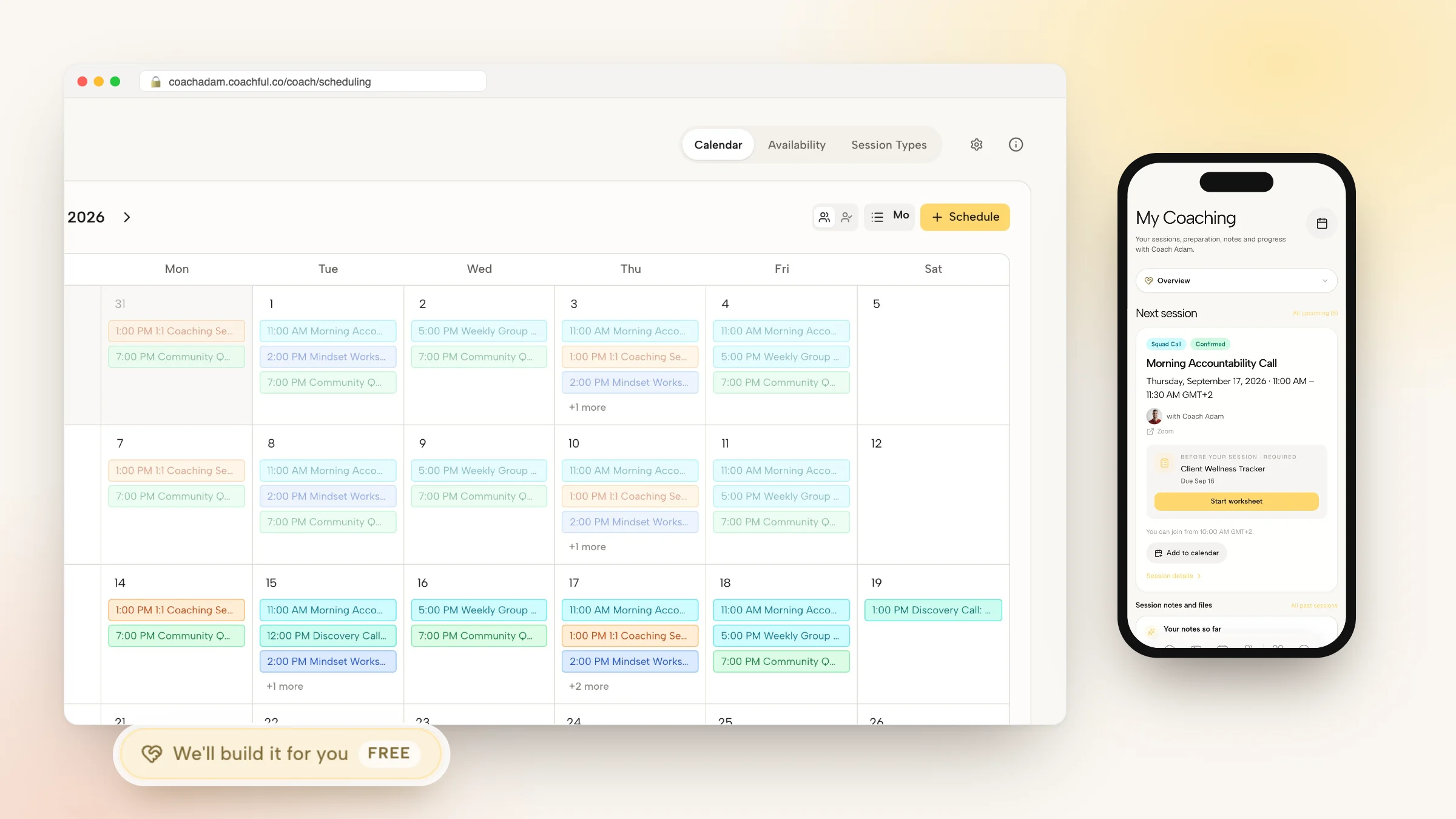
Mastering how to manage client scheduling without YouCanBookMe enables executive coaches, strategic advisors, and corporate leadership consultants to automate appointment booking without paying recurring fees for standalone calendar scheduling tools. While YouCanBookMe provides basic grid-style booking pages, executive coaching requires an integrated scheduling environment that pairs appointment booking directly with private session notes, client agreement signing, intake forms, and active package balances.
Sending external YouCanBookMe links to corporate executives introduces administrative friction: clients must navigate off your branded website, manage separate third-party confirmations, and re-enter basic contact details. Below: an architectural breakdown comparing generic calendar software with native coaching scheduling hubs, featuring real-time bi-directional sync, automatic buffer times, and embedded client portal booking. To connect appointment booking with client intake forms, explore our guide on managing client onboarding without Paperform, review our plans, and explore our coaching features.
YouCanBookMe Standalone Calendar vs Coachful Native Scheduling Hub
| Scheduling & Booking Feature | YouCanBookMe Standalone Calendar | Coachful Native Scheduling Hub | Executive Coaching Practice Impact |
|---|---|---|---|
| Client Portal Context & History | Isolated booking grid on external domain with zero coaching context. | Embedded directly inside the client developmental portal and mobile app. | Enables clients to review session goals and reflections before booking calls. |
| Package Quota Depletion | None; books appointments without tracking paid package session balances. | Automatically deducts completed calls from client prepaid retainer quotas. | Eliminates spreadsheet session tracking and provides complete billing transparency. |
| Pre-Session Preparation Prompts | Basic static text fields in confirmation emails. | Integrated reflective check-ins that feed directly into upcoming call agendas. | Ensures executive sessions focus immediately on high-leverage strategic issues. |
| Software Subscription Costs | Recurring monthly fees per calendar ($12 to $24/calendar/mo). | Included natively within your comprehensive coaching workspace subscription. | Saves hundreds of dollars annually while consolidating workflows. |
Why Standalone Calendar Tools Fragment the Executive Experience
High-performing corporate leaders operate with demanding schedules and zero patience for administrative clumsiness. When an executive coach uses standalone booking tools like YouCanBookMe, scheduling becomes a detached, transactional experience rather than a frictionless extension of the developmental partnership.
Standalone scheduling tools cannot verify whether a corporate client has paid their quarterly retainer, nor can they link appointment times to shared vision boards or private session notes. Coaches are forced into manual reconciliation: checking YouCanBookMe emails, updating spreadsheets, and creating separate calendar entries in Google or Outlook.
- Disconnected Service Fulfillment: YouCanBookMe records appointments on a calendar but maintains zero connection to client milestone tracking or program materials.
- Lack of Package Depletion Logic: Clients can book beyond their contracted session quotas, forcing awkward billing conversations and administrative corrections.
- Impersonal External Branding: Directing enterprise clients to generic third-party scheduling domains diminishes executive prestige and advisory authority.
Architecture of a Dedicated Coaching Calendar Hub
A modern coaching scheduling hub unites personal availability rules, client appointment booking, and session preparation into an integrated workflow. When an executive logs into their portal, they see exactly how many advisory sessions remain in their active package alongside an interactive booking calendar.
The client selects an open time slot, confirms their timezone, and submits their pre-session focus agenda. The platform automatically blocks the time across the coach connected Google or Outlook calendar, provisions a secure video meeting room, and logs the appointment in the client record.
- Bi-Directional Calendar Synchronization: Syncs continuously with Google Calendar, Microsoft Outlook, and Office 365, instantly blocking personal conflicts.
- Automated Package Balance Tracking: Every booked session is linked to the client active retainer, preventing over-booking and tracking remaining hours.
- Integrated Pre-Session Check-In Prompts: Prompts clients to submit their primary strategic focus, which automatically populates the coach session dashboard.
Worked Dialogue: Structuring Session Cadences with a Demanding VP
The following transcript illustrates an executive coach agreeing on a bi-weekly advisory cadence with a busy corporate Vice President without messy email chains:
By providing a streamlined client portal booking link, the coach eliminates scheduling friction while reinforcing executive accountability.
- Eliminating Scheduling Friction: Providing self-service portal booking allows executives to adjust appointment times in real time as board meetings shift.
- Enforcing Cancellation Boundaries: Automated policy rules require 24 hours notice for reschedules, protecting the coach calendar while respecting client emergencies.
Step-by-Step Blueprint: Configuring Scheduling in Coachful
Replacing external scheduling tools with Coachful native calendar takes less than fifteen minutes. Follow these four implementation steps to activate your booking hub.
Your clients enjoy an ad-free, intuitive scheduling process that reinforces your authority as a trusted corporate partner.
- Step 1: Connect Your Professional Calendars: Link your business Google or Outlook calendar accounts inside Coachful settings to establish real-time availability sync.
- Step 2: Define Appointment Types and Buffers: Create 60-minute executive sessions, 90-minute strategy kickoffs, and 30-minute check-ins with automated 15-minute buffers.
- Step 3: Embed Scheduling into Client Portals: Enable direct in-app booking so clients can schedule sessions directly from their web portal or mobile application.
- Step 4: Configure Automated Reminders and Preparation Forms: Set up automated email reminders that prompt clients to submit session focus notes 24 hours prior to calls.
Frequently asked questions about how to manage client scheduling without YouCanBookMe
Can I set buffer times between coaching sessions to prevent fatigue?
Yes. You can configure automatic 10, 15, or 30-minute buffers before and after every appointment to ensure adequate time for session debriefs and personal recovery.
How does native scheduling handle international timezones for global clients?
Coachful automatically detects each client local timezone and displays available slots in their local time, preventing confusion across global regions.
Can clients reschedule or cancel appointments directly through the portal?
Yes. Clients can reschedule or cancel appointments directly through their confirmation email or portal dashboard according to your customized cancellation policy rules.
Can I limit how far in advance clients are allowed to book sessions?
Yes. You can establish rolling booking windows (e.g., maximum 30 days in advance) and require minimum advance notice (e.g., at least 24 hours notice) to protect your schedule.
Scheduling should be an effortless, dignified entry point into your coaching relationship, not an exercise in navigating external calendar links and fragmented spreadsheets. By replacing standalone tools like YouCanBookMe with an integrated coaching platform, you protect client confidentiality and deliver a polished executive experience.
Streamline your calendar and coordinate client sessions effortlessly with Coachful today.