How to Host Coaching Masterclasses Without GoToWebinar

Nour
Founder, Coachful
Understanding how to host coaching masterclasses without GoToWebinar enables executive facilitators, leadership consultants, and group practice directors to run highly interactive, collaborative masterclasses without forcing participants through cumbersome desktop software downloads, confusing registration emails, and rigid broadcast presentations. While GoToWebinar was an early pioneer in corporate desktop audio conferencing and marketing broadcasts, its legacy software architecture was engineered for one-way lectures and corporate IT compliance rather than transformative executive group learning.
In modern executive masterclasses, corporate participants demand frictionless browser access, face-to-face peer interaction, dynamic small-group breakouts, and continuous access to workshop materials. Below: an architectural analysis comparing legacy corporate webinar tools with a modern, integrated coaching masterclass hub, featuring low-latency video, synchronized digital worksheets, and permanent resource archives. To optimize your full group coaching infrastructure, review our guide on hosting masterclasses without WebinarJam, review our plans, and explore our coaching features.
GoToWebinar Legacy Platform vs Coachful Masterclass Hub
| Masterclass Dimension | GoToWebinar Legacy Software | Coachful Masterclass Hub | Executive Learning Advantage |
|---|---|---|---|
| Participant Access | Requires downloading clunky desktop plugins; frequently blocked by IT firewalls. | One-click browser access via verified client portal with zero software downloads. | Eliminates initial technical delays and connects executives instantly. |
| Interaction Architecture | Hierarchical presenter-audience model with restricted audio and text-only Q&A. | Face-to-face peer video, interactive breakout groups, and live somatic exercises. | Fosters authentic peer dialogue and collective executive intelligence. |
| Worksheet & Resource Sync | Static PDF handouts attached to a floating desktop control panel. | Interactive digital exercises that save automatically into each client portal. | Enables real-time participant collaboration and longitudinal progress tracking. |
| Community & Replay Persistence | Recordings sent as temporary video links that expire after the broadcast. | Permanent video archive organized alongside cohort discussion threads. | Converts one-time workshops into an enduring corporate knowledge library. |
The Friction of Legacy Corporate Webinar Software
Why outdated desktop applications undermine executive learning environments
Legacy platforms like GoToWebinar were architected in the early 2000s when corporate IT policies required strict client software installations. Today, demanding that a Fortune 500 executive download an executable (.exe or .dmg) file to join an executive masterclass creates instant technical roadblocks, as corporate laptops often prohibit unapproved installations.
Moreover, GoToWebinar enforces a rigid, top-down presenter hierarchy: the speaker broadcasts slides while attendees sit in passive silence, permitted only to type questions into a narrow text box. This model stifles peer-to-peer reflection, vulnerability, and dynamic strategic problem-solving.
- Installation Roadblocks: Corporate device security policies frequently block external executable file installations.
- Passive Audience Fatigue: One-way broadcast models induce cognitive disengagement and screen fatigue.
- Ephemeral Learning Value: Fails to support collaborative breakout work or ongoing cohort community discussions.
Step-by-Step Architecture: Modern Executive Masterclass Delivery
Creating browser-native interactive learning laboratories for corporate leaders
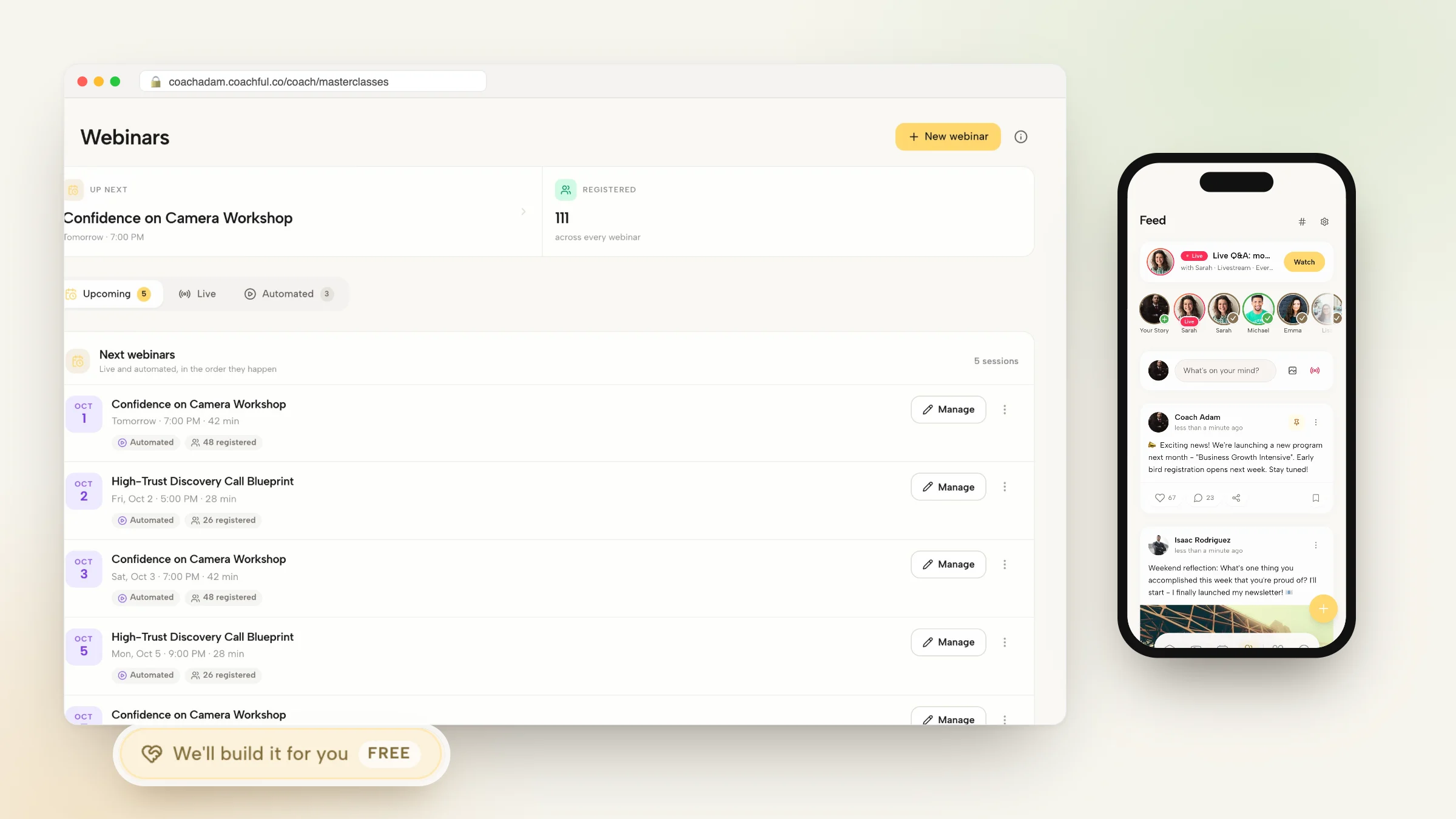
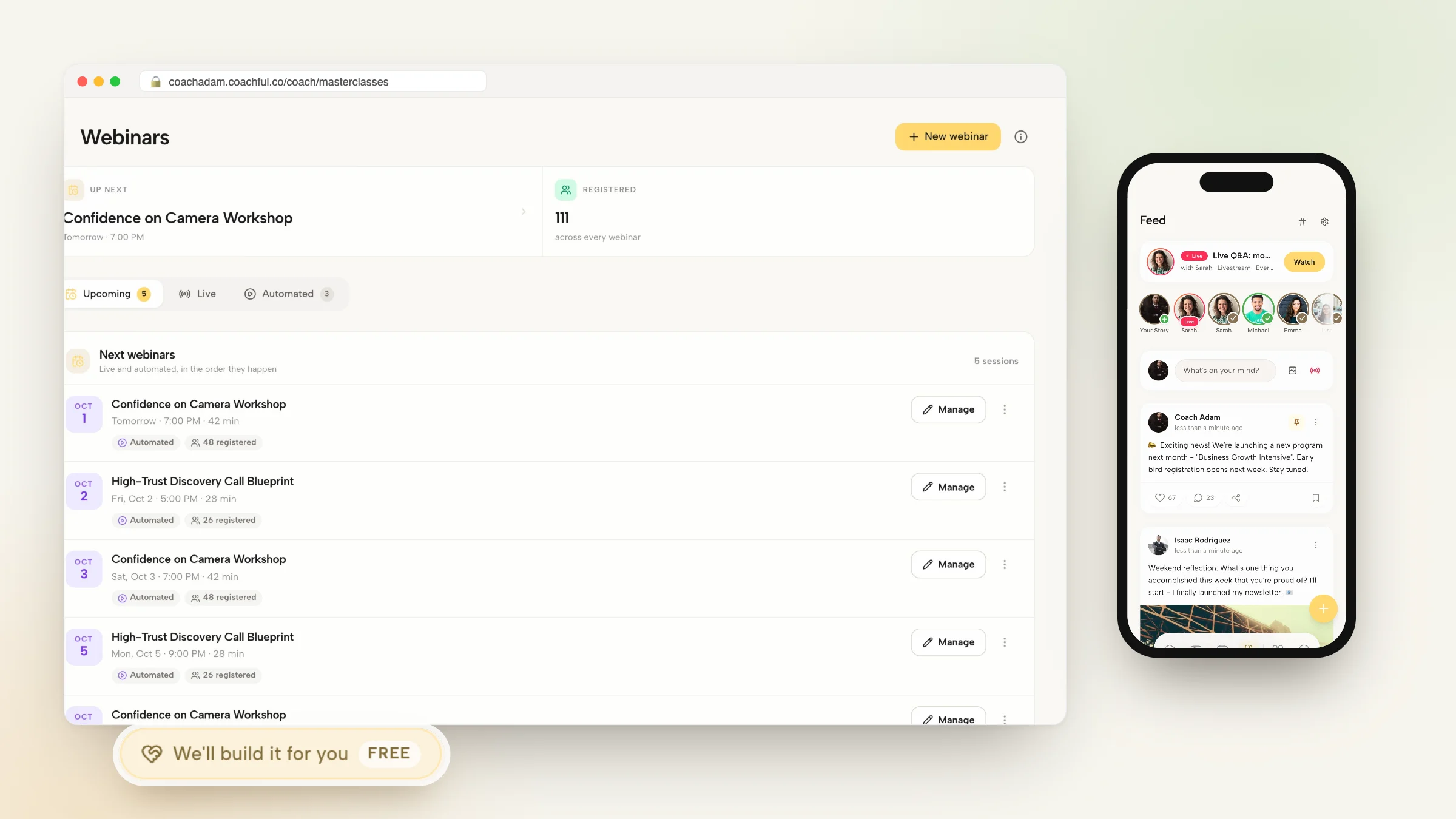
Modern coaching masterclass hubs embed low-latency video and audio directly inside the authenticated client portal. Executives simply open their web browser, log in, and enter an immersive workshop space containing the live video feed, real-time interactive worksheets, and peer collaboration tools.
Below is a verbatim facilitation dialogue demonstrating how an executive coach conducts an interactive leadership masterclass instead of a passive lecture:
- Zero-Install Browser Access: Clients join live sessions with a single click from any laptop, tablet, or smartphone.
- Synchronized Digital Diagnostic Worksheets: Participants complete interactive assessments that save automatically to their private portal.
- Dynamic Peer Breakout Scrums: Transition the cohort into small-group breakout rooms for rapid peer case analysis.
Facilitator Transcript: Engaging Executives in Live Strategic Sprints
In this transcript, an executive coach guides senior directors through an interactive breakout exercise during a leadership masterclass:
Masterclass Facilitator: Welcome everyone. Today is not a lecture; it is an active strategy lab. In your portal tabs, open the 'Cross-Functional Decision Framework'. You will see three columns mapping authority, accountability, and escalation paths. I want each of you to take two minutes to fill out Column 1 for your division.
Operations Director: I have filled mine out. Seeing our escalation bottlenecks laid out like this is alarming; our team waits up to two weeks for sign-offs on basic capital purchases.
Masterclass Facilitator: That is exactly why we are doing this live. I am partitioning the cohort into peer trios for a ten-minute sprint. Operations Director, you will be with Product and Engineering. Challenge each other assumptions on what decisions truly require VP sign-off, and co-create an updated delegation matrix.
Engineering Director: Entering the breakout room now. Having our interactive worksheets side-by-side with our video makes peer collaboration effortless.
Converting Workshops Into Evergreen Organizational Assets
How post-masterclass resource repositories reinforce leadership transformation
In conventional setups, once a webinar ends, the value evaporates. With an integrated coaching hub, the masterclass recording is automatically published to the cohort resource library alongside the slide deck, completed worksheets, and curated reading lists.
Participants can revisit specific segments, post follow-up questions on the cohort feed, and complete post-session reflection commitments that are tracked directly by the coach.
- Automated Replay Indexing: Recordings are organized within structured modules for easy asynchronous review.
- Integrated Cohort Feeds: Leaders continue discussing implementation challenges with peers between live sessions.
- Accountability Checkpoints: Automated prompts remind leaders to execute the action plans committed to during the masterclass.
Facilitator Checklist: Launching Friction-Free Masterclasses
Follow this operational roadmap to transition your workshops away from outdated webinar tools:
- Set Up Your Cohort Portal Space: Configure the private workshop workspace with brand identity and session schedules.
- Embed Interactive Learning Tools: Build digital worksheets that participants can complete directly inside their web browser.
- Conduct Pre-Session Connectivity Checks: Verify audio and video permissions without forcing participants to download software.
- Deploy Automated Post-Session Debriefs: Trigger reflection prompts that challenge leaders to apply key insights to their daily routines.
Frequently asked questions about how to host coaching masterclasses without GoToWebinar
Why is GoToWebinar unsuitable for interactive executive masterclasses?
GoToWebinar relies on outdated desktop software downloads that corporate firewalls often block, and its rigid presenter-broadcast structure prevents peer-to-peer collaboration and dynamic breakout discussions.
Do participants need to create complex accounts to join a modern masterclass?
No. Participants access the masterclass through secure, one-click magic links or their established client portal credentials, avoiding clunky multi-step registrations.
Can I conduct live small-group breakouts inside the masterclass?
Yes. Modern coaching hubs allow facilitators to automatically or manually partition attendees into small peer breakout groups for interactive case study analysis.
How are workshop worksheets stored for participants?
Worksheets are saved digitally in each participant private portal locker, allowing them to reference and update their action commitments long after the live session concludes.
Can I monetize masterclasses as recurring corporate subscription programs?
Yes. Modern platforms allow you to package live masterclasses, asynchronous recordings, and community access into recurring corporate retainers or multi-tier group memberships.
Mastering how to host coaching masterclasses without GoToWebinar transforms your group workshops from passive, technology-plagued presentations into dynamic, high-engagement executive learning laboratories. By delivering friction-free browser access, active peer collaboration, and permanent resource repositories, you deliver an exceptional client experience that drives lasting leadership growth.
To discover how our native group coaching and masterclass infrastructure strengthens your practice, review our plans, and explore our coaching features today.