How to Manage Client Documents Without OneDrive

Nour
Founder, Coachful
Learning how to manage client documents without OneDrive enables executive coaches, leadership consultants, and talent advisors to share sensitive leadership assessments, 360 evaluations, and strategy roadmaps without confusing Microsoft 365 permission errors or clunky corporate link authentications. While Microsoft OneDrive serves as an enterprise cloud storage utility for internal corporate IT networks, utilizing it as an external client-facing document repository creates immense friction for coaching engagements.
Corporate clients frequently encounter broken guest access permissions, corporate tenant blocking policies, and disorganized folder hierarchies that undermine the premium feel of an executive advisory relationship. Below: an architectural breakdown comparing generic enterprise cloud drives with a dedicated coaching document portal, featuring private client vaults, interactive digital worksheets, and integrated session resource linking. To simplify your full document ecosystem, review our guide on managing client documents without SharePoint, review our plans, and explore our coaching features.
Microsoft OneDrive Storage vs Coachful Client Document Vault
| Document Management Dimension | Microsoft OneDrive Storage | Coachful Client Document Vault | Executive Advisory Advantage |
|---|---|---|---|
| Access Control & Security | Confusing tenant permissions, password tokens, and external sharing blockades. | Role-based authenticated client access linked directly to active coaching packages. | Eliminates permission denials and protects executive confidentiality. |
| Interactive Worksheets | Static Word or PDF attachments requiring manual download, editing, and re-upload. | Native digital forms and interactive worksheets that save automatically in portal. | Increases client exercise completion rates and tracks real-time progress. |
| Contextual Deliverable Linking | Disconnected folder lists with zero association with scheduled sessions. | Documents attach automatically to upcoming appointments and action plans. | Ensures relevant strategy briefs are ready at hand during live coaching. |
| Mobile Client Experience | Requires downloading heavy third-party Microsoft apps that clutter mobile devices. | Mobile-responsive client web app accessible from any smartphone or tablet. | Allows busy traveling executives to review strategic notes on the go. |
The Friction of Enterprise Cloud Drives in Client Engagements
Why IT-centric storage drives cause access breakdowns with external clients
OneDrive is deeply tied to Microsoft enterprise architecture. When an executive coach attempts to share a OneDrive folder with an executive whose organization operates on Google Workspace or a locked-down corporate Microsoft tenant, corporate security policies often block the external link.
Executives are forced to switch accounts, request one-time passcodes, or ask their IT administrator for external sharing clearance. This initial technological hurdle damages the coaching alliance before the first strategic conversation begins.
- Tenant Isolation Conflicts: Corporate IT filters frequently block external OneDrive sharing links as security risks.
- Version Control Chaos: Coaches and clients exchange multiple PDF revisions over email, causing confusion.
- Unstructured Information Dump: A flat directory of files fails to guide the client through a purposeful developmental journey.
Architecting a Dedicated Coaching Document Environment
Creating private, organized resource vaults that guide client developmental growth
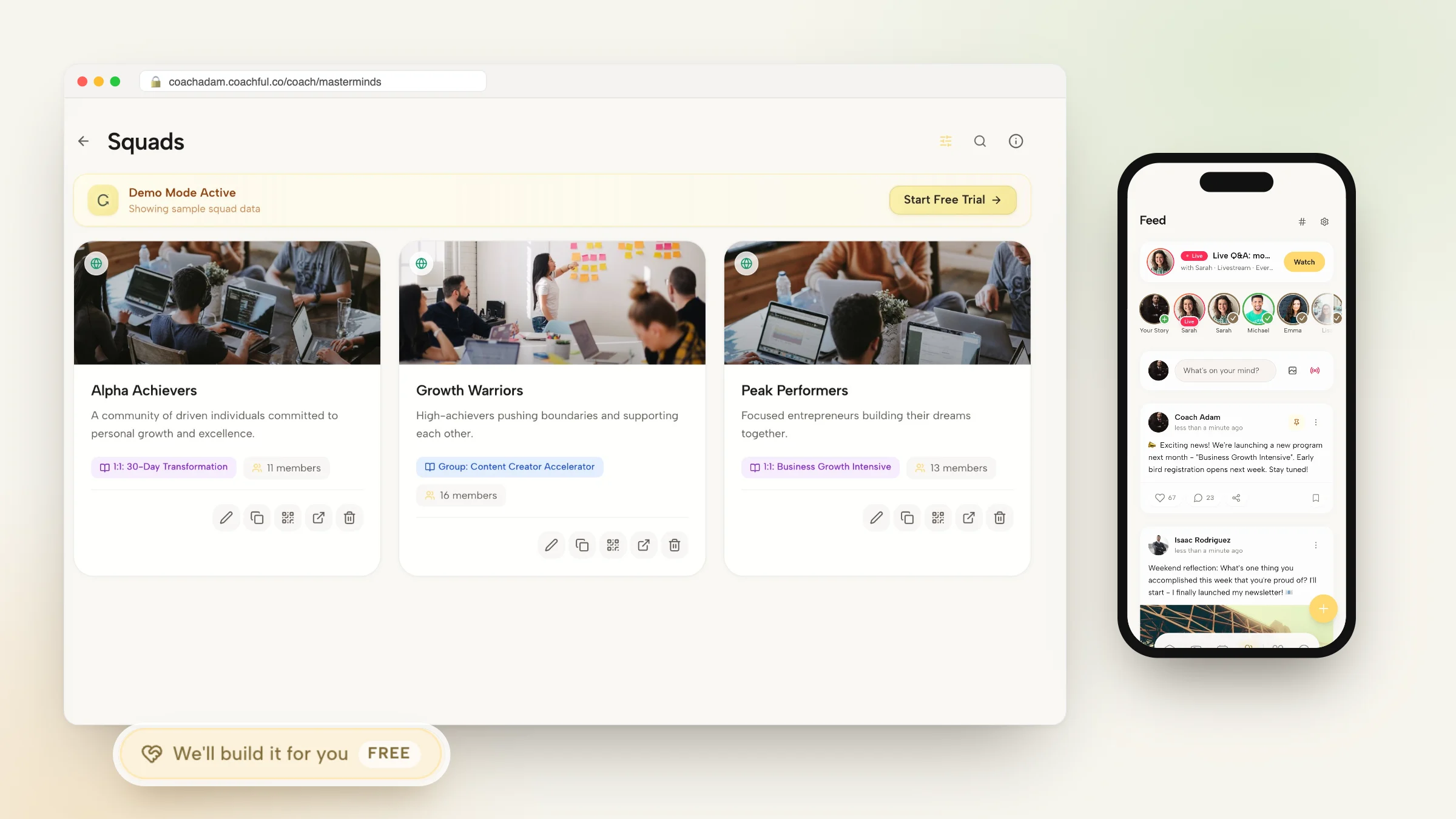
In a purpose-built coaching environment, documents are not merely stored; they are curated into the client learning journey. A client private portal vault organizes files by developmental milestones, such as Intake & Diagnostics, Strategic Frameworks, and Session Transcripts.
Furthermore, interactive digital forms replace static downloadable PDFs, allowing executives to complete self-assessments directly in their web browser with instant coach notifications.
- Milestone-Based Categorization: Group diagnostic tools, strategy roadmaps, and session notes intuitively.
- Native Cloud Worksheets: Interactive exercises save drafts continuously and notify the coach upon submission.
- Granular Confidentiality Controls: Keep private coaching notes invisible while sharing selected strategy briefs with clients.
Coaching Dialogue: Streamlining Executive Assessment Reviews
This conversation illustrates how a coach guides an executive through an interactive portal worksheet rather than wrestling with email attachments:
Senior Executive: I tried opening that 360 feedback summary you emailed last week, but our company network flagged the cloud drive link and blocked access.
Executive Coach: That happens frequently with corporate IT firewalls. That is why all your assessments and strategic roadmaps are now permanently available inside your private client portal. You can log in securely from your browser without any external permissions.
Senior Executive: That worked instantly. I see the 360 report right beside our upcoming session agenda.
Executive Coach: Exactly. And if you scroll to the Action Commitments tab, you will find an interactive template where you can record your three key leadership priorities for next quarter. When you save it, I will be notified automatically.
Synchronizing Documents With Live Session Agendas
How contextual file organization elevates session preparation and accountability
In conventional setups, both coach and client waste the first five minutes of a strategy call locating relevant notes and past homework. Modern coaching portals solve this by anchoring relevant documents directly to calendar appointments.
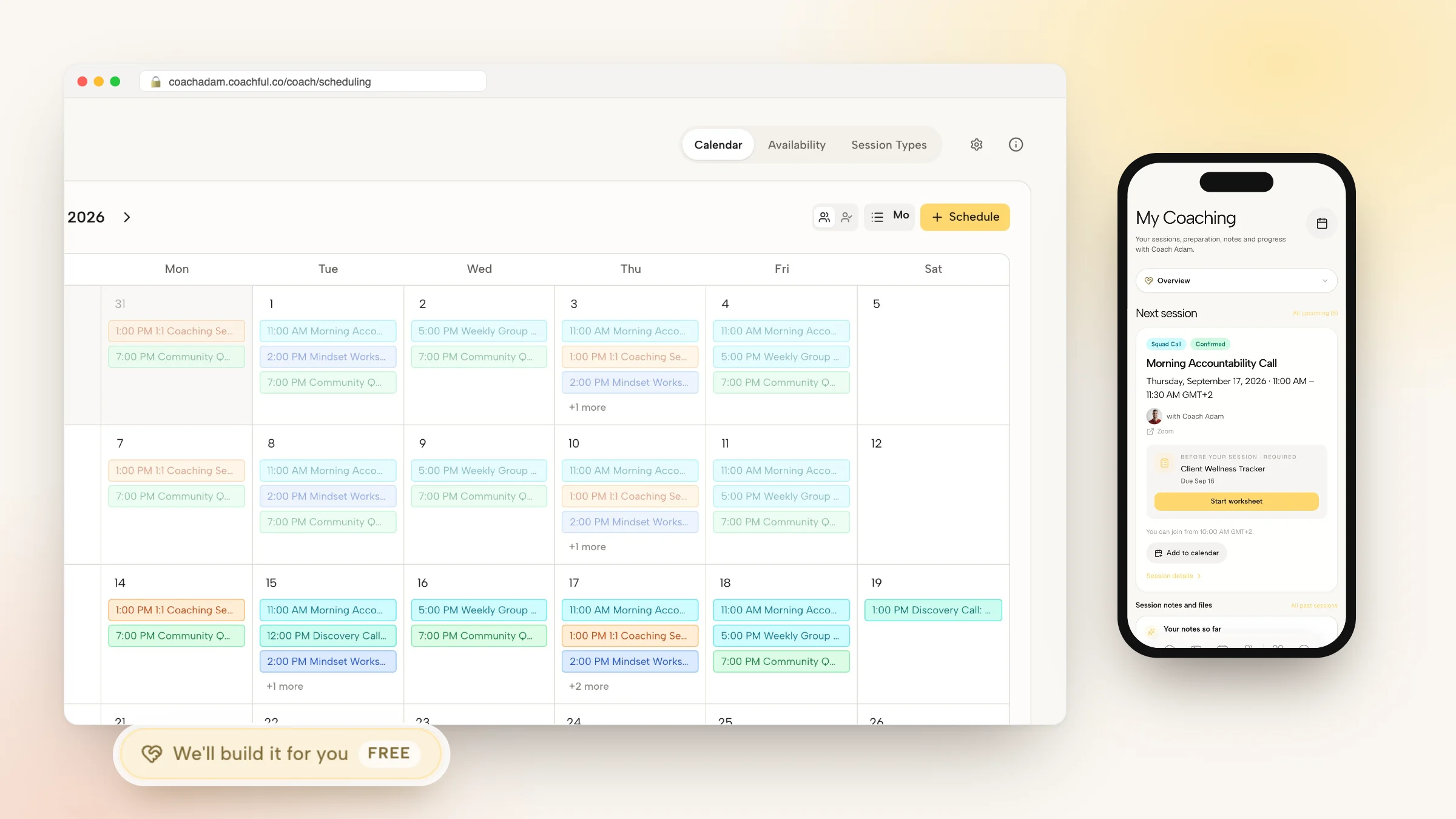
When opening an upcoming session card, the coach sees the client latest worksheet responses, past action items, and relevant diagnostic scores in a single split-screen view, eliminating administrative friction.
- Pre-Session Worksheet Prompts: Automate reminder notifications asking clients to submit updates before meetings.
- Split-Screen Advisory View: Review client strategic notes while taking private coaching observations during calls.
- Immediate Session Summaries: Publish meeting takeaways directly to the client vault with one click.
Implementation Protocol: Transitioning Your Client Files to a Secure Portal
Migrating your coaching materials away from generic cloud drives takes minimal effort. Follow this operational roadmap:
- Standardize Your Framework Templates: Convert static Word documents into interactive portal worksheets and resource guides.
- Set Up Secure Client Vaults: Create private digital folders for each active corporate coaching client.
- Establish Permission Protocols: Verify that sensitive coach-only observations remain segregated from client-facing deliverables.
- Train Clients on Single-Point Access: Instruct executives to access all session materials exclusively through their personalized portal.
Frequently asked questions about how to manage client documents without OneDrive
Why do corporate clients struggle with external OneDrive links?
Corporate security configurations often prohibit employees from accessing external Microsoft 365 tenants or downloading files from unverified third-party cloud drives, leading to blocked links and access error messages.
Can clients upload their own confidential files to the portal?
Yes. Clients have their own dedicated upload area within their portal where they can securely submit presentation decks, organizational charts, and strategic plans for coach review.
How are client documents protected to ensure compliance and confidentiality?
Documents in a specialized coaching portal are encrypted both in transit and at rest, with strict role-based access controls ensuring only authorized coaches and assigned clients can view the files.
Can I replace downloadable PDFs with interactive web worksheets?
Yes. Modern coaching platforms feature drag-and-drop form builders that allow you to create interactive digital exercises that clients can complete directly inside their web or mobile browser.
What happens to client documents after a coaching package concludes?
Coaches can configure retention settings: clients can either maintain read-only alumni access to their personal resource archive or have records securely archived according to corporate governance policies.
Mastering how to manage client documents without OneDrive replaces confusing IT access hurdles with an elegant, institutional client portal. By embedding assessments, action plans, and session notes directly into the executive workflow, you create a frictionless professional experience that reinforces the value of your coaching.
To discover how our native document management and interactive worksheets streamline your client delivery, review our plans, and explore our coaching features today.