How to Manage Client Documents Without Sync.com

Nour
Founder, Coachful
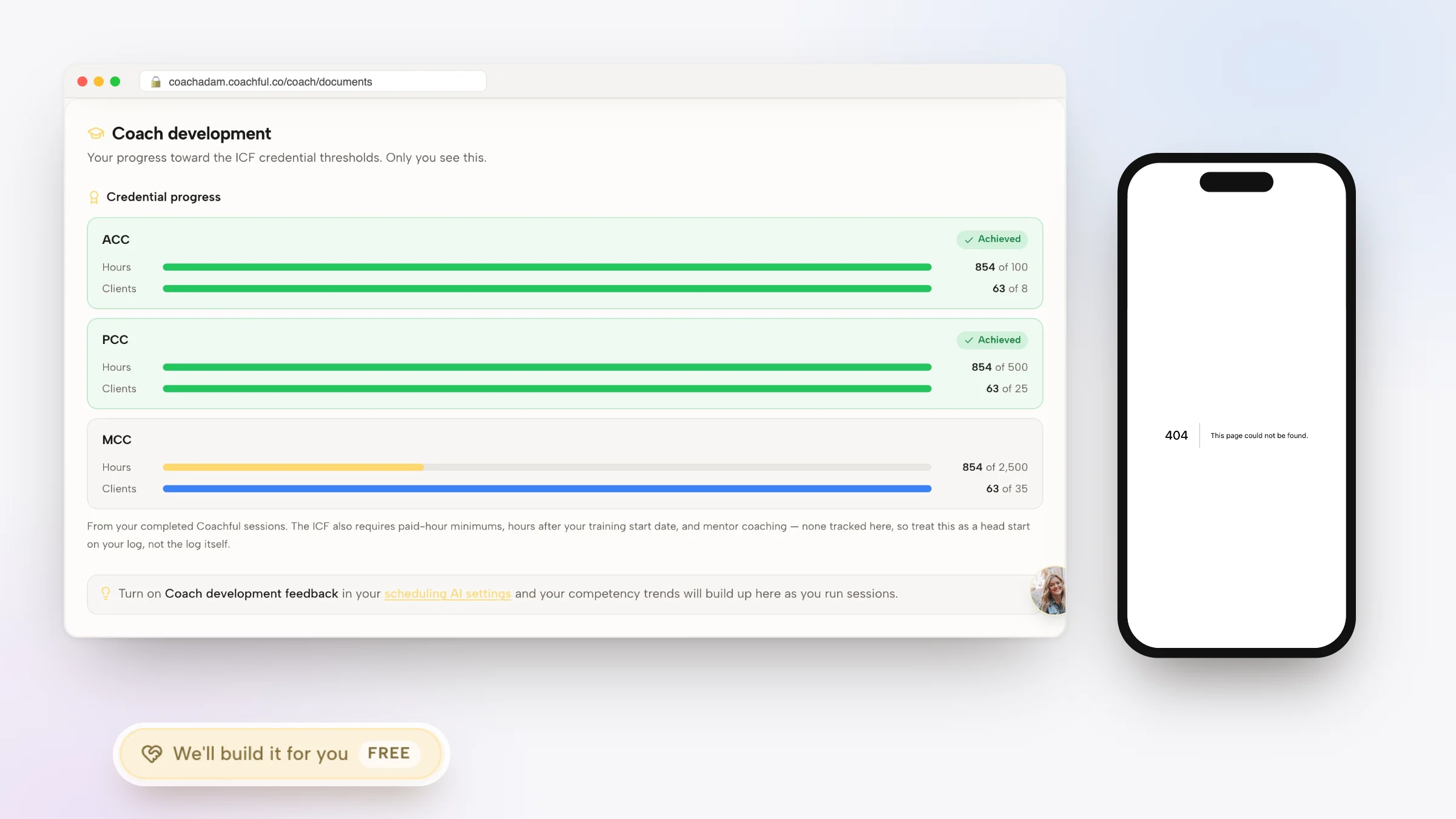
Learning how to manage client documents without Sync.com allows executive coaches, leadership consultants, and management advisors to organize sensitive executive assessments, strategy roadmaps, and session archives without paying for standalone zero-knowledge cloud storage drives with disconnected links. While Sync.com is a respected cloud storage provider known for end-to-end encryption and zero-knowledge privacy architecture, using it as an external client-facing document repository creates a disjointed, unbranded experience for executive clients.
Corporate clients frequently face unbranded download links, password-protected sharing hurdles, and unstructured folder hierarchies that undermine the premium feel of an executive advisory relationship. Below: an architectural analysis comparing consumer cloud drives with a dedicated coaching document vault, featuring private client lockers, interactive web-based worksheets, and contextual session linking. To streamline your full document ecosystem, review our guide on managing client documents without pCloud, review our plans, and explore our coaching features.
Sync.com Storage Drive vs Coachful Client Document Vault
| Document Management Dimension | Sync.com Cloud Drive | Coachful Client Document Vault | Executive Advisory Advantage |
|---|---|---|---|
| Client Experience & Branding | Generic consumer file download pages with third-party software branding. | Bespoke executive portal with branded client lockers and unified access. | Projects institutional polish and establishes immediate executive rapport. |
| Authentication & Access Control | Public password-protected links or external account creation required. | Role-based authenticated client access linked directly to active coaching packages. | Maintains strict corporate compliance and protects executive confidentiality. |
| Interactive Worksheets | Static file uploads (Word/PDFs) requiring manual download, editing, and return. | Native interactive web worksheets that save client responses in real time. | Increases exercise completion rates and provides instant coach notifications. |
| Session & Agenda Linking | Disconnected folder lists with zero association with scheduled appointments. | Files attach directly to upcoming coaching sessions and goal milestones. | Ensures strategic briefs and diagnostic reports are ready at hand during calls. |
The Corporate Liabilities of Consumer Cloud Storage
Why personal device storage ecosystems fail professional executive consulting
Consumer cloud storage drives like Sync.com are designed around general file synchronization. When an executive coach shares a Sync.com link with a corporate executive, several points of friction emerge. Corporate executives are redirected to external third-party download pages that frequently look like generic consumer file sharing.
Furthermore, corporate IT security policies routinely block unapproved personal file-sharing domains to prevent data exfiltration. If an executive cannot access their 360 assessment report on their corporate workstation, the credibility of the coaching relationship is compromised before the first session begins.
- Platform Fragmentation Barriers: Creates friction for clients on locked-down corporate enterprise workstations.
- Corporate IT Blocking Policies: Consumer cloud domains are frequently blacklisted by enterprise network firewalls.
- Absence of Coaching Context: A static folder fails to structure the developmental sequence of the coaching journey.
Architecting a Dedicated Executive Document Vault
Creating private, milestone-organized file repositories inside the client portal
In a purpose-built coaching environment, documents are structured around the client developmental roadmap. The portal vault separates sensitive materials into distinct categories: Diagnostic Assessments, Strategy Blueprints, Session Transcripts, and Client Deliverables.
Interactive web worksheets replace static attachments, allowing executives to complete leadership reflections directly in their browser with drafts saved continuously.
- Milestone-Based Organization: Files are categorized by coaching phases rather than chaotic flat folders.
- Native Digital Worksheets: Interactive exercises save client progress continuously and notify the coach upon submission.
- Granular Privacy Boundaries: Keep private coach notes completely separated from client-facing documents.
Coaching Dialogue: Streamlining Executive Strategy Reviews
In this dialogue, an executive advisor walks a corporate VP through accessing their strategic assessment in their secure portal rather than through personal cloud links:
Vice President: I tried opening that diagnostic framework you shared, but our corporate laptop network blocked the cloud link, saying it was an unapproved personal storage domain.
Executive Coach: That happens regularly with enterprise firewall settings. That is why our advisory practice hosts all strategic assessments and session notes inside your secure executive client portal. You can log in directly using your verified corporate email.
Vice President: Logging in now. That worked immediately. I see the Leadership Impact Audit right on my dashboard.
Executive Coach: And notice the interactive form below the report: you can input your strategic priorities directly into that workspace. When you save it, our shared dashboard updates automatically for our Thursday session.
Synchronizing Documents With Live Advisory Agendas
How contextual resource linking eliminates meeting preparation friction
In traditional setups, both coach and executive spend the first five minutes of every call searching for the latest email attachment. Modern coaching platforms eliminate this by anchoring relevant documents directly to upcoming calendar appointments.
When opening an upcoming session card, the coach sees the client recent worksheet inputs, outstanding action items, and relevant assessment scores in a split-screen view, allowing for immediate strategic focus.
- Pre-Session Submission Alerts: Automated reminders prompt clients to submit reflection exercises prior to calls.
- Split-Screen Advisory View: Review client strategic notes while taking private, encrypted coaching observations.
- Instant Session Summaries: Publish meeting takeaways directly to the client vault with one click after the call.
Implementation Protocol: Transitioning to Secure Portal Storage
Follow this operational protocol to migrate your coaching files to an institutional client portal:
- Audit Active Coaching Materials: Consolidate all client frameworks, diagnostic assessments, and templates into standardized formats.
- Configure Encrypted Client Vaults: Set up private file repositories within each active client coaching workspace.
- Convert PDFs Into Digital Forms: Transform static exercises into interactive web worksheets for higher client engagement.
- Standardize Single-Point Access: Instruct corporate clients to access all advisory deliverables exclusively through their personalized portal.
Frequently asked questions about how to manage client documents without Sync.com
Why do corporate IT teams block external Sync.com sharing links?
Corporate IT teams block consumer cloud services like Sync.com to prevent corporate data leakage, unauthorized file downloads, and malware risks on managed corporate devices.
Can clients upload confidential corporate files to their coaching portal?
Yes. Clients have an encrypted upload area where they can securely share strategy decks, performance reviews, and organizational charts directly with their coach.
How are documents protected to ensure compliance and confidentiality?
Documents in a dedicated coaching portal are encrypted both in transit and at rest, backed by strict role-based access controls that isolate each client records.
Can I replace downloadable PDFs with interactive web worksheets?
Yes. Modern coaching platforms feature form builders that convert static PDFs into interactive web exercises that clients can complete directly on mobile or desktop.
What happens to client files after the coaching engagement ends?
Coaches can configure file retention settings: clients can maintain read-only alumni access to their personal archive, or files can be securely archived per corporate governance rules.
Mastering how to manage client documents without Sync.com replaces consumer platform hurdles with an institutional, enterprise-compliant executive client portal. By embedding assessments, action plans, and session notes directly into the executive workflow, you deliver a frictionless professional experience that reinforces the value of your coaching.
To discover how our native document management and interactive worksheets streamline your client delivery, review our plans, and explore our coaching features today.