How to Manage Coaching Projects Without Asana

Nour
Founder, Coachful
Understanding how to manage coaching projects without Asana allows leadership coaches, organizational consultants, and executive mentors to coordinate multi-month client engagements without managing complex enterprise task boards. While Asana is an exceptional project management tool for large cross-functional software teams managing hundreds of tickets, deploying it in an executive coaching relationship creates cognitive overload and software fatigue: corporate executives refuse to log into yet another complex project board just to find their coaching reflections.
Using Asana as a coaching backend forces coaches to maintain disconnected systems: project tasks live in Asana, while scheduling occurs on Calendly, invoices live in Stripe, and session notes stay in Google Docs. Below: an architectural analysis comparing complex corporate task software with a purpose-built coaching project hub, featuring visual client roadmaps, milestone tracking, and unified portal access. To simplify your full client management workflow, read our guide on managing coaching clients without Monday, review our plans, and explore our coaching features.
Asana Corporate Task Management vs Coachful Native Coaching Hub
| Project Capability | Asana Corporate Task Board | Coachful Native Coaching Hub | Executive Coaching Practice Impact |
|---|---|---|---|
| Executive User Experience | Intricate enterprise interface filled with sprint boards, custom fields, and ticket noise. | Elegant, focused executive roadmap tailored specifically for leadership development. | Eliminates tech friction and ensures busy corporate executives actively complete tasks. |
| Integration with Coaching Delivery | Pure project tasks with zero native connection to session bookings, notes, or habits. | smoothly combines task assignments with appointment booking, habit trackers, and notes. | Maintains continuous developmental momentum between bi-weekly advisory sessions. |
| Client Access Permissions | Complex guest seat permissions that risk exposing internal team workspaces. | Private, secure executive portals with custom branding and isolated client records. | Guarantees strict confidentiality for sensitive executive disclosures. |
| Software Subscription Costs | Charges per user seat monthly ($13.49 to $30.49/user/mo), penalizing client onboarding. | Included natively within your coaching subscription with unlimited client workspaces. | Saves thousands of dollars annually while consolidating your operational tech stack. |
Why Generic Project Management Tools Overwhelm Coaching Clients
High-performing corporate leaders spend their entire workday navigating enterprise software like Jira, Asana, and Slack. When they step into an executive coaching engagement, they seek a confidential, calm developmental sanctuary: not another ticket-tracking system where coaching feels like administrative homework.
When coaches build elaborate Asana boards for clients, engagement drops off within weeks. Executives forget their passwords, find the interface cluttered, and stop logging in between calls. A dedicated coaching workspace presents tasks as meaningful developmental commitments embedded within an elegant client journey.
- Dismantling Software Fatigue: Provide executives with a clean, branded developmental environment that feels restorative rather than burdensome.
- Elimination of Per-Seat Licensing Penalties: Onboard corporate clients, HR sponsors, and team members without incurring extra monthly software seat costs.
- Preserving Executive Confidentiality: Ensure sensitive leadership reflections and diagnostic assessments remain strictly isolated from public project boards.
Architecture of a Dedicated Coaching Roadmap
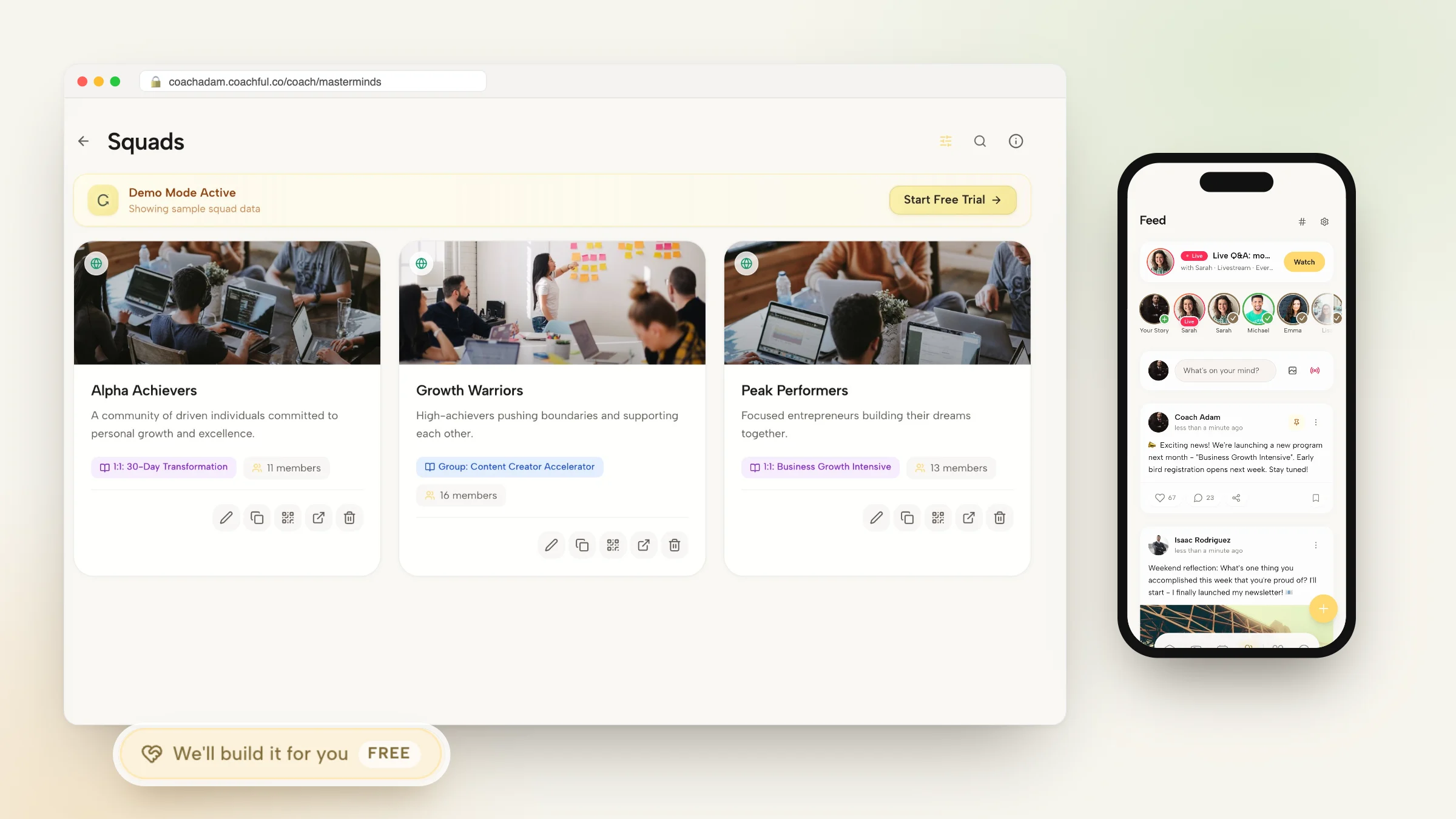
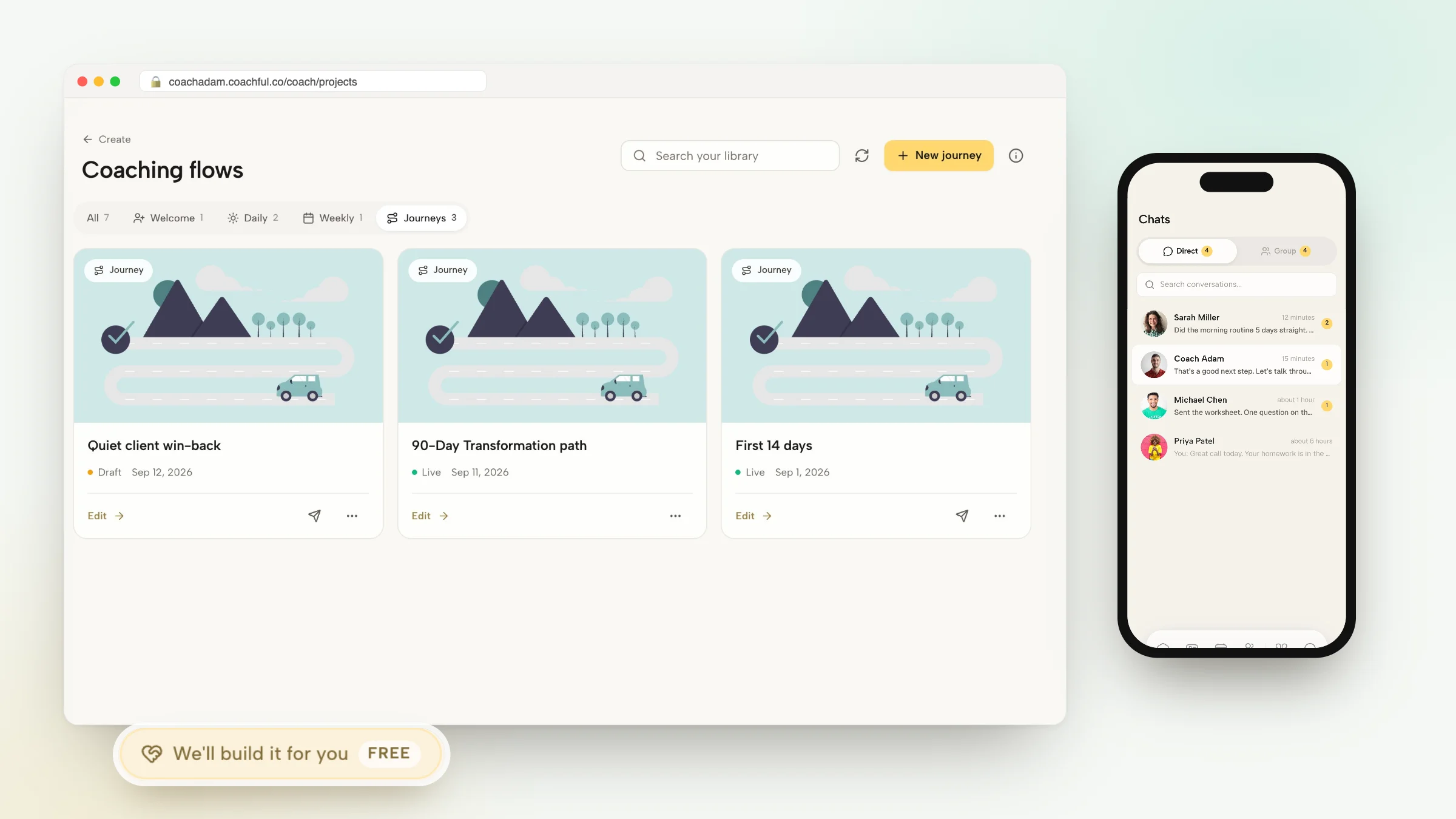
A purpose-built coaching roadmap structures the developmental journey into clear, intuitive phases: Foundation and Diagnostic Intake, Strategic Alignment, Core Leadership Mastery, and Sustainable Integration. Under each phase, coaches assign curated tasks, reading materials, and diagnostic check-ins.
Clients see exactly where they stand in their coaching journey, what commitments are due before the next session, and what long-term milestones lie ahead. This transparent structure reassures corporate sponsors that the coaching engagement follows a disciplined, professional methodology.
- Phase-Based Journey Architecture: Organize long-term advisory retainers into progressive developmental chapters that prevent executive overwhelm.
- Direct Integration with Session Agendas: Completed client tasks and reflection notes automatically populate upcoming session preparation views.
- Curated Resource Vaults: Attach relevant framework PDFs, video lessons, and podcast links directly to specific roadmap action items.
Worked Dialogue: Reviewing Roadmap Commitments with a Chief Operating Officer
The following dialogue illustrates how an executive coach utilizes the in-app client journey to review developmental commitments with a newly appointed Chief Operating Officer:
Executive Coach: Rachel, welcome to our session. In your portal roadmap under Phase Two: Executive Team Alignment, you checked off your 360 stakeholder debrief and completed your reflection prompt on structural boundaries. What became clear to you as you synthesized that feedback?
Rachel (Chief Operating Officer): Reading the synthesized stakeholder responses inside the portal showed me that my direct reports feel I step in to rescue them too quickly when project deadlines slip. Having the reflection task linked directly to my leadership pillar helped me realize that rescuing them is actually preventing their operational growth.
Executive Coach: That is a pivotal developmental insight. Let us translate that into your Phase Two action commitment for the next fortnight: What specific delegation protocol will you test during next Tuesday operational review?
Rachel (Chief Operating Officer): I will establish a five-minute silence rule where directors present solutions before I offer any feedback. I will log that as my active commitment in the roadmap right now.
By embedding action commitments directly within a structured developmental roadmap, the coach keeps the client focused on behavioral transformation rather than mechanical project management.
- Transforming Tasks into Behavioral Practice: Frame developmental tasks as real-world leadership experiments rather than administrative to-do items.
- Continuous Engagement Between Calls: Enable clients to record brief voice notes or written reflections as they complete milestones in real time.
Step-by-Step Blueprint: Managing Coaching Projects in Coachful
Replacing your Asana project boards with Coachful takes only minutes. Follow these four practical steps to activate your executive client journeys.
Your clients will enjoy a cohesive, distraction-free environment that supports their highest leadership aspirations.
- Step 1: Construct Your Master Coaching Roadmap Template: Build a reusable four-phase executive journey outlining intake diagnostics, core skill sprints, and final milestone reviews.
- Step 2: Assign Tailored Action Items and Reading Modules: Embed targeted worksheets, diagnostic surveys, and recommended leadership modules into specific roadmap phases.
- Step 3: Track Completion Progress from the Coach Dashboard: Monitor executive progress across active clients, reviewing submitted reflections and overdue milestones in real time.
- Step 4: Generate Milestone Summaries for Corporate Sponsors: Export polished, high-level milestone completion summaries to demonstrate tangible engagement ROI to HR liaisons.
Frequently asked questions about how to manage coaching projects without Asana
Why do executive coaching clients dislike tools like Asana?
Corporate leaders already spend their workdays navigating complex task software. They find generic project boards cluttered and overwhelming, preferring a focused, confidential developmental sanctuary for coaching.
Can I reuse standard coaching project roadmaps for multiple clients?
Yes. You can build master journey templates in Coachful and apply them to incoming clients with one click, customizing specific tasks and timelines as needed.
How do clients access their assigned coaching tasks?
Clients can review their roadmaps, complete reflection tasks, and check off milestones directly from their private branded web portal or native mobile app.
Can I upload files, PDFs, and video links to client roadmap tasks?
Yes. Coaches can attach downloadable worksheets, executive frameworks, audio recordings, and video lessons directly to specific action items within the client journey.
Managing coaching projects should be an inspiring, structured journey that keeps clients focused on executive transformation, not an administrative burden involving complex ticket-tracking software. By replacing generic corporate tools like Asana with an integrated coaching platform, you provide the clarity, professionalism, and elegance required for high-impact advisory work.
Organize your executive client roadmaps and streamline developmental milestones with Coachful today.