How to Run Coaching Masterclasses Without Zoom

Nour
Founder, Coachful
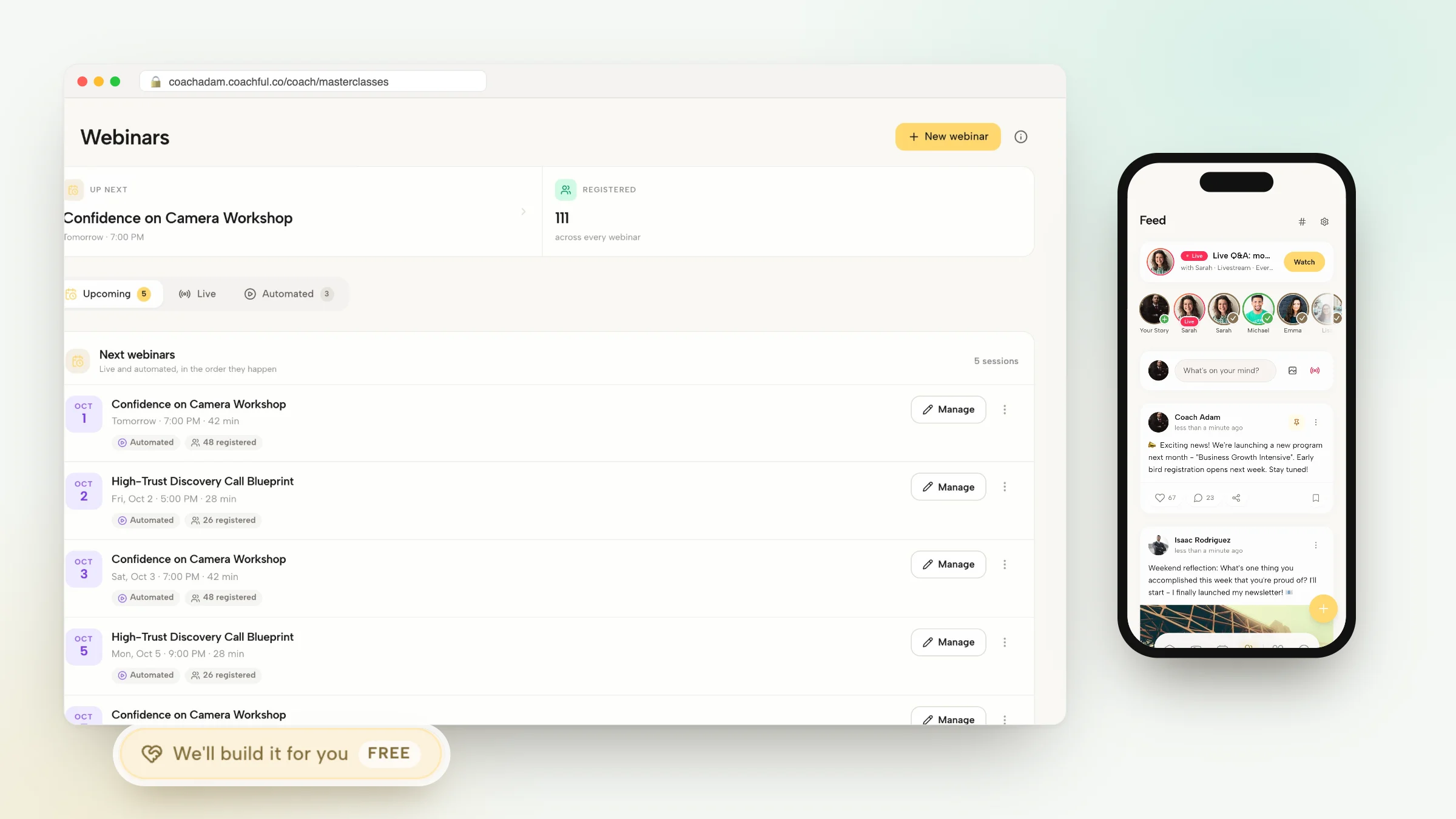
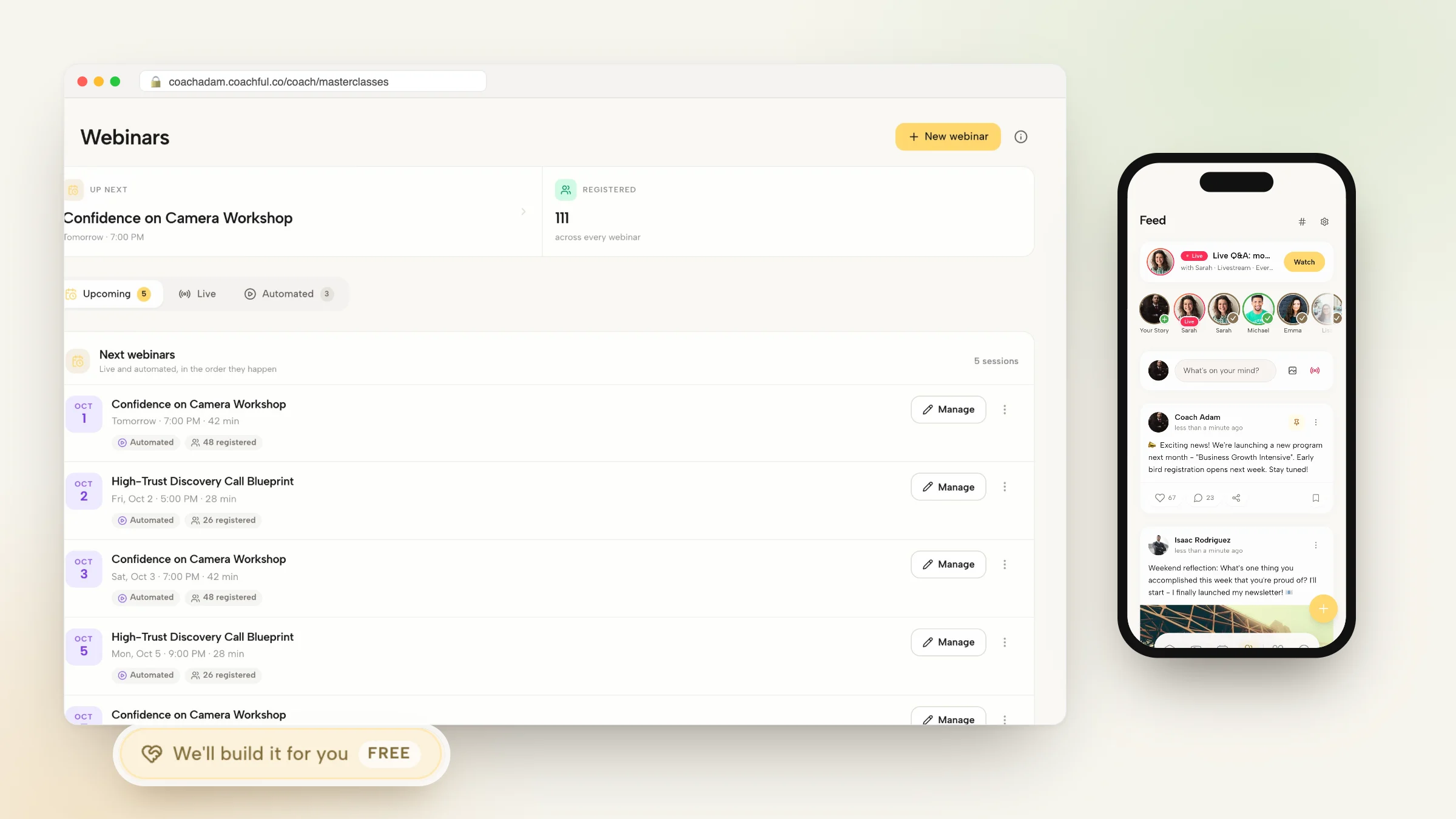
Learning how to run coaching masterclasses without Zoom enables facilitators, group coaches, and leadership consultants to deliver immersive live workshops without juggling external meeting links, cloud storage permissions, and chat transcript exports. While Zoom is ubiquitous for general office meetings, hosting high-impact coaching masterclasses requires an interactive environment where live video, synchronized worksheets, private cohort chats, and session replays live inside a single client hub.
Relying on Zoom forces coaches into an administrative labyrinth: email invitations get lost in spam, workshop attendees struggle with passcode errors, and coaches spend hours downloading recordings, uploading them to Vimeo, and emailing links across multiple threads. Below: an architectural analysis comparing standalone video conferencing with native coaching masterclass hubs. To connect masterclass delivery with branded course curriculum, explore our guide on running cohorts without Mighty Networks, review our plans, and explore our coaching features.
Zoom Standalone Video Conferencing vs Coachful Native Masterclass Hub
| Masterclass Delivery Feature | Zoom Standalone Video Tool | Coachful Native Masterclass Hub | Facilitator and Participant Impact |
|---|---|---|---|
| Access and Meeting Links | External web links requiring meeting IDs, passcodes, and app updates. | Single-click access inside the branded client web portal and mobile app. | Eliminates login friction and prevents attendees from getting locked out. |
| Live Material Distribution | Drop files into temporary chat boxes that disappear when calls end. | Synchronized digital worksheets and reflection templates built into portal. | Allows participants to complete exercises without leaving the session view. |
| Automated Replay Management | Recordings save to Zoom cloud; requires manual transfer to YouTube or Vimeo. | Session replays automatically process and embed in the program library. | Saves hours of video editing, exporting, and manual link sharing. |
| Ongoing Participant Discussion | In-meeting chat disappears instantly once the facilitator ends the room. | Live chat connects directly to persistent cohort community discussion feeds. | Sustains developmental dialogue and peer networking long after the call. |
The Pedagogical Limits of General Meeting Software for Masterclasses
General-purpose video conference software like Zoom was engineered for corporate status updates, webinars, and sales pitches. When used to deliver experiential leadership masterclasses, serious pedagogical compromises occur.
Participants are easily distracted by standard desktop notifications, while facilitators must balance screen sharing, monitoring chat windows, and managing breakout rooms. Most critically, once the Zoom call terminates, the collective learning energy dissipates because there is no persistent digital environment anchoring the cohort.
- Ephemeral Learning Artifacts: Valuable insights, peer reflections, and questions typed into Zoom chat windows vanish permanently when the meeting room closes.
- Technical Access Barriers: Corporate participants frequently encounter firewall blocks or corporate IT restrictions that prevent Zoom desktop client downloads.
- Manual Post-Workshop Administration: Facilitators waste hours downloading raw video files, trimming dead air, uploading to video hosts, and updating membership sites.
Architecture of an Integrated Coaching Masterclass Environment
An integrated coaching masterclass environment combines high-definition interactive video with pedagogical scaffolding. Participants join the session directly from their client portal dashboard, where their personal notebooks and program worksheets are already open.
As the facilitator presents key concepts, attendees can complete reflection exercises in side-by-side split panels without toggling windows or printing physical PDFs. Following the session, the recording immediately populates the workshop archive alongside participant notes.
- Integrated Interactive Worksheets: Deliver reflective exercises that participants fill out during the masterclass, automatically saving responses to their private profile.
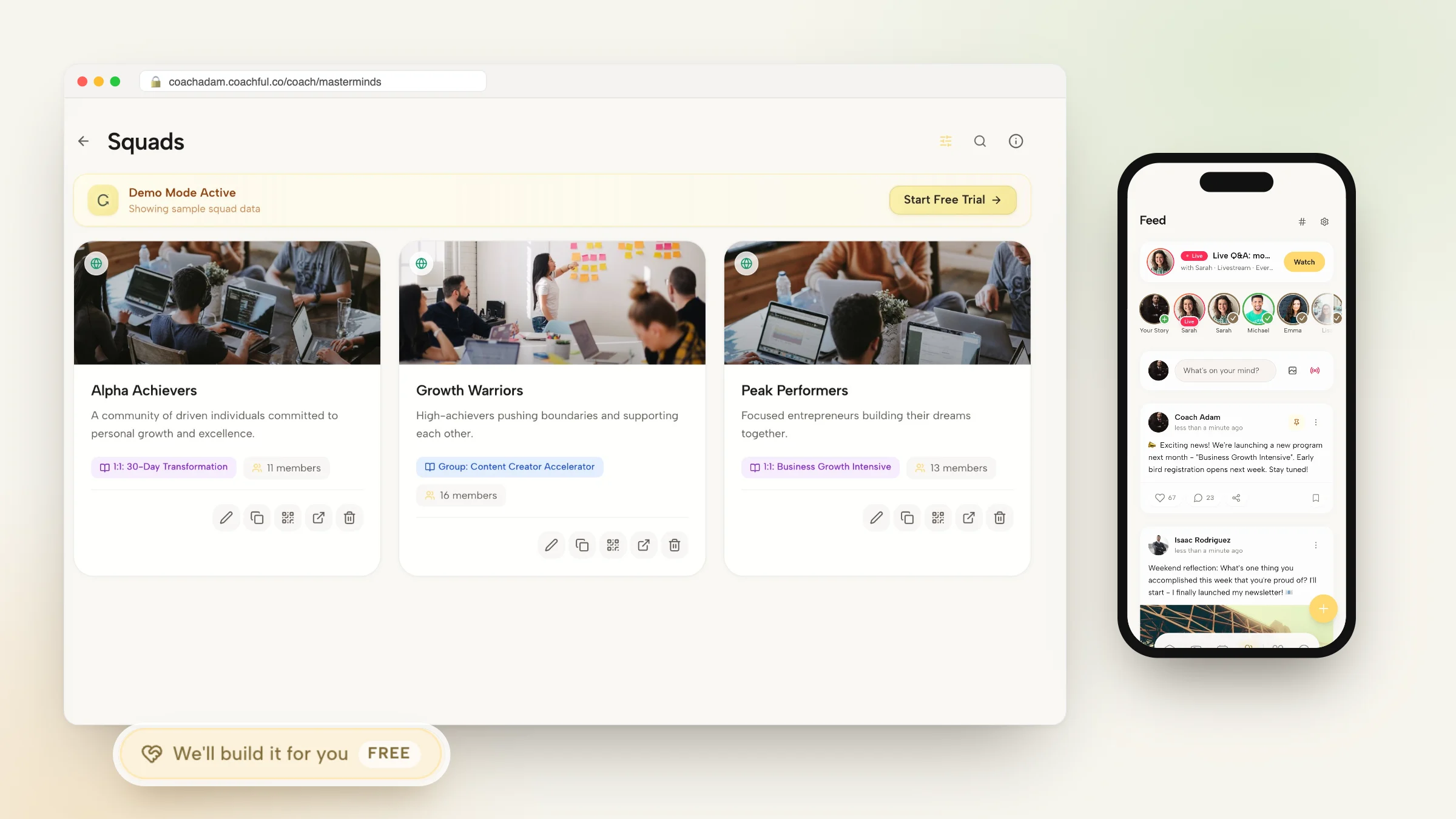
- Persistent Cohort Community Feeds: Directly bridge in-session chat discussions into community discussion channels to foster peer mastermind connections.
- Instant Automated Replay Access: Replays are encoded and published to registered attendees automatically, eliminating video hosting fees and manual sharing.
Facilitation Guide: Structuring an Immersive 90-Minute Leadership Workshop
Delivering a memorable masterclass requires deliberate pacing and active participant involvement. The following structural framework maximizes engagement during a live session:
By interweaving direct conceptual teaching with individual reflection and small-group application, participants leave the session with concrete behavioral action plans.
- 00-15 Minutes: Frame and Contextualize: Establish psychological safety, articulate the core leadership paradox, and poll attendees on immediate workplace dilemmas.
- 15-45 Minutes: Core Concept and Case Analysis: Present the foundational framework supported by real-world executive scenarios and contrasting behavioral patterns.
- 45-70 Minutes: Interactive Worksheet Application: Guide participants through self-diagnostic worksheets in their portal, followed by peer breakout group discussions.
- 70-90 Minutes: Synthesis, Commitments, and Next Steps: Debrief insights in the main room, capture individual accountability commitments, and assign follow-up community prompts.
Step-by-Step Blueprint: Hosting Masterclasses Inside Coachful
Running your coaching masterclasses inside Coachful simplifies workshop delivery and keeps your clients within your branded ecosystem. Follow these steps to schedule and deliver your next session.
Your clients enjoy a unified, high-definition workshop experience that positions your practice at the pinnacle of professionalism.
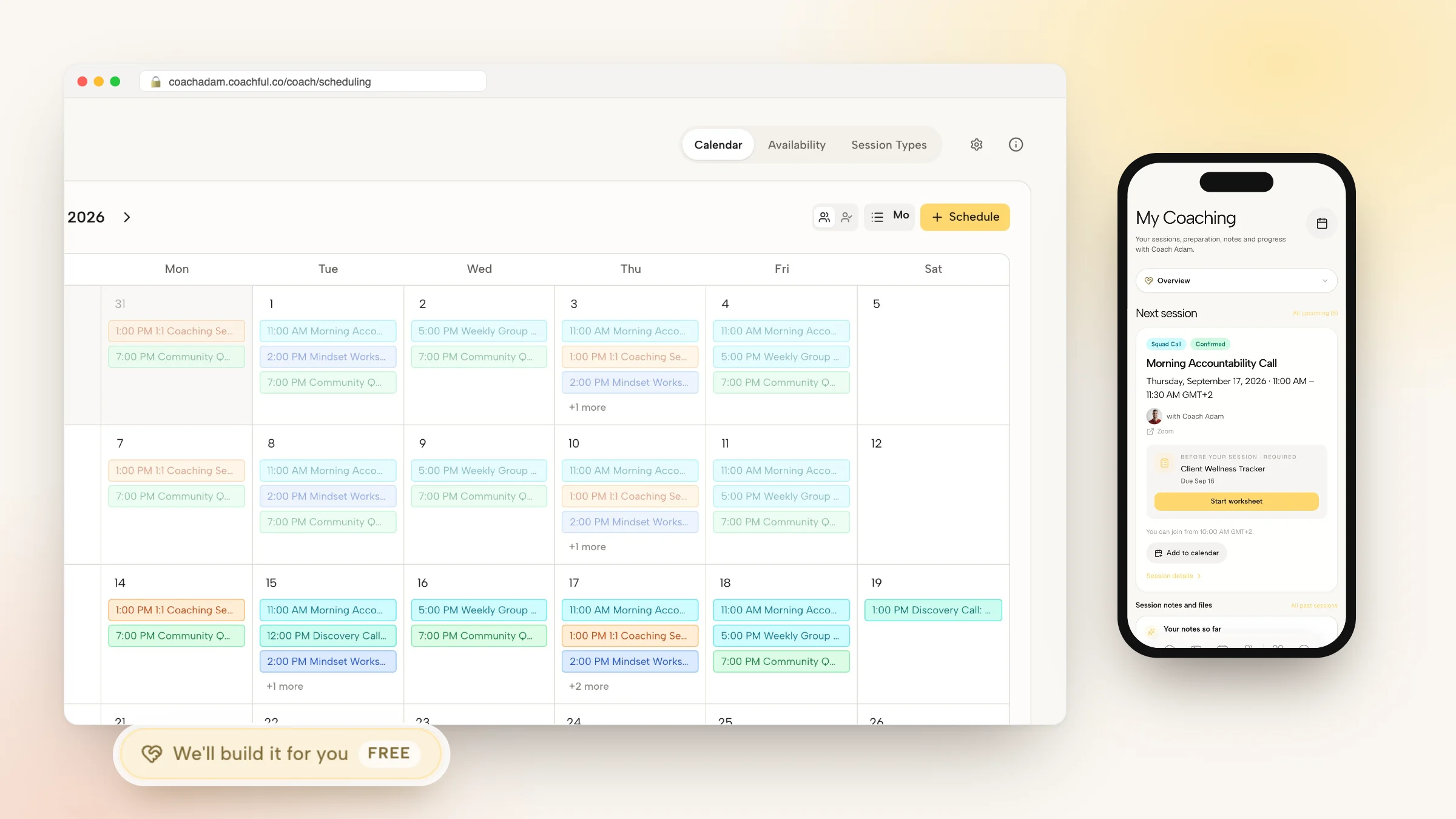
- Step 1: Schedule Your Masterclass Event: Define your workshop title, session objectives, date, and attendee capacity inside the Coachful events calendar.
- Step 2: Attach Digital Materials and Worksheets: Link relevant interactive worksheets and reading resources that will display alongside the live video feed during the workshop.
- Step 3: Send Automated Calendar Invites: The platform automatically generates calendar invites with one-click portal access links for all registered participants.
- Step 4: Facilitate the Live Session and Publish Replays: Broadcast in high definition, interact via live chat, and allow the system to archive the recording into your program resource library.
Frequently asked questions about how to run coaching masterclasses without Zoom
Do attendees need to install any external software or browser extensions?
No. Participants join masterclasses directly through their modern web browser or mobile app without downloading third-party plugins or desktop software.
Can I restrict masterclass access to paying program members only?
Yes. You can restrict workshop registration to specific coaching tiers, paid cohorts, or offer public ticketed access through integrated checkout links.
Can I share my presentation slides and screen during the masterclass?
Yes. Facilitators can share full desktops, specific application windows, or browser tabs with high-definition audio and video streaming.
How long are masterclass recordings preserved in the client portal?
Session replays remain securely hosted in your client portal indefinitely, allowing members to review historical workshops throughout their engagement.
Masterclasses should be transformative developmental experiences, not an exercise in troubleshooting conference software. By moving your live workshops away from Zoom into an integrated coaching platform, you provide participants with an uninterrupted learning journey that blends video, active reflection, and persistent community dialogue.
Deliver interactive, high-impact masterclasses that differentiate your coaching brand with Coachful today.