How to Turn a Webinar Into an Online Course: A Coach's Guide

Nour
Founder, Coachful
Can you turn a webinar you have already delivered into a paid online course, without recording everything again? Yes, if the recording contains a useful teachable method and you rebuild it around what a learner can do independently. Cut the event administration, check permission for every contribution, add missing instructions and practice, and test the finished lessons without you in the room.
A replay preserves an event. A course has to replace the help you gave during that event. Uploading a recording and adding a checkout does not solve that teaching problem. For a coach, the opportunity is to reuse good explanations while keeping the self-paced product distinct from the individual coaching relationship.
This five-step method is for coaches with an existing educational webinar, not a confidential client session they hope to monetize. The career-coaching example is fictional throughout. Coachful screens show real demo interfaces supporting course delivery, not automatic recording conversion, video editing or results achieved by clients.
1. Decide whether the webinar deserves to become a course
Begin with the learner's output, not the length of the recording. Complete this sentence: “After this course, a learner can produce or practise ______ without needing me to interpret their private situation.” A clear answer gives you an editing rule. A vague promise such as “transform your career” does not.
For our fictional career coach, the source webinar is about evaluating a possible role change. The course promise is smaller: “Write one assumption about a possible next role, choose useful evidence and plan an investigation.” It does not promise a job, recommend resignation or replace advice about an employment dispute.

Listen to the recording once with three questions. Is the method understandable? Is there a complete demonstration? Can someone attempt it without receiving personal coaching? You are looking for reusable teaching, not proof that the audience enjoyed the event. A lively chat can hide an explanation that only worked because you answered questions in real time.
Choose the right destination
- Keep it as a replay when its main value is watching the event as it happened, with accurate expectations about the format.
- Make a short course when the material teaches a bounded action and you can add the missing practice and instructions.
- Keep live support when the promise depends on feedback, facilitation or adapting the method to complex personal circumstances.
- Do not reuse it when rights, confidentiality, accuracy or recording quality make responsible editing impractical.
A free webinar can become part of a paid product, but be honest about what is new. If an unedited replay remains available free, do not imply the paid edition contains exclusive new teaching. Explain the added structure, exercises or support and let the buyer judge the difference.
Before commissioning a redesign, identify one real reason someone would want the self-paced version: a question from an enquiry, a repeated request for an explanation, or a relevant learner task you already understand. None guarantees sales. They are better starting points than assuming that a recording is an asset merely because it exists.

2. Audit permission before opening the video editor
Permission to attend or record a webinar is not automatically permission to sell every participant's words and image indefinitely. Review what people were told, the permissions you actually obtained, your agreements and applicable law. Where use is unclear, get qualified advice or replace the material rather than inventing a consent rule.
Work through the source recording, slides, transcript and downloads. Check participant names, faces, voices, chat messages, poll answers, employer details and shared screens. Removing a name alone may not prevent identification. A distinctive workplace story can still reveal the speaker or another person.
A practical rights audit
- Your teaching: confirm you can commercially reuse the framework, slides and exercises, including anything developed for an employer.
- Guest contributions: check the agreed uses of a guest's recording and materials. Do not assume their webinar appearance covers a paid course.
- Licensed material: review photographs, music, assessments, training-school handouts and third-party diagrams separately.
- Audience material: remove or appropriately clear contributions before including them in a new product.
- Confidential examples: replace them with expressly fictional examples when that is the cleaner, safer teaching choice.
Keep a simple clearance record: asset, owner, permitted use, evidence and any restriction or review date. This is a production record, not a substitute for legal advice. A disclaimer at checkout does not repair a missing license or an inappropriate disclosure.
For the fictional career webinar, the coach cuts the audience Q&A and records a fresh explanation of two common conceptual questions. The new explanation uses an invented role comparison, without reproducing someone's employer, personal history or documents. That often improves teaching as well as reducing exposure.
Do not present the re-recorded question as a quotation from a real participant unless that is accurate and appropriate. “A common question about this method is…” works when it genuinely describes a recurring issue. Otherwise label it a worked example. Clean provenance matters more than manufacturing the atmosphere of a popular live event.
3. Edit around learner actions, not equal video lengths
Watch the source with an editing log. For each segment, record its start and end point, teaching job, missing context and decision: keep, trim, replace or remove. Use an actual video editor for the cuts. The course platform is the delivery destination, not evidence that editing happens automatically.

Cut long welcomes, sound checks, attendee introductions, housekeeping, event-specific references and repeated sales invitations. Replace “as Sarah said in chat” with the actual idea, if you have a suitable basis to use it. Replace a silent live exercise with clear pause-and-return instructions so a later learner knows what to do.
Do not cut a useful explanation just to produce five equally sized clips. End a lesson when the learner reaches a natural action or checkpoint. If a concept needs more than one demonstration, keep them together or make the relationship explicit. Shorter is not automatically clearer.
A fictional four-lesson conversion
- Name the decision: explain the limited purpose of the exercise and ask the learner to choose a non-sensitive example.
- Separate preference from prediction: show why “I want autonomy” differs from “this role will offer autonomy.” The learner writes one prediction.
- Choose evidence: demonstrate how to turn that prediction into a question and identify a possible source of information.
- Plan an investigation: the learner selects a proportionate action and a date to review what they discover.
This is an illustrative course structure, not a validated assessment or an instruction to investigate an employer covertly. Encourage appropriate, lawful questions and ordinary information gathering. A coach should not turn an introductory exercise into advice on legal rights or employment decisions beyond their competence.

After making the initial cuts, watch the course in its new order. An explanation that made sense twenty minutes into a live conversation may need a fresh opening when it becomes lesson one. Record small bridges where necessary. Reusing most of the original footage is not an acceptance criterion; independent comprehension is.
4. Add the instructions the live audience got from you
The missing part is often not another video. It is the sentence that tells a learner what to do next, the example that makes the task concrete, or the reassurance that private details are unnecessary. Write those in live lesson text instead of hiding every important instruction in the recording.
Give each lesson five elements: a purpose, an explanation, a worked example, an action and a way to check the output. The check need not assign a score. For a reflective exercise, it can ask whether the response is specific enough to investigate and remains within the learner's control.

Copyable lesson brief
- Lesson title: Choose one assumption to investigate.
- Purpose: Distinguish something you value from something you are predicting about a possible role.
- Teaching: Explain the difference using the fictional autonomy example.
- Action: Write one prediction and one question that could help you examine it.
- Output check: Can someone understand the prediction without your entire career history? Does the question seek information rather than demand certainty?
- Privacy boundary: Do not upload employer names, other people's records or confidential documents.
For the pause instruction, write: “Pause here and draft one sentence. Return when you have a version you are willing to examine; it does not need to be perfect.” For a reflection check, write: “If your sentence only says what you want, add what you are assuming about the specific option.” These replace a small part of the guidance a live facilitator supplied.
Provide a text equivalent for essential instructions and review captions for errors, especially names and technical terms. Describe important visual information in the teaching. If a learner must use a worksheet, make it a usable document rather than a flat image of a page. The W3C accessible audio and video guidance is a useful starting reference for captions, transcripts and alternatives.
Accessibility is part of the design, not something a caption checkbox completes. Check the actual player, reading order, download and instructions. Give learners a practical way to report an access barrier. If a particular interaction cannot be made usable, offer an equivalent way to do the learning task rather than treating the tool as unavoidable.

Now define support precisely. Is the buyer purchasing self-paced materials only, clarification of course instructions, or individual feedback? If you include feedback, say what is reviewed, how it is submitted, who responds and the response window you can actually deliver. Do not accidentally sell unlimited coaching through a vague “support included” line.
5. Package and test the course as a new product
Write the course description from the edited version, not from your original webinar invitation. State who it is for, what they will practise, what is included, how access works and what is not included. Be clear that it uses edited webinar material where that is relevant to a fair buying decision.
A fictional description might read: “A self-paced introduction for professionals exploring a role change. Use four lessons and a written exercise to examine one assumption and plan a next step. Adapted from my teaching webinar, with new instructions and a worked example. No individual career advice, document review or job guarantee is included.”

Decide whether it is a standalone product or a resource within an existing coaching offer. If both exist, distinguish them visibly. A course purchase should not appear to include private coaching when it does not. Equally, do not tell existing clients they must buy another product to receive something already included in their agreement.
Price the actual scope and costs rather than the runtime. Account for editing, accessibility work, platform and payment costs, support, updates and applicable taxes. This article does not supply a universal price or sales forecast. Your audience, rights position and delivery commitments matter more than a formula based on minutes of video.
Run a learner-side acceptance test
- Open the exact product description and check that it matches the delivered content.
- Test the intended access route with an authorized test account, without using real client data.
- Play every lesson and check captions, audio, order, text and working downloads.
- Complete the exercise without relying on your memory of the live webinar.
- Check the experience on a phone, including any document the learner must use.
- Ask a suitable reviewer to attempt a task and identify confusing instructions, without treating their feedback as evidence of future sales.
- Verify the purchase, support, cancellation and access terms before inviting real buyers.
A reviewer telling you where they became confused is more useful than “looks great.” Ask them to show the output the instructions produced. If they cannot tell when a lesson is complete or need you to explain the worksheet over a call, fix that dependency before adding more promotional copy.

After release, separate engagement from learning. A completion indicator can show that someone reached the end of a lesson; it does not demonstrate a better career decision. Look for repeated points of confusion, broken links, support requests and exercises that learners cannot interpret. Use those signals to revise the lesson, not to manufacture outcome claims.
Where Coachful fits in the conversion
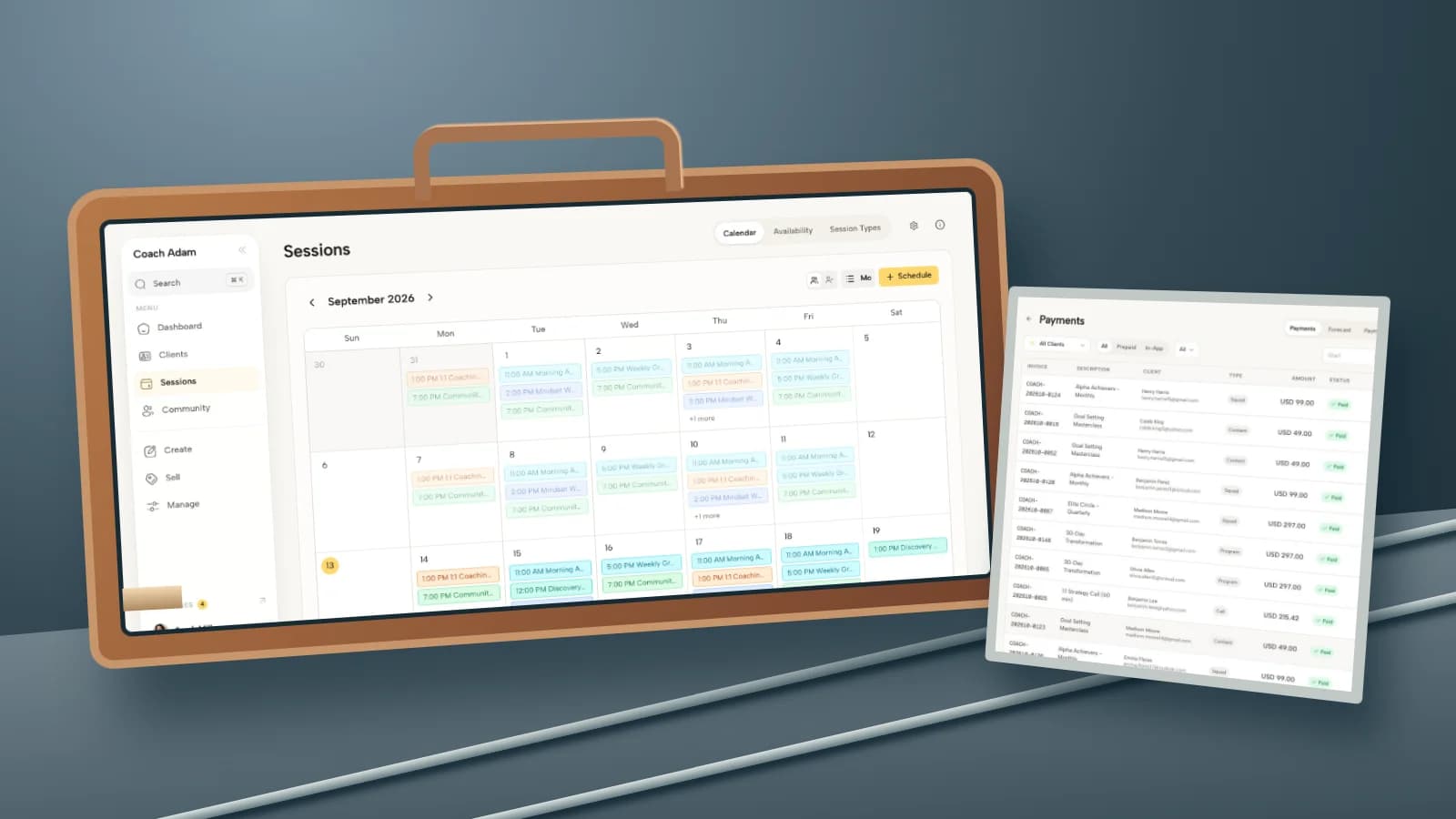
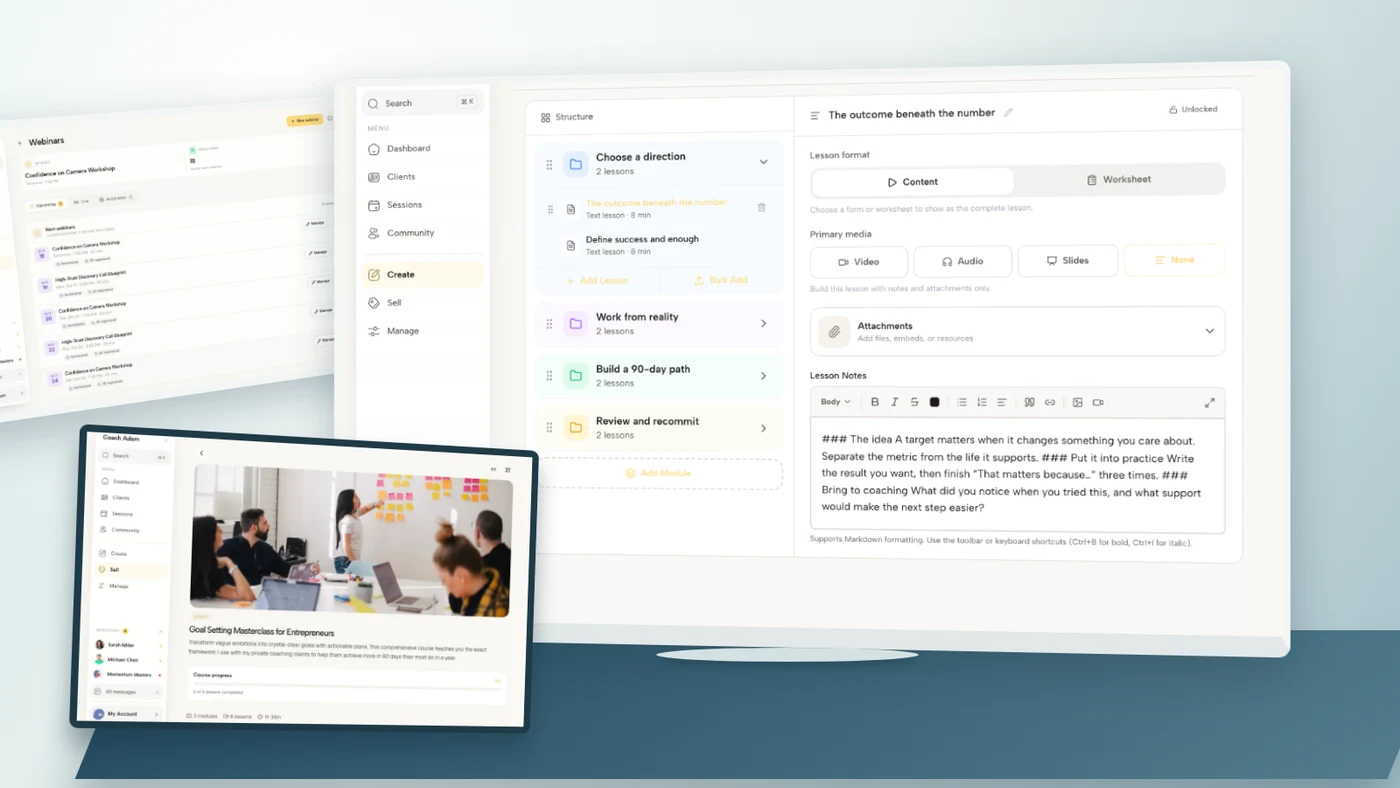
Coachful can support the delivery side through its course platform, including modules and lessons with video, text and attachments, alongside progress information. The screenshots here show those real demo surfaces. They do not demonstrate automatic webinar transcription, video editing, rights clearance or a one-click conversion.
The useful next step is to inspect the destination before spending more time editing. Try the interactive demo and compare the editor with the learner view. Decide where the video, instructions, practice and support boundary would live, then produce one complete test lesson before rebuilding the entire webinar.
Frequently asked questions
Can I sell a recording of a free webinar as a course?
Potentially, but verify your rights, agreements and legal obligations, and describe what the buyer receives accurately. Explain whether it is an unchanged replay or a redesigned educational product. A new price does not create new teaching, and attendance does not automatically authorize commercial reuse of participant contributions.
How many lessons should I make from one webinar?
Use the number of independently useful learning steps, not a predetermined clip count. Our four-lesson example is illustrative. Give every lesson a purpose and action, and add a new explanation when the original recording assumes live context. Avoid dividing a complete idea merely to make the course look bigger.
Should I keep the Q&A in the course?
Only when it is relevant, suitable for the new audience and appropriately cleared. A cleaner option is often to record general explanations with fictional examples. Remove identifying material and do not present a private situation as course content simply because it was discussed at an event.
Do I need to re-record the whole webinar?
No, if the sound, visuals, permissions and teaching remain suitable. Keep useful explanations and re-record the bridges, missing demonstrations or instructions that independent learners need. If the recording relies heavily on personal feedback or unclear participant discussion, making a fresh course may be the simpler responsible choice.
The production test is straightforward: can someone who missed the event complete the promised task without your personal rescue? If not, keep editing the learning experience, not just the video.