LinkedIn Document Posts for Coaches: 5 PDF Ideas to Try

Nour
Founder, Coachful
“What could I put in a LinkedIn PDF that demonstrates my coaching without giving away client stories or making another motivational slideshow?”
Create a short document that helps your intended buyer make one decision. A decision audit, an annotated before-and-after example, a readiness guide, a workshop extract or a walkthrough of your method can all work. Choose the format that lets you teach something complete, then offer one relevant next step outside the document.
You do not need a hundred slides, a dramatic transformation claim or a new lead magnet every week. You need a reader who recognizes the problem, an example they can use and a destination that delivers what the final page promises. This guide gives you five PDF briefs to adapt, the LinkedIn rules that affect your production choices and a small test for deciding whether the work earns its place in your marketing.
What is a LinkedIn document post?
A document post is a LinkedIn post with an uploaded document. People often call a multipage PDF version a carousel. It is not the same thing as an Instagram image carousel, a LinkedIn newsletter or a paid document advertising campaign. This article concerns an ordinary, organic document post.
LinkedIn’s document-sharing guidance lists PDF, PPT, PPTX, DOC and DOCX as supported types, with a ceiling of 100 MB and 300 pages. Those are upload limits, not a recommendation to produce an enormous workbook. The same guidance says viewers can download your document as a PDF, and that you cannot change or edit the uploaded document within its existing post.
Two practical consequences matter to a coach. First, treat every page as publicly distributable to the post’s audience, not as a protected coaching handout. Second, proof the exported file before uploading: editing a caption will not repair a mistake inside the document.
Choose the document’s job before choosing its design
Start with three lines: who it is for, the decision it helps them make, and the next appropriate action. “A PDF about confidence” is too broad. “A five-page preparation exercise for newly promoted managers before their first delegation conversation” gives you something to build and a reason to stop.
A useful starting constraint is five pages: problem, useful distinction, worked example, small exercise and next step. That is an editorial suggestion, not a claim about LinkedIn’s algorithm. Add a page when comprehension requires it; remove a page when it only repeats the headline.

Pick one of the five briefs below. The sample language is hypothetical teaching copy, not a client account, a validated assessment or a promise of results. Adapt it to your competence, actual audience and real offer.
1. A decision audit that helps the reader locate the problem
Best for: a coach whose prospective clients recognize a recurring frustration but cannot yet describe the support they need. The document should help someone inspect a situation, not score their personality or diagnose a condition.
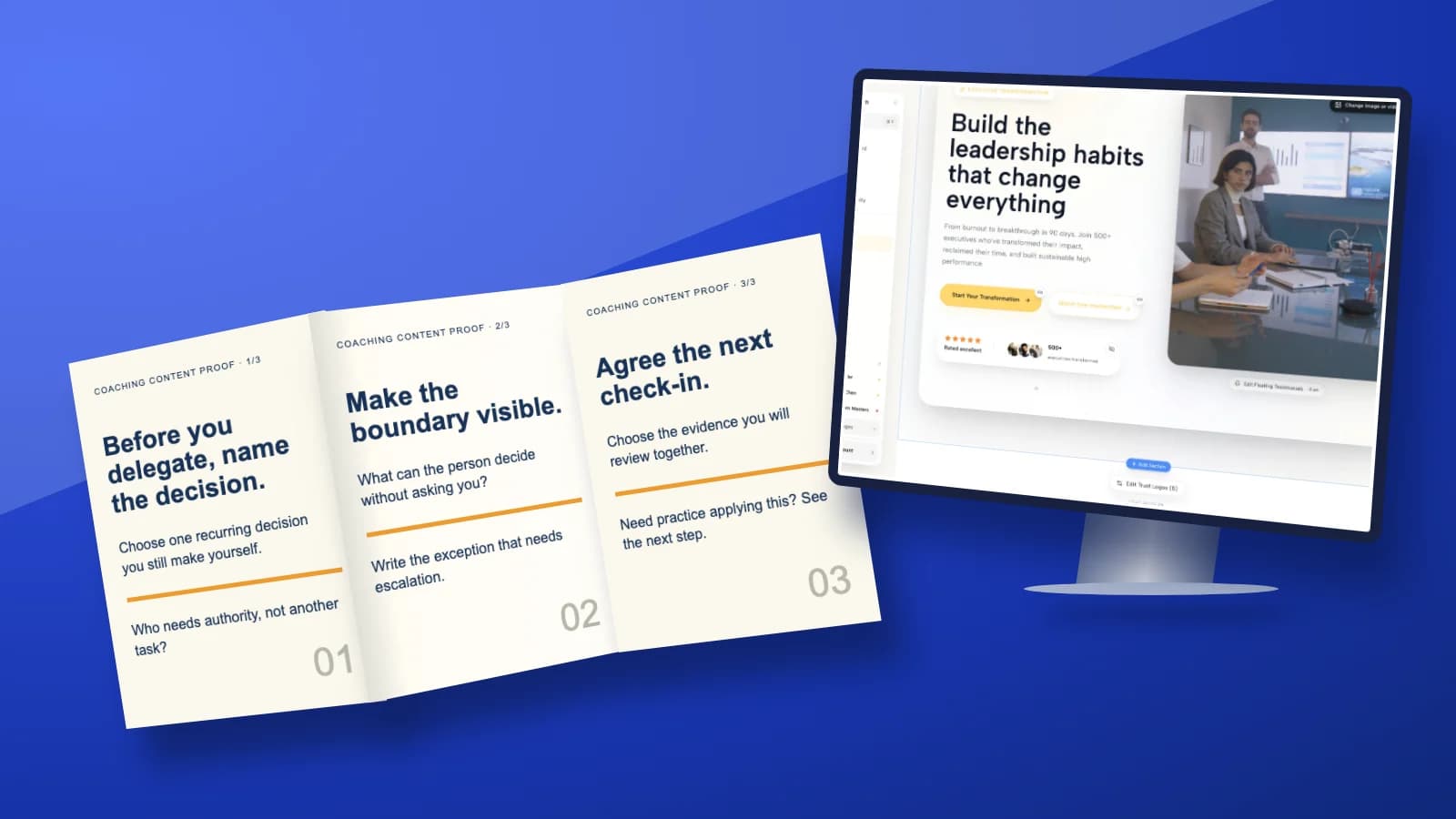
A leadership coach could create “Before you delegate again, clarify these three decisions.” The PDF teaches the difference between assigning a task and agreeing decision authority. It is relevant to the coach’s work without requiring a story about a recognizable manager.
- Page one: name the situation: “You delegated the task. Why are all the decisions still coming back to you?”
- Page two: ask the reader to identify one recurring decision they currently make.
- Page three: distinguish the decisions the other person can make from the exceptions that require escalation.
- Page four: offer one preparation prompt: “What evidence will we review at our next check-in?”
- Page five: explain the next step, such as a relevant delegation workshop or an introductory conversation about management coaching.
Keep the public exercise usable without submitting information. If you also offer a private preparation form, make it optional and explain its purpose. Someone should not have to disclose their employer’s internal problems to understand a public post.

Trade-off: an audit can attract thoughtful readers, but it can also become a disguised quiz promising to identify their “type.” Avoid unsupported scoring bands. The useful result here is a clearer question, not an authoritative label.
2. An annotated before-and-after that shows your judgement
Best for: career, leadership or business coaches who help clients improve how they prepare, communicate or make decisions. Use a fictional example created for the post. Label it fictional on the relevant page, not in tiny text at the end.
A career coach might choose “A stronger answer to ‘Why are you changing careers?’” The value is not a miraculous rewrite. It is the explanation of which details help an interviewer understand a decision and which phrases remain vague.
- Page one: name the communication problem: “Your career-change explanation sounds apologetic. Here is a more specific structure.”
- Page two: show a short fictional starting answer: “I just need something different and think this could suit me.”
- Page three: annotate the missing pieces: the work the person wants, the relevant evidence and why this role is a considered choice.
- Page four: show a revised fictional answer using only experience the imaginary applicant actually has.
- Page five: invite readers to draft their own version, then point to your actual interview-preparation service if they want feedback.
Do not invent impressive achievements for the example or imply that the wording will secure an interview. If the point is transferable reasoning, explain the reasoning. A polished sentence without annotations teaches readers to imitate rather than decide.
The destination should continue the same task. An interview-preparation post should lead to information about interview preparation, not a generic homepage where the reader has to search for it.

Trade-off: this format makes your thinking visible, but a long example can become unreadable on a phone. Use one short extract and put essential context in the caption or an accessible companion page.
3. A readiness guide that helps the buyer choose honestly
Best for: an offer with meaningful fit criteria, such as a group program, a sponsored leadership engagement or a career-change package. Help the reader understand when the offer is useful and when a different next step makes more sense.
A business coach could create “Is a group coaching program the right support for your next quarter?” The document should make a purchase decision easier, including the decision not to buy. Do not manufacture a readiness score that classifies every reader as needing your premium package.
- Page one: identify the decision: group support, individual support or waiting.
- Page two: describe the problem your particular group works on and the participation it requires.
- Page three: explain when the group could fit, using actual program conditions.
- Page four: explain when it would not fit, such as needing confidential individual attention or support outside your competence.
- Page five: send the reader to accurate program details or a clearly described fit conversation.
Use real terms: dates, preparation, access, price and the role of any introductory call. If those are not decided, do not pretend the PDF is an enrollment document. A useful readiness guide can end with a waitlist invitation that accurately explains what joining means.

Trade-off: this may be relevant to a smaller audience than a broad educational post. That is acceptable if your aim is to help suitable buyers choose. Do not judge a fit guide solely by whether other coaches applaud it.
4. A workshop extract that gives a complete small exercise
Best for: coaches with an actual workshop to offer. Extract a small, self-contained part that demonstrates your teaching. Do not upload the entire facilitator deck and call it a useful document.
A leadership coach might publish “Prepare your next feedback conversation in ten minutes.” The ten minutes describe the intended preparation activity, not a guarantee that the conversation itself will be easy. Keep the exercise within ordinary professional development rather than presenting it as a solution to harassment, employment disputes or clinical distress.
- Page one: identify the situation and what the exercise will help the reader prepare.
- Page two: separate an observable event from an interpretation of someone’s motives.
- Page three: show a fictional example of that distinction.
- Page four: ask the reader to write an opening observation and one question.
- Page five: explain how the workshop adds supported practice, if that is genuinely part of its format.
Make the small exercise complete. Withholding the useful final instruction to force a registration weakens trust. The paid or registered experience can offer practice, feedback and time to apply the method rather than unlocking the missing answer.

Trade-off: event-linked documents date quickly. Put dates in an appropriate place, check the destination before reusing the post and stop promoting a registration page once the event is closed. Evergreen teaching and current event logistics need separate maintenance.
5. A method walkthrough that makes coaching less mysterious
Best for: coaches whose prospective buyers understand their problem but cannot picture the work. Show the process for a bounded task, not a promise that your method transforms every part of someone’s life.
A coach helping new managers could create “How we turn a vague delegation goal into a practice experiment.” Explain a plausible coaching process: agree the goal, examine an example, choose an experiment, decide what to observe and review what happened. State that the scenario is illustrative and that real coaching is adapted with the client.
- Page one: name the vague goal: “I want to stop micromanaging.”
- Page two: show how a coach might ask for one recent, concrete situation.
- Page three: illustrate a small experiment the client could choose, such as agreeing an escalation boundary before the next handover.
- Page four: identify observations to review without claiming a guaranteed behavioral result.
- Page five: explain the scope of your coaching and how to explore whether it fits.
The walkthrough is not a transcript from a real client. Do not combine distinctive details from several clients and assume the result is automatically anonymous. A deliberately fictional situation is usually sufficient for showing your reasoning.
Trade-off: a method walkthrough can sound procedural. Keep the human judgement visible: the client chooses the experiment, and the review may lead you to change the approach. Coaching is not a conveyor belt.
Make the PDF readable and safe to distribute
Build the file in your normal document or presentation tool, then export and inspect the PDF itself. Consistent page dimensions, generous text sizes and a clear reading order make it easier to follow. Read it on your phone at ordinary viewing size. If you need to pinch-zoom every paragraph, shorten the copy before decorating it.
Keep meaningful text as text where your authoring tool allows it, use adequate contrast and supply a useful text summary in the post or on an accessible page. An image of an entire slide is not an adequate substitute for accessible document structure. Check the export rather than assuming your design file’s accessibility survived conversion.
- Confidentiality: remove client names, identifying details, internal screenshots and private documents. Removing a name alone may not protect identity.
- Rights: use material you created or have permission to distribute. Public posting is not the same licence as using a worksheet privately in a session.
- Accuracy: verify credentials, dates, prices and source claims. Clearly distinguish examples from reported outcomes.
- Versioning: use a descriptive filename and keep the final export. Remember that the document cannot be edited within the existing post.
Publish manually with a caption that explains the value
LinkedIn’s official guidance describes starting a post, opening the document option, selecting a file, adding a document title and writing the accompanying description. Use the options currently visible in your account, because interface placement can change. Review the uploaded preview before you decide to publish.
A hypothetical caption for the decision-audit brief could read: “Delegation gets messy when the task moves but decision authority does not. This short document gives first-time managers three questions to prepare before the next handover. Try them on one recurring decision; the final page explains the related workshop if you want supported practice.”
Use a descriptive document title, not “final-v7.” Keep the next destination visible and test it from a phone. Do not make the experience depend on a link inside a slide behaving identically in every preview or downloaded version.
Connect interest to a next step without collecting people by surprise
A public document is not automatically an email lead magnet. Viewing it, downloading it, liking the post or connecting with you does not mean someone has asked to join your newsletter. Do not scrape viewers, add them to a mailing list or send a repetitive pitch because they interacted.
If you offer an optional companion resource, explain what someone receives and whether they are also signing up for email. Use an appropriate consent or other lawful basis for your circumstances and jurisdiction. Keep the public teaching useful even when the reader declines the extra resource.

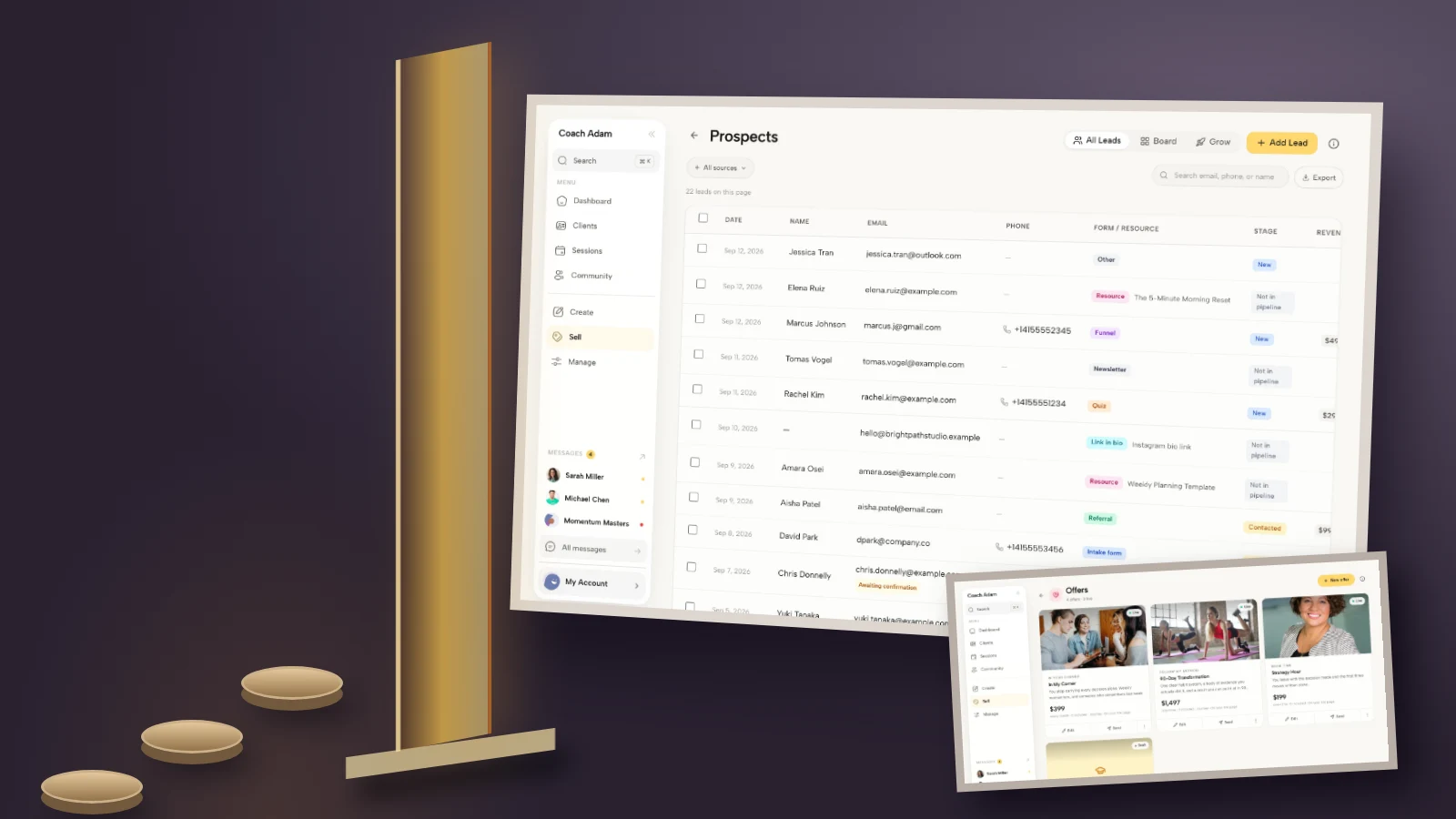
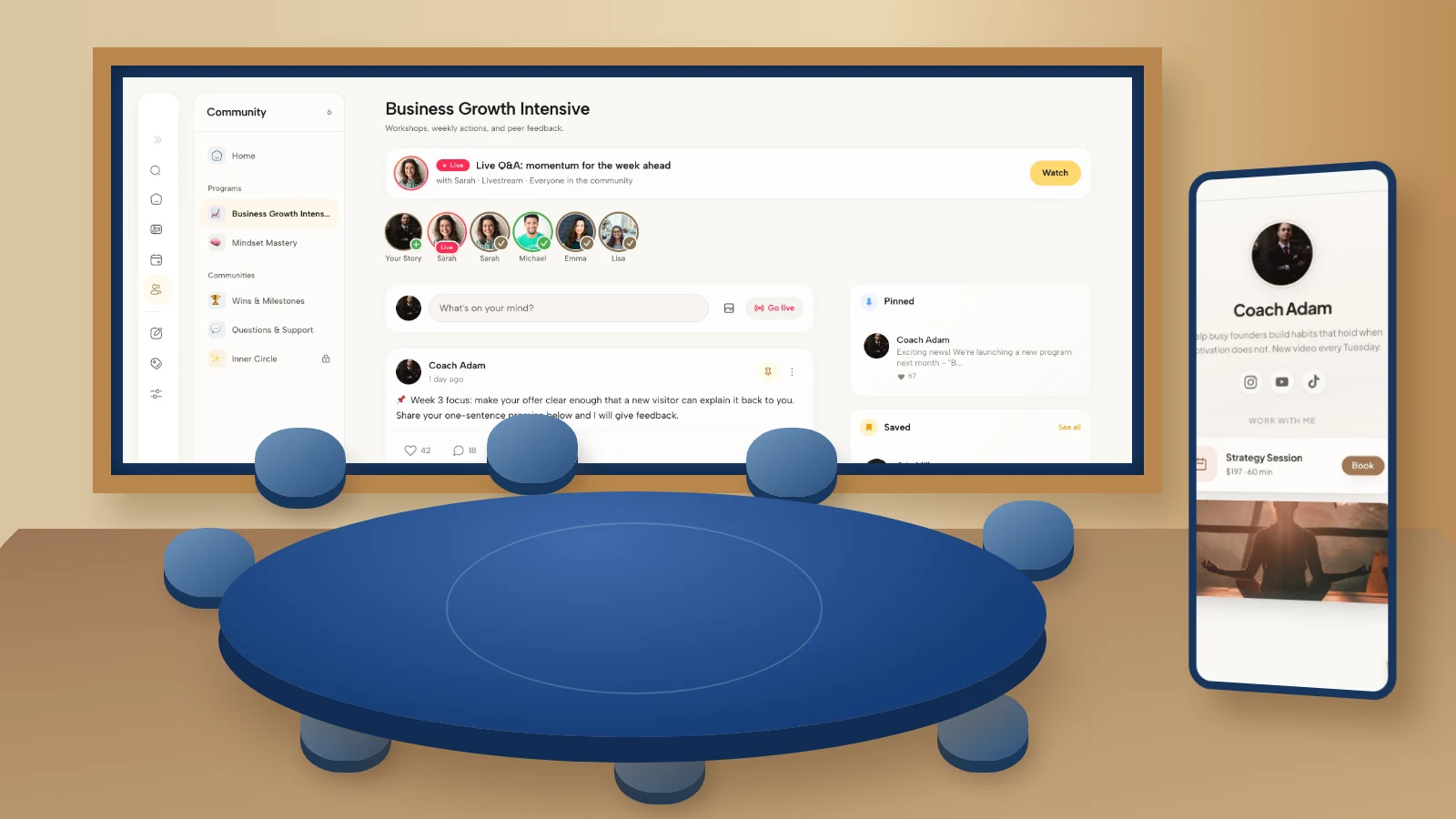
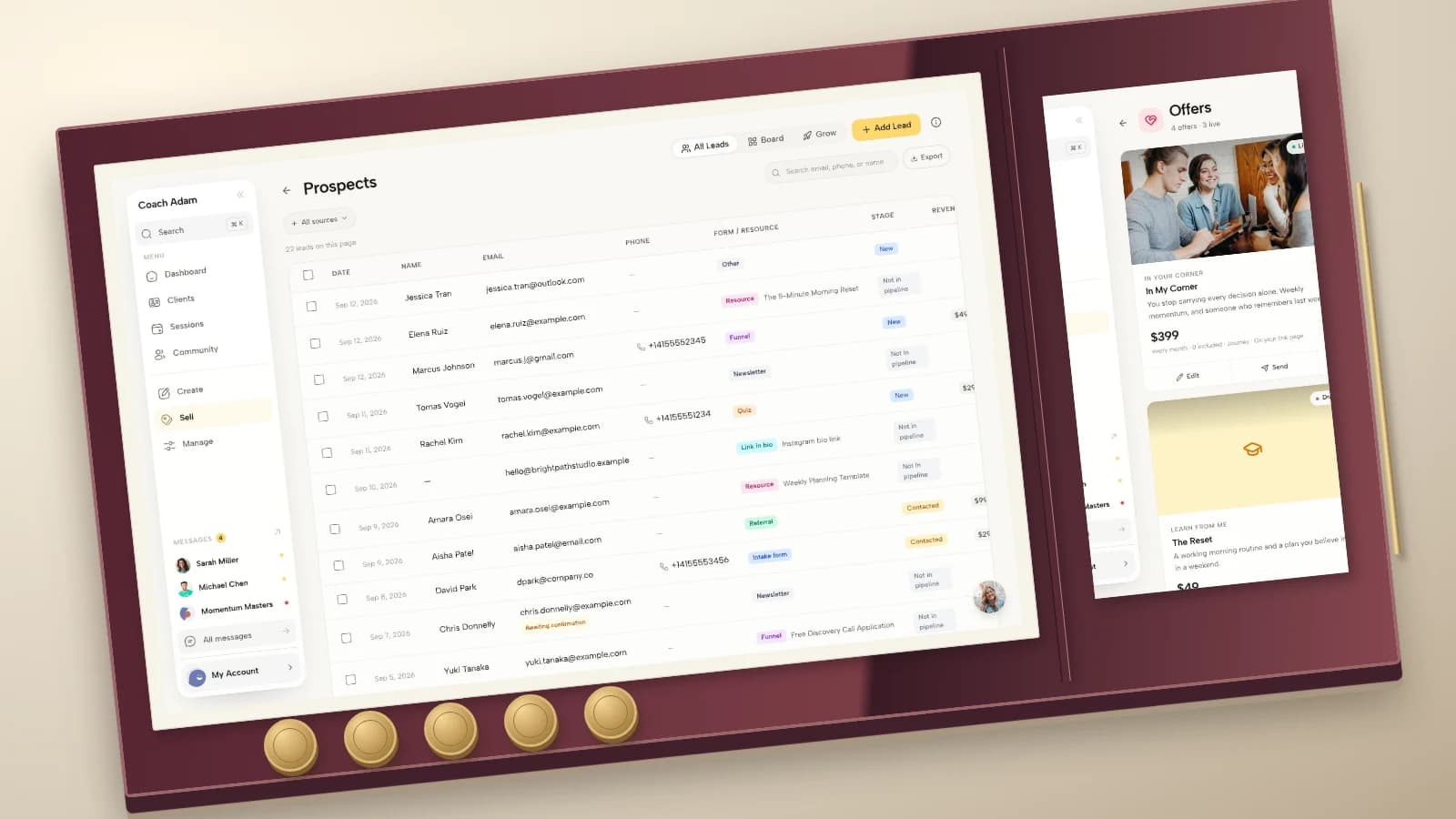
Coachful can support parts of the destination workflow shown here, but these screenshots do not establish a LinkedIn connection. They show real demo surfaces for websites, links, forms, webinars and email sequences. Your public document still needs to be created, checked and uploaded separately.
Run a small test before making document posts a weekly obligation
Choose two distinct buyer questions and make one document for each. Decide beforehand how much production time you can afford and what would count as useful interest. This is a practical learning test, not a statistically reliable experiment or a promised route to clients.
Record the topic, format, destination and time spent. Review whatever post statistics your LinkedIn account provides, but separately record destination visits, genuine inquiries and suitable conversations using your own links and records. Ask an inquirer what prompted them to act instead of assuming the last click deserves all the credit.

For a hypothetical example, 40 destination visits and four inquiries would give a 10% visit-to-inquiry rate. If two inquiries were appropriate for your scope and offer, that would be a 50% inquiry-to-fit rate. These are teaching numbers, not benchmarks or results from Coachful or LinkedIn. A small sample can change sharply with one additional inquiry.

If the post attracts attention but the destination gets no interest, review the handoff. If people arrive but cannot explain the offer, review the destination. If inquiries are unsuitable, review the topic and fit information. Do not respond to every disappointing number by producing more pages.
Check the destination before designing another document
Your first PDF should teach one useful thing and make the relevant next action understandable. Before spending another afternoon on slides, walk through the route a reader would take after the final page: website, resource, workshop or introductory conversation.
If you are deciding how to manage that destination and the coaching experience afterward, Try the interactive demo. Inspect the website, form, event and communication surfaces against your actual plan. The point is to assess the handoff, not to assume that software will publish your LinkedIn content or generate an audience for it.
Frequently asked questions
How many pages should a coach’s LinkedIn document have?
Use the number needed to complete one small teaching task. Five pages are a manageable starting constraint for the briefs above, not an official recommendation or a reach guarantee. LinkedIn’s stated upload ceiling is much higher: 300 pages and 100 MB.
Can people download my LinkedIn PDF?
LinkedIn says members who can view the post can download the document as a PDF. Treat the file accordingly. Do not put confidential coaching materials into it on the assumption that readers can only swipe through the preview.
Can I replace the PDF after posting?
LinkedIn’s guidance says you cannot change or edit the document within the existing post, although you can edit the description or remove the post. Proof every page, link and date in the exported file before uploading.
Should I put a coaching sales pitch on every page?
No. Let each page do its teaching job. Put one proportionate next step at the end and explain it in the caption. A workshop extract can lead to the workshop; a readiness guide can lead to accurate program details. Repeating an unrelated booking demand does not improve the lesson.
Source and example note: platform file limits, download access and document-editing restrictions were checked against LinkedIn’s official document-sharing guidance. All briefs, sample copy and calculations are editorial examples, not customer stories, performance claims or platform-endorsed recommendations. No social account was accessed or post published as part of creating this guide.