LinkedIn Services Page for Coaches: 5 Setup Decisions

Nour
Founder, Coachful
Should your coaching practice have a LinkedIn Services Page, or is it another profile section that creates work without clients? Use it when your buyers already look for professional support on LinkedIn and you can respond to relevant requests. Choose the right owner before setup, describe one coherent coaching offer and prepare the conversation that follows a request.
The page is an introduction channel, not a coaching checkout. LinkedIn describes a request-and-proposal model: a prospective buyer contacts a provider, the provider responds, and the parties agree terms and handle payment outside LinkedIn. A request does not make someone your client, and it does not give you permission to add them to a newsletter.
This guide covers five decisions: personal profile or Company Page, service selection, description and pricing, request handling, and the off-platform handoff. It is not a promise of leads or a reason to purchase Premium. For the broader networking and content strategy, read our guide to getting coaching clients on LinkedIn.
What a LinkedIn Services Page does for a coach
According to LinkedIn's service-provider guidance, a Service Page showcases services and lets potential clients contact providers for free regardless of connection degree. Buyers can find providers through search or recommendations and submit a project request. The provider can respond with a proposal rather than treating every message as a ready-to-buy booking.
That suits coaching where the scope needs discussion. An HR manager may be comparing providers for a leadership engagement. An individual may want career support but not know whether your approach fits. Neither situation is well served by an automatic message demanding that the person buy a package immediately.
It is less useful when your intended audience does not seek support in a professional setting, you cannot monitor requests, or your offer remains impossible to explain. A relationship coach should consider whether a buyer would feel comfortable exploring that service through a professional identity. Visibility is not the same as appropriate context.
1. Choose personal-profile or Company Page ownership first
For a solo coach whose clients are buying their personal work, a profile-managed page is usually the practical starting point. For a practice that needs more than one administrator handling requests under a business brand, investigate the Company Page route. Make this an ownership decision, not a judgement about which option looks more prestigious.
LinkedIn's official comparison says only the member who creates profile-managed services can manage those requests. For Company Page services, the relevant Page's super or content admins can manage requests. It also distinguishes review availability: profile-managed services support client review invitations, while Company Page services currently do not.

Do not assume you can move the same service setup later. LinkedIn's Services Page FAQ says you cannot currently change whether established services are managed by a Company Page or a profile. If you anticipate a team, check the implications before creating the page rather than sharing your personal login with an assistant.
For example, a hypothetical executive coach working alone might choose a personal page even though they have a registered business. A three-coach consultancy with shared inquiry handling might prefer company-managed services. The deciding question is who must legitimately own and answer the requests, not whether the business has a logo.
2. Select services that describe the work you can actually deliver
LinkedIn allows up to ten service types in its official comparison, but that is a maximum, not a recommendation to fill every slot. Choose the categories available in your account that accurately match your work. Do not add consulting, recruiting or clinical services merely because those words might attract a larger budget.
A career coach who supports career decisions and interview preparation should describe those activities plainly. Someone searching for recruitment may expect candidate placement or employer introductions. If you do not provide those services, attracting that request creates a mismatch rather than a lead.
Before selecting categories, write an internal offer sentence: “I coach [specific people] through [specific situation] using [actual format].” Then check each category against it. You can offer more than one format, but the page should not read like a menu assembled from every topic discussed during your training.

Use a short scope boundary where confusion is likely. A career coach might state that coaching does not include recruitment or guaranteed employment. A business coach might distinguish coaching from outsourced sales execution. A health coach should avoid presenting coaching as medical diagnosis or treatment.
You do not need a separate page for every variation in your work. Start with a coherent service the buyer can understand, then use the request conversation to establish the right engagement. A wide category list does not compensate for an offer that is still vague.
3. Write the description and choose an honest pricing signal
LinkedIn's personal-profile setup instructions describe adding services, an optional About description, work location and a remote-work option. They also describe a starting hourly rate or Contact for pricing. The starting amount is a minimum signal, not a guarantee of the final price.
Make the opening describe the buyer and the work. Follow with the format, relevant competence and what the request conversation will establish. Avoid an unsupported result such as “Get promoted in 90 days.” You can be specific without promising an outcome that depends on employers, markets or circumstances outside coaching.
A description example for a leadership coach
“I coach first-time managers who are adjusting to delegation, feedback and leading former peers. We work through individual coaching conversations and practical workplace experiments. I offer remote engagements for individuals and employer-sponsored participants. Send a request describing the development goal, whether you are buying for yourself or an organization, and your preferred timing. We will discuss fit, scope and fees before agreeing an engagement.”
This is hypothetical copy to adapt, not a claim about a real coach or a template LinkedIn endorses. Add only credentials and experience you actually hold. If a credential is still in progress, describe that accurately rather than borrowing its initials for the page.

Hourly rate or Contact for pricing?
Use a starting hourly figure only if it represents a real service someone can buy at that minimum and you can explain the relationship to your packages. A token low number that is unavailable in practice is a poor introduction. Do not divide a large package into an artificial hourly rate simply to look cheaper.
Contact for pricing can be appropriate when organizational scope varies, but it should not mean refusing to discuss money until a buyer has completed a long sales process. In your response, explain the factors that affect price and share an accurate range when you can. On a dedicated offer page, make the actual commitment and terms understandable.
The documented desktop route for personal services is Me, View Profile, Add profile section, then Add services. Complete the information and use Save to make it viewable. Follow the current labels in your own account if they differ. Check location and remote availability carefully so a buyer does not infer an in-person service you cannot provide.
4. Prepare a response process before requests arrive
Someone can send a relevant request, an incomplete brief or an inquiry outside your scope. Your job is to distinguish them without turning the first response into an interrogation. Read what the person actually asked before sending a calendar link or a proposal.
Use three initial checks: is this coaching you can competently provide, who is buying or sponsoring it, and is there enough information to suggest a next step? Ask a small number of useful questions. A discovery conversation does not require medical histories, confidential employee files or a detailed account of a relationship conflict.

A relevant individual inquiry
“Thanks for outlining the career decision you are considering. Career decision coaching is within my scope. Are you looking for support with choosing a direction, preparing for interviews, or both? Once I understand that, I can explain the relevant format and fee and suggest whether a short fit conversation would help.”
An employer inquiry
“Thanks for the brief. Before proposing an engagement, could you clarify the participant group, development purpose and target timing? I would also want to agree how coaching confidentiality and sponsor updates would work. Please avoid sending identifiable employee information at this stage.”
A request outside your scope
“Thanks for considering me. I do not provide recruitment or candidate placement, so I would not be the right provider for this brief. My work is career coaching for the person making the decision. I will decline rather than propose a service that does not meet your request.”
These examples are manual responses to adapt, not an automated outreach sequence. Keep communication within the interest expressed. If a person declines or stops responding, do not convert the request into permission for persistent sales messages across other channels.

Assign a realistic monitoring routine. If you are away or unable to accept work, review the page and your availability rather than leaving buyers to guess. A team should establish who answers which requests and who checks that a response was actually sent.
5. Make the off-platform handoff deliberate
LinkedIn's provider guidance says the parties finalize terms and handle payment outside LinkedIn. Prepare that process before you tell a prospect to leave the platform. The next step might be an offer explanation, a fit call or a proposal discussion; it should follow from the request, not from whatever link happens to be easiest to paste.
For a fit call, explain the purpose, duration, whether it is free or paid, and what happens afterward. Test the exact public booking destination on a phone and without your staff session. A calendar inside your own workspace does not prove a new prospect can book the right appointment.

For an organizational request, agree the proposal scope before asking for payment. Establish participant numbers, session format, sponsor expectations, confidentiality boundaries and who has purchasing authority. A buyer asking about a team engagement should not be forced through an individual package checkout that does not match the brief.
Keep a minimal prospect record when there is a legitimate reason to do so: request source, service discussed, appropriate contact details and an agreed next action. Record “LinkedIn Services request” manually if that is the source. Do not imply an automatic Coachful integration or attribution capability merely because you can enter a source note.

Separate prospect information from confidential coaching records. If someone becomes a client, use your normal agreement and onboarding process. If they do not, retain only what is appropriate under your privacy arrangements and applicable obligations. A public professional profile is not permission to build a detailed personal dossier.
A mobile destination can be useful when the conversation moves to a phone, but it should not become a maze of links. If the prospect asked about one engagement, send the relevant explanation or booking route. An all-purpose link page is a fallback, not a substitute for answering their question.

Should you pay for Premium to improve the page?
Start by identifying the limitation you need to solve. LinkedIn's FAQ distinguishes the free Service Page from additional features associated with Premium Business, Sales Navigator or Recruiter Lite, including media and a richer Services Showcase. Do not assume every Premium-branded subscription includes every service-provider feature.
The official pages use slightly different wording for the free profile display, describing either a services list or a description preview. Inspect your own published page instead of promising yourself the appearance in another person's screenshot. Likewise, check the current eligibility and feature information before paying for an upgrade.
More prominent presentation cannot fix a confused offer, irrelevant requests or a broken handoff. Upgrade only when a documented feature addresses a real constraint and the cost makes sense for your practice. Additional project requests are not a guarantee of qualified buyers or coaching revenue.
A practical first review
Use a bounded review period that fits your workload. Record relevant requests, unsuitable requests, fit conversations, proposals, actual clients and time spent. These are categories to observe, not benchmark conversion rates or a forecast of how quickly you will win work.
- No relevant requests: inspect audience fit, service categories and description before paying for visibility.
- Requests for the wrong work: clarify scope and remove misleading categories.
- Suitable requests but no next step: review the reply and whether the invitation answers the buyer's question.
- Calls but poor fit: revisit the buying context, price expectations and service explanation.
- A useful conversation but no purchase: record the actual reason without assuming the channel failed.
Do not credit the Services Page with every later sale. A referral may have created trust before the person used the page to contact you. Ask how they found you when appropriate and preserve that nuance rather than manufacturing attribution.
Build the next step before chasing more requests
The useful outcome is not a completed LinkedIn profile section. It is a suitable person understanding your work and reaching an appropriate next conversation. Get ownership, scope and the response process right first, then check the destination you will share.
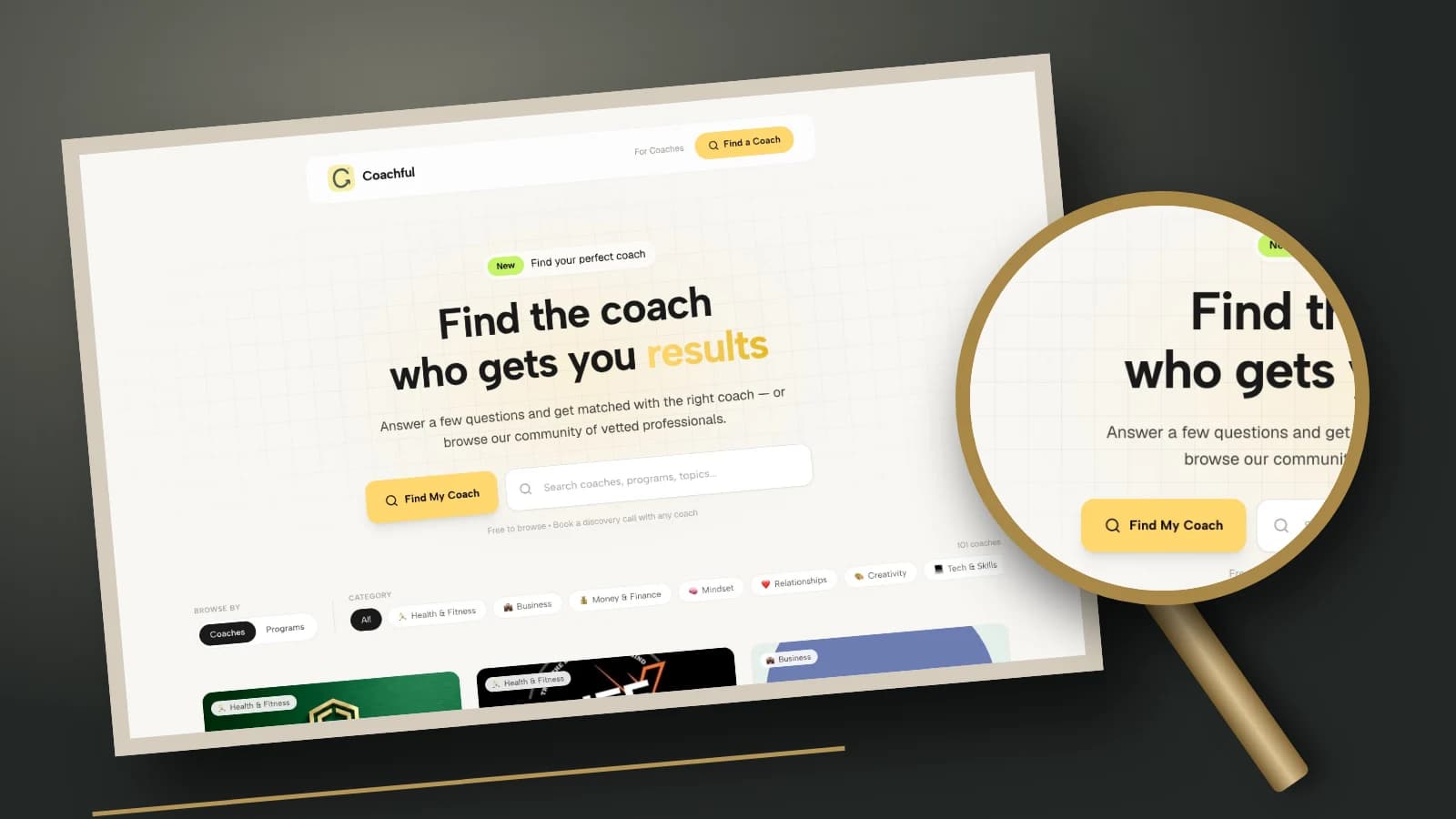
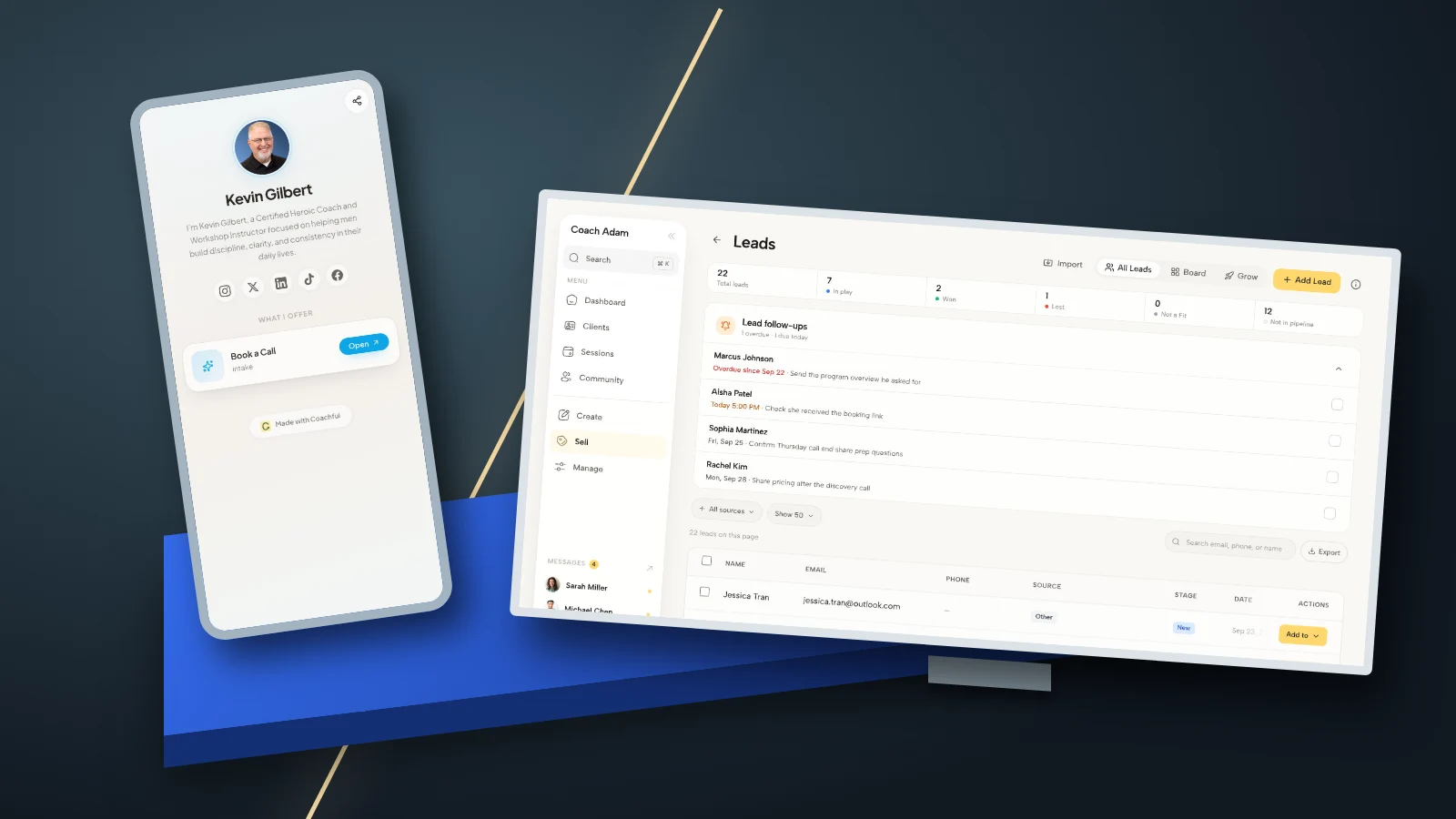
The Coachful demo screens in this guide show offer organization, website editing, forms, scheduling, leads and a mobile call link. They demonstrate possible off-platform workspaces, not LinkedIn setup, automatic synchronization or guaranteed acquisition. If that handoff is the part you need to assess, Try the interactive demo and inspect the destination and inquiry process you would actually use.
Frequently asked questions
Is a LinkedIn Services Page free for coaches?
LinkedIn describes Service Pages as free. Certain additional features depend on specific subscriptions. Check the current official guidance and your account rather than buying a plan solely to copy another provider's display.
Should a solo coach use a personal profile or Company Page?
A personal profile is often suitable when buyers hire you and only you need to manage requests. Company-managed services can suit a practice needing eligible Page admins to handle requests. Check ownership before creating the page because LinkedIn says the management type cannot currently be switched afterward.
Can a client pay for coaching through the Services Page?
LinkedIn's documented model has the buyer and provider agree terms and arrange payment outside LinkedIn. Explain your actual agreement and payment process rather than presenting a request as a completed purchase.
Can I add every requester to my email list?
No. A service inquiry is not blanket permission for newsletter marketing. Use the information for the appropriate requested conversation and apply your normal privacy, consent and marketing obligations.
Source note: Platform descriptions above come from LinkedIn's linked setup instructions, provider guidance, ownership comparison and FAQ. Copy, decision rules and response examples are editorial guidance for coaches, not LinkedIn-endorsed tactics or reported client outcomes. Features can change; verify the controls available in your account.