Workshop Registration Form Template for Coaches: 5 Decisions

Nour
Founder, Coachful
What should you ask on a coaching workshop registration form without turning a simple signup into a discovery call? Ask for the participant’s name, email and exact session first. Add only the information you will genuinely use to deliver that workshop, explain when a place becomes confirmed, and keep newsletter permission separate.
The form is not a miniature coaching intake. Someone joining a ninety-minute workshop should not have to hand over their life history before they can see whether a seat is available. Your job is to remove uncertainty about the event, not collect every interesting answer.
This guide gives you a copyable workshop registration form template, five decisions to make before building it, and a practical test for free, paid and employer-booked events. All sample wording is illustrative. Adapt payment, privacy, accessibility and cancellation arrangements to your actual service and applicable requirements.
The short answer: start with three essentials
For a free workshop with one fixed session, the essential fields can be just name and email, with the workshop title, date and time stated above the form. If people can select different sessions, add a required session choice. A fixed event date does not need to become another question.
Then consider one optional learning-goal question and a private route for access requests. That is often enough to prepare a useful small-group session. Required does not mean “useful to my marketing someday.” It means you cannot responsibly process this registration without the answer.
A paid workshop needs a payment step as well as registration details. An employer booking several people may need a purchasing contact, invoice details and a later attendee list. These are different transactions. Do not make every individual registrant complete the corporate purchasing version.

1. Decide whether the form reserves, requests or confirms a place
This decision comes before the questions. Are you accepting people immediately, reviewing applications, or confirming places only after a verified payment? Each needs different button text and different next-screen wording. “Register” is too vague when it hides a manual approval step.
- Free, immediately confirmed: “Reserve my free place.” The confirmation identifies the session and explains how to join.
- Application or availability check: “Request a place.” The response says you have received a request and gives a truthful review timeframe.
- Paid workshop: “Continue to payment.” Explain whether the place is held during checkout and when it is actually confirmed.
- Corporate group enquiry: “Request a group booking.” Do not imply that an attendee count has created a paid reservation.
Choose the version your actual process supports. If a form submission lands in an inbox for you to review, call it a request. If your checkout does not hold inventory during payment, do not say that it does.
Capacity needs an owner, too. Decide who closes registration, handles duplicate submissions and checks the final paid roster. A form submission count is not necessarily the number of distinct participants, and an unpaid checkout is not necessarily a sold seat.

2. Show the event facts before asking for personal details
A good form answers “What am I joining?” before “Who are you?” Place the workshop title, intended audience, date, time zone, duration, location or online format, price and inclusion notes above the questions. Explain whether a recording will exist. Do not promise one because you might press record.
For example, a career coach might describe a fictional event as: “Interview practice workshop for professionals preparing for a first management interview. Tuesday 17 November, 12:00–13:30 Europe/London. Online, with paired practice. No recording. This is a skills workshop, not individual recruitment advice or a job-placement service.”
That description lets a participant assess relevance without disclosing their employment situation. Replace the example date and every service detail before use. Where you serve multiple countries, show an unambiguous zone and test the local-time display rather than relying on “lunchtime.”
Keep the headline promise bounded. “Leave with a first draft of your interview examples” is something you can design activities around. “Land your next job” is not a registration fact. Put cancellation and transfer arrangements where people can read them before committing, not only in a later attachment.

3. Use this workshop registration form template
The following is a copyable question set, not a recommendation to require every field. The first two questions are the default essentials. Include session choice only when there is a genuine choice; add the rest when they change delivery or administration.
- Your name. Required. Ask for the name you should use for event communication. Do not demand a legal name unless a specific administrative requirement justifies it.
- Email address for workshop information. Required. Explain that joining instructions and necessary event updates will go here. Use an email field with a clear validation message.
- Which workshop session are you registering for? Required only for multiple sessions. List the full title, date and time zone for each option.
- What would you most like to practise or understand? Optional short answer. Add “A sentence is plenty; please avoid private or identifying details.”
- How familiar are you with this topic? Optional. Use this only if you will change the pace or grouping. “New to this,” “Some experience,” and “Use it regularly” can be more useful than a vague confidence score.
- Would you like to discuss an adjustment that would help you participate? Optional. Offer a private contact route and ask about participation needs, not a medical diagnosis.
- Organization and purchasing contact. Only for the relevant business booking. Separate the attendee from the person receiving an invoice.
- Where did you hear about this workshop? Optional. Include “Prefer not to say” or allow a blank response. This is not a condition of attendance.
- Participation terms. Where appropriate, link the applicable terms and explain what the acknowledgement covers. Do not turn it into a bundled waiver, privacy notice and marketing subscription.
- Optional newsletter preference. Separate from registration and unchecked by default where you use an opt-in. State what the emails contain and how people can unsubscribe.
That is a menu of ten possible fields, not a ten-question minimum. A free introductory event might use two required fields and one optional learning question. A paid workshop might add checkout and terms, while collecting billing information securely in the payment process rather than a general text box.

For access requests, useful wording is: “If you would like an adjustment, you can contact [private address] or describe what would help here. You do not need to share a diagnosis.” Use a real monitored contact route. Avoid an absolute confidentiality promise you cannot operationally keep.
Before asking about access, know who will read the answer and how you will respond. A request for captions, breaks or a different materials format is not just another CRM tag. Check feasibility directly with the participant and confirm the practical arrangement before the event.

4. Separate registration, payment and marketing permission
A participant registering for a workshop expects information about that workshop. That does not automatically mean they want an ongoing sales sequence. Keep essential event administration separate from optional promotional email, and assess the rules that apply in your jurisdiction and situation.
A plain-language event notice might say: “We will use this address for your workshop confirmation, joining instructions and necessary changes to this event. Read our privacy notice for information about how we handle registration details.” The linked notice needs to describe your actual practice, including any relevant service providers and retention approach.
A separate optional preference could say: “Yes, send me [coach name]’s monthly practical career-coaching newsletter. I can unsubscribe at any time.” Replace the topic and frequency with something you will maintain. Do not make access to a purchased workshop depend on subscribing to unrelated promotion.
For paid events, never ask people to type card numbers or bank credentials into a general form answer. Send them to your actual secure payment flow. Show the total price, currency, any applicable charges and the relevant terms before they authorize payment.
For employer-funded bookings, verify who is buying and what establishes the reservation. An invoice sent is not an invoice paid. A purchase order may be part of the agreement, but it does not magically replace whatever acceptance and payment terms you have established.

Track the operational facts separately: registration received, place accepted, payment verified where required, and joining instructions delivered. You can maintain those checks manually if necessary. This article does not assume that a form, invoice and event system automatically synchronize their statuses.
5. Make the confirmation do the next piece of work
After submission, the participant should know whether they have a place and what to do next. A thank-you message that merely says “We’ll be in touch” creates avoidable uncertainty. Write the confirmation around the actual registration state.
Confirmed free workshop: “You’re registered for [workshop], [date, time and time zone]. Your joining instructions are [specific location or delivery method]. Please contact [address] if you can no longer attend so we can release the place.” Only use “registered” when your process has actually accepted the place.
Request awaiting review: “We’ve received your request for [workshop]. Your place is not confirmed yet. We will reply by [truthful date or timeframe] with availability and the next step. Please do not make travel arrangements on the basis of this request.”
Paid event awaiting payment: “Your registration details have been received. Complete payment through [secure payment destination] to finish the booking. Your place becomes confirmed when [your actual confirmation condition].” If you do not hold a place, make that clear before checkout.
A confirmation email should repeat the event identity, date and zone, joining or venue details, preparation, cancellation route and support contact. For online events, verify whether the joining link is personal, public or delivered later. Never share someone else’s participant-specific link as a shortcut.

Test the complete registration journey before promoting it
Open the published form on a phone in a fresh browser session, not just inside your editor. Follow the exact link a participant will receive. Read the event facts, complete the minimum required answers, submit, and inspect the resulting email and registration record.
Use clearly labeled test data you control. Do not enroll real contacts or trigger promotional messages to an existing audience while testing. If testing payment, use the platform’s supported test process rather than creating a real charge you did not intend.
- Blank and invalid inputs: Are required fields identified in text, and do errors say what needs fixing?
- Keyboard and mobile: Can you reach each control, read the labels and submit without an obscured button or horizontal scrolling?
- Correct session: Do the form, confirmation, calendar information and email all identify the same date and time zone?
- Optional really means optional: Can someone register without a newsletter subscription, phone number or access disclosure?
- Duplicate and full-event behavior: What happens if someone submits twice or tries after the event fills?
- Actual next step: Does the confirmation tell the truth about payment, acceptance and joining instructions?
For accessibility, follow the practical principles in the W3C’s forms guidance: clear labels, instructions, understandable feedback and a structure people can navigate. A form looking clean is not proof that it works with assistive technology. Test relevant access needs and seek specialist support where necessary.

Adapt the form to the workshop you actually sell
A free introductory life-coaching workshop
Keep registration short. Name and email can be enough, with one optional question about what participants want to practise. Explain the group format and avoid inviting intimate disclosures that you will not have time or consent to address. A free event is not permission to expose someone’s personal situation in front of strangers.
A paid skills workshop
State the specific learning task, prerequisites, materials and payment conditions. An interview workshop may need to know whether attendees are preparing examples or practising delivery, but it usually does not need a CV upload at registration. Request sensitive preparation separately only when it is genuinely needed and appropriately protected.
A corporate team booking
Use the buyer’s initial form for purchasing and logistics. Collect individual access requests through a suitable private route rather than asking a manager to report health details about employees. Clarify which attendance or evaluation information the employer will receive before participants join.
Frequently asked questions
How many questions should a workshop registration form have?
There is no universal ideal count. Start with name and email, then add session choice if needed. Keep a question only when its answer changes registration, delivery, access or essential administration. Move detailed coaching intake or research to a separate, clearly explained process.
Should I require a phone number?
Not by default. Require it only when you have a specific, proportionate operational need you can explain. If email handles all joining instructions and updates, a mandatory phone field may collect more than you need. Phone collection also does not automatically authorize marketing texts.
Should I ask about goals before a group workshop?
A brief optional learning-goal question can help you choose examples. Keep it bounded to the workshop topic and ask people not to include personal or third-party details. Do not promise individualized coaching because you collected an answer.
Can I use a coaching intake form for workshop registration?
You can adapt its structure, but remove questions designed for a private coaching engagement. Workshop registration needs event logistics and a limited preparation signal, not a full assessment. Check the confirmation flow and permissions as carefully as the visible questions.
Build the shortest form that supports a truthful confirmation
The most useful registration form is not the one with the most data. It is the one that lets the right participant join the right workshop, knows what is still pending, and gives them an accurate next step. Review every required question against that job before you publish the signup link.
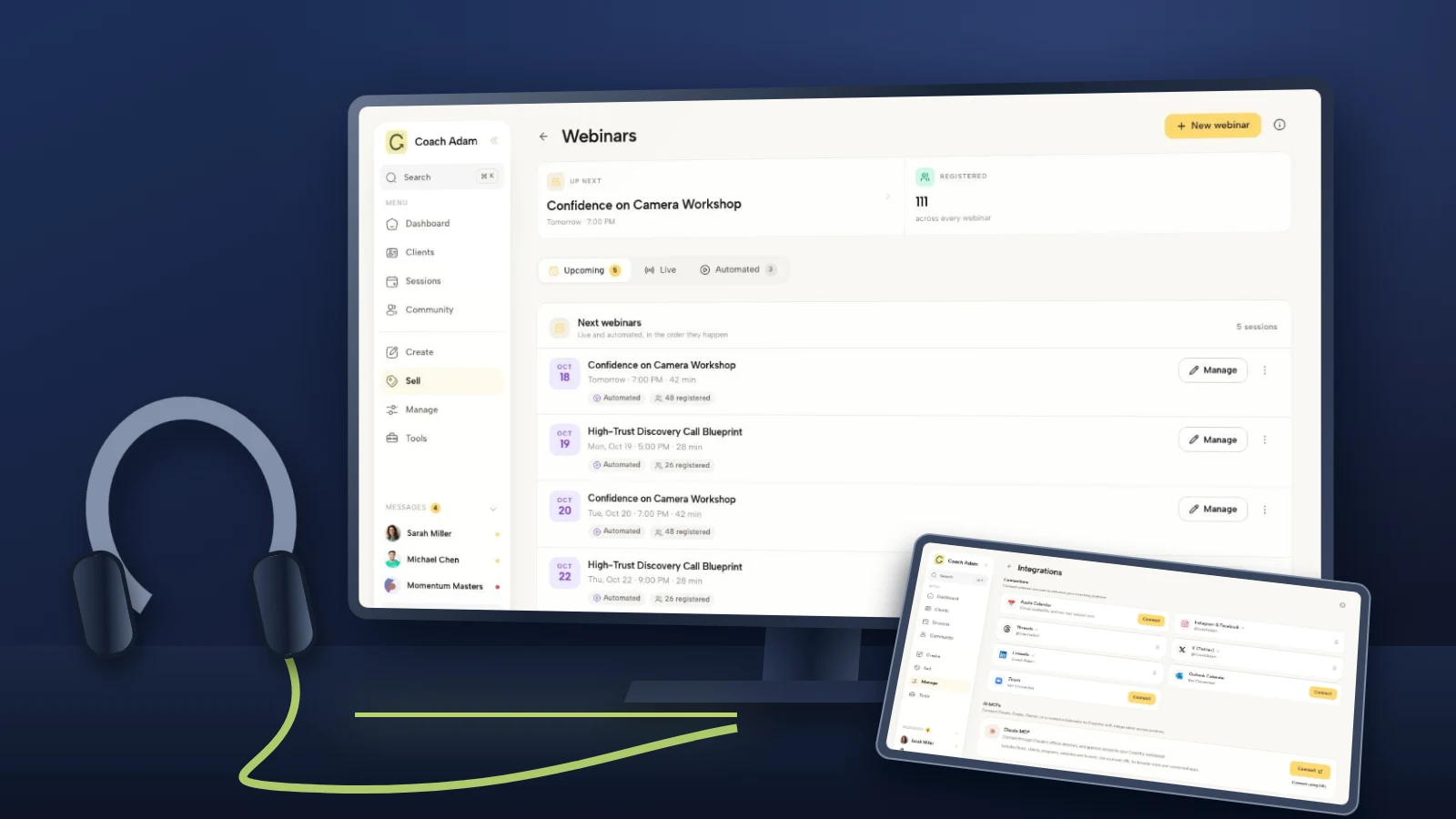
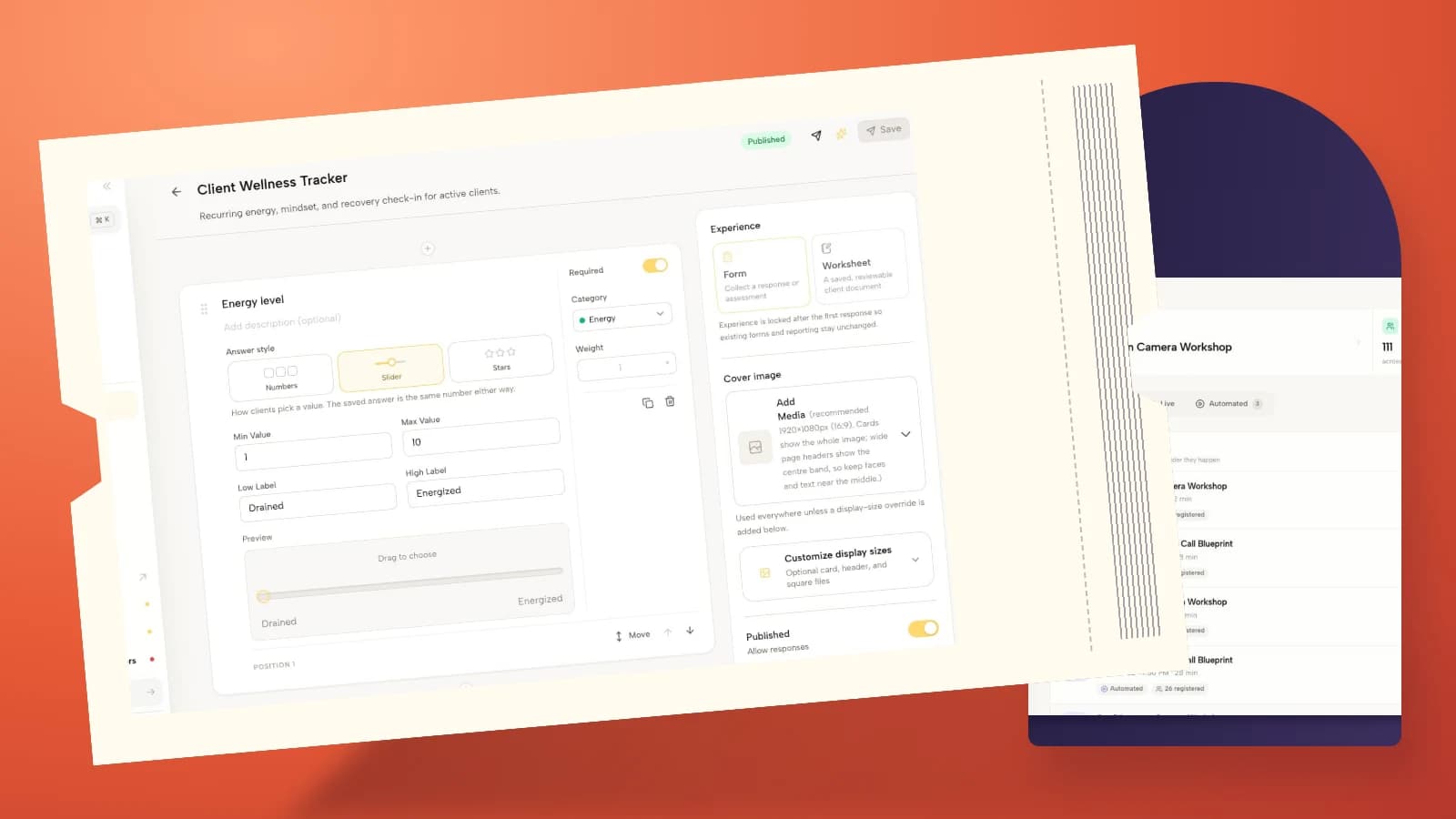
If you want to explore the practical surfaces behind this process, try the interactive Coachful demo. Look at the real form builder, workshop-related screens and event communication tools, then decide which parts fit your registration process. The screenshots here are populated demo examples, not proof that the complete journey has been configured for your event.
Sources and related reading
- Typeform: workshop registration form template, a reference for common event and preparation questions, not evidence of conversion improvements.
- W3C WAI: forms tutorial, practical guidance on labels, instructions, validation and accessible form structure.
- Coachful: workshop evaluation form, for feedback after the workshop rather than signup before it.