YouTube Channel Trailer Script for Coaches: A 5-Part Template

Nour
Founder, Coachful

How do you introduce your coaching channel without spending the first minute talking about yourself? Write a YouTube channel trailer that helps a new viewer recognise their situation, understand what you teach, see a small example and choose one useful next video. Your biography belongs behind that explanation, not in front of it.
A practical starting point is a short five-part script: audience, teaching promise, demonstration, relevant introduction and next step. Aim for a comfortable spoken read, not a particular word count. The sixty-second outline below is an editorial example, not a YouTube requirement or a promise of subscriber growth.
This guide is for coaches building a channel around their practice. It includes a copyable template, three fictional scripts, filming choices and a review process. It is not a general channel setup guide, an individual-video intro formula or a sales video for a coaching package.
What a channel trailer should actually do
A trailer answers a visitor's question: “Is this channel worth exploring for the problem I have?” That is different from persuading someone to buy coaching immediately. A viewer can find your teaching useful without being ready for a paid relationship.
YouTube's channel-layout guidance describes the trailer as a preview for people who have not subscribed. It separately describes a featured video for returning subscribers. Do not assume every person who discovers one of your videos will first visit the channel homepage or watch the trailer.
Make the trailer an orientation, not a toll booth. Your normal videos should make sense without it. If you have not published anything useful yet, make a substantive teaching video first. A channel introduction should point to something that exists.

The five-part YouTube channel trailer script
Draft the spoken lines before choosing music, transitions or equipment. Use the following structure to identify missing information, then adjust the timing to your delivery. There is no reason to fill a minute if the useful introduction is finished earlier.

1. Name the viewer and a recognisable situation
Open with a situation, not an inflated identity. “You manage a team, but every small decision still lands on your desk” gives a viewer something to recognise. “Calling all visionary leaders ready for transformation” asks them to decode your marketing first.
Write one sentence beginning with “If you…” or “This channel is for…”. Identify a person through what they are trying to do, not an assumption about their mental health, motivation or character. A coach does not need to diagnose a stranger to be specific.
Template: “If you're [audience] trying to [practical task] while [recognisable constraint], this channel is for you.” Remove any clause that makes the opening harder to say in one breath.
2. State what the videos help them practise
Name two or three connected subjects and the kind of teaching viewers will see. “We work through delegation decisions, workload conversations and realistic weekly planning using examples” is more concrete than “I share powerful insights for your success.”
Only promise a publishing schedule you can sustain. You can explain a channel's value without saying “new videos every Tuesday.” If you do state a schedule, remember that the trailer becomes inaccurate when your practice or production rhythm changes.
Template: “Here you'll find [format] about [subject one], [subject two] and [subject three], so you can practise [specific action].” Describe an opportunity to learn, not a guaranteed life or business outcome.
3. Show one small piece of your thinking
A brief demonstration can establish more than a string of adjectives. For the delegation example, show a blank page with “decision,” “authority” and “check-in.” Explain that handing off a task without clarifying decision authority can leave the manager doing the deciding anyway.
The example does not need a miraculous ending. Its job is to show how you explain a problem. Use invented situations and blank or demonstration resources, not a recording of a private coaching conversation.

If your channel is new, record the example specifically for the trailer. You do not need a montage of material you have not made. If you use excerpts from existing videos, make sure those videos genuinely illustrate the subjects you just named.
Template: “For example, before [common action], check [useful distinction]. In the videos, we'll work through how to do that.” Keep the advice usable even if the viewer does not subscribe.
4. Introduce your role and an honest boundary
Now say who you are. One relevant sentence is usually enough: your name, the coaching work you do and, if it matters, a credential you actually hold. Do not imply accreditation from a course attendance certificate or borrow the language of a regulated profession.

A boundary can be short and useful: “These are general planning examples, not individual career advice,” or “Public videos aren't a substitute for personal clinical care.” Choose wording appropriate to your qualifications, audience and subject. A disclaimer does not make an otherwise misleading claim acceptable.
Template: “I'm [name], a [truthful role] working with [audience]. These videos offer [actual scope], rather than [important exclusion].” Do not claim years of experience, client numbers or outcomes unless you can substantiate them.
5. Recommend one specific next video
Choose the action that helps a new visitor experience your teaching. “Start with the video on preparing a workload conversation” is usually more useful than asking for a like, comment, subscription, newsletter signup and consultation in the same breath.
A subscription invitation can support that next step: “Subscribe if these are the questions you're working on.” You do not need manufactured urgency. Avoid saying that watching a short video will resolve a complex career, relationship or health issue.
Template: “Start with [existing video title or clearly identifiable topic]. Subscribe if you'd like more [specific kind of teaching].” Check that the named video is easy to find on the channel.
A copy-and-adapt trailer template
Replace every bracket before recording. This is an original writing scaffold, not a platform setting or a proven conversion formula.
If you're [audience] trying to [task] while [constraint], this channel is for you.
I make [formats] about [connected subjects], so you can practise [specific action].
For example, [one useful distinction or very short demonstration]. We'll work through examples like this rather than just talk about [broad aspiration].
I'm [name], a [truthful role] working with [audience]. These videos provide [scope], not [important exclusion].
Start with [existing video]. Subscribe if you'd like more [specific teaching].
Read the draft aloud without speeding up. Cut repeated promises, unexplained terminology and any line that exists mainly to sound impressive. If you cannot explain a claim in ordinary language, it probably does not belong in your first introduction.

Three fictional trailer scripts for coaching channels
These examples demonstrate different channel promises, not actual coaches, credentials or client results. They are starting points for your own writing. The example video titles must be replaced with videos you have published.
Career coach: choosing a direction
You're ready for a career move, but every possible direction seems to create a different problem. This channel helps you compare the options before you rush into another application.
We work through role shortlists, career conversations and practical experiments using fictional examples and simple worksheets.
One place to start: separate the tasks you want to do from the job titles you think you should want. That can give you better questions to investigate.
I'm Alex, a career coach. These videos are general learning resources, not a promise of employment or individual advice about your circumstances.
Start with the video on comparing two career directions. Subscribe if you'd like more practical ways to investigate your next move.
Why it works: the script names uncertainty without treating it as a personal defect. Its demonstration is small enough to understand, and the next video continues exactly that task. It does not need salary claims or a successful client story to establish relevance.
Leadership coach: delegation and team decisions
If you lead a team but still approve every small decision, this channel is for you.
We use worked examples to practise delegation, feedback and conversations about responsibility.
For instance, before handing off a task, ask what the other person can decide without returning to you. A task without decision authority may still leave you doing the thinking.
I'm Sam, a leadership coach. Here we explore general workplace situations, not private cases from my coaching sessions.
Start with the video on agreeing decision authority. Subscribe for more examples you can adapt thoughtfully to your own workplace.
Why it works: viewers see a useful distinction before hearing about the coach. The privacy sentence also establishes how the channel uses examples. A manager can explore the material without being told that every workplace challenge has the same cause.
Life coach: realistic weekly planning
If your weekly plan looks sensible on Sunday and impossible by Wednesday, let's examine the plan before blaming your willpower.
On this channel, we work through commitments, boundaries and small planning experiments using ordinary examples.
Try separating appointments, optional tasks and requests that still need an answer. Putting all three on the same list can hide the choices you haven't made.
I'm Jordan, a life coach. These are educational planning examples, not mental health assessment or treatment.
Start with the video on making room for interruptions. Subscribe if you'd like more practical planning exercises.
Why it works: the opening answers an everyday annoyance without inventing an underlying diagnosis. The demonstration is understandable without a worksheet download. Personal coaching can add individual application later; the trailer does not have to sell it now.
Choose what to show while you speak
Start with your face if that makes the introduction clear and comfortable. Add a legible example when you demonstrate your thinking. A viewer should not have to read three tiny documents while listening to a different explanation.
If you show a coaching platform, use a demo account and explain why the screen matters. Showing a program outline can clarify what structured paid support looks like; it should not imply that subscribing to your public channel includes that program.

For an excerpt about your working process, a demo client home can illustrate session preparation. Keep real names, appointments, messages, notes, invoices and notifications out of the recording. Blurring one name does not remove every identifying detail.

Avoid a long credential wall, generic stock montages or footage that implies a client outcome. Use only music, photographs and clips you have permission to publish. Adding a small credit line does not automatically give you a licence to use someone else's material.
Build the destination before naming it
The trailer's main invitation can stay on YouTube. If you also mention a website or free resource, explain its purpose and ensure it exists. A viewer who hears “download the planning sheet” should not land on an unrelated page asking them to book a sales call.

Test the destination on a phone, including its wording, access requirements and any signup. Say whether a resource involves joining your email list. Do not treat a YouTube subscription, comment or view as consent to receive email marketing.
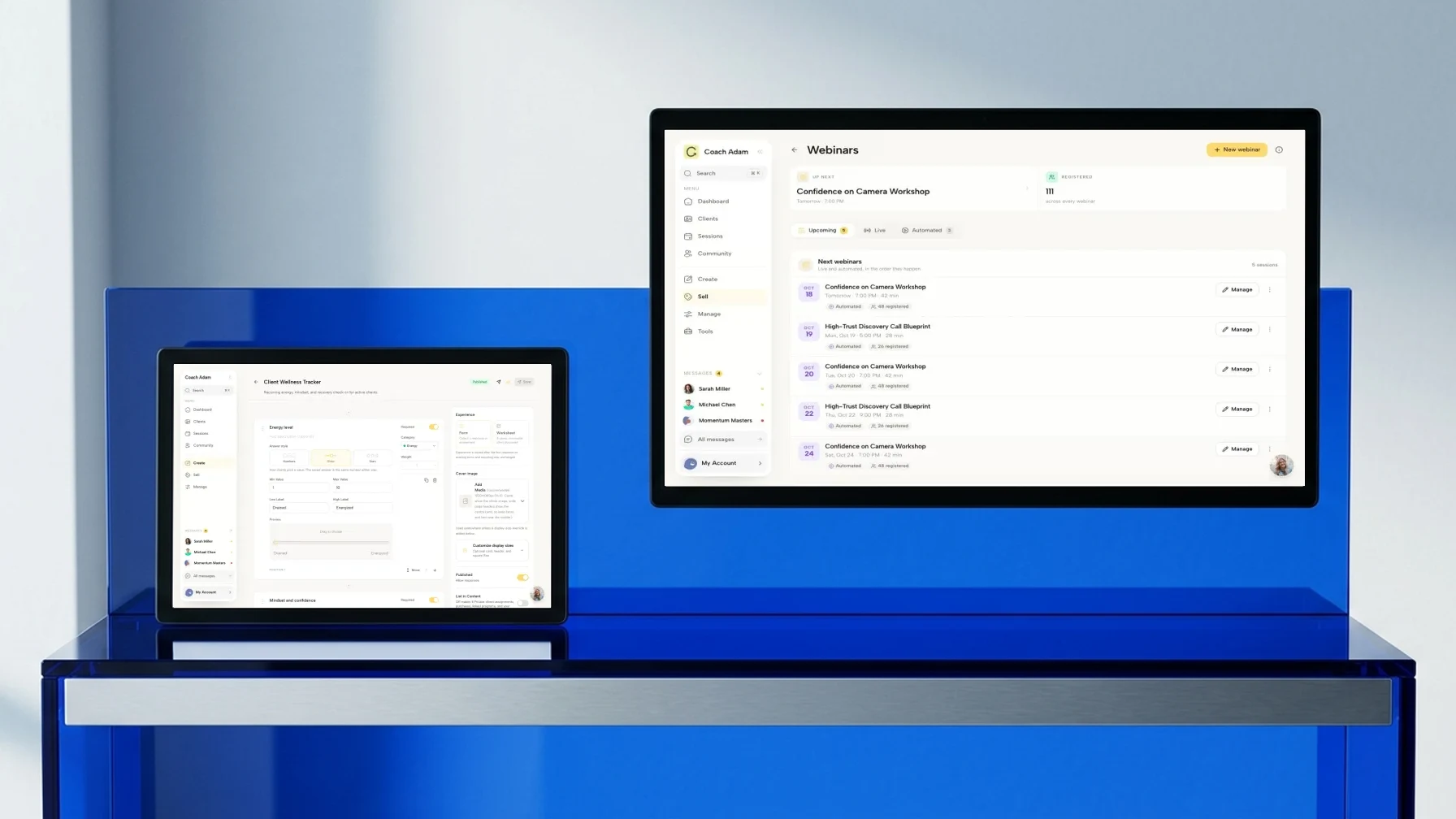
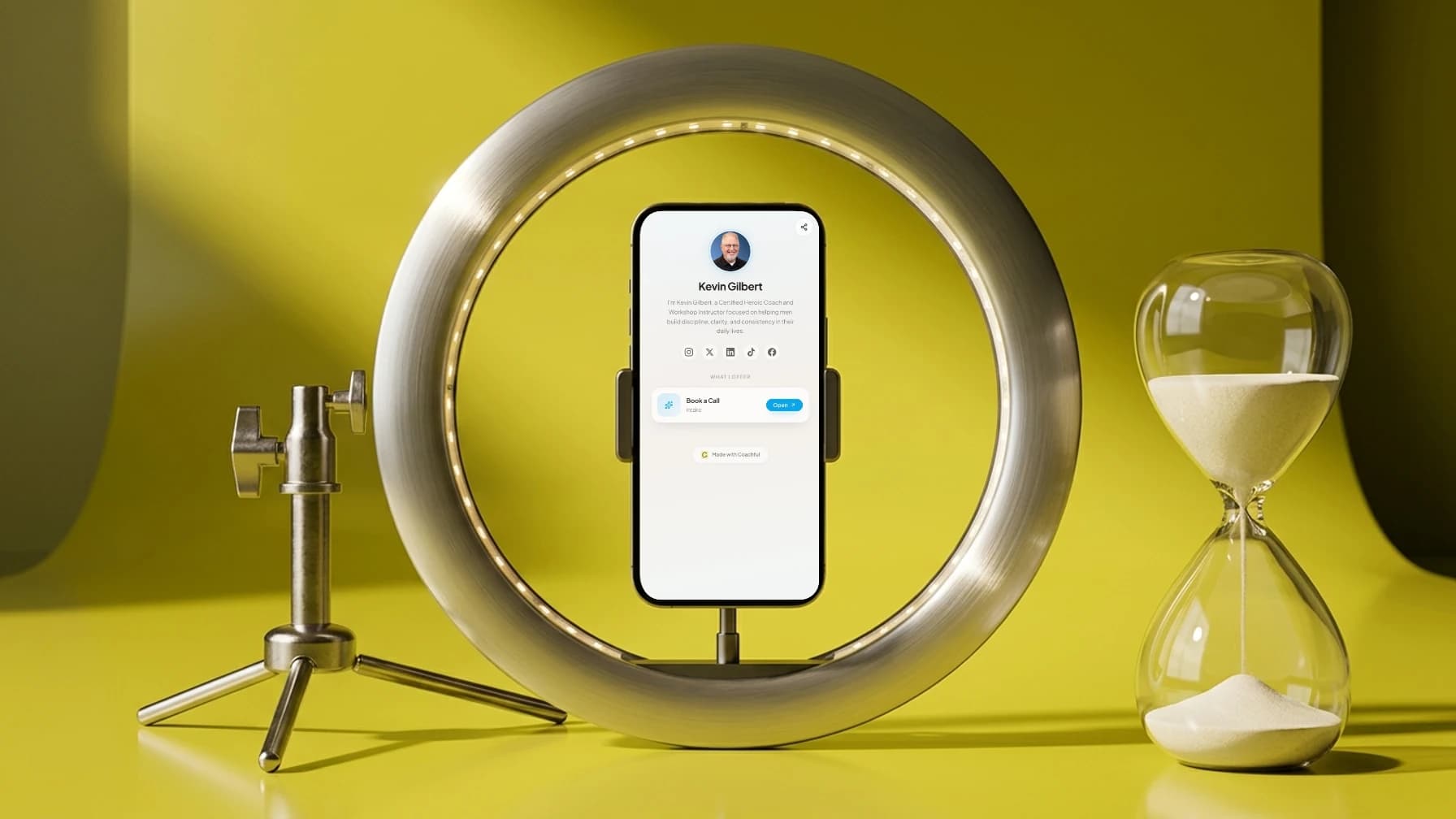
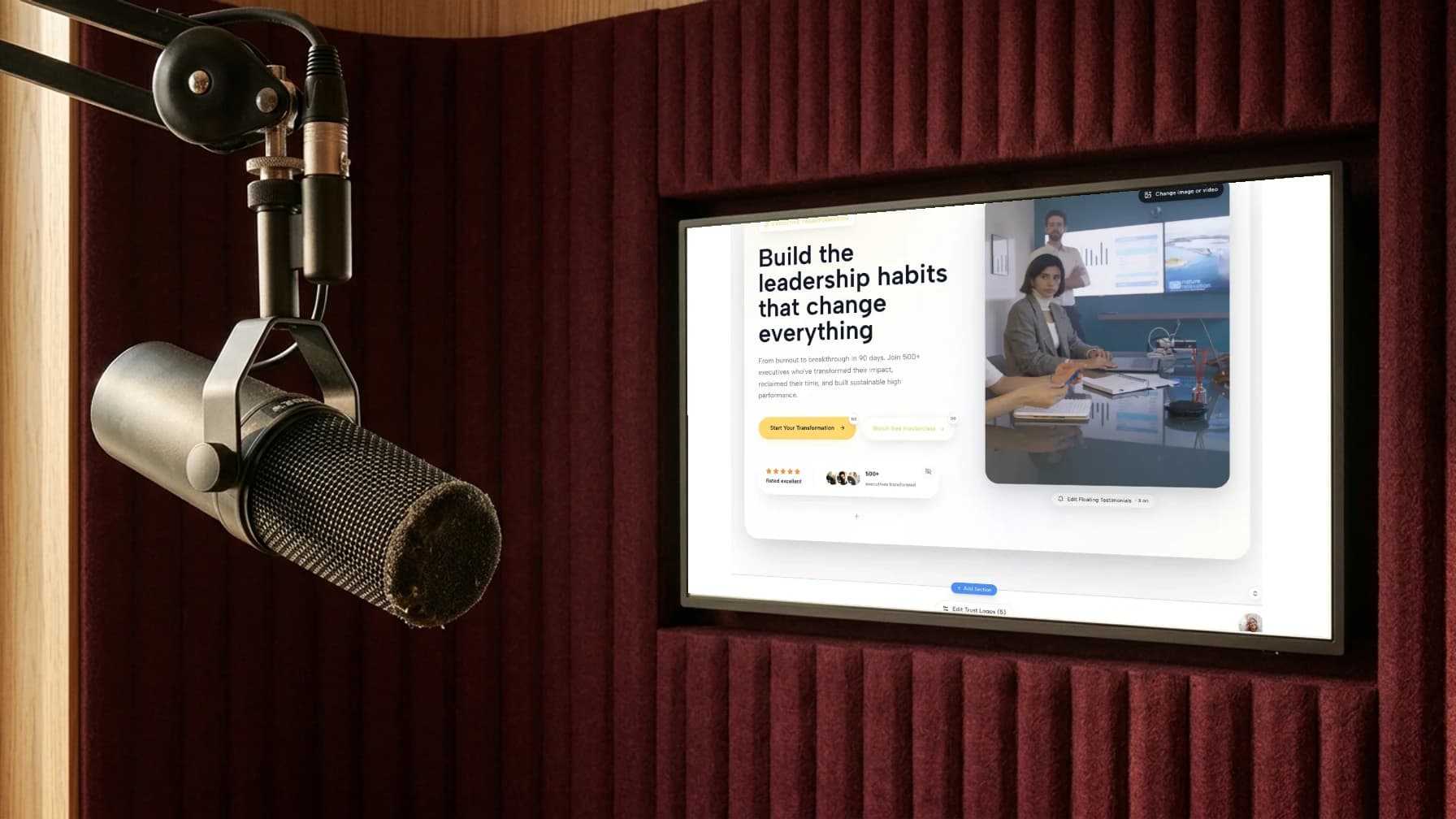
The Coachful screens in this article illustrate the practice-side destinations and delivery experience, not a YouTube trailer editor or publishing integration. If you want to inspect those website, program and client surfaces before deciding how to present your practice, Try the interactive demo. Start with the destination you actually intend to mention, rather than adding another link because it is available.
Install and review the trailer
In YouTube's current desktop guidance, sign in to YouTube Studio, open Customization, then the Home tab. Under Layout, choose Add section and Channel trailer, select the video and publish the channel change. Check the official instructions if your interface differs.
Do not confuse this setting with the featured video for returning subscribers. YouTube says a viewer who has watched the channel trailer will not be shown it again. Review the experience as a new visitor rather than repeatedly reloading your usual signed-in view and assuming something is broken.
Watch once on a narrow phone screen with sound and once without it. Correct captions, check that demonstration text remains readable and ensure no meaningful instruction exists only in a fast visual. Listen through ordinary speakers to catch distracting volume changes.
- Audience: can a stranger identify who the channel is for?
- Teaching: does the trailer show a useful distinction rather than only assert expertise?
- Accuracy: are the role, subjects, schedule and destinations still true?
- Privacy: is every example invented or appropriately authorised for this use?
- Action: can a visitor find the one recommended next video?
Update the trailer when the channel's audience, teaching or next step changes. Do not infer success or failure from a small number of views. A useful review starts with whether visitors understand the promise and can follow the path you described, not an invented industry conversion target.
Frequently asked questions
How long should a coach's YouTube channel trailer be?
Use the shortest comfortable version that explains the audience, teaching and next step. The sixty-second example here is a planning aid, not a platform limit or an evidence-backed optimum. Time your own spoken delivery instead of squeezing a long script into a faster read.
Do I need a trailer before starting a coaching channel?
No. Publish useful teaching and make the channel's audience clear first. A trailer helps orient channel visitors, but it does not replace substantive videos or make every individual upload understandable.
Should I ask viewers to book a discovery call?
Only when that is a proportionate next step for the channel and the visitor can understand the offer. For a general teaching channel, one useful next video is often a more coherent first invitation. Do not combine several competing asks in the same closing line.
Can I use client clips to prove my coaching works?
Avoid making private coaching material your default public proof. Specific permission, confidentiality duties, third-party information and power dynamics need careful consideration. A fresh fictional demonstration can show your reasoning without exposing a client's situation or suggesting that their outcome is typical.
What should I do this week?
Choose one actual viewer situation and one existing video. Draft the five parts, record a plain read and remove anything that does not help a stranger understand the channel. Test the resulting introduction and destination before investing in a more elaborate edit.