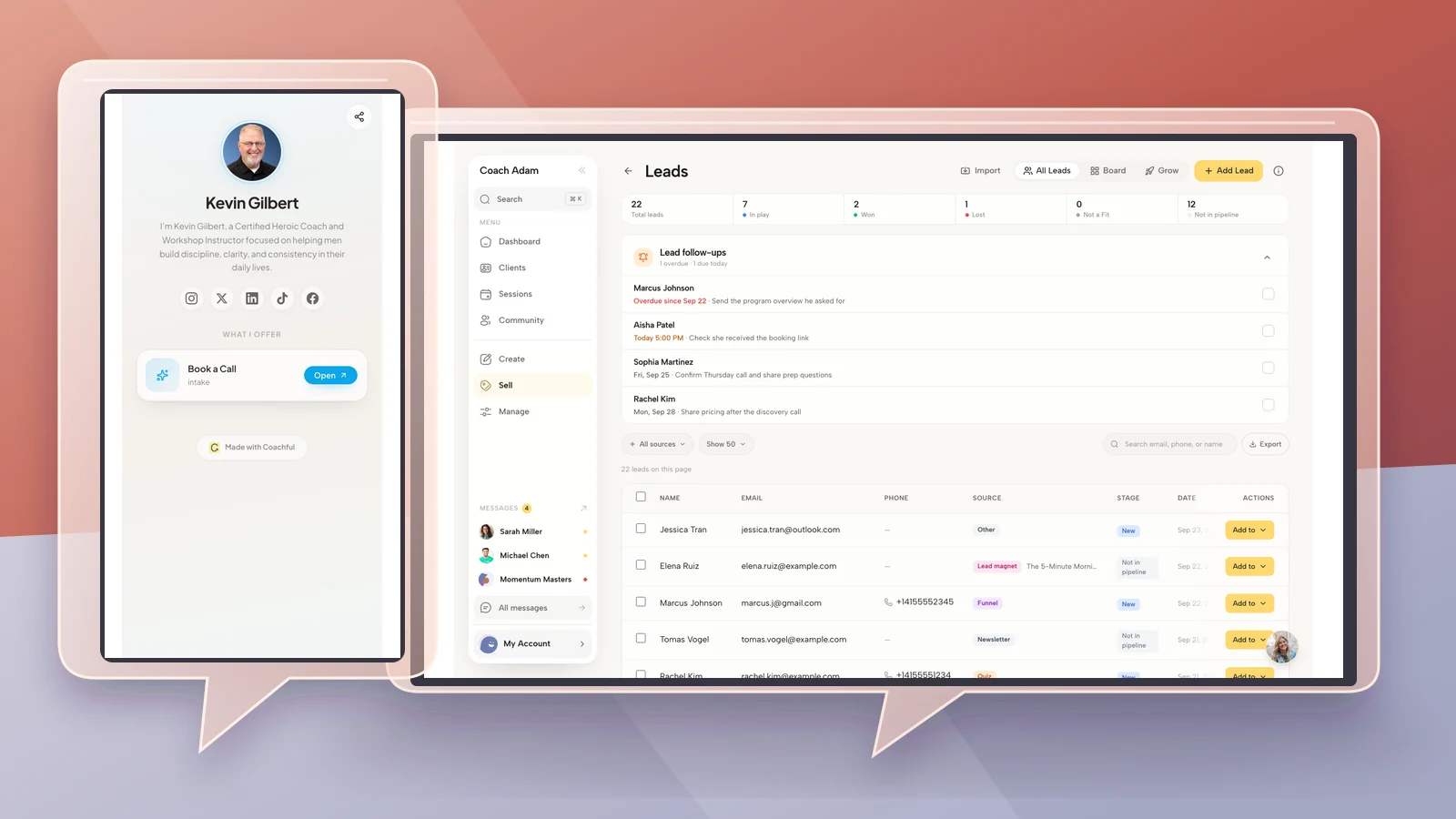
5 Coaching Brand Color Palettes With Tested Contrast

Nour
Founder, Coachful
Which colors should you choose for a coaching brand when every mood board looks lovely, but the booking button is barely readable? Start with a dark text color, a light background and one action color that works with its label. Then choose an optional decorative accent. A usable coaching palette is a set of roles, not a row of attractive swatches.
This guide gives you five original coaching brand color palettes with hex codes, measured text contrast and practical instructions for using them. They are design starting points, not claims that a particular color creates trust, attracts a demographic or increases bookings. Choose the one that fits your existing photography and voice, then test the actual pages people need to use.
What are the best brand colors for coaches?
There is no single best color for a coach. A career coach does not need navy, a health coach does not need sage and a relationship coach does not need pink. Those conventions can be useful references, but they are not requirements or evidence of effectiveness. A recognisable, readable presentation matters more than fitting a niche stereotype.
Choose colors by the jobs they must do. Your text must remain legible. Your page needs a comfortable background. Your main action should be identifiable, and errors must be understandable without relying on color alone. The coach's offer, qualifications and actual approach still have to earn the reader's confidence.
- Text: a dark anchor for paragraphs, labels and important details.
- Background: a light surface that works with your photographs and documents.
- Action: a color for primary buttons and selected interactive elements, paired with a tested label color.
- Decoration: an optional accent for nonessential shapes or larger background areas. It is not automatically suitable for small text.
Keep the role names in your brand notes. “Forest is our primary button, with white text” is more useful to an assistant than “We use forest, sage and cream.” It tells them how to make a new worksheet or landing page without guessing.
Read this before using the contrast numbers
The W3C explanation of WCAG text contrast sets a minimum ratio of 4.5:1 for normal text and 3:1 for large text at Level AA, with defined exceptions. For this guide, use 4.5:1 as the practical minimum for paragraph text and button labels rather than assuming a heading qualifies as large.
The ratios below are calculated from the exact opaque hex colors shown, using the WCAG relative-luminance calculation. They apply to those foreground and background pairs only. They do not establish that a whole website, form or portal is accessible. Gradients, transparency, photographs behind text, disabled states and theme changes require their own review.
Think in pairs. White text on a dark green button can work even when that same green looks too heavy as a full-page background. Conversely, a pale gold can be attractive as a highlight while failing as small lettering on cream. A palette can be useful even when some combinations within it should never carry text.

1. Ink, cream and deep teal: a flexible starting palette
Text #172A3A. Background #F8F6F0. Action #245C50. Decorative accent #E3B667. Use this when you want a restrained base that leaves room for your writing and photography. It can support an executive, life or business coaching practice without pretending that the palette determines the specialty.
Set paragraphs and form labels in ink on cream. Use deep teal for the main button with a white label. Save the gold for an illustration, a small section marker or a nonessential highlight. Do not turn every link, quote and badge gold just because it belongs to the palette.
The calculated text/background ratio is 13.60:1; white on the action color is 7.72:1. Those are the two working pairs to hand to a designer. If you introduce a new hover color, test that new pair too.
A hypothetical career coach could use the cream background for a package page, ink for the scope and teal for “Read the package details.” The gold might appear in a simple decorative rule. The important distinction is that the button remains an action, while the supporting color stays supporting.

2. Aubergine and warm white: a richer alternative to beige
Text #332433. Background #FCF7F2. Action #713B58. Decorative accent #DAB4C2. Choose this if your existing portraits, clothing or physical materials already work with plum and warm neutrals. It offers a different direction from the familiar green coaching website without needing a dramatic redesign.
Keep the aubergine anchor for ordinary copy and the darker rose-plum for the main action. Use the pale rose as a supporting surface rather than as small text. The contrast of the dark anchor on the main background is 13.69:1, and white on the action color is 8.51:1.
For a hypothetical relationship coach, the colors might sit behind a straightforward description of individual coaching, suitability and boundaries. They should not substitute for those explanations. Avoid suggesting that a soft visual style establishes emotional safety or makes an engagement appropriate for everyone.
The main trade-off is visual weight. Large areas of dark plum can become tiring if every section has the same treatment. Keep most reading surfaces light and use the dark color deliberately. Check that portrait backgrounds do not clash with the warmer page white.

3. Slate, blue and amber: a crisp information-first option
Text #233044. Background #F7F8FA. Action #285A8B. Decorative accent #F2C66D. This is a practical direction for a practice with text-heavy service pages, workshop descriptions or corporate documents. It is not a promise that blue makes a buyer trust you.
Use slate for long passages and blue for the principal action. Amber can mark a relevant detail without competing with the whole page. If you use amber behind a short label, test the dark-label combination separately; the white-label approval below applies to blue, not amber.
The main text pair measures 12.53:1. White on the blue action color measures 7.18:1. Keep ordinary inline links underlined, or give them another clear non-color cue, rather than expecting every visitor to recognise a blue word as interactive.
A hypothetical leadership coach could apply this to a corporate workshop page and reuse the same roles in a proposal. The trade-off is familiarity: the palette may look conventional. Your actual examples, photography and precise offer description should provide the distinctiveness, not an extra six accent colors.

4. Forest and pale leaf: a green palette with a dark anchor
Text #19382C. Background #F5F8F1. Action #315F44. Decorative accent #BBCF9D. If you like green, keep enough depth for the parts people must read. The common mistake is choosing several attractive pale greens and discovering that none works for labels.
Use the darkest green for body text, the middle green for the action and pale leaf for decoration. The calculated text pair is 11.91:1; white on the action is 7.37:1. Do not use pale leaf for ordinary text on the near-white background without a separate check.
This could work for a hypothetical health or outdoor coach, but it could equally suit a career coach whose photography contains natural settings. It does not justify medical imagery, health claims or language suggesting treatment when the service is coaching.
Check your photographs particularly carefully. A green page plus a green outdoor portrait plus green illustrations can lose hierarchy. Leave neutral space around the main action and test the page without the photograph. The reader should still know what you offer and how to continue.

5. Espresso, ivory and brick: warmth without pale buttons
Text #342B28. Background #FFF8F0. Action #9B3F35. Decorative accent #F1B69D. Choose this if your photography and existing materials lean warm, but you do not want another entirely beige identity. Brick gives the action a distinct place in the system.
Use espresso for reading, ivory for the main surface and brick with a white label for the primary button. Reserve peach for accents. Text/background contrast is 13.10:1, while white on brick is 6.65:1.
A hypothetical business coach could use this palette for a practical workshop offer, with the price and scope in dark text rather than in pale decorative type. The warm palette should not hide essential information inside an image or make the cancellation link hard to find.
The trade-off is that brick can also resemble an error color. Avoid using exactly the same visual treatment for “Book a conversation” and “Payment failed.” Give errors explicit wording and distinguish the component treatment. Color alone should never explain what went wrong.

Apply the palette to a real coaching experience
Start with the page a prospective client actually visits, not the brand presentation you keep in a folder. Write down the destination, the action and the details someone needs to make that decision. Apply your four roles to those elements before recoloring every resource you have ever made.
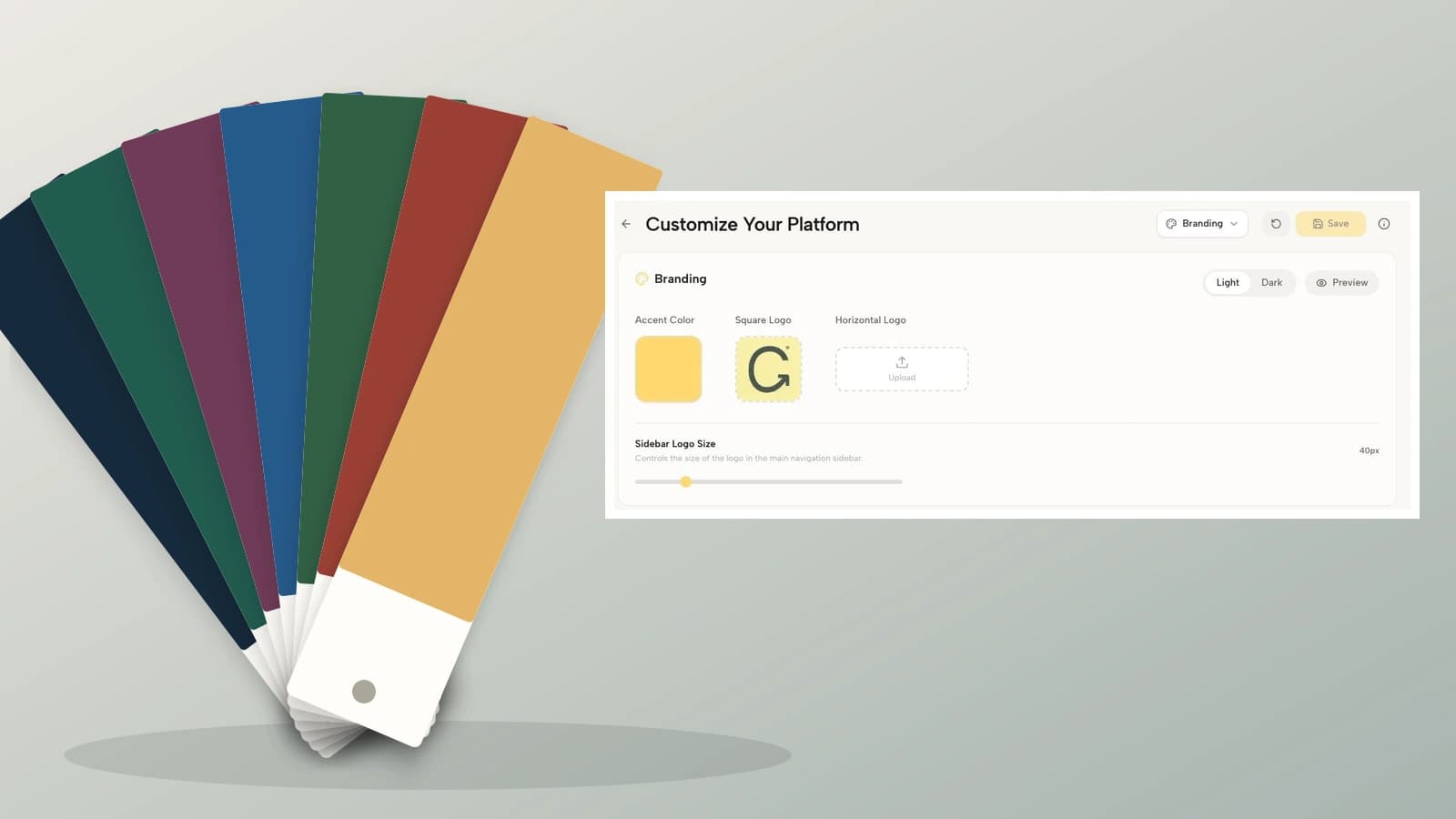
Coachful's reviewed demo branding screen shows an accent-color control, square and horizontal logo areas, Light and Dark controls, a Preview action and a business-name field. Those are relevant places to inspect brand presentation. The screenshot does not show these five example palettes applied, and it does not prove that every custom pairing will remain readable.

Do not assume that every editor uses “primary,” “accent” and “background” in the same way. A single accent setting may affect several elements with different surrounding colors. Check what it changes before saving it across your practice. For product-specific setup, use Coachful's separate brand colors and logo guide.
Then inspect a small-screen destination. A coaching prospect may first see your profile from a social app, where a tiny label and a cropped portrait matter more than the full desktop mood board. Check the primary action, ordinary text, secondary links and any form labels at an actual phone width.

A five-check test before you commit
- Test the exact text pairs. Enter foreground and background hex values into a contrast checker. Record the pair, not just a green “pass” next to the whole palette.
- Check real states. Inspect hover, keyboard focus, selected items, errors, success messages and both themes if you offer them. A readable default button is not the end of the review.
- Remove color as a clue. Check in grayscale. Links, selected answers and error states should still have understandable text or other visible indicators.
- Review actual content. Include a long package name, a price, a paragraph, a form and your real portrait. Short placeholder text can conceal cramped or low-contrast layouts.
- Document the decision. Save the four roles, exact hex values, approved pairs and any forbidden combinations in a short brand note.
Do not change the offer, layout, photographs and colors simultaneously if you want to understand the effect of a refresh. Keep a record of what changed. A booking increase or decrease after a redesign does not establish that the palette caused it; traffic, timing and offer changes can also affect the result.
Copy this coaching color brief
Practice: [name]. Main destination: [page]. Text: [hex] on background [hex], measured contrast [ratio]. Primary action: [hex] with label [hex], measured contrast [ratio]. Decorative accent: [hex]. Do not use: [specific low-contrast pairs]. Check: phone, desktop, focus, error, hover and any alternate theme. Owner and review date: [details].
This is enough to give a designer or assistant a working direction. You do not need a long brand book to prevent pale text on pale backgrounds. Add typography, photography and logo rules as your practice needs them, without reopening every color decision each time you publish a worksheet.
Frequently asked questions
How many colors should a coaching brand have?
Four roles are a useful starting point: text, background, action and optional decoration. You may use fewer distinct colors if one can serve multiple roles with tested contrast. Additional interface colors may be necessary for states such as errors, but they do not all need to become prominent brand colors.
Can I use pastel colors for a coaching website?
Yes. Pastels can work as backgrounds or decorative accents. Problems arise when pale colors carry small text or button labels against another pale surface. Pair the softer shades with a genuinely dark text color and test each important combination.
Do these palettes meet accessibility requirements?
The stated text pairs clear the normal-text contrast threshold discussed above. That is one check, not a whole-site certification. Keyboard access, focus visibility, form instructions, alternative text, motion, structure and other requirements still need review. A palette cannot certify an entire experience.
Should I choose colors based on my coaching niche?
Use the niche as context, not a rule. Consider the people you serve, your photography and the material they need to read. Do not assume that a gender, age group or specialty requires a particular color, or that changing to that color will generate inquiries.
What should I do first if my brand already has colors?
Test your existing text and button pairs before replacing them. You may only need a darker action variant or a stronger text color. A small functional correction can be more sensible than rebuilding a recognisable identity because a new palette looks fashionable.
Choose a palette, then test the handoff
Select one palette, assign its roles and test the actual page where a prospective client decides what to do next. Keep the offer readable even if the images disappear. If you want to inspect the real branding controls and small-screen client destinations before choosing a platform, Try the interactive demo. Use it to evaluate the workflow, not as proof that a particular color will sell your coaching.
These are original illustrative palettes, not measured conversion results. Contrast ratios are calculated from the specified opaque sRGB pairs and rounded to two decimals. WCAG guidance is the source for the contrast thresholds; palette selection and role assignments are editorial recommendations.