Instagram Reels Scripts for Coaches: 5 Videos to Film

Nour
Founder, Coachful
“I know what I want to teach, but what do I actually say when I press record?” Start with one recognisable decision, demonstrate one useful move, and end with a next step you can genuinely deliver. A coach’s Reel does not need a dramatic confession or a borrowed client success story to be worth watching.
These five Instagram Reels scripts for coaches are original filming drafts, not reported client conversations or performance claims. Each uses a different production format: an overhead demonstration, a two-role exchange, a calendar walkthrough, a direct-to-camera answer and a whiteboard explanation. Choose the one that makes your point easiest to understand, not the one with the most editing.
The examples are deliberately modest. They show a way to think or practise, not a diagnosis, a guaranteed result or a complete coaching intervention. Adapt the substance to your competence and service boundaries before recording.
Choose the script by what you can show
- A career decision with visible criteria: film the job-ad demonstration.
- A sentence that becomes more useful when rewritten: film the two-role workload exchange.
- A planning problem hidden in an ordinary week: film the calendar walkthrough.
- A question about what your coaching actually provides: record the direct answer.
- A business assumption that needs testing: use the whiteboard explanation.
Write the useful middle first. If you can only write an arresting opening and a sales invitation, you do not yet have a teaching video. Find the example that earns the viewer’s attention between those two points.
A manageable rehearsal structure is an opening, a little context, one demonstration and a named next step. The illustrative 45-second plan below is a writing constraint, not an Instagram ranking formula. Read your actual words aloud and change the duration when clarity requires it.

For topic research, notice questions people ask before buying, misunderstandings you regularly clarify and decisions within your scope. Keep notes non-identifying. Do not lift a distinctive phrase from a private session simply because it sounds like a good opening.

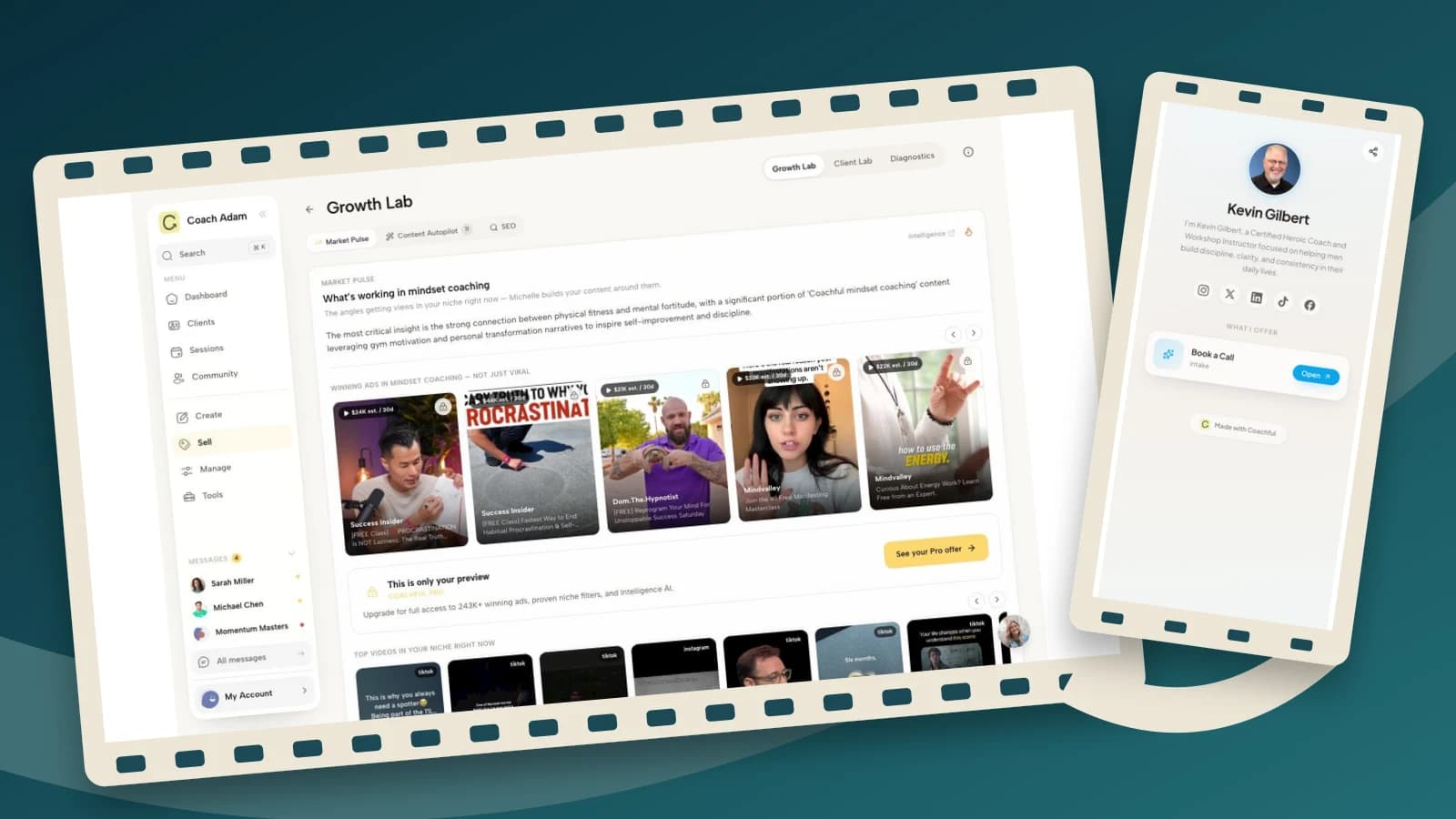
The real Coachful Market Pulse screen can support angle exploration. It does not know whether your individual claim is true or appropriate for a public audience. You still need to check the example, the boundary and the words you are willing to stand behind.
1. Career coach: an overhead job-ad demonstration
Use this when: your audience keeps comparing job titles without identifying what they need from the work. The visible object is a fictional job description, not somebody’s application, salary history or employer correspondence.
Spoken script:
“Before you apply because the title sounds right, mark three things in the job description: work you want to do, conditions you need to check, and questions the advert cannot answer.
For example, ‘lead cross-functional projects’ tells you something about the work. It does not tell you how decisions get made or how much authority comes with the role.
Turn one uncertainty into an interview question: ‘How are priorities agreed when two teams need the same resource?’
You are not trying to decode the whole employer from an advert. You are deciding what you need to investigate next. Save these three headings for your next role review.”
How to film it: place a large fictional advert on a clean surface. Underline one task, circle one condition and write one question in the margin as you speak. Use a close enough crop that the demonstration remains legible on a phone.
What to change: choose a role type you understand. Remove implications that an advert reveals hidden motives or that one question guarantees an honest answer. The example supports investigation, not a decision to resign or accept an offer.
Trade-off: an overhead video needs readable materials and a steady shot. If viewers cannot see the annotation, record the voice separately and simplify the page rather than adding faster cuts.
2. Leadership coach: a two-role workload exchange
Use this when: you want to demonstrate a communication skill rather than say “set better boundaries.” Play both roles yourself and identify the dialogue as fictional. Do not reenact a recognisable client dispute.
Spoken script:
“Manager: ‘Can you take this on as well?’
Team member, first version: ‘I suppose so. I will try.’
Pause. That answer accepts the task without discussing what moves.
Try a different version: ‘I can add it. I am already committed to the report and the customer review. Which should move if this is now the priority?’
The useful change is not sounding tougher. It is making the trade-off visible.
This wording cannot fix an unsafe workplace or create resources that do not exist. Use it as a rehearsal prompt, not a promise that someone will agree. Write your version privately before your next planning conversation.”
How to film it: use two camera positions or a small change in eyeline to distinguish roles. Keep the camera still within each shot. Put “first version” and “trade-off made explicit” in readable captions so the point does not depend on costume changes.
What to change: make the request sound natural for your audience. Where there is a power imbalance, employment dispute or retaliation risk, a script may be inappropriate without other support. Do not make the employee responsible for solving a structural workload problem.
Trade-off: role play can slide into a comedy sketch that caricatures the manager. Keep both people plausible. Your teaching point is the information made discussable, not who wins an argument.
3. Life coach: a calendar walkthrough about hidden commitments
Use this when: you work on planning and want to show why an apparently free evening may not be available. Use a completely invented calendar, with no real appointments, names or notifications.
Spoken script:
“This evening looks empty in the calendar. But the plan already includes travel, dinner and preparing for tomorrow.
If I add a new project, I have not found spare time. I have made a decision about what that project will displace.
Before adding another commitment, write the tasks around it, not just the appointment itself. Then ask: what am I choosing not to do?
You might reduce the task, move something or decide not to accept it. The point is to make the choice visible, not squeeze more into every gap.
Try this with one ordinary commitment this week. Keep the calendar and your notes private.”
How to film it: draw a simple evening on paper. Add the surrounding tasks one at a time. Leave the final choice unresolved so viewers can see that different circumstances permit different decisions.
What to change: avoid implying that illness, disability, caring responsibilities or unpredictable work can be solved by better planning. A calendar exercise can reveal constraints; it cannot remove them.
Trade-off: the temptation is to fill every space for a satisfying reveal. That teaches the opposite lesson. Leave room for rest and uncertainty without presenting a universal ideal schedule.

For all three demonstrations, check the actual recording preview. Keep the object, your gesture and the essential caption visible. Do not rely on fixed safe-zone measurements: platform controls and preview crops can differ. Review automatic captions, especially negations such as “not” and qualifications that change the meaning.
4. Coach explaining the service: answer a buying question directly
Use this when: prospects need to know where your responsibility stops. The sample answers a career-coaching question; change the service description only if it accurately reflects how you work.
Spoken script:
“Will I tell you which job to choose? In my career coaching, no.
I can help you examine what matters, investigate your options and prepare the questions you need answered. I may challenge an assumption or help you structure an experiment.
The choice is still yours. I do not know every condition of your life, and I cannot promise what an employer will do.
If you are looking for recruitment, legal advice or somebody to make the decision for you, that is a different service.
If this way of working sounds useful, read the coaching overview through my profile link. It explains the format and how to enquire.”
How to film it: speak directly to the camera in your normal voice. Put the actual question on screen at the beginning, then let the answer breathe. You do not need background footage of a laptop to make an honest explanation interesting.
What to change: distinguish coaching from any additional services you really provide. A coach who also offers consulting should explain when the role changes rather than claiming coaches never share information or advice.
Trade-off: this video may persuade someone not to enquire. That is a useful outcome when they need a different service. Do not remove the boundary to make the invitation more inclusive.

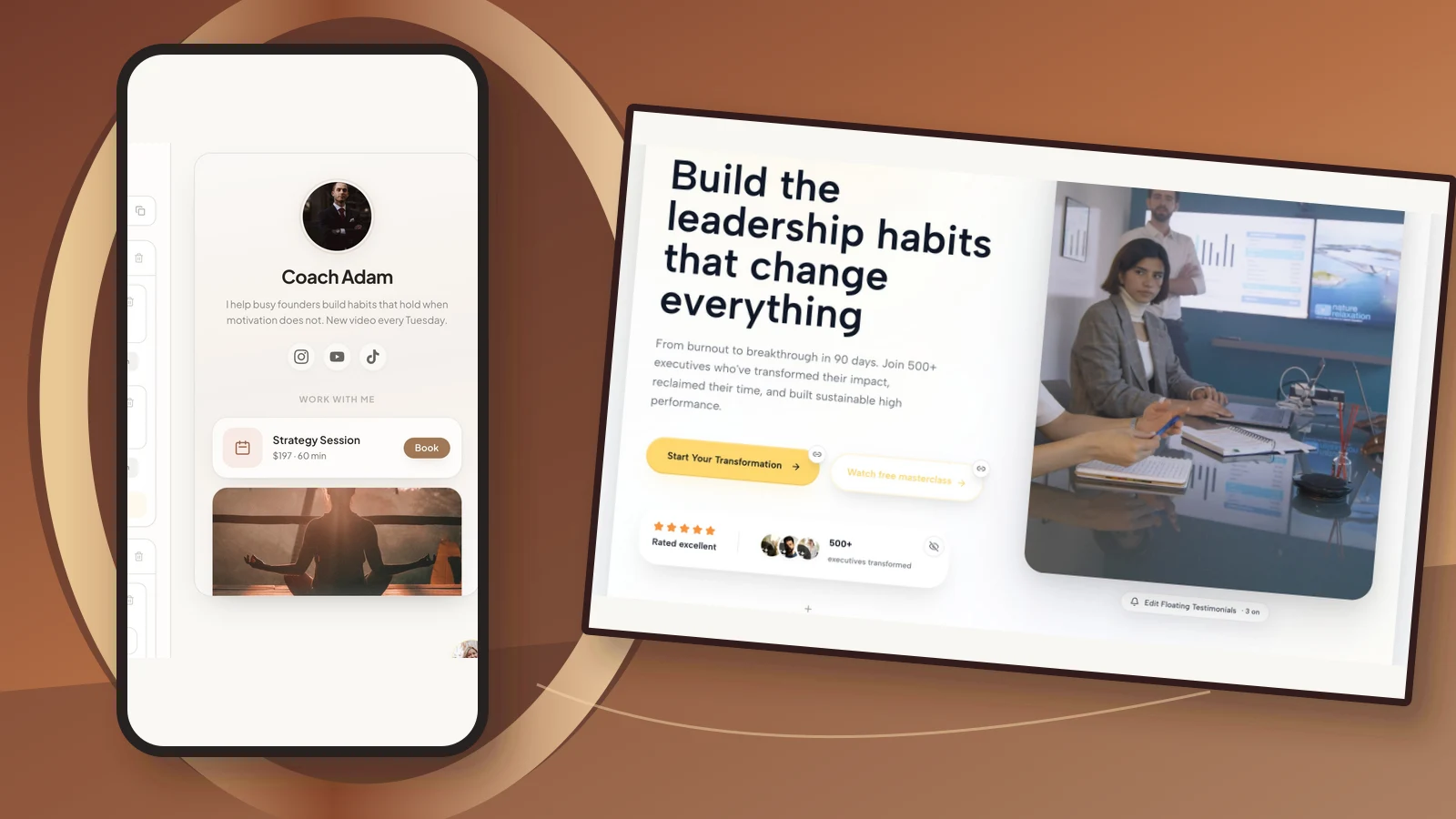
Before recording that last sentence, open the exact destination. The Coachful Links workspace shown here helps illustrate the business-side handoff. It does not show Reel publishing or automatic Instagram messages. A spoken invitation must match a real route the viewer can follow.
5. Business coach: a whiteboard explanation of an untested offer assumption
Use this when: your work includes offer design and your audience confuses a polished package with evidence that somebody wants it. The demonstration should reveal an assumption, not pretend you can predict demand.
Spoken script:
“A finished sales page does not tell you whether someone wants the package.
Write two columns: what I know, and what I am assuming.
‘People asked me for help preparing a first workshop’ might belong in the first column, if that really happened. ‘They want a six-month membership’ is still an assumption.
Your next step is not necessarily building the membership. It could be a few permission-based conversations about the problem, the support people need and how they currently solve it.
Interest is not a paid commitment, and this exercise does not predict sales. Save the two headings and use them before adding more deliverables to your next offer.”
How to film it: write the two headings on a whiteboard, then place one clearly fictional example under each. Keep the camera close enough that the writing is readable. Say “for example” so the spoken version is as honest as the caption.
What to change: use only observations you can substantiate. Do not say “my clients always” or invent a discovery-call conversation to make the opening stronger. If you mention research conversations, make them transparent rather than disguising a sales pitch as research.
Trade-off: the answer is less exciting than “build this offer and sell it out.” It is also more defensible. A useful coach can demonstrate disciplined uncertainty without manufacturing certainty for the camera.
Build the destination before adding a resource invitation
These scripts mostly offer a complete small action without requiring a click. If you replace that ending with a worksheet or enquiry invitation, prepare the destination first. Do not record “download my checklist” while the checklist is still an idea.

A resource page should identify the resource, who it helps, what it contains and any access requirement. A service page should explain the real format, scope, practical terms and enquiry process. The real Coachful website editor illustrates where a coach can review that wording; the demo’s marketing copy is not evidence of your own results.

The form-builder screenshot is a client wellness tracker, not a ready-made Reel lead form. Do not copy its detailed fields into a public download campaign. For a simple resource, ask only for necessary information and explain what will happen after submission. Keep newsletter permission separate from fulfilling the resource request.

Test the whole route on a logged-out phone: watch the invitation, open the profile link, find the named destination and complete the intended action. If you cannot deliver what the script promises, change the script. Do not expect a caption to repair a broken handoff.
Review the result without inventing a viral formula
Keep a short production record: question answered, filming format, intended next step, time spent and any recurring misunderstanding. Where your account provides them, review viewing and interaction signals alongside voluntary enquiries. A save, a completed view and a suitable coaching enquiry answer different questions.

The Coachful Diagnostics example is a business-stage view, not an Instagram Insights report. Use it to think about the next operational question: are you struggling to attract relevant attention, help people understand the offer or handle enquiries? Do not attribute a sale to one Reel merely because it was the last thing published.
Improve one variable at a time. If the demonstration is unclear, simplify it. If people cannot find the resource, repair the destination. If unsuitable people enquire, clarify fit. More editing is not the answer to every marketing problem.
Frequently asked questions
How long should a coach’s Reel be?
Long enough to deliver the promised example without burying it. The rehearsal timing in this guide is illustrative, not a platform limit or a performance benchmark. Check the current creation interface for available options and cut any sentence that does not help the explanation.
Do I have to appear on camera?
No. The job-ad, calendar and whiteboard examples work with your voice and original materials. Make the essential lesson understandable without sound through accurate captions and readable demonstrations. Use only images, music and other materials you are entitled to use.
Can I turn a client session into a Reel?
Do not assume removing a name makes it safe. Context can identify someone, and permission, confidentiality and professional obligations still matter. A clearly fictional demonstration is often the simpler choice. Never display private session notes as background texture.
Should every Reel ask for a discovery call?
No. A private practice prompt, a save or a relevant resource can be a complete next step. Invite a service enquiry when the video actually helps someone evaluate the service. Do not treat public engagement as consent to sales messages or a newsletter subscription.
Record one useful answer, then test the handoff
Choose the format that lets you show the point with the least production. Adapt the script, read it aloud, record a rough take and check that the example remains useful without a sales invitation. Then verify the next step from the viewer’s position.
If the missing piece is the destination rather than the video, Try the interactive demo. Inspect the link, website and form surfaces before promising them in a Reel. Your voice earns the attention; a working, truthful next step makes that attention useful.