YouTube Thumbnail Ideas for Coaches: 5 Designs to Adapt

Nour
Founder, Coachful
How do you make a coaching video look worth watching without borrowing the shouting faces and impossible promises of internet marketing? Build the thumbnail around one decision the viewer recognises, show one relevant visual, and let the title explain the lesson. A thumbnail should make the right person curious about the actual video, not promise a different life in twelve minutes.
These five YouTube thumbnail ideas for coaches cover a decision, an exercise, a misconception, a worked example and an explanation of your service. Each includes a matching title, a visual brief and a boundary. They are original fictional design examples, not published videos, client stories or tested performance winners.
The rule: choose the promise before the colours. If your thumbnail could sit on ten unrelated videos, it is branding without useful information. If it makes a claim your video cannot support, it is a trust problem with excellent typography.
Choose the question before opening a design tool
Write a one-sentence brief: “This video helps [specific viewer] decide or do [specific thing].” Then choose the object, expression or contrast that makes that task visible. A career coach comparing staying in a role with leaving needs a different image from a coach demonstrating a weekly planning exercise.
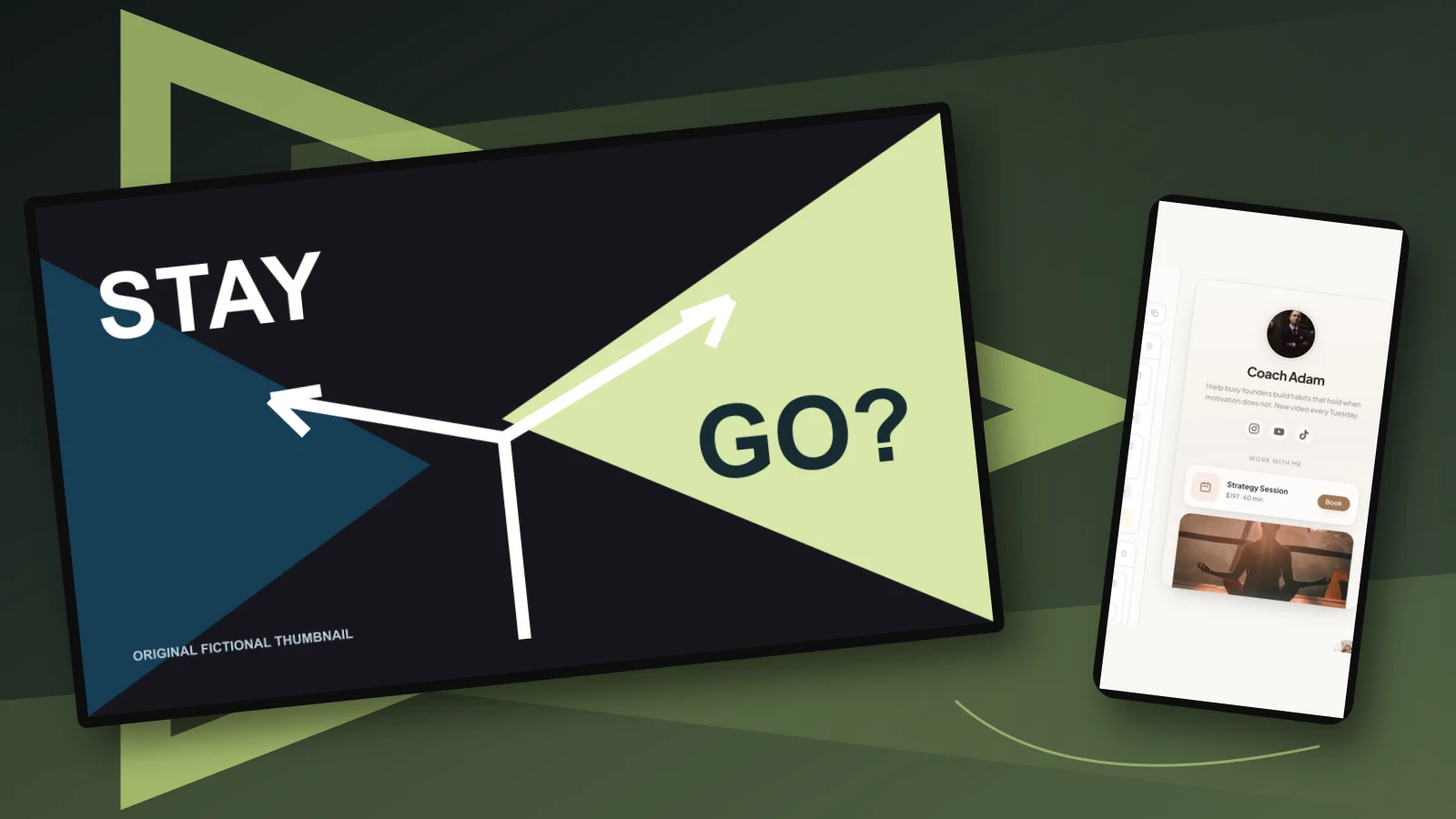
Give the title and thumbnail different jobs. The title can say “Should you change jobs or renegotiate your current role?” The thumbnail can say “Stay or go?” beside two clearly different paths. Repeating the entire title in tiny text uses the image without adding information.
Our examples use a small amount of large text because the editorial job is recognition, not decoration. That is a working design constraint, not a universal word-count rule or a claim about YouTube's algorithm. A powerful demonstration frame may need no text at all.

1. The decision thumbnail: make the choice visible
Best for: a video that fairly compares two options your prospective client is already weighing. This can work for career direction, leadership decisions or choosing between coaching formats. The comparison must matter before someone knows your framework.
Example title: “Change jobs or renegotiate your role? Five questions to compare.” Thumbnail wording: “Stay or go?” Visual brief: two routes with one clear split, strong contrast and generous space around the words.

The image should show a choice, not secretly announce that the expensive or dramatic option is correct. A giant red cross over “stay” and a glowing exit can contradict a balanced video. Use that visual only if the lesson genuinely argues that position and explains its limits.
In the opening, deliver the distinction immediately: “Before deciding whether to leave, separate what could change in this role from what would follow you into the next one.” Then work through a fictional example. Do not spend the first minute introducing your credentials while the viewer waits for the promised comparison.
Trade-off: a two-option design is fast to read but can oversimplify a situation with several possible routes. Explain alternatives in the video, including gathering information before deciding. For legal, medical or regulated financial questions, a coaching comparison cannot replace appropriate professional advice.
2. The exercise thumbnail: show the thing viewers will use
Best for: a practical lesson where a worksheet, simple drawing or physical demonstration carries the value. The strongest image is often your real working material, arranged so the main interaction is visible. A generic notebook and coffee photograph does not demonstrate an exercise.
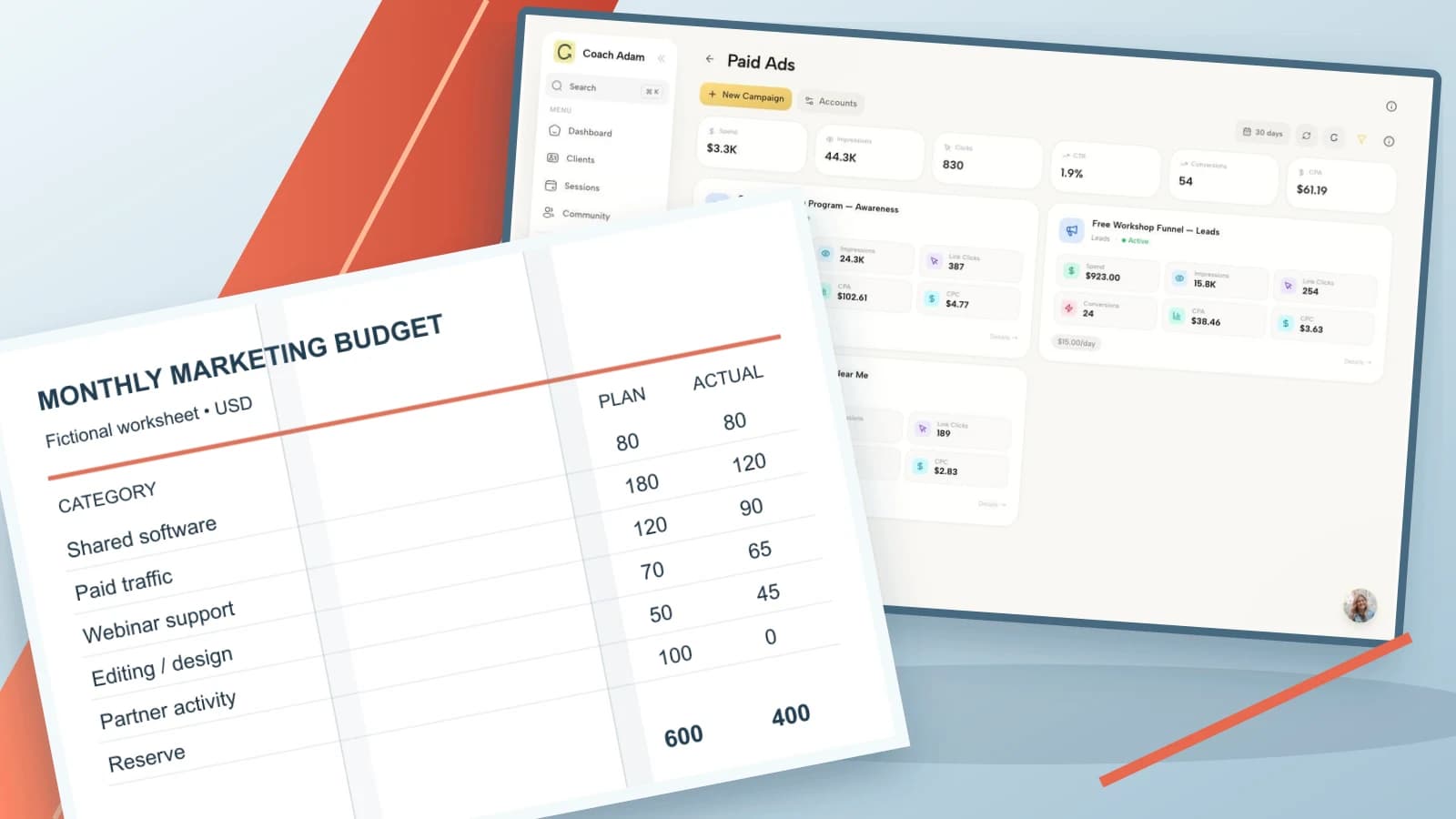
Example title: “A weekly planning exercise for a calendar that keeps overflowing.” Thumbnail wording: “Plan less. Finish more?” Visual brief: a recognisable weekly grid with one deliberate area of breathing room, not a page packed with unreadable instructions.

Take a clean photograph or screenshot of a blank demonstration version. Remove names, client commitments and anything from a real coaching session. Enlarge the meaningful feature and delete background clutter. The audience should understand that there is a usable planning tool, even if the individual cells are too small to read.
The question mark matters in this fictional example because the lesson explores a possibility rather than guaranteeing productivity. You could use more neutral wording such as “Room for real life” if that better matches your lesson. Never promise a health outcome or cure through a calendar exercise.
Trade-off: showing a genuine resource is concrete, but a complex worksheet becomes visual noise at small sizes. Show one interaction, then explain the rest in the video. Do not shrink the full worksheet into the thumbnail merely to prove how much content you created.
3. The misconception thumbnail: contrast ideas, not identities
Best for: a lesson correcting a common misunderstanding that changes what the viewer should do. Choose something you can explain and support, rather than declaring that everyone else in your profession is wrong.
Example title: “Delegation is not just handing someone your task list.” Thumbnail wording: “Task ≠ ownership.” Visual brief: one task moving between two positions, contrasted with a clearly marked decision boundary. The visual distinction should remain simple.

Use the video to show the missing agreement: what can the person decide, what constraints apply and when should they check back? That gives a new manager something to discuss with their team. “You are delegating wrong” might be louder, but it is less useful and can make the viewer defensive before the lesson begins.
Avoid diagnosing strangers in a thumbnail. Labels such as “narcissist,” “trauma response” or “ADHD” are not interchangeable with a difficult workplace habit. If the subject requires clinical expertise, stay within your qualifications and make the scope explicit.
Trade-off: contrast creates a clear hook, but symbols and shorthand can be ambiguous. Ask someone unfamiliar with your method what the image means. If they interpret “ownership” as company shares rather than decision responsibility, revise the wording or choose another visual.
4. The worked-example thumbnail: show the problem being examined
Best for: a video where your judgment is the lesson. A marked-up fictional example can make your thinking visible without exposing private client material. This is different from displaying a real client's message and covering their name.
Example title: “A consultant's overloaded week: which commitment would you examine first?” Thumbnail wording: “Which goes first?” Visual brief: a deliberately invented schedule with one commitment singled out, not ten arrows pointing everywhere.

Put “fictional example” in the video introduction and description. The thumbnail itself should not suggest a real client transformation, earnings claim or dramatic before-and-after result. If you use a real story, permission and confidentiality require more than changing the name.
Show the assumptions you would check before removing the highlighted commitment. Is the deadline real? Is the work contractually required? Who bears the consequence of delay? A useful example demonstrates uncertainty and a decision process, not an all-knowing coach rearranging someone else's life.
Trade-off: detailed examples can attract the right viewer, but a tiny schedule may be illegible. Use a few large visual blocks in the thumbnail and a readable full example in the video. Keep the real lesson in spoken explanation, captions and accessible supporting material.
5. The service-explainer thumbnail: make buying feel less mysterious
Best for: a video answering a practical question about working with you. This is particularly useful when prospects repeatedly ask what happens in a first session, what a package includes or how employer-sponsored coaching handles reporting.
Example title: “What happens in a first career coaching session with me?” Thumbnail wording: “Your first session.” Visual brief: three recognisable stages of an appointment, or a natural still of you with a blank demonstration resource. Use your own image, not an invented client.

Do not make the thumbnail look like a recorded private session unless that is genuinely what the viewer will watch and all necessary permissions exist. A staged demonstration should be described as one. Never fabricate a video-call interface containing imaginary clients or invented testimonials.
The video should answer the actual buying questions: what you ask beforehand, how the session begins, what the client can decline, what they leave with and what happens next. Use your real arrangements. Do not copy another coach's boundaries or confidentiality promises because they sound reassuring.
Trade-off: this format may serve a smaller, more purchase-ready audience than a broad advice video. Judge it against its job. A modest number of suitable viewers understanding your service can be commercially useful without proving that this thumbnail caused a booking.
Make the design readable before making it elaborate
Start with one focal point, one main phrase and enough contrast to separate the important elements. Capture several natural stills while recording if your face belongs in the image. A thoughtful expression that fits the lesson is more credible than a stock expression of shock.
Reduce the exported design to a small preview and view it on a phone. Can you still distinguish the object, read the phrase and understand the subject? If not, remove something. Do not try to rescue a crowded composition by adding another outline, arrow and shadow.

Keep essential information away from the lower-right area where interface overlays may compete with it. Check the actual published surface rather than relying only on your design canvas. Images can be presented differently across devices and video formats.
Use assets you own or have permission to use. Your client's portrait, employer logo, private worksheet and message screenshot do not become marketing assets because they make the design more convincing. Prefer independently invented examples and blank demonstration materials.
Check YouTube's current upload requirements
For this guide's long-form examples, use a 16:9 design and consult YouTube's current custom-thumbnail instructions before exporting. The current help page recommends 3840 × 2160 pixels for video thumbnails, JPG or PNG, and describes different upload limits for mobile and desktop. Do not rely on an old template's file-size advice.
The same page explains account verification requirements and separate guidance for Shorts and podcast artwork. This article's horizontal examples are not a promise that the same file will display identically on those surfaces. Check the relevant format rather than forcing a long-form design everywhere.
YouTube's thumbnail and title tips emphasise accurate promises, readable text and avoiding excessive complexity. Treat those as useful fundamentals, not evidence that one face, colour or phrase guarantees a result.
Test the promise, not just the click
If your account and video are eligible, YouTube's A/B testing guidance describes testing up to three title or thumbnail options through desktop Studio. Eligibility and supported formats matter. Check the current instructions before planning a test.
Make the alternatives meaningfully different. Compare a decision-led image with an exercise-led image when both honestly represent the video. Changing a border from yellow to slightly darker yellow may not teach you anything useful.
YouTube's test evaluates watch time, not simply which option wins the most clicks. It can return no clear winner, including when impressions are insufficient. Do not announce that a thumbnail “converts” based on a handful of views or compare unrelated upload periods as though they were a controlled experiment.
Also review the video's opening and retention. If the image promises a worked example but the introduction delivers a long sales pitch, redesigning the colours misses the problem. Fix the promise-content mismatch before making the image louder.
Give the interested viewer a relevant destination
A good thumbnail earns attention to a useful lesson. The next step must then belong to that lesson. A career decision exercise might lead to its blank worksheet; a service explainer might lead to the corresponding offer or an initial conversation.

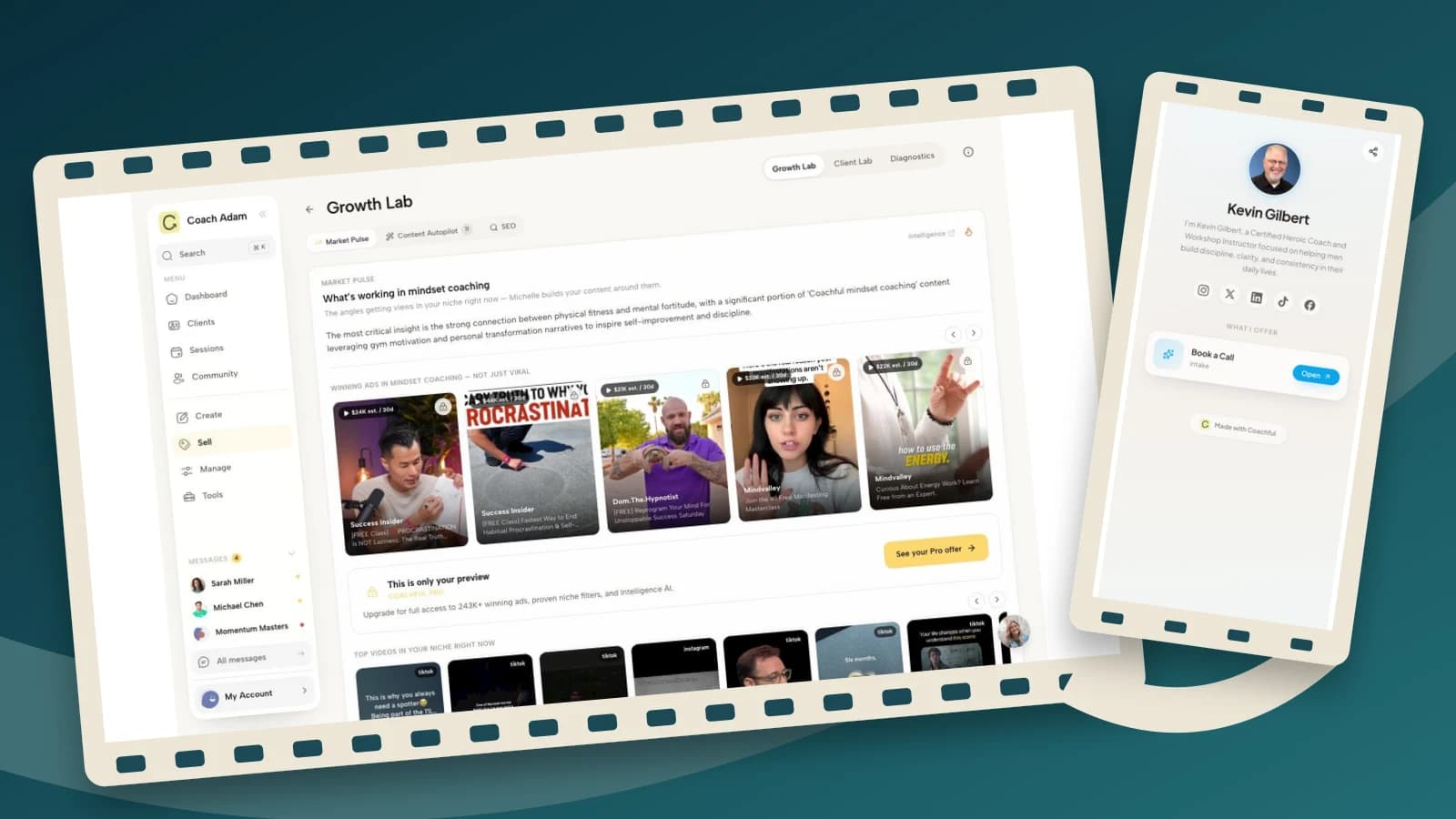
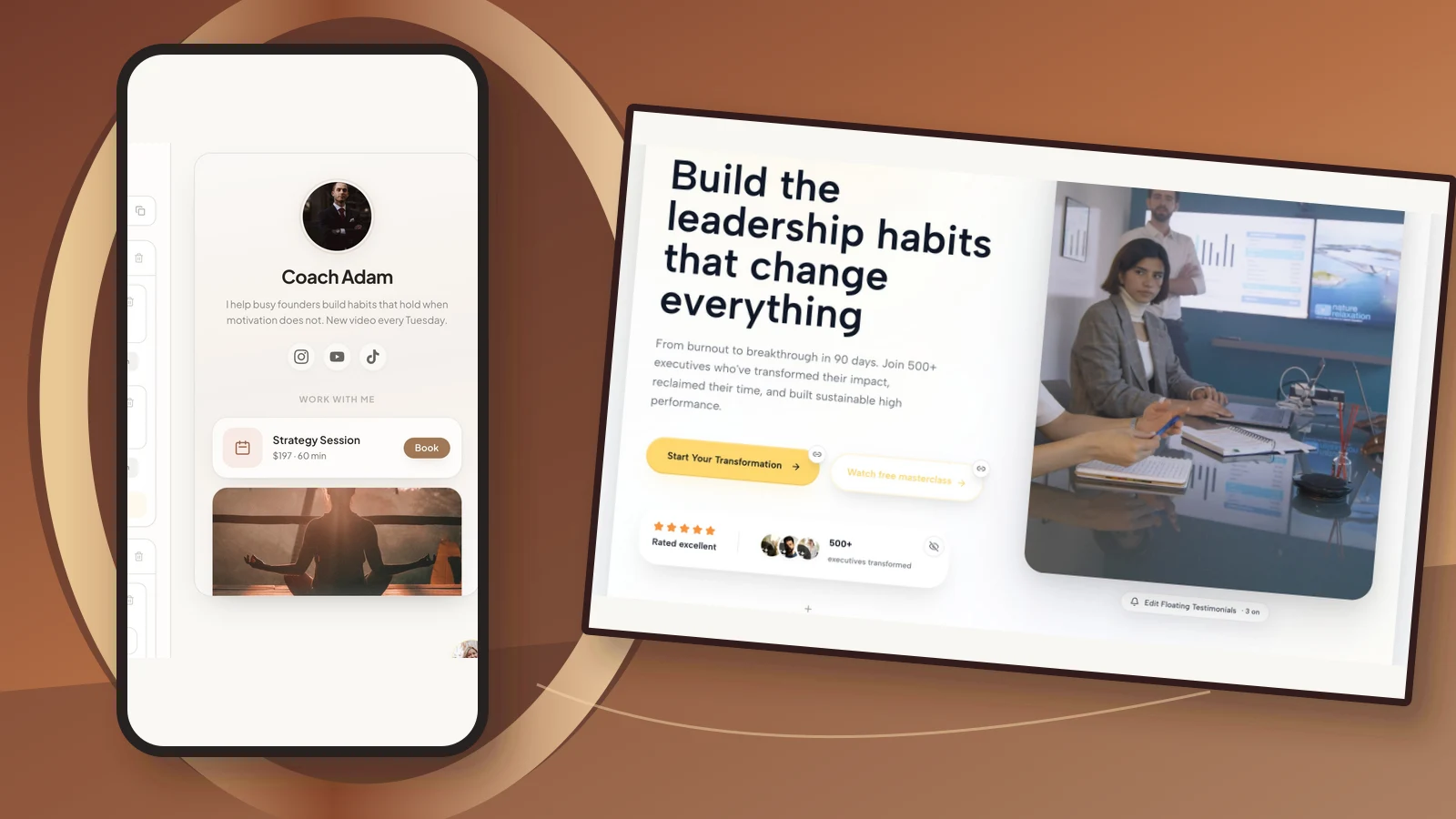
The real Coachful demo link editor shown here illustrates a destination with a coach profile and a booking option. It does not create YouTube thumbnails, edit videos or automatically connect YouTube viewers to a sales pipeline. Add and test your chosen destination through the relevant YouTube settings yourself.
Before recording your invitation, open the destination on a phone and check its wording, availability and expectations. If a resource requires email subscription, say so. A viewer comment or video view is not permission to add someone to marketing email.
Choose one of the five designs, write the matching promise and create a small preview this week. If you also need to assess the destination behind the video invitation, Try the interactive demo to inspect the Coachful profile and link surfaces before deciding whether they fit your practice.
Frequently asked questions
Should coaches put their face on every YouTube thumbnail?
No. Use your face when the personal explanation is part of the appeal. An exercise, object or decision comparison may communicate the lesson better. If you use a face, choose a real, relevant image with appropriate permission rather than a fabricated testimonial or generic client portrait.
How much text should a coaching thumbnail contain?
Use the least text needed to make the subject recognisable at small size. A short phrase often works better than repeating the title. Test readability on a phone; there is no universal word count that guarantees performance.
Can I use a client result in a thumbnail?
Only with appropriate permission, truthful substantiation and careful consideration of confidentiality and advertising requirements. A real individual result is not a typical-outcome guarantee. When in doubt, teach with an independently invented example clearly labelled as fictional rather than borrowing client proof.
What if my thumbnail test has no winner?
That is a valid outcome, not a reason to invent certainty. Read the platform's result, check whether the options differed meaningfully and consider the available impressions. Choose the accurate, readable design that best represents your lesson while continuing to improve the video itself.