
10 Best Apps Similar to Discord for Coaches (2026)

Coachful
You love the energy of Discord until your coaching business starts running through it.
One client sends a private message about a missed payment. Another drops a vulnerable win in a group channel that gets buried under memes, voice room chatter, and admin updates. Your session links live in one place, resources in another, and important announcements disappear the minute the chat gets busy. At some point, the server that once felt “engaging” starts feeling like a second full-time job.
That's the problem. Discord is excellent at community momentum. It isn't naturally built for structured coaching delivery, client boundaries, program progression, or the kind of professional experience people expect when they're paying you. Discord itself scaled into a massive platform, reaching about 200 million monthly active users by 2023 according to Business of Apps' Discord statistics roundup, which helps explain why so many coaches start there in the first place. It feels familiar, flexible, and alive.
But if you're searching for apps similar to Discord, you probably don't just want another chat tool. You want fewer moving parts, clearer client communication, and a setup that still works when your cohort grows.
1. Slack
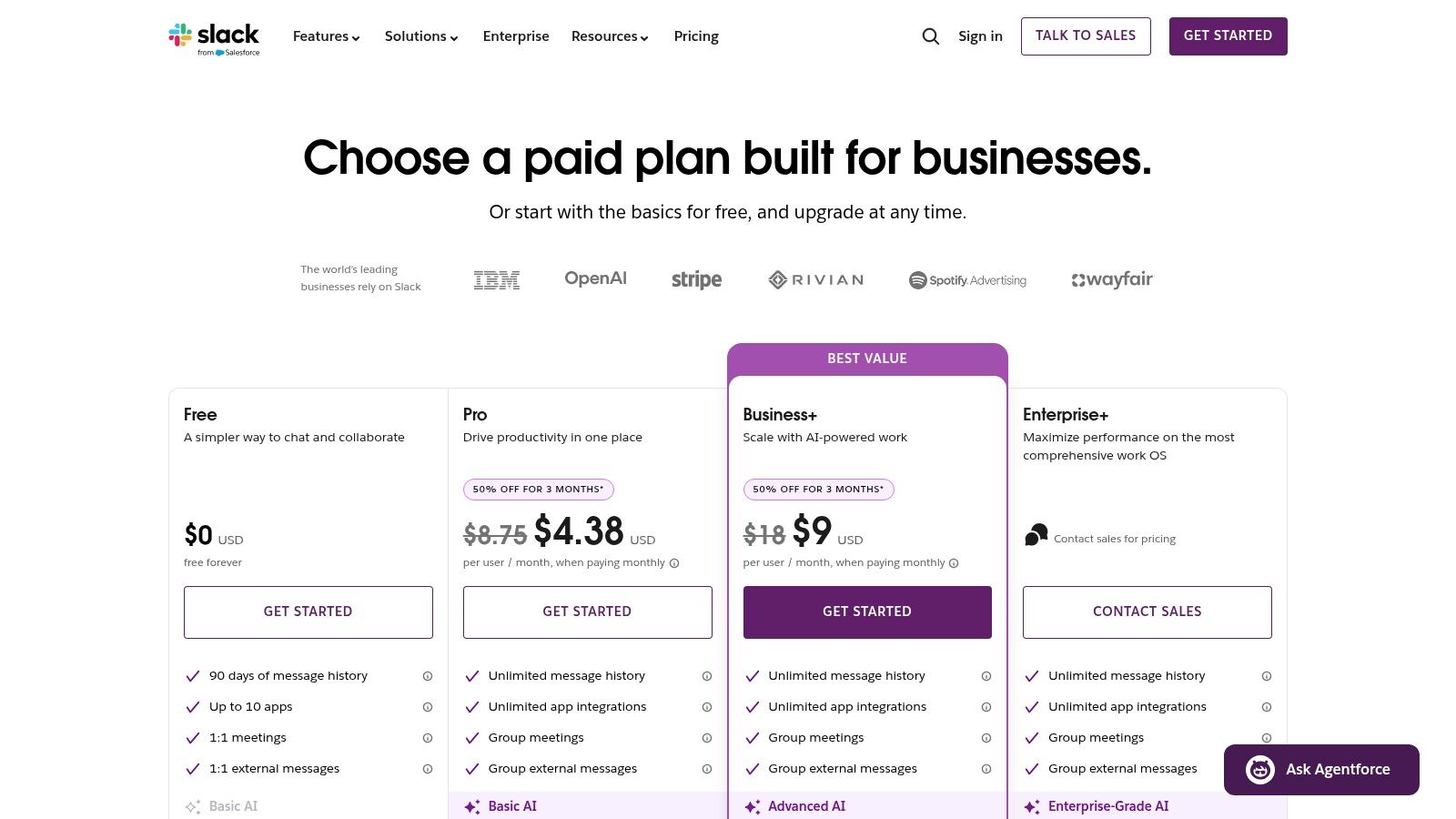
Slack is what I recommend when a coach says, “I need less chaos, not more community.”
It takes the channel idea that people like in Discord and makes it feel more accountable. You can create channels for onboarding, weekly wins, hot seats, alumni, and internal operations without everything collapsing into one noisy feed. Threads are better for keeping conversations attached to the right prompt, and search is much stronger when you need to find the PDF you shared three weeks ago.
For program delivery, Slack works best when your coaching business already depends on other tools. It integrates with calendars, docs, scheduling apps, CRMs, and knowledge tools, so you can turn it into a communication layer that supports the rest of your workflow. If you're comparing it with other business chat tools, this breakdown of free Slack alternatives is useful.
Where Slack works well for coaches
- Structured cohort chat: Weekly prompts, office hours, and peer accountability fit naturally into channels and threads.
- Cleaner admin communication: You can separate client-facing spaces from your team's private planning channels.
- Searchable history: When a client says, “Where was that worksheet again?” Slack usually saves you from repeating yourself.
Practical rule: Use Slack if your business already has systems and you need a strong communication hub. Don't use Slack if you expect the chat app itself to run your coaching business.
The downside is emotional tone. Slack can feel corporate. That's helpful for executive coaching, leadership programs, and B2B delivery. It's less ideal if your brand depends on warmth, playfulness, or a social-community feel. It also isn't built like a large public server platform, so if you want a buzzing open community, Slack often feels tighter and more formal than Discord.
2. Microsoft Teams
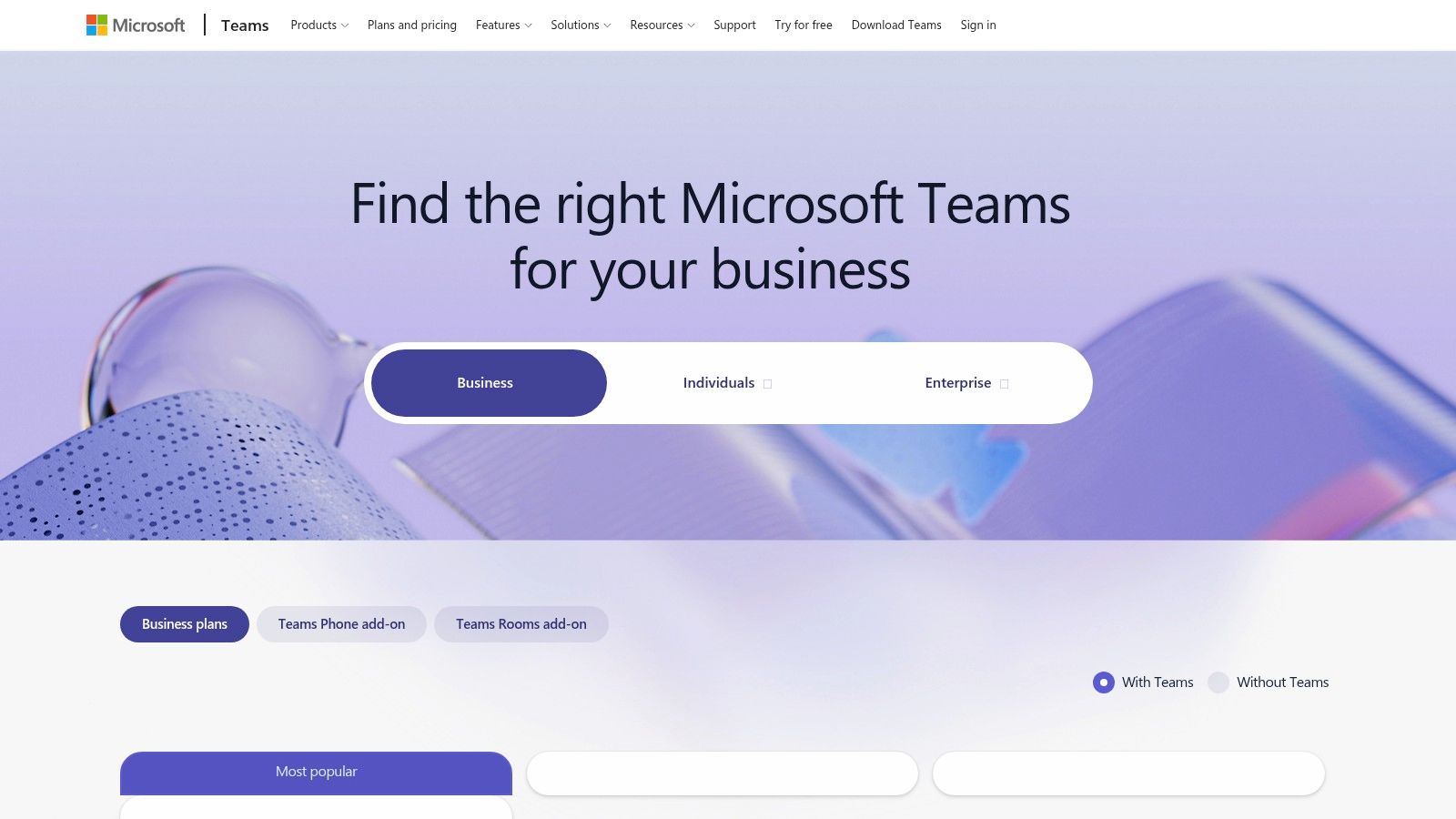
If your clients live in Microsoft 365 all day, Teams usually beats Discord without much debate.
This is the app I'd pick for corporate coaching programs, leadership cohorts inside companies, or internal mentoring environments where IT, compliance, and identity management matter. Microsoft reported 320 million monthly active users for Teams in 2024, as summarized in this RingCentral overview of Discord alternatives. That scale matters because it shows how normal channel-based chat, meetings, admin control, and cross-device access have become in business settings.
A coach notices this quickly in practice. HR teams expect guests, permissions, file access, calendars, and sign-ins to work in a way that feels familiar. Teams gives you that. You can run cohort channels, host live sessions, store files, and keep everything inside the same Microsoft environment.
Best fit for coaching inside organizations
When a company hires you to run a manager cohort, Teams reduces friction because people don't need to learn a “community app.” They just join the environment they already use for work. That's a bigger advantage than feature lists make it sound.
A few examples:
- Executive coaching program: One channel for announcements, one for session prep, one private area for sponsor communication.
- Leadership cohort: Recurring meetings, shared workbooks, and chat all sit next to each other.
- Internal mentoring: Group messaging can stay inside existing company policies, which matters more than a fun interface.
If you need help designing those group communication flows, this guide on how to make a group message maps the basics well.
Teams is strong when the buyer is an organization. It's often too heavy when the buyer is an individual client paying you directly.
That's the trade-off. Teams feels secure and complete, but it can also feel clunky. For a boutique coaching brand, it may create more formality than you want.
3. Google Chat
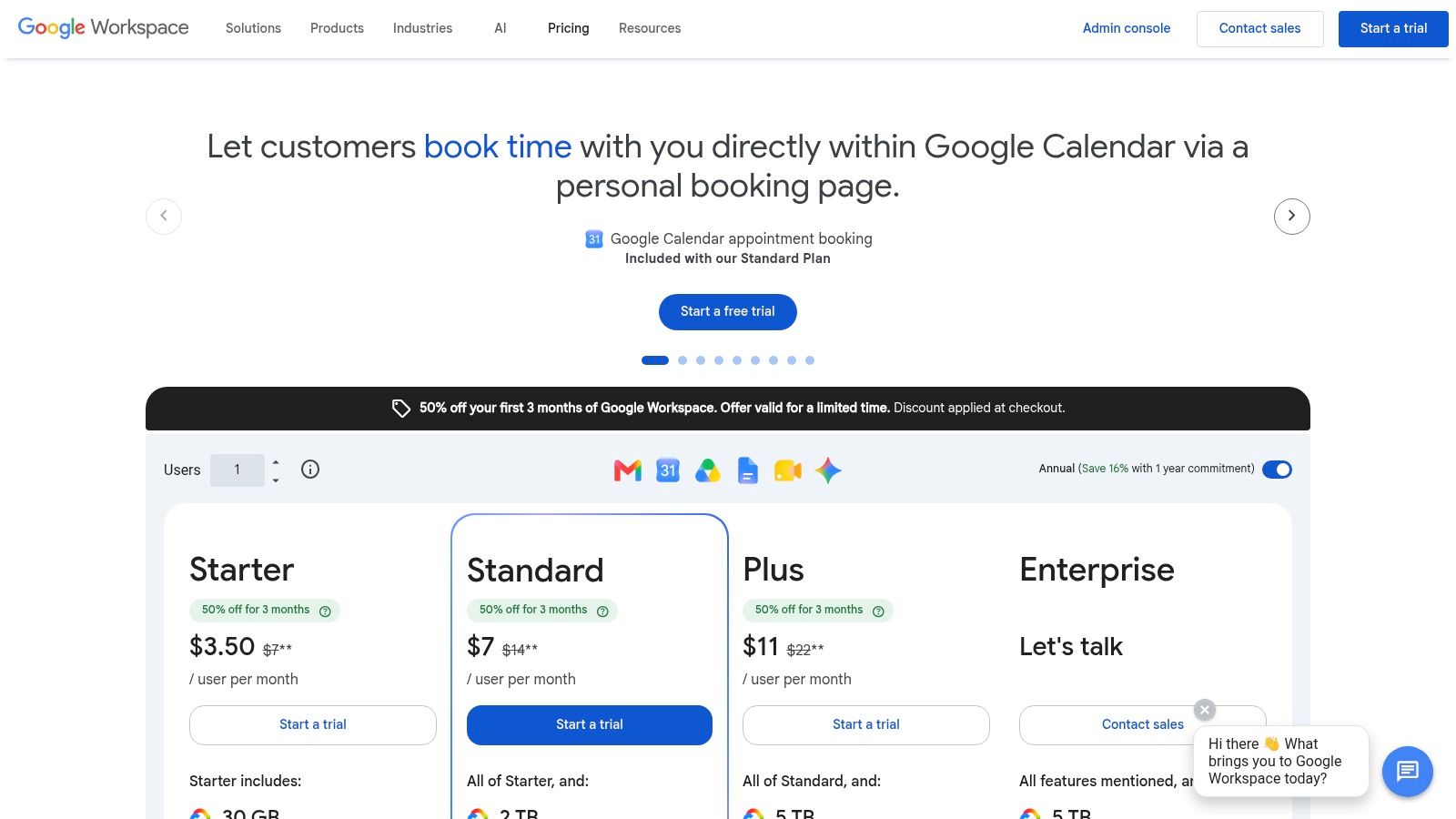
Google Chat is the quiet option on this list. It rarely gets people excited, but it often gets the job done.
If your coaching business already runs on Gmail, Calendar, Drive, and Meet, Google Chat makes sense because it removes switching friction. You can move from a message to a Meet call quickly, share Drive resources without fuss, and keep the whole client interaction inside one familiar workspace. For coaches who hate managing tech, that simplicity matters.
What it doesn't do particularly well is create a rich “community server” feeling. It's more like a clean internal messaging layer than a destination people want to hang out in.
When Google Chat is enough
Google Chat works for coaches who run lean operations and don't need fancy community mechanics.
- Small mastermind groups: A Space for weekly discussion, Drive for templates, Meet for live sessions.
- Client support between calls: Simple DMs and file sharing without asking clients to adopt another ecosystem.
- Team coordination: Contractors, assistants, and program staff can stay inside Workspace.
The upside is low mental load. The downside is that it lacks coaching-specific structure. There's no real sense of curriculum, milestones, onboarding flow, or client journey management. If your program has a lot of moving parts, Google Chat starts to show its limits fast.
I'd choose it over Discord when your current pain is fragmentation. I wouldn't choose it if your deeper problem is that you've outgrown chat as the center of your business.
4. Telegram
Telegram is what many coaches move to when they want less setup and faster client adoption.
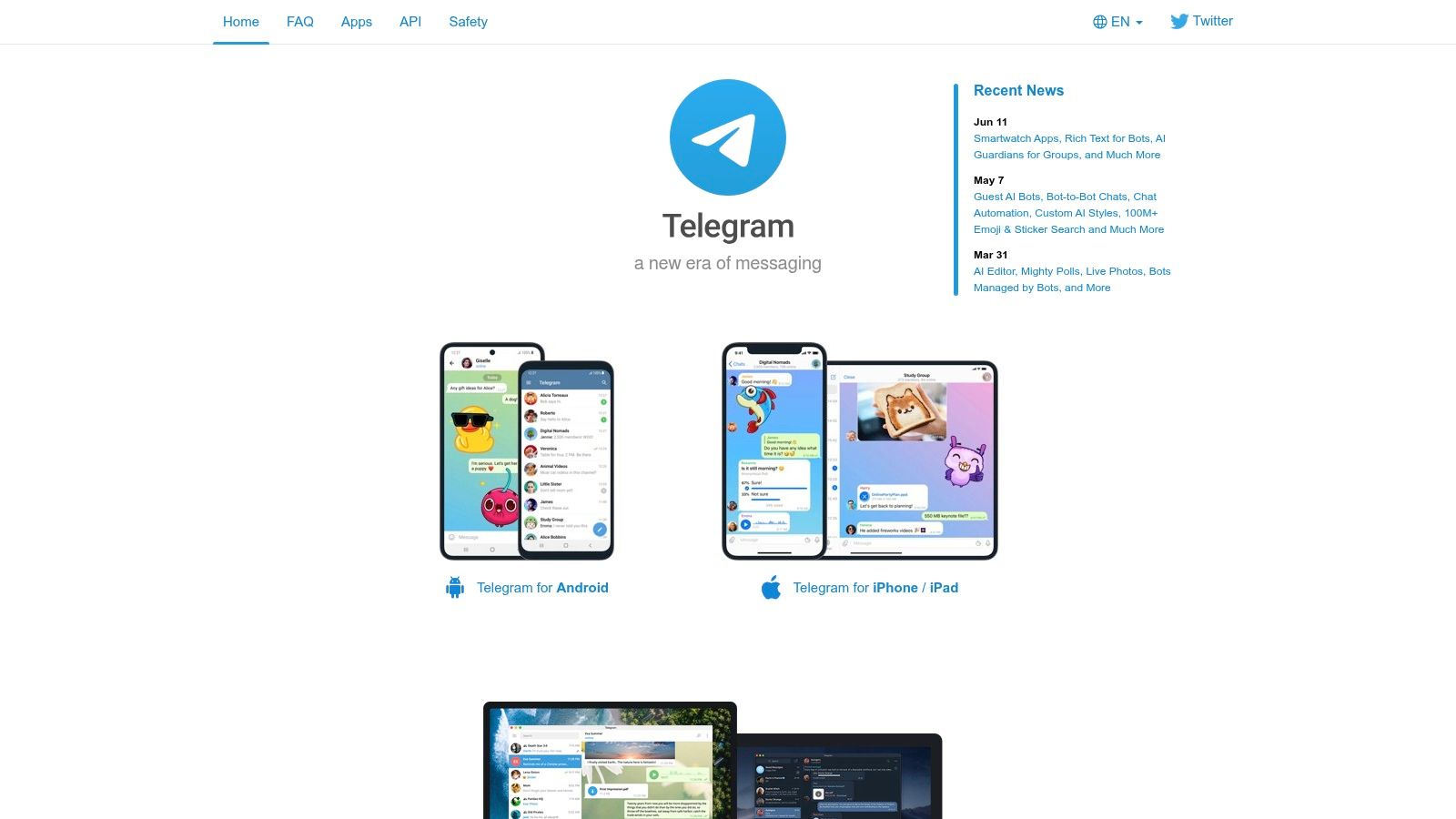
Almost everyone can join quickly on mobile, and that matters more than people admit. If your clients ignore Discord invites, forget passwords, or never check desktop apps, Telegram feels refreshingly easy. It's strong for private groups, broadcast channels, and lightweight cohort interaction. You can drop voice notes, host quick discussions, and keep momentum high without much training.
That ease is also the danger. Telegram can make a coaching business feel too casual. Boundaries blur fast when your paid client container lives in the same style of app people use for personal chatter, family updates, and random channel subscriptions.
What works and what breaks
For certain models, Telegram is very effective.
- High-touch group coaching: Fast check-ins, accountability nudges, and daily prompts land well on mobile.
- Audience warming: Public channels plus private client groups can support launch-based coaching businesses.
- Global clients: Mobile-first access reduces friction across devices and regions.
The moderation and governance side is weaker than business tools like Slack or Teams. If you need tighter controls, deeper auditability, or a more professional client experience, Telegram starts to feel thin. The segmentation challenge shows up quickly too. A prospects channel, alumni group, VIP clients, and active cohorts can become hard to manage cleanly, especially if you care about customized communication like strong segmentation for social ops leaders.
Telegram is easy to join. It's harder to turn into a polished coaching experience.
I'd use it for momentum and access. I wouldn't use it as the operational backbone of a serious practice.
5. Zulip
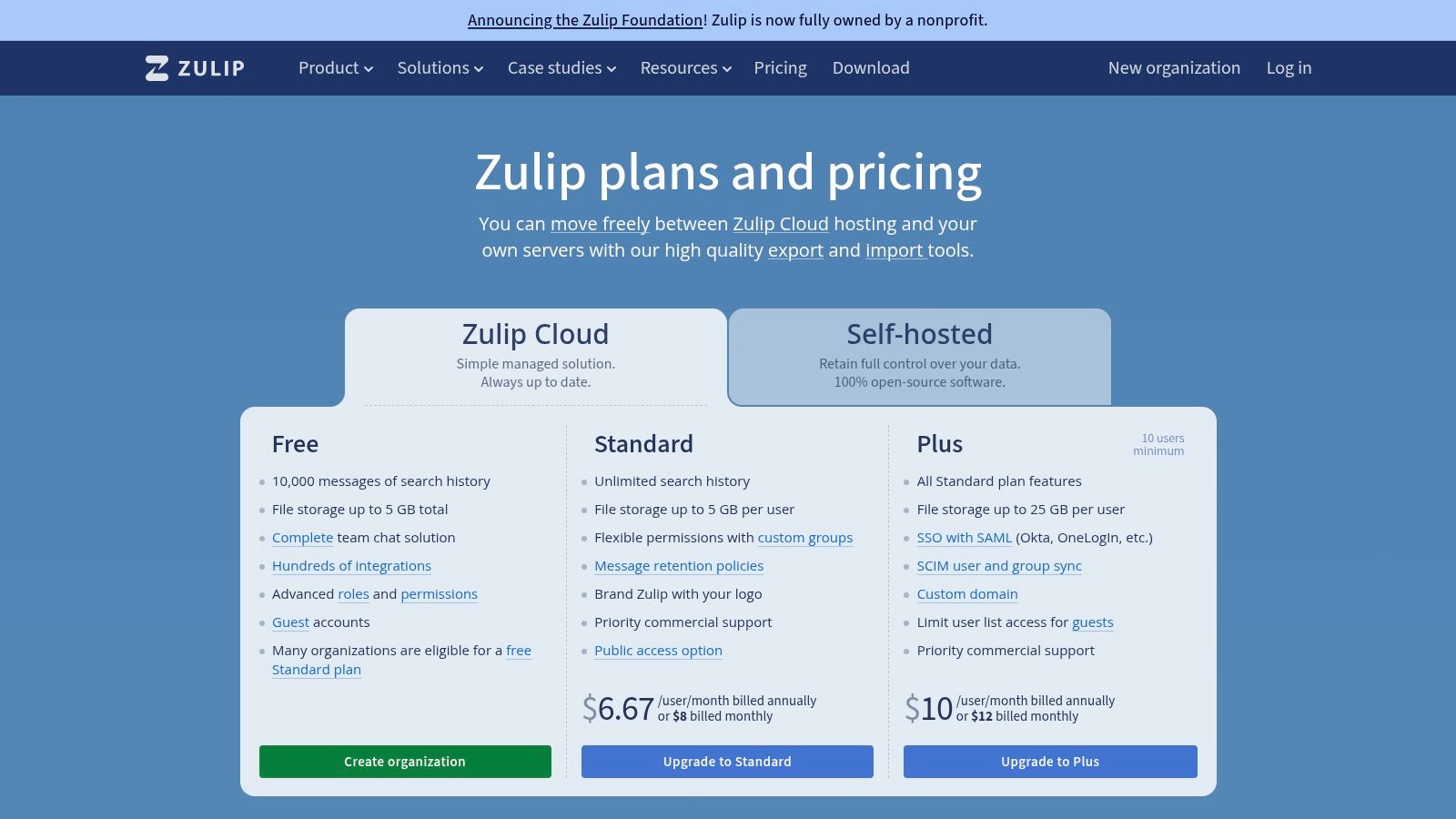
Zulip solves one of the most annoying problems in group coaching. Important conversations get buried.
Its stream-and-topic model is different from Slack and Discord. Instead of one channel becoming a messy river of updates, each discussion can live under a specific topic. For coaches running multi-track programs, that's powerful. “Week 2 reflection,” “sales mindset Q&A,” and “accountability check-in” can all sit inside the same broader stream without stepping on each other.
Clients need a short learning curve, but once they get it, the experience is much calmer.
Why coaches with layered programs should look hard at Zulip
If your delivery includes curriculum, office hours, peer discussion, and resource-specific Q&A, Zulip keeps those threads organized better than most apps similar to Discord.
A practical example:
- Business coaching cohort: One stream for curriculum, with separate topics for each module.
- Certification program: Different topic threads for practice feedback, assessment questions, and logistics.
- Mentor community: Conversations stay attached to the subject instead of disappearing into general chat.
That makes Zulip especially relevant if your issue isn't “I need more engagement.” It's “I need better signal.”
For coaches who manage community operations seriously, this primer on community manager software is worth reading alongside Zulip's model.
“Busy chat isn't the same as useful discussion.”
The downside is obvious. Zulip isn't as familiar as Discord or Slack, and clients who want a casual social app may resist it at first. It also leans on integrations for some live meeting workflows, so it's better as an organized discussion system than an all-in-one coaching command center.
6. Mattermost
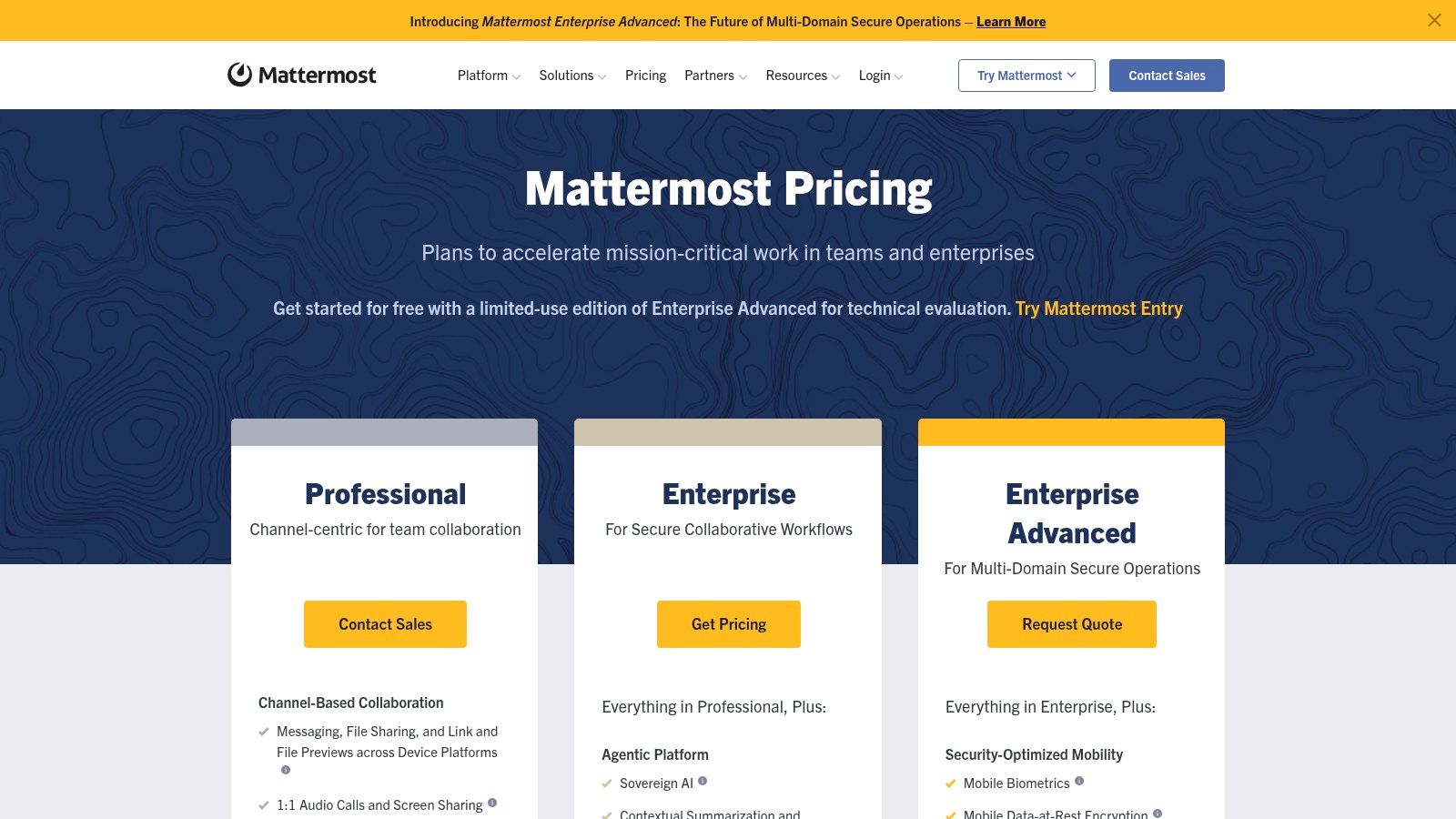
Mattermost is what you choose when data control is part of the buying decision, not an afterthought.
Most independent coaches won't need it. But some will. If you work with enterprise clients, sensitive internal programs, or regulated environments, self-hosting and infrastructure control can matter more than a playful user experience. Mattermost gives you a Slack-style setup with channels, threads, search, and permissions, but with deployment flexibility that mainstream SaaS tools don't always offer.
This is one of those tools that looks attractive on paper and can become a burden if you underestimate the operational side.
The real trade-off with Mattermost
Mattermost can support coaching use cases where privacy, access control, or internal hosting requirements are strict. It's useful for:
- Executive or leadership engagements: Sensitive discussions can stay in a more controlled environment.
- Large internal programs: Admins can manage roles and access with more precision.
- Organizations with IT support: Teams that already maintain internal systems can handle it more comfortably.
The catch is maintenance. Somebody has to own setup, updates, user provisioning, and reliability. If that somebody is you, and you'd rather coach than manage infrastructure, Mattermost will annoy you.
This is not the app I'd hand to a solo coach who wants to launch a paid mastermind next month. It is a serious option when the requirement is control first, convenience second.
7. Element
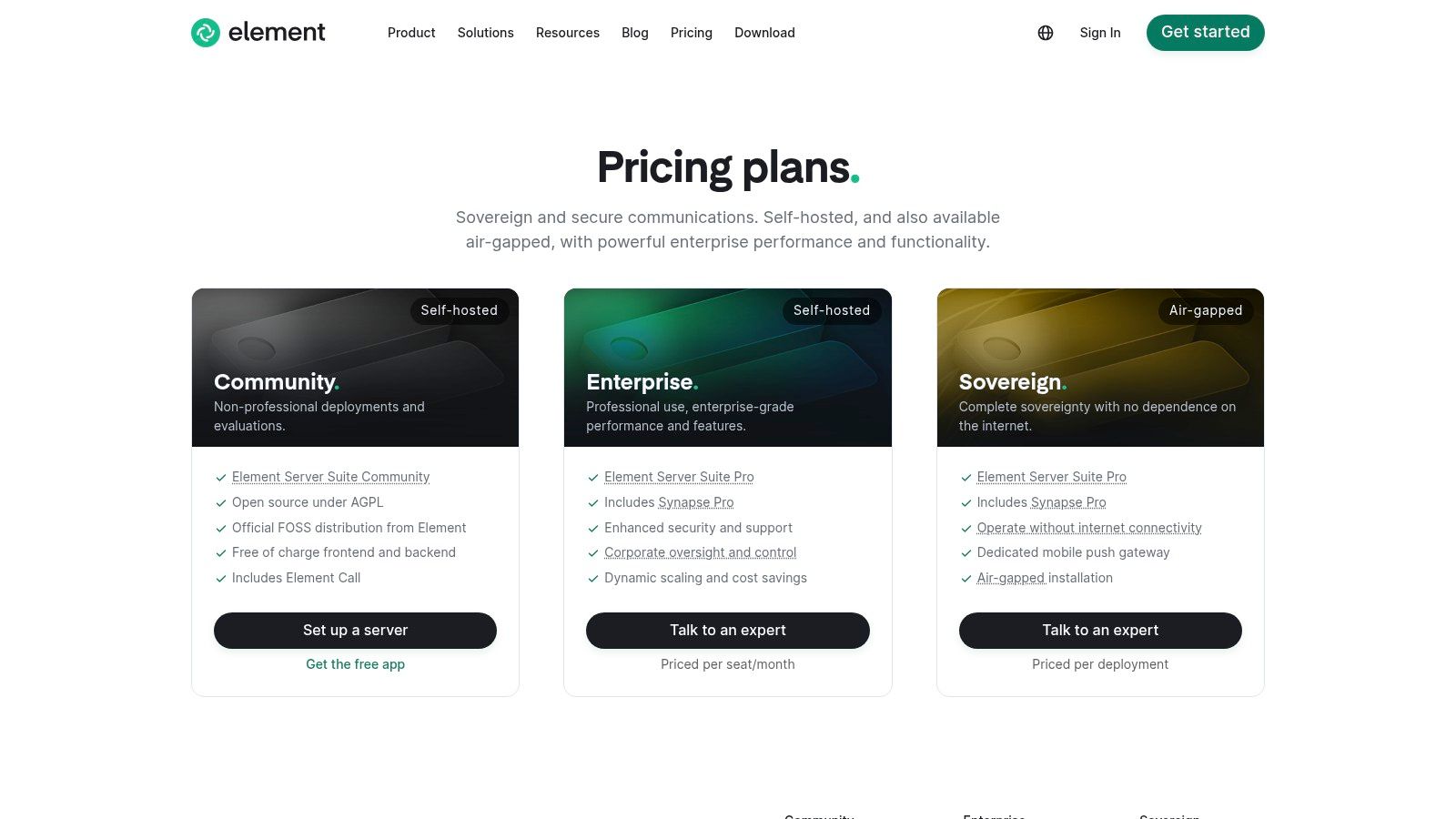
Element is the most interesting tool here if you're thinking beyond a single app.
That's because Element runs on Matrix, which is an open protocol rather than one closed platform. The Matrix ecosystem supports multiple clients and homeservers, with federation and self-hosting options. According to Bettermode's review of Discord alternatives, the Matrix network has grown to more than 100 million total users across the ecosystem. For coaches, the practical implication isn't the headline number. It's the architecture. You can separate communication from vendor lock-in.
That matters if you run private client spaces, need regional data control, or want the flexibility to connect messaging with your own systems over time.
Who Element is really for
Element fits coaches and organizations that are unusually sensitive to privacy, deployment control, or interoperability.
Think about cases like these:
- Coaching inside institutions: Data policies may rule out mainstream consumer chat apps.
- Distributed partner networks: Federation can matter if multiple groups need to communicate without one owner controlling everything.
- Long-term platform strategy: You don't want your entire community trapped inside one vendor's product decisions.
The trade-off is user experience. Non-technical clients may find Element less intuitive than Slack, Teams, or Telegram. Setup can also get heavy if you go beyond the hosted path.
If Discord felt too loose and Slack feels too closed, Element is the middle path for people willing to accept complexity in exchange for control.
For most solo coaches, that's more complexity than they need. For privacy-conscious practices, it can be the right kind of complexity.
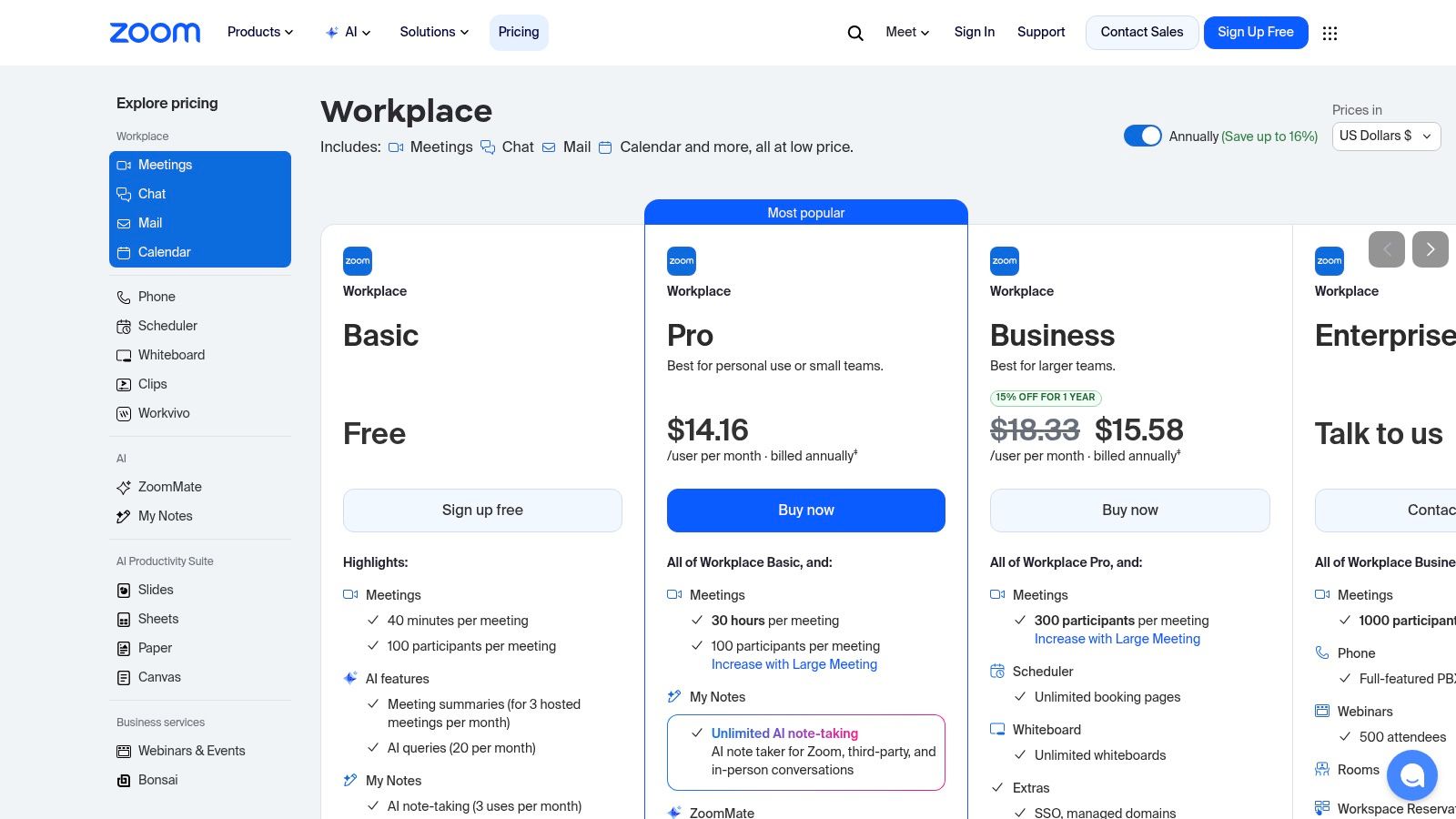
8. Zoom Team Chat
A lot of coaches already live in Zoom. That's why Zoom Team Chat deserves more attention than it usually gets.
If your sessions, workshops, and office hours already happen in Zoom, using its chat layer can reduce one of the biggest sources of admin drag. Clients don't need to remember another app for links, updates, and follow-up conversations. The jump from message to live call is smooth, and that's useful for recurring cohorts.
Best when meetings are the center of the experience
Zoom Team Chat is a practical choice if your coaching model is meeting-heavy.
- Weekly group coaching: Session reminders, post-call debriefs, and quick resource sharing stay close to the meeting itself.
- Hybrid team delivery: Coaches, facilitators, and clients can use one environment instead of bouncing between Zoom and Discord.
- Low-friction adoption: Clients already know Zoom, so there's less onboarding resistance.
The limitation is that chat is secondary in Zoom's product design. If you want deep community culture, layered moderation, or a rich server-like structure, Zoom Team Chat feels light. It's much better as a companion to live delivery than as a full community engine.
I'd choose it when your clients mostly ask one thing. “Where's the link?” If that's your reality, keeping chat near the meeting stack can be a relief.
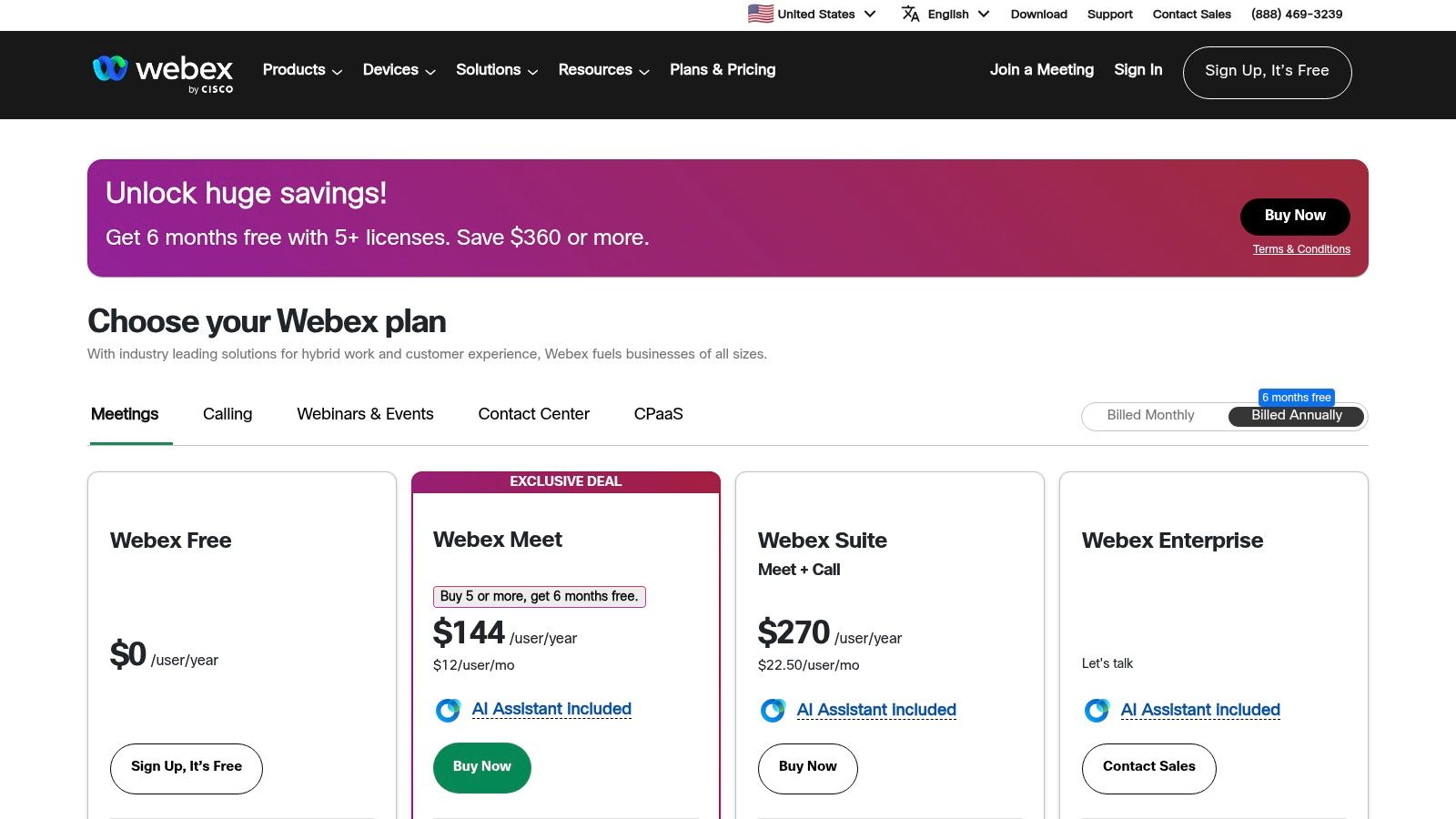
9. Webex
Webex is for coaching businesses that need to look and operate more like enterprise service providers than creator communities.
That sounds stiff, but there's a real market for it. If you deliver coaching into corporations, government-adjacent environments, or security-conscious organizations, the polished-casual vibe of Discord can work against you. Webex brings messaging, meetings, calling, and enterprise admin controls into one platform that feels built for formal business use.
Where Webex earns its place
Webex works well when communication is only one part of a larger professional delivery expectation.
Examples:
- Enterprise leadership coaching: Sponsors, participants, and facilitators often need separate communication lanes.
- Large organizational cohorts: Messaging, file sharing, and meetings benefit from stronger administration.
- Telephony-heavy environments: If communication needs go beyond chat and video, Webex has a more corporate communications backbone.
The drawback is brand feel. Webex doesn't feel like a lively member community. It feels like work software. Sometimes that's exactly what you need. Sometimes it suppresses the openness and peer connection that make coaching groups valuable.
If Discord feels too informal and Teams feels too tied to Microsoft, Webex is a credible middle option for structured, business-facing programs.
10. Rocket.Chat
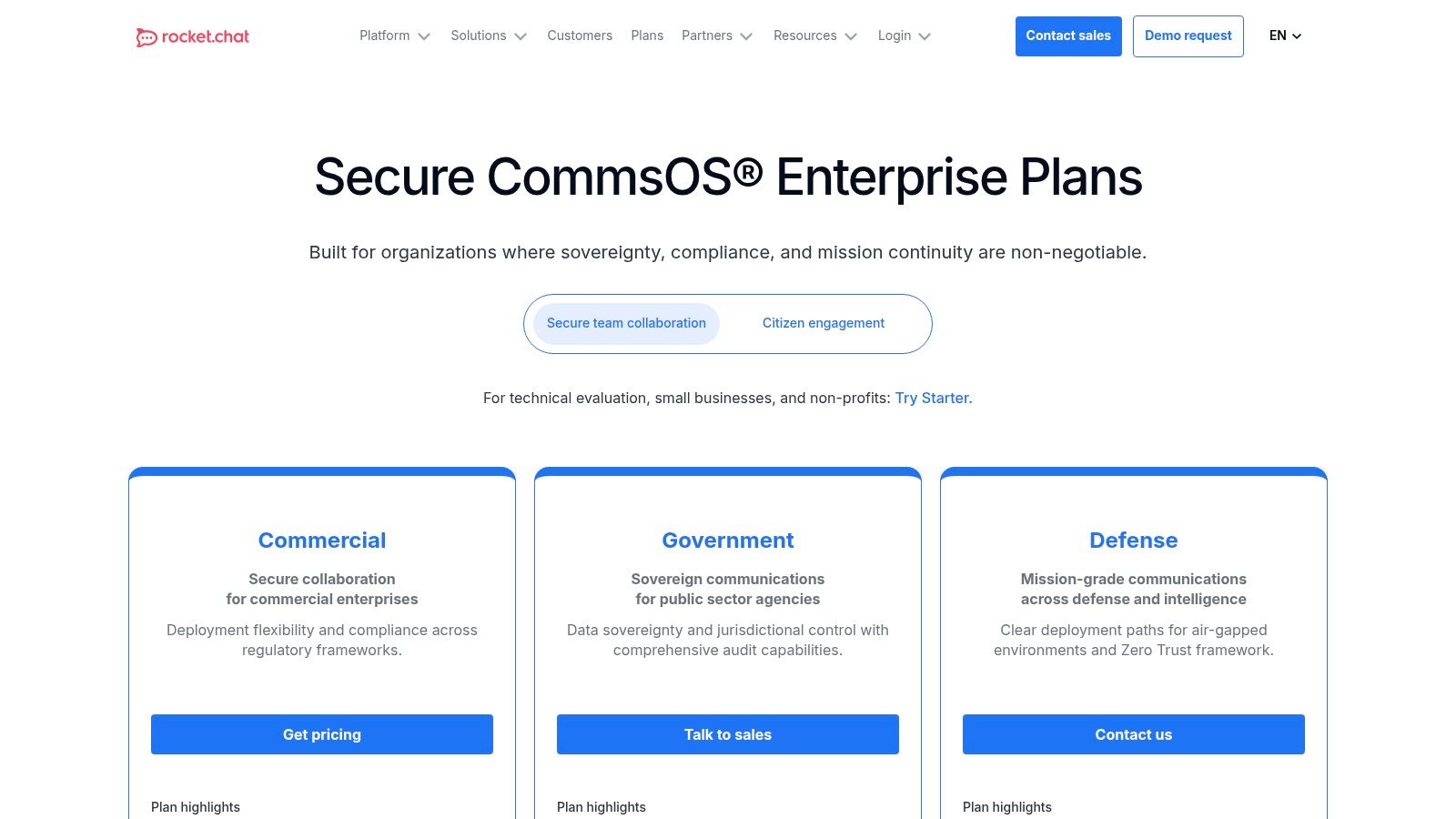
Rocket.Chat sits in the same serious category as Mattermost and Element. It's for people who want more control than mainstream chat platforms usually offer.
For coaching businesses, that usually means one of two things. Either you serve organizations with stronger privacy and deployment requirements, or you're deliberately building your stack around open systems and self-hosting. Rocket.Chat gives you channels, direct messages, voice and video features, and options for more controlled deployment models.
What makes this category tricky is that privacy-first and self-hosted tools rarely match Discord cleanly across every feature. That's a point emphasized in Proton VPN's discussion of Discord alternatives. The fundamental question isn't “Which one is the same as Discord?” It's which trade-offs you can live with around control, governance, and complexity.
Rocket.Chat for coaching operations with stricter requirements
Rocket.Chat can be a fit for:
- Cross-organization programs: Controlled external collaboration matters.
- Security-conscious practices: You want more say over hosting and permissions.
- Custom internal workflows: Open-source flexibility can support specialized setups.
The downside is friction. Administration is heavier than a polished SaaS app, and the user experience may feel less refined to clients who are used to consumer-grade messaging tools.
If you want the shortest path to a smooth client experience, Rocket.Chat probably isn't it. If you want control over the communication layer and you have the operational capacity to support that decision, it's one of the more credible options.
Top 10 Discord Alternatives: Features & Pricing Snapshot
| Platform | Core features | UX & quality (★) | Value & price (💰) | Best for (👥) | Unique strengths (✨ / 🏆) |
|---|---|---|---|---|---|
| Slack | Channels, DMs, threads, Huddles, 2,600+ integrations | ★★★★☆ | 💰 Per‑seat pricing; costs scale with size | 👥 Structured cohorts & high‑ticket groups | ✨Extensive app ecosystem · 🏆Best search & extensibility |
| Microsoft Teams | Chat, channels, meetings, OneDrive/Office integration | ★★★★☆ | 💰 Included in M365; license mix adds complexity | 👥 Corporate/executive coaching inside Microsoft orgs | ✨Deep Office/SharePoint integration · 🏆Enterprise governance |
| Google Chat (Workspace) | Spaces, threads, Meet/Calendar/Drive integration | ★★★☆☆ | 💰 Included with Google Workspace plans | 👥 Solo coaches/teams already in Google ecosystem | ✨Seamless Drive/Meet handoff · low friction onboarding |
| Telegram | Large groups, channels, voice chats, bots, file sharing | ★★★★☆ | 💰 Free (low cost to run) | 👥 Mobile‑first, large public/private communities | ✨Ultra easy onboarding · scalable broadcast + chat |
| Zulip | Streams + topic threads, search, integrations, self‑host | ★★★★☆ | 💰 Free self‑host or affordable hosted plans | 👥 Coaches needing highly organized, multi‑track programs | ✨Topic‑first threading reduces noise · 🏆Organization focus |
| Mattermost | Channels, threads, self‑host, enterprise security | ★★★☆☆ | 💰 Self‑host or enterprise quotes | 👥 Privacy‑sensitive coaches / regulated industries | ✨Data sovereignty & dev‑friendly · strong compliance |
| Element (Matrix) | Rooms, E2EE, federation, bridges, self‑host options | ★★★☆☆ | 💰 Free/self‑host; managed plans available | 👥 Privacy‑first coaches & distributed communities | ✨Open standard federation · avoids vendor lock‑in |
| Zoom Team Chat | Channels, threads, one‑click escalation to Zoom meetings | ★★★☆☆ | 💰 Best value if you already pay for Zoom Workplace | 👥 Coaches running many live video sessions | ✨Unified with Zoom meetings · low adoption friction |
| Webex (Messaging) | Persistent spaces, meetings, calling, FedRAMP options | ★★★☆☆ | 💰 Enterprise pricing; add‑ons increase cost | 👥 Enterprise coaches / Fortune‑500 clients | ✨Robust security & telephony · 🏆Enterprise compliance |
| Rocket.Chat | Messaging, voice/video, self‑host, federation options | ★★★☆☆ | 💰 Self‑host, dedicated cloud or sales‑quoted plans | 👥 Coaches needing cross‑org federation & sovereignty | ✨Federation + on‑prem deployments · strong privacy |
Choose Your Hub, Reclaim Your Focus
Most coaches start looking for apps similar to Discord because the current setup feels messy. But the actual problem usually isn't the app alone. It's that the business has outgrown a chat-first operating model.
That distinction matters.
If you mainly need better conversation flow, one of these tools can help. Slack is strong for structured communication around an existing stack. Teams makes sense inside organizations. Google Chat is fine when you already live in Workspace. Telegram reduces onboarding friction. Zulip is unusually good at keeping discussions organized. Zoom Team Chat works when sessions are the center of the experience. Mattermost, Element, Webex, and Rocket.Chat become relevant when privacy, compliance, or deployment control rise to the top.
But many coaching businesses need more than a Discord replacement.
They need a system for onboarding clients, scheduling sessions, tracking progress, managing cohorts, sharing resources, and keeping communication connected to actual program delivery. That's the gap a lot of comparison articles miss. As Circle's analysis of Discord alternatives points out, the underserved angle isn't just generic chat. It's structured coaching and education. Coaches often need organized discussion, content delivery, and payments in one place, not just a place to talk.
That's why I'd make the decision in this order:
- Pick a chat app if messaging is the main pain.
- Pick a business platform if the chat problem is really an operations problem.
- Pick a self-hosted or open system only if control requirements are real enough to justify the complexity.
A lot of coaches wait too long to make that call. They keep patching Discord with forms, calendars, spreadsheets, meeting links, payment tools, and DMs until the client experience feels fragmented. Clients may still like you, but they feel the mess. They miss updates. They ask repeat questions. You spend energy herding people instead of coaching them.
That's the hidden cost.
If your workflow now includes enrollment, private messaging, group programs, resources, and progress tracking, a dedicated coaching platform may be the better answer than any chat app on this list. Coachful is one example if you want those workflows in one place rather than spread across separate tools.
The right choice is the one that reduces admin noise, preserves client trust, and still works when your next cohort is larger than this one. That's the test. Not whether it feels trendy. Not whether it looks most like Discord. Whether it helps you coach better with less operational drag.
If Discord has turned into a patchwork of chats, links, notes, and admin work, Coachful is worth a look. It gives coaches one place to manage client delivery, group programs, communication, scheduling, payments, and progress without stitching together a dozen separate tools.