Client Onboarding Form: A Coach's Guide to Better Intake

Coachful
You send a prospective client a polished welcome email, then ask them to complete a long client onboarding form before you can schedule the first session. They open it between meetings, see question after question about history, preferences, challenges, and personal context, and think, “Do I really need to share all of this before we've even spoken?” The tab closes. A day passes. Then the follow-up email goes unanswered.
That outcome rarely means the client lacks motivation. More often, the form has created psychological friction before trust has had a chance to develop. A good intake experience should help clients feel understood, oriented, and ready to work, not examined by an administrative system.
Why Your Client Onboarding Form Is Your First Coaching Session
A client onboarding form is often the first moment a new client experiences your coaching style in practice. Before they've heard your questions or felt your presence in a session, they notice whether the form is clear, respectful, and proportionate to the relationship.
A life coaching client may open the form and ask, “Will this coach help me clarify what matters, or will I have to perform the right answers?” An executive client may wonder, “Will these responses be handled professionally?” A health coaching client might hesitate because a question feels more intimate than the conversation has earned.
Those reactions happen quickly. The form's opening language, first question, required fields, and visual structure all communicate your expectations. A form that begins with a warm explanation and one easy question lowers the emotional threshold. A form that begins with a dense request for personal history tells the client that your process comes before their experience.

The first question sets the relationship
Compare these openings:
- “Describe your complete personal, professional, and emotional history.”
- “What would make our first conversation useful for you?”
The second question still gives you useful direction, but it invites reflection rather than demanding disclosure. It positions the client as a participant in the coaching process.
A major benchmark reports a 68% start-to-complete rate for onboarding forms and a 44% view-to-complete rate, meaning nearly half of people who view the form still don't submit it, according to Typeform's onboarding form benchmark. That gap makes the first few fields especially important. If the form feels intrusive or confusing before the client understands its purpose, abandonment becomes an understandable choice.
Practical rule: Every early question should either help you prepare for the first session or help the client begin thinking productively.
A form can also establish boundaries without sounding cold. Add a short introduction such as:
“These questions help us use our first session well. Share only what feels relevant right now. We'll explore anything deeper together, at a pace that works for you.”
That copy answers the client's unspoken objections. You're not asking them to complete an assessment for your convenience. You're giving them a clear reason to participate and permission not to overshare.
The same principle appears in other onboarding environments. A fitness business, for example, may need to explain access control for gym startups clearly because the client's first interaction includes both logistics and trust. Coaches face the same challenge. The form must make the next step feel safe, simple, and worthwhile.
Choosing the Right Fields for Your Coaching Context
The right fields depend on the coaching promise, the client's level of trust, and what you need before the first session. A career coach may need a current role and desired direction. An executive coach may need organizational context and stakeholder expectations. A health coach may need carefully framed wellness information, but shouldn't collect sensitive details because the form allows it.
Start by separating every question into three categories:
- Required before the first session. Without this answer, you can't identify, contact, schedule, or prepare for the engagement.
- Useful but nonessential. The answer could improve personalization, but you can ask it later.
- Contextual or sensitive. The question needs trust, explanation, or a live conversation before it's appropriate.
A practical client onboarding form usually begins with universal fields, then reveals conditional questions based on an early routing answer. For example, a question about service type, industry, or company size can determine whether a client sees prompts for solo-founder priorities or leadership-team dynamics. Guidance on conditional onboarding fields supports this approach because clients only answer questions relevant to their situation.
A field framework by niche
| Coaching Niche | Must-Have Fields | Conditional Fields | Defer to Session 1 |
|---|---|---|---|
| Life coaching | Name, email, preferred contact method, primary coaching goal | Career, relationships, confidence, or transitions based on the selected goal | Detailed personal history, emotional patterns, family context |
| Executive coaching | Name, role, organization, coaching objective, sponsor or stakeholder details when relevant | Leadership level, team size, communication challenge, performance context | Political dynamics, difficult relationships, fears about visibility |
| Health coaching | Name, email, broad wellness goal, preferred session format | Lifestyle area selected by the client, such as nutrition, movement, sleep, or routines | Sensitive health history, diagnoses, medication details, deeply personal barriers |
| Business coaching | Name, business stage, offer or service, immediate business priority | Revenue model, team structure, sales challenge, hiring needs | Founder identity issues, conflict, long-term fears, unresolved decisions |
| Group coaching | Name, email, cohort or program selection, learning goal | Experience level, topic interests, accessibility needs | Personal obstacles that may be better explored privately |
The table isn't a script. It's a filter. If a question doesn't change your preparation, safety process, scheduling, or service delivery, it may belong later.
Required doesn't mean better
Coaches often mark too many fields as required because they fear an incomplete picture. The result is a client who gives rushed, vague answers just to get through the form. That creates the appearance of thoroughness without the quality of insight you wanted.
A better prompt is specific and bounded: “What would you like to be different after our initial coaching period?” A weaker prompt is “Tell me everything about your goals.” Specific wording reduces cognitive load and gives the client a more useful starting point.
If you manage many clients, student records, and program paths, a dedicated system can also keep intake information connected to the relationship. For example, coaches comparing workflow options may find Tutorbase's student management feature relevant when they need client information organized beyond a single form submission.
Designing a Form That Clients Actually Finish
A well-chosen question can still fail if the form presents it in an exhausting sequence. Clients don't experience a form as a database. They experience it as a series of small emotional decisions: “Do I understand this?” “Is this necessary?” “How much longer?” “What happens after I submit?”
A strong client onboarding form should limit each page or section to three to five fields, a structure recommended for reducing overwhelm and supporting completion in this onboarding form design guidance. The number isn't a magic formula. The reasoning matters. Short sections give the client a visible sense of progress and stop one difficult question from making the entire form feel impossible.

Order questions by effort
Start with low-effort questions that confirm identity and purpose:
- Basic details: Name, email, time zone, and preferred contact method.
- Direction: Coaching goal, selected service, or desired outcome.
- Context: Role, business stage, or broad challenge.
- Reflection: What has been tried, what feels stuck, and what support is needed.
This sequence creates momentum. Asking a client to choose a service type is easier than asking them to describe their deepest concern. Once they've answered a few simple questions, they're more prepared to reflect.
A long form containing 25 questions can often become a four-step experience:
- Start here: Contact details and coaching focus.
- Your current situation: Role, context, and immediate challenge.
- What you want to change: Desired outcome, obstacles, and support preferences.
- Prepare for our work: Scheduling, consent, and anything the coach should know before the session.
Use a progress indicator such as “Step 2 of 4.” It doesn't just show completion status. It reassures the client that the process has a defined endpoint.
Remove mobile friction
Many clients will open a form on a phone, possibly while moving between work or family responsibilities. Long text fields, tiny checkboxes, unclear error messages, and file uploads that don't work smoothly can turn a reasonable form into a frustrating task.
Test the form yourself on a phone. Look for questions that require excessive typing, dropdowns that are difficult to use, and required fields that don't explain what's missing. Give clients a save-and-continue option when the form includes meaningful reflection, but don't use that feature as an excuse to make the intake longer.
A form should feel like a guided conversation, not a test of endurance.
You can use a client intake form generator for coaches to draft a niche-specific starting point, then remove anything that doesn't earn its place. The final form should make the client think, “I know what to do next,” rather than, “I'll come back to this later.”
After launch, measure the funnel by step rather than looking only at final submissions. Calculate step completion by dividing users who completed a step by users who started it, then segment the result by device type, geography, acquisition channel, persona, and plan tier. Onboarding metrics guidance from Userpilot emphasizes this multi-step view because a single final completion rate can hide mobile friction or a weak opening question.
Privacy Consent and Data Minimization for Coaches
A coaching intake form can become a privacy document. Clients may disclose mental-health-adjacent experiences, financial pressure, relationship difficulties, workplace conflict, or health information. If you collect those details without explaining why, where they're stored, who can access them, and how long you keep them, the form weakens trust instead of building it.
Privacy language shouldn't feel like a wall of legal text. It should answer ordinary questions in plain English:
- What information are you collecting?
- Why do you need it?
- Who may access it?
- How long will you retain it?
- How can the client request correction or deletion?
- Which information is optional?
Independent private-practice guidance recommends keeping intake forms as short as possible, using checkboxes to reduce overwhelm, and explaining the purpose of collection, retention, and deletion procedures in clear terms. You can review the privacy and consent guidance for intake forms when developing your own policy, while also checking the requirements that apply to your jurisdiction and coaching context.
Ask for the minimum defensible information
The phrase “minimum required” should guide every sensitive field. If you only need to know whether a client has accessibility requirements, don't request a broad medical history. If you need to understand a business challenge, don't ask for confidential financial records before you know they're relevant.
Never collect full payment card numbers through a coaching form. Route payments through a PCI-compliant processor instead, so your form isn't storing payment data it doesn't need.
A consent checkbox might read:
“I understand that the information I provide will be used to prepare for and deliver coaching services. I've reviewed the privacy notice and understand how my information is stored, accessed, retained, and deleted.”
Keep consent separate from marketing permission. A client may agree to coaching-related communication without agreeing to newsletters or promotional messages. Combining both choices into one required checkbox makes the consent unclear.
Make privacy visible in the experience
Place a short explanation near sensitive questions, not only at the bottom of the form. For example: “This question helps us tailor scheduling and support. You may skip it if it isn't relevant.” That sentence gives the client control and reduces the fear that every answer will be judged.
Coaches who want a broader operational reference can review data protection compliance for coaching practices, then turn the principles into practical form decisions. Trust grows when clients can see that you've designed the process to protect them, not merely to extract information.
Connecting Your Form to Scheduling Payments and Messaging
A submitted form shouldn't land in an inbox and wait for you to remember the next step. The best workflow treats submission as a trigger that starts a prepared client journey.
A simple sequence might look like this:
- Submission: The client completes the form and receives a confirmation that explains what happens next.
- Scheduling: An automatic message sends the appropriate booking link based on the service or session type selected.
- Payment: If payment is required, the client receives a secure processor link rather than entering card details into the intake form.
- Preparation: The client gets a welcome message, agreement, worksheet, or short orientation resource.
- Coach alert: You receive a notification with the answers that matter for preparation.

Use automation to protect momentum
The client's motivation is often highest immediately after they decide to work with you. A delayed response makes them repeat decisions they've already made. Automation protects that momentum while leaving room for personal communication from you.
A practical timeline can be structured like this:
Immediately after submission: Send confirmation, summarize the selected service, and state the next action.
Later the same day: Deliver scheduling or payment instructions if they weren't completed during booking.
Before the first session: Send a concise reminder and explain what the client should bring or consider.
After the form is reviewed: Send a personal note if an answer raises an important question or requires clarification.
A 2025 analysis of more than 16,000 onboarding tasks across agency projects found that 85.2% were client-assigned, while agency teams handled 14.8%. Form submissions represented 43% of tasks in that dataset, as reported in SurveySparrow's client onboarding reference. The operational lesson is straightforward: your workflow depends on clients completing their part, so every unnecessary handoff creates another opportunity for delay.
The form is the trigger. The client experience is the sequence that follows.
Connect each service type to the right calendar, agreement, payment path, and resource set. A one-to-one executive package may need a sponsor-related workflow. A group program may need cohort access and community instructions. A discovery call may need only a short qualification form and confirmation email.
For payment setup, coaches can follow Coachful's Stripe payment instructions or use another suitable payment platform. The important boundary is that payment processing and sensitive intake collection shouldn't be unnecessarily combined in one form.
Real Client Onboarding Form Examples Across Coaching Niches
A useful form becomes easier to design when you start with the client's next decision, not your complete knowledge of their background. The examples below show how the same principles change across coaching models.
Career and life coaching
A career coach working with a career changer might use four sections:
- Contact details and preferred session times.
- Current role and the change the client is considering.
- “What would you like to leave our first session with?”
- Optional preparation notes and consent.
The form doesn't demand a full employment history. It asks for the information that helps the coach create a focused opening conversation. After submission, the client receives a scheduling link and a short prompt to bring one recent situation they'd like to unpack.
Business coaching for founders
A business coach onboarding startup founders could begin with business stage, offer, team structure, and immediate priority. Conditional questions then separate a solo founder focused on positioning from a founder managing hiring or sales.
The coach may ask, “Which decision is currently consuming the most attention?” That question is more useful than a generic request to describe every business challenge. It also gives the first session a natural entry point.
Executive coaching
An executive engagement often involves more than one person, so the form should distinguish the participant, sponsor, and organizational context. Universal fields can cover role, coaching objective, and preferred communication method. Conditional fields can ask whether the work centers on leadership presence, team communication, delegation, or transition into a new role.
Sensitive political context should usually wait for a live conversation. A client may answer truthfully when they know how the information will be used, but a large text box labeled “Describe your workplace challenges” can feel risky before trust exists.
The same care applies in adjacent support settings, including services such as Kelowna youth counselling, where privacy, safeguarding, and age-appropriate communication shape what belongs in an initial form. Coaching practices should make similar distinctions when personal information may be sensitive.
Group programs and cohorts
A group coach needs enough information to place participants appropriately without turning enrollment into an assessment. Ask for the program selected, the participant's goal, experience level, accessibility needs, and preferred way to engage.
Conditional logic can route beginners toward orientation materials and experienced participants toward advanced preparation. After submission, automation can deliver the cohort calendar, community guidelines, first assignment, and expectations for participation.
Across all four examples, the pattern is consistent:
- Ask for direction first.
- Use conditional questions for relevance.
- Delay vulnerable detail until trust and context exist.
- Tell clients exactly what happens after submission.
Moving Beyond the Static Intake Form
The traditional model asks every client to complete one long questionnaire before the first session. That model feels efficient for the coach, but it may be inefficient for the relationship. Clients don't all need the same questions, and not every useful question has to be answered before the first conversation.
A shorter entry form can collect two or three critical data points, such as name and email, then ask for goals, availability, and deeper context later. One source recommends this staged approach, while another commonly cited operational target places a fuller client onboarding form around 15 to 20 questions, showing the tension between completeness and early momentum. The right choice depends on your service, risk profile, and what you need to deliver safely.
A 2026 industry report said 73% of top SaaS companies had dropped traditional activation forms, and another 2026 trend summary highlighted self-service onboarding as the first-choice model, according to the cited 2026 onboarding trend report. Software onboarding isn't identical to coaching, but the underlying expectation is relevant. People increasingly prefer a clear, low-friction start followed by relevant questions at the moment they become useful.
For a coaching practice, progressive disclosure might work like this:
- Entry form: Name, email, service, and desired outcome.
- Routing: A question identifies the coaching path or program.
- Follow-up: Relevant context questions appear after the route is known.
- Session preparation: The coach explores sensitive or complex material live.
- Ongoing check-ins: Later forms capture progress, obstacles, and changing goals.
The client onboarding form shouldn't force you to choose between speed and personalization. A thoughtful sequence gives you both, while showing clients that their time, privacy, and emotional readiness matter.
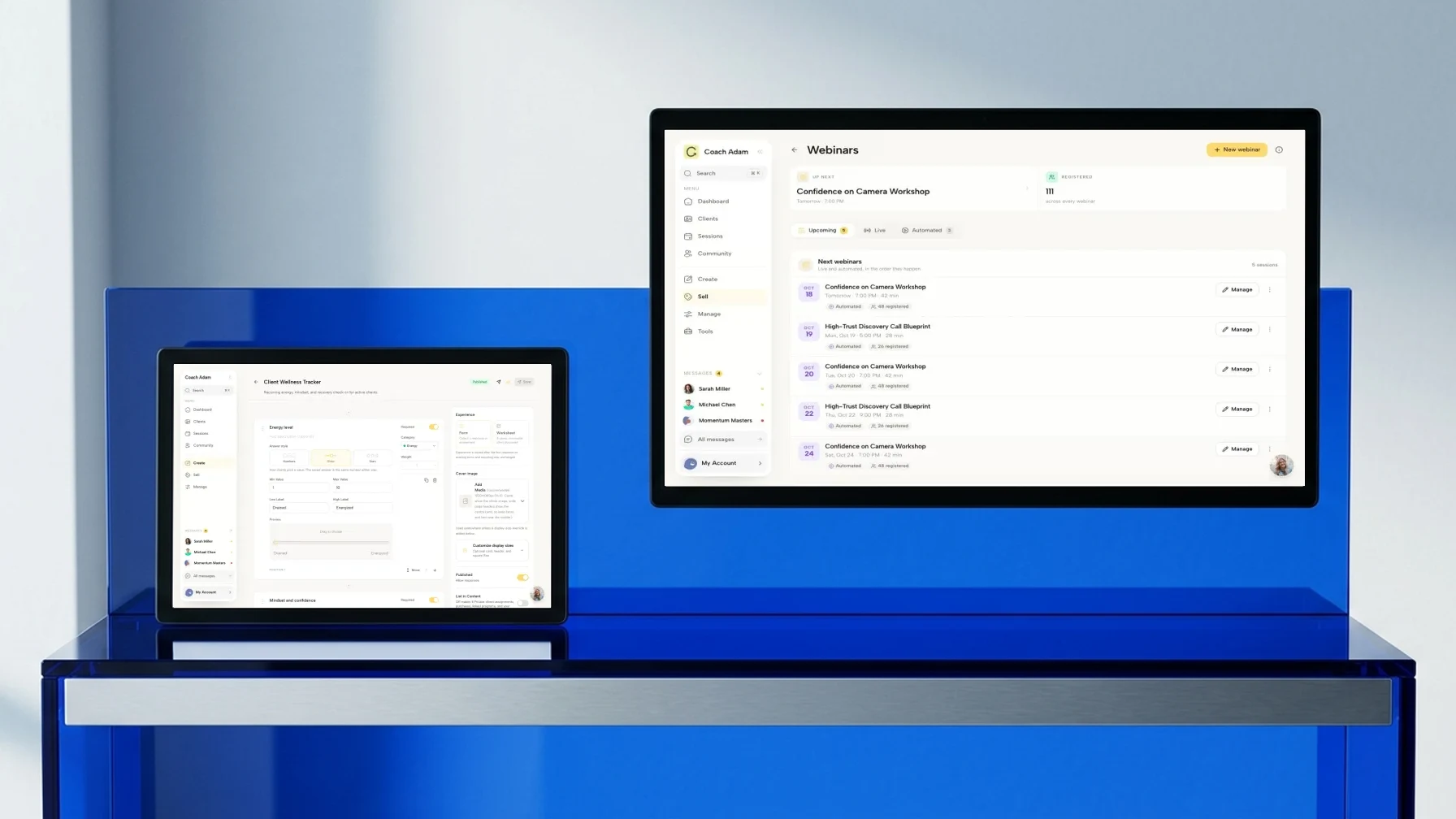
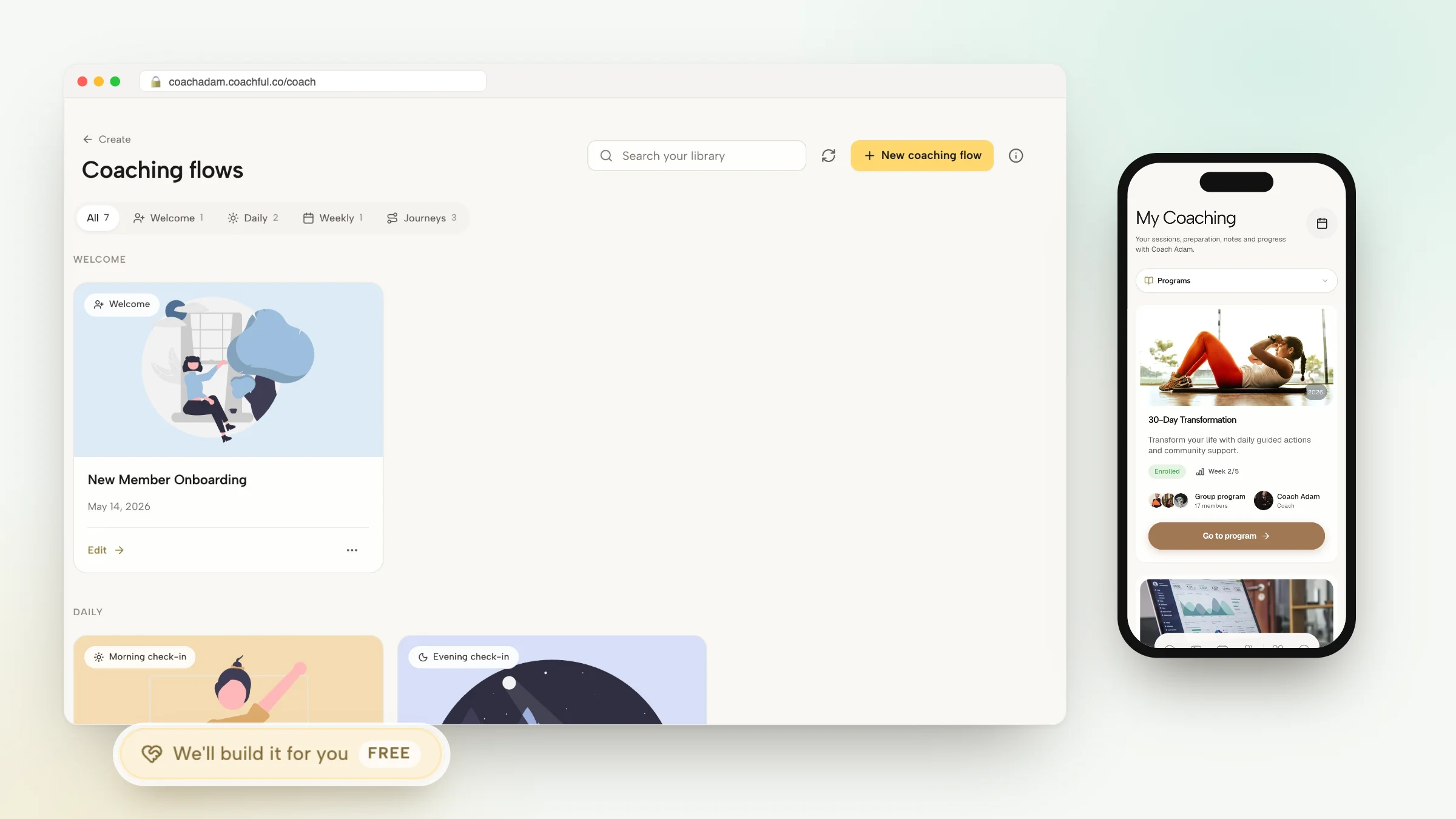
Coachful brings intake forms, booking, secure payments, messaging, client goals, and progress workflows into one coaching workspace, so you can replace scattered handoffs with a clearer start-to-session experience. Visit Coachful to build an onboarding process that helps clients arrive prepared and lets you spend less time chasing administrative tasks.