Coaching Office Setup: 5 Decisions for a Private, Comfortable Room

Nour
Founder, Coachful
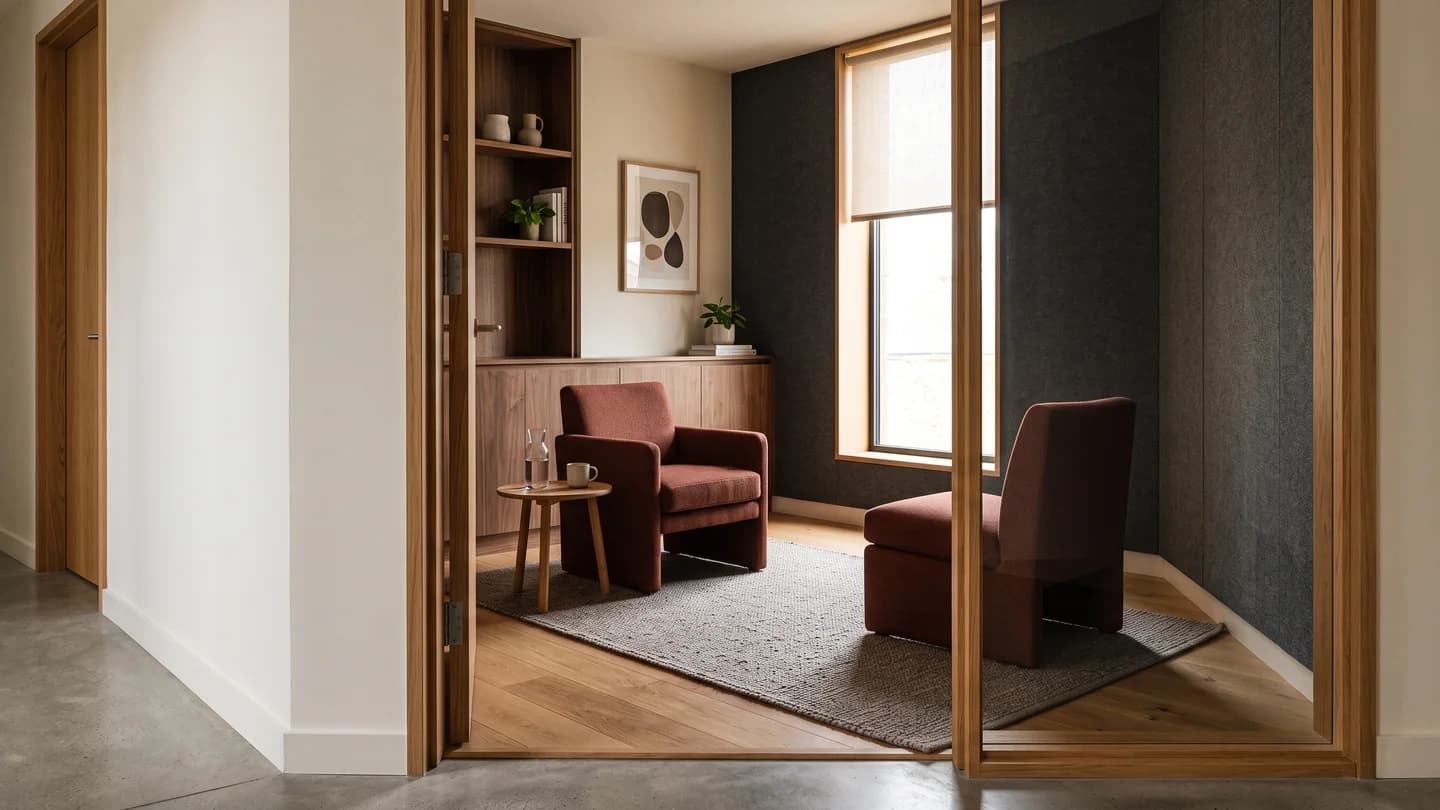
Will a client actually feel able to speak freely in my coaching office? Set up the room around privacy, usable access and a comfortable conversation before you buy decorative furniture. The five decisions that matter are where sound and sightlines travel, how people enter and sit, how you control light and air, where information lives, and whether the whole visit works in a rehearsal.
A beautiful chair does not fix a conversation audible in the corridor. Nor does an expensive desk make an awkward room more professional. Your office should help a client think without also managing glare, discomfort or the worry that someone can hear them.
This guide is for a coach arranging an existing room for one-to-one, in-person sessions. It is not a room-rental comparison, a group-workshop seating guide or a building-compliance assessment. If you have not chosen the premises yet, start with our coaching room rental checks.
Start with a conversation zone, not a shopping list
Sketch the actual room, including the door swing, windows, sockets, fixed storage and anything you cannot move. Mark the route from the entrance to each seat. Then place two chairs for a conversation, with an optional writing surface nearby rather than a large desk automatically separating you.
Keep administrative work in its own zone if space permits. A coach's workstation and a client's conversation seat serve different purposes. You may need an ergonomic desk for records and online work without making every in-person client sit across it as though attending an interview.

The diagram is a concept, not a floor plan to copy at scale. The right distances depend on your room, furniture, clients and local requirements. A layout only earns its place when people can use it comfortably, including when a seat is occupied and a bag is on the floor.
1. Separate speech privacy from a room that sounds pleasant
A room with a rug, curtains and upholstered furniture may feel less echoey. That is not the same as preventing intelligible speech from reaching the corridor. Treat sound absorption within the room and sound isolation between spaces as different problems.
Before adding acoustic accessories, arrange a permitted check with a colleague. Have them read invented everyday sentences at an ordinary speaking level while you listen from outside the closed door and any relevant adjoining space. Swap positions. Never use actual client information or listen to somebody else's appointment as your test material.

Ask whether you can understand words, rather than merely detect a voice. Also notice door gaps, shared ventilation openings, lightweight partitions and activity next door. Repeat at the time you expect to coach; an empty building can make an unsuitable room appear reassuringly quiet.
This is a practical screening exercise, not proof of a particular acoustic rating. If speech remains intelligible, do not assume a white-noise machine, an extra rug or a decorative panel solves the problem. Discuss appropriate alterations with the premises provider and, where needed, a qualified acoustic professional. Obtain permission before changing a hired room.
Check visual privacy separately. Can someone in the corridor see the client's face when the door opens? Does glazing reveal who is attending? Can maintenance staff enter without warning? Move seating out of the direct doorway view where possible, agree an interruption procedure and confirm who has access.

At home, include household behaviour in the assessment. A sign cannot make an open-plan living area confidential, and a headset only limits sound from the other end of a call. It does not stop your own voice travelling. If the space cannot support the confidentiality you agree, change the setting rather than strengthening the promise.
2. Choose seating people can actually use
Two attractive armchairs are not automatically two useful chairs. Sit in each for the length of a typical appointment. Notice seat depth, support, temperature, whether your feet rest comfortably and whether getting up requires an awkward effort.
Offer a real choice where you can: an upright supportive chair with arms may suit someone better than a low, soft lounge chair. Avoid making the softer or smaller seat the compulsory client seat. Neither you nor the furniture catalogue can determine what is comfortable for every person.

Angle the chairs so conversation does not require fixed, head-on eye contact. Make the position adjustable without turning the session into a furniture-moving exercise. Some clients prefer more distance, a writing surface or a different orientation. Ask simply rather than interpreting their preference as psychological information.
“Before we start, is this seat and position comfortable for you? We can change the chair, distance or lighting. You do not need to explain a medical reason.”
Keep water and tissues available without making either a signal about how emotional the conversation ought to become. Provide a reachable place for a bag and personal items that does not block the route. Avoid strong scents and unnecessary background music as defaults; comfort is not a single decorative style.
Check the whole access route, including entry, thresholds, doors, lifts where relevant and usable toilet facilities. Ask privately about participation requirements. Do not request a diagnosis to justify a practical adjustment. Confirm building, accessibility and emergency requirements with the responsible people and appropriate local advice.
Do not use a locked door or furniture barrier to create privacy at the expense of safe exit. Agree how interruptions are handled while maintaining applicable access and emergency arrangements. A client should not need to ask you to move a chair every time they want to leave.
3. Control light, air and sensory distractions
Test the room from both seats at the hours you actually use it. A window that looks lovely at a morning viewing may put afternoon glare directly into the client's eyes. Start with controllable blinds or curtains, then consider whether additional lighting is needed.

Side light can be easier to manage than placing one person directly against a bright window. That is a starting hypothesis, not a universal design rule. Sit where your client will sit, look toward your own chair and check the view. Repeat with any lamp switched on and off.
If you offer video appointments from the same room, test the online position separately. Check what the camera shows, whether light makes your face difficult to see and whether confidential material is visible behind you. An attractive in-person layout does not automatically become a suitable video-call setup.

Listen for persistent distractions: ventilation hum, an audible clock, lift machinery, reception conversations and notifications. Remove what you control and investigate what you do not. Quiet matters, but do not block necessary ventilation or cover safety equipment to achieve it.
Ask about comfortable temperature and airflow rather than deciding that a cosy room should always be warm. Keep adjustments predictable and within the building's permitted use. A portable heater, trailing extension lead or improvised blackout arrangement can introduce a new problem while solving an old one.
Also consider predictability. Explain where a toilet is, whether a break is possible and what happens if someone needs to step outside. A client should not have to spend the first ten minutes guessing the rules of your room.
4. Keep the room clear without putting client information on display
Open shelving looks efficient until it becomes a display of client folders, names and appointment details. Decide what must be accessible during a session and what belongs in closed storage or an appropriately secured system outside the conversation area.
Leave out only the materials needed for this appointment. Clear any previous client's worksheet, notebook page, printed invoice or visible notification before the next person enters. Turn over a flipchart sheet as well as clearing the table; forgotten wall notes are still information.
If you take notes digitally, agree how that fits your work. Position the screen so another person's record cannot appear in the client's view. Disable avoidable pop-ups and check any recording-capable device, voice assistant or camera in the room. Do not introduce recording or automated transcription without the appropriate separate agreement and safeguards.
Keep administrative convenience from dictating the whole room. You do not need a printer beside the conversation chairs just because it is useful once a week. A small office benefits from fewer objects competing for space, especially when their cables or storage boxes interfere with access.
Buy in an order that reflects risk, not how photogenic the result will be:
- First, establish suitability: privacy, permitted use, safe access and a workable interruption arrangement.
- Next, make the conversation usable: suitable seating, clear routes and necessary participation adjustments.
- Then, control the environment: light, temperature, ventilation and proportionate storage.
- Finally, style it: artwork, colour and optional decorative details that do not compromise the earlier decisions.

This is not a recommended spending level. Use actual quotations and distinguish changes you own from alterations to someone else's premises. If the room's basic privacy cannot be resolved, buying better accessories is not a sensible next step.
5. Run a full-visit rehearsal before the first client
Invite a colleague to test the room as a visitor. Ask them to arrive through the entrance a client will use, find the room, choose a chair, sit for a realistic period and leave. Use a fictional conversation, not a real case.
Do not stop after asking whether the office looks nice. Give the rehearsal four stages and record the practical friction at each one.

- Arrive: can the visitor find the correct entrance, understand where to wait and enter without announcing private details publicly?
- Sit and talk: can both people hear comfortably, adjust their position and use any necessary materials? Run the separate outside-room speech check with permission.
- Change position: can someone reach water, use a writing surface, take a break or leave without moving another person's belongings? Check glare again from the less favourable seat.
- Leave and reset: can you clear notes, refresh the room and prepare for the next appointment without making clients overlap unexpectedly?
Then practise the unglamorous failures. What if the building entrance is locked, the previous occupant overruns, the neighbour starts a loud meeting or the room becomes too warm? Name who you contact and what choices you can honestly offer a client.
A fallback is not an automatic switch to online coaching. Confirm the client's agreement to any different venue or delivery format and follow your actual terms and applicable obligations. Some people cannot participate privately from home, even if you can.
Invite optional feedback after the first few appointments: “Was there anything about finding or using the room that made the visit harder?” Keep that separate from asking someone to evaluate personal coaching progress or disclose health information.
A copyable setup brief for your own room
Use this as a working document, not a certificate. Fill each line with an observed fact, a confirmed arrangement or an unresolved action. “Probably fine” belongs in the unresolved column.
- Purpose: one-to-one coaching for [actual service], with [actual session length and materials].
- Privacy: speech check completed at [time]; visual exposure and interruption arrangements confirmed with [responsible person]. Remaining issue: [issue].
- Access: entrance, route, seating options, facilities and emergency arrangements checked. Private participation requests use [contact route].
- Environment: light checked from both seats at [appointment times]; temperature, ventilation and recurring noise reviewed.
- Information: client materials stored in [appropriate location]; screens, notifications and recording-capable equipment reviewed.
- Rehearsal: visitor test on [date]; changes assigned to [person]; next review after [realistic trigger].
Keep this brief proportionate. You are trying to resolve practical uncertainties, not create a folder so elaborate that nobody notices the door still does not close properly.
Frequently asked questions
Do I need a separate coaching office?
Not necessarily. You need a setting that supports the work, privacy, participation and boundaries you agree. A dedicated office may help, but it is not a prerequisite for being a credible coach. A shared room or home office still needs the same suitability checks.
Should I put a desk between me and the client?
Only if it serves the actual work and the person's needs. A desk can support writing or reviewing material, but it should not be a default barrier for every conversation. Where possible, offer a conversation arrangement and an appropriate writing option.
Will acoustic panels make my coaching room confidential?
Not by themselves. Panels may reduce sound reflections inside a room; speech transmission through doors, walls and other paths is a separate issue. Test suitability with permission and seek qualified advice where the privacy of your work depends on an uncertain acoustic claim.
What is the minimum room size?
There is no responsible universal figure for every building, arrangement and participant. Check the usable space with occupied furniture, relevant access requirements and the premises provider. A blog diagram is not evidence of compliance or an approved capacity.
Make the visit easy, then keep administration out of its way
The most useful coaching office setup is not the most expensive one. It is a room in which a person can arrive, speak, think, adjust their position and leave without unnecessary friction or avoidable exposure.
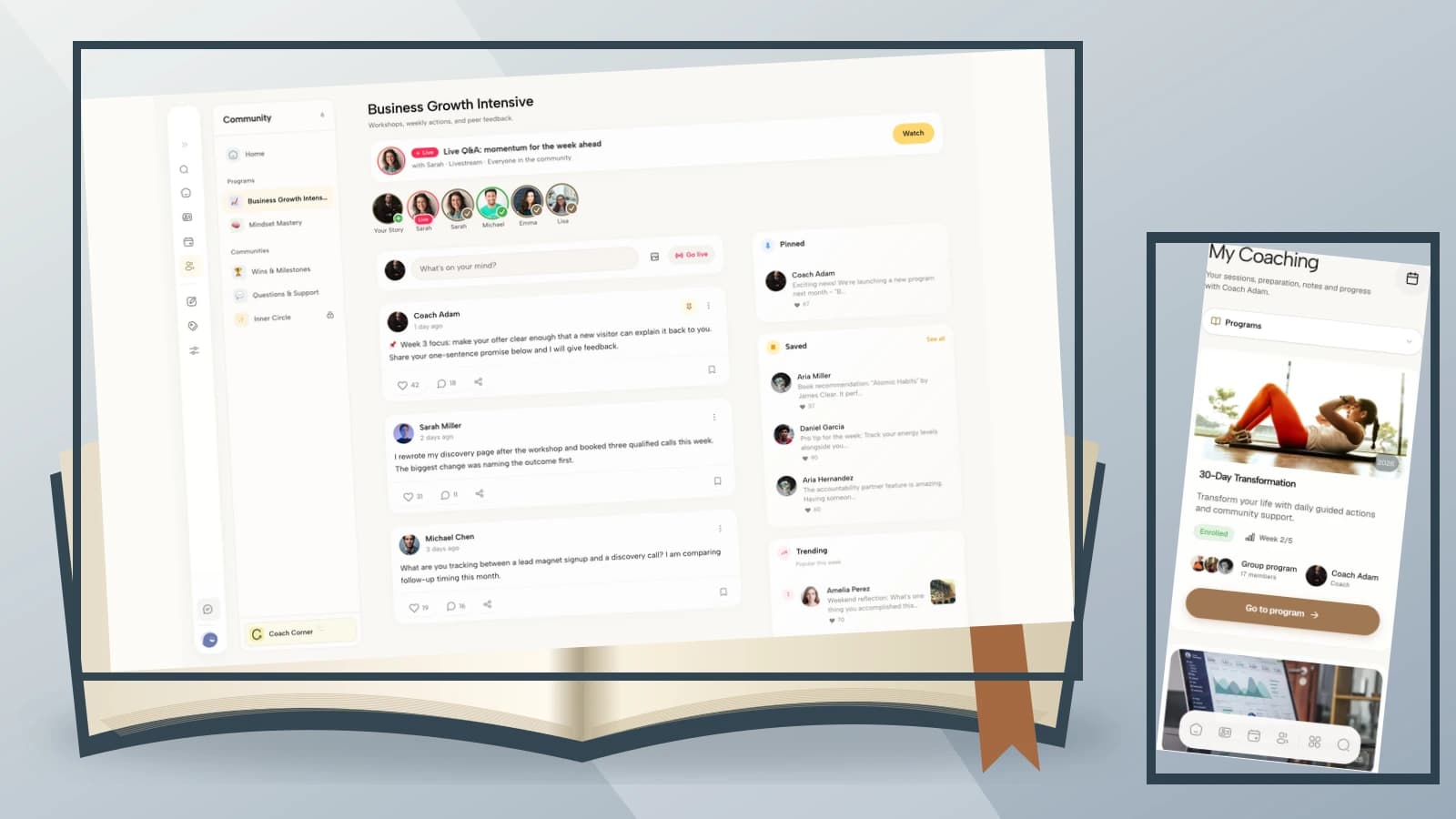
Once the physical room works, check the supporting appointment process separately. Clients should be able to find their session details without you leaving confidential papers on a reception desk. If you want to explore that administrative side, Try the interactive demo using Coachful sample data. The demo does not assess premises or certify privacy.
Sources and scope: Life Coaching Professionally's office setup guide supports the practical need to reduce interruptions and plan a suitable working environment. The layouts, purchasing sequence, setup brief and rehearsal process above are original editorial guidance, not tested acoustic designs or legal, fire-safety, building, clinical or accessibility advice. The photographs are AI-generated examples, not photographs of approved premises.