Coaching Session Recording Consent Form: Template and 7 Checks

Coachful
Editorial Team
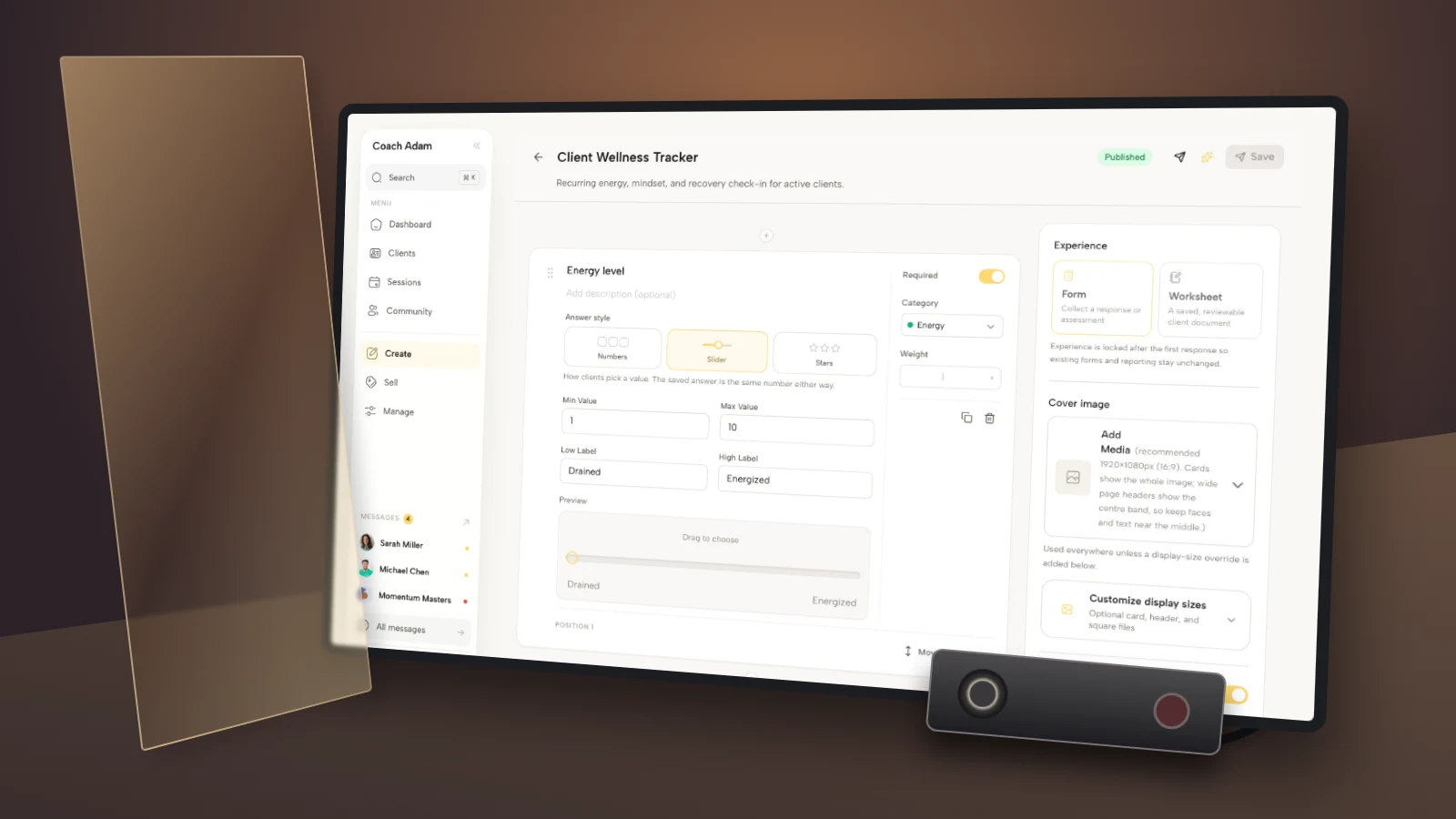
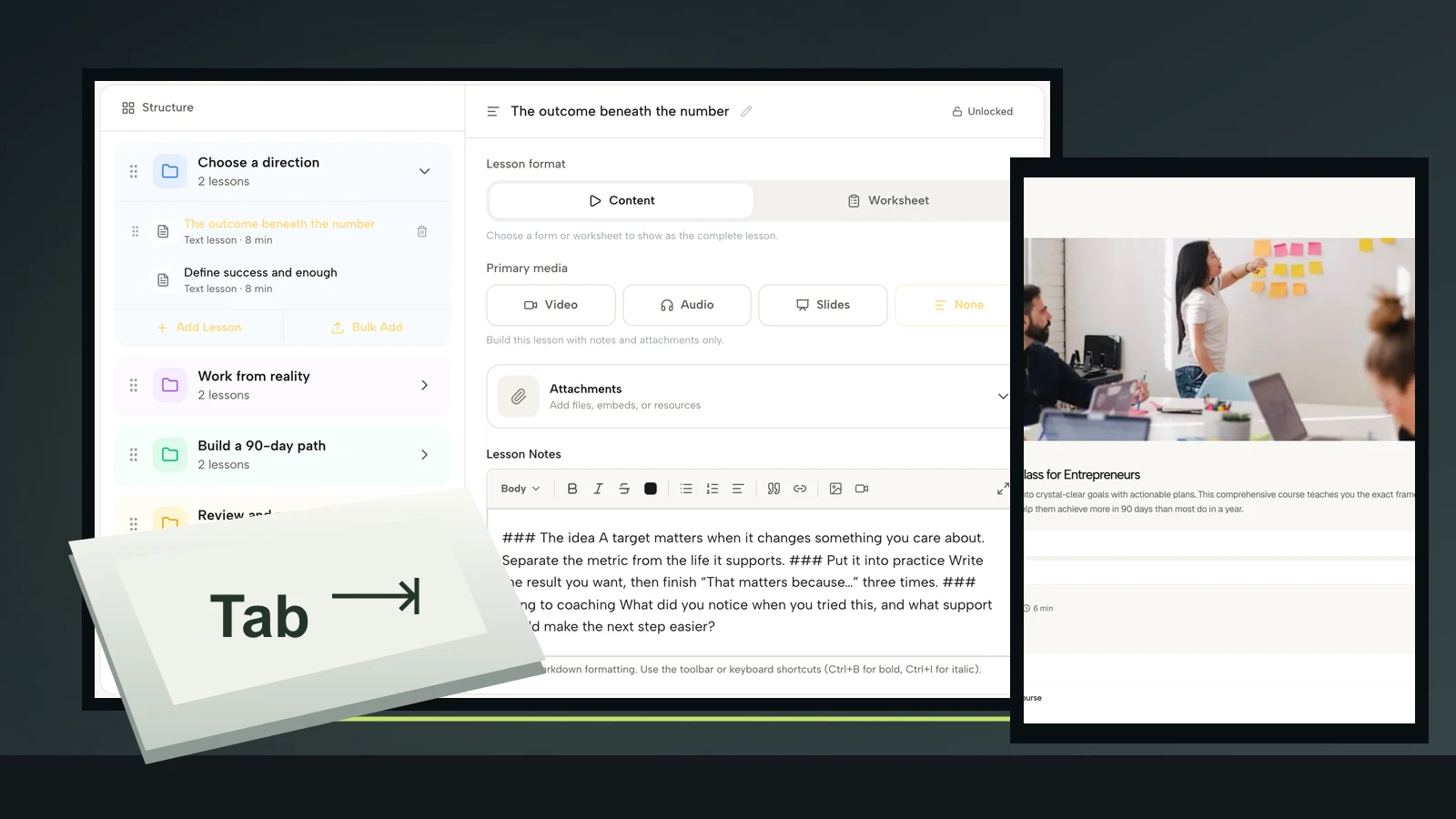
Cover: a real Coachful demo form builder, an amber glass permission gate and an unlit editorial recording prop. The prop is not Coachful product UI.
A coaching session recording consent form should authorize a particular capture and a particular use, not give you permanent permission to do anything with a client's words. Name the session, the media, the purpose, the recipients, the actual storage arrangements and the client's choices before you press record.
The awkward moment is discovering that a client agreed to a private replay, but you now want to submit that conversation to a credential assessor. Those are different audiences. A recording indicator does not resolve that difference.
This guide gives coaches an original working template and seven implementation checks, with special attention to recordings used for professional assessment. It is educational guidance, not legal advice or an official credential-body form. Recording, privacy and signature requirements depend on the people, locations, providers and purpose involved.
First, separate permission to record from permission to release
A client can agree to a recording without agreeing to its distribution. They can agree to audio without agreeing to video. They can agree to assessment without agreeing to a public clip, even if that clip would make a brilliant explanation of your coaching approach.
Keep these uses distinct:
- Private client replay: the client receives access under the replay arrangements you described.
- Credential assessment: a named professional body or its assessors receive the recording and any required transcript.
- Mentor review: a mentor or training provider receives it for a defined development purpose.
- Public promotion: an identifiable extract appears on a website, social account or sales page.
- Automated transcription: a service processes the conversation to produce text or other outputs.

One document can describe more than one use, but the choices must remain understandable. Do not make optional marketing permission a hidden condition of assessment permission. Do not describe a recording as “only for me” if another person or processing provider will receive it.
The International Coaching Federation publishes a sample release of confidential information specifically for using a coaching session recording in a credential application. Its description addresses both audio and the written transcript. If that is your purpose, start with the body's current resource and submission instructions, not a generic media waiver.
Coaching session recording consent form template
Adapt the following text to a single adult, one-to-one coaching session. Replace every bracket before sending it. If your credential body, employer contract or jurisdiction requires different wording, use the appropriate reviewed document. This template does not replace an official release.

Session recording and limited release
Coach and contact: [name, practice name and contact address]. Client: [name]. Document version: [reference and date].
Session covered: [date, time, time zone, format and participants]. This permission applies to this session only unless another clearly identified scope is agreed.
What will be captured: [audio, video, shared screen and/or transcript]. Describe each intended form of capture. Do not leave unused media in the final wording.
Purpose: [specific purpose, such as submission of one coaching session for assessment in a named credential application]. The recording will not be used for advertising, public teaching or social media under this permission.
Recipients and processing: [name the professional body, assessment or training recipients and the actual recording, transcription, storage and transfer providers involved]. Explain what each receives and why.
Storage and access: [where your copies are held, who can access them, how they are shared and the relevant access restrictions]. The recipient's handling is governed by [identified recipient terms or notice].
Retention: [your specific retention period or event-based deletion rule for audio, video, transcripts and working copies]. Copies submitted to [recipient] follow [recipient's actual arrangements]. State any limits rather than promising deletion you cannot control.
Your choice: You may decline this recording. [Explain the genuine unrecorded alternative and any relevant assessment-session arrangements.] Before or during the session, you may ask me not to start or to stop recording.
Changing your decision: Contact [address] to change your permission or ask about existing copies. [Explain the process, timing, applicable rights and any limits after submission.] Do not assume that stopping future use automatically recalls files already provided to another organization.
Separate choices: [I agree / I do not agree] to the stated capture. [I agree / I do not agree] to the stated assessment or review release. [Include any other genuinely separate optional choice, or remove it.] No option is selected in advance.
Confirmation: I have received the information above, had an opportunity to ask questions and made the selections recorded here. [Client confirmation and date, and any signature or acknowledgment required for this situation.] [Coach confirmation and date.]

The detail that makes this useful is not the formal title. It is the completed information. “Secure cloud storage” is not a provider name. “Professional development” does not identify who will listen. “Until no longer needed” is not a workable cleanup rule unless you define the event and responsibility.
1. Identify the real session and every participant
Put a date, time zone and session reference on the permission record. This prevents confusion when you have several practice conversations with the same person or replace one proposed recording with another.
Confirm who will be present. A client cannot necessarily authorize recording of another adult who joins the call. Group sessions, observers, interpreters, minors and employer-sponsored engagements need a more tailored process than this one-to-one template.

Before the appointment, check the booking against the permission record. If the session changes materially, resolve the mismatch before recording. A changed time might need only a clear confirmation; an added observer or new purpose can require a different conversation and document.
For credential submissions, also check the current eligibility and format rules separately. A client signing a release does not prove that the conversation meets an assessment's requirements. Do not persuade the client to alter their coaching agenda just to produce a more impressive submission.
2. Make the requested choice genuinely optional
A client can feel pressure to help you qualify, particularly when you have worked together for months. Send the information before the session and give them room to decline without having to invent a reason.
Use plain language: “I am preparing a professional assessment submission and would like to ask about recording one session. You can say no. We can continue our coaching without making that recording.” Only promise that alternative if it accurately describes your arrangement.
For a separate practice session whose sole purpose is assessment, explain that context honestly and offer a different arrangement rather than implying that refusal can serve the same assessment purpose. Do not quietly convert an existing paid session into a credentialing exercise.
Do not preselect yes. Do not combine consent with a vague acknowledgment that the person has read all your terms. Keep the response and the exact document version together so you can establish what they actually saw, not merely that a form was submitted.
3. Inventory the tools before making privacy promises
Walk through your actual setup: the call platform, local or cloud recording, transcription service, storage, sharing link and assessment upload. Check whether automatic recording, captions, meeting assistants or transcription are enabled. Different tools can create different copies.

Write what you verified, not what would sound reassuring. Do not promise a country of storage, encryption configuration, absence of provider access, deletion date or training restriction unless your actual provider terms and settings support it.
For example, a private recording link is not necessarily restricted to the named recipient. Test the link's access behavior using a separate account or signed-out browser where appropriate, with a non-client test file. Never upload an actual confidential recording just to find out how the sharing settings work.
If a setting or provider term is unclear, leave the recording off until it is resolved. A client cannot make an informed decision from a disclosure that you have filled with optimistic guesses.
4. Name the assessment recipient and transcript use
For professional assessment, state the body or training organization and the purpose of the submission. Check whether assessors, administrators, mentor coaches, translators or transcription providers may handle the material, and describe the actual arrangement.
Do not copy an old release simply because another coach used it successfully. Credential requirements and submission processes can change, and the other coach may have used a different route. Obtain the current resource directly from the relevant body.
If you produce a transcript, review how it is created and transferred. Changing a client's name in the text does not make an identifiable voice recording anonymous. A transcript can also contain employer names, locations, health information or details about third parties who did not join the coaching session.
Discuss whether this session is suitable before submission. If the material creates a confidentiality problem you cannot resolve within the rules, use another eligible session with appropriate permission. Do not secretly edit or manipulate a submission in a way the assessment instructions prohibit.
5. Send the completed details, then confirm before capture
Send the client a copy of what they accepted, including the stated recipients and handling arrangements. An email saying “thanks for completing the form” is less useful than access to the actual terms and selections.

At the appointment, ask before activating capture: “We discussed recording this session for [purpose] and sharing it with [recipient]. Are you still comfortable with that today? We can proceed without recording.” Adapt the last sentence to the alternative you genuinely offer.
This check supplements the earlier documentation; it does not replace it. If assessment rules require recorded confirmation, first obtain permission off-record, then follow the body's required process. Do not record a refusal in order to prove you asked.
If the client says no, stop the setup. If they ask to stop during the session, stop the recording and confirm that it has stopped. Discuss the existing file and next steps without pressing them to let you keep it because your application deadline is approaching.
6. Track copies and handle withdrawal accurately
A recording can exist on the call service, a laptop, a transcript processor and an assessment portal. Your promise needs to account for those copies. Deleting the file you can see does not necessarily delete them all.

Keep a restricted register with the file reference, approved purpose, authorized recipients, transfer date, retention rule and cleanup responsibility. Avoid descriptive filenames that expose a client's private concern to everyone who can see a folder listing.
If someone changes their mind, acknowledge the request promptly, stop further capture or sharing as appropriate, and identify where the material has already gone. Follow the applicable legal obligations, agreement and recipient process. Explain what you can do, what you have requested from another organization and what remains unresolved.
Do not promise unconditional immediate deletion across systems you do not control. Equally, do not use “already submitted” as an excuse not to investigate. The responsible answer is a documented response based on the actual rules and copies, not a sweeping statement in either direction.
7. Keep replay access and public use separate
A client seeing a scheduled session in a portal does not mean they agreed to distribution of its recording. Likewise, sending them a private replay does not authorize you to publish their face or voice later.

For any public use, seek a separate, specific optional permission that explains the extract, channel, audience and relevant withdrawal limits. Do not turn a credentialing release into a testimonial release by adding a catch-all sentence at the bottom.
For corporate coaching, check both the client's decision and the relevant organizational restrictions. A sponsor paying for sessions does not automatically gain access to their contents. A client agreeing to record does not automatically override an employer's restrictions on confidential business information.
After the purpose is complete, execute the retention decision you actually communicated. Keep the evidence of permission under an appropriate separate records policy rather than assuming that the recording and consent evidence must have identical retention periods.
A practical setup for your next recording request
Start with the current release instructions for the receiving organization. Complete the template with your actual tools and recipients, then ask a qualified adviser to review the requirements that apply to your practice. Run a non-client test of recording, file access, transfer and deletion before asking anyone to trust the process.
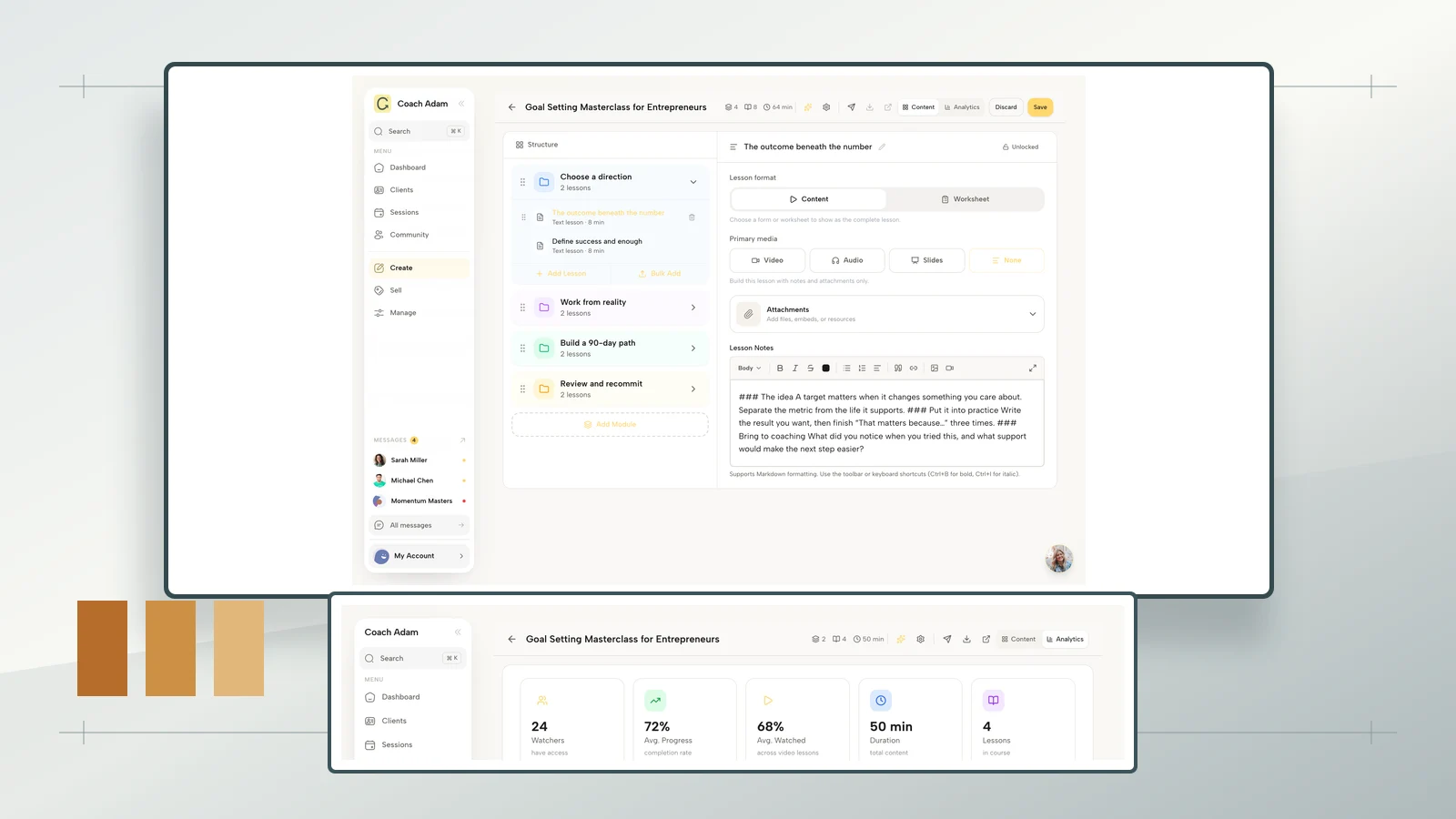
If the administrative handoff is the part you need to organize, Try the interactive demo to inspect Coachful's forms, scheduling and client experience. The screenshots here show real demo surfaces, not a prebuilt credential release, a legal-compliance guarantee or automatic permission enforcement.
The operating rule is simple: no capture until the person understands the capture, and no new audience without checking the permission. A completed form is evidence of a conversation and a choice. It is not a substitute for either.
Frequently asked questions
Does a recording notification count as consent?
Do not treat a notification as your entire permission process. It tells someone that capture is happening; it may not explain purpose, recipients or retention. The legal effect depends on the applicable rules and circumstances. Explain the proposed use beforehand and document the person's actual decision.
Can I use the same release for ICF and mentor coaching?
Only if the document and process actually cover both uses and satisfy the relevant requirements. Do not assume an assessment release includes a mentor's separate review, or the reverse. Check the current instructions and identify each recipient and purpose explicitly.
Should the form include AI transcription?
Include it when it is part of your actual process, with the relevant provider and data handling explained. Do not add speculative permissions for tools you may use someday. For the broader onboarding conversation, see our guide to introducing AI session notes.
How long should I retain the recording?
There is no universal period established by this template. Consider the assessment purpose, applicable obligations, recipient rules and actual storage arrangements. Set an executable rule and review our coaching records retention guide for the wider policy questions, not as a substitute for jurisdiction-specific advice.