Coaching Website Footer Examples: 5 Layouts to Adapt

Nour
Founder, Coachful
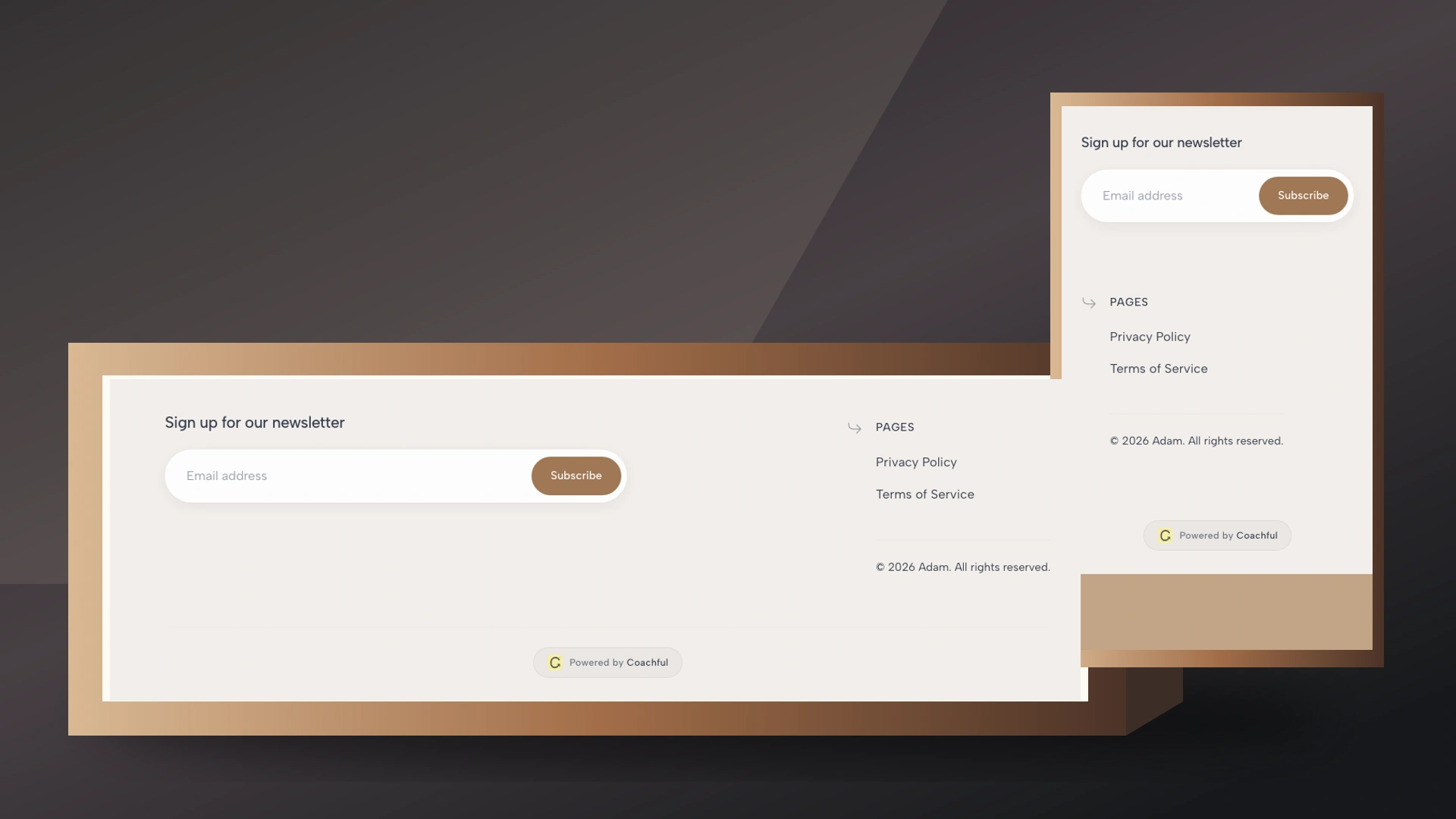
A coaching website footer should help a visitor finish a decision, find your contact details, or reach the policies and support they expected to find at the bottom. Start with your business identity, a short set of useful page links, a contact route, and the legal links appropriate to your practice. Add one invitation to book or subscribe only when it helps that visitor.
The annoyance is familiar: you spend an afternoon refining a homepage, then copy a footer containing six social icons, a dead newsletter form and “© Your Company.” The bottom of the page quietly contradicts the care you put into the top.
These five coaching website footer examples are original, hypothetical copy patterns, not screenshots of customer sites or claims about conversion performance. Choose one by the task your visitor is most likely to need after reading. Then replace every placeholder and test the destinations.
What should a coaching website footer include?
Use this as a starting inventory, not a compulsory collection of widgets:
- Identity: your trading name and a brief, accurate description of the practice.
- Useful navigation: services, about, contact, and another page visitors genuinely need.
- A contact route: a working email link or contact page, with realistic response expectations where useful.
- Policies and business details: privacy, terms, and other disclosures appropriate to your services, location and customers.
- One next step: a booking invitation, a relevant resource, or access for existing clients.
There is a usability reason for this arrangement. Nielsen Norman Group’s footer guidance describes people intentionally looking there for contact and company information, or reaching it when they have not found what they need. Your footer serves both groups. It is not merely the place to store links rejected from the main menu.
Keep the primary journey higher on the page. A prospective client should not have to read your entire homepage to discover how to book. The footer repeats or supports that journey; it does not rescue an otherwise invisible offer.

1. The small-practice footer: clear, compact and easy to maintain
Choose this when: you sell one main coaching service and have a relatively small website. Your aim is to help someone establish who you are and reach the next sensible page without inspecting a directory.
[Practice name]
Career coaching for people considering a change of direction.About | Career coaching | Contact
Book a 20-minute introduction[Business email]
Privacy | Website terms | [Required business details]
© [Year] [Rights holder]
The description is a signpost, not another sales headline. Use language a visitor can recognize. “Coaching for new managers” is easier to interpret than a second appearance of your signature framework’s name.
Make “Book a 20-minute introduction” match the service you actually provide. Do not call a paid consultation free, imply a guaranteed slot, or suggest the booking is an application when it immediately reserves an appointment. If your first step is a written inquiry, label it that way instead.
Trade-off: this compact option gives fewer routes to specialist material. That is usually acceptable for a small practice, but an established business with several audiences may need grouped navigation.
Before adding another link, finish this sentence: “A visitor at the bottom needs this because…” If the answer is only “I made the page last month,” keep it elsewhere.

2. The corporate-coaching footer: separate buyer and participant routes
Choose this when: HR, a team leader or procurement may commission coaching while employees participate. Those people can read the same website and still need very different destinations.
[Practice name]
Leadership coaching and facilitated workshops for growing teams.For organizations
Leadership coaching | Team workshops | Discuss a briefFor participants
Client sign-in | Contact your coach through the agreed support channelAbout the practice | Contact
Privacy | Website terms | [Business registration details, where required]
“Discuss a brief” can lead to a contact page explaining what you need to scope the work. It should not send the buyer into a personal coaching calendar without explaining whether that appointment is for commissioning a program.
Keep participant access visibly separate from new-business inquiries. An employee looking for their next session should not have to decide which sales package their employer purchased. Conversely, a procurement contact does not need access to confidential client material.
Do not put client names, sponsor logos or employer endorsements in the footer without the relevant permission. A globally repeated logo is still a public claim about a relationship. Avoid implying that a company endorses you simply because one employee privately hired you.
Trade-off: two audience groups add useful complexity only if you actually serve both. A solo consumer-facing practice does not need corporate navigation to look established.

3. The resource-led footer: useful for visitors who are not ready to book
Choose this when: you publish useful articles and have a specific newsletter or resource you can consistently deliver. The visitor may like your approach without being ready to buy coaching today.
Keep working on the question.
Get a monthly note on career decisions, with one practical exercise.Read a sample | Subscribe to the monthly note
[Practice name]
Coaching | Articles | About | Contact
Privacy | Website terms | [Required business details]
The promise names the topic, format and frequency. Change it to match your actual publication. “Join my community” does not explain whether someone is requesting email, joining a paid group, or creating a client account.
If you place an email form here, explain what will arrive before the visitor submits it. Keep subscription choices separate from service inquiries and account access. Do not silently add a person to marketing emails because they used a contact form or booked a session.
A single relevant social profile can sit underneath if it helps visitors assess your work. Six inactive profiles are not proof of reach. They are six opportunities to encounter an outdated offer or a last post from two years ago.
Trade-off: a newsletter can distract from a booking-ready visitor. On a focused offer page, keep the booking or purchase path dominant and move the subscription invitation to a quieter location.

4. The local-practice footer: be findable without publishing more than you intend
Choose this when: you offer in-person coaching, room-based workshops or a clearly defined local service. Visitors need to know whether you work nearby and how to arrange a meeting.
[Practice name]
Coaching in [City] and online.In-person appointments by arrangement at [Public practice address, if appropriate].
Contact | Directions and access information | Coaching servicesRequest an introductory conversation
[Business email or appropriate business phone]Privacy | Website terms | [Required business details]
Use a genuine public practice address only when publishing it is appropriate. Do not automatically copy a home address from another business record into your footer. Check your disclosure obligations and personal safety needs with a suitable adviser; a design example cannot determine those obligations for you.
If the room is appointment-only, say so. If venue access differs by day, explain that on the directions page rather than promising permanent availability. Useful access information might include the entrance, stairs or lift, public transport and how someone can ask about adjustments.
A city name should describe where you actually work, not introduce a list of places you hope to rank for. Avoid stuffing thirty towns into a footer and presenting them as offices.
Trade-off: local details can confuse an online audience if the wording sounds exclusive. “In [City] and online” is a clearer distinction when both options are genuinely available.

5. The client-and-prospect footer: keep support from becoming another sales task
Choose this when: existing clients often return to your public website for a sign-in link, support details or practical information. They should be able to find those routes without being treated as new leads.
[Practice name]
Coaching for [Audience or focus].Explore coaching
How it works | Coaching options | Request an introductionAlready a client?
Client sign-in | Contact and support informationAbout | Articles | Privacy | Website terms
[Required business details]
A sign-in link is a route, not a security boundary. The destination still needs appropriate authentication and permissions. Never publish a private client document, reusable meeting credential or personal support thread in a global footer.
State response expectations on the support page if they are part of your service. Do not write “always here” when you answer messages only during business hours. For health-related or sensitive work, make the scope of your service clear in the relevant agreement and support information; footer copy is not an emergency protocol.
Trade-off: this layout has more links. Keep the headings plain, so a returning client can ignore the sales column immediately. If you have no client portal, do not invent a “Client sign-in” route to make the business look bigger.

How to make your footer readable on a phone
A three-column desktop footer often becomes a long mobile list. Decide the order deliberately: identity, the most useful next step, navigation, then policies and business details is a sensible starting point. For a support-heavy practice, existing-client access may deserve an earlier position.
Use real text and real links, not a single image of your footer. That lets visitors enlarge text, follow links and use assistive technology. Do not reduce policy text to a pale gray whisper simply because it is not your sales message.
Give adjacent links enough space to select without opening their neighbor. Use descriptive labels such as “Privacy policy” rather than several identical “Read more” links. Keyboard users should be able to see which link has focus and move through the footer without getting trapped.
The WCAG minimum-contrast guidance generally specifies at least 4.5:1 for normal text and 3:1 for large text, with defined exceptions. A dark background is fine; unreadable text on it is not. These checks improve usability but do not, by themselves, establish full accessibility compliance.

Which policies and disclosures belong in the footer?
Your footer should make the relevant documents easy to find, but it cannot make their contents correct. Privacy notices, business identity disclosures, service terms, cookie controls and sector-specific statements depend on how your practice operates and whom it serves. Have a qualified adviser review the actual requirements.
Do not copy a competitor’s disclaimer or use “not therapy” as a substitute for working within your training and competence. Similarly, linking to refund terms does not justify hiding a material condition until after payment. Put important offer conditions where the buyer makes the decision, with a route to the complete terms.
Copyright text identifies the claimed rights holder; it is not proof that you own every image, quote or template on the site. Confirm permissions separately. Update the business identity when your trading arrangements change, rather than treating the copyright year as the only maintenance task.
A practical footer setup in Coachful
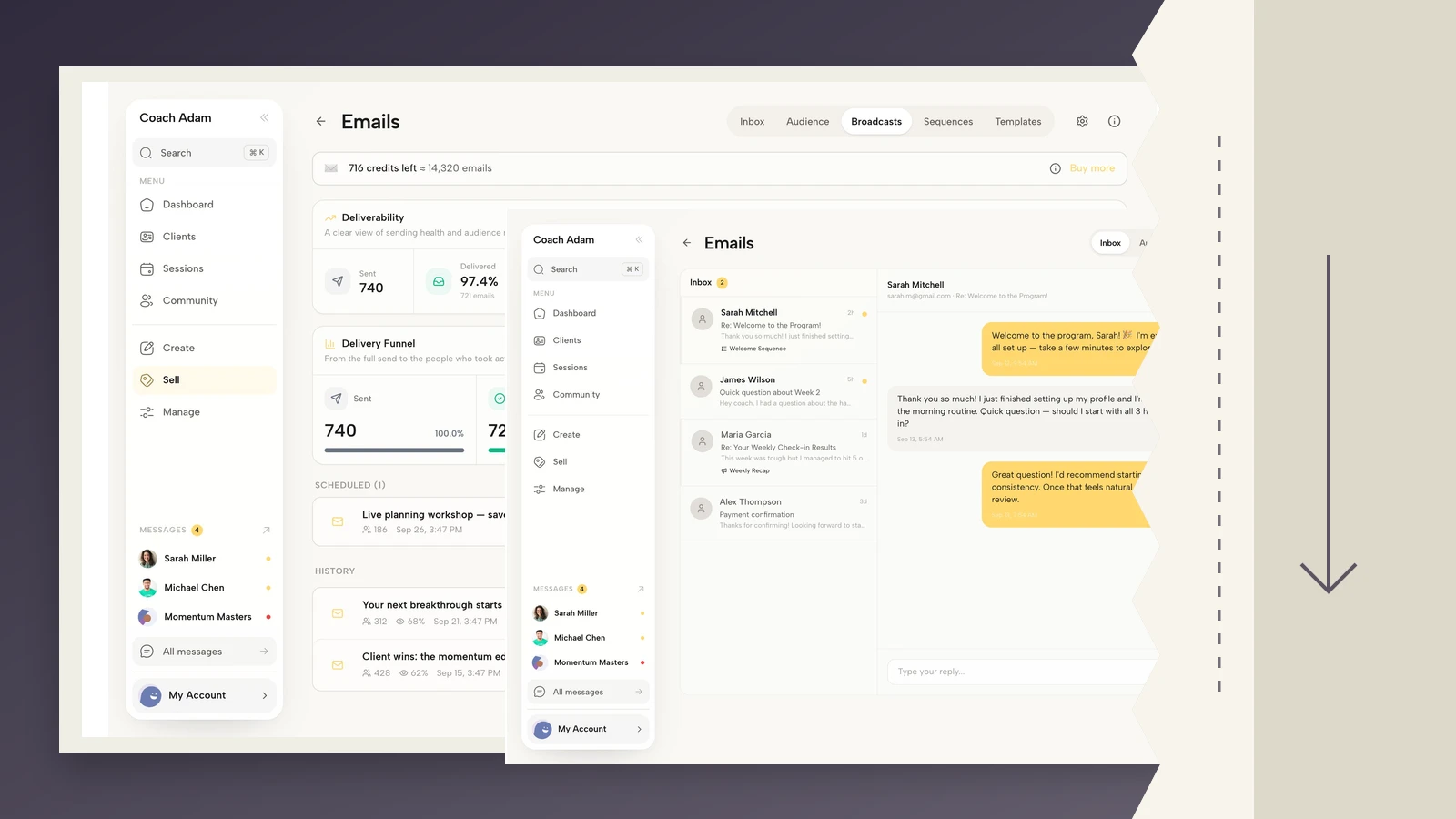
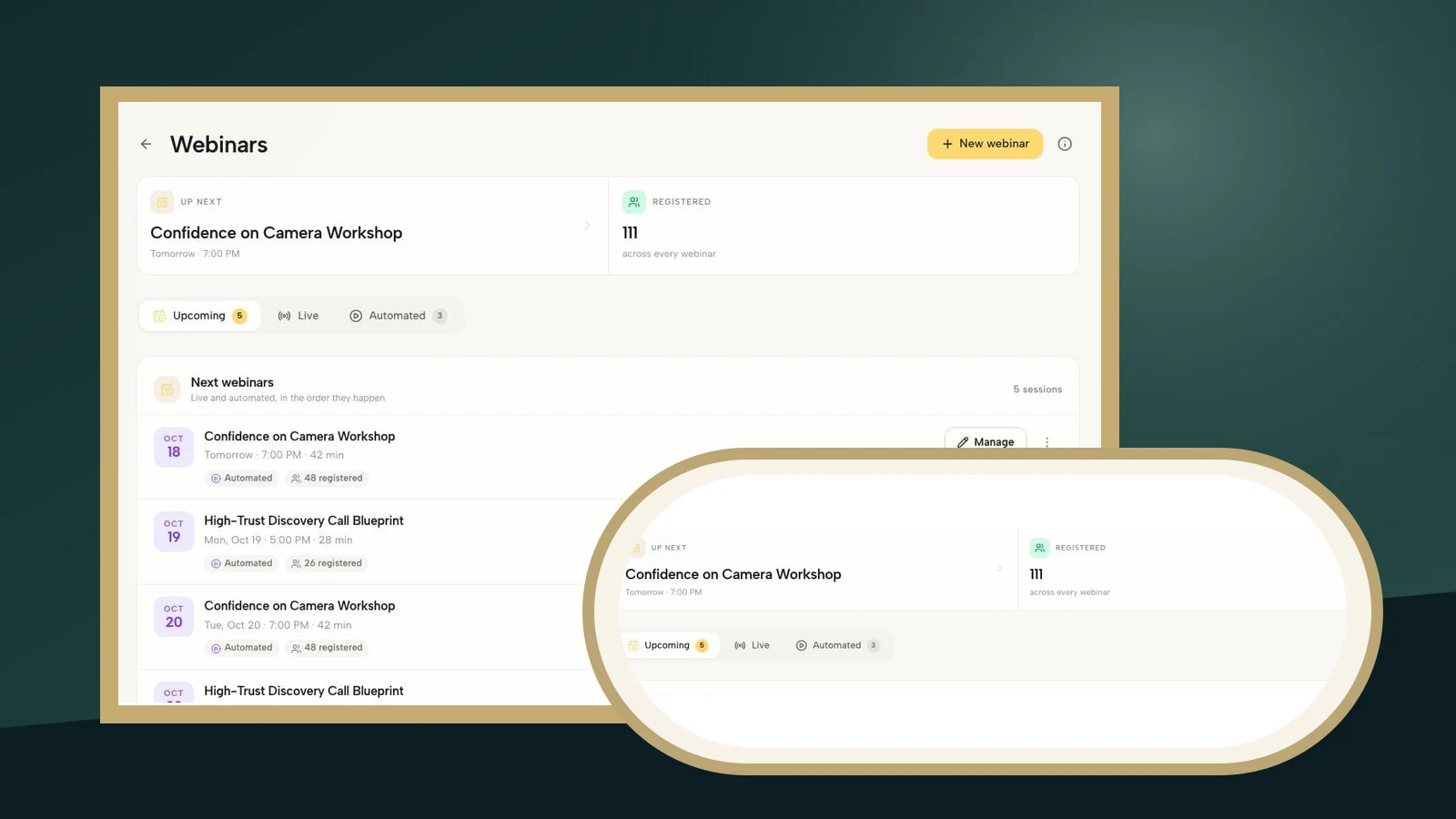
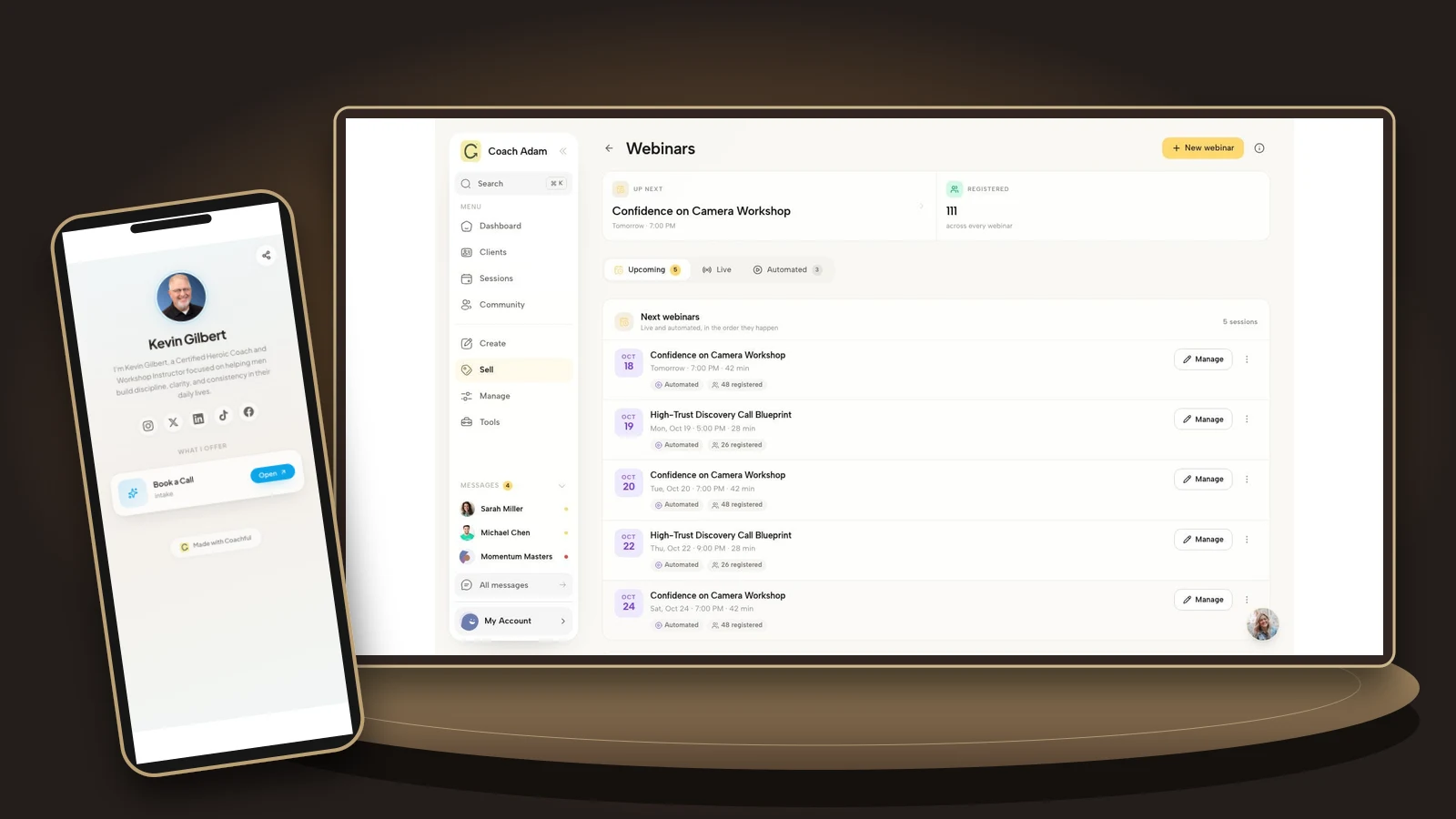
Start by listing the destinations before changing the design: contact, coaching offer, booking or inquiry, policies, and client access if applicable. Confirm that each page exists and is suitable for public visitors. The real Coachful demo screens in this guide show website pages, branding, live editing, public links, email and an actual desktop footer. They illustrate the surrounding workflow, not a special footer generator or a legal-compliance service.
In your website editor, use the footer controls or editable page sections available in your current template. Keep the identity and policy routes consistent across the pages you maintain. Do not assume an edit made to one page automatically changes every other page; preview several pages after saving.
Then test the destination, not just the label. A booking link should open the intended service. A newsletter link should explain the subscription. A contact link should reach a real inbox or working form. A client-access link should lead to the correct sign-in experience without exposing private material.

The ten-minute footer audit
- Open your homepage and one article on a phone. Scroll to the actual bottom.
- Ask whether a stranger can identify the practice and the next useful action.
- Open every link, including social profiles and policy documents.
- Check the booking destination without making a real customer booking.
- Try email and contact routes with an appropriate test, then verify receipt.
- Check the same footer on an offer page and a secondary page.
- Remove outdated programs, placeholder text and unsupported badges.
- Check text contrast, keyboard focus and link spacing.
- Confirm that public business details are accurate and appropriate to disclose.
- Assign someone to revisit the footer when an offer, policy or contact route changes.
A passing audit means the routes work and the copy matches your practice. It does not prove the footer increased inquiries. If you measure engagement, interpret small numbers cautiously and distinguish people reaching the bottom from people successfully completing the next step.
Frequently asked questions
Should every coaching website page have the same footer?
Usually, a consistent public footer makes navigation predictable. A focused registration or checkout page may use a quieter version, but keep relevant identity, contact and policy information accessible. Client-only areas can have different navigation because the visitor’s task is different.
Should I put my coaching prices in the footer?
Usually link to the current offer or pricing page rather than repeating amounts in a site-wide footer. A second copy is another place for an old price to survive. Put material pricing information where a prospect evaluates the offer.
How many links should a footer have?
There is no universal ideal count. Start with the routes people need and group them by task. A small practice may need only a handful; a corporate coaching business may need separate commissioning and participant links. Remove destinations that no longer serve a real visitor.
Can I put a testimonial in the footer?
Yes, if you have the appropriate permission and the quote is accurate, but it is optional. Do not let repeated social proof crowd out basic navigation or imply typical results you cannot support. Often the quote is more useful beside the service it actually describes.
The best footer is not the biggest one. It is the one a visitor can use without stopping to interpret your business. Choose a pattern, replace its placeholders and verify its links before adding more decoration.
If the audit revealed that your website, booking and public links need attention together, explore the actual surfaces before changing tools. Try the interactive Coachful demo to inspect the website and scheduling workspaces and decide whether they fit the practice you are building.