LinkedIn Events for Coaches: 5 Setup Decisions

Coachful
Editorial Team
“People are clicking Attend on my LinkedIn Event. Have they actually booked a place in my coaching workshop?”
Not necessarily. If your workshop is hosted or sold elsewhere, a LinkedIn event response does not, by itself, confirm an external registration, a payment or a place. Create the event around a specific professional problem, choose the correct organizer and format, and explain the remaining registration step before you invite anyone.
Treat LinkedIn Events as a discovery and communication surface, not as an assumed replacement for your participant records. That distinction matters most when you have limited practice capacity, a paid ticket or a private joining link.
This guide helps coaches decide how to set up and promote an event without confusing interest with attendance. It is about LinkedIn's event format and the handoff to your workshop, not a general LinkedIn posting strategy or a complete workshop launch plan. The examples are fictional and should be adapted to your actual offer.
The short answer: choose the event route before writing the invitation
LinkedIn's official event-creation guide distinguishes in-person events from online events. Online events can use LinkedIn Live, where available, or an external event link. Those choices change where participants watch and what you must explain.
For a coach running a small interactive workshop on an external meeting platform, the external-event route may fit better than a public broadcast. That is an operational choice, not a claim that one format produces more registrations. LinkedIn recommends its Live format where possible to reduce switching between platforms; private practice, participation requirements and your actual delivery method still need consideration.
- LinkedIn response: someone has responded to the event within LinkedIn.
- External registration: your required registration process has been completed and accepted.
- Payment: any required ticket payment has been verified under your booking terms.
- Attendance: the person actually joins the session.
Keep those states separate. A free event can still require registration, and a registration request can still await review. Do not tell someone their place is confirmed until your real confirmation condition has been met.

1. Choose the organizer who will actually own the event
LinkedIn allows an individual profile or a LinkedIn Page to organize an event. Choose according to responsibility, audience and the event's registration requirements, not because a Page automatically looks more professional.
A personal profile can make sense when people know you as the coach delivering the session. A Page may be more suitable when a coaching business, partnership or team is responsible for the event and its ongoing communication. Confirm that the appropriate person has the necessary Page access rather than creating an unnecessary new identity.
There is a consequential product distinction: LinkedIn's native event registration form is available for Pages only, according to its creation guide. That form requires a privacy-policy link explaining how attendee information will be used. Do not assume a personal-profile event has the same registration options.
Before choosing, answer four practical questions:
- Who will be named as the host and answer participant questions?
- Who controls changes if the coach is unavailable?
- Where will accepted registrations and required payments be recorded?
- Who is responsible for the information collected and the privacy explanation?
LinkedIn says the organizer, event type and event format cannot be changed once the event is posted. Review those choices before publishing. An inaccurate host is not just a branding annoyance when participants need a cancellation update.

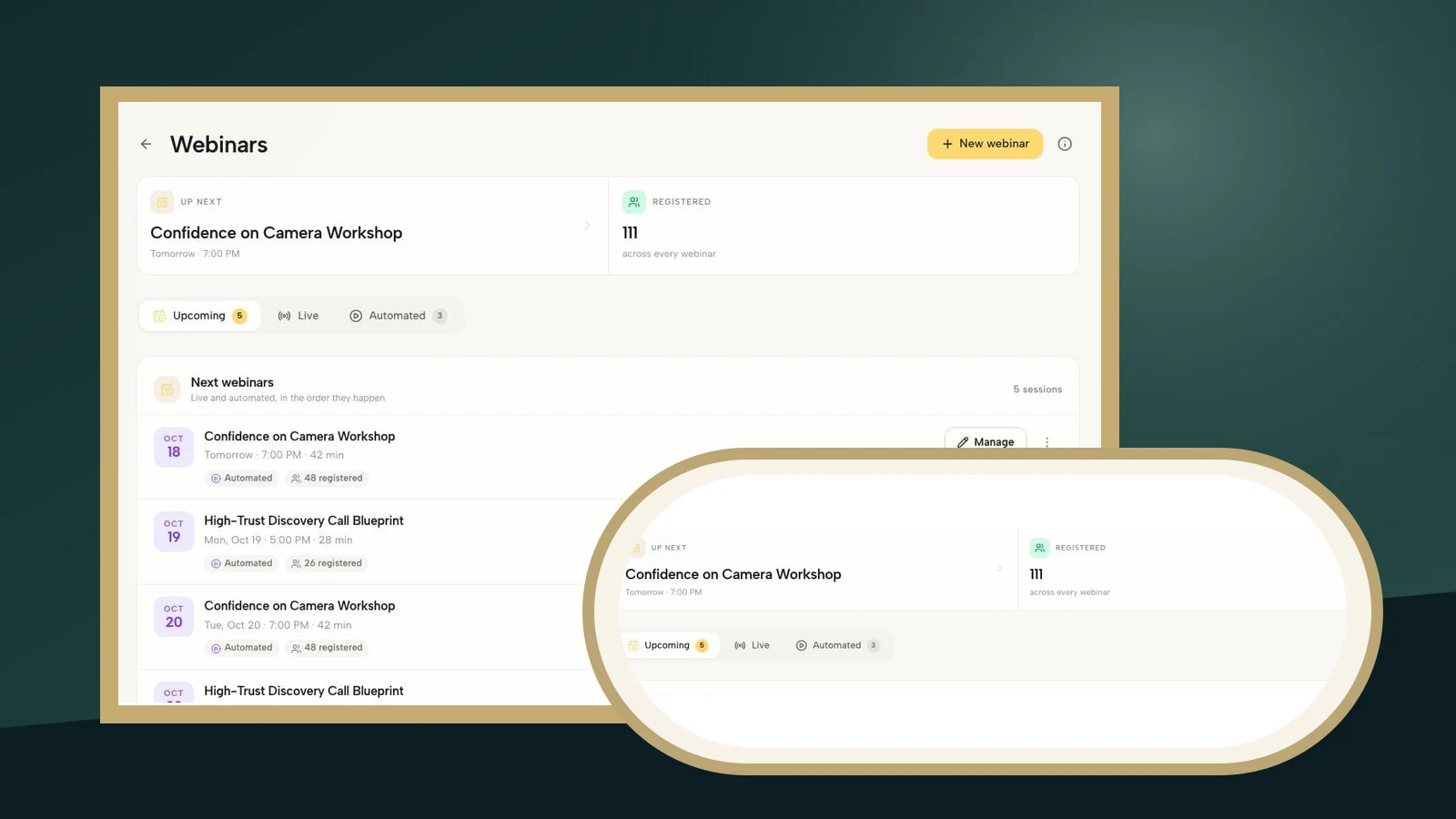
The Coachful demo above illustrates a separate event-management record with workshop dates and registered counts. Those are demo records, not LinkedIn activity. The operational lesson is to identify the record your own team will use to decide who has a place, rather than guessing from a social response count.
2. Match the format to the coaching experience
Start with what participants will do. A public teaching broadcast, a private practice workshop and an in-person coaching breakfast are different experiences, even when all three share a topic.
Use LinkedIn Live when the experience is genuinely a broadcast
LinkedIn Live requires access to the feature and a third-party streaming tool. The creation guide notes that the Live option may not appear if you are not eligible. Do not design your delivery plan around a button you have not confirmed is available.
A coach-only presentation with public questions may suit that format. A session where participants discuss sensitive employment decisions or rehearse difficult conversations may need a more private arrangement. Explain participation and recording expectations before people decide whether to attend.
Use an external event when delivery takes place elsewhere
LinkedIn's external-event field is described as the link to the external broadcast location. Follow the current instructions shown in your account. Do not treat that field as a place for an unrelated homepage or assume it operates a paid checkout.
For a workshop requiring registration before access, make the public route and joining arrangements explicit. Use an appropriate event destination, explain any remaining registration step in the description, and test how a visitor reaches the actual session. Do not expose a confidential meeting link merely to fill a public field.

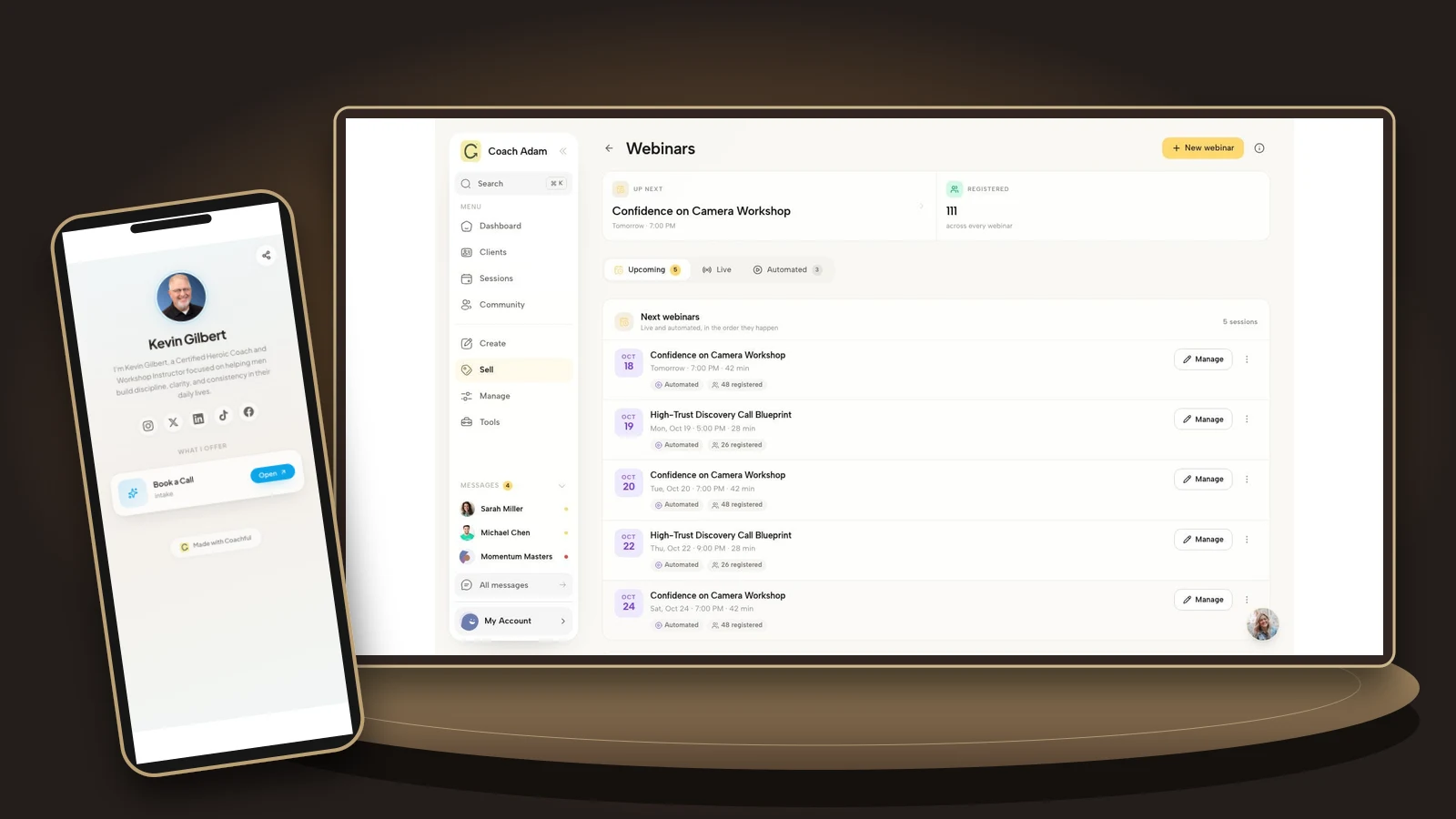
Real connection settings can help you check the platform you intend to use for delivery. They do not establish that LinkedIn registrations are imported, that attendee lists synchronize or that private access is protected. Verify those properties in your own setup before describing them to participants.
Use an in-person event when people must travel
State the venue and location accurately, along with access information, timing and any registration or ticket requirements. “In person” should not conceal an online session, and “hybrid” should not promise a remote experience you cannot deliver. If your intended arrangement does not fit the available format, resolve that before promotion.
3. Decide where a place becomes confirmed
The most expensive confusion is not an imperfect event banner. It is a participant thinking they have bought a place while you think they have merely expressed interest.
Write one sentence defining confirmation. For example: “Your place is confirmed after you complete the registration form and receive our confirmation.” For a paid event, the condition may also include successful payment. Use only the condition your actual system enforces.
If you use LinkedIn's Page registration form, decide what happens after that submission. If another booking step remains necessary, make it conspicuous before the person registers and repeat it afterward. A native form plus an external form can introduce duplication; do not add both simply because both are available.

Your destination should repeat the workshop identity, intended participant, date, time zone, duration, format, price if applicable, participation expectations and cancellation route. State whether a recording exists and what any replay includes. A general coaching homepage usually makes the interested visitor do unnecessary detective work.
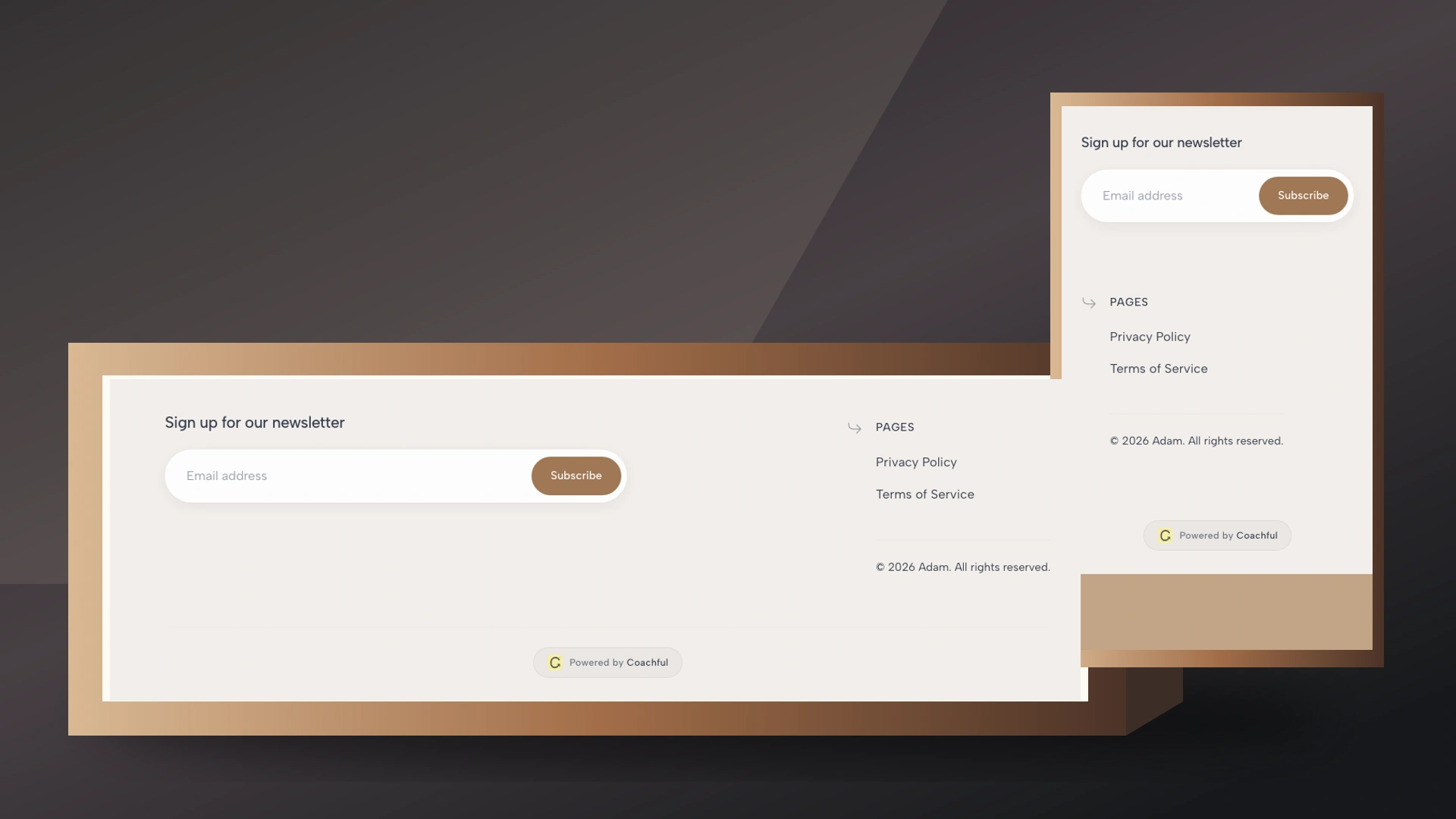
The real website workspace above illustrates where a coach can manage a public destination. It is not a claim that the pictured site is a finished workshop page. The relevant check is what an actual visitor sees after following your event link.
For a small practice workshop, test the following journey yourself:
- Open the LinkedIn event through the view your intended participant can access.
- Follow the stated external route without relying on your own signed-in coach session.
- Check that the workshop facts and price match.
- Use an appropriate preview or test process to inspect registration and payment without creating a misleading live booking.
- Check the confirmation state and how joining instructions are delivered.
- Repeat the important steps on a phone.

Keep marketing permission separate from necessary event administration. Someone who wants workshop joining instructions has not automatically requested your ongoing newsletter. Explain your actual information handling, honor applicable rules and opt-outs, and avoid collecting private coaching histories for a simple event signup.
If the form itself is the unresolved part, our workshop registration form guide covers the question set and confirmation wording. Here, the priority is making the LinkedIn-to-registration handoff understandable.
4. Write an event page that makes participation clear
Your title should identify a useful session, not promise a transformation you cannot substantiate. “Delegation practice for first-time managers” tells a potential participant more than “Unlock unstoppable leadership.” The description then explains the work.
Use this fictional example as a structure, not as a ready-to-publish event:
Delegation practice for first-time managers
A live workshop for new managers who need to hand over a recurring task without prescribing every step.
We will examine a fictional handover, draft the opening of a delegation conversation and offer optional practice. Please do not bring confidential workplace documents or identifying details about colleagues.
Add your actual date, time zone, duration, delivery platform, price and access arrangements here. State your real recording and cancellation policies.
If an external booking is required, complete the registration process at your published workshop destination. Responding to the LinkedIn event alone does not confirm a workshop place.

The example's strength is its specificity: a recognizable participant, a task, an activity and an honest next step. It does not promise that one workshop will repair a team, secure a promotion or produce a coaching client.
LinkedIn's current guide specifies a 16:9 event cover and offers an alt-text option. Use a banner that communicates this particular workshop and remains understandable on a phone. Keep the essential title, date, price and registration rule in live event text rather than making the banner their only home.
To create the event on desktop, LinkedIn documents Home, then Events, then Create an Event. Complete the organizer, type, format, name, time zone and timing fields, then the relevant description, registration and speaker options. Check the labels in your account because interfaces can change.
After Next, write the accompanying feed post and complete Post. LinkedIn explicitly says the event is not created until that final step. Before it, verify the organizer and format choices that cannot be changed later. Do not create test or temporary Pages merely to experiment; LinkedIn directs eligible Page Live testing to its built-in test-event option.
5. Promote the event without turning every connection into a lead
Start with relevance. Invite people whose professional context fits the workshop, not everyone who has ever accepted your connection request. A coach networking with peers and a coach inviting potential participants are doing different jobs.
LinkedIn's invitation guidance says organizers and attendees can invite their first-degree connections. The documented route is to open the event, choose Share, then Invite, and select the relevant people. The availability of an invitation tool is not a reason to use it indiscriminately.
A useful accompanying post can teach a small piece of the workshop:
“A delegation request can be clear about the outcome without prescribing every step. Before handing over a recurring task, ask the other person how they would approach it and where they need a decision from you.
In my upcoming practice workshop, new managers will draft and rehearse the opening of that conversation. The event page explains the date, price and registration requirements.”
This is fictional promotional copy, not a reported campaign. Replace the claim about rehearsal if your actual session does not include it. Do not imply that attendance is confidential on a professional network unless you have verified exactly what others can see.
For sensitive topics, keep public discussion about the learning task rather than asking people to reveal their situation in comments. “What makes a useful delegation brief?” is different from “Tell us why your manager makes you anxious.”

After registration, necessary event messages should explain the confirmed session, preparation, joining instructions and any changes. Ongoing promotional follow-up needs its own appropriate basis. Do not import an attendee list into an unrelated nurture sequence simply because the event was public.
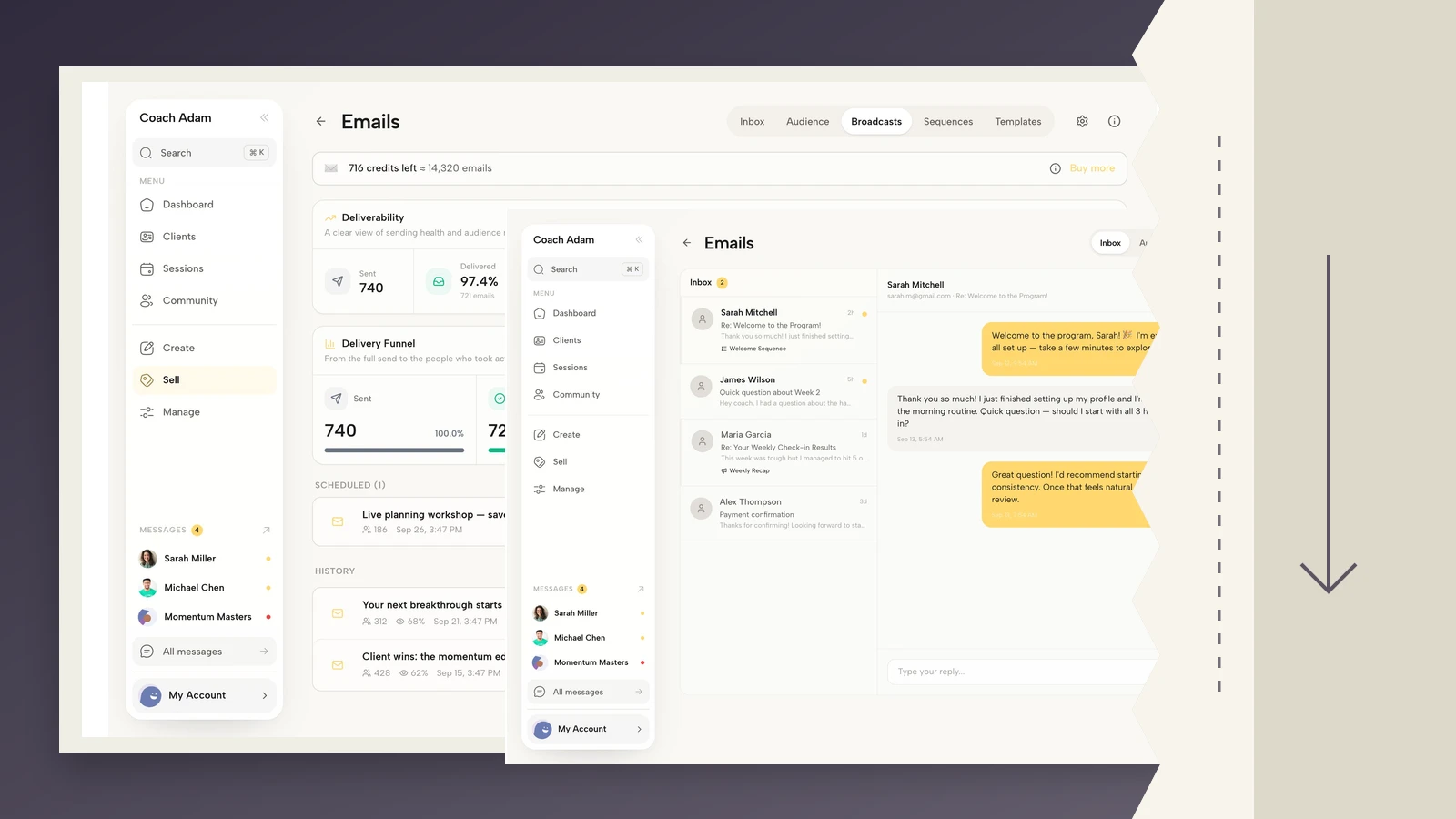
For a paid workshop, check whether the participant should still receive invitations after booking. For an external session, ensure the confirmation explains where to join rather than sending people back through an ambiguous social response button. The pictured email editor demonstrates message planning, not an automatic LinkedIn connection.
Review the handoff, not just the event response count
Keep a simple manual record of event responses, confirmed external registrations, required payments, actual attendance and relevant follow-up requests. Use the information your tools genuinely provide; do not invent a complete attribution history.

If responses increase but external registrations do not, inspect the registration instruction and destination. If registrations are confirmed but people miss the session, inspect time zones, confirmation delivery and joining instructions. If the room fills with the wrong audience, revisit the title, eligibility and where you promoted it.
Those are diagnostic questions, not proof that one cause explains every outcome. Someone may discover the event through a partner, respond on LinkedIn and book later through email. Preserve uncertainty rather than awarding every registration to the last visible interaction.
Close or update obsolete registration destinations when the workshop ends. If a replay is available, label the new experience accurately. A recorded teaching segment is not the same product as live practice and feedback.
Frequently asked questions
Can a coach create a LinkedIn Event without a company Page?
Yes. LinkedIn supports individual-profile and Page organizers. Its native event registration form is documented as a Pages-only option, so choose the organizer with the actual registration and responsibility requirements in mind.
Does clicking Attend mean someone has paid for my workshop?
No. A LinkedIn event response does not establish payment in an external system. Use your actual payment and registration records, and state the condition that confirms a place before participants commit.
Do I need LinkedIn Live to promote an online workshop?
No. LinkedIn also documents an external-event format for sessions hosted elsewhere. Live has its own eligibility and third-party streaming requirements. Choose the route that matches the experience you will genuinely deliver.
Can I add LinkedIn event attendees to my newsletter?
Do not assume event participation supplies permission for unrelated ongoing promotion. Explain how information will be used, distinguish event administration from marketing and assess the rules that apply to your circumstances. A privacy-policy link is not a substitute for following your actual obligations.
Is a LinkedIn Event better than an ordinary workshop post?
It serves a different job: a dedicated event page can centralize the event details and invitations. It does not guarantee reach, suitable participants or paid seats. Use it when your intended audience is active there and you can maintain a clear registration route.
Make the next registration unambiguous
Before inviting more people, choose the record that confirms a place and test the journey from event page to joining instructions. Fix the first uncertain step. A beautiful announcement cannot compensate for a participant not knowing whether they are booked.
If you are assessing the external administration, inspect the event, website, connection, funnel and email surfaces in Coachful's demo against that journey. You are checking whether the operational steps fit your practice, not purchasing a promise of LinkedIn reach or an unverified integration.
Source and example note: LinkedIn feature statements are grounded in its official creation, overview and invitation guidance checked for this article. Setup recommendations, copy and review categories are editorial guidance. Coachful screens contain demo data, not this fictional event, actual campaign results or evidence of LinkedIn synchronization.