Daylight Saving Time and Coaching Sessions: 5 Scheduling Checks

Nour
Founder, Coachful
Will your recurring coaching session stay at the same hour when the clocks change? Only for the time zone the series is anchored to. Before daylight saving time changes, decide whose local hour you promised to preserve, inspect the affected dated appointments, and confirm any exceptions with the client. Automatic conversion can be correct while the resulting hour no longer works.
A London client may protect 2 pm every Tuesday for coaching. Their New York coach may think the agreement is 9 am every Tuesday. Those promises usually align, but not during every week of the year. The calendar cannot decide which person's standing commitment matters more.
This guide is for coaches reviewing existing recurring appointments, not choosing scheduling software or configuring a time zone for the first time. It gives you five checks, a dated example and correction wording you can adapt before the next session.
Why daylight saving time can move a recurring coaching session
A recurring meeting needs a reference rule. A series tied to a named local zone can preserve that location's wall-clock time while the corresponding time elsewhere changes. A series tied to a fixed UTC time can move locally when daylight saving starts or ends. Inspect your actual event rather than assuming which rule your scheduler used.
Two places can also change clocks on different weekends. In autumn 2026, London returns to standard time on 25 October, while New York changes on 1 November. That mismatch creates a temporary difference in the gap between the cities.
For a hypothetical series held at 09:00 in America/New_York:
- Tuesday 20 October 2026: 09:00 New York corresponds to 14:00 London.
- Tuesday 27 October 2026: 09:00 New York corresponds to 13:00 London.
- Tuesday 3 November 2026: 09:00 New York corresponds to 14:00 London again.

These are date-specific conversions, not a permanent five-hour rule. Use the actual cities and dates for your practice. Some regions do not observe daylight saving, others follow different transition dates, and government rules can change. Check the event in an up-to-date calendar or date-aware converter.
Do not copy a current offset into every future appointment. “UTC minus four” describes an offset, not every seasonal rule for New York. Abbreviations such as CST are also ambiguous internationally. A named zone such as America/New_York or Europe/London makes the intended location clearer.
1. Decide which local hour the coaching agreement protects
Ask one practical question: when you said “every Tuesday at two,” two o'clock where? Resolve that before changing any calendar settings. The answer may already be explicit in your agreement or booking confirmation; if not, ask rather than treating your own location as the default.
There are three useful choices:
- Coach-local anchor: preserve the coach's working hour. The client accepts that their displayed hour may change, subject to agreed exceptions.
- Client-local anchor: preserve the client's regular window. The coach accepts a different local hour during some transition periods.
- Explicit dated appointments: agree each occurrence when neither person's routine can absorb a seasonal shift.

None is inherently more professional. A coach with back-to-back appointments may need a coach-local anchor. A client attending before a fixed work shift may need a client-local anchor. A global group may need a published schedule or a transparent rotation instead of promising everyone a constant local hour.
Write the decision in plain language. For example: “Our regular session is Tuesday at 14:00 Europe/London. We will check dates around clock changes and agree any exception before updating the appointment.” That is a hypothetical scheduling statement, not contract language suitable for every practice.
If the agreement currently says 09:00 New York, preserving 14:00 London on 27 October would require 10:00 New York for that occurrence. That is an appointment change requiring agreement, not a correction the software should silently make.
2. Inspect the affected occurrences, not just the recurrence label
Open the actual upcoming sessions. Look at one before the first relevant transition, one during any mismatch period, and one after the other location changes. For longer programs, check later regional transitions too. You are testing a specific series, not proving that your entire calendar works.

Record only the scheduling facts you need: appointment reference, full date, agreed anchor zone, displayed time for each person, duration and whether the hour remains workable. Leave session topics, personal circumstances and confidential notes out of the audit sheet.

Then distinguish three different problems. An event can be stored at the wrong instant; it can be correct but displayed in the wrong device zone; or it can be correct and displayed correctly but inconvenient after a seasonal change. Each calls for a different repair. Randomly moving the event can turn the second problem into the first.
Check whether an individual occurrence was previously moved. A one-off exception may not follow the rest of the series. Also inspect any session copied from an old booking, manually entered from an email, or imported from another tool. Similar titles do not establish identical recurrence rules.
Do not change your entire account to a different time zone merely to make one appointment look right. That can affect availability and other events. First identify the event, its intended anchor and the display settings involved. If the tool's behavior is unclear, test with fictional appointments or ask its support team before touching client bookings.
3. Compare the calendar, client view and actual invitation
Trace one affected appointment through the systems people actually use. Start with the original booking record, then inspect the connected calendar, the client-facing appointment and the latest invitation or confirmation. Matching titles are not enough: compare date, start time, zone, duration and joining route.

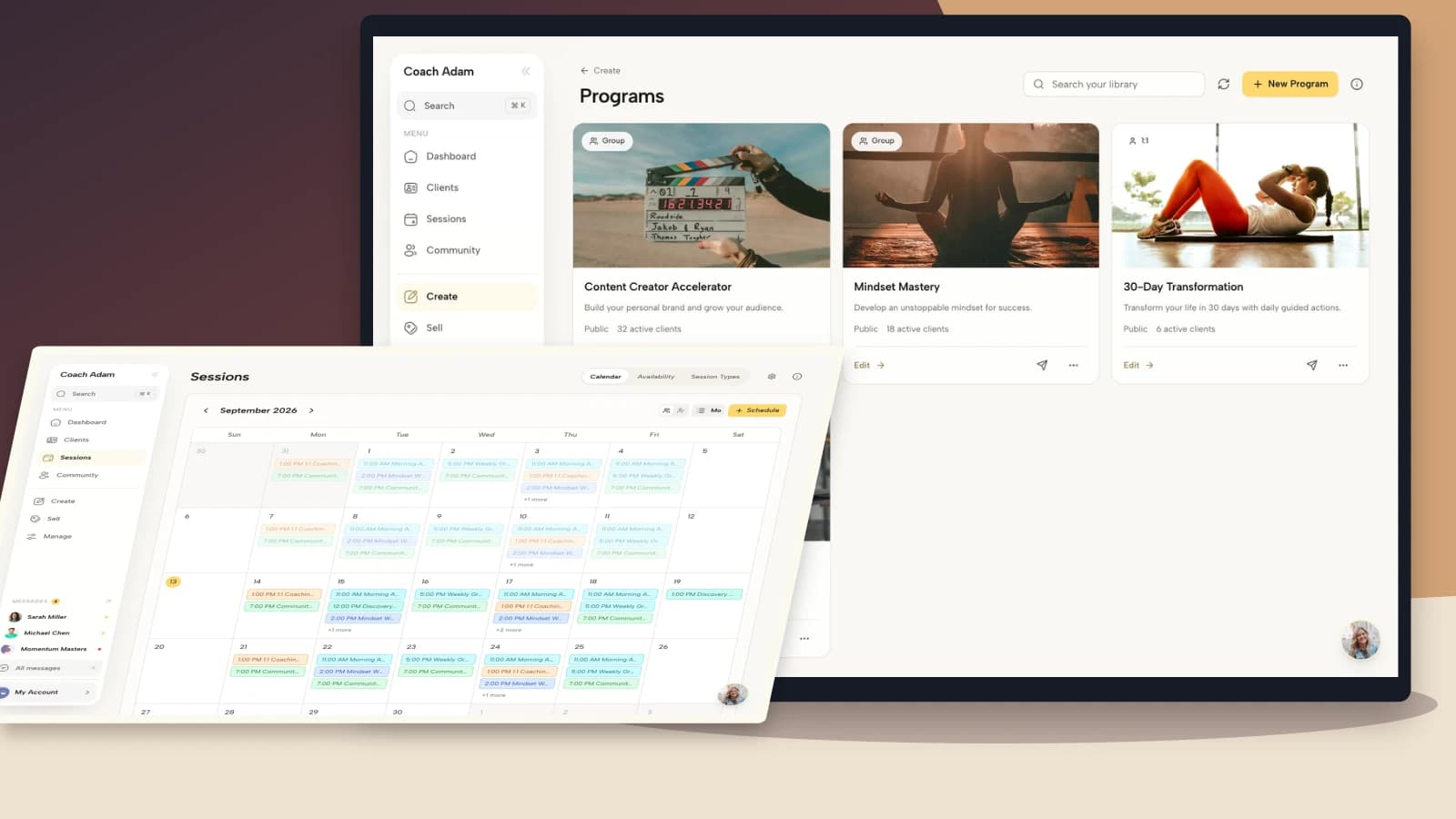
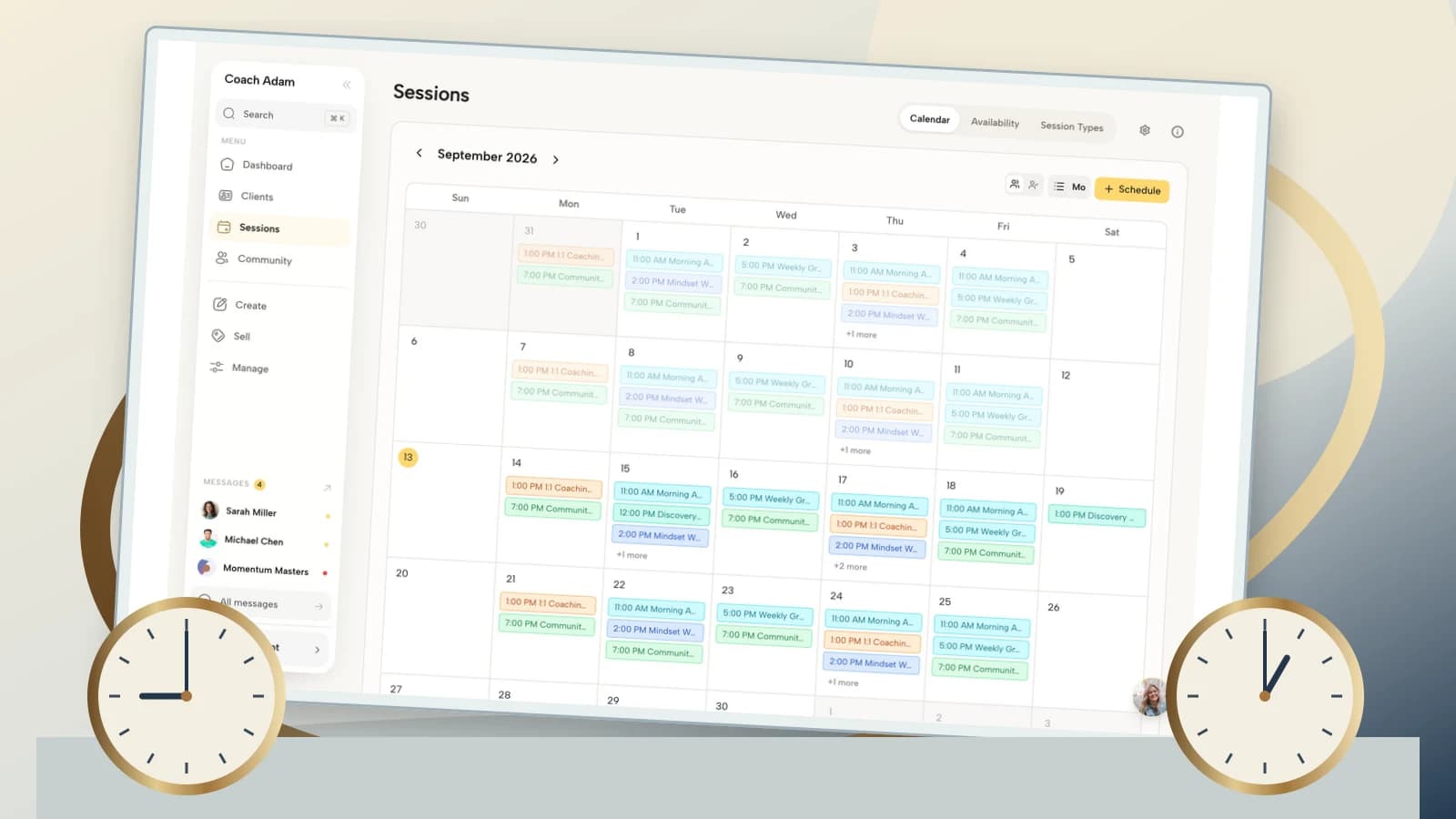
Coachful's real demo calendar and integration screens illustrate where appointment and connection information can be reviewed. They do not prove how your particular recurring series was created. For initial configuration, use the separate Coachful international time-zone setup guide; this article focuses on the agreement and audit after sessions already exist.

Use a fictional test client or another appropriate test route when checking the receiving experience. Do not access a real client's account without authorization. If a client reports a discrepancy, ask for the relevant appointment date, shown time and chosen zone, not an unredacted screenshot of their entire personal calendar.
Travel deserves a separate question: “Where will you physically be for this occurrence?” A person may keep their home zone in one app while their phone changes automatically. Changing a display zone does not itself reschedule the instant when everyone joins. Confirm the actual date as well as the hour when travel crosses midnight.
Finally, look for stale copies. An old downloaded calendar file, a manually duplicated appointment or a saved email can disagree with the updated event. Identify the current authoritative booking and verify which copy the client is using. Avoid sending several competing versions with slightly different explanations.
4. Agree the repair and update the smallest necessary scope
If the appointment remains correct and workable, leave it alone. A proactive confirmation may be useful, but a clock change is not an instruction to move every event by an hour. If a change is necessary, agree it before applying it and check the tool's scope options carefully.
Depending on the calendar, an edit may apply to one occurrence, this and following occurrences, or the entire series. Those choices are not interchangeable. Read the confirmation screen, especially when previous sessions, invoices, attendance records or meeting links are associated with individual bookings.

Use a calm, date-specific confirmation when the existing booking is correct:
Hi [first name], a quick check before the clock changes: our session on [full date] remains at [time and named zone for you], which is [time and named zone for me]. Please check the current calendar invitation. If that hour no longer works or you will be traveling, let me know through [agreed contact route] so we can agree an alternative.
When you need to propose an exception:
Hi [first name], our regular session is anchored to [agreed local time and zone]. On [full date], the clock-change difference would put it at [other person's local time and zone]. Could we instead meet at [proposed time in both named zones]? I will update the appointment after we agree. Until then, please treat this as a proposal, not a confirmed change.
If you made the scheduling error, own it. Say what was wrong, give the verified replacement details and explain whether anything else changed. Do not blame the client's phone before checking your own event. Any fee, credit or cancellation decision should follow the agreement, applicable obligations and the circumstances, not an automatic assumption that the client failed to attend.
After an agreed edit, read back the exact occurrence. Check that the new invitation reached the intended recipient and that old-time reminders will not continue. Confirm the joining link still belongs to the right appointment. A successful save is only the beginning of the verification.
5. Make the next transition a small recurring review
Keep a short list of active scheduling regions and the anchor rule for each recurring arrangement. You do not need an elaborate database of client whereabouts. You need enough information to identify a series that crosses a relevant transition and to know whose hour should stay steady.
Set your review far enough ahead to agree changes without pressure. The right lead time depends on your cancellation terms, the program and the client's commitments. Check again when someone travels, changes working hours or joins from another region. A seasonal calendar reminder cannot catch those changes by itself.

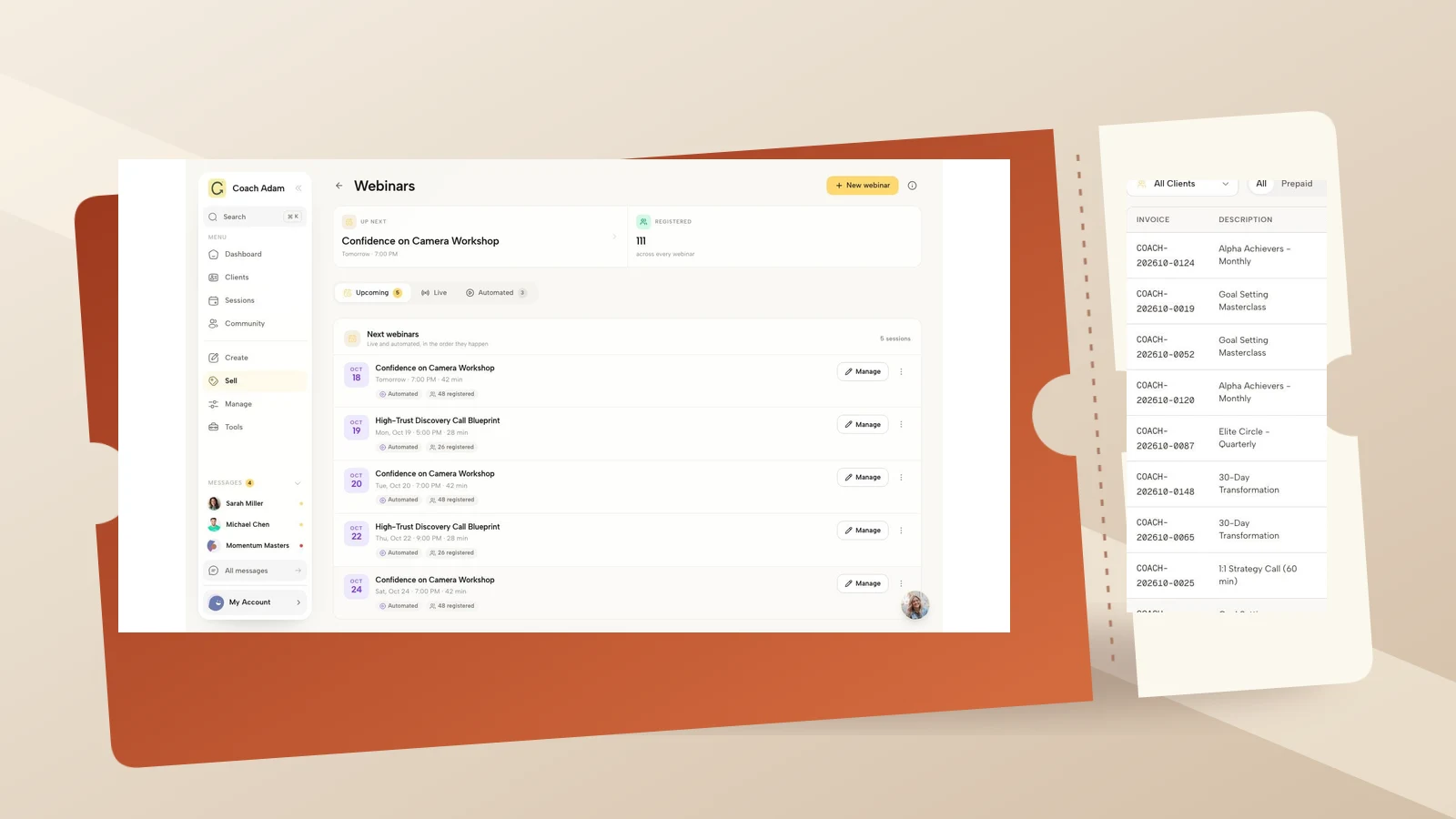
Review the path clients use to reach booking information too. An old link in a profile, a saved message or an outdated program page can send someone toward the wrong appointment route. Coachful's real link-page preview demonstrates an entry point, not a recurrence editor. Test the destination and the existing appointment separately.
If you run a group, publish the affected dates and local-time expectations clearly. Do not quietly favor one region while advertising a universally convenient schedule. If you rotate inconvenient hours, state the rule before enrollment. Offer an appropriate alternative only when it genuinely fits the service; a recording is not automatically an equivalent replacement for live coaching, and recording participants raises its own consent questions.
When you are evaluating whether Coachful suits your scheduling process, try the interactive demo to inspect the calendar, connection and client-facing surfaces shown here. Then test your own anchor rule with fictional dated bookings before relying on it. No platform can resolve an unspoken promise about whose Tuesday afternoon should remain free.
A daylight-saving session audit checklist to copy
- Agreement: identify the named zone and the local hour the arrangement protects.
- Dates: inspect real occurrences before, during and after relevant transition periods.
- Conversion: verify each date with the actual cities, not a remembered offset.
- Feasibility: ask whether both people can attend the resulting local hours.
- Receipt: compare the booking, connected calendar, client view and latest invitation.
- Repair: agree any change and choose the correct occurrence or series scope.
- Readback: verify the replacement time, recipient, link and old reminder suppression.
Save the decision and the next review date. The useful record is “27 October exception agreed; invitation checked,” not a private explanation of everything happening in the client's life. Keep scheduling administration proportionate to the task.
Frequently asked questions
Should recurring coaching sessions be fixed to UTC?
Only when a fixed UTC instant is the intended agreement. UTC is useful for comparing instants, but it does not preserve a person's local wall-clock hour through their daylight-saving change. For a promise such as “Tuesday at 2 pm in London,” use a recurrence approach that preserves that named local zone and verify the dated events.
Can both people keep the same local hour all year?
Not always. When the time gap between their locations changes, preserving both different local hours can become impossible for the same instant. Choose an anchor, agree exceptions or book dated sessions. A more sophisticated calendar does not remove that trade-off.
Does changing my phone's time zone move the meeting?
A display-setting change normally changes how an existing instant is shown, not the instant itself. Editing the event's time or recurrence can be different. Because apps and import routes vary, inspect the actual appointment and compare it with the agreed time before sending a correction.
What if a client misses a session during a clock change?
Check the invitation, updates and agreement before deciding it was a no-show. Establish whether the booking was wrong, the display was confusing or an agreed exception was never applied. Resolve the immediate appointment fairly, then fix the source rather than adding another generic reminder.
The goal is not to become better at mental time conversion. It is to make one scheduling promise explicit, verify the affected dates and change only what you have actually agreed to change.