Double Opt-In Email for Coaches: Template and 7 Checks

Coachful
Editorial Team
What should a double opt-in email say when someone signs up for your coaching newsletter? Name the newsletter, explain that one confirmation is still needed, and give them a single specific confirmation link. Do not turn that message into a discovery-call pitch. In a double-opt-in flow, the address stays out of ongoing newsletter marketing until the confirmation is completed.
The awkward failure is not an ugly button. It is a prospect downloading your worksheet and then receiving a sales sequence they never knowingly joined. A second click can help establish a deliberate subscription, but it cannot rescue a misleading form or give you permission to send unrelated offers.
Below are three adaptable email examples, signup and thank-you wording, and seven checks for the complete journey. They are hypothetical templates, not messages Coachful has sent. Replace every bracketed field and use the confirmation link generated by your email system, not a normal website link dressed up as a confirmation button.
What double opt-in means for a coaching business
Double opt-in separates requesting a subscription from confirming it. Someone first submits a signup form. Your system sends a confirmation email to that address. They complete the confirmation, and the system makes the intended subscription eligible for ongoing email.
That is different from a welcome email, which introduces a subscription that is already active. It is also different from confirming a discovery-call appointment, delivering a requested worksheet or verifying a client account. Those actions have their own purposes. Do not quietly convert any of them into consent to a coaching newsletter.
Mailchimp's explanation of double opt-in describes the two-stage signup process and an important implementation detail: its email setting applies to Mailchimp signup forms, with separate considerations for integrations and API submissions. The general lesson is useful whichever provider you use: check the specific entry path, not just a setting somewhere in the account.

Copy this double opt-in email template
Use this as the default for a straightforward newsletter subscription. Keep the recognizable coach or business name in the sender field. The confirmation message should make sense to someone who opens it later, on a phone, without remembering the wording on your website.
Subject: Confirm your subscription to [Newsletter name]
Preview: One step left to receive [brief description].
Hi [First name],
You requested [Newsletter name] from [Coach or business name]. It includes [specific topics and expected frequency].
To confirm that you'd like these emails, use the link below.
[Confirm my subscription]
[System-generated confirmation link]If you did not request this subscription, you can ignore this message. We will not activate this newsletter subscription without confirmation.
[Coach name]
[Business identity and required contact/footer details]
The final reassurance must describe your actual setup. If the address is already subscribed through an earlier valid signup, ignoring a new confirmation request may not end that existing subscription. Test repeat signups and use wording appropriate to the state your provider recognizes.
Do not add a booking button, discount countdown or testimonial. The person is deciding whether they asked for this email relationship. Giving them four other actions makes that decision harder and can blur a functional confirmation with unsolicited promotion.
Three examples for common coach signup journeys
1. A weekly coaching newsletter
This example names the content and cadence instead of promising vague inspiration. Adapt the frequency to what you can actually maintain. If offers are part of the subscription, disclose them rather than pretending every message will be purely educational.
Subject: Confirm you want The Friday Leadership Note
Hi [First name],
You asked to receive The Friday Leadership Note from [Coach name]: a weekly email about delegation, difficult conversations and leading a team, with occasional information about my coaching services.
Confirm below to start receiving it.
[Yes, subscribe me to The Friday Leadership Note]
[System-generated confirmation link]Didn't request this? Ignore this message and this signup will not activate.
[Coach name and required footer details]
2. A free resource with an optional newsletter
A worksheet request and an ongoing subscription should not become indistinguishable. In this example, the visitor can access the promised worksheet separately and has also chosen an optional newsletter signup. The confirmation email confirms only that additional subscription.
Subject: Confirm your optional career-planning emails
Hi [First name],
When you requested the Career Conversation Planner, you also chose to receive [Newsletter name] from [Coach name].
Confirm below for [frequency] emails about preparing career decisions, plus occasional coaching offers. Your access to the planner does not depend on confirming this optional subscription.
[Confirm my career-planning subscription]
[System-generated confirmation link]If you did not choose these emails, ignore this message. We will not activate this newsletter signup.
[Coach name and required footer details]
Only use that wording if access really is independent. If your offer is an email course rather than a separate download, explain that arrangement before submission and make confirmation part of subscribing to the course itself. Do not promise an unconditional file, then hold it hostage to a different marketing subscription.

3. Updates about a future group program
A program interest list is not automatically a general newsletter. State what the person is confirming: updates about that particular offer, not every future message from your business. A launch date should appear only when you have genuinely decided it.
Subject: Confirm updates about [Program name]
Hi [First name],
You asked to hear when [Program name] next opens for enquiries. These emails will cover the program format, dates when available, fees and how to apply.
Confirm below if you'd like those updates from [Coach name]. This does not reserve a place or commit you to buying.
[Confirm updates about this program]
[System-generated confirmation link]If this wasn't you, ignore this message and this signup will not activate.
[Coach name and required footer details]
Do not automatically add these people to your weekly newsletter after the launch. Offer that as a separate choice when appropriate. Confirmation establishes the subscription described; it is not a blank cheque for your entire content calendar.
Write the signup page and confirmation page together
The email is the middle of the journey. The signup page must create an accurate expectation, and the page after submission must explain what remains unfinished. Writing them together exposes contradictions before you connect the automation.
Example signup copy: “Get The Friday Leadership Note: one practical email each Friday about leading a team, plus occasional information about my coaching services. Enter your email, then confirm through the message we send you. You can unsubscribe later.” Include the appropriate privacy information and any consent controls your circumstances require.
Example post-submission copy: “Check your inbox for ‘Confirm your subscription to The Friday Leadership Note’ from [Sender name/address]. Open it and use the confirmation link to finish subscribing. If it has not arrived, check your spam folder and the address you entered. [Support or correction route].”
Example completed-confirmation copy: “You're subscribed to The Friday Leadership Note. Expect [accurate first-send expectation]. You can unsubscribe using the link in our newsletter.” Do not display this completed state merely because someone submitted the initial form.

Check the same promise on your profile link, embedded form and event follow-up page. A visitor should not click “Get the planner” in one place, arrive at “Join my newsletter” in another, and receive “Confirm your program application” in their inbox.

Seven checks before you enable the journey
1. Confirm exactly what the person requested
Write down the subscription name, topics, sender and expected frequency. Identify whether offers are included. If you cannot describe the subscription in one sentence, simplify it before testing the technology.
Keep a suitable record of the signup wording and the confirmation event using your provider's documented capabilities. A current form screenshot alone may not show what an older subscriber saw. Retain only the information you need, with appropriate access and retention controls.
2. Separate resource access from optional marketing
Test what happens when someone requests the resource but declines the optional newsletter. They should receive the experience you promised, without being enrolled in marketing they did not choose.
Necessary client communications need their own route. A coaching client who declines a newsletter may still need the join link for a paid session. Conversely, sending an appointment email does not create a newsletter subscription.

3. Use a real confirmation action
Use your provider's documented confirmation mechanism. A link to your homepage or thank-you page is not enough unless the system actually validates the request and updates the intended subscription state.
Test expired or invalid links, a repeated click and a request for a fresh confirmation message. Do not invent an expiry period in your copy. Email security scanners can also inspect links; ask your provider how its confirmation process handles automated link activity rather than assuming every recorded visit was a deliberate person.
4. Keep unconfirmed addresses out of newsletter sends
Use a test address you control and submit the form without confirming. Check that no newsletter or marketing nurture begins in this double-opt-in journey. Then confirm and check that only the intended subscription becomes eligible.
Review both automatic sequences and ordinary broadcast selection. A correctly gated welcome sequence is not enough if a later campaign includes everyone with an email address. Do not run the test against real subscribers or send a campaign just to find out.

5. Make the confirmation usable without images
Put the request and confirmation action in live email text. The email should still work when images are disabled, the logo fails or someone uses a small screen. Use a descriptive button label and a usable text fallback where your provider supports it.
Check that the sender is recognizable and replies go somewhere monitored. If delivery fails, investigate the actual address, domain authentication and provider error. A prettier design does not fix a broken destination.
6. Define the no-click and mistaken-signup behavior
Silence is not confirmation. Do not activate the subscription after a delay just because the person has not objected. Do not turn an unconfirmed signup into a repeated promotional chase.
Use your provider's supported resend and pending-record handling, adapted to applicable rules. If someone says they never requested the message, stop the unwanted contact and investigate the entry path. Repeated automated signups may need rate limiting or other abuse protection, not more persuasive copy.
7. Test later unsubscribe and repeat signup
After confirmation, check the unsubscribe route and what it affects. Then test a repeat form submission using that same test address. Do not allow a new form event to silently override a prior opt-out contrary to the person's actual choice.
Record the result of each test: entry page, submitted choice, confirmation behavior, resulting eligibility and later unsubscribe. The useful evidence is the observed state, not “the email looked fine.”

Do coaches legally need double opt-in?
There is no useful universal answer for every coach, country, recipient and message. Double opt-in is a permission-confirmation method, not a complete legal compliance program. Applicable privacy and electronic-marketing rules still govern what you can collect, what you must explain, when you may contact someone and how they can stop it.
For example, the UK ICO's electronic mail marketing guidance describes consent requirements for individuals and a limited existing-customer exception with conditions. The page also flags that its guidance is under review following legislative changes. Do not treat a simplified blog explanation as a substitute for checking current rules or getting qualified advice for your situation.
A confirmation click does not make purchased contacts legitimate, repair an undisclosed subscription or authorize sharing confidential coaching information. Keep sensitive client details out of subscription labels and email subject lines. Someone's work inbox is not a private coaching notebook.
How Coachful fits this workflow
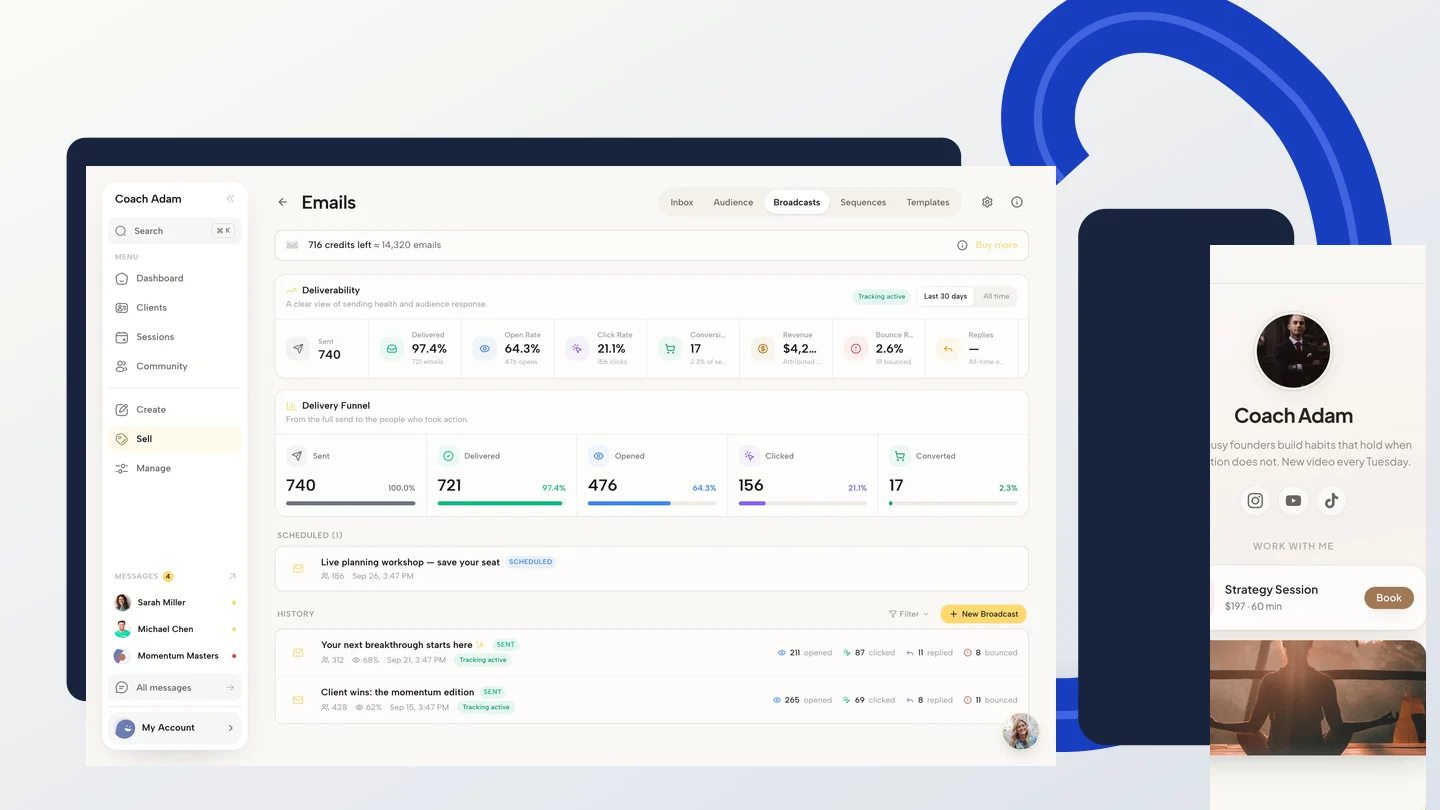
Coachful's public platform guide documents newsletter double opt-in with editable wording. The real product screens in this article show related website, form, link-page and email surfaces. They do not show a completed double-opt-in configuration or prove that a particular form is connected to it.
Before using your own journey, verify which signup route uses the newsletter setting and test the actual confirmation and unsubscribe behavior. If a custom form, imported contact or external integration is involved, confirm that path separately rather than assuming it inherits the same permission rules.

If you are choosing where to build this process, try the interactive Coachful demo to explore the website and email workspace. Bring the subscription promise and seven checks above. The useful next step is to see how you would connect the journey, not to send a test broadcast to your audience.
Frequently asked questions
How long should a double opt-in email be?
Long enough to identify the request, name the subscription, explain the action and reassure someone who did not request it. It usually does not need a biography, lesson or sales argument. Necessary identity and footer information still belongs in the message.
Should the confirmation email include a coaching offer?
Keep the confirmation focused on the requested subscription. Describe honestly that the future newsletter includes offers if that is part of the promise, but do not use the confirmation message itself as an extra sales email.
Does double opt-in guarantee inbox delivery?
No. It can help check whether a signup is intentional, but delivery also depends on technical configuration, address quality, content, recipient systems and sending practices. Do not promise a particular open rate or assume a confirmation process prevents every automated or unwanted signup.
What if someone confirms but never buys coaching?
They subscribed to the emails you described, not a buying obligation. Serve that subscription, make relevant invitations within its scope and honor their choice to leave. A smaller honest list is more useful than a large list whose permission you cannot explain.