How to Manage Client Scheduling Without Doodle

Nour
Founder, Coachful
Discovering how to manage client scheduling without Doodle enables executive coaches, cohort facilitators, and group practice leaders to coordinate multi-participant meetings without forcing executives into ad-cluttered public polling web pages. While Doodle has historically been used for informal club meetings or social dinner polls, coordinating high-stakes executive masterminds, tripartite sponsor reviews, and corporate advisory sessions requires a private, ad-free environment that integrates directly with client calendars and program portals.
Sending Doodle links to enterprise clients creates immediate friction: executives are confronted with intrusive third-party banner advertisements, confusing timezone conversions, and public participant lists that compromise corporate confidentiality. Below: an architectural breakdown comparing standalone polling widgets with native coaching calendars, automated availability syncs, and client portal booking. To connect group scheduling with live workshop delivery, explore our guide on running masterclasses without Zoom, review our plans, and explore our coaching features.
Doodle Public Polling vs Coachful Native Executive Scheduling
| Scheduling & Polling Feature | Doodle Public Meeting Poller | Coachful Native Scheduling Hub | Coaching Practice & Executive Benefit |
|---|---|---|---|
| Client Privacy & Ad Experience | Intrusive public banner ads, trackers, and exposed participant names. | Completely private, white-labeled, ad-free executive scheduling interface. | Protects corporate confidentiality and reinforces executive positioning. |
| Calendar Integration & Sync | Basic iCal or Google sync often requiring manual link sharing. | Real-time bi-directional sync with Google, Outlook, and Apple calendars. | Eliminates double-booking and automates meeting room provisioning. |
| 1-on-1 and Group Hybrid Booking | Group polls only; requires separate booking tools for 1-on-1 sessions. | Handles 1-on-1 advisory calls, group workshops, and cohort masterminds. | Consolidates all appointment workflows within one centralized dashboard. |
| Client Portal Context | Sits on external web domain with zero coaching context or history. | Embedded directly inside the client developmental portal and mobile app. | Allows clients to review goals and prepare notes before joining calls. |
Why Standalone Meeting Polls Damage Executive Credibility
Scheduling high-value executive coaching sessions or corporate board alignments requires speed, discretion, and absolute ease. When a coach sends a generic Doodle poll link, busy executives are forced to navigate through commercial advertising popups, select multiple dates manually, and re-check their corporate calendars in separate windows.
Furthermore, Doodle public polls expose participant names and email addresses to anyone holding the link, creating severe corporate privacy breaches when scheduling sensitive organizational restructuring reviews or executive transitions. In contrast, dedicated coaching platforms coordinate availability privately while honoring enterprise security.
- Unprofessional Advertising Clutter: Subjecting enterprise buyers to third-party consumer ads diminishes the perceived value of high-ticket executive coaching programs.
- Confidentiality Violations: Exposing participant names and meeting agendas on unauthenticated public links violates basic enterprise data privacy standards.
- Administrative Polling Delays: Waiting days for participants to vote on poll times causes momentum loss, calendar shifts, and delayed project kickoff dates.
Architecture of a Unified Executive Scheduling Hub
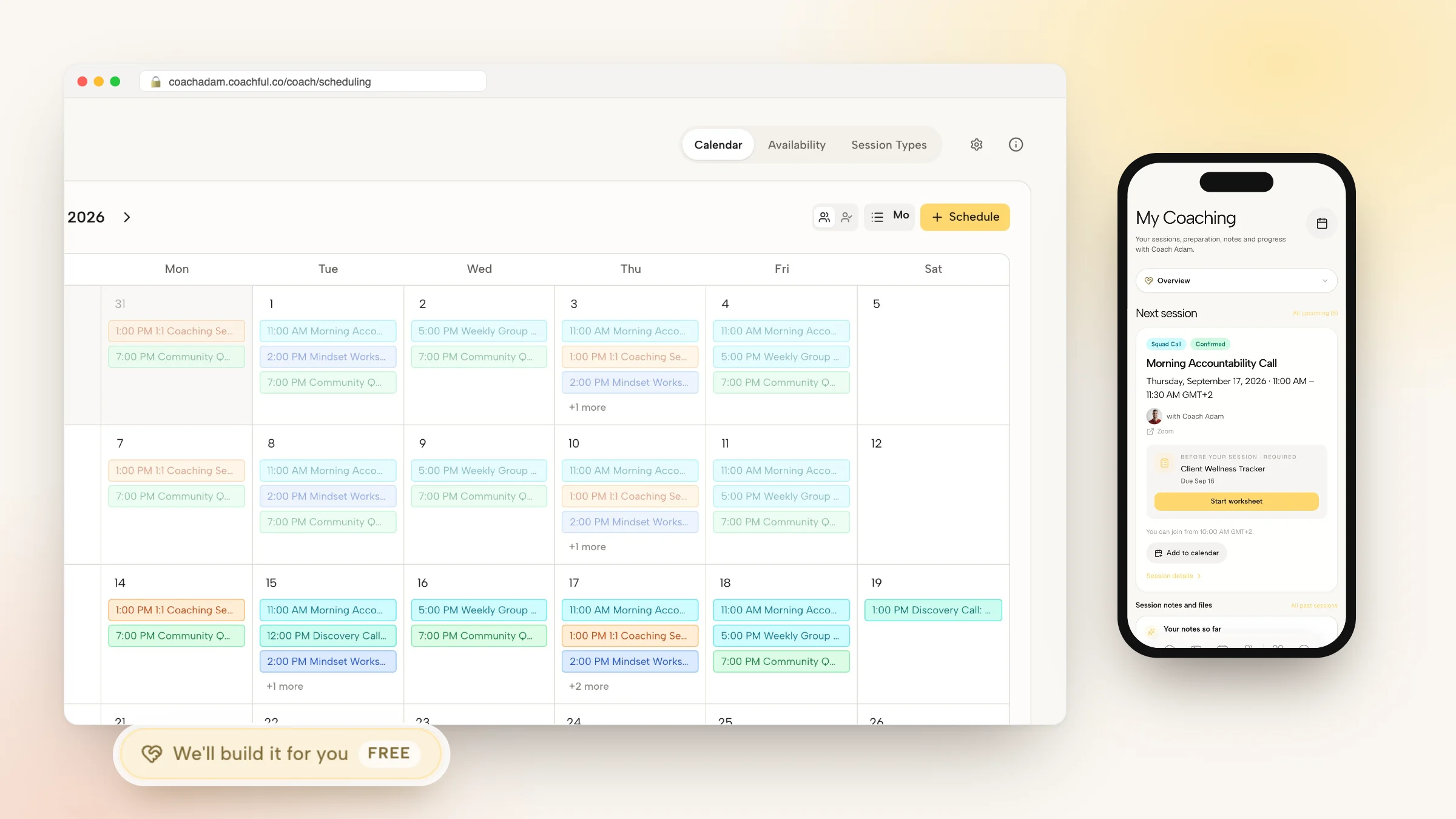
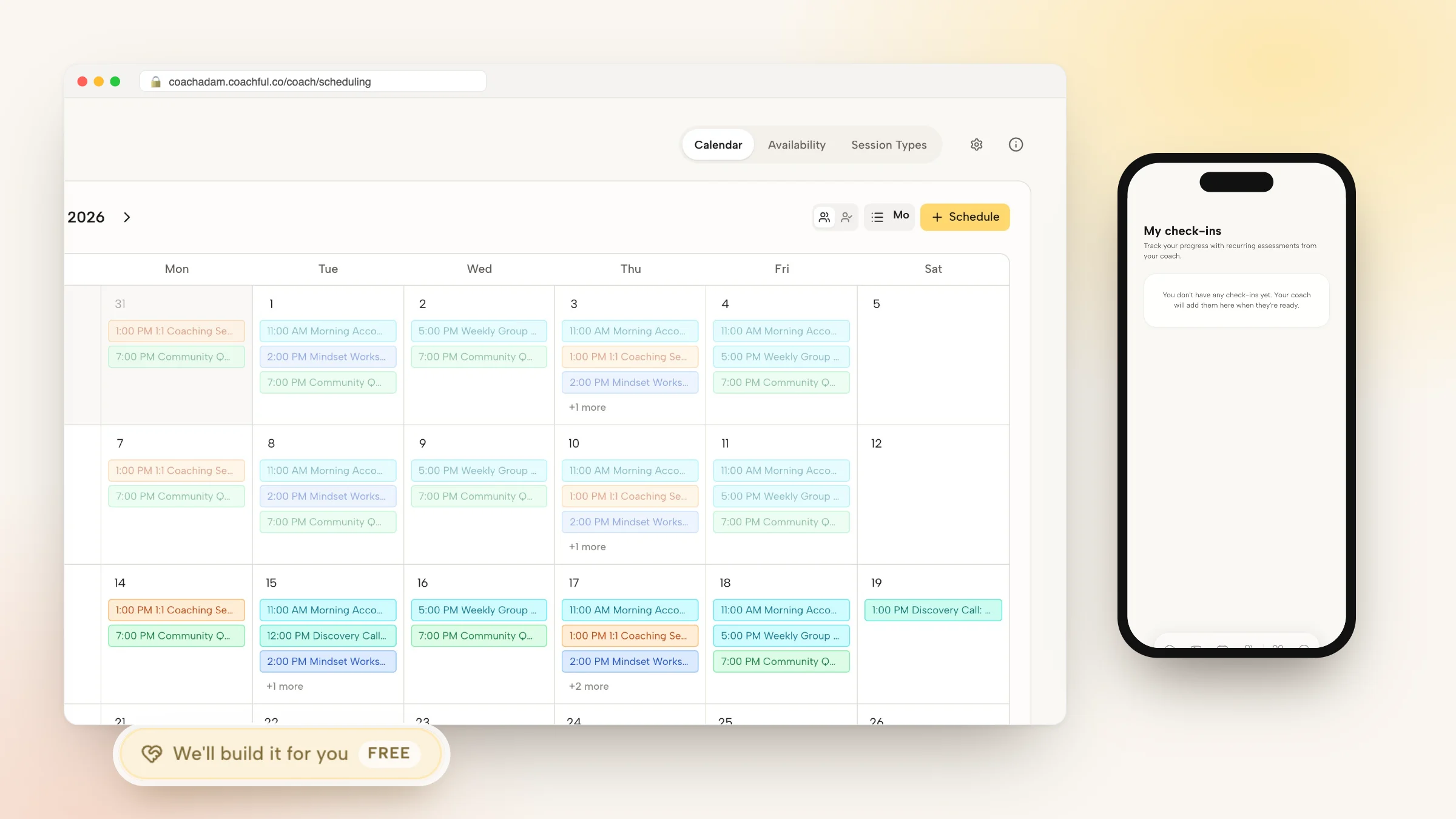
A modern coaching scheduling system eliminates the friction of meeting coordination by uniting personal booking links, group workshop calendars, and automated client notifications within one ecosystem. Instead of managing external polling tools, clients select available times directly within their portal.
When an executive logs in, the platform detects their local timezone automatically, displays available advisory slots based on real-time calendar availability, and provisions private video meeting links instantly upon booking.
- Real-Time Bi-Directional Calendar Sync: Synchronizes directly with Google Calendar, Microsoft Outlook, and Office 365, automatically blocking personal conflicts.
- Automated Multi-Timezone Detection: Converts appointment times accurately for global executive clients, eliminating costly missed international sessions.
- Integrated Preparation Prompts: Prompts clients to submit pre-session focus reflections directly inside the booking confirmation screen.
Worked Dialogue: Coordinating a Complex Tripartite Sponsor Review
The following transcript illustrates an executive coach smoothly coordinating a tripartite review meeting between an executive client and their Chief Human Resources Officer without resorting to messy email chains or public poll links:
By providing a streamlined, executive-ready booking link, the coach coordinates three demanding calendars in minutes.
- Respecting Executive Time: Providing direct multi-attendee availability slots eliminates five rounds of back-and-forth email scheduling.
- Automating Calendar Holds: Dispatching calendar holds with clear agendas ensures all stakeholders arrive fully prepared for the review.
Step-by-Step Blueprint: Setting Up Native Scheduling in Coachful
Replacing external scheduling polls with Coachful native calendar system simplifies your operations and provides a premier client experience. Follow these four implementation steps.
Your clients enjoy an ad-free, intuitive scheduling process that reinforces your authority as a trusted executive partner.
- Step 1: Connect Your Professional Calendars: Link your Google or Outlook accounts inside Coachful settings to establish real-time availability sync.
- Step 2: Define Appointment Types and Buffer Times: Configure 60-minute executive sessions, 90-minute kickoffs, and group masterminds with automated 15-minute buffers.
- Step 3: Embed Scheduling into Client Portals: Enable direct in-app booking so enrolled clients can schedule sessions directly from their web portal or mobile app.
- Step 4: Configure Automated Email and SMS Reminders: Set up automated 24-hour and 1-hour session reminders featuring direct meeting room access links.
Frequently asked questions about how to manage client scheduling without Doodle
Can I set buffer times between coaching sessions to prevent back-to-back fatigue?
Yes. You can configure automatic 10, 15, or 30-minute buffers before and after every appointment to ensure adequate time for session debriefs and personal recovery.
How does native scheduling handle client cancellations and reschedules?
Clients can reschedule or cancel appointments directly through their confirmation email or portal dashboard according to your customized cancellation policy rules.
Can I restrict booking availability to specific days of the week?
Yes. You can designate specific days for deep client delivery (such as Tuesdays and Thursdays) while reserving other days for strategic practice development.
Does the calendar support scheduling across international timezones?
Yes. Coachful automatically detects each client local timezone and displays available slots in their local time, preventing confusion across global regions.
Scheduling should be an effortless, dignified entry point into your coaching relationship, not an exercise in navigating consumer banner ads and clumsy public polls. By replacing standalone tools like Doodle with an integrated coaching platform, you protect client confidentiality and deliver a polished executive experience.
Streamline your calendar and coordinate client sessions effortlessly with Coachful today.