How to Move Coaching Clients Off WhatsApp: 7 Practical Steps

Coachful
Editorial Team
How do you move coaching clients off WhatsApp without losing the relationship, the work or half your week? Choose a clear home for current coaching work, agree the change with each client, transfer only what is still needed, and rehearse one real task before the new channel becomes primary. Do not begin by exporting every conversation.
The awkward part is rarely the software. It is telling a client who has been sending voice notes for months that the arrangement is changing. If you frame the move as “please install my new system,” you have given them a chore. Explain what they will be able to find and do instead.
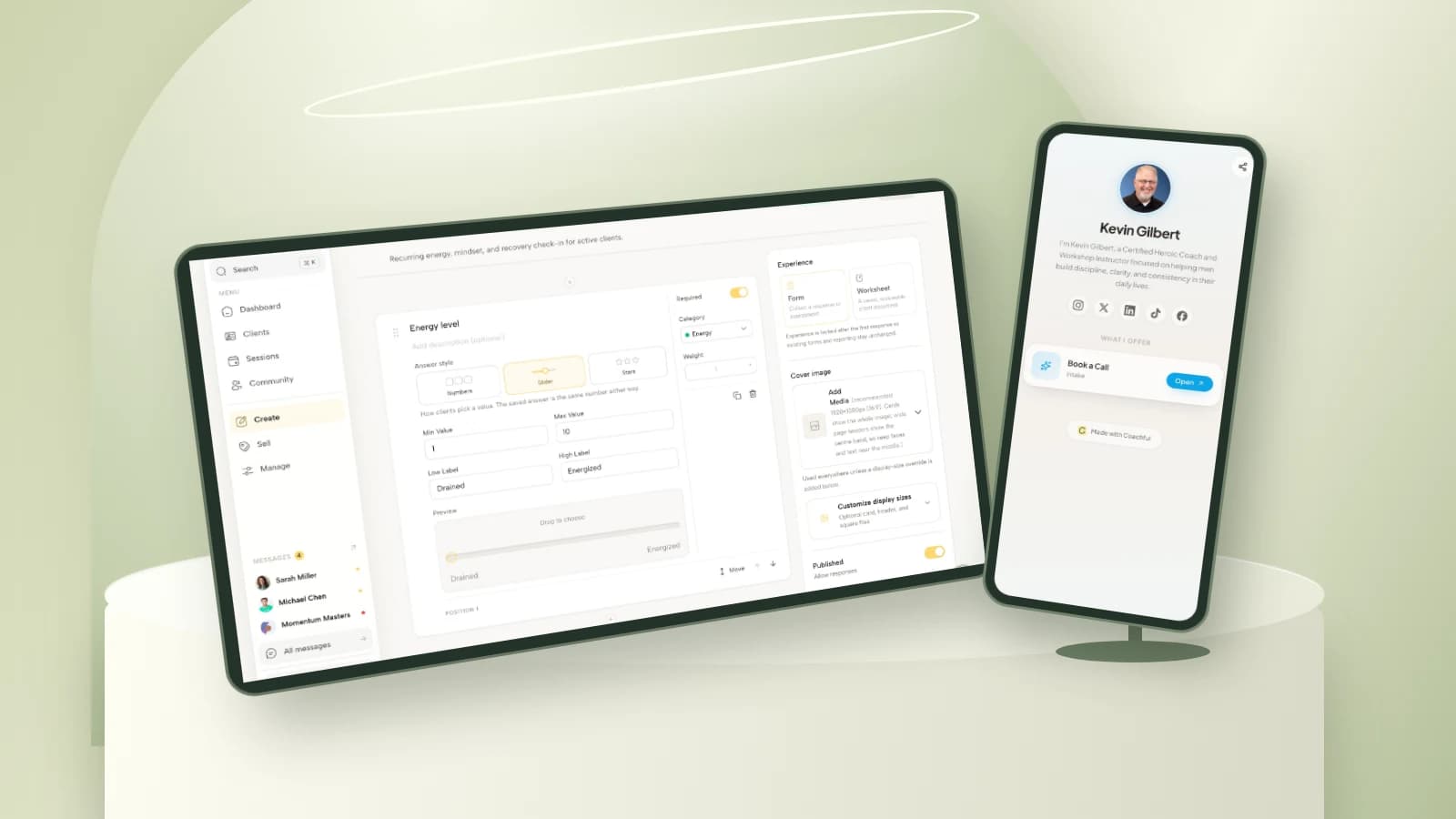
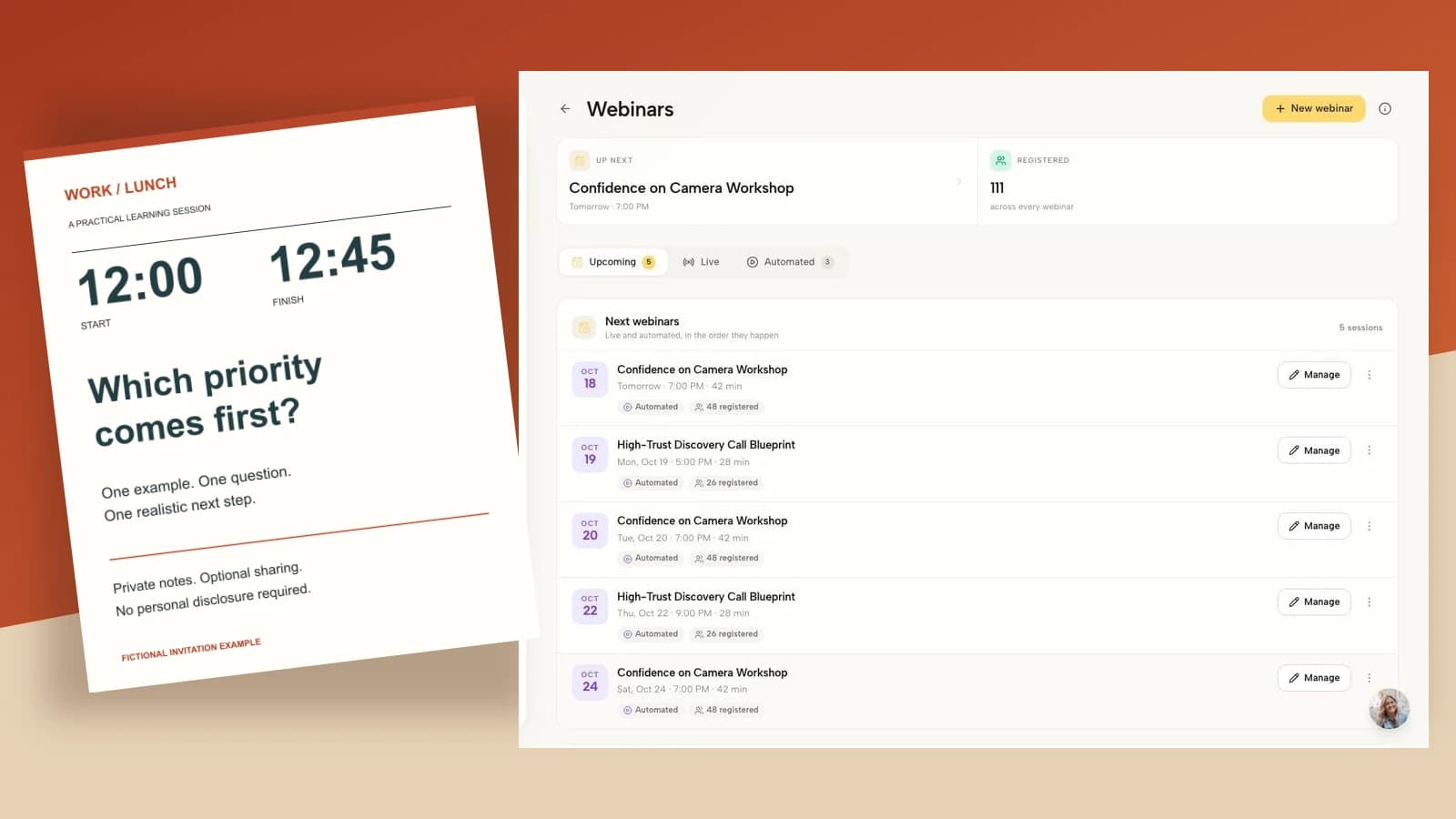
This seven-step plan is for coaches changing their communication and delivery process, not for consumers moving personal chats between phones. It includes a client message, a selective handover example and a cutover plan. The examples are hypothetical; the Coachful images show real demo surfaces, not a WhatsApp integration or automatic import.
Should you move coaching clients off WhatsApp at all?
Move when the current arrangement makes a specific part of your service unreliable: actions disappear into a long thread, scheduling changes have no dependable record, personal and professional messages become difficult to separate, or you cannot support an agreed handover. Familiarity is a genuine benefit, so do not dismiss it merely because you have purchased software.
You may decide to keep WhatsApp for a narrow, agreed purpose and move only structured work. Alternatively, you may stop using it for client communication. The right choice depends on your clients, your service commitments, access needs and information-handling responsibilities. A client’s preference matters, but it does not oblige you to offer a channel you cannot operate responsibly.
Success means a client can complete the next coaching task through the agreed route, not that you have copied every historical message. Define that outcome before choosing a migration date. General between-session support boundaries still matter, but this guide addresses the actual changeover.
1. Map the work before you move the conversation
Make a short inventory for each active client. Separate conversation from the decisions and work products the conversation contains. A voice note saying “I think I will try this on Thursday” is not automatically the current action plan, especially if the plan changed in the next session.
- Conversation: the agreed route for brief messages and questions.
- Current work: the goal, next action and preparation for the next session.
- Scheduling: the confirmed appointment and the route for changes.
- Resources: the few documents or program materials the client still needs.
- Administrative records: agreements, invoices and other records that follow their own handling requirements.
Give each category one authoritative destination. That does not require one application for everything. It does require that the client and coach know which record to trust. If appointments are managed in a calendar, do not create a second, contradictory appointment list in chat.

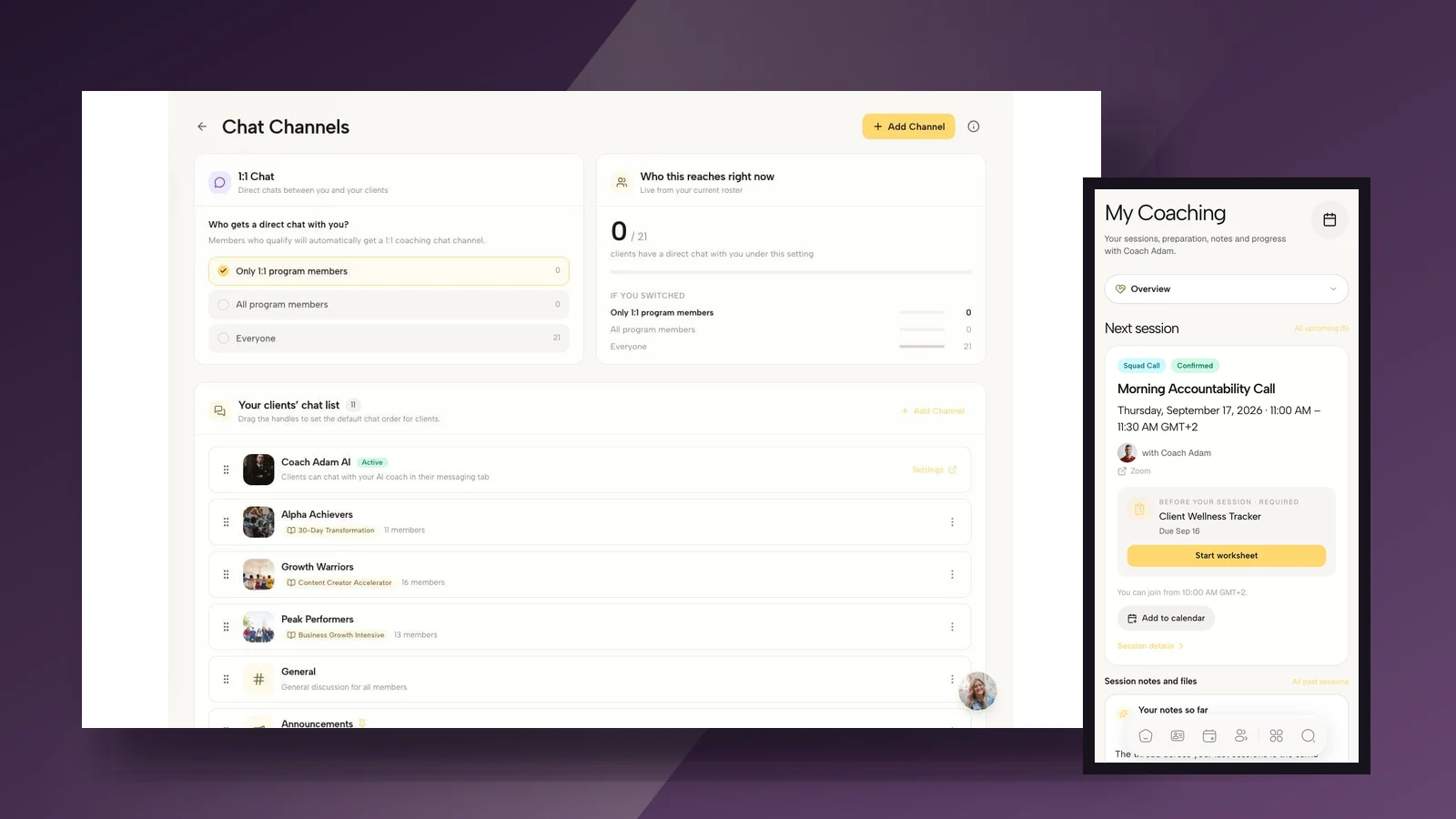
Coachful’s demo messaging view above illustrates one possible conversation destination. It does not show a connection to WhatsApp or a facility to import its history. Treat the migration as a service-process change unless you have separately verified a technical transfer mechanism.
For a small practice, start with a simple internal map: client, current channel, new message route, current action location, next session, access rehearsal and unresolved issue. Keep this map private. It is an operational aid, not another place to copy sensitive coaching details.
2. Transfer a useful minimum, not a transcript dump
Work with the client to identify what still has a purpose. Usually the useful starting point is a concise summary of the current goal, the next agreed action, a relevant resource and the next confirmed session. That is a recommendation for a working handover, not a universal record-retention rule.
A complete export can contain third-party names, screenshots, old attachments, personal messages and material that belongs outside the new workspace. Uploading all of it because an export exists can increase the information you must manage without improving coaching. Do not confuse “available to copy” with “necessary to transfer.”

Hypothetical example: a first-time manager is preparing a delegation conversation. The new working record says: “Current focus: make a clear delegation request. Next action: draft the request before our next session. Resource: the agreed preparation worksheet. Next meeting: see the confirmed calendar entry.” It does not include screenshots identifying employees or an unrelated voice note from an earlier month.
Ask the client to correct the summary. Your recollection may differ from theirs, and migration is a poor time to turn an interpretation into an apparently settled fact. Label uncertain points as questions for the next session rather than quietly resolving them yourself.
Handle older records according to your actual agreement, applicable obligations and retention policy. Moving platforms does not automatically justify deleting everything or keeping everything forever. For sensitive, regulated or employer-sponsored work, get appropriate advice where necessary. This is operational guidance, not a legal determination about your records.
3. Check the new journey before inviting clients
Test the destination as a client, not only through your coach dashboard. Can the client open the invitation, sign in through the actual available method, find the next session and complete the next task? Is the experience usable on the device they normally use?
Use a demo or test identity and non-sensitive sample information. Do not create test appointments in a live client’s calendar, send them unapproved messages or submit forms under their name. Check who can see each surface and whether private work is actually separate from group discussion.

Check appointments individually. If an existing session remains in the original calendar, say that explicitly. If you are replacing a booking, confirm the new arrangement before removing the old one. Duplicate invitations, conflicting time zones and two active meeting links make a supposedly simpler process feel less trustworthy.
Do not promise that an invitation works in one tap, takes a minute or needs no password unless you have tested the exact route. A preview is not the client experience. The client portal versus email guide can help separate one-off transactions from ongoing work, but your own setup still needs testing.

Check access needs without making assumptions about age, confidence or disability. Ask whether the client uses a shared device, has restrictions on installing applications, needs larger text or relies on assistive technology. Agree a workable alternative before the old route closes if the new one creates a barrier.
4. Explain the change as a client benefit and a service agreement
Use a short personal message or discuss the change in a scheduled session. Explain the practical reason, what will move, what will remain available, the proposed date and how you will help. Avoid making the client responsible for understanding your software purchase.
If WhatsApp access formed part of the service they bought, do not quietly remove it mid-engagement. Review the commitment and discuss the change, its timing and any alternative. An internal preference is not automatically permission to change a contracted service.

Adaptable client message:
Hi [Name], I am moving our coaching messages and current action plan to [workspace] from [proposed date] so you can find your next step without searching through our chat.
We will open it together at [session] and check that you can find your next appointment, current action and message route. I will transfer only the current work we agree is useful, not our entire WhatsApp history.
Until we have checked access, please keep using [existing agreed route]. After the change, [new route] will be the place I review coaching messages during [actual response window and time zone].
If this is difficult on your device or changes something you rely on, please tell me so we can agree an alternative. Our next session remains [confirmed arrangement].
The brackets are decisions to make, not cosmetic details. Replace them with facts. Do not insert a response promise you cannot maintain. Avoid “nothing is changing” when the client must use a different process; say what remains the same and what genuinely changes.
For a group, communicate individually when the transition involves private circumstances. An announcement can explain the general process, but it should not expose who needs help, who has not accepted an invitation or why someone is using an alternative.
5. Rehearse one real task, then stop explaining features
At the next suitable session, ask the client to complete one useful action: open the current plan, find the preparation worksheet or send a short test message containing no sensitive details. Let them navigate. A coach clicking through a demonstration while the client watches does not verify independent access.
Choose the task that reflects the actual service. A client receiving individual sessions may only need their session information and one preparation prompt. A participant in a structured program may need to find this week’s material. Do not assign a tour of every available feature.

Agree where the current action appears and how it gets updated. If the client records an experiment in the program, do not also require them to report the same thing through WhatsApp, email and a separate form. A transition should remove duplicate work, not create a compliance obstacle course.
If you need an access check, keep it proportionate. “Can you find your next session?” and “Is anything preventing you from using this route?” may be enough. Do not collect a detailed technical or personal history just because you can build a form.

Record whether the client completed the task and what remains unresolved. “Invitation sent” is not adoption. “Client located the preparation prompt and knows how to contact me” is a much more meaningful readiness signal. If rehearsal fails, fix the problem or agree another route before proceeding.
6. Make the cutover explicit, with a bounded exception route
Choose a changeover date after the relevant preparation and access checks. There is no universal seven-day or thirty-day migration window. A client with a session tomorrow may need a different transition from someone on an extended break.
State which channel you will review after that date, when you review it and what clients should do if access fails. If you retain an old channel temporarily, explain its narrow purpose. Do not claim it is unmonitored while continuing to deliver routine coaching there.

A practical milestone plan:
- Prepare: confirm the destination map and current working summary.
- Rehearse: the client completes the next meaningful task and understands the message route.
- Cut over: the agreed new route becomes primary from the confirmed date.
- Review: check for missed messages, access issues and conflicting records at the next agreed point.
Redirect for an ordinary message arriving on WhatsApp: “Thanks, [Name]. We agreed to use [route] for coaching messages from [date]. Please put the question there so I can review it during [window]. If you cannot get in, let me know through [access-help route].” Adapt this to the agreement; do not use it to ignore a problem you caused.
Make clear that routine coaching messaging is not an emergency or crisis service. State the limits of your service and appropriate routes for urgent help in the client’s context. Do not imply that a new platform creates clinical coverage or that an automated reply replaces a safeguarding response you are responsible for making.
A temporary exception needs an owner and a review point. For example, agree how a client with an access problem will communicate until you resolve it. Otherwise “temporary WhatsApp” becomes the permanent second inbox, and nobody knows which agreement is operating.
7. Review the handover and close the old access deliberately
At the next review, ask whether the client found what they needed and whether any work disappeared between channels. Check your own records too. If a session changed during the transition, confirm the authoritative appointment rather than assuming both systems agree.
Review three things: unresolved access problems, duplicated tasks and messages arriving through the old route. These are process signals, not reasons to blame clients. Repeated old-channel messages may mean your instruction was unclear, your new route is hard to use or the service has changed more than you acknowledged.
Then deal with old devices, linked access, attachments and retained records under your actual policies. Do not promise that deleting a chat from your device deletes every participant’s copy or every backup. Explain the limits of what you control. Keep any required records appropriately; remove material you no longer need when you are entitled and required to do so.
If a team member leaves, separately review their access to the former and new systems. Do not share login credentials to make the transition quicker. A successful migration includes clear responsibility for responding, not merely a new place for unanswered messages to accumulate.
Questions coaches ask before moving off WhatsApp
Do I need to export every WhatsApp chat?
No. Decide what you need for current delivery and what you must retain under your obligations. A client-agreed working summary may be more useful than a complete chat export. If historical material must be retained, its storage and access deserve a separate decision rather than an automatic upload to the new client workspace.
Can I keep WhatsApp for reminders?
Possibly, if that is an appropriate, agreed and manageable part of your service. Be explicit about whether clients can reply there and who checks those replies. A reminder-only intention does not stop someone sending a coaching question. Do not assume a platform sends WhatsApp reminders unless you have verified the exact configuration.
What if a client refuses the new platform?
Find out whether the issue is access, effort, privacy, preference or a change to the service they bought. Offer a suitable alternative where you can, or agree how to complete or change the engagement. Do not dismiss a genuine barrier as resistance. Equally, do not promise indefinite support through a channel you cannot responsibly maintain.
Does using a coaching portal make messaging automatically compliant?
No. Tool choice does not settle purpose, permissions, access, retention, device security or the legal and professional duties applying to your practice. Evaluate the actual service and configuration. Avoid blanket claims that WhatsApp is always prohibited or that a portal is automatically safe for every type of information.
Can Coachful import my WhatsApp history?
This guide does not establish a native WhatsApp history import or synchronization capability. The screenshots demonstrate Coachful messaging, scheduling, client work and form surfaces. Treat any integration or transfer claim as something to verify separately before promising it to a client.
Make the next task easier before you close the old chat
Pick one appropriate client journey, prepare the minimum useful record and rehearse it together. Expand only after you know what works. The test is practical: can the client find the next session, see the current action and use the agreed message route without guessing?
If you are evaluating a destination for those tasks, try the interactive Coachful demo. Look specifically at the client workspace, messaging and scheduling surfaces shown here. Choose and test the destination before asking clients to leave a channel they already understand.