LinkedIn Featured Section for Coaches: 5 Assets to Add

Nour
Founder, Coachful
Your LinkedIn profile gets attention, but visitors still leave without taking the next step. What should a coach put in the Featured section so an interested person knows where to go?
Choose assets that answer a buyer's next question, not five items that make you look accomplished. The strongest candidates are a focused coaching services page, a useful worksheet or self-assessment, a relevant workshop, a sample lesson and a permissioned case study. These are five options to choose from, not a requirement to display all five.
Start with two or three assets that serve the same audience. Put the most useful next action first, make the promise specific and check the destination on a phone. A polished thumbnail cannot rescue an expired event, a confusing form or a booking link that offers no explanation.
This guide covers that selection and destination work. For the wider approach to networking, posts and conversations, use our guide to getting coaching clients on LinkedIn.
Choose the next decision, not your five biggest achievements
The Featured section should help a potential client decide whether to investigate your work. That is different from documenting your career. An interview on a famous podcast might matter less to a nervous first-time manager than a short example of how you help someone prepare a difficult conversation.
Use three questions to judge an asset:
- Relevance: Does it address the situation you coach people through?
- Evidence: Does it show something concrete about your approach, scope or experience?
- Action: Will the visitor know what to do after opening it?
A certificate can provide legitimate evidence of training, but it usually does not explain what a client will do with you. A general homepage can introduce your practice, but it may make a visitor choose between unrelated offers. Prefer a specific destination when the profile already attracts a specific audience.
Do not confuse the section with a guaranteed acquisition channel. Visitors still need a reason to look at your profile, and a profile click is not consent to receive marketing. There is no honest universal ordering that guarantees coaching inquiries.

1. A focused coaching services page for ready buyers
Best when: people already understand the problem and want to know whether your coaching fits. This is often the strongest first asset when your profile receives warm referrals or follows a specific offer.
Link to a page that answers four questions: who the coaching is for, what work it involves, how the engagement is structured and what happens next. If the next step is an introductory conversation, explain its purpose and duration before asking someone to book.
The page should also explain the limits. A career coach should not imply guaranteed placement; a leadership coach should not promise promotion; a health coach should distinguish coaching from clinical care. Clarity about scope is useful sales information, not a disclaimer to hide below the button.
Hypothetical Featured title: “Leadership coaching for first-time managers.”
Hypothetical description: “See the session format, the situations we work on and how to request a fit conversation.”
These lines give a visitor a reason to click without claiming a result you cannot substantiate. Avoid “Work with me” as the entire explanation. It tells people what you want, not what they will find.

Skip or revise this asset when: the page lists every service you have ever offered, the price or availability is misleading, or the only action opens an unexplained calendar. Fix the destination before sending more people to it.
Check the booking invitation behind the page
Before featuring a service page, follow the journey as a new prospect. Check whether the meeting duration matches the copy, the available dates are realistic and the time zone is understandable. Confirm what details the visitor must provide and what confirmation they receive.
Your own staff calendar is not the same as the prospect-facing booking experience. A filled calendar proves neither that the public page works nor that a particular slot is available. Test the actual public link rather than relying on what you see while signed in.

2. A worksheet or self-assessment for interested but uncertain visitors
Best when: your potential clients recognize a problem but cannot yet describe what help they need. A small resource can make the next conversation more informed without forcing a sales call.
Choose one decision the resource helps someone make. A first-time manager might use a delegation preparation worksheet. A career changer might compare two possible experiments. A business owner might map where sales conversations stall. The resource should be useful before someone buys coaching.
Avoid broad promises such as “Discover your true potential.” Name the task, the format and any access requirement. If the page asks for an email address, say so. If marketing follow-up is optional, make that choice understandable and honor it.
Hypothetical Featured title: “Prepare your next delegation conversation: a one-page worksheet.”
Hypothetical description: “Map the task, the handover and the review. Download details and access requirements are explained on the page.”
A coaching self-assessment should not masquerade as a validated clinical test. Explain what the answers are for, how you interpret them and what the exercise cannot tell someone. Do not generate alarming scores merely to make the respondent feel they need to buy help.

Skip or revise this asset when: the resource is mostly an advertisement, it gathers sensitive information that is unnecessary for access, or the landing page conceals what happens after submission.
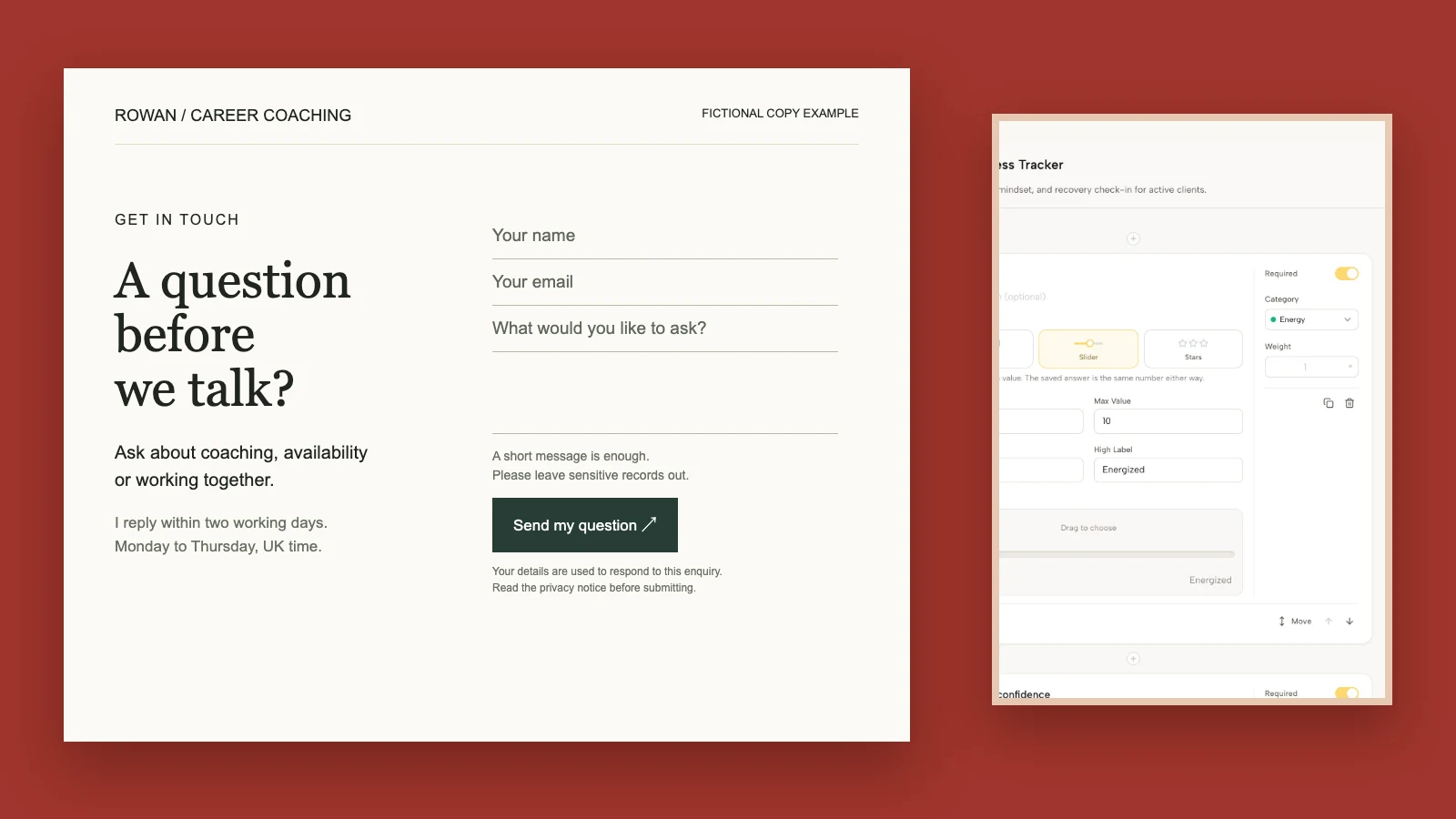
Keep public lead capture separate from confidential coaching intake. A visitor deciding whether to work with you does not need to disclose a medical history, employer conflict or intimate relationship details just to read a worksheet. Ask for the minimum information required for the resource and your lawful follow-up process.
3. A relevant workshop, with a current registration or replay page
Best when: hearing your explanations helps someone judge your approach. A workshop can show how you structure a practical problem before they commit to individual or group coaching.
Choose the session most closely related to the people you want to serve now. A well-received talk from a previous specialty is not automatically the right Featured asset for your current practice. Familiarity with your delivery matters only if the subject is relevant.
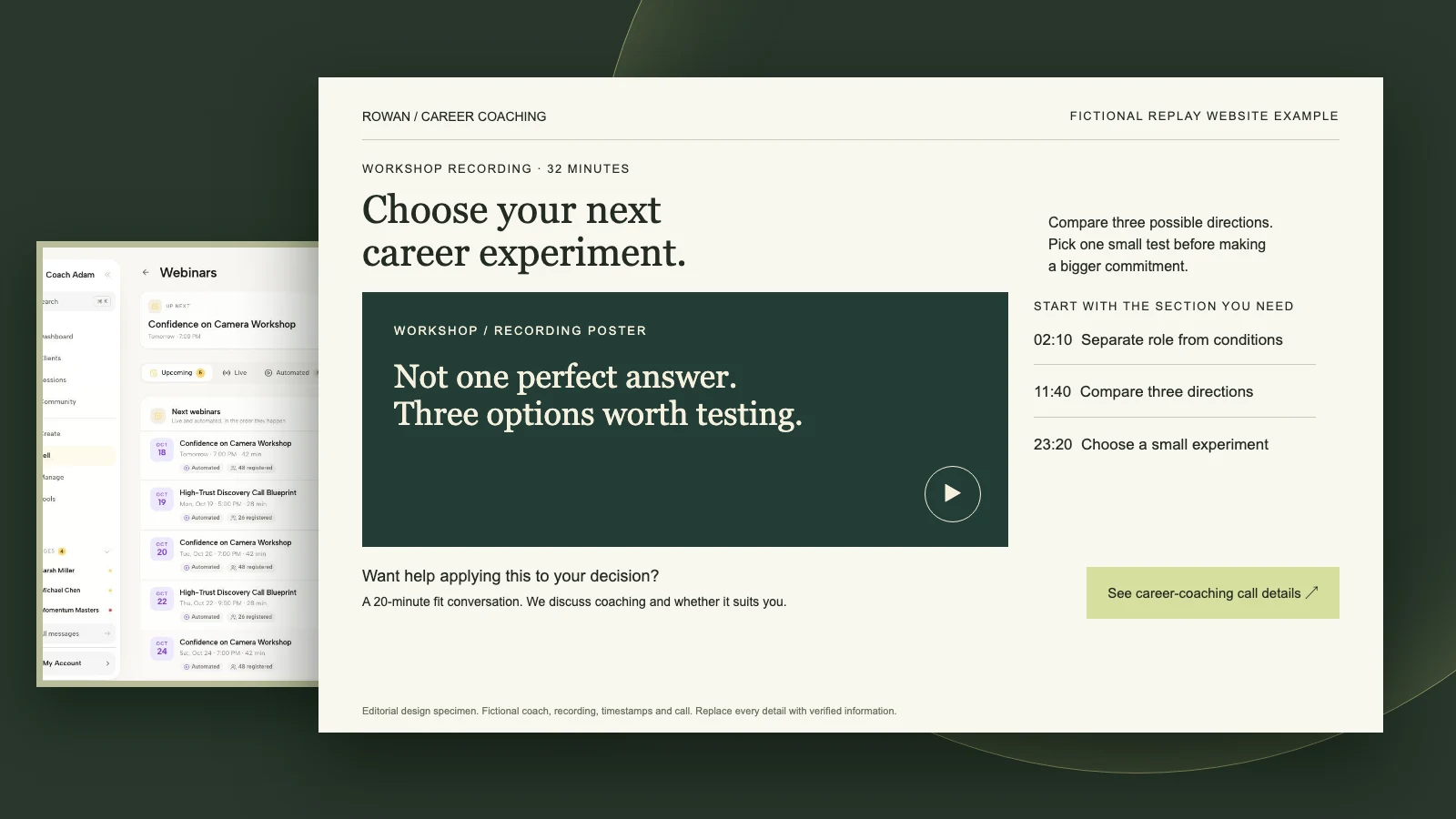
For a live event, the destination should explain the topic, date, time zone, duration, cost if any and what registration means. For a replay, say whether it is a complete recording, a short excerpt or a recording available for a defined period. Do not label an expired registration page as an available workshop.
Hypothetical Featured title: “Delegation without the awkward handover: workshop.”
Hypothetical description: “See the agenda and current registration details for a practical session for new managers.”
For a replay, replace the event invitation with accurate viewing language: “Watch the delegation workshop replay.” Remove claims about live questions, remaining seats or an upcoming date unless they are still true.

Skip or revise this asset when: the date has passed, the replay is unavailable, the event topic attracts a different audience, or registration leads into unrelated offers. Make someone responsible for removing time-sensitive links when the event closes.
If a recording includes participants, check the permission and confidentiality position before making it public. Consent to attend a private coaching session is not automatically consent to appear in promotional footage. A coach-only teaching excerpt may be more appropriate than a full group recording.
4. A sample lesson that demonstrates how you teach
Best when: you sell a coaching program with structured educational material and buyers need to understand its level and style. A sample lesson can answer “Will this be practical?” more honestly than another claim that the program is transformative.
Choose a lesson with a small complete task. It should make sense without several previous modules and should not require private client information. For example, a business coach could share a short exercise for preparing one customer interview, rather than an isolated lecture about entrepreneurial mindset.
A preview should represent the paid experience, but you do not need to expose a whole program. State what the visitor receives: a video excerpt, a written lesson, a worksheet or a guided exercise. If it requires account creation, explain that before the click.
Hypothetical Featured title: “Try one lesson: prepare a useful customer interview.”
Hypothetical description: “A short sample exercise from my business coaching program. See the preview format and access details.”

Do not link directly to a staff editing screen or assume a signed-in client page is public. A course builder helps you prepare material; it does not prove that a stranger can access the sample. Create an appropriate destination and test the exact URL without your staff session.

Skip or revise this asset when: it feels like an incomplete trailer, it teaches material outside your competence, or access requires an unexpected purchase. A visitor should not have to complete a checkout merely to discover that “sample” meant a paid lesson.
5. A permissioned case study that shows the work
Best when: prospective clients understand your offer but want credible evidence of how the engagement works. A useful case study explains the starting situation, the process and the evidence, including the limits of what you can claim.
You do not need an impressive revenue figure or a dramatic personal revelation. A documented change in a client's decision process can be meaningful if it is accurately described and you have permission to share it. Do not convert a client's personal story into public proof without their informed agreement.
Use this structure:
- Starting situation: describe the decision or challenge without unnecessary identifying details.
- Coaching work: explain the sessions, experiments or reflection involved.
- Evidence: distinguish what the client reported from what you independently observed or measured.
- Boundaries: explain relevant context and avoid implying the same result is guaranteed.
Hypothetical Featured title: “How a new manager tested a different delegation approach.”
Hypothetical description: “A permissioned case study covering the coaching process, the client's experiments and the limits of the example.”

The wording above is a model, not a claim about a real client. If you do not have a suitable permissioned case, feature a strong practical LinkedIn post instead. A thoughtful explanation of your method is better than a manufactured testimonial.
Skip or revise this asset when: anonymity would be easy to reverse, the client could feel pressured to agree, the evidence is weak or the story suggests coaching alone caused an outcome you cannot attribute to it.
Which assets should come first?
Choose the order from the buyer's level of readiness, not from the date you created each asset. These are editorial starting points, not platform rules:
- Warm referrals: services page, permissioned case study, useful resource. The visitor already has a reason to investigate.
- People discovering your thinking: useful resource or strong post, workshop or sample lesson, services page. Let them understand your approach before asking for a conversation.
- A current event campaign: current workshop registration, related practical resource, relevant services page. Replace the registration asset when its purpose ends.
Do not add five nearly identical paths to the same calendar. That creates the appearance of choice without helping different visitors. Equally, five free resources with no explanation of your coaching can leave a ready buyer wondering whether you take clients.
Keep one dominant next action. Secondary assets should answer different questions, not compete with it. If you have only two strong destinations, two is a better starting point than five weak ones.
How to add and reorder Featured items on LinkedIn
LinkedIn's official instructions for featured work samples describe support for posts, articles, external links and uploaded media. The documented desktop route is to open your profile, choose Add profile section, then Recommended and Add Featured. Use the add control to choose the type of sample and follow the prompts.
For an existing Featured section, use its edit controls to manage items. LinkedIn documents reordering when at least two work samples are featured. Interfaces can vary, so follow the labels in your account rather than relying on an old screenshot.
Ordinary work samples are not the same feature as pinning information from other profile sections. LinkedIn documents adding existing profile content to Featured as a Premium feature. Do not assume every account has that separate option or buy an upgrade merely because you cannot see it.
A practical destination audit before you publish
Open each link on a phone and in a fresh browser session. Public previews, signed-in views and actual account requirements can differ. Test what the intended visitor sees and describe any access requirement accurately.
- Promise: does the page heading deliver what the Featured title promised?
- Access: are price, login, email and registration requirements visible?
- Action: can someone complete the next step without guessing?
- Trust: are permissions, scope, privacy information and claims appropriate?
- Maintenance: who checks the link when an offer, event or resource changes?
If you use campaign parameters, keep names consistent and check that redirects preserve them. Destination analytics may help distinguish link traffic, but do not assume every click is attributable or that a screenshot of a links workspace proves reporting capabilities. Ask new inquiries how they found you when that information is useful and appropriate.
Measure the step the asset is meant to support: an appropriate resource request, a relevant registration or a qualified inquiry. A high click count with irrelevant conversations is not a reason to declare the asset successful. Change one meaningful element at a time so you can interpret what happened.
Build the destination before polishing the thumbnail
A coach's Featured section is only as useful as what follows the click. Finish one honest destination, test its access and next action, then feature it. You do not need a new content library to replace a confusing link.
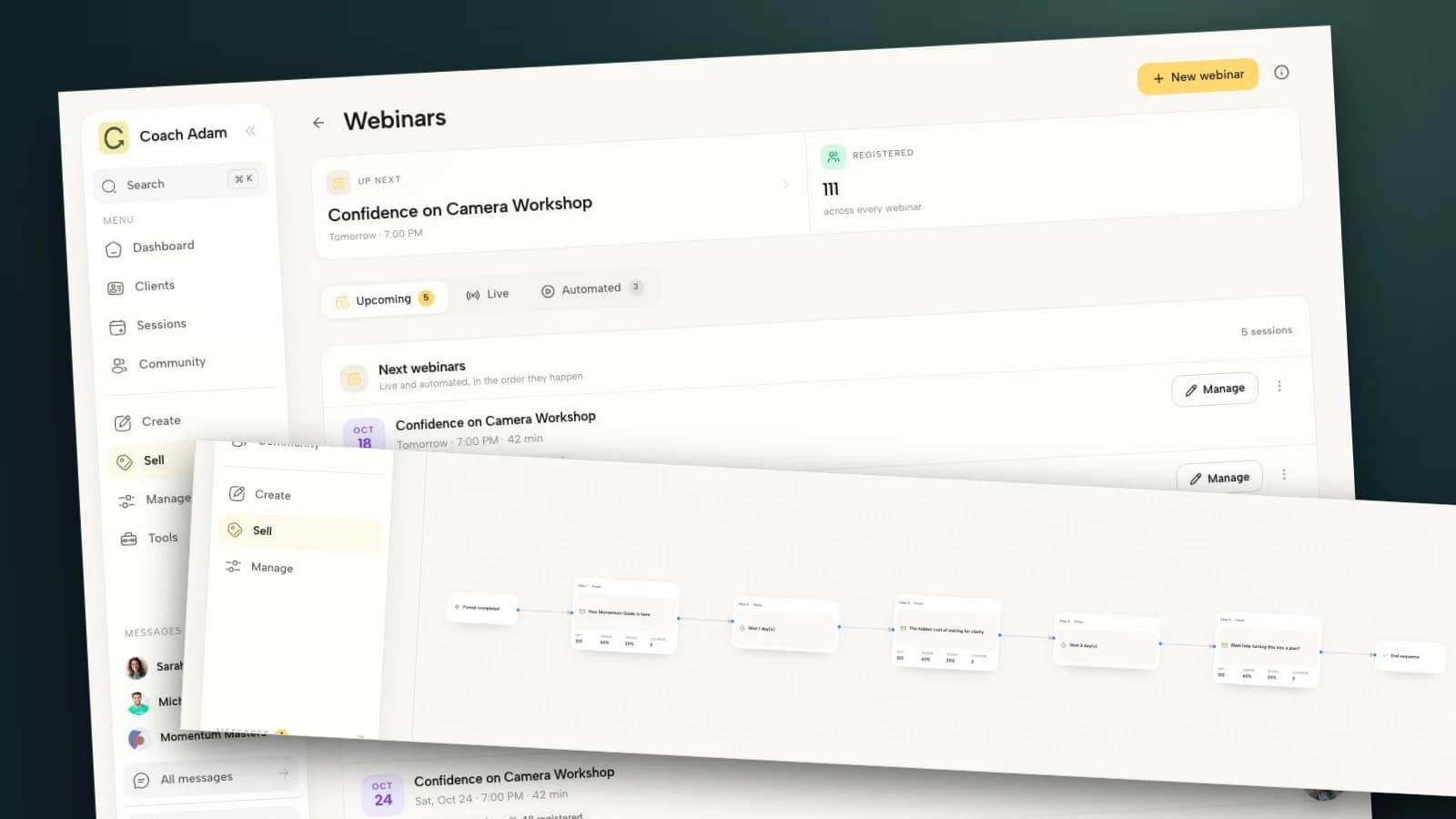
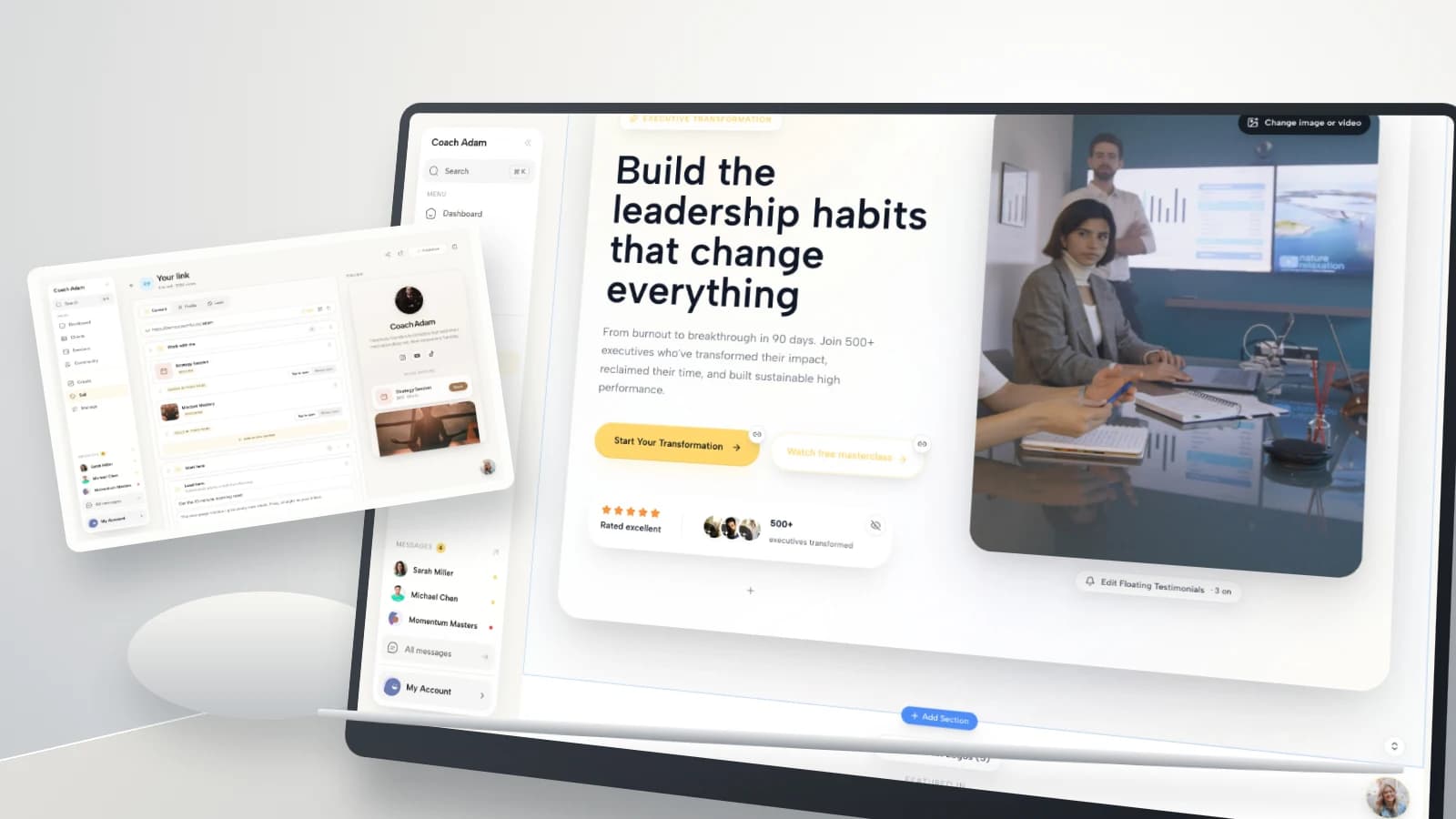
The real Coachful demo screens in this guide show website editing, link management, forms, webinars, course building and the client course experience. They are examples of destination work, not evidence of a LinkedIn integration, automatic lead attribution or public access to every course page.
If you want to explore those surfaces before choosing where your own Featured links should lead, Try the interactive demo. Inspect the destination you actually need first, rather than adding another link simply because a profile has room for it.