Webinar Reminder Emails for Coaches: 5 Templates

Nour
Founder, Coachful
“People registered for my coaching webinar. What should I email so they can actually turn up, without pestering them?” Start with a useful day-before reminder and a short one-hour reminder. Add a near-start message only if it helps people get into the room. Every message needs the correct event, an exact time zone and the actual joining route.
A registrant should not have to register again to find their join link. The job now is access, not another sales pitch. Someone may genuinely want to attend and still be finishing a client call, collecting a child or searching the wrong inbox when you begin.
Below are five original webinar email templates for coaches, followed by the timing and exclusion checks that keep them sensible. They are a selection library, not five compulsory sends. All examples are hypothetical; replace every bracketed field with your verified event details before using them.
First separate invitations, confirmations and reminders
An invitation asks someone to register. A confirmation acknowledges that registration and explains what happens next. A reminder helps that same person attend. Sending “reserve your place” to someone who already booked makes your event feel less organised before you have taught anything.
For reminders, start with people registered for this particular occurrence of the event. Exclude cancelled registrations and follow the preferences, permissions and delivery rules that apply to your audience. A person attending an earlier workshop is not automatically registered for the next one.
Keep a short event brief containing the title, date, start and end time, authoritative time zone, room-opening time, joining destination, access requirements, preparation, recording arrangements and monitored help address. Copy from this brief, rather than retyping the facts differently in every email.

These templates begin after registration. If your problem is attracting registrations, use our coaching workshop invitation templates. For the whole registration-to-event journey, see our webinar funnel guide. The narrower job here is helping a registrant arrive with the right expectations.
1. The day-before reminder: restore the reason to attend
Use when: the person registered before your day-before cutoff. This message can carry a little more context because the reader still has time to protect the appointment and prepare.
Subject: Tomorrow: [webinar title], [time and time zone]
Preview: Your joining details and the one thing to bring.
Hi [first name],
You are registered for [webinar title] tomorrow, [full date], from [start time] to [end time] [time zone].
We will work on [one specific task], using [actual demonstration, exercise or discussion]. The aim is to leave with [realistic output participants can produce during the session].
Bring [one genuinely useful preparation item]. [State accurately whether sharing or participation is optional.]
Join here: [verified HTTPS attendee join URL]. The room opens at [actual time and time zone]. [Include any real login or software requirement.]
[Accurate recording and materials arrangements.] If you need help getting in, contact [monitored address].
[Coach name]
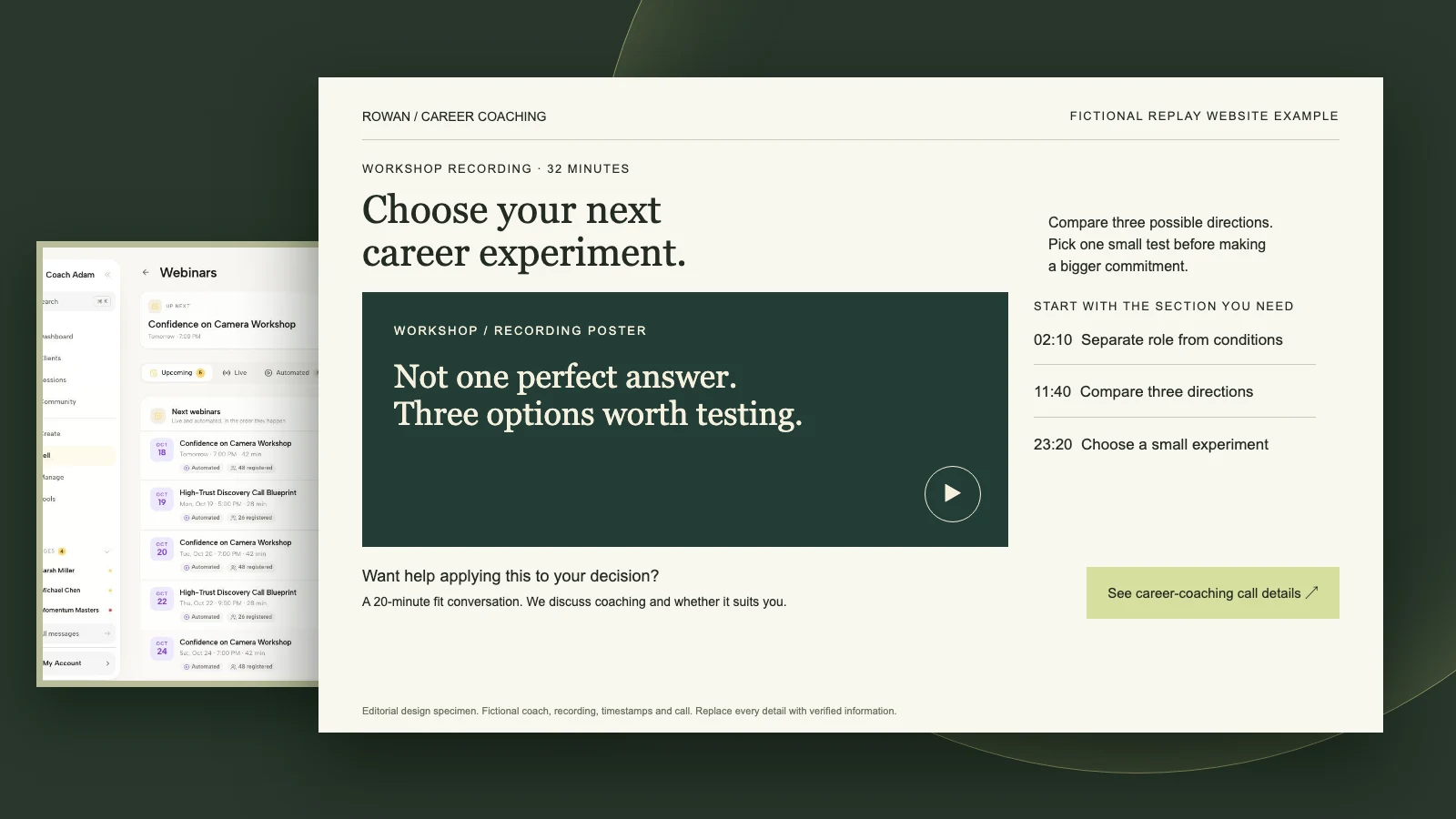
For a hypothetical career coach, the task might be comparing two job options against three working conditions the participant wants to protect. The preparation is one real decision to examine. That is more concrete than promising “career clarity,” and it tells someone why attending is worth the calendar space.
Keep the preparation small. A reminder is not a surprise homework assignment. If participants need a substantial worksheet, special software or a partner for an exercise, disclose that before registration. Do not introduce an unexpected requirement the night before.
Only say “tomorrow” when that wording matches the recipient’s relevant date. If you cannot reliably handle local dates, use the full event date in the subject instead. Near international date boundaries, an apparently friendly relative date can create avoidable confusion.
2. The one-hour reminder: make joining easy
Use when: the event is genuinely an hour away. The reader does not need your biography, a second invitation or a long list of what coaching could change. They need to recognise the appointment and find the entrance.
Subject: Starts in one hour: [webinar title]
Preview: Your joining link for [time and time zone].
Hi [first name],
[Webinar title] starts at [time and time zone] today, [full date]. We finish at [end time and time zone].
Join the session here: [verified HTTPS attendee join URL]. [Add a short, accurate access instruction if needed.]
Have [actual preparation item] nearby. If you cannot access the room, contact [monitored help address].
See you there,
[Coach name]
The primary action is joining. Do not give registration, a discovery call, an Instagram profile and a paid coaching package equal prominence. There may be a legitimate sales invitation during your event, but it is not the task this operational email needs to perform.
Put the link in live text, not only on a banner. If a button is used, give it a specific label such as “Join the delegation workshop.” Include a readable fallback destination where appropriate. Do not paste a host-control URL or tell someone to bypass a login that your actual platform requires.

3. The near-start reminder: a short access nudge
Use when: a final message serves a real purpose and your event setup supports timely delivery. Ten minutes before is an editorial starting point, not a proven optimum. Omit this message if the earlier reminder and calendar invitation are sufficient.
Subject: [Webinar title] starts at [time and time zone]
Preview: The joining link, without the search.
Hi [first name],
We start [webinar title] at [time and time zone]. [Only if true: The room is open now.]
Join here: [verified HTTPS attendee join URL].
If you have an access problem, [actual quick help route].
[Coach name]
“The room is open” is a factual statement, not decorative urgency. Check that the room actually opens before making it. If someone will wait in a lobby until you admit them, describe that briefly instead of implying the link is broken when nothing immediately happens.
Do not add guilt: “I saved a seat and you still have not arrived” assumes facts you may not know. Nor should you claim the session is nearly full unless you have reliable capacity information and it matters to this registrant. An accurate start time already supplies a legitimate reason to act.
4. The late-registration message: skip the stale countdown
Use when: someone registers after one or more reminder cutoffs. This confirmation replaces expired reminders; it is not an extra message to send immediately before the same information arrives again.
Subject: You are registered: [webinar title], [full date]
Preview: Start time, access and preparation in one note.
Hi [first name],
Your registration for [webinar title] is confirmed. We meet [full date], [start and end time, time zone].
Join here: [verified HTTPS attendee join URL]. [Actual access requirement and room-opening information.]
We will [specific activity]. Bring [small preparation item, or state that none is needed].
[Accurate recording information.] For help joining, contact [monitored address].
[Coach name]
Someone registering shortly before the start should not receive “Tomorrow” followed by “In one hour” and “Starting now” in a burst. Their registration time is not the event clock. Check the current time before each eligible send, and skip anything whose purpose has expired.
Decide what happens when registration occurs after the event begins. If late entry is allowed, provide truthful entry instructions. If the session is closed, explain the real alternative. Do not send a live-room invitation for a finished event, or promise a replay that will not exist.
5. The changed-time notice: correct the calendar, not just the email
Use when: the published date, time or joining destination actually changes. This is a service notice, not an excuse for another promotional touch. Make the changed fact unmistakable.
Subject: Time changed: [webinar title] is now [new date and time zone]
Preview: Please replace the previous calendar details.
Hi [first name],
The time for [webinar title] has changed. The previous time was [old full date, time and time zone]. The new time is [new full date, start and end time, time zone].
[Brief, truthful explanation if appropriate.] I am sorry for the inconvenience.
[Accurate calendar-update instruction, with a verified link or updated invitation where supported.] The joining link is [verified HTTPS attendee join URL]. [State whether the old link remains valid.]
If the new time does not work, [actual cancellation, transfer, refund or recording arrangement appropriate to the event]. For help, contact [monitored address].
[Coach name]
Before sending, stop or correct queued reminders that still contain the old information. Update the event page and calendar occurrence as well. An apology email followed by an automated reminder for the original time is worse than the initial mistake.
For a paid workshop, explain the actual options under your terms and applicable rules. Do not assume that access to a recording automatically replaces an agreed live experience. Where a material change affects contractual obligations, obtain appropriate advice rather than treating this copy template as a legal policy.
Build the schedule around the event, not the subscription date
A practical starting plan is confirmation on registration, a day-before reminder and a one-hour reminder. Add the near-start note only when useful. The late-registration and changed-time templates are alternatives or exceptions, not steps four and five of a universal campaign.

Calculate each due time from the particular live occurrence. In plain language: reminder time equals event start time minus the chosen interval. Use an authoritative time-zone-aware event record, especially around daylight-saving changes. Do not manually reuse a fixed UTC offset across the year.
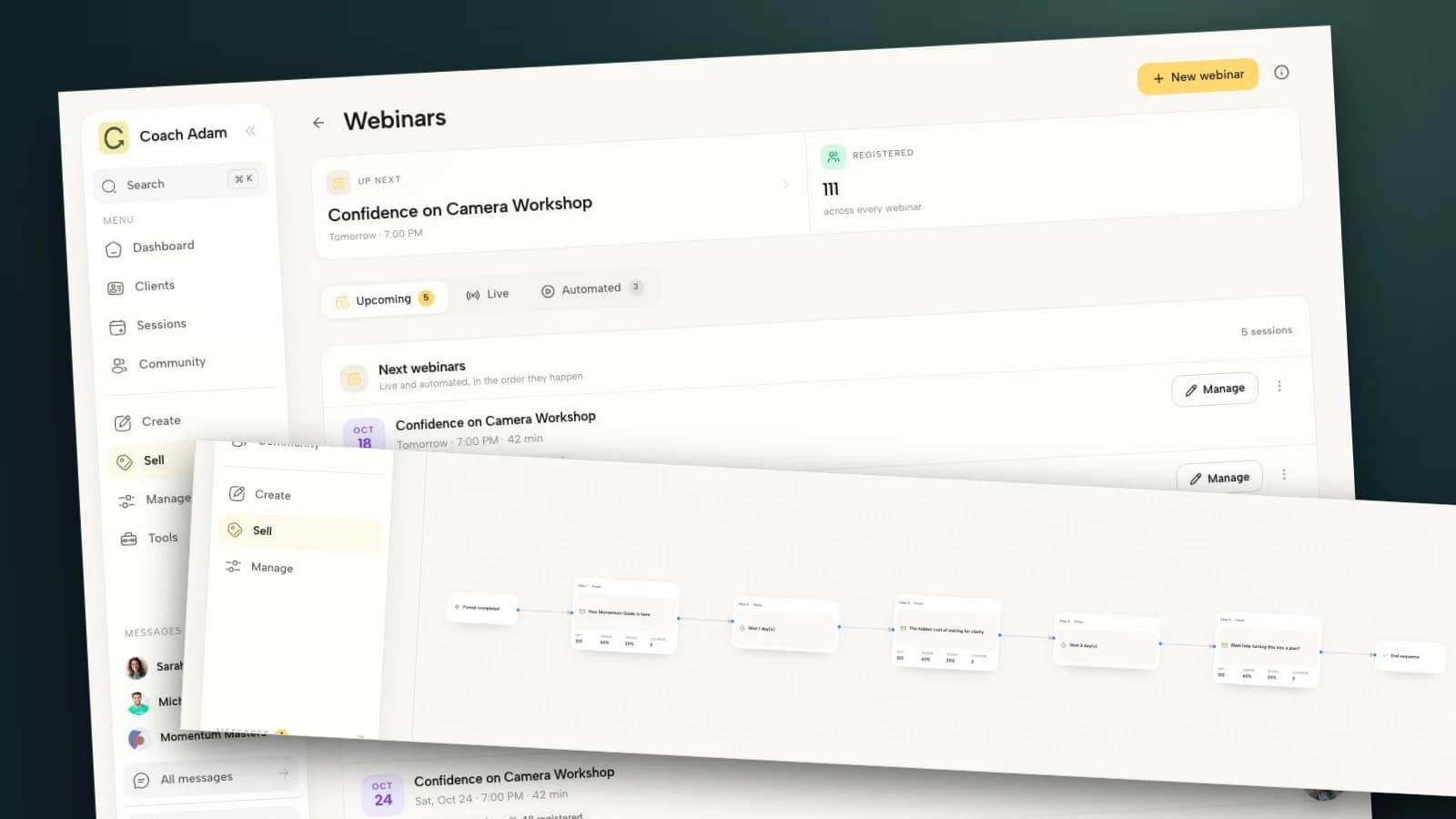
A general email sequence that waits one day after registration does something different. Two people registering on different days would receive that message at different distances from the webinar. A neat-looking series of waiting steps is not evidence that reminders will land at the intended event time.

In whatever tool you use, verify event-relative scheduling, eligibility and skip rules before enabling delivery. If those controls are unavailable, a carefully checked event-specific list and scheduled operational messages may be more appropriate for a small event. The important thing is a correct, tested handoff, not an impressive automation canvas.
Test the route from registration to the actual room
Start from the same registration page a participant uses. Follow its confirmation and inspect the exact link in each finished reminder. A preview of the organiser dashboard is not an attendee test.

Use a permitted test participant or preview route in your own event setup. Confirm that the attendee reaches the intended occurrence, not an old room, the registration page again, a host console or an unrelated discovery-call calendar. Do not make a live purchase or enrol a real contact just to test an email.
Check whether the room requires an account, a particular browser or installed software. A meeting-service connection is useful infrastructure, but it does not prove an anonymous attendee can enter. If the link is unique to the participant, make sure your preview does not silently substitute your organiser permissions.

On a phone, check the subject, preview text, date, line breaks, joining link and help address. Then hide images. The event identity, start time and action should still make sense. A beautifully designed header is optional; readable access information is not.
Keep support and privacy practical
Choose a help route you can actually monitor while preparing to teach. If you are facilitating alone, explain whether someone will answer immediately or whether the attendee should follow a specific access guide. Do not promise instant troubleshooting you cannot provide.

Keep private coaching information out of reminder subjects and shared event details. “Your feedback-practice workshop starts at 2 pm” is usually enough. A reminder does not need to reveal a participant's coaching goals, health information or an employer's concerns about their performance.
If fuller access instructions live on your website, make them readable and reachable without an unexpected purchase or account requirement. Check that the help page describes this event's actual venue. A general coaching homepage may support credibility, but it is not a substitute for joining instructions.

Keep event logistics separate from ongoing marketing. Registration is not blanket permission to add someone to every future newsletter, and a marketing opt-out is not a reason to disregard their communication preferences. Apply the relevant rules to the message's actual purpose and your jurisdiction. This guide is operational guidance, not legal advice.
Measure problems you can fix
For each occurrence, record registered participants, successful deliveries where available, access-related replies, unique live attendees and cancellations. If you calculate an attendance rate, define the denominator and use the same definition across comparable events. For example, unique live attendees divided by eligible registrations is different from attendees divided by email opens.
Do not treat an open as proof someone read the message, or a click as proof they attended. If participants ask for the link, fix its visibility. If they arrive an hour late, investigate time-zone wording and calendar settings. If emails bounce, investigate delivery rather than adding another reminder.
Compare like with like before declaring a timing change successful. A free introductory talk and a paid small-group workshop can attract different commitments. The templates here are editorial starting points, not tested attendance claims or a promise of coaching sales.
Frequently asked questions
How many webinar reminders should a coach send?
Start with two useful reminders: one the day before and one an hour before, separate from confirmation. A near-start message is optional. Adjust to the event, audience expectations, existing calendar notifications and actual access problems rather than assuming more sends are better.
Should reminder emails include a coaching offer?
Keep joining as the primary action. A registrant needs practical information, not another buying decision. If your event includes an optional sales segment, describe that honestly in the event materials. Use a separate, appropriate follow-up for the later invitation.
Can I promise a recording to people who cannot attend?
Only if a recording will be available and sharing it is appropriate. Set participant expectations before recording interactive coaching discussion. If there will be no replay, say so; a recap or worksheet is a different resource and should be labelled accurately.
What should I send after the webinar?
Deliver the promised resources and choose the next message according to what you reliably know. Our webinar follow-up templates cover attendee, no-show and later invitation situations. Stop the pre-event reminders when their purpose ends.
Make the next reminder easier to use
Choose the day-before and one-hour versions first. Replace the placeholders, verify the actual attendee link, and write down the late-registration and changed-time rules. You have done the important work when someone can recognise the appointment and get in without emailing you to ask where it is.
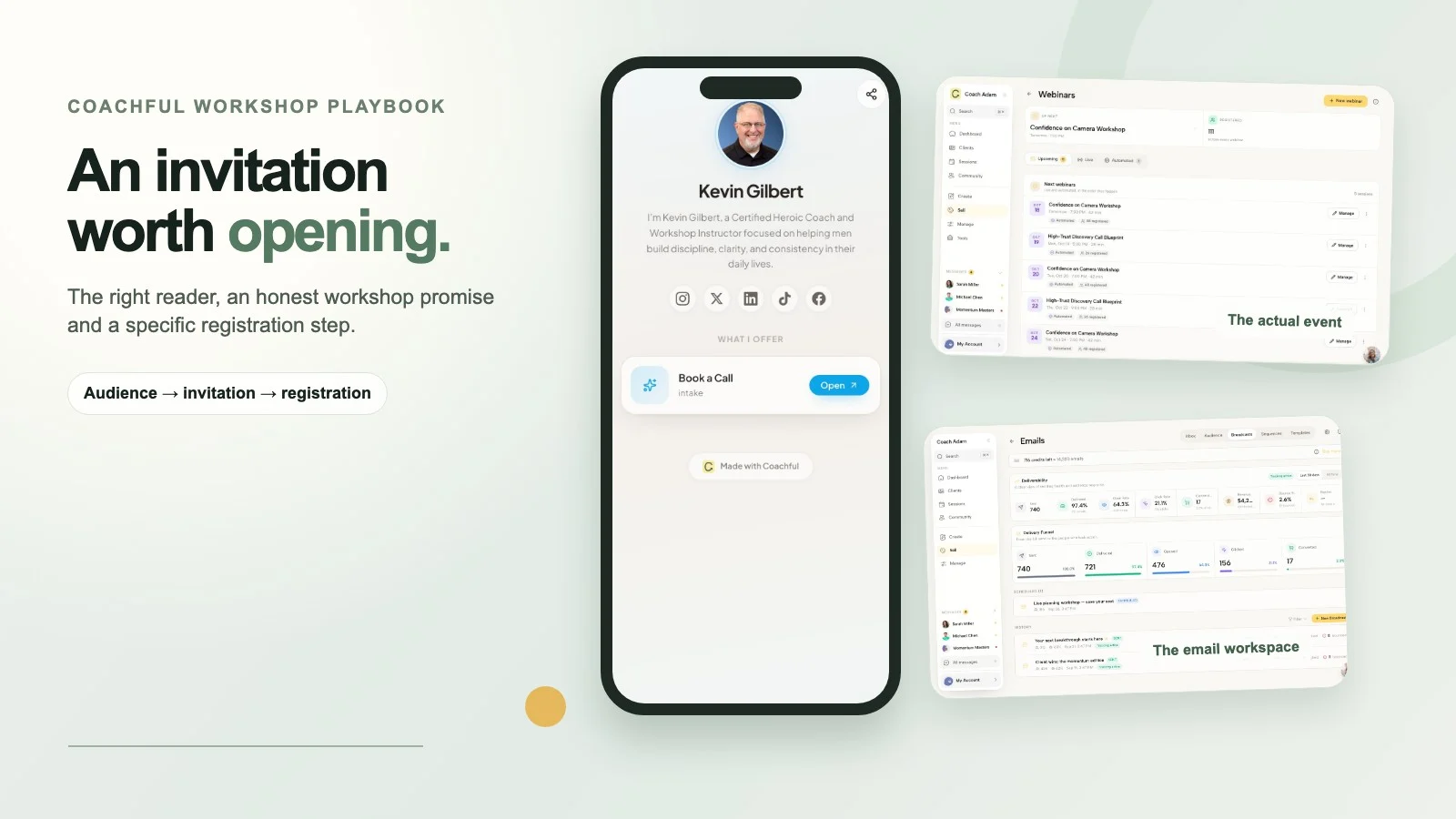
If you are evaluating how to organise that journey, Try the interactive demo. Compare the Webinars, email sequence and funnel workspaces with your event brief. The real demo surfaces shown here help you inspect the parts; they do not establish that your reminder schedule or audience rules are already configured.
Source boundary: Attendir's webinar email guide provides external context for distinguishing confirmation, day-before reminders and joining-link reminders. The five templates, optional cadence and coach-specific safeguards above are original editorial recommendations, not borrowed performance benchmarks.