Coaching Contact Page Copy: 5 Examples to Adapt

Nour
Founder, Coachful
What should your coaching contact page say when someone is interested but not ready to book a call? Give them permission to ask a small question, tell them where that question goes, and explain when they can expect an answer. They should not have to complete your client intake to find out whether you offer evening appointments.
A useful coaching contact page is a short, reliable route to a human response, not a second sales page. It needs a clear invitation, a small form or monitored email address, a truthful response window and an appropriate alternative for people whose request belongs somewhere else.
Below are five original coaching contact page copy examples: general enquiries, discovery-call questions, corporate buyers, existing clients and a practice that is not accepting new clients. These are fictional editorial templates, not customer websites or tested conversion winners. Adapt the wording to your actual service, working hours and privacy arrangements.
What belongs on a coaching contact page?
Before choosing a template, write down the one decision this page should make easier. Usually it is “Can I ask whether this coach is right for me?” Sometimes it is “Who handles coaching for our organization?” Those visitors need different invitations.
- A specific heading: “Have a question about career coaching?” is clearer than “Begin your transformation.”
- A small request: name, email and the question are a sensible editorial starting point for a general enquiry.
- A response expectation: say which working days count and what happens when you are away.
- A clear action: “Send my question” describes a message, while “Book a 20-minute call” describes an appointment.
- A fallback: provide another usable route if the form fails, where your practice can support one.
- Relevant boundaries: link your privacy information and discourage unnecessary sensitive disclosures.
That is enough to start. Your certifications, coaching philosophy and every package you sell belong elsewhere. Someone arriving from your services page should not need to read the pitch again before asking a straightforward question.

Keep the distinction between contact and booking visible. A contact form sends a message. A calendar reserves a time. If both appear, explain which to choose rather than putting two unexplained buttons beside each other. The visitor should not wonder whether sending a message is also an application or a purchase.
1. General coaching enquiry: make the first message easy
Use this version when people commonly arrive with a small service question or an uncertain idea of what they need. It works best when your services page already explains the coaching offer and the contact page catches what remains unanswered.
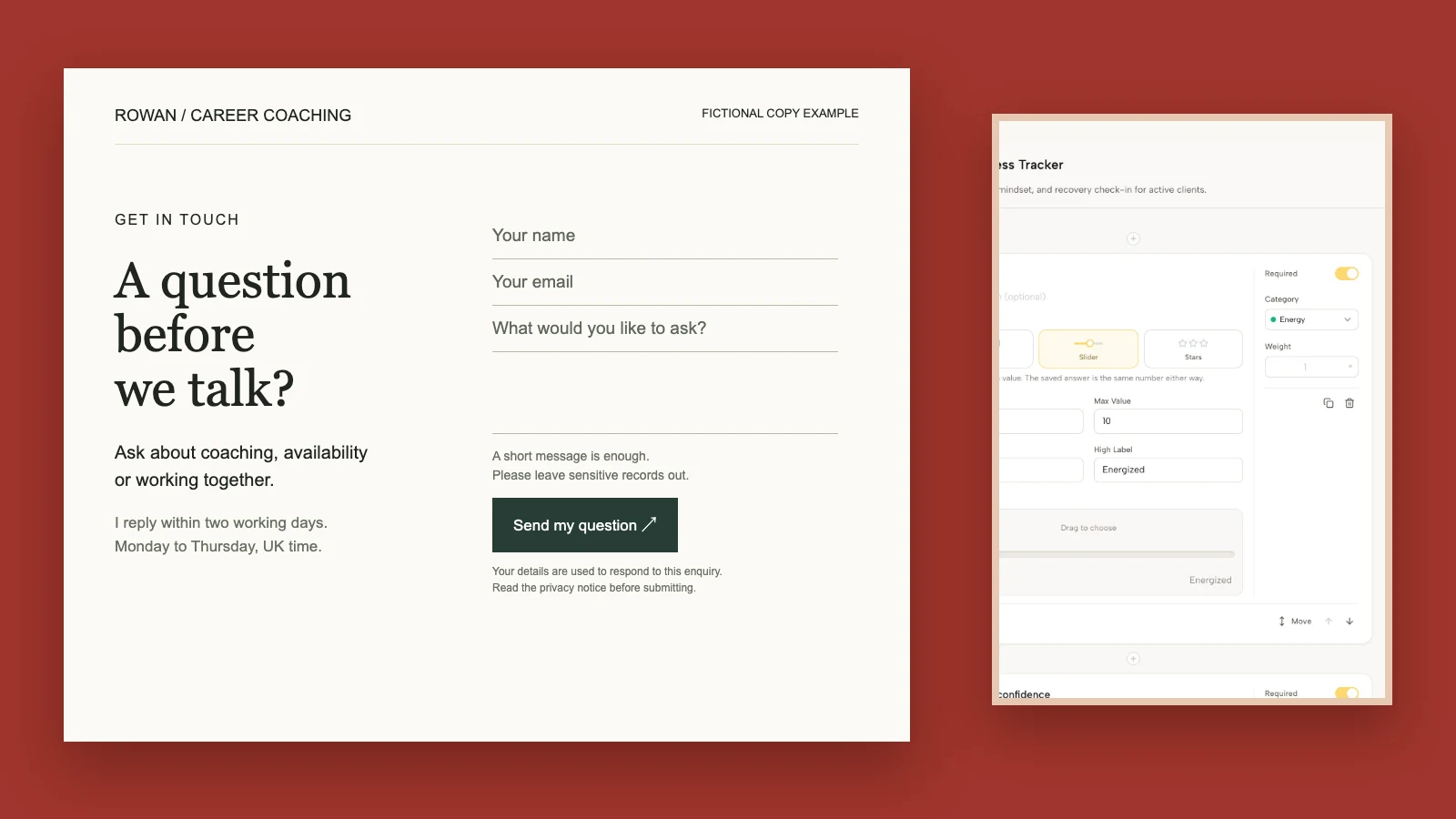
Heading: A question before we talk?
Ask about coaching, availability or working together. A short message is enough; you do not need to have your whole situation worked out.
I reply within [your actual response window] on [your working days and time zone]. If I am away, this page will show when I return.
Fields: Your name. Your email. What would you like to ask?
Please leave medical records, confidential workplace documents and private information about other people out of this form.
Button: Send my question.
I use these details to respond to your enquiry. Read [your linked privacy notice] for how your information is handled.
The useful move here is “a short message is enough.” It lowers the effort of asking without pretending that coaching is suitable for everyone. You are inviting a question, not accepting a client.
For example, a career coach could receive “Do you work with people returning after parental leave?” and answer it directly. Requiring employment history, salary and a ten-year vision before that exchange would be disproportionate.

The fictional specimen above uses a two-working-day window and UK working hours to demonstrate specificity. Those are not a recommended industry standard or a Coachful service promise. Replace them with the window your own practice can meet.
2. Discovery-call questions: separate uncertainty from readiness
Use this version when your main next step is a discovery conversation but some visitors have a question first. Do not force every person into your calendar merely to learn what the call costs or how long it lasts.
Heading: Ready to talk, or have a question first?
If you would like to explore whether my [accurate coaching service] fits your situation, book [the real duration and format] here: [your tested booking link]. [State whether the call is free or paid.] There is no obligation to purchase coaching.
If you need to check something before booking, send your question below. I normally respond within [your actual working-day window].
Fields: Your name. Your email. Your question.
Button: Ask before booking.
Please keep this first message brief. We can discuss appropriate personal details through the agreed channel if we decide to continue.
Make one route visually primary according to the page's purpose. On a booking page, the calendar can lead. On a contact page, the message form can lead with a quieter booking link. Equal visual emphasis on five actions usually makes the visitor do your organizing for you.

Describe the call honestly. If it is a fit conversation, do not promise a full coaching plan. If it is paid, show the fee before booking. Check that available times exist and that a visitor sees the correct time zone; accurate copy cannot rescue an unavailable calendar.
For the conversation itself, use the separate guide to what a discovery call is. This contact-page version is about choosing the next route before that conversation happens.
3. Corporate coaching enquiry: request the brief, not an employee dossier
A corporate buyer may be commissioning coaching for someone else. They need a scoping route, not the same form you use with an individual considering personal coaching. Ask for information that helps you understand the proposed engagement without inviting private participant material.
Heading: Planning coaching for your organization?
Tell me whether you are exploring individual coaching, a group program or a workshop, along with the approximate participant count and intended start window.
I will reply within [your actual response window] with the next scoping step. If the brief appears relevant, we can arrange a conversation about scope, fees and how the work would be commissioned.
Fields: Your name. Work email. Organization. Proposed format. Approximate participant count. Intended start window. Your brief question.
Please do not attach employee appraisals, medical information or private coaching records. We will establish appropriate participant agreement, confidentiality and reporting arrangements before coaching begins.
Button: Discuss a coaching brief.

This version legitimately asks for more than three fields because the commissioning decision needs more context. Keep fields optional when an exact answer is not yet necessary. A buyer should be able to write “about ten people, probably next quarter” without abandoning the enquiry.
Do not suggest that paying for coaching buys access to session content. Do not describe an employee as a problem to be fixed on the strength of a manager's message. The enquiry establishes a possible brief; it does not assess the participant or settle the coaching agreement.
4. Existing clients: keep support out of the public sales form
Use a small signpost for existing clients rather than turning your contact page into an unofficial support desk. Their session preparation, billing question and between-session coaching message may each belong in a different agreed route.
Heading: Already working with me?
For coaching messages, use [the actual agreed client channel]. For booking changes, use [the real rescheduling route] and check your cancellation terms. For a billing or access problem, contact [the monitored support address or form].
I respond during [your actual service hours] within the response arrangements in our agreement. This public contact form is for general enquiries and is not the route for private session notes or urgent support.
If you cannot access your usual channel, send your name and a brief description of the access problem to [your fallback route]. Please do not include passwords or payment-card details.
Link label: Open my client channel.

Match that wording to the service you actually sold. A contact-page update must not quietly reduce an existing client's support entitlement. If your agreement includes weekday messaging, an unexplained “please book a paid call for all questions” link creates a service problem, not a cleaner website.
A public page is also not an emergency service. If your practice needs safeguarding or urgent-support directions, develop accurate local guidance appropriate to your role and clients. Do not rely on a generic disclaimer to manage risks you have not planned for.
5. Not accepting new clients: do not send people into a dead end
A closed practice needs more clarity, not a silent form. Choose whether you can still answer general questions, accept interest for a later intake or simply explain that enquiries are closed. Only offer a route you will maintain.
Heading: New coaching enquiries are currently closed.
I am not accepting new [accurately named service] clients at the moment. [If true: I expect to review availability in the stated month.]
[If you maintain an interest list: You can ask to be contacted when availability changes using the form below. This does not reserve a place or commit you to coaching.]
Fields, if applicable: Your name. Your email. Which service interests you?
Button, if applicable: Ask about future availability.
Existing clients can continue to use [their agreed channel]. For another type of enquiry, contact [the route you monitor].
Do not invent an opening date to make the page look active. Do not describe a large waitlist or limited places unless those claims are true. If you are not managing future interest, omit the form and explain the present situation plainly.
An availability notification is not automatically permission for a newsletter. Explain what someone is requesting and handle any wider marketing permission separately. For setting up the operational process rather than writing this page, see how to create a coaching waitlist.
Which form fields should you ask for?
Start with the decision you need to make after reading the message. If name, email and a question let you respond usefully, stop there. Add a topic selector only when it genuinely routes different requests. Avoid making a phone number mandatory if you will answer by email.

Separate initial contact from client intake. Goals, health histories, emergency contacts and extensive assessments may belong later in an appropriately designed process, if they are necessary at all. A form field is not harmless just because your builder makes it easy to add.
Use visible labels, not placeholder text alone. Explain required fields and show a usable error when something is missing. A person using a keyboard or screen reader should be able to understand the same question as someone looking at the page. Test the actual form rather than assuming that its appearance proves accessibility.
Keep marketing choice distinct from the enquiry. Do not make an optional newsletter checkbox a condition of asking a service question. Your exact lawful basis, disclosures and consent requirements depend on your jurisdiction and practice; seek appropriate advice rather than treating these examples as legal language.
What should happen after someone presses Send?
The page should confirm that the message was received and explain the next step. “Thank you, your enquiry has been received. I normally reply within [your truthful window]” is useful. “You are the perfect fit” is not: nobody has reviewed the request yet.

Check who receives the notification, where the enquiry is recorded and who owns the reply. If an assistant manages the inbox, establish what they can answer and what needs your attention. Avoid two people independently replying or a message disappearing because each assumes the other has it.
Send one realistic test enquiry from an address outside your business. Confirm the success state, inbox delivery, any acknowledgement and the ability to reply. A “sent” label on your own screen does not prove that the right person received the message.
After receipt, the job changes from page copy to responding. Use the coaching inquiry response email templates for answering the actual question instead of sending a generic calendar link.
A quick contact-page audit before you publish
- Read it as an uncertain buyer. Can you tell whether it is appropriate to ask a small question?
- Check the promise. Are working hours, response windows, fees and availability true?
- Remove unnecessary fields. Keep only what the first response needs.
- Open every destination while signed out. A public visitor should not land on your internal editor or account dashboard.
- Submit on a phone. Check field labels, button access, errors and confirmation text.
- Trace the message. Verify receipt and reply ownership, not just the visual success state.
- Review privacy and boundaries. Make sure the page describes what actually happens to the information.

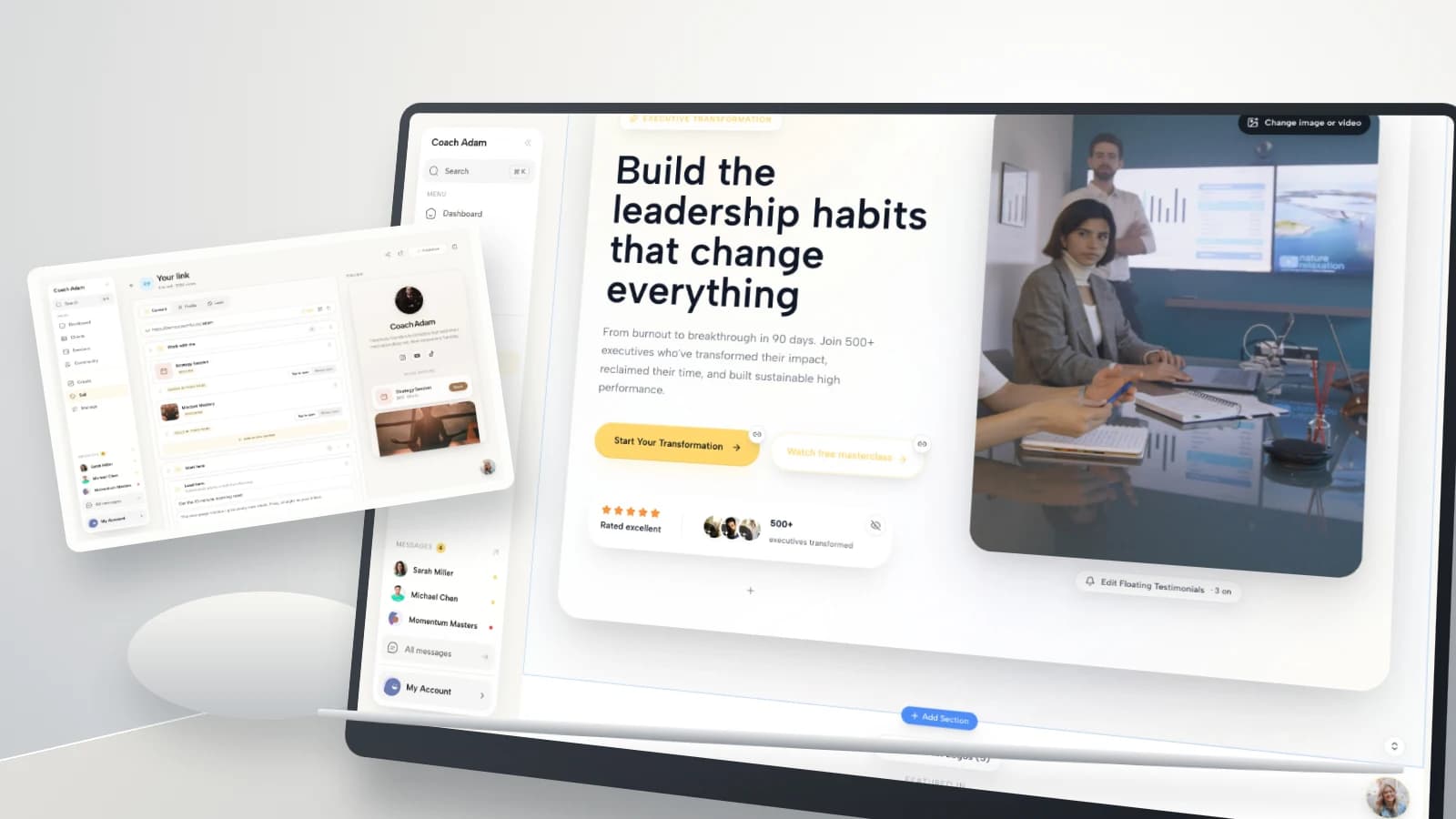
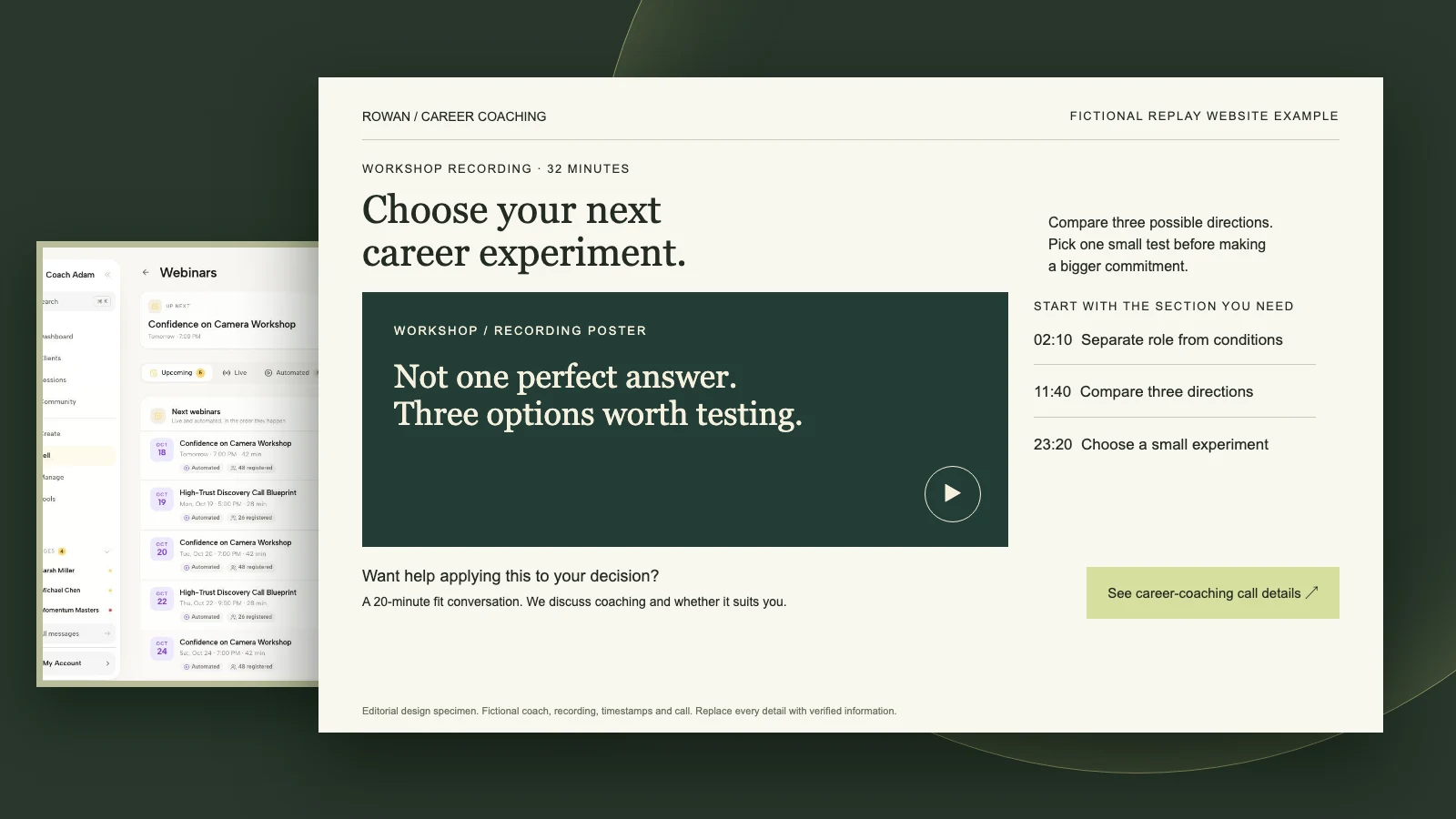
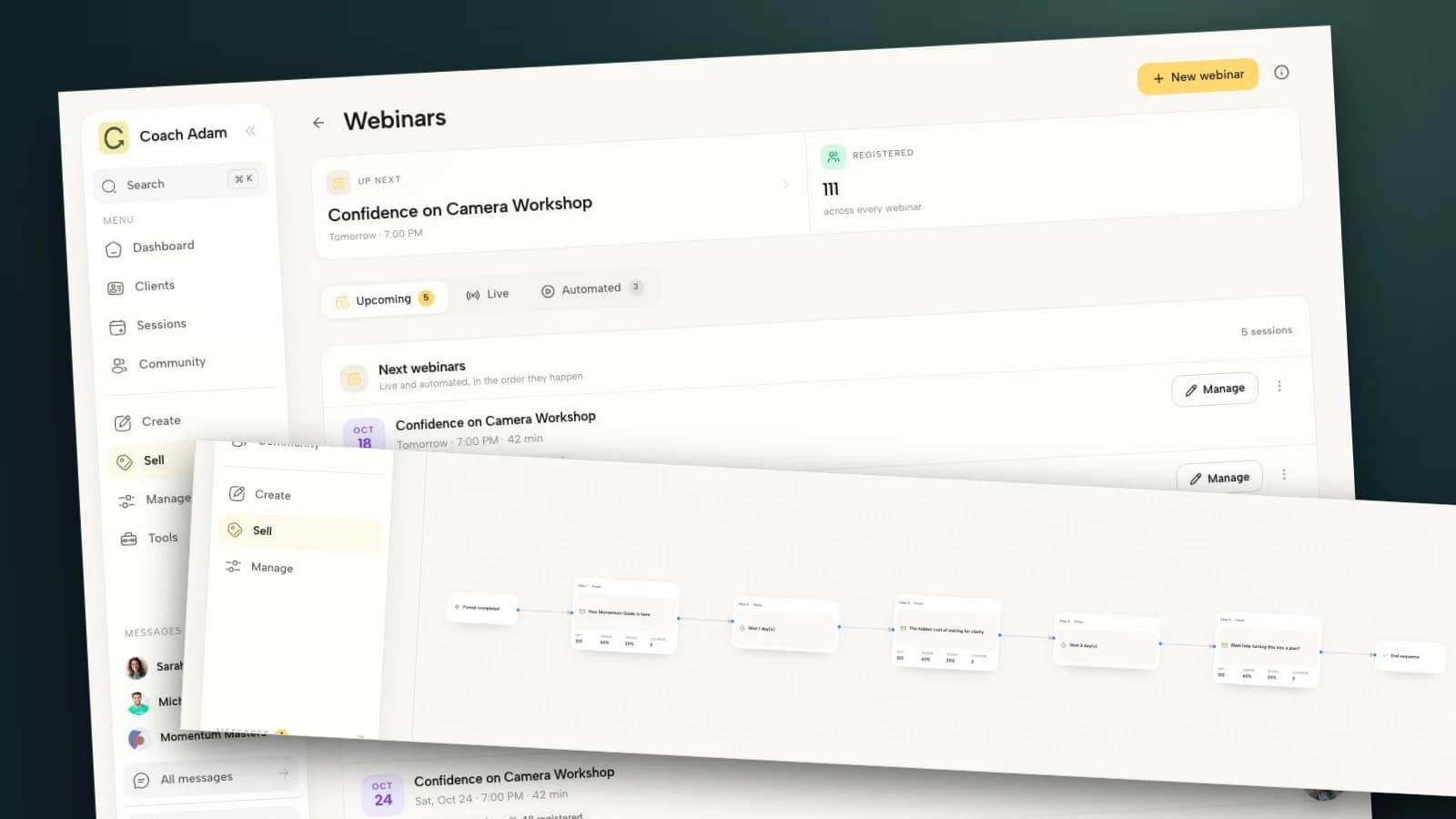
The real Coachful demo screens in this guide show website editing, forms, scheduling, email, chat and public-link management. They illustrate places to build and inspect the route. They do not establish that your account automatically connects every form to an inbox, assigns replies, suppresses campaigns or satisfies a particular legal requirement.
Frequently asked questions
Should a coach use a contact form or just an email address?
Either can work. A form can structure the request and present guidance beside the fields; an email address offers a direct alternative. Choose a route you monitor and test. If you provide both, explain when to use each rather than making visitors guess.
Should my contact page include coaching prices?
Link to the relevant service or pricing information when it answers a common question. You do not need to duplicate the entire offer. If a discovery conversation has a fee, disclose it before the booking action. Tailored corporate work can explain what is needed for a quote.
How quickly should I promise to respond?
Promise the window you can consistently meet, including working days and relevant time-zone context. Update it when you are away. A short reliable promise is better than “I will reply immediately” on an inbox you check between client sessions.
Can I ask how someone found me?
Yes, when it is useful, but consider making it optional and short. It should not stand between someone and a basic question. Do not treat self-reported attribution as a complete account of every influence on the enquiry.
Make one route dependable first
Choose the example that matches your practice, replace every placeholder and test the entire message route before adding more options. You do not need a more persuasive contact page if the real problem is that nobody knows who checks the inbox.
If you want to explore the real website, form and booking workspaces shown here before choosing how to build that route, Try the interactive demo. Then return to your own contact page and verify the next step as a stranger would.
Source boundaries: the copy examples, field choices and audit are original editorial guidance, not conversion benchmarks or legal advice. The public contact page at McNeil Coaching illustrates a real-world message route, not an endorsement or proof of comparative performance. For Coachful installation instructions, use the separate contact-form help article. Product images show real demo data; the website-copy specimens are fictional and clearly labeled.