Webinar Funnel for Coaches: Pages, Emails and Timeline
A webinar funnel is a registration page, a confirmation page, a handful of reminder emails, the webinar itself and a follow-up sequence, all built around one free class. People register for something useful, show up (some of them), learn something real and are invited to the next step, usually a discovery call or a program. When the pieces are joined up, one good webinar funnel can run for months.
This guide gives you the timeline, the copy for each page and email, a 45-minute running order, a worked example for a business coach who works with wedding photographers, and the numbers to watch at each stage.
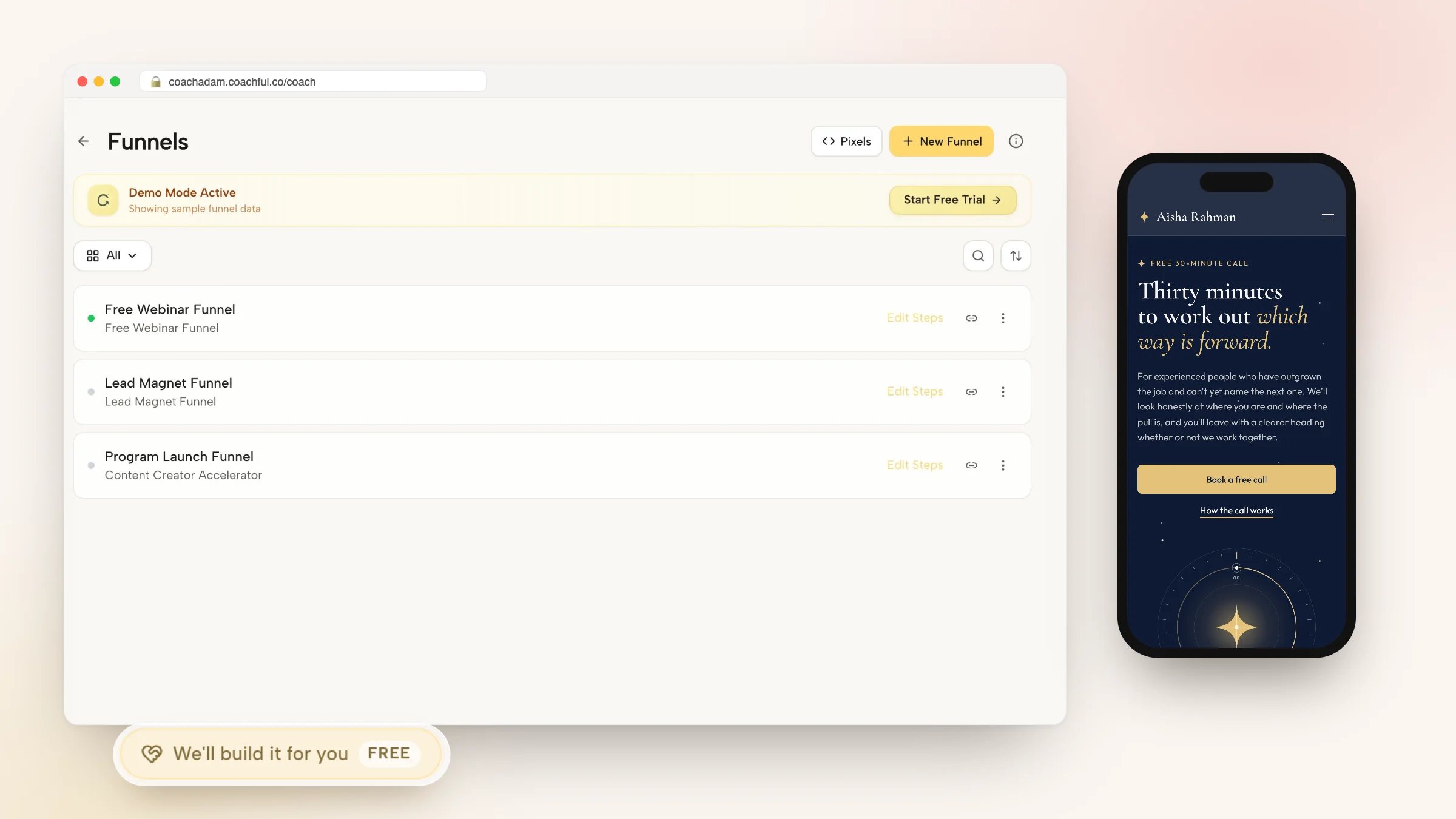
And if you'd rather not build it yourself, Coachful's team builds webinar and event funnels for free on any Coachful plan. You tell us the topic, the audience and where registrations will come from, and it is set up in your own account. More on that toward the end.
The webinar funnel at a glance
Here is the whole thing as a timeline. Day 0 is the webinar.
| When | What happens | Goal |
|---|---|---|
| Day -14 to -1 | Promote the registration page | Registrations |
| On registering | Confirmation page, confirmation email, calendar invite | Commitment |
| Day -1 | Reminder email: what they'll leave with | Show-up |
| Day 0, morning | "Today at 7pm" email | Show-up |
| Day 0, 1 hour before | Short reminder with the link | Show-up |
| Day 0, live | Teach, then invite to the next step | Calls or sales |
| Day +1 | Replay and the offer, split by attended or missed | Calls or sales |
| Day +2 to +5 | Two or three follow-up emails, then stop | Late deciders |
Two weeks of promotion is enough for most coaches. Longer than that and people forget they registered.
Pick a topic someone will give up an evening for
The topic is the whole funnel. A brilliant registration page can't save "Mindset for Success". A useful formula: a specific result, for a specific person, without the thing they dread.
- "How to book your off-season without discounting" (for wedding photographers)
- "Your first 90 days as a manager, without working weekends" (for new managers)
- "Strength training after 50 without wrecking your knees" (for older beginners)
- "How to pay off a credit card in a year without a budget spreadsheet" (for couples)
Then check it against your offer. If the webinar teaches step one of the problem your program solves, the invitation at the end feels like a natural continuation. If it teaches something unrelated, the pitch feels bolted on, because it is. Our piece on whether one webinar can book discovery calls goes deeper on matching the topic to the offer.

Write the registration page
Keep it short. People decide in seconds whether an hour of their evening is worth it.
- Headline: Book your off-season without dropping your prices.
- Subheadline: A free live class for wedding photographers. Thursday 14 November, 7pm Eastern, 45 minutes plus questions.
- What you'll leave with: Three bullets, each a concrete takeaway. "The two offers that sell between November and March." "A simple email to past couples that brings in referrals." "How to price a mini-session so it's worth your Saturday."
- About the host: Two sentences and a photo. What you did before coaching, who you work with now.
- Form: First name and email. That's it.
- Button: Save my seat
If you run the same webinar on a schedule, show the next two dates so people can pick one. Time zones are a common reason people register and miss it, so state yours and let the confirmation show theirs.
The confirmation page and calendar invite
The confirmation page has one job: get the webinar into their calendar. Put an "Add to calendar" button front and center, then a single line about what to bring.
Headline: You're in. Add it to your calendar now so it doesn't get buried.
Body: Bring your rough booking numbers from last November to March. We'll use them in the second half.
A small "homework" ask like this does two things. It gives people a reason to show up, and it makes the class more useful for the ones who do.
Reminder emails before the webinar
Most registrants won't show up. That's normal for free webinars, and it's why the reminders matter more than the registration page. Four messages cover it.
- On registering. Subject: "You're registered: Book your off-season (Thu 7pm)". Body: date, time, link, the calendar button and the homework line.
- Day before. Subject: "Tomorrow: the two offers that sell in winter". Body: tease one takeaway, remind them of the time.
- Morning of. Subject: "Tonight at 7pm Eastern". Body: three lines and the link.
- One hour before. Subject: "We start in an hour". Body: the link, nothing else.
A text or WhatsApp reminder an hour before, for people who opted in, often does more than the fourth email.
A 45-minute running order
Live webinars fall apart when the host improvises the structure. This running order works for most coaching topics:
| Minutes | Section |
|---|---|
| 0 to 5 | Welcome, who it's for, what they'll leave with. Ask people to type where they're watching from. |
| 5 to 10 | Your story in two minutes, and why this problem matters. |
| 10 to 35 | Teach three things. One example each. One quick exercise in the chat. |
| 35 to 42 | The invitation: what working with you looks like, who it's for, the next step. |
| 42 to 60 | Questions. Answer the real ones first. |
Make the invitation once, clearly, and then go back to being helpful during questions. A pinned button with the next step does the rest.

After the webinar: replay and follow-up
Split your follow-up into two groups, because they need different emails.
- Attended: Thank them, recap the three takeaways in a sentence each, and repeat the invitation with the link.
- Registered but missed it: Send the replay with a short note on where the most useful part starts, plus the invitation.
Then two or three more emails over the next four days: one answering a question that came up live, one with a short story about a client (anonymized and true), and one plain "last call" if your offer has a real deadline. Our set of webinar follow-up email templates has full wording for each.

Live, scheduled replay or always on?
You don't have to go live every week. Most coaches run the first few live, keep the best recording, and then let it run on a schedule.
| Format | Good for | Trade-off |
|---|---|---|
| Live | Your first runs, launches, testing the topic | Your evening, every time |
| Scheduled showtimes of a recording | Steady registrations with a "starts at" moment | Less spontaneous Q&A |
| Always on | Plays the moment someone registers; good from ads or a link in bio | No urgency of a start time |
Worked example: a business coach for wedding photographers
Take a fictional coach, Jess, who shot weddings for ten years and now coaches photographers on the business side. Her program is a 12-week group. Her funnel:
- Traffic: Instagram posts and stories for two weeks, a post in two photographer communities where promotion is allowed, and one email to her list.
- Registration page: "Book your off-season without dropping your prices", Thursday 7pm Eastern, name and email.
- Confirmation: Add to calendar, bring last winter's booking numbers.
- Reminders: The four emails above, plus a WhatsApp reminder an hour before for anyone who opted in.
- Webinar: 45 minutes live with chat, three takeaways, a pinned button to book a free planning call.
- After: Attended and missed emails the next morning, then a question-answer email, a client story and a final note before her group's enrollment closes.
- Later: The best recording runs as a scheduled replay twice a month, with the same emails.
Numbers worth tracking
- Registration rate: page visitors who register. Weak here means the topic or headline.
- Show-up rate: registrants who attend live. Weak means reminders, timing or a topic people signed up for on impulse.
- Stay rate: attendees still there at the invitation. Weak means the teaching dragged or the intro was too long.
- Calls or sales per attendee: the number that pays for everything. Weak means the offer doesn't follow from the topic.
Where webinar funnels go wrong
- Teaching everything, so nobody needs the next step. Teach the what and some of the how; the program is the rest.
- A 15-minute intro before any teaching. People leave.
- Pitching three different offers. One next step.
- No replay for the people who missed it, who are often most of the registrants.
- Stopping after one run. The first webinar is a rehearsal for the third.
Running it in Coachful
In Coachful, the webinar, the registration, the emails and the booking or checkout share one account, so attendees don't fall between tools.
- Webinars has upcoming, live and automated tabs. A recorded webinar can run on scheduled showtimes with a countdown, always on with instant playback, or as a replay of a past live.
- Registration can require an email, collect a name and phone, and offer an opt-in WhatsApp confirmation and one-hour reminder. Confirmation emails for scheduled and on-demand registrations are editable.
- During a live webinar you get chat, a countdown and a call to action in the top bar, and a funnel can open inside the room so people can book or pay without leaving.
- When playback ends on a recording, you choose to show an offer banner, send people to another page or funnel, or show the replay.
- Follow-up can run as an email sequence triggered by event attendance, and every registrant shows up in your leads.
- Templates. New Funnel includes a Free masterclass registration template and a Paid workshop ticket template.
The funnel software page covers the rest of the builder.

Have our team build your webinar funnel, free
On every Coachful plan, the Coachful team builds funnels for coaches at no extra cost. Here is the whole process in four steps.
- Open the form. On the Funnels page, press Fill in a form on the "Want us to build it for you?" card and choose "Fill an event or webinar" as the goal. If you want the webinar or event itself set up too, open Create, choose "We'll build it for you" and pick "Event or webinar" in the list of things to build.
- Describe it. Your topic and who it's for, the date or schedule, what you'll invite people to at the end, and the journey you picture ("Instagram stories, registration page, four reminders, replay email, booking page"). Tick your traffic sources.
- Attach what you have. Up to eight links to webinar pages you like and up to ten files, such as your logo, photos, slides as a PDF or your existing email copy. Video files can't be attached, so share your recording as a link.
- Watch your inbox. The team replies by email with next steps, usually within about 24 hours, though that is not a promised deadline. The pages and emails are built in your own account, ready for you to edit.
Recent builds, for a sense of scope. For a real-estate and money coach, the team built a free nine-day bootcamp course with its own signup funnel and emails, alongside a year-long cohort program with an application form. An author and speaker got a free community signup page and a book page that waits for the book to launch.
What's not included. The team doesn't present your webinar, record your video or run your ad campaigns. Nothing is invented either: no fake attendee counts, testimonials or credentials. Missing details are left marked for you. The free white-glove service page has the full list.

A paid version of the same idea is covered in our guide to running an online coaching workshop, and the challenge funnel guide spreads the teaching over five days instead of one evening. Jess-style business coaching has its own page too: Coachful for business coaches.
Frequently asked questions
What is a webinar funnel?
A webinar funnel is the set of pages and emails around a free online class: a registration page, a confirmation page, reminder emails, the webinar, and follow-up emails with a replay and an invitation to a call or program. Its purpose is to turn interested strangers into calls or sales.
How long should a coaching webinar be?
Around 45 minutes of content plus 15 minutes of questions works for most coaching topics. Shorter is fine if the topic is narrow. Past an hour, attention drops and fewer people are still there for the invitation.
Should my webinar be live or recorded?
Run it live for the first few times to test the topic and hear real questions. Then keep the strongest recording and run it on scheduled showtimes or always on, with the same registration page and emails.
How many reminder emails should I send before a webinar?
Four is a good default: a confirmation on registering, a reminder the day before, one on the morning of and a short one an hour before. Add a text or WhatsApp reminder for people who opt in.
Can Coachful's team build my webinar funnel for free?
Yes. The build is free on every Coachful plan. Open Funnels, press Fill in a form, choose "Fill an event or webinar" and describe the topic, audience and journey. The team replies by email, usually within about 24 hours, and sets it up in your account.
What should I offer at the end of a webinar?
One next step that follows from the topic: usually a free discovery call, an application, or enrollment in a program that continues where the webinar stops. Avoid offering several things at once.