How to Run an Online Coaching Workshop: A Run Sheet
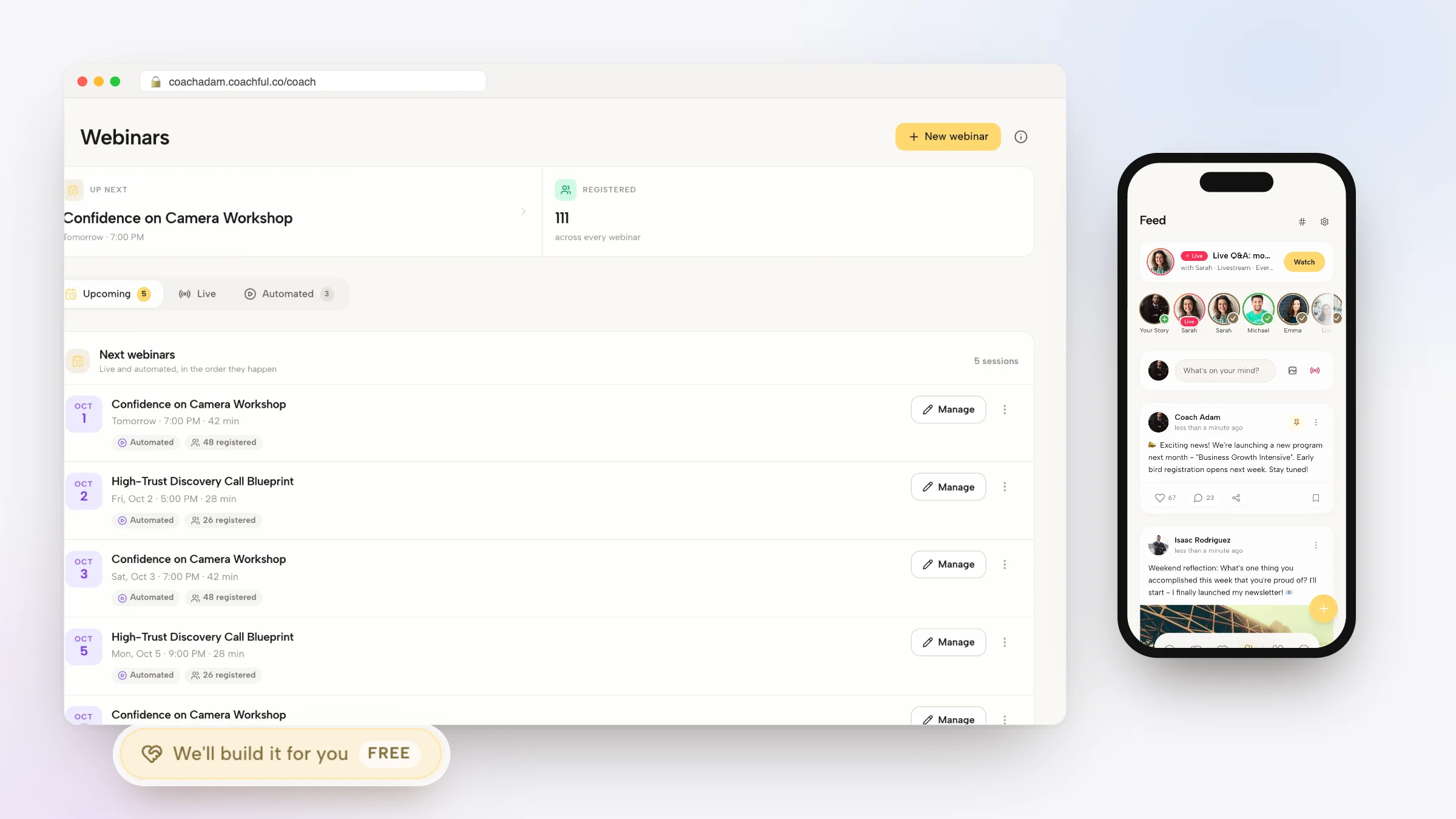
The difference between a webinar and an online coaching workshop is who does the work. On a webinar you teach and people listen. In a workshop, people practice, write, decide or build something during the session, with you coaching them through it, and they leave with it finished. That makes a workshop more work to run, and much easier to charge for.
This is a practical run sheet for one: choosing a workshop that ends with something done, deciding between free and paid, the ticket page, reminders, a minute-by-minute 90-minute agenda, how to handle practice and feedback online, the tech check and the day after. The example throughout is a fictional public speaking coach running a paid workshop on introducing yourself in 90 seconds.
And if you'd rather not set up the pages and emails yourself, Coachful's team builds event and workshop funnels for free on every Coachful plan. That's covered in its own section near the end.
Pick a workshop that ends with something finished
The best workshop titles describe the thing people walk away with. A useful test: could a participant hold it up at the end? A finished pitch, a written plan, a budget, a decision, a first draft, a practiced conversation.
- "Say It in 90 Seconds: write and practice your professional introduction" (speaking coach)
- "Your 2026 money plan in one evening" (financial coach)
- "Write the hard email: a live workshop for new managers" (leadership coach)
- "Plan your first strength week" (fitness coach)
- "Your values, on one page" (life coach)
If you need more topics, our list of 30 coaching workshop ideas with outlines has free, paid and corporate options.
Free or paid?
| Free workshop | Paid workshop | |
|---|---|---|
| Who comes | More people, more curious than committed | Fewer people, ready to work |
| Show-up rate | Lower | Much higher, because they paid |
| Best for | Building a list, testing a topic | Income, warm leads for higher-priced coaching |
| Group size | Can be large if practice is light | Keep it small enough to give feedback |
A low-priced paid workshop is often the best of both: people who pay a small amount turn up, do the work and are already used to paying you. Group size matters more than people expect; our guide to workshop group size breaks down the trade-offs.
Four weeks out: the ticket page
For our speaking coach, Daniel, the ticket page reads like this:
- Headline: Introduce yourself in 90 seconds, without rambling or freezing.
- Subheadline: A live 90-minute online workshop. You'll write your introduction, practice it out loud and get feedback, and leave with a version you can use on Monday.
- What you'll leave with: A written 90-second introduction. A shorter 30-second version. Two rounds of practice with feedback. A one-page guide to adapting it for interviews, networking and the start of a talk.
- Who it's for: "Professionals who dread the 'tell us about yourself' moment at meetings, interviews or events."
- Format and date: Thursday 23 January, 6 to 7:30pm Eastern, on video, cameras on. Twelve places.
- Host: two sentences and a photo.
- Price and button: the ticket price, then "Get your ticket".
"Cameras on" belongs on the ticket page. It filters out people who wanted to watch quietly, and it tells everyone else what to expect.

Two weeks out: promotion and reminders
Promote the workshop where your people already are: your email list first, then social posts that teach one small piece of the topic, then any communities where you're allowed to share. For a small paid workshop, two weeks of steady promotion is usually enough.
Once people buy, send:
- On purchase. Subject: "You're in: Say It in 90 Seconds, Thursday 6pm". Body: the date, the joining link, a calendar invite and one prep task: "Write down the three things people usually get wrong about what you do."
- Two days before. Subject: "What to have ready on Thursday". Body: a quiet room, headphones, the prep notes, and cameras on.
- Day of. Subject: "Tonight at 6pm". Body: the link and nothing else.
- One hour before. A short text or WhatsApp reminder for people who opted in.

The run sheet: a 90-minute agenda
Workshops fail when the clock gets away from you. Write the agenda down, minute by minute, and put it next to your camera.
| Time | Section | What participants do |
|---|---|---|
| 0:00 | Welcome and ground rules | Say hello in the chat; cameras on |
| 0:05 | The idea in ten minutes | Listen; one example of a strong and a weak introduction |
| 0:15 | Writing time | Draft a 90-second introduction using a simple three-part structure |
| 0:30 | First practice | Three volunteers deliver theirs; you coach live, the group watches |
| 0:50 | Rewrite | Everyone tightens their draft using what they heard |
| 1:00 | Second practice | Short rounds in pairs or small groups, with a feedback checklist |
| 1:15 | The 30-second version | Cut it down; two people share |
| 1:25 | What's next | Hear about follow-on coaching; ask questions |
Notice the ratio: about 15 minutes of teaching in 90. The rest is doing. That's what makes it a workshop.
Practice and feedback online
Online practice works best with structure. Three formats, from simplest to most involved:
- Hot seat: one person practices while everyone watches and you coach. Great for teaching, limited to a few people.
- Pairs or trios: everyone practices at once in small groups. Needs breakout rooms, so if this matters, run the workshop on a meeting tool that has them.
- Chat feedback: one person practices, everyone types one thing that worked and one suggestion. Fast, and nobody waits long.
Give a simple feedback checklist so comments stay useful: Did they say who they help? Was there one specific example? Did they stop at the end, or trail off?

The tech check (do it the day before)
- Test the joining link from a second device, signed out.
- Check your camera at eye level, a light in front of you and nothing distracting behind.
- Have the agenda, the feedback checklist and the prep task ready to paste into the chat.
- Decide whether you'll record, and tell participants if you are.
- Keep a backup: your phone's hotspot and a short "we've had a connection hiccup, back in two minutes" message ready.
The day after: recording, workbook and next step
Send one email the next morning. Subject: "Your 90-second introduction, and what's next". Include the recording if you made one, the one-page guide, a reminder to use their introduction somewhere this week, and the next step.
The next step should follow naturally. For Daniel, that's a four-week small-group program on speaking in meetings, or 1:1 coaching before a big talk. Mention it once, with a link, and a sentence on who it's for. Then send one more email a few days later asking how their introduction went. The replies will tell you who's ready for more.
Worked example, start to finish
- Topic: "Say It in 90 Seconds", a paid 90-minute workshop for professionals who dread introducing themselves.
- Ticket page: outcome headline, what they'll leave with, cameras on, twelve places, the price.
- Promotion: two emails to his list, three LinkedIn posts with tips from the workshop, one post in a local business community.
- Reminders: purchase email with a prep task, a two-day reminder, a day-of email and a text an hour before.
- Workshop: the 90-minute run sheet above, with hot-seat practice and chat feedback.
- After: the recording and guide the next morning, a "how did it go?" email three days later, and an invitation to his four-week program.
What to measure
- Tickets sold against places available.
- Attendance against tickets sold.
- Completion: how many people actually finished the thing.
- Next-step conversions in the two weeks after.
- What people said: ask one question at the end ("What will you use first?") and save the answers.
Workshop mistakes
- Too much teaching. If you talk for 60 of the 90 minutes, it's a webinar with homework.
- Too many people for the practice you planned.
- No prep task, so the first 20 minutes go on getting started.
- Skipping the follow-up, which is where most of the business comes from.
Running the workshop in Coachful
- Create the event. In Sessions, Schedule, then Group Session, opens the event form; live events and webinars use the same wizard. An event can run on built-in video or on a Zoom, Google Meet or Teams link from your connected account.
- Sell tickets. New Funnel includes a Paid workshop ticket template for a paid event: it builds the case for attending, shows a ticket card with your event price and takes buyers through signup and checkout. A Free masterclass registration template covers the free version.
- Reminders. Event reminders go out by email, and by text or WhatsApp where those are turned on and the person has opted in.
- Email. Schedule the purchase, prep and follow-up emails as broadcasts or a sequence in email.
- After. Offer the follow-on program as an offer with its own page, and invite attendees to it from the follow-up email.
See group coaching software for more on running group sessions.

Have our team set up your workshop, free
The Coachful team builds event and workshop setups at no extra cost on every Coachful plan. In the app, it's marked as a complimentary gift.
How to ask. Open Create and choose "We'll build it for you", then pick "Event or webinar" under "What should we build?". For the ticket page and emails as a funnel, use Fill in a form on the Funnels page and choose "Fill an event or webinar".
What to send. The workshop topic and what people leave with, who it's for, the date and length, the price, the number of places and the follow-on offer. Add your agenda or notes, a photo, your logo and links to event pages you like. The form takes up to eight links and ten files (images, documents or audio, not video).
What happens next. The team replies by email with next steps, usually within about 24 hours, which is typical rather than guaranteed. Everything is set up in your own account, ready for you to edit.
Recent builds. An author and speaker had five pages built from the coach's own copy document and photos, plus a free community signup page and a book page that waits for the book to launch. A leadership coach got a mobile-friendly homepage with a repeated "talk with me" button, connected visually to the coach's sister company.
What it doesn't include. The team won't host or present your workshop, record videos for you or manage ads. Nothing is invented: no fake attendee numbers, testimonials or credentials. The free white-glove service page has the full scope.

For a free, teaching-led version, read our webinar funnel guide. To turn the workshop into a recurring program afterwards, see how to create a group coaching program. Speaking and confidence coaches like Daniel will find the rest of the toolkit on Coachful for confidence coaches.
Frequently asked questions
How do I run an online coaching workshop?
Pick a topic that ends with something finished, set a date and a small group size, build a ticket or registration page, send a prep task and reminders, run a timed agenda that's mostly practice, and follow up the next day with the recording, a guide and your next offer.
How long should an online coaching workshop be?
Ninety minutes suits most topics: enough time to teach briefly, practice twice and give feedback. Two hours works for heavier topics with a break in the middle. Past that, attention drops on video.
How many people should attend an online workshop?
For workshops with individual feedback, 8 to 15 people is manageable. Larger groups work if the practice is done in pairs or in the chat rather than one at a time with you.
Should I charge for a coaching workshop?
Charging, even a small amount, usually means higher attendance and more engaged participants. Free workshops are better for growing a list or testing a new topic before you charge for it.
Can Coachful set up my workshop for free?
Yes. On every Coachful plan, the team builds the event, ticket page and emails at no extra cost. Open Create, choose "We'll build it for you" and pick "Event or webinar". The team replies by email, usually within about 24 hours.
What's the difference between a workshop and a webinar?
In a webinar, the host teaches and attendees mostly listen. In a workshop, attendees do the work during the session, with the coach guiding and giving feedback, and they leave with something finished.