Online Course Evaluation Questions: 15 for Coaches

Nour
Founder, Coachful
Are people leaving your online course because the teaching needs work, or because they never found time to use it? A useful course evaluation asks about where learners stopped, what they attempted and what blocked the next step, not just whether they liked you.
For a coach selling or including a self-paced course, start with a short survey that separates access, lesson design, practice and support. Invite unfinished learners as well as graduates. Read their answers alongside course activity, then choose one specific revision. A completion percentage alone cannot tell you what to fix.
Below are fifteen online course evaluation questions, a six-question starter survey, a separate non-finisher route and a worked revision example. These are adaptable editorial templates, not a validated assessment instrument. The purpose is to improve the course you deliver, not to produce a flattering score.
What should an online course evaluation measure?
Evaluate the experience of using a particular course version. That means the route from finding the first lesson to attempting the promised skill. It is different from reviewing a live workshop or asking a coaching client about your relationship.
For example, a career coach's interview course might teach learners to construct an evidence-based answer. The evaluation should help the coach distinguish a confusing demonstration from an inaccessible worksheet, an unrealistic practice workload or a learner who has not yet had an interview to prepare for.

Keep three kinds of evidence separate:
- Experience: whether lessons were clear, accessible and appropriately paced.
- Learning: what the learner can explain or demonstrate against your stated objective.
- Application: whether they used the skill outside the course, and whether they had an opportunity to do so.
A satisfaction rating does not establish learning. Watching a video does not establish practice. A course completion marker does not prove a change in someone's career, health or business. Use each measure for the question it can actually answer.
The University of Wisconsin–Madison's course evaluation guidance recommends focused questions, avoiding leading wording and combining closed with open-ended responses. Those are useful design principles for a coach's course, although university evaluation systems are not direct benchmarks for a small commercial course.
15 online course evaluation questions coaches can adapt
Treat this as a question bank. You do not need to put all fifteen items on one form. Replace bracketed wording with your course's real lesson, task or outcome, and retain an appropriate “not applicable” or “not attempted” option.
1. How closely did this course match the description you saw before joining?
Suggested choices: Not at all; a little; somewhat; mostly; completely; I did not see a description. This checks the promise. If people expected individual coaching but bought recorded teaching, clearer positioning may matter more than filming another module.
2. Which lesson or resource was most useful for the task you wanted to do?
Use optional short text, with lesson titles available as a reminder. Ask why that component helped. “The worked example showed me how to choose evidence” is actionable; “great content” is not a curriculum decision.
3. Where, if anywhere, did you become unsure what to do next?
Offer choices based on your actual route: finding the first lesson, opening a resource, moving between modules, understanding release timing, something else, nowhere. An optional explanation can identify a navigation problem that looks like disengagement in your dashboard.
4. How clear was the explanation of [one core concept]?
Suggested choices: Not at all clear; slightly clear; moderately clear; very clear; extremely clear; I have not reached this lesson. Choose the concept that supports the course objective. Do not combine clarity, usefulness and enjoyment in the same rating.
5. What would have helped you attempt [specific practice task]?
Suggested choices might include a completed example, shorter instructions, a smaller first attempt, another format, nothing additional, or something else. Let learners select more than one if your form supports it. Ask about the task, not their supposed lack of discipline.

6. How did the lesson length feel for your available study time?
Suggested choices: Too short to explain the topic; about right; too long for one sitting; it varied by lesson; not applicable. If it varied, ask which lesson. Do not assume every request for shorter video means the explanation itself should be removed.
7. How manageable was the work between lessons?
Suggested choices: Much less than I could use; a little less; about right; a little too much; much too much; I did not attempt it. Keep this separate from video length. A brief video can introduce an assignment that takes an unexpectedly long time.
8. Which best describes your attempt at [the course's core task]?
Suggested choices: Completed an attempt; started but did not finish; have not attempted it yet; the task did not fit my situation. This is a self-report about participation, not a score for competence. If you need evidence of skill, review a suitable work sample separately.
9. What, if anything, made the course difficult to access?
Offer relevant options such as captions, audio, reading materials, mobile use, downloads, login or navigation, no difficulty, and prefer not to say. Invite a private support request without asking anyone to disclose a diagnosis or sensitive personal history.
10. If you needed help, did you know how to request it?
Suggested choices: Yes; no; I did not need help. If help was included, you can ask separately whether it arrived within the stated service terms. Do not imply that a low-cost self-paced course includes private coaching when it does not.
11. What is the main reason you paused or stopped?
Suggested choices: Time or competing priorities; unclear next step; material did not match my needs; technical access; waiting for content to open; already found what I needed; something else; prefer not to say. Keep this route available to unfinished learners. Stopping is not always failure.
12. What is one change that would make this course easier to use?
Use optional short text. The single-change prompt helps prioritisation. A learner may ask for something outside the offer, so compare the request with your promise before treating it as a delivery defect.
13. Since taking the relevant lesson, have you had an opportunity to use [specific skill]?
Suggested choices: Used it; had an opportunity but did not use it; have not had an opportunity; have not reached that lesson; prefer not to say. This prevents “not yet” from being silently counted as poor instruction. Ask later if real-world application takes time.
14. If you tried the skill, which part could you do without returning to the lesson?
Use optional short text or a short list of the actual task steps. This identifies perceived independence, not demonstrated mastery. A learner's explanation or work sample can supply different evidence if that is appropriate to your course.
15. Was anything missing that the published course description led you to expect?
Use optional short text. Distinguish an omitted promise from a request for a different product. You can fix the first and consider the second without adding an entire advanced course to your existing scope.
A six-question course feedback survey template
For an initial review, use questions 1, 3, 5, 8, 9 and 12. Together they cover promise, navigation, practice support, task attempts, access and a prioritised improvement. Add a different question only when you can name the decision its answer will inform.

Course review: [course title and version]
I am reviewing this course to decide what to improve. You can skip questions. Your feedback will not affect your access or support. Please avoid including confidential information about other people.
1. How closely did the course match its description?
2. Where did you become unsure what to do next?
3. What would have helped you attempt [specific task]?
4. Which best describes your attempt at that task?
5. Did anything make the course difficult to access?
6. What one change would make it easier to use?
Before sending, add a truthful statement about who can read responses, whether names or account details are collected, and how you will use the information. Replace broad anonymity promises with a description of the actual collection method. A logged-in form is not automatically anonymous.
Test the form on a phone. Put answer labels beside each question, avoid a wide rating matrix, and make free-text explanations optional where possible. Check that a learner can report “I did not attempt it” without being forced to explain why.
Give non-finishers a different route
A graduation-only survey misses the people who could tell you most about the beginning. Do not send a person who watched one lesson a required rating of your final module. Begin with their current position, then show or send the relevant questions.

- Not started: ask whether they could access the course, what they expected and what prevented a first visit.
- Started but paused: ask the last lesson reached, the main reason for stopping and what would make a next attempt possible.
- Finished: ask about the practice task, a useful component and one improvement. Ask about application only when an opportunity could reasonably have occurred.
You can implement these as separate short forms or manually chosen messages if your survey tool does not support branching. You do not need elaborate automation to avoid irrelevant questions. Keep the invitation optional, and do not turn a pause into a public accountability exercise.
Choose an invitation window that fits your course. A weekly cohort has a shared schedule; an evergreen course may need a review after a reasonable access period rather than the same calendar date for everyone. Do not claim a universal best day or response-rate benchmark.
Read course feedback beside activity, not as a substitute for it
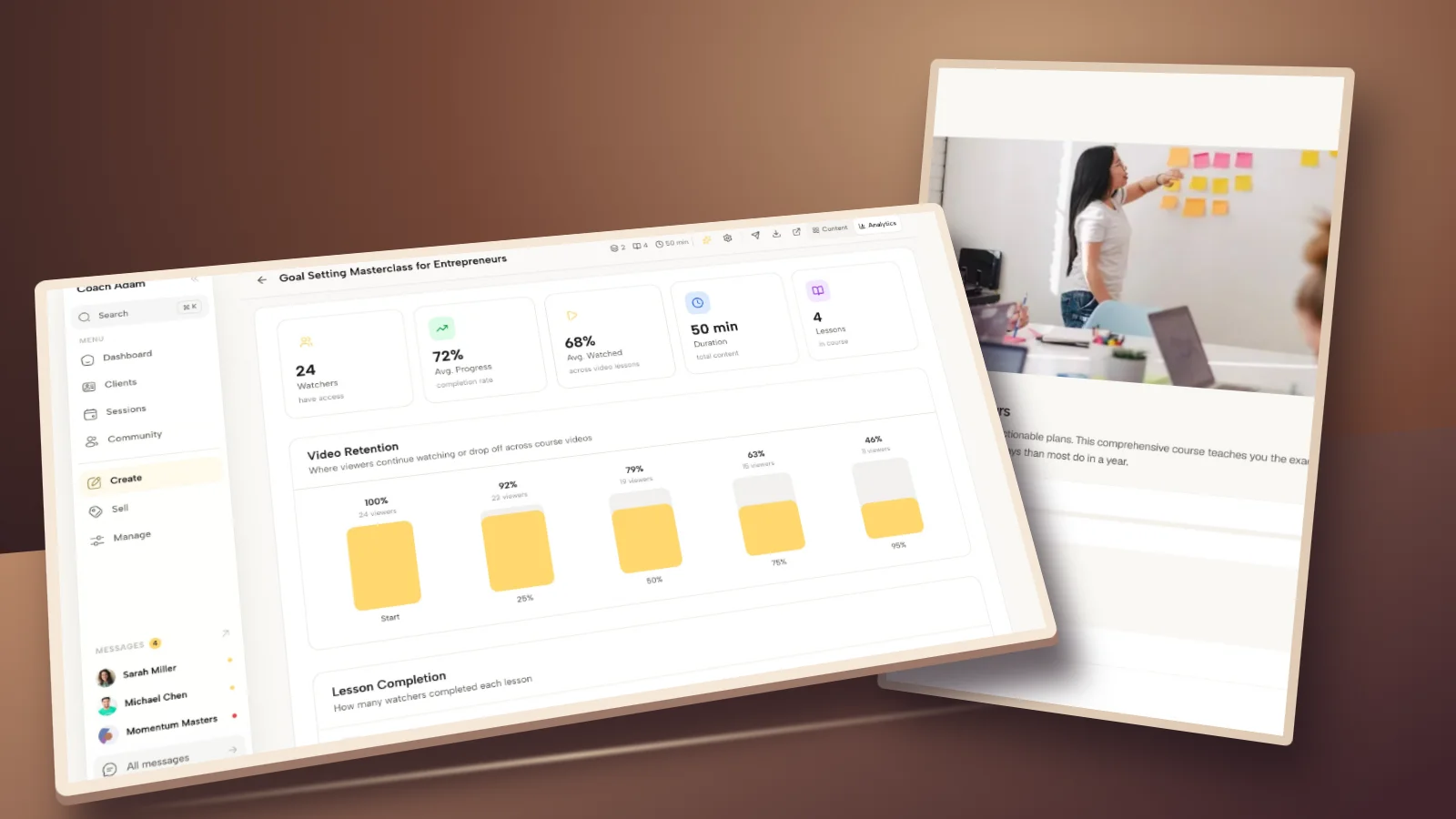
Course analytics can identify a place to investigate. Feedback can suggest an explanation. Neither tells you automatically what caused the other.

Suppose a lesson has lower viewing than the previous one. Possible explanations include a harder task, a release restriction, a less relevant topic or learners getting the answer they needed early. A blanket “make every video shorter” response is a guess until you inspect the experience.
Where feedback is identifiable, only connect it to individual activity when that use has been explained and is appropriate. Never promise anonymity and then try to identify a respondent from their lesson history. For a small group, even a detailed quotation may reveal its author.
A fictional course-revision example
A career coach reviews an interview course. Several respondents describe difficulty choosing which experience to use in an answer. The coach also notices fewer learners reaching the practice lesson. These are fictional observations illustrating a method, not Coachful customer results.

- Observation: comments name the example-selection step, while activity suggests a possible pause before practice.
- Interpretation: choosing an example may be harder than the course acknowledges. Other explanations remain possible.
- Revision: add one annotated example showing how to choose evidence before introducing the answer structure.
- Next check: ask the same task-support question for the next comparable group and review whether learners attempt the exercise.
Do not change price, audience, lesson order, support and video length simultaneously, then credit one change for a better result. Keep a dated version note. Small course cohorts rarely justify sweeping causal claims, but they can still support a sensible, reversible improvement.
Keep feedback tied to the right course version
Record the course title, version or revision date, access model and invitation window. Distinguish people who bought the standalone course from those who received it within a coaching program. Their support and expectations may be different.

Record invitations sent, responses received and answers to each item. A skipped question is not a neutral rating. Do not pool “not reached” with “unclear”, and do not quietly remove unhappy non-finishers from your summary.
Keep an internal record short: the question wording, collection period, response counts, main themes, chosen revision and next review. For sponsor reporting, agree the level of detail beforehand and avoid exposing individual answers. Feedback about usability is not a licence to share confidential coaching material.
Send a request that makes honest feedback welcome
Subject: Help me improve [course title]
Hi [name], I am reviewing [course] before the next revision. Whether you finished, paused or have not started, your experience can help me decide what to change.
The short review is here: [survey link]. It is optional and will not affect your access or support. [Accurate privacy statement.] I will use the responses to choose improvements, not as testimonials.
If you need help with an access problem, use [support route] rather than waiting for the review. Thank you, [coach name].

A reminder can be appropriate within your agreed communication preferences, but do not chase people until they explain themselves. If you later want to publish a comment, make a separate permission request. An evaluation response is not a testimonial release.
Put the feedback into one useful revision
Start with the weakest transition in your course: access to first lesson, explanation to practice, or practice to application. Choose the relevant questions, inspect the learner's route, and decide what evidence would justify a change. That is more useful than rebuilding because one person selected an unhappy face.
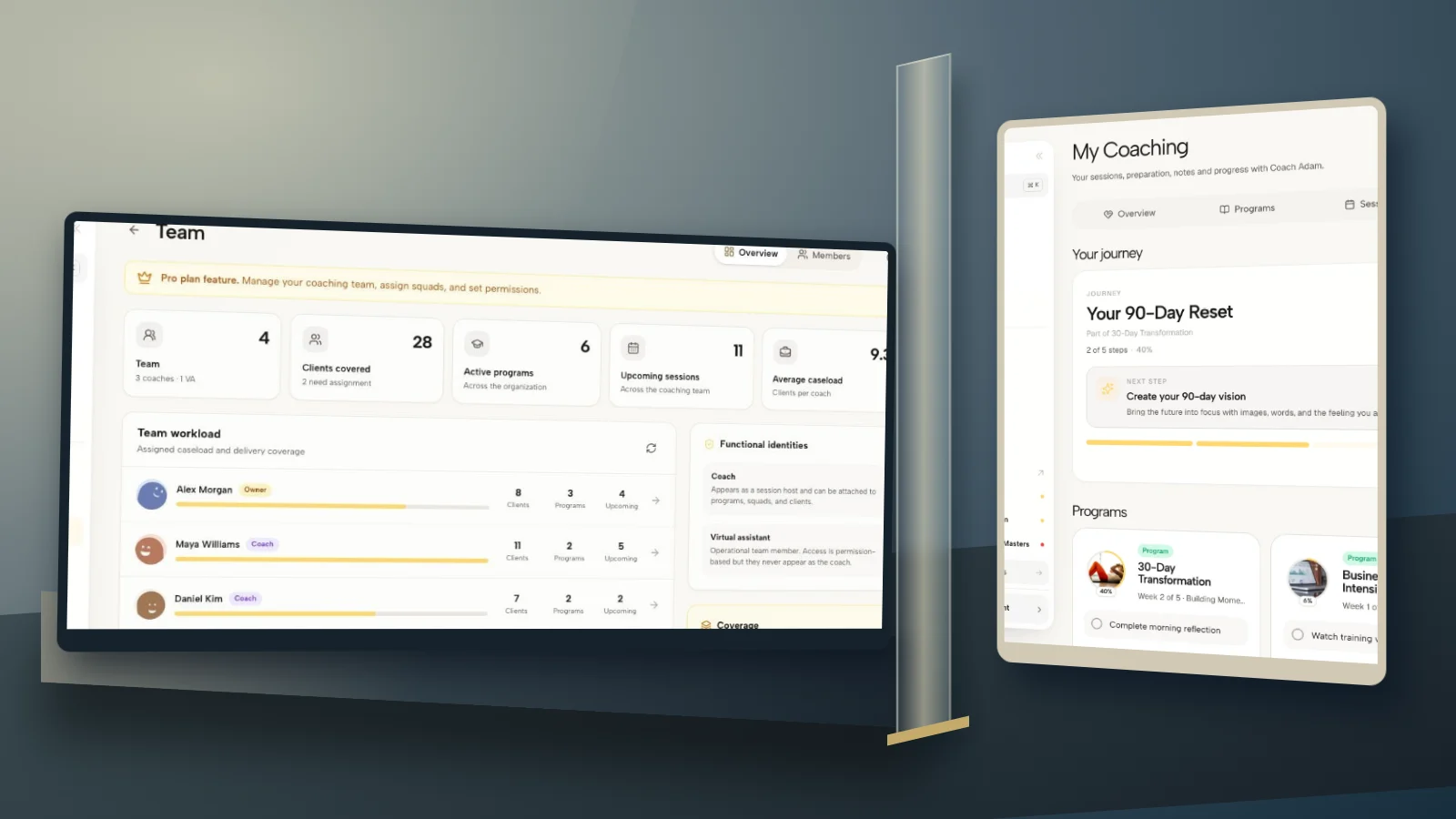
Coachful can show the course structure, the learner experience and course progress within a coaching practice. If you want to inspect those surfaces before deciding how to organise your own review, try the interactive Coachful demo. Use it to trace a lesson from the coach's editor to the learner's course, not as a promise that software can interpret feedback for you.
Frequently asked questions
How many questions should a course evaluation have?
Use the fewest questions that inform your next decisions. The six-question starter above is a practical starting point, not a proven optimum. Keep a longer question bank for targeted investigations rather than requiring every learner to answer everything.
Should I survey learners who did not finish?
Yes, when you can do so appropriately within your communication terms. Give them a short route about access, the last point reached and barriers. Do not require opinions about lessons they never experienced or imply that stopping requires a defence.
Does course feedback prove that my teaching works?
No. It describes respondents' experiences and reported actions. Evidence of learning requires an appropriate task or explanation; evidence of real-world application needs a separate check. Stronger outcome claims require stronger evidence than ratings or completion markers.
Should the survey be anonymous?
Choose deliberately. Named responses can support individual problem-solving; anonymous collection may make criticism easier. Explain the actual setup, avoid unnecessary identifying fields and recognise that small groups can still make detailed comments identifiable.
Is this the same as a coaching feedback form?
No. This survey evaluates a course's lessons, practice, navigation and access. For the relationship and end of an engagement, use a separate coaching feedback process. Keeping the purposes separate makes both sets of answers easier to interpret.