Podcast Guest Landing Page: 5 Sections for Coaches

Nour
Founder, Coachful
What should you send podcast listeners to when the host asks where they can find you? Send them to a short, memorable page that delivers the specific resource you discussed, not a homepage that makes them hunt for it.
A podcast guest landing page needs five things: a promise that matches the episode, a useful description of the resource, an obvious delivery action, credible context and a sensible next step. You can build a small page before recording and test the entire journey on a phone. You do not need a new offer or a sprawling funnel.
The awkward moment is familiar: you have explained something useful for half an hour, then finish by reciting four social handles and a website address nobody can spell. The listener might be walking the dog. Give that person one action they can remember.
This guide is for coaches preparing the destination for an agreed podcast appearance. For finding shows and pitching hosts, start with how to get booked on podcasts as a coach. Here, the decision is narrower: what should the listener actually see and receive after hearing your invitation?
The five sections of a podcast guest landing page
- Episode-matched headline: confirm the listener has reached the right place.
- Resource preview: explain what they will receive and how to use it.
- Delivery action: make access straightforward and subscriptions transparent.
- Relevant credibility: show who created the resource without implying the host endorses your services.
- Next-step guidance: help the reader use the resource before asking for a larger commitment.
This is an editorial structure, not a conversion formula. A good page cannot manufacture audience fit, guarantee coaching clients or compensate for a resource that does not help.

1. Match the headline to the promise listeners heard
Write the spoken invitation before designing the page. It forces you to decide what the episode actually prepares someone to do. If you cannot explain the resource in a breath, simplify the promise.
Consider a fictional leadership coach interviewed about preparing a first difficult feedback conversation. A suitable invitation might be: “I have a one-page sheet to help you separate your observation, the work impact and your opening request. You can find it at [your short resource address].” The brackets are placeholders, not a suggested live URL.
The page headline could then read: Prepare your first feedback opening. A supporting line might say: “A one-page preparation sheet for new managers, continuing the conversation about feedback on [Show].” The listener should not have to translate an interview about feedback into a page about unlocking leadership potential.
Use the show name factually and follow any naming or promotional agreement with the host. Do not add the show's logo, the host's photograph or “recommended by” language without the appropriate permission. Appearing in an interview does not establish endorsement.
You do not necessarily need a separate page for every appearance. If several interviews teach the same exercise to the same audience, one accurate resource page may be sufficient. Create a show-specific version when the introduction, resource or audience genuinely changes, not merely to accumulate pages.

In your own website editor, check the heading, short explanation and first visible action together. A beautifully branded page can still fail this basic handoff if its opening talks about your whole practice rather than the resource you just promised.
2. Show what the resource contains and what it does not do
Listeners need enough detail to judge whether the resource is worth their attention. “Download my free guide” says almost nothing. Name the format, the task and any preparation needed.
For the fictional feedback example, useful preview copy would be: “A one-page PDF with four prompts. Describe what you observed, identify the work impact, draft an opening request and check whether you need an HR or safety process instead.” That is a tangible description, not a promised workplace outcome.
A small preview can show the actual worksheet, a relevant excerpt or an accessible HTML version. Keep the important explanation in live page text. A reader using a screen reader, slow connection or images-off mode should still know what they will receive.

Do not create a twenty-page ebook because the interview is tomorrow and an ebook feels more impressive. A concise resource that continues one exercise is often a more coherent editorial choice. That is not a claim that shorter downloads always perform better; the right length depends on the task.
Check scope as carefully as usefulness. A health coach's routine worksheet should not imply diagnosis. A career coach's interview reflection sheet should not guarantee employment. A relationship coach should not present a public resource as individualized therapy. State the relevant boundary in ordinary language close to the exercise.
Try the resource yourself from beginning to end. Can someone use it without the explanation that exists only in your head? Replace vague prompts such as “reflect deeply” with a question the reader can actually answer. If the resource needs a demonstration, include a clearly labeled fictional example.
3. Make the delivery action clear and honest
Decide whether the resource should be freely accessible or delivered by email. Both are legitimate editorial options. An ungated resource removes an email step; email delivery can give the reader a way to retrieve it later. Neither automatically produces qualified leads.
If you use a form, ask only for information necessary for the purpose. A simple worksheet rarely needs a phone number, employer, salary or detailed account of a personal difficulty. Save coaching-fit questions for a separate, appropriate enquiry process.
Name the action in the button: “Send me the preparation sheet” or “Open the worksheet.” Explain whether the next event is an immediate download, an email, a pending request or a booking. Do not label an application “Get instant access” when a person must approve it first.

Resource delivery and ongoing marketing are different purposes. Explain what messages you intend to send, provide the relevant privacy information and use an appropriate lawful basis and consent process for your jurisdiction. Where consent is required for marketing, do not silently treat a resource request as permission for a newsletter.
A fictional explanatory line could be: “We will email the worksheet link. If you also want [accurate newsletter description], choose that option separately.” This wording is not a complete legal implementation. Your actual form, records, email settings and privacy notice must match the explanation.
Test error and success states, not just the attractive blank form. Submit a valid test address you control. Check what happens after submission, whether the message arrives and whether the download works without signing into your coach account. Do not subscribe a host or a test contact you do not control.
Make the spoken address usable without a screen
A show-notes link and a spoken address have different jobs. The show-notes link can carry a campaign tag. The spoken address must be short enough to remember and clear enough to type later. Supply both to the host before recording, following their preferred format.

A useful check is to say the address aloud to someone who has not seen it, then ask them to type it. Notice confusing spelling, punctuation and long paths. This is a usability test, not evidence of how all listeners will behave.
If you use a short path or redirect on your own domain, test where it lands and keep it maintained. An old episode may continue to be available after you change your offers. Do not let its resource address expire into a broken link, unrelated sales page or unexpected checkout.
Do not claim Coachful automatically creates spoken vanity URLs or podcast attribution. Use only the routing and page controls you have verified in your actual setup. If a memorable resource address is not available, choose the simplest honest address you can support and give the host an accurate clickable link.
4. Add credibility that belongs to this resource
Once the visitor understands the resource, identify its author. A short relevant description is more useful here than a full career biography. Explain whom you coach, why this exercise fits your work and the limits of your expertise.
For example: “[Name] coaches first-time managers preparing for everyday leadership conversations. This worksheet is a general preparation exercise, not HR, legal or crisis advice.” Add a credential only if it is real, current and described accurately. Training completion is not automatically a professional credential.
You can include a speaking sample or relevant article if it helps the reader evaluate your approach. Avoid turning the resource page into a press wall. The person has just heard you speak; they mainly need confirmation that this is the promised destination.
Use testimonials only with appropriate permission and accurate context. Do not invent a client quote to make a new resource look established, and do not borrow the host's kind introduction as a service testimonial. If you have no suitable testimonial, publish without one.
Keep personal and client information out of screenshots and examples. A fictitious worksheet is usually enough to demonstrate the method. Changing a client's name does not necessarily make their story unrecognizable within a small professional community.
5. Give the listener a next step that follows the exercise
The page has already asked for one small action. Do not immediately overwhelm someone with a course, a paid package, a community invitation and six booking options. First explain how to use what they came for.
A suitable delivery message might say: “Here is the preparation sheet. Choose one conversation, complete the observation and impact prompts, then check whether the situation needs a formal workplace process before drafting an opening.” The instruction should stand on its own without requiring another purchase.

If someone has appropriately opted into further messages, a later email can teach a relevant example or invite them to explore coaching. Make the connection explicit: the worksheet helps them prepare one opening; coaching may help them examine recurring leadership decisions within your scope. Do not pretend the worksheet has diagnosed their need for paid support.
For a person already looking for a coach, a secondary discovery-call link can be reasonable. Explain what the call is for, who it suits and whether it is free or paid. Keep it visually secondary to the promised resource so the page does not feel like a bait-and-switch.
There is no universal number of follow-up emails. Send what you promised, respect unsubscribe requests and stop when the person has not agreed to ongoing marketing. A delayed download should trigger a delivery repair, not a manufactured deadline for buying coaching.
Copy this podcast guest landing page template
The following is a fictional copy scaffold, not a live page or a legal consent template. Replace every bracketed field with verified information and remove anything you cannot truthfully offer.
Headline: [Complete the specific preparation task from the interview].
Episode connection: For listeners of [Show], continuing the conversation about [specific topic].
What you get: A [format] containing [specific elements]. Use it to [bounded task]. It does not [important scope limit].
Access: [Open the resource / send the link by email]. [Accurate description of delivery timing and any required steps].
Messages: [Explain resource delivery]. [Describe any genuinely optional further subscription and link to relevant privacy information].
Author: [Name], [accurately described relevant work or credential]. [Professional contact route].
After access: Start with [first exercise]. If you want support with [appropriate broader coaching decision], [plain-language explanation of the optional next step].
Keep this copy readable on a phone. Use meaningful headings, clear field labels and links that describe their destination. If your preview includes a PDF, make its essential instructions available in an accessible format too.
Test the complete listener journey before the episode goes live
Run a practical rehearsal using an ordinary browser session, not an editor preview where you are already signed in. Start from the exact link you will send the host. Then repeat from the spoken address.

- Arrival: Does the first screen confirm the promised resource?
- Access: Can a visitor complete the action on a phone, with usable field labels and error messages?
- Delivery: Does the right resource arrive, open and remain usable outside your account?
- Privacy: Are the message choices and privacy explanation accurate?
- Continuity: Does the next message follow the reader's permission and the exercise rather than start an unrelated promotion?
Ask the host to use the final tested link, not an early draft. If something changes after recording, tell them promptly. Do not assume they can edit the audio, update every distribution platform or rescue a resource you have stopped maintaining.
Measure the handoffs without inventing a conversion benchmark
Record what you can actually observe: relevant page visits, resource requests, successful delivery, suitable enquiries and booked conversations. These are different events. A download is not a coaching client, and a booked call is not collected revenue.

If visits are low, inspect the invitation and link before rewriting the form. If requests arrive but access fails, repair delivery first. If people use the resource but make no enquiries, review audience fit and the relationship between the exercise and your offer. Do not assume the button color is the cause.
Use campaign-tagged show-notes links where your analytics supports them, and ask new enquiries how they heard about you. Explain that self-reported sources and link data are incomplete. A listener may type your name weeks later or hear you on several shows. Unattributed does not mean worthless; attributed does not prove the appearance caused the sale.
Frequently asked questions
Should I send podcast listeners directly to a booking page?
Sometimes, if the interview and audience make that action appropriate and the host agrees. For an educational appearance, a closely related resource may be a gentler continuation. Choose according to the listener's decision, not a rule that everyone must enter a sales call.
Do I need a new lead magnet for every podcast?
No. Reuse a resource when it genuinely fits the conversation and audience. Update the page's introduction only when useful and factual. Do not spend more time making show-branded versions than improving the underlying exercise.
Should my listener page be hidden from Google?
Not automatically. A useful public resource may deserve an ordinary indexable page. Near-identical show-specific versions can create unnecessary duplication. Discuss canonical and indexing choices with whoever manages your site rather than assuming every campaign page requires a different search strategy.
What conversion rate should a coach expect?
There is no reliable universal target for this situation. Audience fit, the episode, the invitation, traffic measurement and your offer all vary. Start with your actual counts and delivery checks; do not borrow a vendor's best-case percentage to forecast clients.
Build the destination before making the invitation
Choose the resource, write the spoken invitation, assemble the five sections and test access. That gives the host something useful to share and gives the listener a way to continue without searching through your entire business.
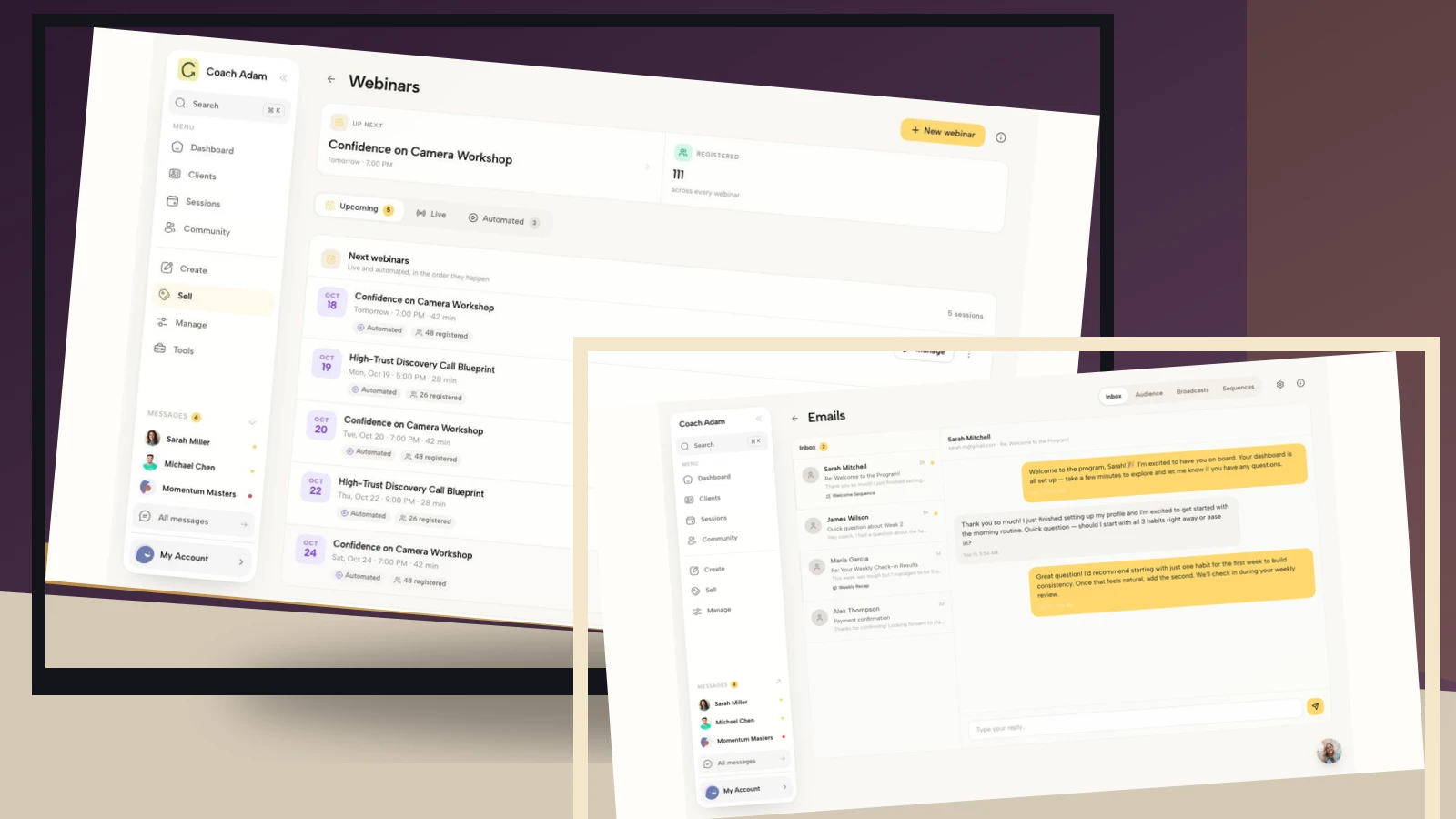
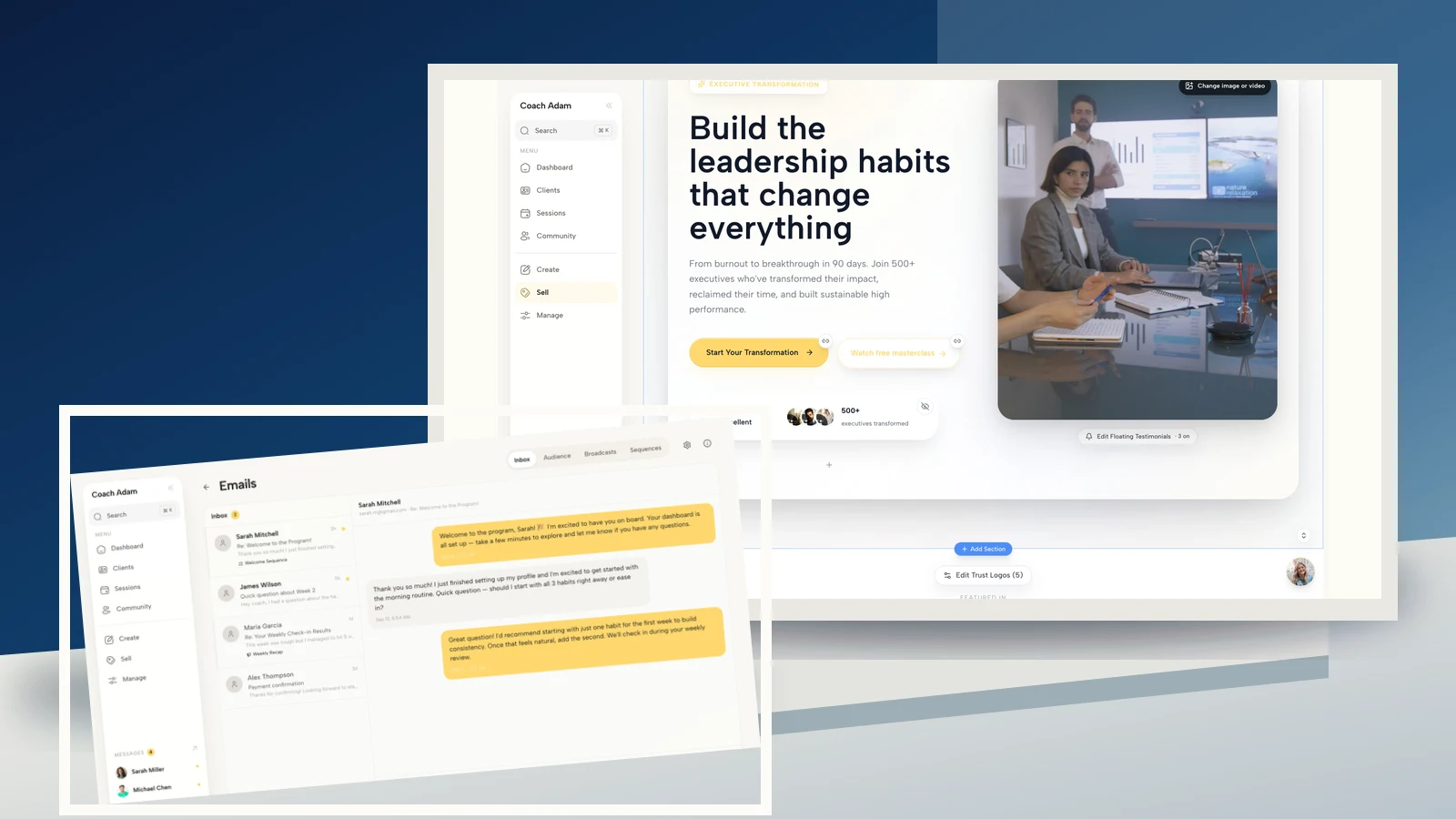
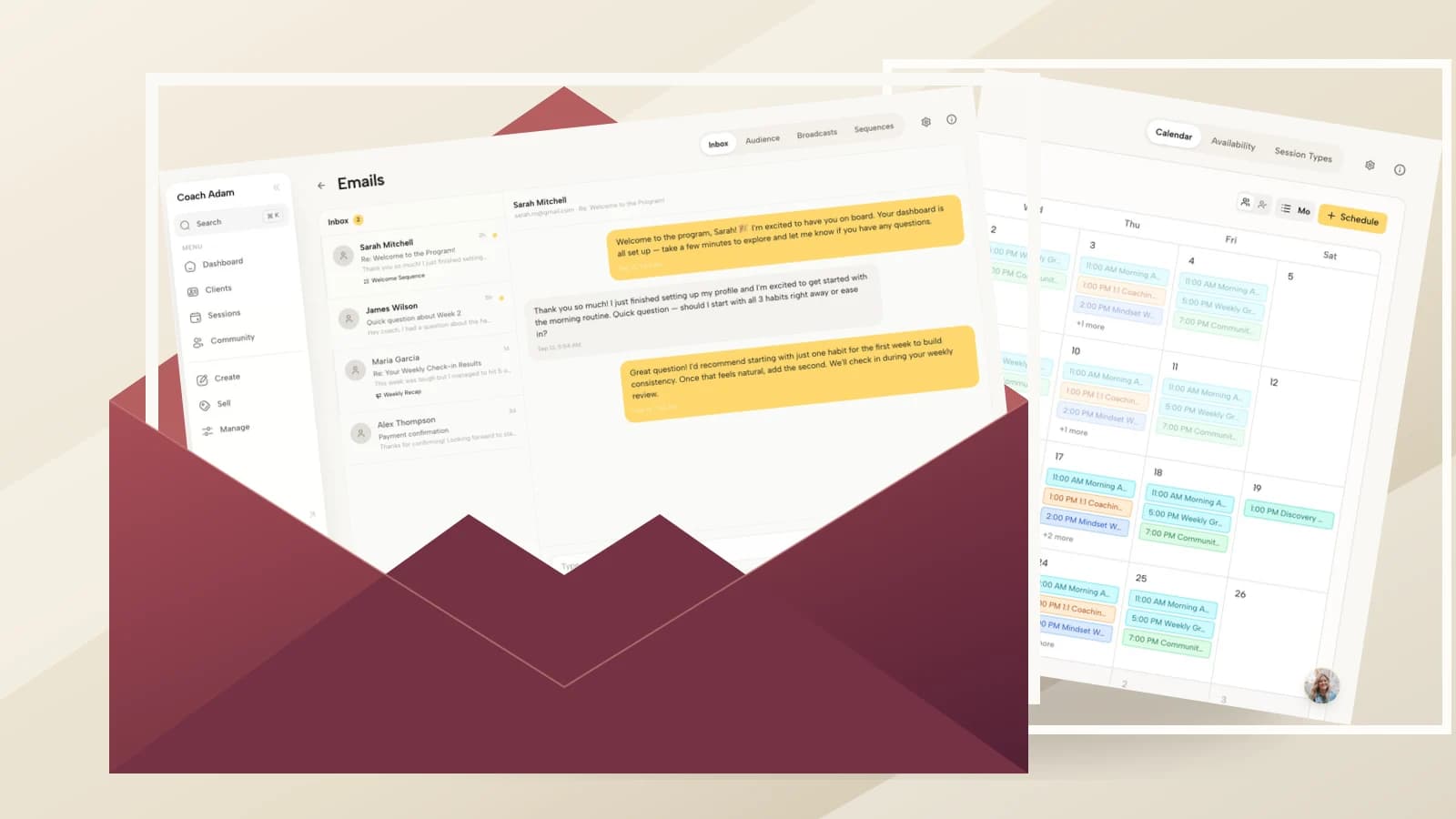
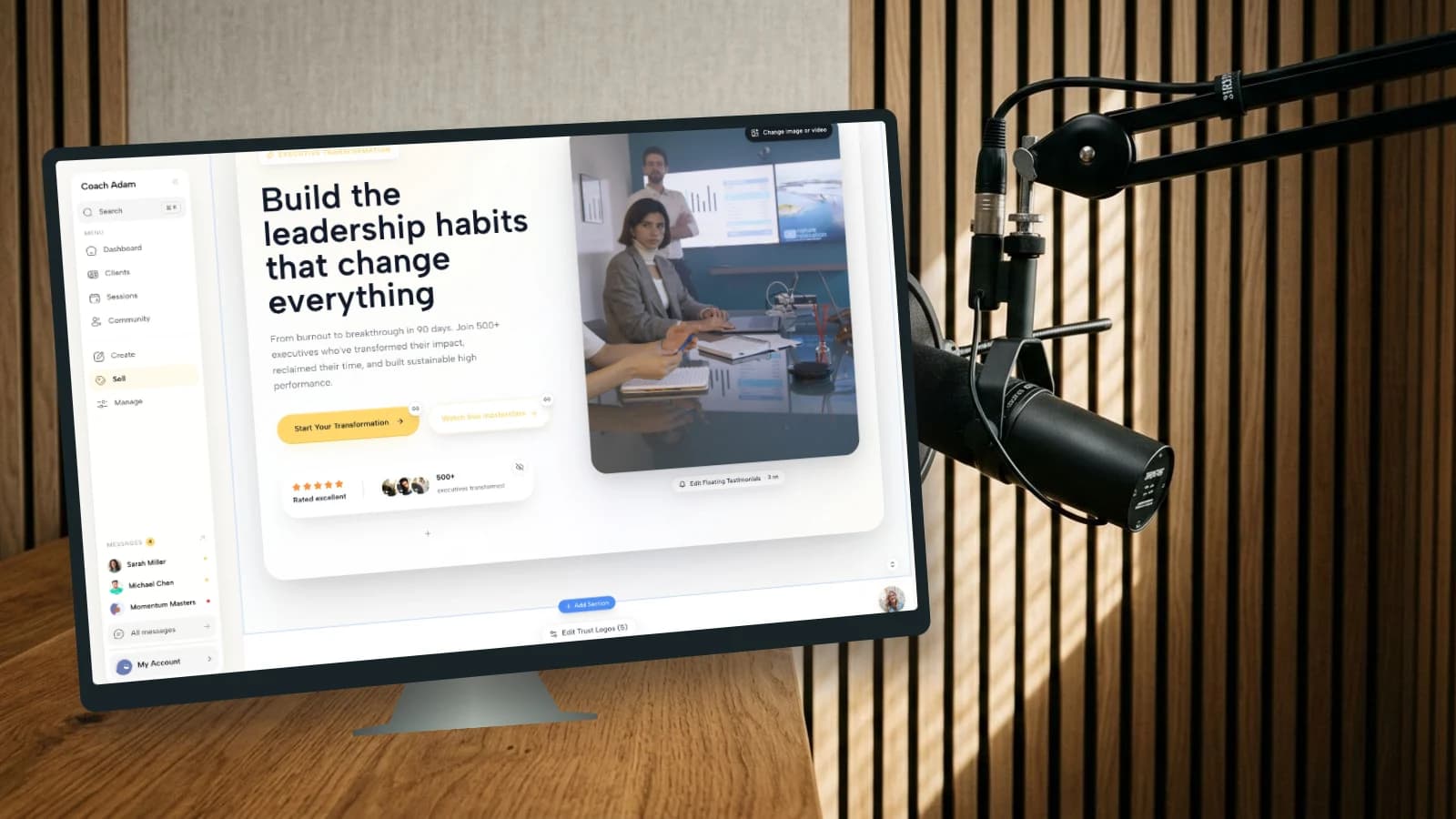
If you want to inspect the page, form and email surfaces that could support that handoff, try the interactive Coachful demo. Start with the website editor and trace what the visitor would do next. Verify the configuration in your own account before promising any delivery or follow-up behavior.
Editorial sources and limits: Interview Connections' podcast CTA guidance supports the practical case for a relevant listener resource. The five-section structure, fictional worksheet and diagnostic checks here are original editorial guidance, not a measured conversion study. No podcast audience figures, client results or revenue forecasts are assumed.