Webinar Confirmation Email for Coaches: 5 Templates

Coachful
Editorial Team
Someone has registered for your coaching webinar. What should the confirmation email say so they know they have a place and can actually get into the session? Confirm the real registration status first, then give the exact event, date, time zone and joining route. Add a tested calendar option, any essential preparation and a help contact you monitor.
The first message is an access receipt, not a second sales page. A person who has just signed up should not have to wonder whether the form worked, search for a password or register again to find the room.
Below are five original webinar confirmation email templates for coaches. Choose the one that matches what actually happened: a confirmed live place, a replay-included event, a paid workshop, a request awaiting approval or on-demand access. They are alternatives, not five emails to send to everyone. Every bracketed field needs replacing with a verified detail.
What a webinar confirmation email needs to do
Answer the questions a registrant has immediately after submitting: “Did it work?”, “Which session did I choose?” and “What happens next?” A polished banner does not answer those questions. Plain, accurate details do.
- Status: confirmed, awaiting review or awaiting another action. Do not call a request a reservation.
- Event: use the same title and occurrence as the registration page.
- Schedule: full date, start and end time, and an unambiguous time zone.
- Access: the correct participant link or an honest explanation of when and how it will arrive.
- Calendar: a working calendar link or invitation when your setup supports one.
- Expectations: essential preparation, recording arrangements and the next event communication.
- Support: a monitored route for registration or access questions.
Confirmation establishes the booking; reminders help someone attend it. This guide covers the immediate post-registration message. Use our webinar reminder templates for messages closer to the event, rather than treating this as another countdown sequence.

1. Confirmed live webinar, without a recording
Use when: registration has genuinely been accepted for a live event and no replay will be provided. Say that plainly. A participant may need to decide whether to protect the calendar time or release the place.
Subject: You are registered: [webinar title], [date]
Preview: Your time, joining details and what to bring.
Hi [first name],
You are registered for [webinar title].
When: [full date], [start time] to [end time], [time zone].
Join [webinar title]: [verified HTTPS participant link]. [State any actual sign-in requirement.]
Save the session to your calendar: [tested calendar link or invitation instructions].
We will work on [specific exercise or decision]. Please bring [small necessary preparation item, or say no preparation is needed].
This is a live-only session; there will not be a recording. [Accurate participation expectation, if relevant.]
If you can no longer attend or need help with access, contact [monitored help address]. [State any actual cancellation process.]
[Coach name]
For a hypothetical career-coaching webinar, the exercise might be comparing two career options against the working conditions someone wants to protect. That gives a registrant a concrete reason to attend without promising a job offer or an instant career decision.
Keep preparation proportionate to what was disclosed before registration. Asking someone to have a notebook nearby is different from unexpectedly requiring a CV upload or a personal history. Do not introduce a substantial new condition in the confirmation.

2. Confirmed webinar with a promised replay
Use when: a recording will actually be made and shared with this registrant. State what will be recorded and the delivery expectation. “Replay included” should not become a vague promise that somebody will eventually edit a file.
Subject: Confirmed: [webinar title], with replay access
Preview: Save the live time and check the recording arrangements.
Hi [first name],
Your registration for [webinar title] is confirmed.
The live session is [full date], [start and end time], [time zone]. Join here: [verified HTTPS participant link].
Add the live session to your calendar: [tested calendar link].
We will cover [specific topic and practical activity]. [State any real preparation.]
[Accurate description of what is recorded, including whether participant discussion is excluded.]
I will send the recording to this address by [realistic delivery date or timeframe]. Access will last [actual access period, or describe the arrangement without inventing an expiry].
If you have a question about access or participation, contact [monitored help address].
[Coach name]
A leadership coach might record a teaching segment but not paired practice or individual disclosures. In that case, say “the teaching recording,” not “the entire workshop.” Check your permissions and the expectations set before registration; this template is not consent to record people.
Do not offer a replay in the subject when recording is uncertain. If a recording later fails, explain the problem and provide an appropriate alternative. A worksheet is useful, but it is not a recording and should not be relabelled as one.
3. Confirmed paid online workshop
Use when: your actual acceptance and payment conditions have been satisfied. A completed form is not proof that a payment succeeded. Check the relevant booking and payment records before saying the place is confirmed.
Subject: Booking confirmed: [workshop title], [date]
Preview: Your workshop details, access and booking reference.
Hi [first name],
Your place on [workshop title] is confirmed. Booking reference: [actual reference, if used].
We meet [full date], [start and end time], [time zone]. Join here: [verified HTTPS participant link].
Add to calendar: [tested calendar link].
Your booking includes [actual live session, materials and any access period]. Please prepare [necessary item, or state that none is needed].
Your payment receipt is [accurate location or delivery instruction]. [Include the amount and currency only when verified and appropriate.]
For cancellation or transfer arrangements, see [applicable terms link]. For a booking question, contact [monitored address].
[Coach name]
This is an operational confirmation, not necessarily a tax invoice or payment receipt. Those documents may require different details depending on the transaction and jurisdiction. Link to the actual document rather than improvising tax information inside an email template.
If payment is still pending, use different wording: “We received your registration details. Your place becomes confirmed when [actual condition]. Complete the next step here: [secure payment route].” Explain whether a seat is held while payment is pending, but only if your process really holds one.

4. Registration request received, awaiting approval
Use when: you review suitability or availability before accepting participants. This is deliberately a request acknowledgement, not a confirmation. It belongs in this library because “You are in!” is the wrong message when your review is unfinished.
Subject: Request received: [webinar or workshop title]
Preview: Your place is not confirmed yet; here is the next step.
Hi [first name],
I have received your request to join [event title] on [full date, time and time zone]. Your place is not confirmed yet.
I will review [the actual availability or eligibility condition] and reply by [truthful date or timeframe].
You do not need to submit the form again. [State any genuine outstanding action, or say that no action is needed while you review.]
If your request is accepted, I will send [actual acceptance, payment or joining instructions]. Please do not treat this message as a confirmed booking.
If you need to correct a detail, contact [monitored address], quoting [reference if used].
[Coach name]
A small facilitated practice group may reasonably require an availability or prerequisite check. Explain that check before collecting the application. Do not call every ordinary webinar an application process just to manufacture exclusivity.
Give the review an owner. A carefully worded acknowledgement is not useful if nobody checks requests by the stated date. When you accept someone, send the actual confirmation and remove the pending instruction so the participant does not have to reconcile contradictory messages.

5. On-demand webinar access is ready
Use when: the registrant has access to a recording rather than a live appointment. Do not use “See you there” or add an invented event date. An on-demand lesson can be valuable without pretending the coach is waiting in a live room.
Subject: Your [webinar title] recording access is ready
Preview: Start with [specific section or exercise].
Hi [first name],
Your access to the [webinar title] recording is ready.
Watch [webinar title]: [verified HTTPS access link]. [Explain the actual sign-in or access step.]
This is a recording, not a live session. It covers [specific topic] and includes [actual resource or exercise].
A useful place to begin is [verified section or timestamp, if applicable]. Have [necessary preparation] nearby.
[Actual access period and support arrangement.] Questions about opening the recording can go to [monitored address].
[Coach name]
Check the final edited recording before inserting timestamps. If a purchase or account is required, explain that accurately before people reach a surprise login screen. Do not send a public preview link when the promise was access to the complete lesson.
If the recorded material contains a sales invitation, do not imply that an old cohort deadline is still live. Review the spoken offer, captions, links and accompanying page as well as the confirmation text. A recording can preserve outdated commercial claims long after the email has been corrected.
Make the joining route match the promise
The email must use the participant entrance, not your organiser console. A meeting link that works while you are signed in as the host may fail for everyone else. Test from an appropriate fresh participant session using data you control.
Check whether the link is public, unique to the registrant or delivered after another step. Do not copy one participant’s personal access link into a general template. When instructions arrive later, give a truthful delivery expectation and an alternative support route if they do not arrive.

For calendar links, verify the event title, occurrence, start and end time, time zone and access instructions after opening the calendar item. Do not assume the time survived because the button was clickable. Daylight-saving changes and international audiences make unexplained abbreviations particularly risky.
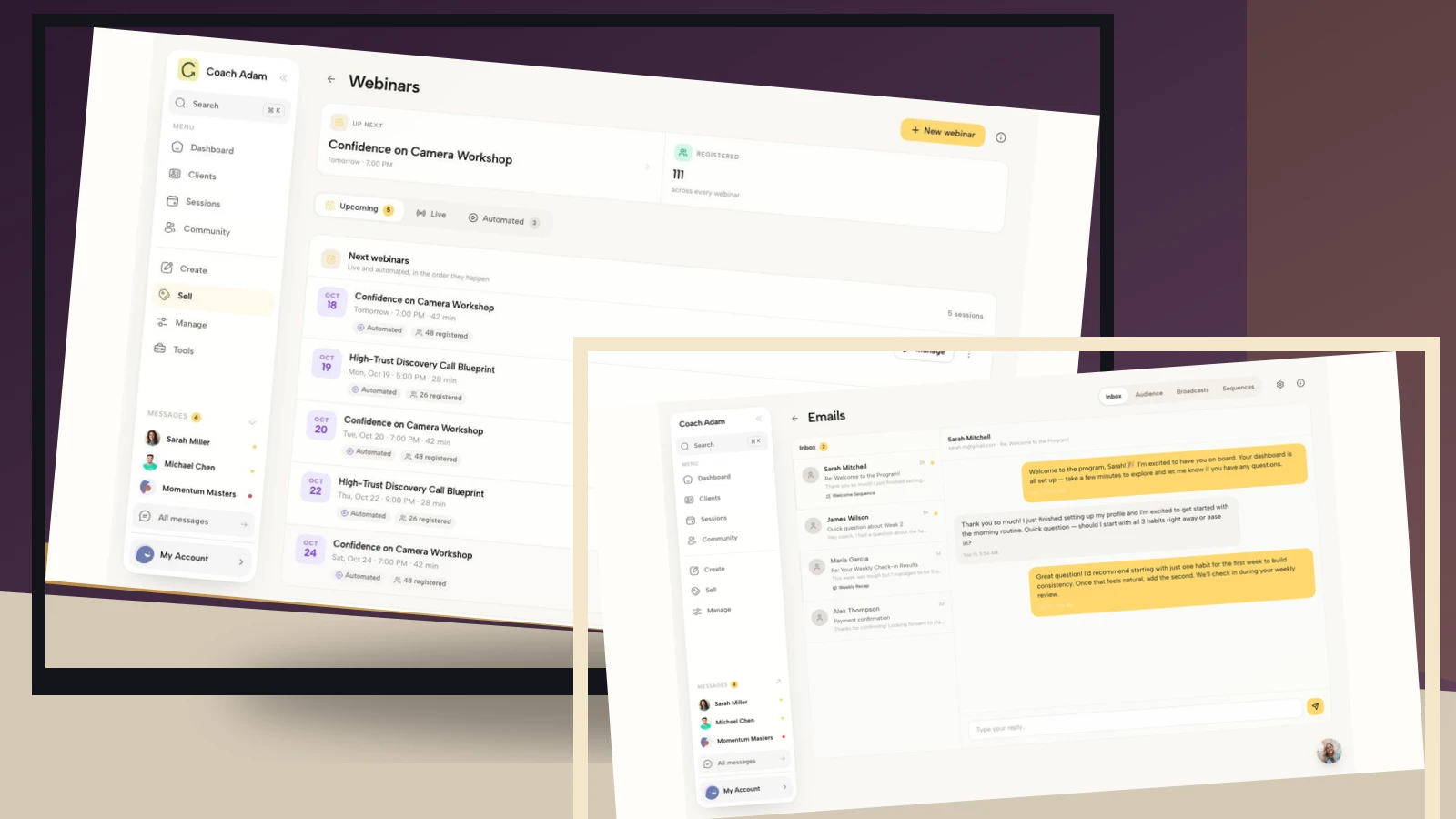
Coachful’s real demo surfaces here show event records, email, connections, sequence steps and links. They help identify what needs checking. The screenshots do not establish that your webinar registration automatically creates a correctly configured email, payment receipt or participant-specific meeting link.
Keep confirmation separate from promotion
A necessary event message has a different purpose from a newsletter. Describe the event communication people should expect, keep unrelated offers out of the access instructions and assess the applicable marketing and privacy rules for your recipients.
A confirmation does not need a discovery-call pitch before the joining link. If the webinar includes an optional commercial segment, disclose that honestly in the registration information. Do not make it a surprise after someone has committed their time.

Also avoid exposing private information in subjects, shared calendar titles or group messages. Use the public event title, not a registrant’s health concern, personal goal or employer’s assessment. Send individual confirmations rather than revealing everyone’s address in a visible recipient list.
Before enabling automated delivery, write the entry condition in ordinary language. “Registration accepted for this occurrence” is different from “form submitted,” “newsletter subscribed” or “payment page visited.” If your tools cannot distinguish those states reliably, use a checked manual process rather than automating a false claim.
A practical confirmation-email test before registration opens
Use the delivered message, not just the template preview. A successful send confirms transport, not successful participation. Test these cases in a supported preview or test environment; do not enrol real contacts, send a campaign or create an unintended live charge.
- Normal registration: the right person receives the right event occurrence and actual status.
- Pending request: the message does not claim acceptance or provide access intended only for approved participants.
- Unfinished payment: it does not say payment succeeded or promise an inventory hold you do not provide.
- Duplicate submission: the person is not accidentally given conflicting records or unnecessary repeated instructions.
- Phone and images off: the title, date, time zone, joining route and support contact remain readable.
- Late or closed registration: a finished event does not produce a fresh invitation into an empty room.
- Calendar and access: the calendar opens at the intended time, and the actual participant route reaches the correct session.

Check personalisation too. Provide a sensible fallback if the first name is missing, and remove every editorial placeholder before enabling the message. Test replies to the address shown. “Contact support” is not a support route unless someone can find and use it.

Frequently asked questions
When should a coach send the confirmation?
After the condition you are confirming has actually been met, ideally promptly enough that the registrant is not left guessing. A request acknowledgement can arrive before approval; the acceptance confirmation cannot truthfully do so. State delays if another manual step is necessary.
Should a confirmation contain a calendar link and a join link?
Usually both are useful for a live session, when your setup supports them. Saving the appointment and entering the room are different actions. If joining instructions arrive later, explain that instead of substituting a registration page and calling it the join link.
Can I use the same message for every webinar?
Reuse the structure, not unchecked facts. Review the occurrence, access method, recording policy, preparation and commercial terms each time. A live-only practice lab and an on-demand teaching recording need different instructions even when they share a topic.
What if someone says the confirmation never arrived?
Verify the registration and intended address first, then check the actual delivery information available to you. Provide a safe way to recover the correct access without revealing other participants’ details. Repeatedly resending a broken or misaddressed message is not a diagnosis.
Confirm the experience, not just the registration
Choose one template, replace every placeholder and test the path from a fresh registration to the actual participant entrance. The useful standard is simple: someone can tell whether they have a place, save the correct time and understand how to join without asking you to reconstruct the booking by email.
If you are evaluating how to organise those checks, Try the interactive demo. Inspect the webinar record, email workspace, connections and destination links with your confirmation beside you. The next step is to verify that the parts match your event, not to assume a populated demo has configured the journey for you.
Source boundary: eWebinar’s confirmation-email guide provides external context for registration status, schedule, calendar and access information. The five templates and coach-specific testing recommendations above are original editorial guidance, not measured attendance or conversion claims.