
Progress Tracking Software for Coaches: What to Look For

Coachful
You're halfway through a client's quarter, and the only proof on your desk is a calendar full of calls. The client says things feel better. You believe them. A sponsor, or the client next month, will still ask what moved.
That question sits in the back of your head on every call. Did the work change, or did we just talk well? You don't want another spreadsheet, and you don't want a tool that feels like watching someone. You want a record you can both open before the next session, and a way to show that coaching, not attendance, sits behind the shift.
Progress tracking software is how you keep that record without turning every hour into admin. The doubts that show up once you start looking are time, honesty of the numbers, and who is allowed to see them.
What Progress Tracking Software Does for a Coaching Practice
It's week ten of a twelve-week program. You ask where the goal stands. The client shrugs. The only record is your memory and a few session notes. The quiet worry is worse than the shrug. The progress is probably real, and you still can't show it.
Progress tracking software is a shared, continuously updated record of each client's goals, the actions behind them, and the dates those actions were reached. A fitness watch doesn't train the athlete. It turns effort into a trend the athlete can act on. The tracker does the same job between calls. It doesn't coach. It makes the work visible.
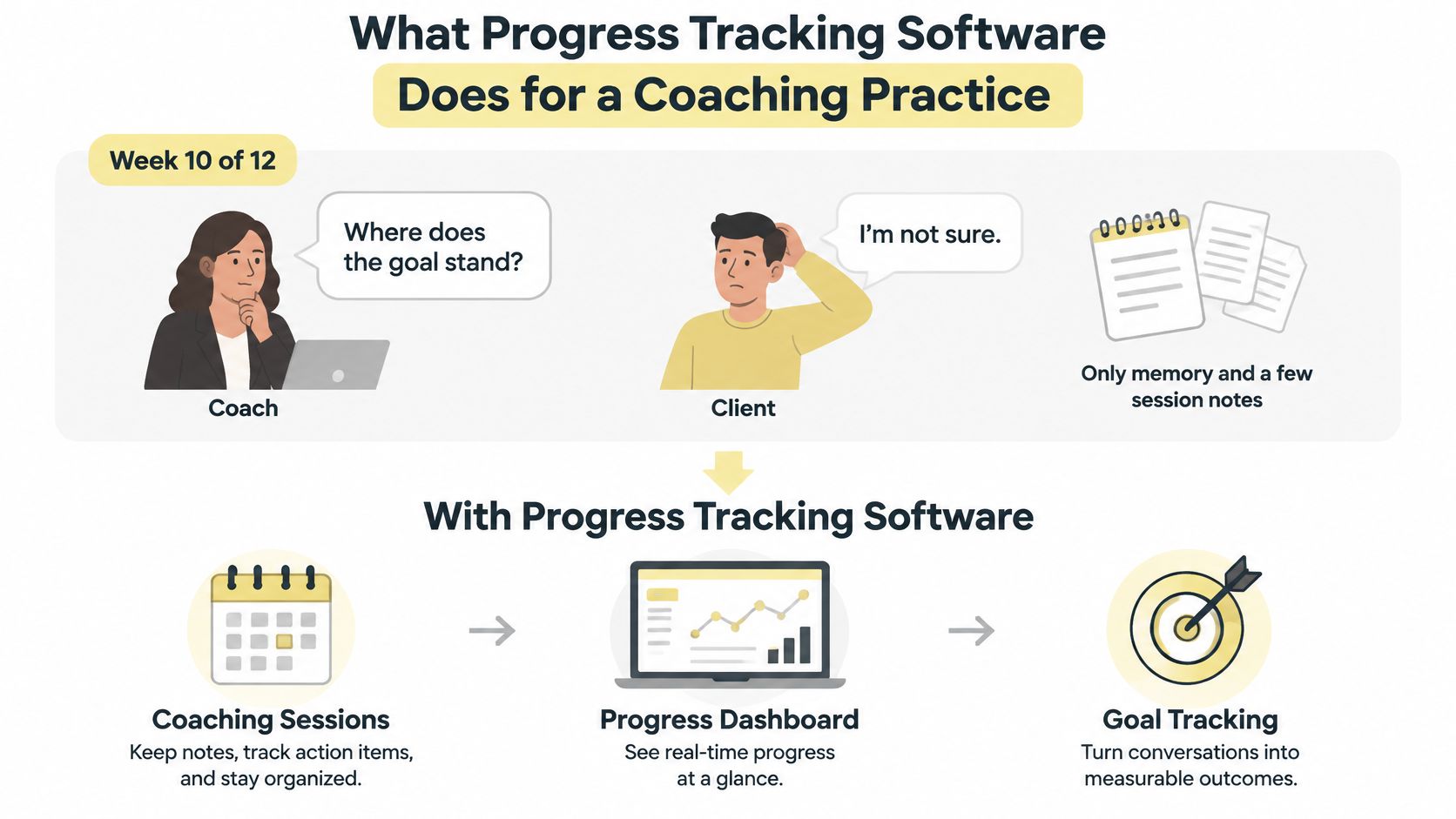
Every useful tracker shares three parts.
- Goals with a baseline and a target. You know the starting line and the finish, not only the topic.
- Events logged with timestamps. Each update keeps its date, so a later edit doesn't wipe the path.
- A view of the gap. Current position sits next to the target, so the next conversation starts from the distance left.
A spreadsheet stores the latest value and stops. It keeps no history, sends no reminders, and the client can't update it. A cell that reads "proposals: 6" can't tell you whether the client was at 2 last month or at 10. You end up debating memory.
The same gap shows up in skill work. Intonetic's guide to measuring accent progress shows how a narrow skill still needs a baseline, a repeatable check, and a date on each reading. Leadership and business goals need that same discipline.
What should you see before the next session, and how do you know the tool is showing it honestly?
Core Features Every Coaching Tracker Needs
Scan your current setup against this list before you sit through a demo. If a row is missing, that coaching question has nowhere to live.
| Feature | What it records | Coaching question it answers |
|---|---|---|
| Goals and milestones | Baseline, target, unit and due date | Where is the client against the target? |
| Session notes linked to goals | Notes tagged to each goal | What did we agree last time? |
| Assignments and check-ins | Submission status and dates | Did the client do the work? |
| Habits and streaks | Daily or weekly completions | Is the behavior repeating? |
| Reminders and prompts | Automated nudges before due dates | Who needs a nudge this week? |
| Client and cohort dashboards | Completion rate, overdue items, last activity | Which clients are stalling? |
| Timestamped history | Every change with date and author | What changed, and when? |
| Export and data access | CSV or API output | Can I keep my own record? |
Say a client commits to publishing two insights each week, starting from zero. Friday's check-in stores the count and a short note from a colleague who read the posts. Next session you open that row, not a blank page.
Why history beats a fresh number
Buyers often treat history as a nice extra. It isn't. When a tool overwrites the value, the path that led to a change disappears. The next session becomes a debate about what you each remember. A timestamped log keeps the author and the date, so you can ask what changed in week four instead of reconstructing it.
The two features buyers skip
Goal definition stored on the goal itself. Unit, baseline, target, measurement interval, and review date belong on the goal, not in a side document. Without them, every number is a guess.
A review date that opens a conversation. The date should prompt a decision, not only collect another count. If Friday is the review, the tracker should surface that goal on Friday.
Practical rule: A dashboard full of activity counts, with no baselines, only shows that the client was busy. It doesn't show that the goal moved.
On any demo, enter one real goal. Add three updates. Then check whether the tool still shows those updates against the baseline, with dates intact. If the screen only shows the latest number, keep looking.
Metrics That Show Real Progress, Not Just Activity
A metric earns a place on the dashboard only if it can move within one or two weeks. If nothing could change before the next session, it doesn't belong as a weekly signal. It can wait as a slower checkpoint.
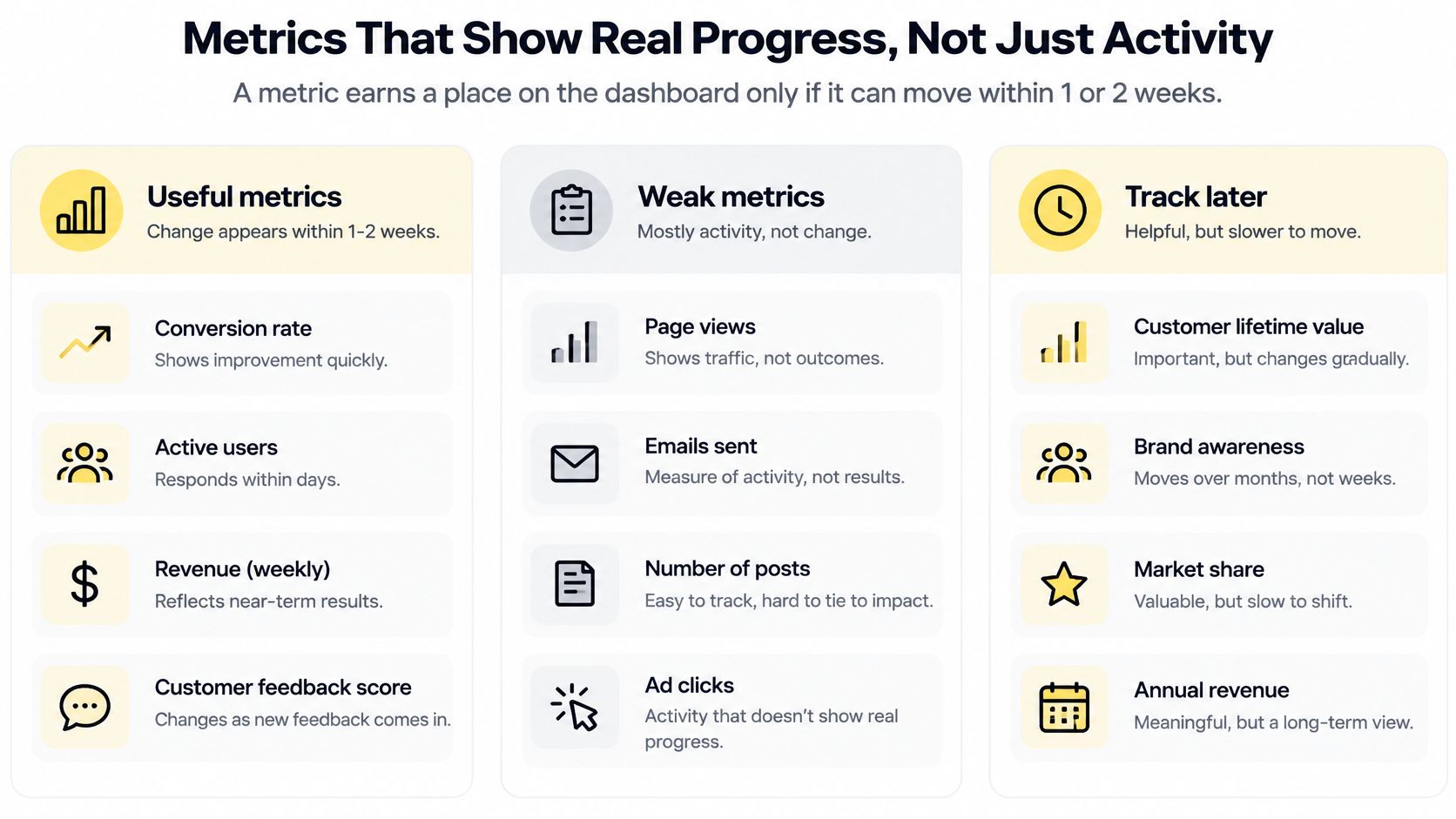
| Metric type | Example for a coaching client | Role in the tracker |
|---|---|---|
| Process (leading) | Send five tailored proposals per week | Primary progress signal, reviewed weekly |
| Performance | Proposal-to-call conversion at 25% | Secondary checkpoint, reviewed monthly |
| Outcome (lagging) | Sign ten new clients this year | Confirms the result, reviewed quarterly |
| Self-rating | Delegation confidence on a 1-10 scale | Captures change where no count exists |
| Stakeholder rating | Colleague rates meeting participation monthly | External check on self-reports |
Walk the proposal goal
A client wants to sign ten new clients this year. Market conditions and other people sit between the work and that result. The primary signal is the process they control: five customized proposals a week. Conversion rate is a monthly checkpoint. The annual count is confirmed quarterly. You can see movement long before the contracts land, and you don't judge the client only by a result they don't fully control.
A life or leadership goal with no natural count works the same way. Delegation confidence on a 1 to 10 scale gives you a unit. A monthly rating from the team checks the self-report. A Wheel of Life can sit beside those scores when the client needs a wider picture of which life areas are shifting.
Cadence, not a pile of charts
A 2016 meta-analysis summarized by the Chartered Institute of Personnel and Development examined 138 randomized controlled trials involving 19,951 participants. Interventions that increased how often people monitored goal progress produced a large improvement in monitoring frequency (d = 1.98) and a positive improvement in goal attainment (d = 0.40). Attainment was stronger when progress was reported to another person or made public, and when it was physically recorded.
So the inner question, "Will a dashboard or a weekly check-in actually change behavior?", has a practical answer. Tracking works better when it creates a visible record and a reporting loop. The client records the count, then submits it before the next session. The OKR Hub's progress tracking framework is a useful companion if you want a simple way to separate a weekly signal from a slower result.
The administration worry is fair. Frequent tracking feels like surveillance when you log everything. Cap it.
- One agreed behavior per goal. That is the weekly signal.
- A fixed review day. Same day, every week, so it becomes a habit rather than a hunt.
- Three measures at most. Process, one checkpoint, and the outcome. Stop there.
This week, pick one leading indicator for each active client goal. Write its unit, baseline, and target before you add anything else.
Solo Coaching and Cohort Programs Compared
Start with one client on a monthly package. The record holds two goals and a session history. You update it after each call, not in a Sunday batch. A fifty-minute call ends with a short summary. Recorded calls are summarised with takeaways and action items, so those items become tracked tasks. The next session opens on the client's own commitments, not on your recollection of the last hour.
Scale that to fifteen clients, each with two or three goals. You don't open every file. A thirty-minute Monday pass uses the overdue list: who missed a check-in, which assignment is late, which goal has gone quiet. Depth stays in the session. The Monday pass only finds who needs you first.
A twelve-week leadership cohort
A twelve-person leadership cohort running for twelve weeks flips the effort. Setup matters more than the weekly review. Each member needs the same goal template, or the cohort dashboard can't compare completion rates. Different wording for the same behavior makes the group view useless.
Enrollment shouldn't be a manual chase either. When a client completes checkout on a payment plan offer linked to a program, we automatically enroll them in the program, and add them to the group chat if the program has a cohort squad configured. Nobody is left off the roster because a payment cleared on a Friday night.
The cohort view should surface two things each week: assignment completion, and members with no check-in in seven days. You spend the group call on the pattern, not on attendance roll call. Our notes on cohort management cover how that shared structure holds a group together between live sessions.
Solo practice rewards depth per client. Cohort practice rewards peer visibility. Both need a written rule about what members can see of each other before the first week starts.
Proving Coaching Caused the Change
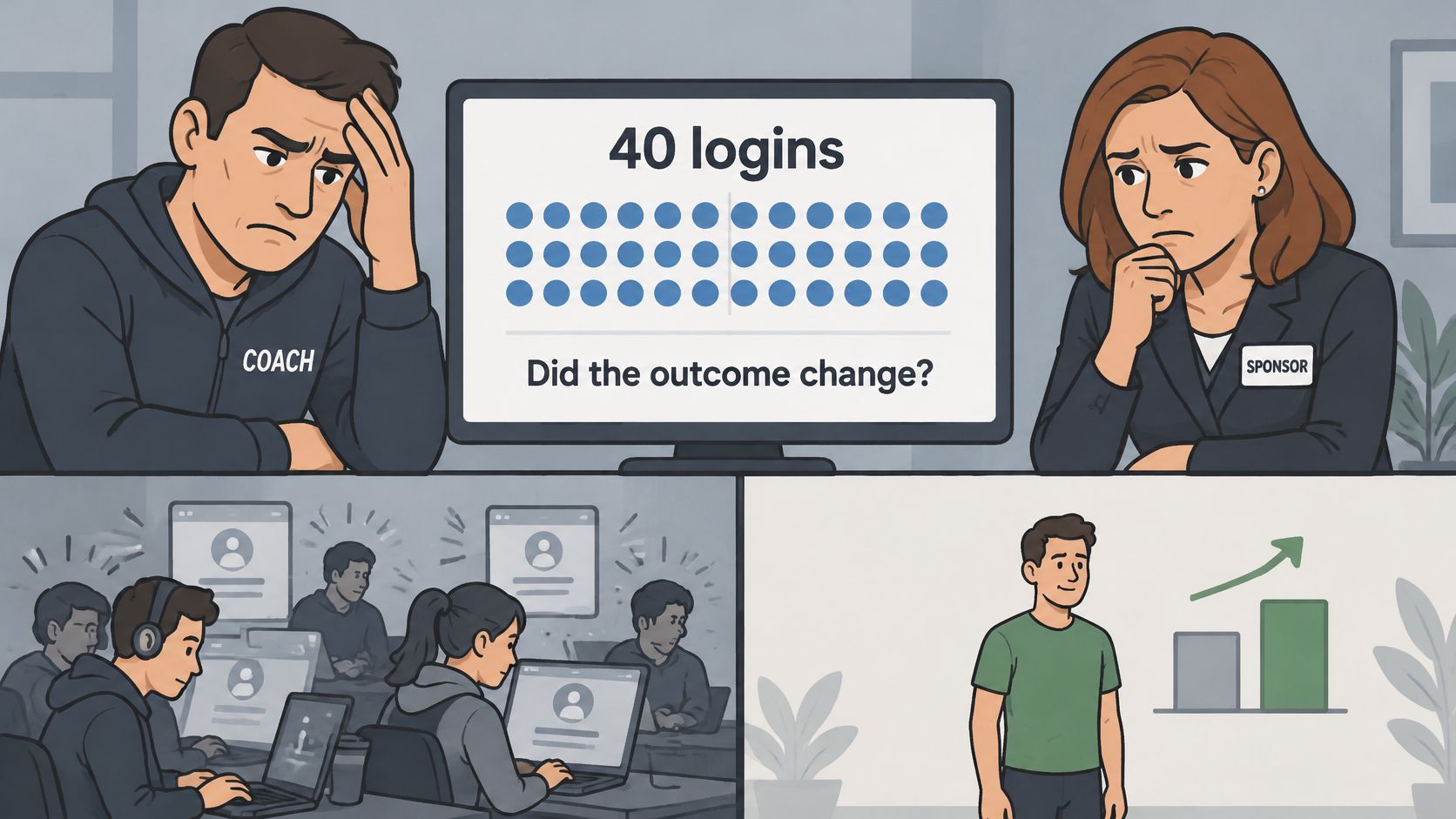
A sponsor looks at the usage report and says the client logged in forty times, so what? Logins, finished tasks, and content consumed are weak proxies for change. A busy account is not a changed manager.
A 2025 review of digital coaching research compared app engagement with changes in depression, anxiety, and stress. Usage has to be tied to an outcome measure. Engagement on its own is not success. Coaching effects also tend to show up more in behavior, such as decisions, communication, and leadership, than in stable personality traits.
A four-step record a solo coach can run
You don't need a clinical survey. You need a small set you can defend.
- Record a baseline before the first session. Example: the share of meetings in which the client asks for dissenting views.
- Choose two goal-specific behaviors and one self-assessment on a 1-to-5 scale.
- Ask one colleague for a short rating each quarter. One question, not a 360.
- Schedule follow-ups at three and six months. Behavior often keeps developing after the program ends. A progress note template keeps those later readings in the same place as the baseline.
| Measure | Baseline | Month 3 |
|---|---|---|
| Meetings where she asks for dissenting views | 10% | 40% |
| Colleague rating of willingness to challenge (1-5) | 2 | 4 |
In this example, a manager moves from 10% to 40% on the dissent measure over three months. A colleague's rating of her willingness to challenge rises from 2 to 4 out of 5. That is the trend a buyer should see, not a single end-of-program score.
Write confounds in the same record. A reorganization, a new manager, or a team restructure can move the number without your sessions doing the work. Noting them keeps the attribution claim honest. Show the sponsor the line from baseline, and say what else was happening in those months.
Privacy, Permissions and Integrations to Check
The more a tracker records, the more a client needs to trust who can see it. Progress data can include health, mood, behavior, and workplace detail. A wearable link can add sleep, stress, and heart-rate records without the client noticing how wide that scope became. More tracking can lower participation when people don't know the purpose, the audience, or their own control.
Research on digital mental-health technologies, summarized in a review of privacy barriers, identifies privacy, unauthorized access, data security, and confidentiality as persistent reasons people hold back. Co-design with the people who will use the tool improves usability, satisfaction, and adherence. Check any vendor against the same audience map.
| Data type | Who should see it | Default setting to check |
|---|---|---|
| Private coach notes | Coach only | Hidden from clients and cohort members |
| Client-visible commitments | Client and coach | Visible to the client, editable by the coach |
| Aggregated program analytics | Coach and program admin | Counts and rates, no names in shared views |
| Sensitive fields such as mood or health | Coach, only with client consent | Off until the client opts in |
| Sponsor or employer summary | Sponsor, after written consent | Summary only, dated, no session notes |
| Wearable or app data | Client chooses the scope | Minimum fields and a retention limit set |
Sponsor reports and the tools you already use
An employer, school, or manager may need evidence. Write the consent before you collect the data. Define what the summary contains, who receives it, and when it expires. Private notes never travel with that summary.
Integrations should reduce double entry, not widen the audience. Scheduling syncs both ways with Google, Apple, and Microsoft calendars, so bookings and reminders stay consistent with the calendar the client already checks. Exports and an audit log are the control tests. If you can't take your data out, or you can't see who opened a note, you don't have control.
Ask any vendor these five questions before you connect a client.
- Who can see private notes? The answer should be the coach, unless you choose otherwise.
- Which sensitive fields are off by default? Mood, health, and wearables should start off.
- How long is data kept? Get a retention period, not a vague promise.
- Does an audit log exist? You should see who viewed or edited a record.
- How does the client export their own record? They should be able to leave with their data.
Choose a Tool and Start Tracking This Week
Run this seven-point check in any demo. If a point fails, the feature list doesn't matter.
- The model you run. Solo practice, cohorts, or both. The tool should match the one you deliver.
- Goal templates. Unit, baseline, and target live on the goal.
- Timestamped history. Values are never overwritten.
- Role-based permissions. Private notes stay private.
- The calendar and payment tools you already use. Bookings and billing shouldn't live in a second system.
- Export of your own data. You can leave with the record.
- Pricing that stays predictable as coaches and clients are added.
Apply it to one practice
A solo coach with twenty-five clients and two cohorts a year needs automatic cohort enrollment and a clear per-coach price more than a long feature list. Use price as a reference, not a ranking. The Studio plan costs $199 per month when billed monthly and covers the owner plus 3 coaches with unlimited clients and 1000 AI credits a month. Compare that seat count with the coaches you need, then ignore extras you won't open.
A free trial, started from the site's Start free trial buttons, and a live demo are the two ways to test the seven points against your own goal template before you pay. Turning daily observations into useful records is worth a read while you decide which small behaviors are worth logging in those first days, and which ones would only create noise.
For the first fourteen days, choose three clients. Write one goal definition each. Set a single review rule. Then judge the tool by one test: did the dashboard change a decision in your next session? If it didn't, the tracker is a archive, not a practice tool.
Coachful keeps goals, milestones, session notes, habits, and check-ins in one workspace so you can see real movement before the next call, not only who logged in. Permissions, calendar sync, and program enrollment are built for solo coaches and cohorts who need proof without exposing private notes. Visit Coachful to start a free trial or book a live demo and run your own goal through the tracker.


