Workshop Landing Page Template for Coaches: 7 Sections

Nour
Founder, Coachful
What should a workshop landing page say before you ask someone to reserve a place? For a coach selling a fixed-date workshop, put the working outcome, participant fit, date, location, total price and exact registration action together. Then explain the experience and terms well enough that the right person can decide without emailing you for the basics.
The common problem is not a missing persuasive adjective. It is a visitor thinking, “This sounds useful, but is it a lecture, a practice session, or a sales presentation? And can I actually attend?” A beautiful page that leaves those questions unanswered is unfinished.
This workshop landing page template helps coaches build a page for one dated event. It covers seven sections, a filled fictional example, the handoff after registration and the page changes needed when booking closes. It is not a general coaching sales-page formula or a plan for marketing the event.
What is a workshop landing page?
A workshop landing page is a focused destination explaining one workshop and inviting a specific action: buy a ticket, register for free, apply, or enquire about a private delivery. Those actions are not interchangeable. Choose the one your event can genuinely fulfil before you design the button.
For example, a public session with a known date and price can offer registration. An employer asking you to adapt a workshop for a department may need an enquiry route instead. A form submission does not become a confirmed paid place simply because the button says “Reserve my seat.”
Real workshop pages illustrate the range. Blackaby Coaching's workshop page separates learning content, attendance information, schedule and commercial terms. Paula Randler's workshop page illustrates another important state: an event that has passed can invite interest in a future date rather than pretending registration is still open. These are structural references, not endorsements or evidence of conversion performance.

The seven sections in a workshop landing page template
- A decision-ready opening.
- Who should attend, and who should not.
- The work participants will actually do.
- The facilitator and relevant evidence.
- The attendance and access details.
- The price, inclusions and participation terms.
- A registration action with an honest next step.
Use these as information groups, not seven decorative boxes. On a short page, several can sit together. On a longer page, repeat the same registration action after the important buying information, without changing its meaning or destination.
1. Make the opening decision-ready
The opening should identify the event before asking anyone to scroll. Use a specific title, a sentence about the work, and a compact facts line. A visitor arriving from an email or partner link should recognise the event they were promised.
Fictional teaching example: Practise Your First Delegation Conversation
A live workshop for first-time managers preparing to delegate a real piece of work.
14 April 2027, 13:00 to 14:30 UTC. Online. USD 90 total per person.
Draft an opening, rehearse it with a partner and revise it using a feedback prompt.
Button: Register and pay USD 90.
All event details and prices in this guide are invented examples, not recommended market rates or actual Coachful events. Replace them with your confirmed information. For a real event, name the time zone unambiguously and test any local-time display rather than relying on an abbreviation that can mean different things.
Do not put the coach's life story above the date. Nor should the headline guarantee a promotion, cure or permanent personality change. The page can promise the exercise and support you will deliver; it cannot guarantee what happens in someone's workplace afterwards.

2. Help the right participant recognise the fit
Write the entry condition, not a flattering description of your ideal audience. “First-time managers with a task they can delegate” is more useful than “ambitious leaders ready for their next level.” It tells participants what to bring and helps you avoid mismatched registrations.
For the fictional delegation workshop, suitable participants might have responsibility for assigning work and a non-sensitive example to practise. Someone seeking an HR investigation, legal advice about a disciplinary process or individual assessment would need a different service. State those boundaries without shaming the visitor.
If the workshop depends on paired speaking, say so here. If observation or a fictional scenario is an acceptable alternative, explain that accurately. Do not describe a highly participatory lab as a passive webinar just to make the registration decision feel easier.
3. Show the work, not just the aspirations
Give a short sequence of activities. The reader should be able to picture the difference between attending your workshop and watching an unrelated video. Three or four purposeful stages usually explain that better than a long inventory of concepts.
- Prepare: select one delegable task and identify the responsibility being transferred.
- Draft: write an opening that explains the task, expected result and check-in arrangement.
- Practise: rehearse with a partner using a fictional or low-sensitivity example.
- Revise: use feedback to choose one change before trying the conversation at work.
This is an illustrative session design, not a research-backed guarantee. If you want feedback time for every participant, your group size and facilitation plan must support it. A page should not sell individual coaching inside a ticket that only buys a large-group presentation.
Keep the full minute-by-minute schedule in your delivery plan. On the landing page, show enough of the sequence to make the experience understandable. Link to a separate workshop description guide if you need help writing the short promotional summary.

4. Establish facilitator credibility without borrowing proof
Include a short relevant bio and an accurate photograph. Describe experience that connects to the activity you are facilitating. A lengthy list of unrelated qualifications makes the visitor do the work of deciding which ones matter.
If you use a testimonial, obtain appropriate permission and preserve its meaning. Make clear whether it relates to this workshop, another service or your work more generally. A one-to-one coaching testimonial should not quietly become evidence that a new workshop produces the same result.
For a first delivery, show the method and a sample exercise instead of inventing social proof. You can say this is a new workshop and explain your preparation. Avoid unsupported attendance counts, accreditation claims, client logos or “most popular” labels.
5. Put attendance and access details where people can find them
For an online event, give the date, start and finish time, reference time zone, platform requirements, and how registered participants receive access. Explain whether attendance is live-only or whether a replay exists. Specify what is recorded; teaching content and participant conversations are not the same thing.
For an in-person workshop, give the venue address and useful arrival information. Explain any material access constraints you know about, and provide a contact route for questions before purchase. Do not promise an accommodation you have not confirmed with the venue or delivery platform.
Say what happens if someone arrives late or cannot attend. Where a policy needs legal review, obtain it rather than copying another coach's terms. This guide is an editorial planning aid, not a substitute for jurisdiction-specific consumer, accessibility or privacy advice.

6. Make the purchase boundary explicit
Put the total price and currency beside the registration action, with any applicable taxes or additional charges explained accurately. List what the ticket includes, the materials-access period if relevant, and significant exclusions. A visitor should not have to reach checkout to learn that the workbook costs extra.
Keep participation rules, cancellation information and a privacy notice accessible before commitment. If you will offer further coaching during the event, say so in plain language. A useful paid workshop should still deliver its advertised value to someone who declines your next offer.
Capacity and deadlines must reflect real operations. If paired practice sets a genuine attendance cap, explain it. Do not display an unconnected countdown, fake remaining-seat number or made-up “usual price.” If the event needs a minimum number to proceed, state the decision process and what happens to payments if you cancel.
7. Tell people exactly what the registration action does
Choose button wording that describes the next step. “Register and pay” signals a purchase; “Apply for a place” signals a decision still to come. For free registration, say whether submitting the form confirms attendance or whether a separate confirmation is required.
The page, checkout or form, confirmation screen and confirmation email should agree on the event name, date, price and attendance status. Treat this as one connected buying experience even if you use several tools to deliver it.

A copyable workshop landing page template
Use this scaffold after you have confirmed the delivery. Keep the practical facts consistent everywhere they appear. Bracketed notes are editing prompts, not copy to leave on the public page.
[Workshop title]
For [specific participant] who needs to [bounded task or decision].
A [live online / in-person] workshop on [date], [start and finish time plus time zone], at [venue or online format].
[Total price and currency, with applicable charges explained.]What we will work on
You will [activity], [activity] and [activity]. The session is designed to help you leave with [realistic draft, practice or resource]. It does not include [important exclusion].Is this for you?
Bring [entry condition or preparation]. Expect [participation format]. This is not suitable for [material mismatch]. [Alternative participation arrangements, if actually available.]Your facilitator
[Name, relevant experience and accurate credentials.] [Optional genuine proof, with permission and service context.]Your ticket includes
[Live session, materials, access period and any actual support.] [Recording details.] [Arrival or access instructions.] [Contact for access questions.]Before you register
[Cancellation and transfer terms, minimum-attendance arrangements if relevant, privacy link and any important conditions.] [Transparent note about an optional further offer, if applicable.][Specific registration action]
After [payment / submission / approval], you will receive [actual confirmation and next instructions]. [Explain whether the place is confirmed or pending.]
For the delegation example, the confirmation might say: “Your paid place is confirmed for 14 April 2027, 13:00 to 14:30 UTC. We have emailed your access instructions. Bring one low-sensitivity delegation example; you can use a fictional scenario instead.” Only publish that wording if the purchase and delivery process genuinely fulfil it.

Test the page as a participant, not as its editor
Open the actual public link on a phone, starting from the invitation or social profile that people will use. Can you identify the date, total commitment and registration action without decoding the design? Check the button after scrolling, the text size, the form labels and the visibility of terms.
Follow the route using the provider's appropriate test or preview process. Do not assume a successful form submission means a payment succeeded, or that a payment receipt includes joining instructions. Check the confirmation and error paths, including an incomplete submission and a declined or abandoned payment where test tools allow it.

Keep one event facts sheet as your editing reference. When the time or venue changes, use it to update the page, checkout or form, confirmation copy and scheduled communications. Then handle communications to already registered people under your actual policies and permissions. Updating the page alone does not notify anyone.

What should the page say when registration closes?
Change the action when the event's state changes. For a sold-out event, remove or disable the purchase route and accurately explain any waitlist. Joining a waitlist should not imply that a place is guaranteed or that someone has agreed to a charge.
After the event, do not leave an expired date beside “Book now.” State that the workshop has ended. Offer a genuinely available next date, a clearly described replay, or an optional future-event interest form. Do not silently turn an old live-event page into a recording offer with different terms.
If you cancel or reschedule, make the page accurate and separately contact affected registrants through the appropriate process. Preserve the original commercial record and follow the applicable agreement and law. A changed webpage is not a substitute for a refund, consent to a new date or a direct notification.
A practical next step for coaches building the page
Before choosing another design, write the event facts and walk the registration route. If the information is sound but the handoffs are difficult to inspect, compare the actual website, form, funnel and communication surfaces you would use. The point is not to buy more software; it is to stop publishing an event whose next step is ambiguous.
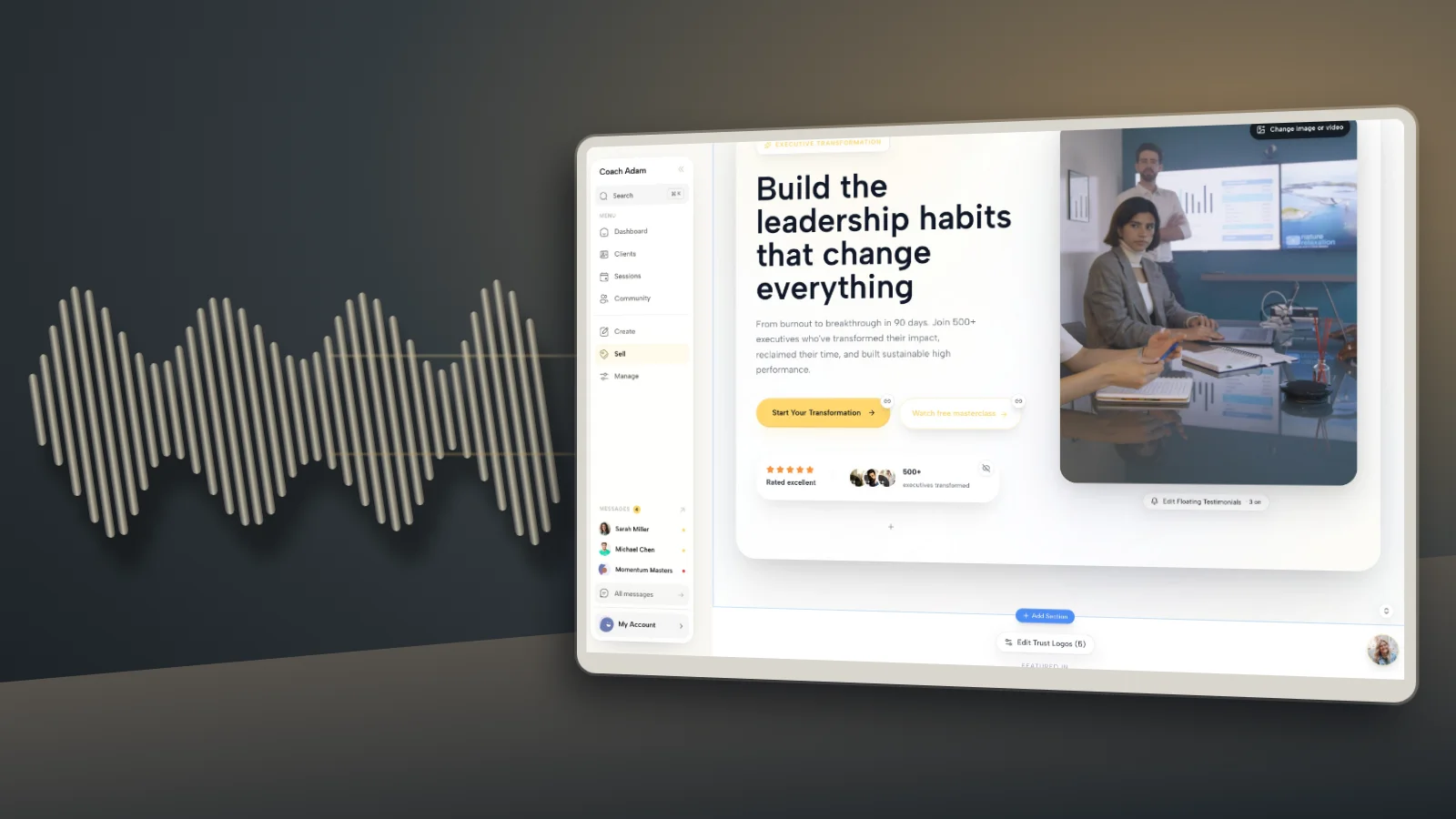
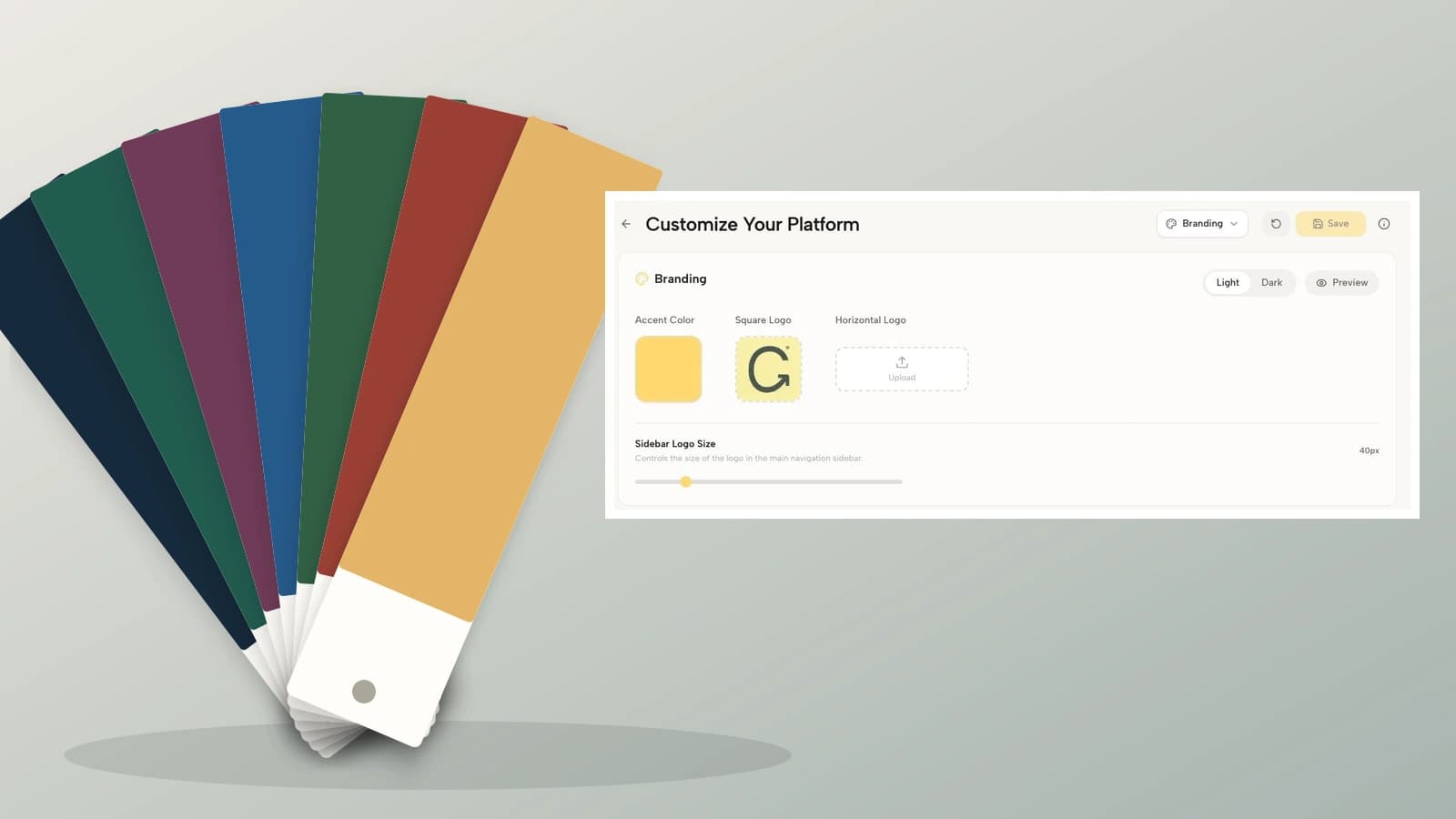
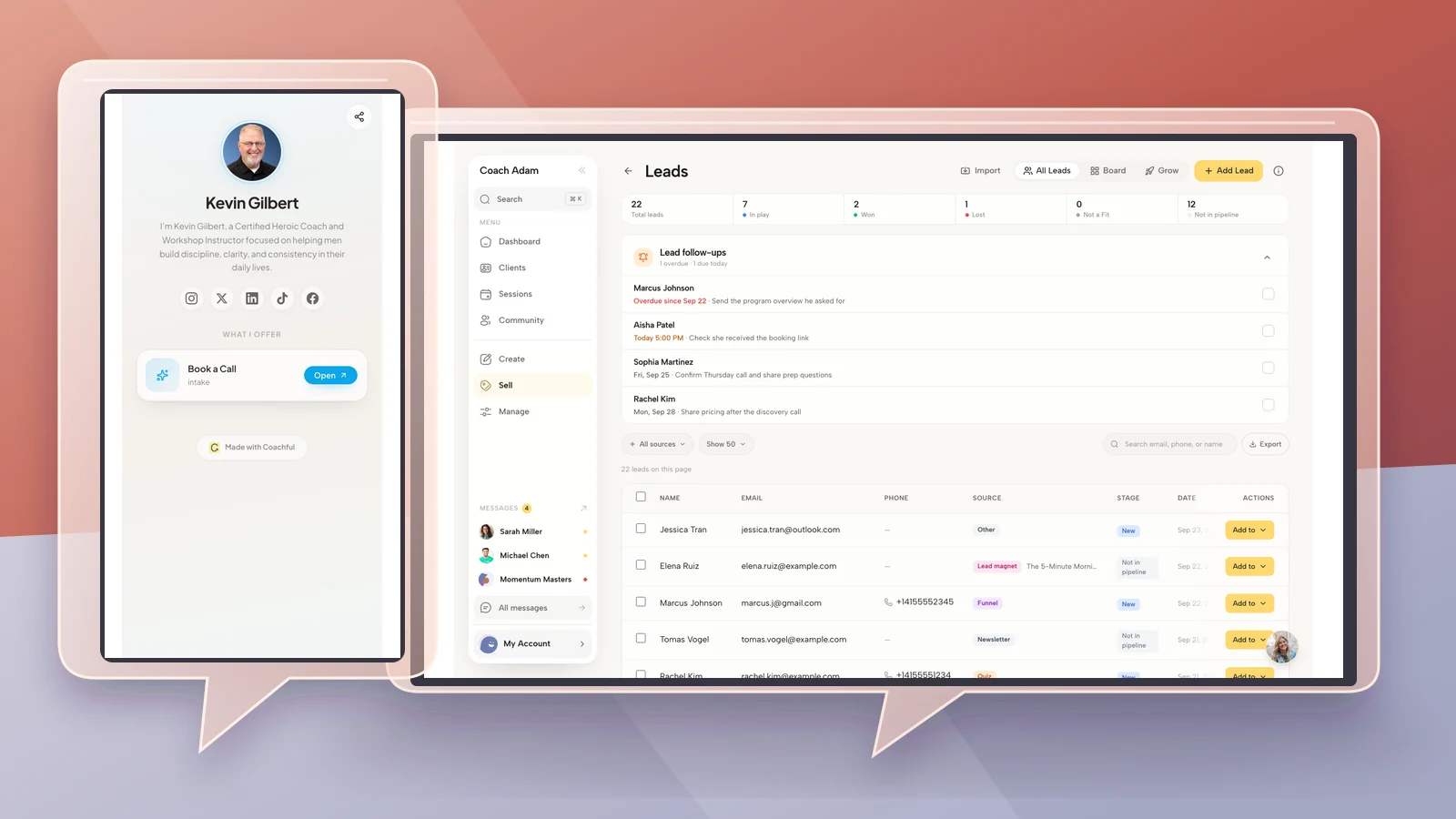
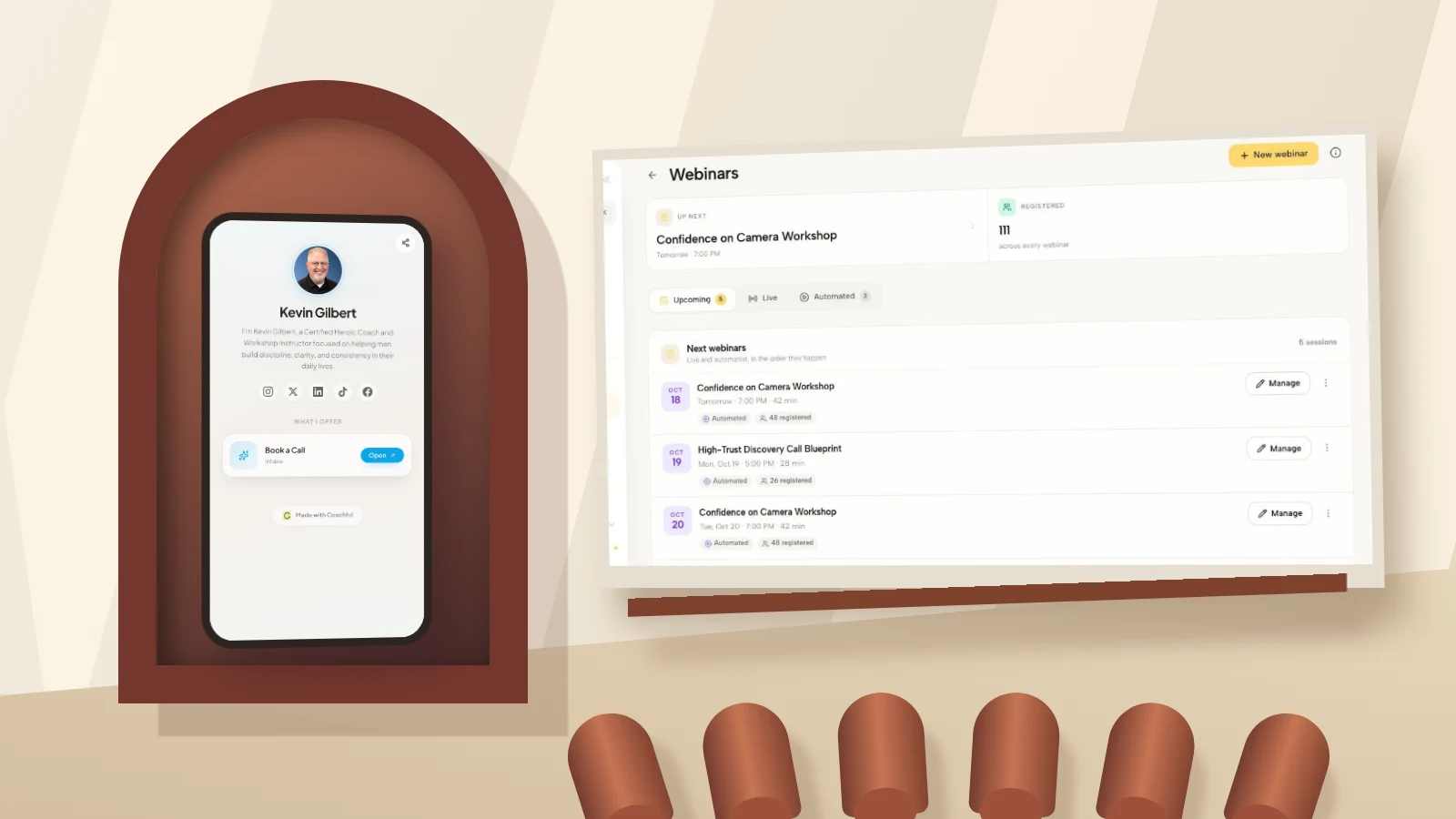
You can try the interactive Coachful demo to examine the real surfaces illustrated here. Use your workshop facts sheet to judge whether they support your intended process. The demo screenshots show available workspaces, not a promise that your particular ticketing, access, payment or confirmation setup is already complete.
Frequently asked questions
How long should a workshop landing page be?
Long enough to answer the attendance and purchase questions without repeating the pitch. A free presentation may need a compact page. A paid participatory workshop needs enough detail about activities, access, terms and the purchase boundary. Length is a consequence of the decision, not a target to hit.
Should a workshop page have a registration form or checkout?
Use the route that matches the transaction. A free registration can use an appropriate form. A paid ticket needs an actual payment process unless you clearly describe a different billing arrangement. An application or corporate enquiry should not be labelled a confirmed booking.
Can I use the same page for every workshop date?
You can reuse the structure, but make the date selection and purchased session unambiguous. Check the page, registration record and confirmation for the same date. For materially different content or terms, explain the difference rather than treating separate events as interchangeable.
What if I do not have workshop testimonials yet?
Show a sample activity, a clear delivery plan and relevant facilitator experience. Be honest that it is a new workshop. Do not invent participant quotations or imply that feedback about another service proves the result of this event.