Workshop Workbook Template for Coaches: 7 Useful Pages

Nour
Founder, Coachful
How do you make a workshop workbook participants actually use, instead of another branded PDF they download and forget?
Build the workbook around the work people will do, not the information you want to teach. For a short coaching workshop, start with seven purposeful pages: orientation, a starting example, a worked demonstration, a first attempt, feedback, a revised attempt and a real-world action plan. Remove any page that does not help someone prepare, practise, decide or apply.
This workshop workbook template is for coaches designing participant materials, not for selling a ready-made curriculum. The fictional example is a workshop called “Make a Clear Request,” where participants practise an ordinary workplace conversation. All sample wording and documents below are original illustrative material, not client records or a prebuilt Coachful program.
What belongs in a workshop workbook?
A workbook gives participants somewhere to do the activity. A slide deck supports your presentation. A facilitator guide tells you how to run the room. Mixing the three creates a document full of your talking points and very little space for the participant’s thinking.
Keep the participant version lean. Put timings, contingency plans and detailed coaching prompts in your private facilitator notes. Give participants clear instructions, a helpful example, room to respond and a way to revisit their work. Do not make them copy a definition off a slide before they can begin.
The Coaching Association of Canada’s mentee workbook is a useful real-world reference for connecting preparation, workshop activities and subsequent development. It is a different program and audience, not a template to copy. The useful principle is continuity: the document helps before, during and after the session.
If you have not decided what participants will produce, write that first. Our guide to coaching workshop learning objectives covers that earlier decision. This article addresses the next job: turning an agreed activity into usable participant pages.

A seven-page workshop workbook template for coaches
These seven pages are a starting structure, not a minimum page count or a learning-science formula. Combine pages for a brief activity or expand writing space for a longer one. Keep the same labels in your slides, spoken instructions and workbook so nobody has to translate between three different systems.
1. Orientation: the outcome, boundaries and route
The first page should answer “What am I doing, and what do I need?” Include the workshop name, the bounded output, the materials required and the sequence of activities. Add page numbers and an identifiable version so you can refer to the right document during delivery.
Copyable page text: Today you will draft and rehearse a clear request for a routine workplace situation. You will leave with a first draft, feedback, a revision and a plan for testing the wording. Use a fictional example if you prefer. You may pass on sharing personal details.
State what the workshop does not do. In this example, a communication exercise does not resolve harassment, employment disputes or unsafe relationships. A coach should not imply that a better sentence removes a power imbalance. Explain the appropriate route for concerns outside your competence.
For an employer-funded session, clarify whether workbooks stay private. Do not promise privacy and later collect named pages for a sponsor. Agree in advance what the sponsor receives, such as attendance or anonymous themes, and describe any limits honestly.
2. Starting point: a situation small enough to work on
Ask participants to choose one ordinary situation rather than summarise their whole working life. Broad prompts such as “Describe your communication challenges” can create long disclosures that the activity cannot responsibly contain.
Copyable prompts: What routine request would you like to make? What happened that another person could have observed? What are you assuming about their intentions? What would you like them to do next? Leave names and identifying details out.
Provide an alternative fictional case: a colleague has sent a task without a deadline, and the participant needs to clarify the priority. That lets someone practise without exposing a sensitive relationship. Do not label use of the fictional case as lower engagement.

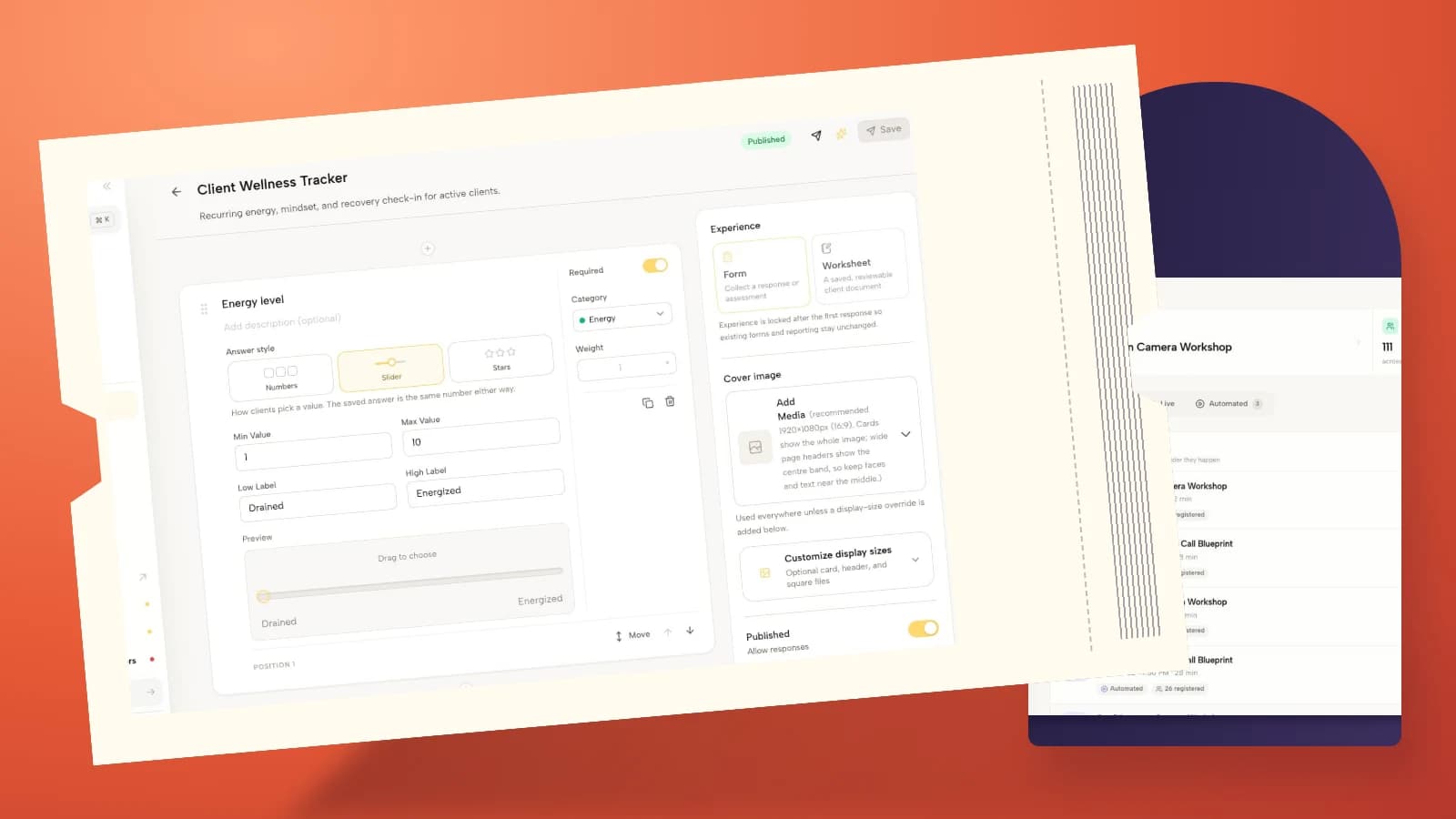
If you collect preparation digitally, collect only what you need to facilitate. A form is not an invitation to gather medical histories or confidential employer material. The real Coachful form-builder image illustrates question design; it does not show this workbook or establish that every response should be stored.
3. Worked example: show a useful attempt and explain it
A blank page can leave participants guessing what “good” means. Show one short demonstration before asking for an independent attempt. Annotate why the example is useful without turning it into the only acceptable personality or communication style.
Fictional example: “I received the draft task this morning, but I do not have a deadline. Could you confirm when you need it and whether it takes priority over the report due tomorrow? If both are urgent, can we agree what moves?”
The example names an observable gap, asks for a specific decision and makes a constraint visible. It does not diagnose the colleague as inconsiderate or promise immediate agreement. Put those observations beside the example so participants can borrow the reasoning, not just the phrasing.
Include one less-useful contrast if it teaches a specific distinction: “You always dump urgent work on me.” Ask what fact or request is missing. Avoid humiliating caricatures. Participants may recognise their own habits in the weaker example.

4. First attempt: one task, enough space
Use a direct instruction: “Draft your request in three or four sentences.” Then give the response area more room than the explanation. A beautifully typeset paragraph with three tiny answer lines is still badly designed for writing.
Copyable drafting frame: The situation I can describe is… The missing information or decision is… My request is… The constraint or next step I need to make explicit is…
Offer the frame as support, not a compulsory script. Some requests need only two sentences. Others need context. Tell participants they can write a natural version once the essential information is clear.
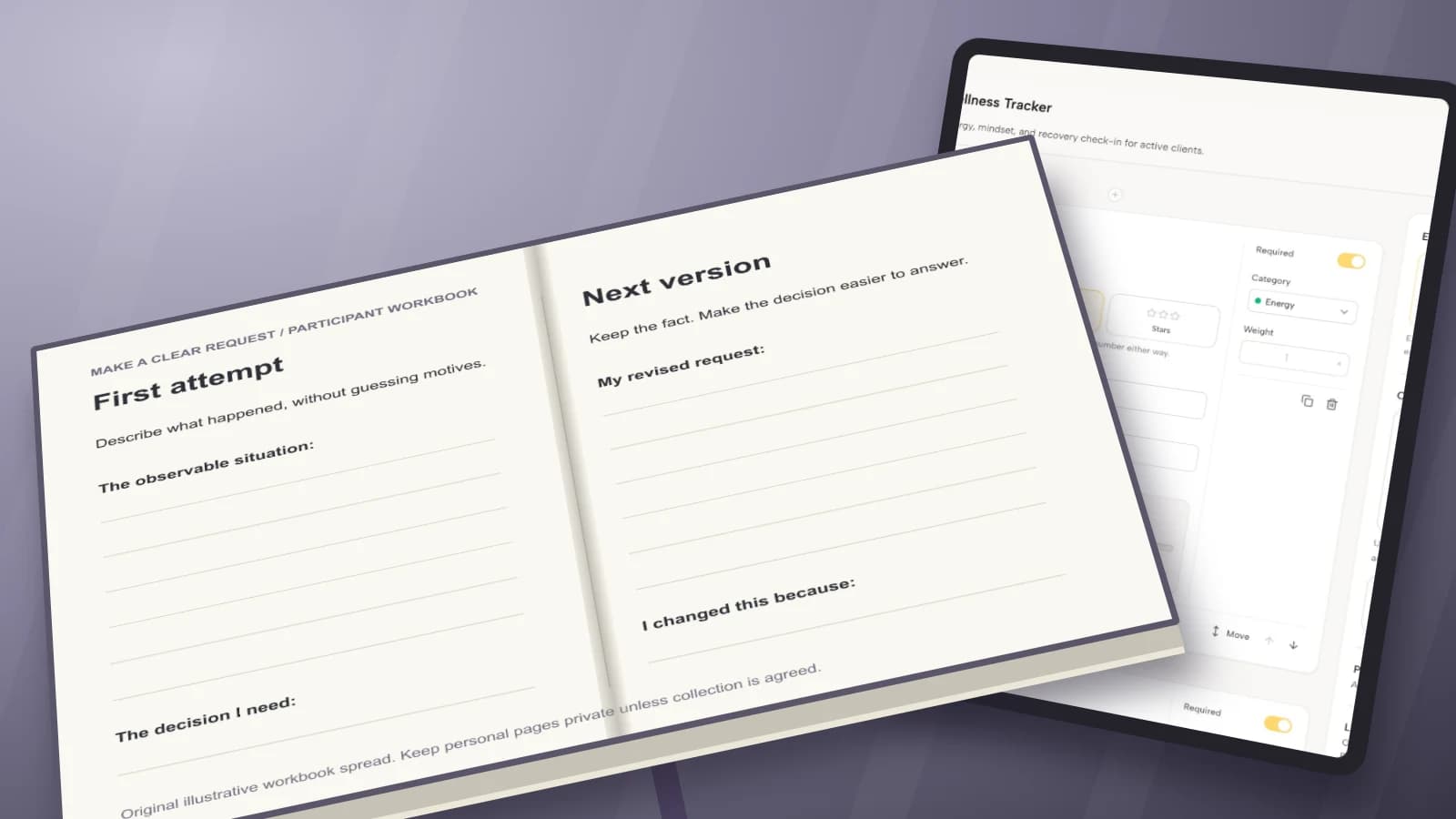
Keep the first draft. If participants overwrite it immediately, they lose a useful comparison for the debrief. In a digital document, label separate “first attempt” and “revision” spaces instead of relying on people to understand version history.

5. Feedback: record observations, not a verdict
A feedback page should tell a partner what to look for. “How was that?” often produces reassurance rather than usable information. Give a narrow review tied to the activity, and make it clear that the participant chooses the revision.
Copyable feedback prompts: What specific request did you hear? Which fact or constraint was clear? Where did you have to guess? What question would help you understand the request? Writer: which suggestion will you use, adapt or decline?
Do not score confidence, personality or “executive presence” unless you have a defensible assessment process and a reason to use it. This workbook supports practice, not a covert employee evaluation. In a group, ask partners to comment on the draft rather than analyse each other.
Provide a solo alternative for people who cannot or do not want to work in pairs. They can read their draft aloud privately, identify the actual request and mark any unsupported assumption. Be honest that self-review and partner feedback are different experiences.

6. Revision: make the change visible
Put the revised attempt next to the first draft or on the following page. Ask what changed and why. A second box called “final answer” can imply there is a perfect script; “next version” keeps the work appropriately provisional.
Copyable prompts: My next version is… I changed… because… The part I still need to check is… If the other person cannot agree, my next question will be…
For the fictional task example, the participant might replace “I need this prioritised” with a request to choose between two deadlines. The point is not to make every message softer. It is to make the needed decision easier to understand while keeping the constraint accurate.
Invite a second rehearsal if the workshop format supports it. Do not equate filling in the revision page with demonstrated fluency in a real conversation. The workbook records an attempt and the participant’s reasoning, not a guaranteed outcome.

7. Transfer: a real-world test and a review point
End with an action that fits the person’s circumstances. “Communicate better this week” is too loose to revisit. Ask where the skill might be used, what needs checking first and how the participant will review the attempt.
Copyable action plan: The routine situation where I may use this is… Before I act, I need to check… My first step is… I will review it on… I will notice… If the situation is unsafe or outside this exercise, I will seek appropriate support instead.
Separate the action plan from your sales invitation. Participants should leave with a complete, usable resource whether or not they buy further coaching. If continued support is relevant, offer it clearly as an option after the exercise, not as a hidden eighth page needed to finish the promise.

How to format the workbook without overdesigning it
Choose the format for the activity, not for the most impressive cover. A printable PDF is predictable for printing but can be awkward to edit on a phone. An editable document is easier to type into but requires careful sharing permissions. A web form can collect selected answers, but should not silently turn a private reflection into a submission.
- Printable: use generous writing space, legible type, strong contrast and a layout that still works in grayscale.
- Editable: explain how to make a personal copy and test the link as a participant, not as the owner.
- Fillable PDF: test the actual fields and saved responses in the applications participants are likely to use.
- Web-based: identify what is saved, submitted or visible to others before people enter personal information.
Do not call a PDF accessible just because the text can be selected. Check headings, reading order, labels and the experience of someone navigating without a mouse. Offer a plain-text or editable alternative where needed. Ask about access requirements early enough to make a practical adjustment.
Mobile use deserves its own test. A landscape worksheet that looks elegant on your monitor may require constant zooming on a phone. For text-heavy exercises, a single-column alternative is often more usable than shrinking a two-page spread. Keep important instructions in the document itself, not solely in an image.
Build a participant version and a facilitator version
Duplicate the structure, not every word. Your facilitator copy needs the purpose of each page, the instruction you will give, the working time and the transition to the next activity. The participant copy needs only what helps them do the task.
For a fictional 75-minute practice workshop, you might allocate ten minutes to orientation, ten to demonstration, fifteen to drafting, fifteen to feedback, fifteen to revision and ten to application. Those are planning choices, not a tested universal schedule. Rehearse the activity and change the timing if the writing task takes longer.
Use the same page numbers and activity names in both copies. If you remove an exercise during the workshop, tell participants what to skip. Nothing makes a workbook feel more abandoned than a facilitator racing past pages without acknowledging them.
Test delivery before you send the workbook
Run a participant test with the exact file and link you plan to distribute. Open it signed out, on a phone and in the intended editing or PDF application. Print a page if printing is part of the experience. Check that a participant can save their work without accidentally sharing it with the group.
Ask a colleague to follow one activity using only the printed instructions. If they need you to explain where to write, how much to produce or what to do next, revise the page. That small rehearsal is more useful than adding another decorative divider.
Give the file a descriptive name, an issue date or version, and a short delivery message. Tell people whether to print, type, make a copy or simply keep it open. Explain whether you expect anything returned. Never make “bring your workbook” stand in for these instructions.

The email screenshot shows real Coachful correspondence, not an automatic workbook-delivery workflow. If you are considering a digital home for participant preparation and follow-through, try the interactive Coachful demo and inspect the course, form and client-workspace surfaces yourself. Check the exact file format, access and submission behaviour you need before promising it to participants.
Common workbook mistakes to remove
Too much teaching: move background material to an optional reference and preserve writing time. Questions without a purpose: remove prompts whose answers will not inform an activity or next step. Unnecessary disclosure: use fictional cases and keep personal pages private unless there is a clear, agreed reason to collect them.
Every page looks identical: vary the functional layout for an example, a draft, a comparison or an action plan, rather than decorating the same text box seven times. No retrieval plan: tell participants where to find their version afterwards. Vague completion claims: completing the workbook is not proof of professional competence or a guaranteed coaching result.
Frequently asked questions
How many pages should a workshop workbook have?
As many as the activities need, and no more. The seven-page structure above is a practical starting point. A short exercise may use two pages; a longer program may need separate sections. Estimate the work per page rather than trying to make the resource look substantial.
Should I send the workbook before or after the workshop?
Send it beforehand when participants need to print it, prepare an example or arrange an accessible format. Re-share the final link afterwards with the action and review instructions. If you release sections progressively, explain that clearly and avoid making preparation depend on an unavailable page.
Can I use a workbook as a coaching lead magnet?
Yes, if it delivers a useful standalone result and the description matches the actual resource. A facilitated workshop workbook may not work unsupported: remove partner-dependent instructions or add a solo route. Be clear about any email signup and do not imply the download includes personal coaching.
Should I collect completed workbooks?
Only when there is a specific purpose and participants understand what will be reviewed, who can see it and how it will be handled. Often you need a short voluntary feedback response, not the whole private document. For sponsored workshops, settle the reporting arrangement before delivery.
The best workbook is evidence of useful work, not evidence that you designed a long PDF. Start with the participant’s task, make the attempt and revision easy to follow, and leave them with a next step they can actually use.