YouTube Description Template for Coaches: 5 Examples

Nour
Founder, Coachful
What should you put in a coaching video description so an interested viewer knows what to do next? Use a short, video-specific summary, one primary next step with a working link, accurate chapters where useful, and a brief credibility footer. Choose the next step for the viewer’s readiness, not whichever coaching package you most want to sell.
A YouTube description template for coaches should reduce uncertainty. Someone who has just watched your lesson may want a worksheet, while someone comparing coaching options may be ready for a fit conversation. Sending both to a generic homepage makes them do the sorting themselves.
Below are five adaptable examples for long-form videos, a reusable master template, and the checks that matter before publishing. The examples are fictional copy exercises, not Coachful client results. Replace every bracketed field and example timestamp before using them.
The reusable YouTube description template for coaches
Write the first section from scratch for each video. Reuse the footer only when it remains accurate. YouTube’s official description guidance recommends unique descriptions, prominent relevant terms, and useful information in the first few lines. The description limit is 5,000 characters, not a target you must fill.
[Specific problem this video helps the viewer think through.]
[One useful next step]: [full HTTPS destination URL]In this video, we cover [point one], [point two], and [point three]. It is for [specific audience or situation]. It does not cover [important limitation, if relevant].
CHAPTERS
00:00 [Opening question]
[Actual timestamp] [Useful section title]
[Actual timestamp] [Useful section title]MENTIONED RESOURCES
[Resource actually discussed]: [verified URL]ABOUT THE COACH
I help [audience] work on [credible coaching focus]. [Relevant, verifiable qualification if useful.]
[Necessary disclosure or scope clarification.]
Do not paste this entire skeleton into every upload unchanged. Keep the structure; replace the substance. The summary should describe the video you actually made, not a more ambitious lesson you meant to record.

The useful rule: one description, one primary decision. Supporting links can appear farther down, but a viewer should not have to choose among a newsletter, a course, a consultation, a group, and three social profiles before finding the resource you promised aloud.
1. Educational video: offer the resource used in the lesson
Use this version when the viewer can take a useful first step alone. A relevant worksheet is usually a more proportionate invitation than a sales conversation after a general how-to lesson. Do not invent a download merely to collect addresses; make the resource useful without buying coaching.
Example description: career decision worksheet
Comparing two career options? This video shows how to separate your decision criteria from other people’s expectations.
Use the career decision worksheet alongside the lesson: [worksheet landing-page URL]We identify three criteria, compare the options against evidence, and choose a small information-gathering step. This is a coaching exercise, not individualized financial or employment advice.
CHAPTERS
00:00 The decision you are actually making
01:20 Choose your criteria
03:10 Compare evidence, not guesses
05:40 Plan a low-risk experimentI coach professionals navigating career decisions. The worksheet page explains whether an email address is required and what you will receive afterward.
The final sentence makes the exchange explicit. A download request and permission for ongoing marketing are not automatically the same thing. Explain the purpose of the form, collect only necessary information, and get appropriate marketing permission under the rules that apply to your audience.

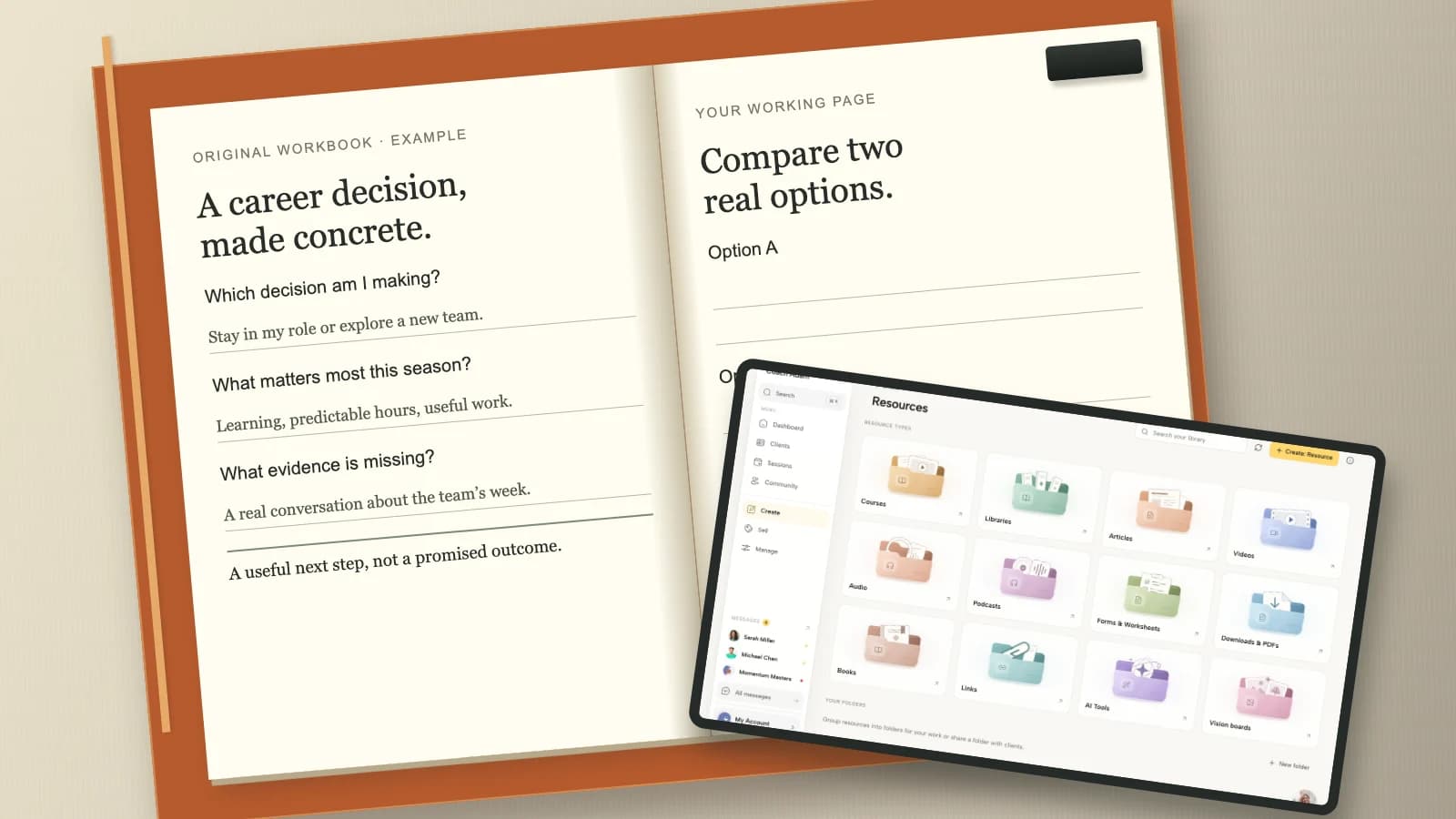
The Coachful form-builder screenshot shows a real demo form-editing surface, not a finished version of the fictional worksheet above. Use a form only if it serves the resource delivery or qualification decision. For a simple public worksheet, an ungated page may be the better choice.
Avoid: “Get my free secrets and transform your entire career.” It overpromises and conceals the actual object. “Download the comparison worksheet used at 03:10” is more useful because the viewer knows exactly what they are getting.
2. Service explainer: invite a clearly bounded discovery call
Use this template when the video answers a buying question: who your coaching is for, what an engagement involves, or how you approach a specific problem. The description should help a potential client decide whether a conversation is appropriate, not imply that watching a video establishes fit.
Example description: leadership coaching fit
Wondering whether leadership coaching fits your first management role? Here is how I structure the work and what I do not provide.
Read the fit criteria and request a discovery call: [discovery-call page URL]We cover session focus, between-session practice, confidentiality boundaries, and what an initial conversation includes. The discovery call is for discussing fit and logistics; it is not a full coaching session.
Before booking, the page explains the call length, who attends, any charge, and the next step if we decide not to work together.
ABOUT ME
[Accurate coaching focus and relevant qualification.] Employer-funded work requires separate agreement about reporting and confidentiality.
Only say “free,” give a duration, or promise no sales pressure if that accurately describes your process. If the call includes an offer discussion, say so plainly. Precision is more reassuring than performative informality.

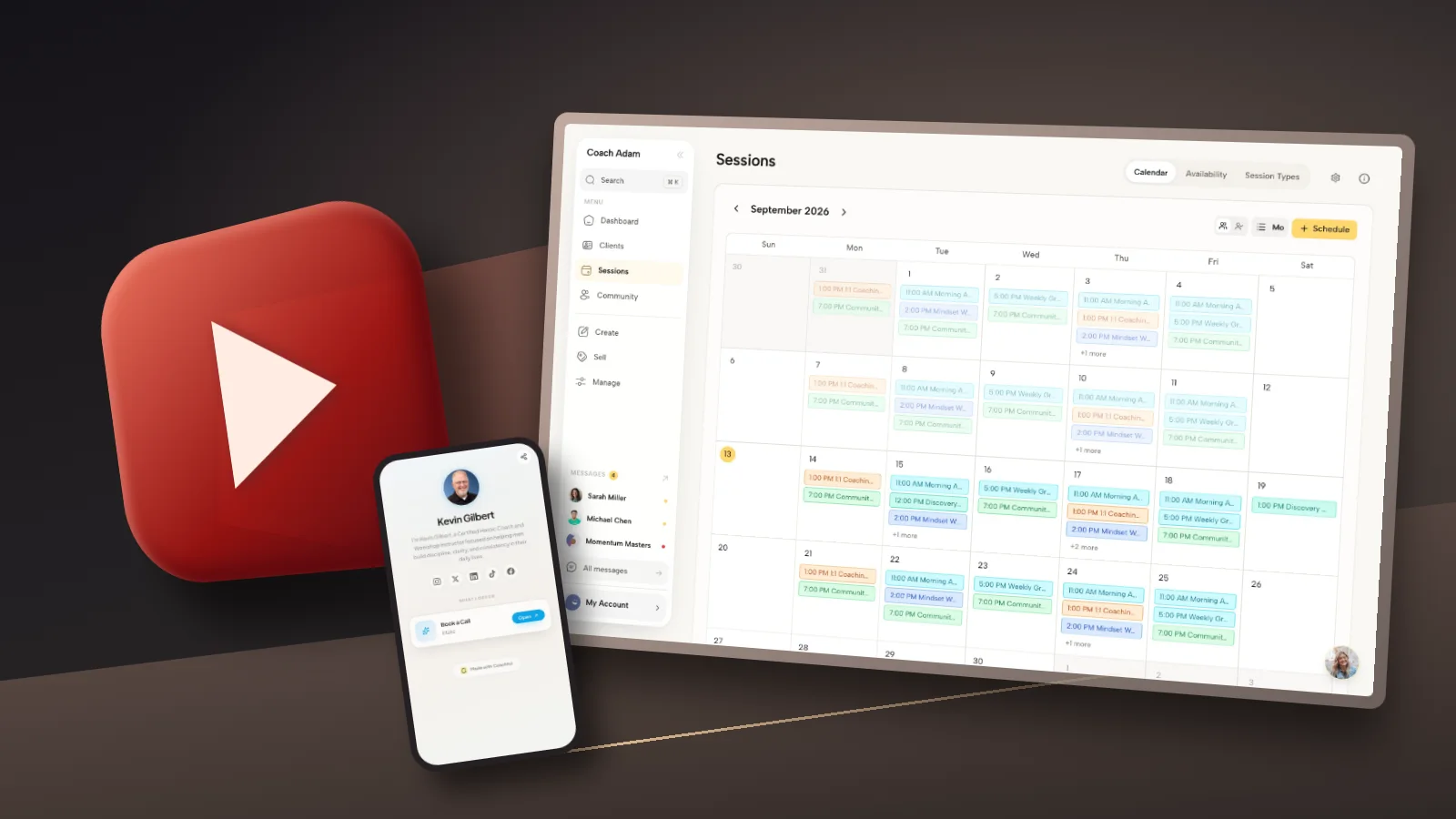
A calendar view can help the coach plan capacity, but it is not proof that a public booking page is ready. Open the actual visitor-facing destination separately. Confirm timezone behavior, availability, confirmation text, and whether the visitor must create an account.
If the video is broad education rather than service evaluation, keep the discovery invitation secondary or omit it. The viewer does not owe you a sales conversation because you gave them a useful explanation.
3. Workshop invitation: put dates and registration conditions first
A workshop description has a different job from an evergreen lesson. People need enough practical information to decide whether the event fits their calendar and learning needs. A compelling headline cannot compensate for missing timezone or price information.
Example description: live coaching workshop
Practise a clearer response to scope-creep requests in a live workshop for independent consultants.
See the workshop details and register: [registration-page URL]DATE: [day, month, year]
TIME: [start and end, named timezone]
FORMAT: [online or venue]
PRICE: [accurate price, currency, and relevant tax information]We will work through a request-boundary exercise and optional paired practice. You may observe instead of sharing a personal example. The registration page explains accessibility, recording arrangements, cancellation terms, and whether a replay is included.
This video previews the exercise; it is not the workshop recording. Registration closes [only include a genuine deadline].

The real Coachful webinar view illustrates event organization. It does not establish the details of your event; the public registration page must carry those details in live text. Do not assume a preview thumbnail communicates timing, eligibility, or recording consent.
After the event, revise the description. Replace an expired registration invitation with an honest replay or future-events option, if one exists. Label a waitlist as a waitlist, not as registration for a date you have not announced.
4. Course preview: explain the paid learning step without hiding the boundary
Use this when a public video teaches one complete idea and a paid course offers a structured next stage. The viewer should still benefit from the video without purchasing. A preview should not withhold its promised answer behind the checkout.
Example description: self-paced course introduction
This lesson shows how to prepare a concise example for a competency-based interview.
Explore the self-paced interview practice course: [course information-page URL]The course is for [specific audience] and includes [accurate components]. It is [self-paced or cohort-based], with [accurate access period and support arrangements]. Review the current price, accessibility information, refund terms, and prerequisites on the course page.
This public lesson stands on its own. The paid course adds [specific additional practice or structure], not a guarantee of a job offer.
Before purchasing, check whether [important suitability condition]. If you need individualized advice about [outside-scope issue], this course is not a substitute.

The Coachful course library is shown as an example of organizing learning products. It is not a screenshot of the fictional interview course. Your destination should show the actual curriculum, ownership, support, and purchasing terms rather than an unrelated product collection.
If you sell both a course and coaching, name the distinction. Recorded lessons are not automatically a one-to-one coaching relationship. Avoid language such as “work privately with me” when the purchase provides only recordings and worksheets.
5. Method or case discussion: link to an explanation, not an automatic sales call
A viewer watching how you think may need context before taking a commercial step. A relevant service or approach page can answer that need. This version suits method walkthroughs, anonymized teaching examples, and carefully consented client stories.
Example description: coaching approach walkthrough
How do I help a new manager prepare for a difficult feedback conversation? This video walks through my coaching approach using a fictional scenario.
Read how the coaching process works: [relevant approach-page URL]We distinguish the manager’s goal, the assumptions they need to test, and the rehearsal they choose. The scenario is invented for teaching. It is not a client testimonial or evidence of a typical result.
The linked page explains who I work with, the coaching format, and the limits of the service. If that fits your situation, it also explains how to enquire.
[Add accurate source credits and any applicable sponsorship or affiliate disclosures.]

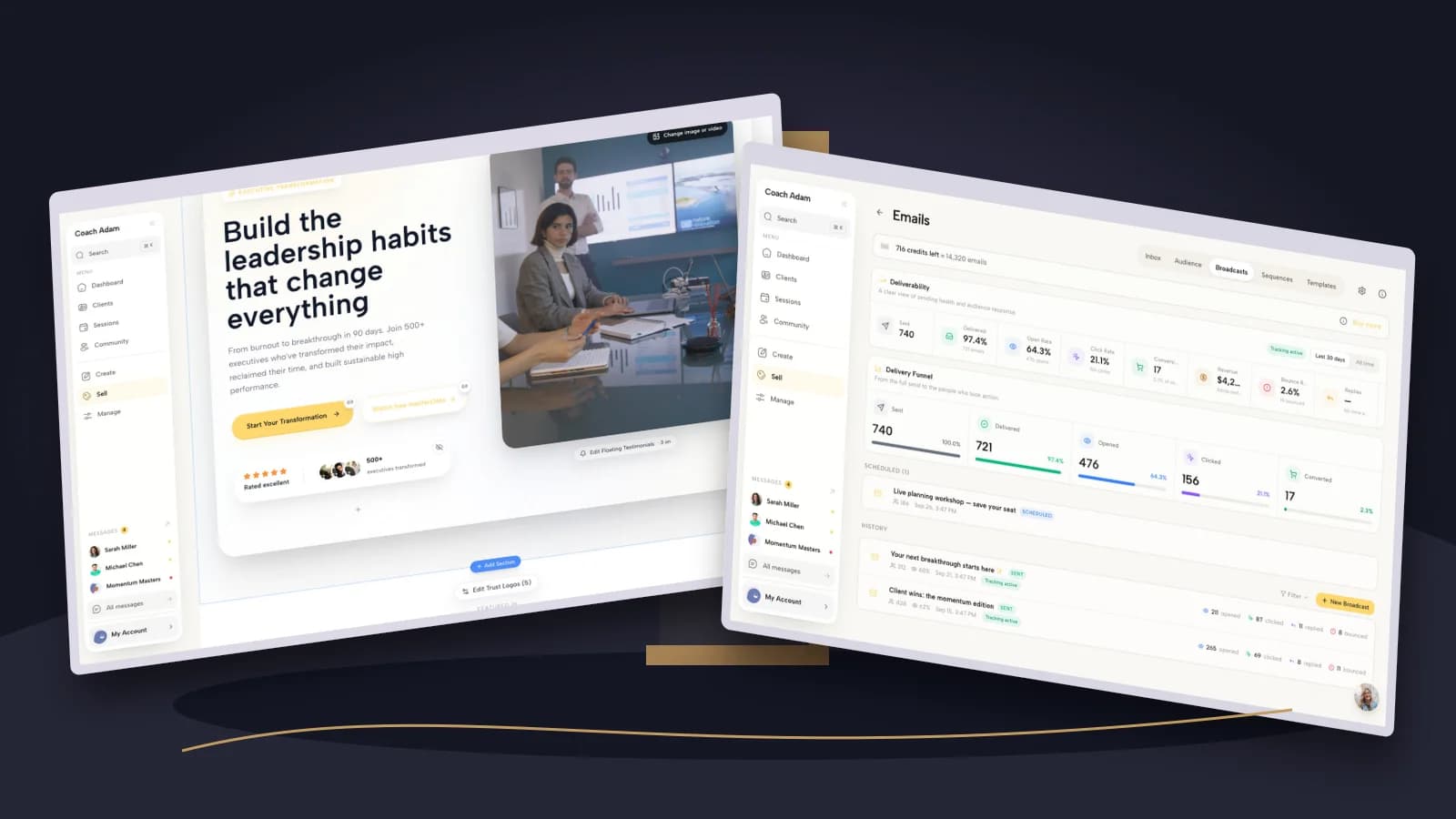
A real Coachful website editor demonstrates a place to develop that explanation. The editorial task remains yours: make the destination match the video’s question. Sending a discussion about leadership feedback to a generic “unlock your potential” page breaks the thread.
Never reveal confidential client details because the description feels less visible than the video. Obtain appropriate permission for identifiable stories and quotes. Removing a name alone may not anonymize an employer, role, incident, or recognizable sequence of events.
Add chapters that help viewers navigate the actual recording
YouTube’s chapter instructions require the first timestamp to start at 00:00, at least three timestamps in ascending order, and chapters at least ten seconds long. Access and eligibility conditions can apply. Accurate timestamps are more important than squeezing a target phrase into every chapter title.

Watch the final export before writing the timestamps. An edit that removes an opening sentence can shift every later chapter. The sample times in this article are illustrations only; do not use them unless they match your recording.
Choose labels such as “Compare your two options” rather than “Important tip number three.” A chapter is a navigation instruction, not another opportunity to manufacture curiosity. Keep source links and resources near the corresponding explanation when practical.
Check clickable links, mobile destinations, and Shorts separately
According to YouTube’s link-sharing guidance, URLs in Shorts descriptions and Shorts comments are non-clickable. Clickable external links in long-form descriptions require access to advanced features. Do not paste your long-form template into a Short and assume the same journey works.
For a Short, choose a supported route, such as an appropriate related video or channel profile link, and describe that route accurately. Test it on the relevant device and account state. A typed URL and a usable link are not the same thing.

A mobile link hub can be useful when a channel serves several distinct needs. A direct resource link is usually clearer when the video promises one specific download. If you use a hub, give the promised item a matching label and remove outdated options.
The Coachful demo mobile profile above is a real example, not a promise of YouTube integration or automatic attribution. The description is edited in YouTube; the destination is prepared and checked separately. No automation is required to get this basic handoff right.
A short pre-publication check for every description
- Promise: Does the opening describe the actual video, with no guaranteed coaching outcome?
- Primary action: Is the next step appropriate to the viewer’s readiness, and does its label match the destination?
- Transport: Open every URL on mobile and desktop. Check redirects, account requirements, and expired event pages.
- Chapters: Confirm timestamps against the final video and applicable chapter requirements.
- Trust: Verify qualifications, permissions, source credits, commercial disclosures, and scope statements.
- Maintenance: Record which videos point to time-sensitive offers so you can update them when the offer changes.
Use a simple review log containing video title, publication date, primary destination, last link check, and any expiry date. If you use analytics campaign parameters, avoid names or sensitive client information in URLs. A recorded enquiry source can complement analytics, but neither proves that one description caused a sale.
Frequently asked questions
How long should a coaching YouTube description be?
Long enough to explain the video, provide its useful links, and include necessary context. There is no reason to pad it to a supposed SEO word count. Stay within YouTube’s 5,000-character limit and put the specific video summary before a long biography.
Should every description link to a discovery call?
No. Choose a resource for a learning task, registration for an event, a course page for a course preview, or a fit conversation for a service-evaluation video. A relevant smaller action can be more respectful and useful than an early sales invitation.
Can I reuse the same description on every video?
Reuse an accurate footer, not an identical summary. YouTube recommends unique descriptions. Update the problem, audience, resource, chapters, and sources for each recording. Recheck any repeated disclosure or booking information when your service changes.
Does Coachful publish the description to YouTube?
This guide does not claim a YouTube publishing integration. The screenshots illustrate possible destinations and practice-management surfaces. You still prepare the description in YouTube and verify the public route yourself.
Make the next step worth the click
Start with one existing long-form video. Rewrite its first lines, choose one appropriate destination, and check the complete visitor journey before changing the rest of your library. A description is useful when it makes a good decision easier, not when it contains the most links.
If your destination is the missing part, explore the actual website, form, scheduling, course, and webinar surfaces before committing to a workflow. Try the interactive Coachful demo to see which, if any, fits the next step your video honestly promises.